You are viewing a plain text version of this content. The canonical link for it is here.
Posted to commits@iotdb.apache.org by qi...@apache.org on 2024/11/11 11:01:21 UTC
(iotdb-docs) branch main updated: Iteration V1.3.3 (#406)
This is an automated email from the ASF dual-hosted git repository.
qiaojialin pushed a commit to branch main
in repository https://gitbox.apache.org/repos/asf/iotdb-docs.git
The following commit(s) were added to refs/heads/main by this push:
new 689d99d3 Iteration V1.3.3 (#406)
689d99d3 is described below
commit 689d99d367a73cfdb84a493cb4644fedce6a061d
Author: W1y1r <15...@users.noreply.github.com>
AuthorDate: Mon Nov 11 19:01:16 2024 +0800
Iteration V1.3.3 (#406)
---
src/.vuepress/navbar/en.ts | 3 +-
src/.vuepress/navbar/zh.ts | 3 +-
src/.vuepress/sidebar/{V1.3.x => V1.3.0-2}/en.ts | 2 +-
src/.vuepress/sidebar/{V1.3.x => V1.3.0-2}/zh.ts | 2 +-
src/.vuepress/sidebar/V1.3.x/en.ts | 2 +-
src/.vuepress/sidebar/V1.3.x/zh.ts | 2 +-
src/.vuepress/sidebar/en.ts | 2 +
src/.vuepress/sidebar/zh.ts | 2 +
.../sidebar_timecho/{V1.3.x => V1.3.0-2}/en.ts | 2 +-
.../sidebar_timecho/{V1.3.x => V1.3.0-2}/zh.ts | 2 +-
src/.vuepress/sidebar_timecho/V1.3.x/en.ts | 2 +-
src/.vuepress/sidebar_timecho/V1.3.x/zh.ts | 2 +-
src/.vuepress/sidebar_timecho/en.ts | 2 +
src/.vuepress/sidebar_timecho/zh.ts | 2 +
.../Cluster-Deployment_timecho.md | 2 +-
src/UserGuide/V1.2.x/QuickStart/QuickStart.md | 2 +-
src/UserGuide/V1.2.x/Reference/UDF-Libraries.md | 4 +-
src/UserGuide/V1.2.x/User-Manual/Query-Data.md | 2 +-
.../V1.3.0-2/API/Programming-CSharp-Native-API.md | 213 ++
.../V1.3.0-2}/API/Programming-Cpp-Native-API.md | 275 ++-
.../API/Programming-Go-Native-API.md | 0
.../{latest => V1.3.0-2}/API/Programming-JDBC.md | 0
.../API/Programming-Java-Native-API.md | 0
.../{latest => V1.3.0-2}/API/Programming-Kafka.md | 0
.../{latest => V1.3.0-2}/API/Programming-MQTT.md | 0
.../API/Programming-NodeJS-Native-API.md | 0
.../{latest => V1.3.0-2}/API/Programming-ODBC.md | 0
.../V1.3.0-2/API/Programming-Python-Native-API.md | 732 ++++++
.../API/Programming-Rust-Native-API.md | 0
.../{latest => V1.3.0-2}/API/RestServiceV1.md | 0
.../{latest => V1.3.0-2}/API/RestServiceV2.md | 0
.../Basic-Concept/Cluster-data-partitioning.md | 110 +
.../Basic-Concept/Data-Model-and-Terminology.md | 2 +-
.../Basic-Concept/Data-Type.md | 0
.../Basic-Concept/Encoding-and-Compression.md | 0
.../Basic-Concept/Navigating_Time_Series_Data.md | 0
.../AINode_Deployment_timecho.md | 0
.../Cluster-Deployment_apache.md | 0
.../Cluster-Deployment_timecho.md | 0
.../Database-Resources.md | 194 ++
.../Docker-Deployment_apache.md} | 189 +-
.../Docker-Deployment_timecho.md | 0
.../Dual-Active-Deployment_timecho.md | 0
.../Environment-Requirements.md | 191 ++
.../IoTDB-Package_apache.md | 0
.../IoTDB-Package_timecho.md | 42 +
.../Monitoring-panel-deployment.md | 0
.../Stand-Alone-Deployment_apache.md | 0
.../Stand-Alone-Deployment_timecho.md | 0
.../workbench-deployment.md | 0
.../V1.3.0-2/Ecosystem-Integration/DBeaver.md | 92 +
.../V1.3.0-2/Ecosystem-Integration/DataEase.md | 228 ++
.../Ecosystem-Integration/Flink-IoTDB.md | 0
.../V1.3.0-2/Ecosystem-Integration/Flink-TsFile.md | 180 ++
.../Ecosystem-Integration/Grafana-Connector.md | 180 ++
.../Ecosystem-Integration/Grafana-Plugin.md | 0
.../V1.3.0-2/Ecosystem-Integration/Hive-TsFile.md | 170 ++
.../Ignition-IoTDB-plugin_timecho.md | 273 +++
.../V1.3.0-2/Ecosystem-Integration/NiFi-IoTDB.md | 141 ++
.../V1.3.0-2}/Ecosystem-Integration/Spark-IoTDB.md | 117 +-
.../V1.3.0-2/Ecosystem-Integration/Spark-TsFile.md | 315 +++
.../Ecosystem-Integration/Telegraf-IoTDB.md | 38 +-
.../Ecosystem-Integration/Thingsboard.md | 0
.../Ecosystem-Integration/Zeppelin-IoTDB_apache.md | 0
.../Zeppelin-IoTDB_timecho.md | 0
.../FAQ/Frequently-asked-questions.md | 0
.../V1.3.0-2/IoTDB-Introduction/Architecture.md | 44 +
.../V1.3.0-2/IoTDB-Introduction/Features.md | 58 +
.../IoTDB-Introduction_apache.md | 0
.../IoTDB-Introduction_timecho.md | 0
.../V1.3.0-2/IoTDB-Introduction/Performance.md | 38 +
.../V1.3.0-2}/IoTDB-Introduction/Publication.md | 6 +-
.../IoTDB-Introduction/Scenario.md | 0
.../V1.3.0-2/QuickStart/QuickStart.md} | 13 +-
.../V1.3.0-2/QuickStart/QuickStart_apache.md | 80 +
.../V1.3.0-2/QuickStart/QuickStart_timecho.md | 91 +
.../Reference/Common-Config-Manual.md | 0
.../Reference/ConfigNode-Config-Manual.md | 0
.../Reference/DataNode-Config-Manual.md | 0
.../V1.3.0-2}/Reference/Function-and-Expression.md | 2440 +++++++++-----------
src/UserGuide/V1.3.0-2/Reference/Keywords.md | 227 ++
.../Reference/Modify-Config-Manual.md | 0
src/UserGuide/V1.3.0-2/Reference/Status-Codes.md | 178 ++
.../Reference/UDF-Libraries.md | 0
.../V1.3.0-2/Reference/UDF-development.md | 743 ++++++
.../{latest => V1.3.0-2}/SQL-Manual/SQL-Manual.md | 8 +-
.../{latest => V1.3.0-2}/Tools-System/Benchmark.md | 0
.../{latest => V1.3.0-2}/Tools-System/CLI.md | 0
.../Tools-System/Data-Import-Export-Tool.md | 0
.../Tools-System/Maintenance-Tool_apache.md | 0
.../Tools-System/Maintenance-Tool_timecho.md | 0
.../Tools-System/Monitor-Tool_apache.md | 0
.../Tools-System/Monitor-Tool_timecho.md | 0
.../Tools-System/TsFile-Import-Export-Tool.md | 0
.../V1.3.0-2/Tools-System/Workbench_timecho.md | 30 +
.../User-Manual/AINode_timecho.md | 0
.../V1.3.0-2/User-Manual/Authority-Management.md | 519 +++++
.../User-Manual/Data-Sync_apache.md | 0
.../User-Manual/Data-Sync_timecho.md | 0
.../User-Manual/Database-Programming.md | 0
.../V1.3.0-2/User-Manual/IoTDB-View_timecho.md | 549 +++++
.../User-Manual/Maintennance.md | 0
.../User-Manual/Operate-Metadata_apache.md | 0
.../User-Manual/Operate-Metadata_timecho.md | 0
.../User-Manual/Operator-and-Expression.md | 0
.../{latest => V1.3.0-2}/User-Manual/Query-Data.md | 0
.../User-Manual/Security-Management_timecho.md | 0
.../User-Manual/Streaming_apache.md | 0
.../User-Manual/Streaming_timecho.md | 0
src/UserGuide/V1.3.0-2/User-Manual/Syntax-Rule.md | 293 +++
.../V1.3.0-2/User-Manual/Tiered-Storage_timecho.md | 96 +
src/UserGuide/V1.3.0-2/User-Manual/Trigger.md | 466 ++++
.../User-Manual/User-defined-function.md | 0
.../V1.3.0-2/User-Manual/Write-Delete-Data.md | 278 +++
.../{latest => V1.3.0-2}/UserGuideReadme.md | 0
src/UserGuide/V1.3.0-2/stage/AINode_Deployment.md | 329 +++
.../Administration-Management/Administration.md | 541 +++++
.../stage/Cluster-Deployment.md | 0
.../stage/Cluster-Deployment_timecho.md | 0
.../V1.3.0-2/stage/Cluster/Cluster-Concept.md | 117 +
.../V1.3.0-2/stage/Cluster/Cluster-Maintenance.md | 718 ++++++
.../stage/Cluster/Cluster-Setup.md} | 373 +--
.../stage/Cluster/Get-Installation-Package.md | 223 ++
.../stage/ClusterQuickStart.md | 0
.../stage/Command-Line-Interface.md} | 58 +-
.../V1.3.0-2/stage/Data-Modeling/DataRegion.md | 57 +
.../stage/Data-Modeling/SchemaRegion-rocksdb.md | 110 +
src/UserGuide/V1.3.0-2/stage/Deadband-Process.md | 113 +
.../V1.3.0-2/stage/Delete-Data/Delete-Data.md | 98 +
.../{latest => V1.3.0-2}/stage/Delete-Data/TTL.md | 0
.../V1.3.0-2/stage/Deployment-Recommendation.md | 182 ++
.../V1.3.0-2}/stage/Docker-Install.md | 93 +-
.../stage/Edge-Cloud-Collaboration/Sync-Tool.md | 374 +++
.../V1.3.0-2/stage/Environmental-Requirement.md} | 17 +-
src/UserGuide/V1.3.0-2/stage/Files.md | 128 +
.../{latest => V1.3.0-2}/stage/Flink-SQL-IoTDB.md | 0
.../V1.3.0-2/stage/General-SQL-Statements.md | 160 ++
.../Integration-Test-refactoring-tutorial.md | 240 ++
.../stage/Interface-Comparison.md | 0
.../V1.3.0-2/stage/IoTDB-Data-Pipe_timecho.md} | 10 +-
.../V1.3.0-2/stage/Maintenance-Tools/CSV-Tool.md | 263 +++
.../IoTDB-Data-Dir-Overview-Tool.md | 82 +
.../V1.3.0-2/stage/Maintenance-Tools/JMX-Tool.md | 59 +
.../stage/Maintenance-Tools/Load-Tsfile.md | 111 +
.../V1.3.0-2/stage/Maintenance-Tools/Log-Tool.md | 68 +
.../stage/Maintenance-Tools/MLogParser-Tool.md} | 24 +-
.../stage/Maintenance-Tools/Maintenance-Command.md | 0
.../Overlap-Validation-And-Repair-Tool.md | 42 +
.../Maintenance-Tools/SchemaFileSketch-Tool.md} | 22 +-
.../Maintenance-Tools/TsFile-Load-Export-Tool.md | 179 ++
.../TsFile-Resource-Sketch-Tool.md | 79 +
.../stage/Maintenance-Tools/TsFile-Settle-Tool.md | 42 +
.../stage/Maintenance-Tools/TsFile-Sketch-Tool.md} | 134 +-
.../stage/Maintenance-Tools/TsFile-Split-Tool.md | 46 +
.../Maintenance-Tools/TsFileSelfCheck-Tool.md | 42 +
.../stage/Maintenance-Tools/Watermark-Tool.md | 196 ++
src/UserGuide/V1.3.0-2/stage/MapReduce-TsFile.md | 199 ++
.../V1.3.0-2/stage/Monitor-Alert/Alerting.md | 402 ++++
.../V1.3.0-2/stage/Monitor-Alert/Metric-Tool.md | 674 ++++++
.../stage/Monitoring-Board-Install-and-Deploy.md | 207 ++
.../stage/Operate-Metadata/Auto-Create-MetaData.md | 0
.../V1.3.0-2/stage/Operate-Metadata/Database.md | 227 ++
.../stage/Operate-Metadata/Node.md | 0
.../stage/Operate-Metadata/Template.md | 0
.../V1.3.0-2/stage/Operate-Metadata/Timeseries.md | 438 ++++
.../stage/Operators-Functions/Aggregation.md | 0
.../stage/Operators-Functions/Anomaly-Detection.md | 824 +++++++
.../stage/Operators-Functions/Comparison.md | 305 +++
.../stage/Operators-Functions/Conditional.md | 349 +++
.../V1.3.0-2/stage/Operators-Functions/Constant.md | 57 +
.../Operators-Functions/Continuous-Interval.md | 73 +
.../stage/Operators-Functions/Conversion.md | 101 +
.../stage/Operators-Functions/Data-Matching.md | 335 +++
.../stage/Operators-Functions/Data-Profiling.md | 1887 +++++++++++++++
.../stage/Operators-Functions/Data-Quality.md | 574 +++++
.../stage/Operators-Functions/Data-Repairing.md | 520 +++++
.../stage/Operators-Functions/Frequency-Domain.md | 0
.../V1.3.0-2/stage/Operators-Functions/Lambda.md | 77 +
.../V1.3.0-2/stage/Operators-Functions/Logical.md | 63 +
.../stage/Operators-Functions/Machine-Learning.md | 207 ++
.../stage/Operators-Functions/Mathematical.md | 134 ++
.../V1.3.0-2/stage/Operators-Functions/Overview.md | 287 +++
.../V1.3.0-2/stage/Operators-Functions/Sample.md | 399 ++++
.../stage/Operators-Functions/Selection.md | 51 +
.../stage/Operators-Functions/Series-Discovery.md | 173 ++
.../V1.3.0-2/stage/Operators-Functions/String.md | 911 ++++++++
.../stage/Operators-Functions/Time-Series.md | 70 +
.../Operators-Functions/User-Defined-Function.md | 658 ++++++
.../stage/Operators-Functions/Variation-Trend.md | 114 +
.../stage/Programming-Thrift.md} | 81 +-
.../stage/Programming-TsFile-API.md | 0
.../V1.3.0-2/stage/Query-Data/Align-By.md | 62 +
.../stage/Query-Data/Continuous-Query.md} | 533 +----
.../{latest => V1.3.0-2}/stage/Query-Data/Fill.md | 0
.../V1.3.0-2/stage/Query-Data/Group-By.md | 930 ++++++++
.../V1.3.0-2/stage/Query-Data/Having-Condition.md | 115 +
.../V1.3.0-2/stage/Query-Data/Last-Query.md | 101 +
.../V1.3.0-2/stage/Query-Data/Order-By.md | 276 +++
.../V1.3.0-2/stage/Query-Data/Overview.md | 334 +++
.../V1.3.0-2/stage/Query-Data/Pagination.md | 341 +++
.../V1.3.0-2/stage/Query-Data/Select-Expression.md | 324 +++
.../V1.3.0-2/stage/Query-Data/Select-Into.md | 340 +++
.../V1.3.0-2/stage/Query-Data/Where-Condition.md | 191 ++
.../{latest => V1.3.0-2}/stage/QuickStart.md | 0
src/UserGuide/V1.3.0-2/stage/SQL-Reference.md | 1261 ++++++++++
src/UserGuide/V1.3.0-2/stage/Schema-Template.md | 67 +
.../V1.3.0-2/stage/Security-Management_apache.md | 536 +++++
.../V1.3.0-2/stage/Security-Management_timecho.md | 544 +++++
src/UserGuide/V1.3.0-2/stage/ServerFileList.md | 117 +
.../stage/Syntax-Conventions/Detailed-Grammar.md} | 12 +-
.../stage/Syntax-Conventions/Identifier.md | 141 ++
.../stage/Syntax-Conventions/KeyValue-Pair.md | 119 +
.../Keywords-And-Reserved-Words.md} | 10 +-
.../stage/Syntax-Conventions/Literal-Values.md | 157 ++
.../stage/Syntax-Conventions/NodeName-In-Path.md | 119 +
.../Syntax-Conventions/Session-And-TsFile-API.md | 119 +
src/UserGuide/V1.3.0-2/stage/TSDB-Comparison.md | 386 ++++
src/UserGuide/V1.3.0-2/stage/Time-Partition.md | 53 +
src/UserGuide/V1.3.0-2/stage/Time-zone.md | 90 +
.../stage/Trigger/Configuration-Parameters.md} | 13 +-
.../V1.3.0-2/stage/Trigger/Implement-Trigger.md | 294 +++
.../V1.3.0-2/stage/Trigger/Instructions.md | 51 +
src/UserGuide/V1.3.0-2/stage/Trigger/Notes.md | 30 +
.../V1.3.0-2/stage/Trigger/Trigger-Management.md | 152 ++
src/UserGuide/V1.3.0-2/stage/WayToGetIoTDB.md | 211 ++
.../V1.3.0-2/stage/Write-Data/Batch-Load-Tool.md | 32 +
.../V1.3.0-2/stage/Write-Data/MQTT.md} | 10 +-
.../V1.3.0-2/stage/Write-Data/REST-API.md | 58 +
.../V1.3.0-2/stage/Write-Data/Session.md} | 21 +-
.../V1.3.0-2/stage/Write-Data/Write-Data.md | 110 +
.../V1.3.0-2/stage/Writing-Data-on-HDFS.md | 171 ++
.../latest/API/Programming-Go-Native-API.md | 9 +-
src/UserGuide/latest/API/Programming-JDBC.md | 112 +-
.../latest/API/Programming-Java-Native-API.md | 21 +-
src/UserGuide/latest/API/Programming-Kafka.md | 2 +-
src/UserGuide/latest/API/Programming-MQTT.md | 8 +-
.../latest/API/Programming-NodeJS-Native-API.md | 91 +-
src/UserGuide/latest/API/Programming-ODBC.md | 2 +-
.../latest/API/Programming-Rust-Native-API.md | 84 +-
src/UserGuide/latest/API/RestServiceV1.md | 4 +-
src/UserGuide/latest/API/RestServiceV2.md | 6 +-
.../Basic-Concept/Data-Model-and-Terminology.md | 2 +-
src/UserGuide/latest/Basic-Concept/Data-Type.md | 12 +-
.../Basic-Concept/Encoding-and-Compression.md | 16 +-
.../Basic-Concept/Navigating_Time_Series_Data.md | 3 +-
.../AINode_Deployment_timecho.md | 26 +-
.../Cluster-Deployment_apache.md | 25 +-
.../Cluster-Deployment_timecho.md | 25 +-
.../Docker-Deployment_timecho.md | 2 +-
.../Dual-Active-Deployment_timecho.md | 4 +-
.../IoTDB-Package_apache.md | 2 +-
.../Monitoring-panel-deployment.md | 26 +-
.../Stand-Alone-Deployment_apache.md | 18 +-
.../Stand-Alone-Deployment_timecho.md | 27 +-
.../workbench-deployment.md | 65 +-
.../latest/Ecosystem-Integration/Flink-IoTDB.md | 2 +-
.../latest/Ecosystem-Integration/Grafana-Plugin.md | 2 +-
.../latest/Ecosystem-Integration/Thingsboard.md | 6 +-
...{Zeppelin-IoTDB_apache.md => Zeppelin-IoTDB.md} | 3 +-
.../latest/FAQ/Frequently-asked-questions.md | 8 +-
.../IoTDB-Introduction_apache.md | 2 +-
...timecho.md => IoTDB-Introduction_timecho.md.md} | 0
.../latest/IoTDB-Introduction/Scenario.md | 2 +-
.../latest/Reference/Common-Config-Manual.md | 327 ++-
.../latest/Reference/ConfigNode-Config-Manual.md | 8 +-
.../latest/Reference/DataNode-Config-Manual.md | 10 +-
.../latest/Reference/Modify-Config-Manual.md | 8 +-
src/UserGuide/latest/Reference/UDF-Libraries.md | 5 +-
src/UserGuide/latest/SQL-Manual/SQL-Manual.md | 16 +-
src/UserGuide/latest/Tools-System/Benchmark.md | 32 +-
src/UserGuide/latest/Tools-System/CLI.md | 2 +-
.../latest/Tools-System/Data-Import-Export-Tool.md | 4 +-
.../latest/Tools-System/Maintenance-Tool_apache.md | 25 +-
.../Tools-System/Maintenance-Tool_timecho.md | 73 +-
.../latest/Tools-System/Monitor-Tool_apache.md | 2 +-
.../latest/Tools-System/Monitor-Tool_timecho.md | 2 +-
.../Tools-System/TsFile-Import-Export-Tool.md | 6 +-
src/UserGuide/latest/User-Manual/AINode_timecho.md | 3 +-
.../latest/User-Manual/Data-Sync_apache.md | 173 +-
.../latest/User-Manual/Data-Sync_timecho.md | 176 +-
.../latest/User-Manual/Database-Programming.md | 1 +
src/UserGuide/latest/User-Manual/Maintennance.md | 23 +-
.../latest/User-Manual/Operate-Metadata_apache.md | 70 +-
.../latest/User-Manual/Operate-Metadata_timecho.md | 6 +
.../latest/User-Manual/Operator-and-Expression.md | 71 +-
src/UserGuide/latest/User-Manual/Query-Data.md | 2 -
.../User-Manual/Security-Management_timecho.md | 6 +-
.../latest/User-Manual/Streaming_apache.md | 42 +-
.../latest/User-Manual/Streaming_timecho.md | 190 +-
.../latest/User-Manual/User-defined-function.md | 6 +-
src/UserGuide/latest/UserGuideReadme.md | 4 +-
src/UserGuide/latest/stage/Cluster-Deployment.md | 1 -
.../latest/stage/Cluster-Deployment_timecho.md | 10 +-
src/UserGuide/latest/stage/ClusterQuickStart.md | 28 +-
src/UserGuide/latest/stage/Delete-Data/TTL.md | 61 +-
src/UserGuide/latest/stage/Flink-SQL-IoTDB.md | 2 +-
src/UserGuide/latest/stage/Interface-Comparison.md | 8 +-
.../stage/Maintenance-Tools/Maintenance-Command.md | 4 +-
.../stage/Operate-Metadata/Auto-Create-MetaData.md | 18 +-
.../latest/stage/Operate-Metadata/Node.md | 103 +-
.../latest/stage/Operate-Metadata/Template.md | 14 +-
.../stage/Operators-Functions/Aggregation.md | 32 +-
.../stage/Operators-Functions/Frequency-Domain.md | 3 +-
src/UserGuide/latest/stage/Query-Data/Fill.md | 3 +-
src/UserGuide/latest/stage/QuickStart.md | 4 +-
src/zh/Download/README.md | 2 +-
src/zh/UserGuide/V1.2.x/Reference/UDF-Libraries.md | 2 +-
.../V1.3.0-2/API/Programming-CSharp-Native-API.md | 274 +++
.../API/Programming-Cpp-Native-API.md | 0
.../V1.3.0-2}/API/Programming-Go-Native-API.md | 47 +-
.../{latest => V1.3.0-2}/API/Programming-JDBC.md | 0
.../API/Programming-Java-Native-API.md | 0
.../UserGuide/V1.3.0-2}/API/Programming-Kafka.md | 12 +-
.../{latest => V1.3.0-2}/API/Programming-MQTT.md | 0
.../V1.3.0-2}/API/Programming-NodeJS-Native-API.md | 107 +-
.../UserGuide/V1.3.0-2}/API/Programming-ODBC.md | 64 +-
.../V1.3.0-2/API/Programming-Python-Native-API.md | 717 ++++++
.../V1.3.0-2}/API/Programming-Rust-Native-API.md | 102 +-
.../{latest => V1.3.0-2}/API/RestServiceV1.md | 0
.../{latest => V1.3.0-2}/API/RestServiceV2.md | 0
.../Basic-Concept/Cluster-data-partitioning.md | 110 +
.../Basic-Concept/Data-Model-and-Terminology.md | 2 +-
.../Basic-Concept/Data-Type.md | 0
.../Basic-Concept/Encoding-and-Compression.md | 0
.../Basic-Concept/Navigating_Time_Series_Data.md | 67 +
.../AINode_Deployment_timecho.md | 0
.../Cluster-Deployment_apache.md | 0
.../Cluster-Deployment_timecho.md | 0
.../Database-Resources.md | 0
.../Docker-Deployment_apache.md | 414 ++++
.../Docker-Deployment_timecho.md | 474 ++++
.../Dual-Active-Deployment_timecho.md | 163 ++
.../Environment-Requirements.md | 205 ++
.../IoTDB-Package_apache.md | 0
.../IoTDB-Package_timecho.md} | 9 +-
.../Monitoring-panel-deployment.md | 0
.../Slow-Query-Management.md | 0
.../Stand-Alone-Deployment_apache.md | 0
.../Stand-Alone-Deployment_timecho.md | 0
.../workbench-deployment.md | 0
.../V1.3.0-2/Ecosystem-Integration/DBeaver.md | 83 +
.../Ecosystem-Integration/DataEase.md | 0
.../V1.3.0-2/Ecosystem-Integration/Flink-IoTDB.md | 121 +
.../V1.3.0-2/Ecosystem-Integration/Flink-TsFile.md | 178 ++
.../Ecosystem-Integration/Grafana-Connector.md | 184 ++
.../Ecosystem-Integration/Grafana-Plugin.md | 0
.../V1.3.0-2/Ecosystem-Integration/Hive-TsFile.md | 167 ++
.../Ignition-IoTDB-plugin_timecho.md | 0
.../V1.3.0-2/Ecosystem-Integration/NiFi-IoTDB.md | 140 ++
.../Ecosystem-Integration/Spark-IoTDB.md | 0
.../V1.3.0-2/Ecosystem-Integration/Spark-TsFile.md | 320 +++
.../Ecosystem-Integration/Telegraf-IoTDB.md | 0
.../Ecosystem-Integration/Thingsboard.md | 0
.../Ecosystem-Integration/Zeppelin-IoTDB_apache.md | 174 ++
.../Zeppelin-IoTDB_timecho.md | 174 ++
.../FAQ/Frequently-asked-questions.md | 0
.../V1.3.0-2/IoTDB-Introduction/Architecture.md | 44 +
.../V1.3.0-2/IoTDB-Introduction/Features.md | 59 +
.../IoTDB-Introduction_apache.md | 60 +
.../IoTDB-Introduction_timecho.md | 248 ++
.../V1.3.0-2/IoTDB-Introduction/Performance.md | 36 +
.../IoTDB-Introduction/Publication.md | 0
.../V1.3.0-2/IoTDB-Introduction/Scenario.md | 95 +
.../QuickStart/QuickStart.md} | 13 +-
.../V1.3.0-2/QuickStart/QuickStart_apache.md | 80 +
.../V1.3.0-2/QuickStart/QuickStart_timecho.md | 92 +
.../Reference/Common-Config-Manual.md | 0
.../Reference/ConfigNode-Config-Manual.md | 0
.../Reference/DataNode-Config-Manual.md | 0
.../Reference/Function-and-Expression.md | 0
src/zh/UserGuide/V1.3.0-2/Reference/Keywords.md | 227 ++
.../Reference/Modify-Config-Manual.md | 0
.../UserGuide/V1.3.0-2/Reference/Status-Codes.md | 178 ++
.../Reference/UDF-Libraries.md | 0
.../V1.3.0-2/Reference/UDF-development.md | 721 ++++++
src/zh/UserGuide/V1.3.0-2/SQL-Manual/SQL-Manual.md | 1970 ++++++++++++++++
.../{latest => V1.3.0-2}/Tools-System/Benchmark.md | 0
.../{latest => V1.3.0-2}/Tools-System/CLI.md | 0
.../Tools-System/Data-Import-Export-Tool.md | 0
.../Tools-System/Maintenance-Tool_apache.md | 0
.../Tools-System/Maintenance-Tool_timecho.md | 0
.../Tools-System/Monitor-Tool_apache.md | 0
.../Tools-System/Monitor-Tool_timecho.md | 0
.../Tools-System/TsFile-Import-Export-Tool.md | 0
.../V1.3.0-2/Tools-System/Workbench_timecho.md | 31 +
.../V1.3.0-2/User-Manual/AINode_timecho.md | 650 ++++++
.../V1.3.0-2/User-Manual/Authority-Management.md | 510 ++++
.../User-Manual/Data-Sync_apache.md | 0
.../User-Manual/Data-Sync_timecho.md | 0
.../User-Manual/Database-Programming.md | 0
.../V1.3.0-2/User-Manual/IoTDB-View_timecho.md | 548 +++++
.../User-Manual/Maintennance.md | 0
.../User-Manual/Operate-Metadata_apache.md | 0
.../User-Manual/Operate-Metadata_timecho.md | 0
.../User-Manual/Operator-and-Expression.md | 0
.../{latest => V1.3.0-2}/User-Manual/Query-Data.md | 0
.../User-Manual/Security-Management_timecho.md | 0
.../User-Manual/Streaming_apache.md | 0
.../User-Manual/Streaming_timecho.md | 0
.../UserGuide/V1.3.0-2/User-Manual/Syntax-Rule.md | 289 +++
.../V1.3.0-2/User-Manual/Tiered-Storage_timecho.md | 96 +
src/zh/UserGuide/V1.3.0-2/User-Manual/Trigger.md | 467 ++++
.../User-Manual/User-defined-function.md | 0
.../V1.3.0-2/User-Manual/Write-Delete-Data.md | 256 ++
.../{latest => V1.3.0-2}/UserGuideReadme.md | 0
.../UserGuide/V1.3.0-2/stage/AINode_Deployment.md | 329 +++
.../Administration-Management/Administration.md | 536 +++++
.../UserGuide/V1.3.0-2/stage/Cluster-Deployment.md | 613 +++++
.../stage/Cluster-Deployment_timecho.md | 0
.../V1.3.0-2/stage/Cluster/Cluster-Concept.md | 118 +
.../V1.3.0-2/stage/Cluster/Cluster-Maintenance.md | 717 ++++++
.../V1.3.0-2/stage/Cluster/Cluster-Setup.md | 436 ++++
.../stage/Cluster/Get-Installation-Package.md} | 119 +-
.../stage/ClusterQuickStart.md | 0
.../stage/Command-Line-Interface.md} | 5 +-
.../V1.3.0-2/stage/Data-Modeling/DataRegion.md | 55 +
.../stage/Data-Modeling/SchemaRegion-rocksdb.md | 105 +
.../UserGuide/V1.3.0-2/stage/Deadband-Process.md | 108 +
src/zh/UserGuide/V1.3.0-2/stage/Delete-Data.md | 160 ++
.../V1.3.0-2/stage/Delete-Data/Delete-Data.md | 92 +
.../{latest => V1.3.0-2}/stage/Delete-Data/TTL.md | 0
.../stage/Deployment-Preparation.md} | 21 +-
.../V1.3.0-2/stage/Deployment-Recommendation.md | 178 ++
.../{latest => V1.3.0-2}/stage/Docker-Install.md | 0
.../stage/Edge-Cloud-Collaboration/Sync-Tool.md | 0
src/zh/UserGuide/V1.3.0-2/stage/Files.md | 125 +
.../UserGuide/V1.3.0-2}/stage/Flink-SQL-IoTDB.md | 236 +-
.../V1.3.0-2/stage/General-SQL-Statements.md | 171 ++
.../UserGuide/V1.3.0-2/stage/InfluxDB-Protocol.md | 347 +++
.../Integration-Test-refactoring-tutorial.md | 0
.../V1.3.0-2/stage/Interface-Comparison.md | 50 +
.../V1.3.0-2/stage/IoTDB-Data-Pipe_timecho.md | 945 ++++++++
src/zh/UserGuide/V1.3.0-2/stage/Last-Query.md | 113 +
.../stage/Maintenance-Tools/CSV-Tool.md} | 196 +-
.../IoTDB-Data-Dir-Overview-Tool.md | 82 +
.../V1.3.0-2/stage/Maintenance-Tools/JMX-Tool.md | 59 +
.../stage/Maintenance-Tools/Load-Tsfile.md | 110 +
.../V1.3.0-2/stage/Maintenance-Tools/Log-Tool.md | 68 +
.../stage/Maintenance-Tools/MLogParser-Tool.md} | 23 +-
.../stage/Maintenance-Tools/Maintenance-Command.md | 0
.../Overlap-Validation-And-Repair-Tool.md | 41 +
.../Maintenance-Tools/SchemaFileSketch-Tool.md} | 19 +-
.../Maintenance-Tools/TsFile-Load-Export-Tool.md | 181 ++
.../TsFile-Resource-Sketch-Tool.md | 79 +
.../stage/Maintenance-Tools/TsFile-Settle-Tool.md | 42 +
.../stage/Maintenance-Tools/TsFile-Sketch-Tool.md} | 131 +-
.../stage/Maintenance-Tools/TsFile-Split-Tool.md | 48 +
.../Maintenance-Tools/TsFileSelfCheck-Tool.md | 42 +
.../stage/Maintenance-Tools/Watermark-Tool.md | 196 ++
.../UserGuide/V1.3.0-2/stage/MapReduce-TsFile.md | 200 ++
.../V1.3.0-2/stage/Monitor-Alert/Alerting.md | 370 +++
.../V1.3.0-2/stage/Monitor-Alert/Metric-Tool.md | 641 +++++
.../stage/Monitoring-Board-Install-and-Deploy.md | 0
.../stage/Operate-Metadata/Auto-Create-MetaData.md | 0
.../V1.3.0-2/stage/Operate-Metadata/Database.md | 227 ++
.../stage/Operate-Metadata/Node.md | 0
.../stage/Operate-Metadata/Template.md | 0
.../V1.3.0-2/stage/Operate-Metadata/Timeseries.md | 438 ++++
.../stage/Operators-Functions/Aggregation.md | 275 +++
.../stage/Operators-Functions/Anomaly-Detection.md | 835 +++++++
.../stage/Operators-Functions/Comparison.md | 309 +++
.../stage/Operators-Functions/Conditional.md | 345 +++
.../V1.3.0-2/stage/Operators-Functions/Constant.md | 57 +
.../Operators-Functions/Continuous-Interval.md | 75 +
.../stage/Operators-Functions/Conversion.md | 102 +
.../stage/Operators-Functions/Data-Matching.md | 333 +++
.../stage/Operators-Functions/Data-Profiling.md | 1878 +++++++++++++++
.../stage/Operators-Functions/Data-Quality.md | 579 +++++
.../stage/Operators-Functions/Data-Repairing.md | 510 ++++
.../stage/Operators-Functions/Frequency-Domain.md | 0
.../V1.3.0-2/stage/Operators-Functions/Lambda.md | 83 +
.../V1.3.0-2/stage/Operators-Functions/Logical.md | 63 +
.../stage/Operators-Functions/Machine-Learning.md | 208 ++
.../stage/Operators-Functions/Mathematical.md | 136 ++
.../V1.3.0-2/stage/Operators-Functions/Overview.md | 284 +++
.../V1.3.0-2/stage/Operators-Functions/Sample.md | 402 ++++
.../stage/Operators-Functions/Selection.md | 51 +
.../stage/Operators-Functions/Series-Discovery.md | 173 ++
.../V1.3.0-2/stage/Operators-Functions/String.md | 904 ++++++++
.../stage/Operators-Functions/Time-Series.md | 69 +
.../Operators-Functions/User-Defined-Function.md | 592 +++++
.../stage/Operators-Functions/Variation-Trend.md | 114 +
.../UserGuide/V1.3.0-2/stage/Programming-Thrift.md | 155 ++
.../stage/Programming-TsFile-API.md | 0
.../V1.3.0-2/stage/Query-Data/Align-By.md | 65 +
.../stage/Query-Data/Continuous-Query.md} | 501 +---
.../UserGuide/V1.3.0-2}/stage/Query-Data/Fill.md | 119 +-
.../V1.3.0-2/stage/Query-Data/Group-By.md | 913 ++++++++
.../V1.3.0-2/stage/Query-Data/Having-Condition.md | 115 +
.../V1.3.0-2/stage/Query-Data/Order-By.md | 277 +++
.../V1.3.0-2/stage/Query-Data/Overview.md | 342 +++
.../V1.3.0-2/stage/Query-Data/Pagination.md | 283 +++
.../V1.3.0-2/stage/Query-Data/Select-Expression.md | 286 +++
.../V1.3.0-2/stage/Query-Data/Select-Into.md | 350 +++
.../V1.3.0-2/stage/Query-Data/Where-Condition.md | 185 ++
.../{latest => V1.3.0-2}/stage/QuickStart.md | 0
src/zh/UserGuide/V1.3.0-2/stage/SQL-Reference.md | 1221 ++++++++++
src/zh/UserGuide/V1.3.0-2/stage/Schema-Template.md | 125 +
src/zh/UserGuide/V1.3.0-2/stage/ServerFileList.md | 110 +
.../stage/Syntax-Conventions/Detailed-Grammar.md} | 12 +-
.../stage/Syntax-Conventions/Identifier.md | 142 ++
.../stage/Syntax-Conventions/KeyValue-Pair.md | 119 +
.../Keywords-And-Reserved-Words.md} | 10 +-
.../stage/Syntax-Conventions/Literal-Values.md | 151 ++
.../stage/Syntax-Conventions/NodeName-In-Path.md | 120 +
.../Syntax-Conventions/Session-And-TsFile-API.md | 119 +
src/zh/UserGuide/V1.3.0-2/stage/TSDB-Comparison.md | 359 +++
src/zh/UserGuide/V1.3.0-2/stage/Time-Partition.md | 53 +
src/zh/UserGuide/V1.3.0-2/stage/Time-zone.md | 90 +
.../stage/Trigger/Configuration-Parameters.md} | 13 +-
.../V1.3.0-2/stage/Trigger/Implement-Trigger.md | 297 +++
.../V1.3.0-2/stage/Trigger/Instructions.md | 44 +
src/zh/UserGuide/V1.3.0-2/stage/Trigger/Notes.md | 33 +
.../V1.3.0-2/stage/Trigger/Trigger-Management.md | 152 ++
.../stage/WayToGetIoTDB.md} | 118 +-
.../V1.3.0-2/stage/Write-Data/Batch-Load-Tool.md | 32 +
.../stage/Write-Data/MQTT.md} | 10 +-
.../stage/Write-Data/REST-API.md} | 48 +-
.../stage/Write-Data/Session.md} | 22 +-
.../V1.3.0-2/stage/Write-Data/Write-Data.md | 112 +
.../V1.3.0-2/stage/Writing-Data-on-HDFS.md | 171 ++
.../latest/API/Programming-Cpp-Native-API.md | 72 +-
src/zh/UserGuide/latest/API/Programming-JDBC.md | 85 +-
.../latest/API/Programming-Java-Native-API.md | 20 +-
src/zh/UserGuide/latest/API/Programming-MQTT.md | 8 +-
src/zh/UserGuide/latest/API/RestServiceV1.md | 4 +-
src/zh/UserGuide/latest/API/RestServiceV2.md | 4 +-
.../Basic-Concept/Data-Model-and-Terminology.md | 6 +-
src/zh/UserGuide/latest/Basic-Concept/Data-Type.md | 9 +-
.../Basic-Concept/Encoding-and-Compression.md | 22 +-
.../AINode_Deployment_timecho.md | 31 +-
.../Cluster-Deployment_apache.md | 22 +-
.../Cluster-Deployment_timecho.md | 27 +-
.../Database-Resources.md | 1 -
.../IoTDB-Package_apache.md | 1 -
.../Monitoring-panel-deployment.md | 26 +-
.../Slow-Query-Management.md | 2 +-
.../Stand-Alone-Deployment_apache.md | 9 +-
.../Stand-Alone-Deployment_timecho.md | 11 +-
.../workbench-deployment.md | 87 +-
.../latest/Ecosystem-Integration/DataEase.md | 8 +-
.../latest/Ecosystem-Integration/Grafana-Plugin.md | 2 +-
.../Ignition-IoTDB-plugin_timecho.md | 14 +-
.../latest/Ecosystem-Integration/Spark-IoTDB.md | 2 +-
.../latest/Ecosystem-Integration/Telegraf-IoTDB.md | 2 +-
.../latest/Ecosystem-Integration/Thingsboard.md | 2 +-
.../latest/FAQ/Frequently-asked-questions.md | 12 +-
.../latest/IoTDB-Introduction/Publication.md | 1 -
.../latest/Reference/Common-Config-Manual.md | 335 +--
.../latest/Reference/ConfigNode-Config-Manual.md | 8 +-
.../latest/Reference/DataNode-Config-Manual.md | 15 +-
.../latest/Reference/Function-and-Expression.md | 3 +
.../latest/Reference/Modify-Config-Manual.md | 9 +-
src/zh/UserGuide/latest/Reference/UDF-Libraries.md | 62 +-
src/zh/UserGuide/latest/Tools-System/Benchmark.md | 2 +-
src/zh/UserGuide/latest/Tools-System/CLI.md | 2 +-
.../latest/Tools-System/Data-Import-Export-Tool.md | 28 +-
.../latest/Tools-System/Maintenance-Tool_apache.md | 24 +-
.../Tools-System/Maintenance-Tool_timecho.md | 38 +-
.../latest/Tools-System/Monitor-Tool_apache.md | 4 +-
.../latest/Tools-System/Monitor-Tool_timecho.md | 2 +-
.../Tools-System/TsFile-Import-Export-Tool.md | 8 +-
.../latest/User-Manual/Data-Sync_apache.md | 189 +-
.../latest/User-Manual/Data-Sync_timecho.md | 226 +-
.../latest/User-Manual/Database-Programming.md | 5 +-
.../UserGuide/latest/User-Manual/Maintennance.md | 4 +-
.../latest/User-Manual/Operate-Metadata_apache.md | 68 +-
.../latest/User-Manual/Operate-Metadata_timecho.md | 6 +
.../latest/User-Manual/Operator-and-Expression.md | 68 +-
src/zh/UserGuide/latest/User-Manual/Query-Data.md | 4 +-
.../User-Manual/Security-Management_timecho.md | 6 +-
.../latest/User-Manual/Streaming_apache.md | 28 +-
.../latest/User-Manual/Streaming_timecho.md | 74 +-
.../latest/User-Manual/User-defined-function.md | 4 +-
src/zh/UserGuide/latest/UserGuideReadme.md | 2 +-
.../latest/stage/Cluster-Deployment_timecho.md | 2 +-
src/zh/UserGuide/latest/stage/ClusterQuickStart.md | 24 +-
src/zh/UserGuide/latest/stage/Delete-Data/TTL.md | 56 +-
src/zh/UserGuide/latest/stage/Docker-Install.md | 3 +-
.../stage/Edge-Cloud-Collaboration/Sync-Tool.md | 2 +-
.../Integration-Test-refactoring-tutorial.md | 4 +-
.../stage/Maintenance-Tools/Maintenance-Command.md | 4 +-
.../stage/Monitoring-Board-Install-and-Deploy.md | 1 +
.../stage/Operate-Metadata/Auto-Create-MetaData.md | 20 +-
.../latest/stage/Operate-Metadata/Node.md | 104 +-
.../latest/stage/Operate-Metadata/Template.md | 12 +-
.../stage/Operators-Functions/Frequency-Domain.md | 7 +-
.../latest/stage/Programming-TsFile-API.md | 4 +-
src/zh/UserGuide/latest/stage/QuickStart.md | 4 +-
589 files changed, 67622 insertions(+), 5982 deletions(-)
diff --git a/src/.vuepress/navbar/en.ts b/src/.vuepress/navbar/en.ts
index 2f77af93..e6a0d509 100644
--- a/src/.vuepress/navbar/en.ts
+++ b/src/.vuepress/navbar/en.ts
@@ -24,7 +24,8 @@ export const enNavbar = navbar([
text: 'Documentation',
children: [
// { text: 'latest', link: '/UserGuide/Master/QuickStart/QuickStart_apache' },
- { text: 'v1.3.0/1/2', link: '/UserGuide/latest/QuickStart/QuickStart_apache' },
+ { text: 'v1.3.3', link: '/UserGuide/latest/QuickStart/QuickStart_apache' },
+ { text: 'v1.3.0/1/2', link: '/UserGuide/V1.3.0-2/QuickStart/QuickStart_apache' },
{ text: 'v1.2.x', link: '/UserGuide/V1.2.x/QuickStart/QuickStart' },
{ text: 'v1.1.x', link: '/UserGuide/V1.1.x/QuickStart/QuickStart' },
{ text: 'v1.0.x', link: '/UserGuide/V1.0.x/QuickStart/QuickStart' },
diff --git a/src/.vuepress/navbar/zh.ts b/src/.vuepress/navbar/zh.ts
index e47be228..4e9c7c71 100644
--- a/src/.vuepress/navbar/zh.ts
+++ b/src/.vuepress/navbar/zh.ts
@@ -24,7 +24,8 @@ export const zhNavbar = navbar([
text: '文档',
children: [
// { text: 'latest', link: '/zh/UserGuide/Master/QuickStart/QuickStart_apache' },
- { text: 'v1.3.0/1/2', link: '/zh/UserGuide/latest/QuickStart/QuickStart_apache' },
+ { text: 'v1.3.3', link: '/zh/UserGuide/latest/QuickStart/QuickStart_apache' },
+ { text: 'v1.3.0/1/2', link: '/zh/UserGuide/V1.3.0-2/QuickStart/QuickStart_apache' },
{ text: 'v1.2.x', link: '/zh/UserGuide/V1.2.x/QuickStart/QuickStart' },
{ text: 'v1.1.x', link: '/zh/UserGuide/V1.1.x/QuickStart/QuickStart' },
{ text: 'v1.0.x', link: '/zh/UserGuide/V1.0.x/QuickStart/QuickStart' },
diff --git a/src/.vuepress/sidebar/V1.3.x/en.ts b/src/.vuepress/sidebar/V1.3.0-2/en.ts
similarity index 99%
copy from src/.vuepress/sidebar/V1.3.x/en.ts
copy to src/.vuepress/sidebar/V1.3.0-2/en.ts
index 2bdfc603..a9074853 100644
--- a/src/.vuepress/sidebar/V1.3.x/en.ts
+++ b/src/.vuepress/sidebar/V1.3.0-2/en.ts
@@ -18,7 +18,7 @@
*/
export const enSidebar = {
- '/UserGuide/latest/': [
+ '/UserGuide/V1.3.0-2/': [
{
text: 'IoTDB User Guide (V1.3.0/1/2)',
children: [],
diff --git a/src/.vuepress/sidebar/V1.3.x/zh.ts b/src/.vuepress/sidebar/V1.3.0-2/zh.ts
similarity index 99%
copy from src/.vuepress/sidebar/V1.3.x/zh.ts
copy to src/.vuepress/sidebar/V1.3.0-2/zh.ts
index 1dbcd3d7..ec1388e6 100644
--- a/src/.vuepress/sidebar/V1.3.x/zh.ts
+++ b/src/.vuepress/sidebar/V1.3.0-2/zh.ts
@@ -18,7 +18,7 @@
*/
export const zhSidebar = {
- '/zh/UserGuide/latest/': [
+ '/zh/UserGuide/V1.3.0-2/': [
{
text: 'IoTDB用户手册 (V1.3.0/1/2)',
children: [],
diff --git a/src/.vuepress/sidebar/V1.3.x/en.ts b/src/.vuepress/sidebar/V1.3.x/en.ts
index 2bdfc603..3ff81a9a 100644
--- a/src/.vuepress/sidebar/V1.3.x/en.ts
+++ b/src/.vuepress/sidebar/V1.3.x/en.ts
@@ -20,7 +20,7 @@
export const enSidebar = {
'/UserGuide/latest/': [
{
- text: 'IoTDB User Guide (V1.3.0/1/2)',
+ text: 'IoTDB User Guide (V1.3.3)',
children: [],
},
{
diff --git a/src/.vuepress/sidebar/V1.3.x/zh.ts b/src/.vuepress/sidebar/V1.3.x/zh.ts
index 1dbcd3d7..e87e69f8 100644
--- a/src/.vuepress/sidebar/V1.3.x/zh.ts
+++ b/src/.vuepress/sidebar/V1.3.x/zh.ts
@@ -20,7 +20,7 @@
export const zhSidebar = {
'/zh/UserGuide/latest/': [
{
- text: 'IoTDB用户手册 (V1.3.0/1/2)',
+ text: 'IoTDB用户手册 (V1.3.3)',
children: [],
},
{
diff --git a/src/.vuepress/sidebar/en.ts b/src/.vuepress/sidebar/en.ts
index bd3e738d..8db06127 100644
--- a/src/.vuepress/sidebar/en.ts
+++ b/src/.vuepress/sidebar/en.ts
@@ -19,6 +19,7 @@
import { sidebar } from 'vuepress-theme-hope';
import { enSidebar as V103xSidebar } from './V1.3.x/en.js';
+import { enSidebar as V1030Sidebar } from './V1.3.0-2/en.js';
import { enSidebar as V102xSidebar } from './V1.2.x/en.js';
import { enSidebar as V101xSidebar } from './V1.1.x/en.js';
import { enSidebar as V100xSidebar } from './V1.0.x/en.js';
@@ -26,6 +27,7 @@ import { enSidebar as V013xSidebar } from './V0.13.x/en.js';
export const enSidebar = sidebar({
...V103xSidebar,
+ ...V1030Sidebar,
...V102xSidebar,
...V101xSidebar,
...V100xSidebar,
diff --git a/src/.vuepress/sidebar/zh.ts b/src/.vuepress/sidebar/zh.ts
index ed7e4bae..2201fe55 100644
--- a/src/.vuepress/sidebar/zh.ts
+++ b/src/.vuepress/sidebar/zh.ts
@@ -19,6 +19,7 @@
import { sidebar } from 'vuepress-theme-hope';
import { zhSidebar as V103xSidebar } from './V1.3.x/zh.js';
+import { zhSidebar as V1030Sidebar } from './V1.3.0-2/zh.js';
import { zhSidebar as V102xSidebar } from './V1.2.x/zh.js';
import { zhSidebar as V101xSidebar } from './V1.1.x/zh.js';
import { zhSidebar as V100xSidebar } from './V1.0.x/zh.js';
@@ -26,6 +27,7 @@ import { zhSidebar as V013xSidebar } from './V0.13.x/zh.js';
export const zhSidebar = sidebar({
...V103xSidebar,
+ ...V1030Sidebar,
...V102xSidebar,
...V101xSidebar,
...V100xSidebar,
diff --git a/src/.vuepress/sidebar_timecho/V1.3.x/en.ts b/src/.vuepress/sidebar_timecho/V1.3.0-2/en.ts
similarity index 99%
copy from src/.vuepress/sidebar_timecho/V1.3.x/en.ts
copy to src/.vuepress/sidebar_timecho/V1.3.0-2/en.ts
index 07140747..c2dca39b 100644
--- a/src/.vuepress/sidebar_timecho/V1.3.x/en.ts
+++ b/src/.vuepress/sidebar_timecho/V1.3.0-2/en.ts
@@ -18,7 +18,7 @@
*/
export const enSidebar = {
- '/UserGuide/latest/': [
+ '/UserGuide/V1.3.0-2/': [
{
text: 'IoTDB User Guide (V1.3.0/1/2)',
children: [],
diff --git a/src/.vuepress/sidebar_timecho/V1.3.x/zh.ts b/src/.vuepress/sidebar_timecho/V1.3.0-2/zh.ts
similarity index 99%
copy from src/.vuepress/sidebar_timecho/V1.3.x/zh.ts
copy to src/.vuepress/sidebar_timecho/V1.3.0-2/zh.ts
index d9e7e352..366a036e 100644
--- a/src/.vuepress/sidebar_timecho/V1.3.x/zh.ts
+++ b/src/.vuepress/sidebar_timecho/V1.3.0-2/zh.ts
@@ -18,7 +18,7 @@
*/
export const zhSidebar = {
- '/zh/UserGuide/latest/': [
+ '/zh/UserGuide/V1.3.0-2/': [
{
text: 'IoTDB用户手册 (V1.3.0/1/2)',
children: [],
diff --git a/src/.vuepress/sidebar_timecho/V1.3.x/en.ts b/src/.vuepress/sidebar_timecho/V1.3.x/en.ts
index 07140747..8028f2b7 100644
--- a/src/.vuepress/sidebar_timecho/V1.3.x/en.ts
+++ b/src/.vuepress/sidebar_timecho/V1.3.x/en.ts
@@ -20,7 +20,7 @@
export const enSidebar = {
'/UserGuide/latest/': [
{
- text: 'IoTDB User Guide (V1.3.0/1/2)',
+ text: 'IoTDB User Guide (V1.3.3)',
children: [],
},
{
diff --git a/src/.vuepress/sidebar_timecho/V1.3.x/zh.ts b/src/.vuepress/sidebar_timecho/V1.3.x/zh.ts
index d9e7e352..118b3e49 100644
--- a/src/.vuepress/sidebar_timecho/V1.3.x/zh.ts
+++ b/src/.vuepress/sidebar_timecho/V1.3.x/zh.ts
@@ -20,7 +20,7 @@
export const zhSidebar = {
'/zh/UserGuide/latest/': [
{
- text: 'IoTDB用户手册 (V1.3.0/1/2)',
+ text: 'IoTDB用户手册 (V1.3.3)',
children: [],
},
{
diff --git a/src/.vuepress/sidebar_timecho/en.ts b/src/.vuepress/sidebar_timecho/en.ts
index bd3e738d..8db06127 100644
--- a/src/.vuepress/sidebar_timecho/en.ts
+++ b/src/.vuepress/sidebar_timecho/en.ts
@@ -19,6 +19,7 @@
import { sidebar } from 'vuepress-theme-hope';
import { enSidebar as V103xSidebar } from './V1.3.x/en.js';
+import { enSidebar as V1030Sidebar } from './V1.3.0-2/en.js';
import { enSidebar as V102xSidebar } from './V1.2.x/en.js';
import { enSidebar as V101xSidebar } from './V1.1.x/en.js';
import { enSidebar as V100xSidebar } from './V1.0.x/en.js';
@@ -26,6 +27,7 @@ import { enSidebar as V013xSidebar } from './V0.13.x/en.js';
export const enSidebar = sidebar({
...V103xSidebar,
+ ...V1030Sidebar,
...V102xSidebar,
...V101xSidebar,
...V100xSidebar,
diff --git a/src/.vuepress/sidebar_timecho/zh.ts b/src/.vuepress/sidebar_timecho/zh.ts
index ed7e4bae..2201fe55 100644
--- a/src/.vuepress/sidebar_timecho/zh.ts
+++ b/src/.vuepress/sidebar_timecho/zh.ts
@@ -19,6 +19,7 @@
import { sidebar } from 'vuepress-theme-hope';
import { zhSidebar as V103xSidebar } from './V1.3.x/zh.js';
+import { zhSidebar as V1030Sidebar } from './V1.3.0-2/zh.js';
import { zhSidebar as V102xSidebar } from './V1.2.x/zh.js';
import { zhSidebar as V101xSidebar } from './V1.1.x/zh.js';
import { zhSidebar as V100xSidebar } from './V1.0.x/zh.js';
@@ -26,6 +27,7 @@ import { zhSidebar as V013xSidebar } from './V0.13.x/zh.js';
export const zhSidebar = sidebar({
...V103xSidebar,
+ ...V1030Sidebar,
...V102xSidebar,
...V101xSidebar,
...V100xSidebar,
diff --git a/src/UserGuide/Master/Deployment-and-Maintenance/Cluster-Deployment_timecho.md b/src/UserGuide/Master/Deployment-and-Maintenance/Cluster-Deployment_timecho.md
index 0fb7bb6a..fa13621d 100644
--- a/src/UserGuide/Master/Deployment-and-Maintenance/Cluster-Deployment_timecho.md
+++ b/src/UserGuide/Master/Deployment-and-Maintenance/Cluster-Deployment_timecho.md
@@ -45,7 +45,7 @@ This section describes how to manually deploy an instance that includes 3 Config
- Using the same user operation: Ensure that the same user is used for start, activation, stop, and other operations, and do not switch users.
- Avoid using sudo: Try to avoid using sudo commands as they execute commands with root privileges, which may cause confusion or security issues.
-6. It is recommended to deploy a monitoring panel, which can monitor important operational indicators and keep track of database operation status at any time. The monitoring panel can be obtained by contacting the business department,The steps for deploying a monitoring panel can refer to:[Monitoring Panel Deployment](.\Monitoring-panel-deployment.md)
+6. It is recommended to deploy a monitoring panel, which can monitor important operational indicators and keep track of database operation status at any time. The monitoring panel can be obtained by contacting the business department,The steps for deploying a monitoring panel can refer to:[Monitoring Panel Deployment](./Monitoring-panel-deployment.md)
## Preparation Steps
diff --git a/src/UserGuide/V1.2.x/QuickStart/QuickStart.md b/src/UserGuide/V1.2.x/QuickStart/QuickStart.md
index 8ac4b45c..db84ed9f 100644
--- a/src/UserGuide/V1.2.x/QuickStart/QuickStart.md
+++ b/src/UserGuide/V1.2.x/QuickStart/QuickStart.md
@@ -260,7 +260,7 @@ ALTER USER <username> SET PASSWORD <password>;
Example: IoTDB > ALTER USER root SET PASSWORD 'newpwd';
```
-More about administration options:[Administration Management](../User-Manual/Security-Management.md)
+More about administration options:[Administration Management](../User-Manual/Security-Management_timecho.md)
## Basic configuration
diff --git a/src/UserGuide/V1.2.x/Reference/UDF-Libraries.md b/src/UserGuide/V1.2.x/Reference/UDF-Libraries.md
index eeb068b4..1d394969 100644
--- a/src/UserGuide/V1.2.x/Reference/UDF-Libraries.md
+++ b/src/UserGuide/V1.2.x/Reference/UDF-Libraries.md
@@ -550,14 +550,14 @@ Output series:
This function is used to calculate the auto-correlation factor of the input time series,
which equals to cross correlation between the same series.
-For more information, please refer to [XCorr](./Data-Matching.md#XCorr) function.
+For more information, please refer to [XCorr](#xcorr) function.
**Name:** ACF
**Input Series:** Only support a single input numeric series. The type is INT32 / INT64 / FLOAT / DOUBLE.
**Output Series:** Output a single series. The type is DOUBLE.
-There are $2N-1$ data points in the series, and the values are interpreted in details in [XCorr](./Data-Matching.md#XCorr) function.
+There are $2N-1$ data points in the series, and the values are interpreted in details in [XCorr](#xcorr) function.
**Note:**
diff --git a/src/UserGuide/V1.2.x/User-Manual/Query-Data.md b/src/UserGuide/V1.2.x/User-Manual/Query-Data.md
index 9c2dcad0..443fb223 100644
--- a/src/UserGuide/V1.2.x/User-Manual/Query-Data.md
+++ b/src/UserGuide/V1.2.x/User-Manual/Query-Data.md
@@ -2880,7 +2880,7 @@ The user must have the following permissions to execute a query write-back state
* All `READ_TIMESERIES` permissions for the source series in the `select` clause.
* All `INSERT_TIMESERIES` permissions for the target series in the `into` clause.
-For more user permissions related content, please refer to [Account Management Statements](../User-Manual/Security-Management.md).
+For more user permissions related content, please refer to [Account Management Statements](../User-Manual/Security-Management_timecho.md).
### Configurable Properties
diff --git a/src/UserGuide/V1.3.0-2/API/Programming-CSharp-Native-API.md b/src/UserGuide/V1.3.0-2/API/Programming-CSharp-Native-API.md
new file mode 100644
index 00000000..12d431a3
--- /dev/null
+++ b/src/UserGuide/V1.3.0-2/API/Programming-CSharp-Native-API.md
@@ -0,0 +1,213 @@
+<!--
+
+ Licensed to the Apache Software Foundation (ASF) under one
+ or more contributor license agreements. See the NOTICE file
+ distributed with this work for additional information
+ regarding copyright ownership. The ASF licenses this file
+ to you under the Apache License, Version 2.0 (the
+ "License"); you may not use this file except in compliance
+ with the License. You may obtain a copy of the License at
+
+ http://www.apache.org/licenses/LICENSE-2.0
+
+ Unless required by applicable law or agreed to in writing,
+ software distributed under the License is distributed on an
+ "AS IS" BASIS, WITHOUT WARRANTIES OR CONDITIONS OF ANY
+ KIND, either express or implied. See the License for the
+ specific language governing permissions and limitations
+ under the License.
+
+-->
+
+# C# Native API
+
+## Installation
+
+### Install from NuGet Package
+
+We have prepared Nuget Package for C# users. Users can directly install the client through .NET CLI. [The link of our NuGet Package is here](https://www.nuget.org/packages/Apache.IoTDB/). Run the following command in the command line to complete installation
+
+```sh
+dotnet add package Apache.IoTDB
+```
+
+Note that the `Apache.IoTDB` package only supports versions greater than `.net framework 4.6.1`.
+
+## Prerequisites
+
+ .NET SDK Version >= 5.0
+ .NET Framework >= 4.6.1
+
+## How to Use the Client (Quick Start)
+
+Users can quickly get started by referring to the use cases under the Apache-IoTDB-Client-CSharp-UserCase directory. These use cases serve as a useful resource for getting familiar with the client's functionality and capabilities.
+
+For those who wish to delve deeper into the client's usage and explore more advanced features, the samples directory contains additional code samples.
+
+## Developer environment requirements for iotdb-client-csharp
+
+```
+.NET SDK Version >= 5.0
+.NET Framework >= 4.6.1
+ApacheThrift >= 0.14.1
+NLog >= 4.7.9
+```
+
+### OS
+
+* Linux, Macos or other unix-like OS
+* Windows+bash(WSL, cygwin, Git Bash)
+
+### Command Line Tools
+
+* dotnet CLI
+* Thrift
+
+## Basic interface description
+
+The Session interface is semantically identical to other language clients
+
+```csharp
+// Parameters
+string host = "localhost";
+int port = 6667;
+int pool_size = 2;
+
+// Init Session
+var session_pool = new SessionPool(host, port, pool_size);
+
+// Open Session
+await session_pool.Open(false);
+
+// Create TimeSeries
+await session_pool.CreateTimeSeries("root.test_group.test_device.ts1", TSDataType.TEXT, TSEncoding.PLAIN, Compressor.UNCOMPRESSED);
+await session_pool.CreateTimeSeries("root.test_group.test_device.ts2", TSDataType.BOOLEAN, TSEncoding.PLAIN, Compressor.UNCOMPRESSED);
+await session_pool.CreateTimeSeries("root.test_group.test_device.ts3", TSDataType.INT32, TSEncoding.PLAIN, Compressor.UNCOMPRESSED);
+
+// Insert Record
+var measures = new List<string>{"ts1", "ts2", "ts3"};
+var values = new List<object> { "test_text", true, (int)123 };
+var timestamp = 1;
+var rowRecord = new RowRecord(timestamp, values, measures);
+await session_pool.InsertRecordAsync("root.test_group.test_device", rowRecord);
+
+// Insert Tablet
+var timestamp_lst = new List<long>{ timestamp + 1 };
+var value_lst = new List<object> {"iotdb", true, (int) 12};
+var tablet = new Tablet("root.test_group.test_device", measures, value_lst, timestamp_ls);
+await session_pool.InsertTabletAsync(tablet);
+
+// Close Session
+await session_pool.Close();
+```
+
+## **Row Record**
+
+- Encapsulate and abstract the `record` data in **IoTDB**
+- e.g.
+
+ | timestamp | status | temperature |
+ | --------- | ------ | ----------- |
+ | 1 | 0 | 20 |
+
+- Construction:
+
+```csharp
+var rowRecord =
+ new RowRecord(long timestamps, List<object> values, List<string> measurements);
+```
+
+### **Tablet**
+
+- A data structure similar to a table, containing several non empty data blocks of a device's rows。
+- e.g.
+
+ | time | status | temperature |
+ | ---- | ------ | ----------- |
+ | 1 | 0 | 20 |
+ | 2 | 0 | 20 |
+ | 3 | 3 | 21 |
+
+- Construction:
+
+```csharp
+var tablet =
+ Tablet(string deviceId, List<string> measurements, List<List<object>> values, List<long> timestamps);
+```
+
+
+
+## **API**
+
+### **Basic API**
+
+| api name | parameters | notes | use example |
+| -------------- | ------------------------- | ------------------------ | ----------------------------- |
+| Open | bool | open session | session_pool.Open(false) |
+| Close | null | close session | session_pool.Close() |
+| IsOpen | null | check if session is open | session_pool.IsOpen() |
+| OpenDebugMode | LoggingConfiguration=null | open debug mode | session_pool.OpenDebugMode() |
+| CloseDebugMode | null | close debug mode | session_pool.CloseDebugMode() |
+| SetTimeZone | string | set time zone | session_pool.GetTimeZone() |
+| GetTimeZone | null | get time zone | session_pool.GetTimeZone() |
+
+### **Record API**
+
+| api name | parameters | notes | use example |
+| ----------------------------------- | ----------------------------- | ----------------------------------- | ------------------------------------------------------------ |
+| InsertRecordAsync | string, RowRecord | insert single record | session_pool.InsertRecordAsync("root.97209_TEST_CSHARP_CLIENT_GROUP.TEST_CSHARP_CLIENT_DEVICE", new RowRecord(1, values, measures)); |
+| InsertRecordsAsync | List\<string\>, List\<RowRecord\> | insert records | session_pool.InsertRecordsAsync(device_id, rowRecords) |
+| InsertRecordsOfOneDeviceAsync | string, List\<RowRecord\> | insert records of one device | session_pool.InsertRecordsOfOneDeviceAsync(device_id, rowRecords) |
+| InsertRecordsOfOneDeviceSortedAsync | string, List\<RowRecord\> | insert sorted records of one device | InsertRecordsOfOneDeviceSortedAsync(deviceId, sortedRowRecords); |
+| TestInsertRecordAsync | string, RowRecord | test insert record | session_pool.TestInsertRecordAsync("root.97209_TEST_CSHARP_CLIENT_GROUP.TEST_CSHARP_CLIENT_DEVICE", rowRecord) |
+| TestInsertRecordsAsync | List\<string\>, List\<RowRecord\> | test insert record | session_pool.TestInsertRecordsAsync(device_id, rowRecords) |
+
+### **Tablet API**
+
+| api name | parameters | notes | use example |
+| ---------------------- | ------------ | -------------------- | -------------------------------------------- |
+| InsertTabletAsync | Tablet | insert single tablet | session_pool.InsertTabletAsync(tablet) |
+| InsertTabletsAsync | List\<Tablet\> | insert tablets | session_pool.InsertTabletsAsync(tablets) |
+| TestInsertTabletAsync | Tablet | test insert tablet | session_pool.TestInsertTabletAsync(tablet) |
+| TestInsertTabletsAsync | List\<Tablet\> | test insert tablets | session_pool.TestInsertTabletsAsync(tablets) |
+
+### **SQL API**
+
+| api name | parameters | notes | use example |
+| ----------------------------- | ---------- | ------------------------------ | ------------------------------------------------------------ |
+| ExecuteQueryStatementAsync | string | execute sql query statement | session_pool.ExecuteQueryStatementAsync("select * from root.97209_TEST_CSHARP_CLIENT_GROUP.TEST_CSHARP_CLIENT_DEVICE where time<15"); |
+| ExecuteNonQueryStatementAsync | string | execute sql nonquery statement | session_pool.ExecuteNonQueryStatementAsync( "create timeseries root.97209_TEST_CSHARP_CLIENT_GROUP.TEST_CSHARP_CLIENT_DEVICE.status with datatype=BOOLEAN,encoding=PLAIN") |
+
+### **Scheam API**
+
+| api name | parameters | notes | use example |
+| -------------------------- | ------------------------------------------------------------ | --------------------------- | ------------------------------------------------------------ |
+| SetStorageGroup | string | set storage group | session_pool.SetStorageGroup("root.97209_TEST_CSHARP_CLIENT_GROUP_01") |
+| CreateTimeSeries | string, TSDataType, TSEncoding, Compressor | create time series | session_pool.InsertTabletsAsync(tablets) |
+| DeleteStorageGroupAsync | string | delete single storage group | session_pool.DeleteStorageGroupAsync("root.97209_TEST_CSHARP_CLIENT_GROUP_01") |
+| DeleteStorageGroupsAsync | List\<string\> | delete storage group | session_pool.DeleteStorageGroupAsync("root.97209_TEST_CSHARP_CLIENT_GROUP") |
+| CreateMultiTimeSeriesAsync | List\<string\>, List\<TSDataType\> , List\<TSEncoding\> , List\<Compressor\> | create multi time series | session_pool.CreateMultiTimeSeriesAsync(ts_path_lst, data_type_lst, encoding_lst, compressor_lst); |
+| DeleteTimeSeriesAsync | List\<string\> | delete time series | |
+| DeleteTimeSeriesAsync | string | delete time series | |
+| DeleteDataAsync | List\<string\>, long, long | delete data | session_pool.DeleteDataAsync(ts_path_lst, 2, 3) |
+
+### **Other API**
+
+| api name | parameters | notes | use example |
+| -------------------------- | ---------- | --------------------------- | ---------------------------------------------------- |
+| CheckTimeSeriesExistsAsync | string | check if time series exists | session_pool.CheckTimeSeriesExistsAsync(time series) |
+
+
+
+[e.g.](https://github.com/apache/iotdb-client-csharp/tree/main/samples/Apache.IoTDB.Samples)
+
+## SessionPool
+
+To implement concurrent client requests, we provide a `SessionPool` for the native interface. Since `SessionPool` itself is a superset of `Session`, when `SessionPool` is a When the `pool_size` parameter is set to 1, it reverts to the original `Session`
+
+We use the `ConcurrentQueue` data structure to encapsulate a client queue to maintain multiple connections with the server. When the `Open()` interface is called, a specified number of clients are created in the queue, and synchronous access to the queue is achieved through the `System.Threading.Monitor` class.
+
+When a request occurs, it will try to find an idle client connection from the Connection pool. If there is no idle connection, the program will need to wait until there is an idle connection
+
+When a connection is used up, it will automatically return to the pool and wait for the next time it is used up
+
diff --git a/src/zh/UserGuide/latest/API/Programming-Cpp-Native-API.md b/src/UserGuide/V1.3.0-2/API/Programming-Cpp-Native-API.md
similarity index 52%
copy from src/zh/UserGuide/latest/API/Programming-Cpp-Native-API.md
copy to src/UserGuide/V1.3.0-2/API/Programming-Cpp-Native-API.md
index 19fce9dd..83f024d8 100644
--- a/src/zh/UserGuide/latest/API/Programming-Cpp-Native-API.md
+++ b/src/UserGuide/V1.3.0-2/API/Programming-Cpp-Native-API.md
@@ -19,9 +19,9 @@
-->
-# C++ 原生接口
+# C++ Native API
-## 依赖
+## Dependencies
- Java 8+
- Flex
@@ -30,181 +30,174 @@
- OpenSSL 1.0+
- GCC 5.5.0+
+## Installation
-## 安装
-
-### 安装相关依赖
+### Install Required Dependencies
- **MAC**
-1. 安装 Bison :
-
- 使用下面 brew 命令安装 bison 版本:
- ```shell
- brew install bison
- ```
+ 1. Install Bison:
-2. 安装 Boost :确保安装最新的 Boost 版本。
+ Use the following brew command to install the Bison version:
+ ```shell
+ brew install bison
+ ```
- ```shell
- brew install boost
- ```
+ 2. Install Boost: Make sure to install the latest version of Boost.
-3. 检查 OpenSSL :确保 openssl 库已安装,默认的 openssl 头文件路径为"/usr/local/opt/openssl/include"
+ ```shell
+ brew install boost
+ ```
- 如果在编译过程中出现找不到 openssl 的错误,尝试添加`-Dopenssl.include.dir=""`
+ 3. Check OpenSSL: Make sure the OpenSSL library is installed. The default OpenSSL header file path is "/usr/local/opt/openssl/include".
+ If you encounter errors related to OpenSSL not being found during compilation, try adding `-Dopenssl.include.dir=""`.
-- **Ubuntu 16.04+ 或其他 Debian 系列**
+- **Ubuntu 16.04+ or Other Debian-based Systems**
- 使用以下命令安装所赖:
+ Use the following commands to install dependencies:
```shell
sudo apt-get update
sudo apt-get install gcc g++ bison flex libboost-all-dev libssl-dev
```
+- **CentOS 7.7+/Fedora/Rocky Linux or Other Red Hat-based Systems**
-- **CentOS 7.7+/Fedora/Rocky Linux 或其他 Red-hat 系列**
-
- 使用 yum 命令安装依赖:
+ Use the yum command to install dependencies:
```shell
sudo yum update
sudo yum install gcc gcc-c++ boost-devel bison flex openssl-devel
```
-
- **Windows**
-1. 构建编译环境
- - 安装 MS Visual Studio(推荐安装 2019+ 版本):安装时需要勾选 Visual Studio C/C++ IDE and compiler(supporting CMake, Clang, MinGW)。
- - 下载安装 [CMake](https://cmake.org/download/)
-
-2. 下载安装 Flex、Bison
- - 下载 [Win_Flex_Bison](https://sourceforge.net/projects/winflexbison/)
- - 下载后需要将可执行文件重命名为 flex.exe 和 bison.exe 以保证编译时能够被找到,添加可执行文件的目录到 PATH 环境变量中。
-
-3. 安装 Boost 库
- - 下载 [Boost](https://www.boost.org/users/download/)
- - 本地编译 Boost :依次执行 bootstrap.bat 和 b2.exe
- - 添加 Boost 安装目录到 PATH 环境变量中,例如 `C:\Program Files (x86)\boost_1_78_0`
+ 1. Set Up the Build Environment
+ - Install MS Visual Studio (version 2019+ recommended): Make sure to select Visual Studio C/C++ IDE and compiler (supporting CMake, Clang, MinGW) during installation.
+ - Download and install [CMake](https://cmake.org/download/).
-4. 安装 OpenSSL
- - 下载安装 [OpenSSL](http://slproweb.com/products/Win32OpenSSL.html)
- - 添加 OpenSSL 下的 include 目录到 PATH 环境变量中。
+ 2. Download and Install Flex, Bison
+ - Download [Win_Flex_Bison](https://sourceforge.net/projects/winflexbison/).
+ - After downloading, rename the executables to flex.exe and bison.exe to ensure they can be found during compilation, and add the directory of these executables to the PATH environment variable.
+ 3. Install Boost Library
+ - Download [Boost](https://www.boost.org/users/download/).
+ - Compile Boost locally: Run `bootstrap.bat` and `b2.exe` in sequence.
+ - Add the Boost installation directory to the PATH environment variable, e.g., `C:\Program Files (x86)\boost_1_78_0`.
+ 4. Install OpenSSL
+ - Download and install [OpenSSL](http://slproweb.com/products/Win32OpenSSL.html).
+ - Add the include directory under the installation directory to the PATH environment variable.
-### 执行编译
+### Compilation
-从 git 克隆源代码:
+Clone the source code from git:
```shell
git clone https://github.com/apache/iotdb.git
```
-默认的主分支是 master 分支,如果你想使用某个发布版本,请切换分支 (如 1.3.2 版本):
+The default main branch is the master branch. If you want to use a specific release version, switch to that branch (e.g., version 1.3.2):
```shell
git checkout rc/1.3.2
```
-在 IoTDB 根目录下执行 maven 编译:
+Run Maven to compile in the IoTDB root directory:
-- Mac 或 glibc 版本 >= 2.32 的 Linux
+- Mac or Linux with glibc version >= 2.32
```shell
./mvnw clean package -pl example/client-cpp-example -am -DskipTests -P with-cpp
```
-- glibc 版本 >= 2.31 的 Linux
+- Linux with glibc version >= 2.31
```shell
./mvnw clean package -pl example/client-cpp-example -am -DskipTests -P with-cpp -Diotdb-tools-thrift.version=0.14.1.1-old-glibc-SNAPSHOT
```
-- glibc 版本 >= 2.17 的 Linux
+- Linux with glibc version >= 2.17
```shell
./mvnw clean package -pl example/client-cpp-example -am -DskipTests -P with-cpp -Diotdb-tools-thrift.version=0.14.1.1-glibc223-SNAPSHOT
```
-- 使用 Visual Studio 2022 的 Windows
+- Windows using Visual Studio 2022
```Batchfile
.\mvnw.cmd clean package -pl example/client-cpp-example -am -DskipTests -P with-cpp
```
-- 使用 Visual Studio 2019 的 Windows
+- Windows using Visual Studio 2019
```Batchfile
.\mvnw.cmd clean package -pl example/client-cpp-example -am -DskipTests -P with-cpp -Dcmake.generator="Visual Studio 16 2019" -Diotdb-tools-thrift.version=0.14.1.1-msvc142-SNAPSHOT
```
- - 如果没有将 Boost 库地址加入 PATH 环境变量,在编译命令中还需添加相关参数,例如:`-DboostIncludeDir="C:\Program Files (x86)\boost_1_78_0" -DboostLibraryDir="C:\Program Files (x86)\boost_1_78_0\stage\lib"`
+ - If you haven't added the Boost library path to the PATH environment variable, you need to add the relevant parameters to the compile command, e.g., `-DboostIncludeDir="C:\Program Files (x86)\boost_1_78_0" -DboostLibraryDir="C:\Program Files (x86)\boost_1_78_0\stage\lib"`.
-编译成功后,打包好的库文件位于 `iotdb-client/client-cpp/target` 中,同时可以在 `example/client-cpp-example/target` 下找到编译好的示例程序。
+After successful compilation, the packaged library files will be located in `iotdb-client/client-cpp/target`, and you can find the compiled example program under `example/client-cpp-example/target`.
-### 编译 Q&A
+### Compilation Q&A
-Q:Linux 上的环境有哪些要求呢?
-
-A:
-- 已知依赖的 glibc (x86_64 版本) 最低版本要求为 2.17,GCC 最低版本为 5.5
-- 已知依赖的 glibc (ARM 版本) 最低版本要求为 2.31,GCC 最低版本为 10.2
-- 如果不满足上面的要求,可以尝试自己本地编译 Thrift
- - 下载 https://github.com/apache/iotdb-bin-resources/tree/iotdb-tools-thrift-v0.14.1.0/iotdb-tools-thrift 这里的代码
- - 执行 `./mvnw clean install`
- - 回到 iotdb 代码目录执行 `./mvnw clean package -pl example/client-cpp-example -am -DskipTests -P with-cpp`
+Q: What are the requirements for the environment on Linux?
+A:
+- The known minimum version requirement for glibc (x86_64 version) is 2.17, and the minimum version for GCC is 5.5.
+- The known minimum version requirement for glibc (ARM version) is 2.31, and the minimum version for GCC is 10.2.
+- If the above requirements are not met, you can try compiling Thrift locally:
+ - Download the code from https://github.com/apache/iotdb-bin-resources/tree/iotdb-tools-thrift-v0.14.1.0/iotdb-tools-thrift.
+ - Run `./mvnw clean install`.
+ - Go back to the IoTDB code directory and run `./mvnw clean package -pl example/client-cpp-example -am -DskipTests -P with-cpp`.
-Q:Linux 编译报错`undefined reference to '_libc_sinle_thread'`如何处理?
+Q: How to resolve the `undefined reference to '_libc_single_thread'` error during Linux compilation?
-A:
-- 该问题是用于默认的预编译 Thrift 依赖了过高的 glibc 版本导致的
-- 可以尝试在编译的 maven 命令中增加 `-Diotdb-tools-thrift.version=0.14.1.1-glibc223-SNAPSHOT` 或者 `-Diotdb-tools-thrift.version=0.14.1.1-old-glibc-SNAPSHOT`
+A:
+- This issue is caused by the precompiled Thrift dependencies requiring a higher version of glibc.
+- You can try adding `-Diotdb-tools-thrift.version=0.14.1.1-glibc223-SNAPSHOT` or `-Diotdb-tools-thrift.version=0.14.1.1-old-glibc-SNAPSHOT` to the Maven compile command.
-Q:如果在 Windows 上需要使用 Visual Studio 2017 或更早版本进行编译,要怎么做?
+Q: What if I need to compile using Visual Studio 2017 or earlier on Windows?
A:
-- 可以尝试自己本地编译 Thrift 后再进行客户端的编译
- - 下载 https://github.com/apache/iotdb-bin-resources/tree/iotdb-tools-thrift-v0.14.1.0/iotdb-tools-thrift 这里的代码
- - 执行 `.\mvnw.cmd clean install`
- - 回到 iotdb 代码目录执行 `.\mvnw.cmd clean package -pl example/client-cpp-example -am -DskipTests -P with-cpp -Dcmake.generator="Visual Studio 15 2017"`
+- You can try compiling Thrift locally before compiling the client:
+ - Download the code from https://github.com/apache/iotdb-bin-resources/tree/iotdb-tools-thrift-v0.14.1.0/iotdb-tools-thrift.
+ - Run `.\mvnw.cmd clean install`.
+ - Go back to the IoTDB code directory and run `.\mvnw.cmd clean package -pl example/client-cpp-example -am -DskipTests -P with-cpp -Dcmake.generator="Visual Studio 15 2017"`.
-## 基本接口说明
+## Native APIs
-下面将给出 Session 接口的简要介绍和原型定义:
+Here we show the commonly used interfaces and their parameters in the Native API:
-### 初始化
+### Initialization
-- 开启 Session
+- Open a Session
```cpp
void open();
```
-- 开启 Session,并决定是否开启 RPC 压缩
+- Open a session, with a parameter to specify whether to enable RPC compression
```cpp
void open(bool enableRPCCompression);
```
- 注意: 客户端的 RPC 压缩开启状态需和服务端一致。
+Notice: this RPC compression status of client must comply with that of IoTDB server
-- 关闭 Session
+- Close a Session
```cpp
void close();
```
-### 数据定义接口(DDL)
+### Data Definition Interface (DDL)
-#### Database 管理
+#### Database Management
-- 设置 database
+- CREATE DATABASE
```cpp
void setStorageGroup(const std::string &storageGroupId);
```
-- 删除单个或多个 database
+- Delete one or several databases
```cpp
void deleteStorageGroup(const std::string &storageGroup);
void deleteStorageGroups(const std::vector<std::string> &storageGroups);
```
-#### 时间序列管理
+#### Timeseries Management
-- 创建单个或多个非对齐时间序列
+- Create one or multiple timeseries
```cpp
void createTimeseries(const std::string &path, TSDataType::TSDataType dataType, TSEncoding::TSEncoding encoding,
CompressionType::CompressionType compressor);
@@ -219,7 +212,7 @@ void createMultiTimeseries(const std::vector<std::string> &paths,
std::vector<std::string> *measurementAliasList);
```
-- 创建对齐时间序列
+- Create aligned timeseries
```cpp
void createAlignedTimeseries(const std::string &deviceId,
const std::vector<std::string> &measurements,
@@ -228,114 +221,112 @@ void createAlignedTimeseries(const std::string &deviceId,
const std::vector<CompressionType::CompressionType> &compressors);
```
-- 删除一个或多个时间序列
+- Delete one or several timeseries
```cpp
void deleteTimeseries(const std::string &path);
void deleteTimeseries(const std::vector<std::string> &paths);
```
-- 检查时间序列是否存在
+- Check whether the specific timeseries exists.
```cpp
bool checkTimeseriesExists(const std::string &path);
```
-#### 元数据模版
+#### Schema Template
-- 创建元数据模板
+- Create a schema template
```cpp
void createSchemaTemplate(const Template &templ);
```
-- 挂载元数据模板
+- Set the schema template named `templateName` at path `prefixPath`.
```cpp
void setSchemaTemplate(const std::string &template_name, const std::string &prefix_path);
```
-请注意,如果一个子树中有多个孩子节点需要使用模板,可以在其共同父母节点上使用 setSchemaTemplate 。而只有在已有数据点插入模板对应的物理量时,模板才会被设置为激活状态,进而被 show timeseries 等查询检测到。
-- 卸载元数据模板
+- Unset the schema template
```cpp
void unsetSchemaTemplate(const std::string &prefix_path, const std::string &template_name);
```
-注意:目前不支持从曾经在`prefixPath`路径及其后代节点使用模板插入数据后(即使数据已被删除)卸载模板。
-- 在创建概念元数据模板以后,还可以通过以下接口增加或删除模板内的物理量。请注意,已经挂载的模板不能删除内部的物理量。
+- After measurement template created, you can edit the template with belowed APIs.
```cpp
-// 为指定模板新增一组对齐的物理量,若其父节点在模板中已经存在,且不要求对齐,则报错
+// Add aligned measurements to a template
void addAlignedMeasurementsInTemplate(const std::string &template_name,
const std::vector<std::string> &measurements,
const std::vector<TSDataType::TSDataType> &dataTypes,
const std::vector<TSEncoding::TSEncoding> &encodings,
const std::vector<CompressionType::CompressionType> &compressors);
-// 为指定模板新增一个对齐物理量, 若其父节点在模板中已经存在,且不要求对齐,则报错
+// Add one aligned measurement to a template
void addAlignedMeasurementsInTemplate(const std::string &template_name,
const std::string &measurement,
TSDataType::TSDataType dataType,
TSEncoding::TSEncoding encoding,
CompressionType::CompressionType compressor);
-// 为指定模板新增一个不对齐物理量, 若其父节在模板中已经存在,且要求对齐,则报错
+// Add unaligned measurements to a template
void addUnalignedMeasurementsInTemplate(const std::string &template_name,
const std::vector<std::string> &measurements,
const std::vector<TSDataType::TSDataType> &dataTypes,
const std::vector<TSEncoding::TSEncoding> &encodings,
const std::vector<CompressionType::CompressionType> &compressors);
-// 为指定模板新增一组不对齐的物理量, 若其父节在模板中已经存在,且要求对齐,则报错
+// Add one unaligned measurement to a template
void addUnalignedMeasurementsInTemplate(const std::string &template_name,
const std::string &measurement,
TSDataType::TSDataType dataType,
TSEncoding::TSEncoding encoding,
CompressionType::CompressionType compressor);
-// 从指定模板中删除一个节点及其子树
+// Delete a node in template and its children
void deleteNodeInTemplate(const std::string &template_name, const std::string &path);
```
-- 对于已经创建的元数据模板,还可以通过以下接口查询模板信息:
+- You can query measurement templates with these APIS:
```cpp
-// 查询返回目前模板中所有物理量的数量
+// Return the amount of measurements inside a template
int countMeasurementsInTemplate(const std::string &template_name);
-// 检查模板内指定路径是否为物理量
+// Return true if path points to a measurement, otherwise returne false
bool isMeasurementInTemplate(const std::string &template_name, const std::string &path);
-// 检查在指定模板内是否存在某路径
+// Return true if path exists in template, otherwise return false
bool isPathExistInTemplate(const std::string &template_name, const std::string &path);
-// 返回指定模板内所有物理量的路径
+// Return all measurements paths inside template
std::vector<std::string> showMeasurementsInTemplate(const std::string &template_name);
-// 返回指定模板内某前缀路径下的所有物理量的路径
+// Return all measurements paths under the designated patter inside template
std::vector<std::string> showMeasurementsInTemplate(const std::string &template_name, const std::string &pattern);
```
-### 数据操作接口(DML)
+### Data Manipulation Interface (DML)
-#### 数据写入
+#### Insert
-> 推荐使用 insertTablet 帮助提高写入效率。
+> It is recommended to use insertTablet to help improve write efficiency.
-- 插入一个 Tablet,Tablet 是一个设备若干行数据块,每一行的列都相同。
- - 写入效率高。
- - 支持写入空值:空值处可以填入任意值,然后通过 BitMap 标记空值。
+- Insert a Tablet,which is multiple rows of a device, each row has the same measurements
+ - Better Write Performance
+ - Support null values: fill the null value with any value, and then mark the null value via BitMap
```cpp
void insertTablet(Tablet &tablet);
```
-- 插入多个 Tablet
+- Insert multiple Tablets
```cpp
void insertTablets(std::unordered_map<std::string, Tablet *> &tablets);
```
-- 插入一个 Record,一个 Record 是一个设备一个时间戳下多个测点的数据
+- Insert a Record, which contains multiple measurement value of a device at a timestamp
```cpp
void insertRecord(const std::string &deviceId, int64_t time, const std::vector<std::string> &measurements,
const std::vector<TSDataType::TSDataType> &types, const std::vector<char *> &values);
```
-- 插入多个 Record
+- Insert multiple Records
```cpp
void insertRecords(const std::vector<std::string> &deviceIds,
const std::vector<int64_t> ×,
@@ -344,7 +335,7 @@ void insertRecords(const std::vector<std::string> &deviceIds,
const std::vector<std::vector<char *>> &valuesList);
```
-- 插入同属于一个 device 的多个 Record
+- Insert multiple Records that belong to the same device. With type info the server has no need to do type inference, which leads a better performance
```cpp
void insertRecordsOfOneDevice(const std::string &deviceId,
std::vector<int64_t> ×,
@@ -353,9 +344,9 @@ void insertRecordsOfOneDevice(const std::string &deviceId,
std::vector<std::vector<char *>> &valuesList);
```
-#### 带有类型推断的写入
+#### Insert with type inference
-服务器需要做类型推断,可能会有额外耗时,速度较无需类型推断的写入慢。
+Without type information, server has to do type inference, which may cost some time.
```cpp
void insertRecord(const std::string &deviceId, int64_t time, const std::vector<std::string> &measurements,
@@ -374,60 +365,64 @@ void insertRecordsOfOneDevice(const std::string &deviceId,
const std::vector<std::vector<std::string>> &valuesList);
```
-#### 对齐时间序列写入
+#### Insert data into Aligned Timeseries
-对齐时间序列的写入使用 insertAlignedXXX 接口,其余与上述接口类似:
+The Insert of aligned timeseries uses interfaces like `insertAlignedXXX`, and others are similar to the above interfaces:
-- insertAlignedRecord
-- insertAlignedRecords
-- insertAlignedRecordsOfOneDevice
-- insertAlignedTablet
+- insertAlignedRecord
+- insertAlignedRecords
+- insertAlignedRecordsOfOneDevice
+- insertAlignedTablet
- insertAlignedTablets
-#### 数据删除
+#### Delete
-- 删除一个或多个时间序列在某个时间范围的数据
+- Delete data in a time range of one or several timeseries
```cpp
void deleteData(const std::string &path, int64_t endTime);
void deleteData(const std::vector<std::string> &paths, int64_t endTime);
void deleteData(const std::vector<std::string> &paths, int64_t startTime, int64_t endTime);
```
-### IoTDB-SQL 接口
+### IoTDB-SQL Interface
-- 执行查询语句
+- Execute query statement
```cpp
unique_ptr<SessionDataSet> executeQueryStatement(const std::string &sql);
```
-- 执行非查询语句
+- Execute non query statement
```cpp
void executeNonQueryStatement(const std::string &sql);
```
-## 示例代码
+## Examples
-示例工程源代码:
+The sample code of using these interfaces is in:
- `example/client-cpp-example/src/SessionExample.cpp`
-- `example/client-cpp-example/src/AlignedTimeseriesSessionExample.cpp` (使用对齐时间序列)
+- `example/client-cpp-example/src/AlignedTimeseriesSessionExample.cpp` (Aligned Timeseries)
-编译成功后,示例代码工程位于 `example/client-cpp-example/target`
+If the compilation finishes successfully, the example project will be placed under `example/client-cpp-example/target`
## FAQ
-### Thrift 编译相关问题
+### on Mac
+
+If errors occur when compiling thrift source code, try to downgrade your xcode-commandline from 12 to 11.5
-1. MAC:本地 Maven 编译 Thrift 时如出现以下链接的问题,可以尝试将 xcode-commandline 版本从 12 降低到 11.5
- https://stackoverflow.com/questions/63592445/ld-unsupported-tapi-file-type-tapi-tbd-in-yaml-file/65518087#65518087
+see https://stackoverflow.com/questions/63592445/ld-unsupported-tapi-file-type-tapi-tbd-in-yaml-file/65518087#65518087
-2. Windows:Maven 编译 Thrift 时需要使用 wget 下载远端文件,可能出现以下报错:
- ```
- Failed to delete cached file C:\Users\Administrator\.m2\repository\.cache\download-maven-plugin\index.ser
- ```
-
- 解决方法:
- - 尝试删除 ".m2\repository\\.cache\" 目录并重试。
- - 在添加 pom 文件对应的 download-maven-plugin 中添加 "\<skipCache>true\</skipCache>"
+### on Windows
+
+When Building Thrift and downloading packages via "wget", a possible annoying issue may occur with
+error message looks like:
+```shell
+Failed to delete cached file C:\Users\Administrator\.m2\repository\.cache\download-maven-plugin\index.ser
+```
+Possible fixes:
+- Try to delete the ".m2\repository\\.cache\" directory and try again.
+- Add "\<skipCache>true\</skipCache>" configuration to the download-maven-plugin maven phase that complains this error.
+
diff --git a/src/UserGuide/latest/API/Programming-Go-Native-API.md b/src/UserGuide/V1.3.0-2/API/Programming-Go-Native-API.md
similarity index 100%
copy from src/UserGuide/latest/API/Programming-Go-Native-API.md
copy to src/UserGuide/V1.3.0-2/API/Programming-Go-Native-API.md
diff --git a/src/UserGuide/latest/API/Programming-JDBC.md b/src/UserGuide/V1.3.0-2/API/Programming-JDBC.md
similarity index 100%
copy from src/UserGuide/latest/API/Programming-JDBC.md
copy to src/UserGuide/V1.3.0-2/API/Programming-JDBC.md
diff --git a/src/UserGuide/latest/API/Programming-Java-Native-API.md b/src/UserGuide/V1.3.0-2/API/Programming-Java-Native-API.md
similarity index 100%
copy from src/UserGuide/latest/API/Programming-Java-Native-API.md
copy to src/UserGuide/V1.3.0-2/API/Programming-Java-Native-API.md
diff --git a/src/UserGuide/latest/API/Programming-Kafka.md b/src/UserGuide/V1.3.0-2/API/Programming-Kafka.md
similarity index 100%
copy from src/UserGuide/latest/API/Programming-Kafka.md
copy to src/UserGuide/V1.3.0-2/API/Programming-Kafka.md
diff --git a/src/UserGuide/latest/API/Programming-MQTT.md b/src/UserGuide/V1.3.0-2/API/Programming-MQTT.md
similarity index 100%
copy from src/UserGuide/latest/API/Programming-MQTT.md
copy to src/UserGuide/V1.3.0-2/API/Programming-MQTT.md
diff --git a/src/UserGuide/latest/API/Programming-NodeJS-Native-API.md b/src/UserGuide/V1.3.0-2/API/Programming-NodeJS-Native-API.md
similarity index 100%
copy from src/UserGuide/latest/API/Programming-NodeJS-Native-API.md
copy to src/UserGuide/V1.3.0-2/API/Programming-NodeJS-Native-API.md
diff --git a/src/UserGuide/latest/API/Programming-ODBC.md b/src/UserGuide/V1.3.0-2/API/Programming-ODBC.md
similarity index 100%
copy from src/UserGuide/latest/API/Programming-ODBC.md
copy to src/UserGuide/V1.3.0-2/API/Programming-ODBC.md
diff --git a/src/UserGuide/V1.3.0-2/API/Programming-Python-Native-API.md b/src/UserGuide/V1.3.0-2/API/Programming-Python-Native-API.md
new file mode 100644
index 00000000..b17d73ea
--- /dev/null
+++ b/src/UserGuide/V1.3.0-2/API/Programming-Python-Native-API.md
@@ -0,0 +1,732 @@
+<!--
+
+ Licensed to the Apache Software Foundation (ASF) under one
+ or more contributor license agreements. See the NOTICE file
+ distributed with this work for additional information
+ regarding copyright ownership. The ASF licenses this file
+ to you under the Apache License, Version 2.0 (the
+ "License"); you may not use this file except in compliance
+ with the License. You may obtain a copy of the License at
+
+ http://www.apache.org/licenses/LICENSE-2.0
+
+ Unless required by applicable law or agreed to in writing,
+ software distributed under the License is distributed on an
+ "AS IS" BASIS, WITHOUT WARRANTIES OR CONDITIONS OF ANY
+ KIND, either express or implied. See the License for the
+ specific language governing permissions and limitations
+ under the License.
+
+-->
+
+# Python Native API
+
+## Requirements
+
+You have to install thrift (>=0.13) before using the package.
+
+
+
+## How to use (Example)
+
+First, download the package: `pip3 install apache-iotdb`
+
+You can get an example of using the package to read and write data at here: [Example](https://github.com/apache/iotdb/blob/master/iotdb-client/client-py/SessionExample.py)
+
+An example of aligned timeseries: [Aligned Timeseries Session Example](https://github.com/apache/iotdb/blob/master/iotdb-client/client-py/SessionAlignedTimeseriesExample.py)
+
+(you need to add `import iotdb` in the head of the file)
+
+Or:
+
+```python
+from iotdb.Session import Session
+
+ip = "127.0.0.1"
+port_ = "6667"
+username_ = "root"
+password_ = "root"
+session = Session(ip, port_, username_, password_)
+session.open(False)
+zone = session.get_time_zone()
+session.close()
+```
+
+## Initialization
+
+* Initialize a Session
+
+```python
+session = Session(
+ ip="127.0.0.1",
+ port="6667",
+ user="root",
+ password="root",
+ fetch_size=1024,
+ zone_id="UTC+8",
+ enable_redirection=True
+)
+```
+
+* Initialize a Session to connect multiple nodes
+
+```python
+session = Session.init_from_node_urls(
+ node_urls=["127.0.0.1:6667", "127.0.0.1:6668", "127.0.0.1:6669"],
+ user="root",
+ password="root",
+ fetch_size=1024,
+ zone_id="UTC+8",
+ enable_redirection=True
+)
+```
+
+* Open a session, with a parameter to specify whether to enable RPC compression
+
+```python
+session.open(enable_rpc_compression=False)
+```
+
+Notice: this RPC compression status of client must comply with that of IoTDB server
+
+* Close a Session
+
+```python
+session.close()
+```
+## Managing Session through SessionPool
+
+Utilizing SessionPool to manage sessions eliminates the need to worry about session reuse. When the number of session connections reaches the maximum capacity of the pool, requests for acquiring a session will be blocked, and you can set the blocking wait time through parameters. After using a session, it should be returned to the SessionPool using the `putBack` method for proper management.
+
+### Create SessionPool
+
+```python
+pool_config = PoolConfig(host=ip,port=port, user_name=username,
+ password=password, fetch_size=1024,
+ time_zone="UTC+8", max_retry=3)
+max_pool_size = 5
+wait_timeout_in_ms = 3000
+
+# # Create the connection pool
+session_pool = SessionPool(pool_config, max_pool_size, wait_timeout_in_ms)
+```
+### Create a SessionPool using distributed nodes.
+```python
+pool_config = PoolConfig(node_urls=node_urls=["127.0.0.1:6667", "127.0.0.1:6668", "127.0.0.1:6669"], user_name=username,
+ password=password, fetch_size=1024,
+ time_zone="UTC+8", max_retry=3)
+max_pool_size = 5
+wait_timeout_in_ms = 3000
+```
+### Acquiring a session through SessionPool and manually calling PutBack after use
+
+```python
+session = session_pool.get_session()
+session.set_storage_group(STORAGE_GROUP_NAME)
+session.create_time_series(
+ TIMESERIES_PATH, TSDataType.BOOLEAN, TSEncoding.PLAIN, Compressor.SNAPPY
+)
+# After usage, return the session using putBack
+session_pool.put_back(session)
+# When closing the sessionPool, all managed sessions will be closed as well
+session_pool.close()
+```
+
+## Data Definition Interface (DDL Interface)
+
+### Database Management
+
+* CREATE DATABASE
+
+```python
+session.set_storage_group(group_name)
+```
+
+* Delete one or several databases
+
+```python
+session.delete_storage_group(group_name)
+session.delete_storage_groups(group_name_lst)
+```
+### Timeseries Management
+
+* Create one or multiple timeseries
+
+```python
+session.create_time_series(ts_path, data_type, encoding, compressor,
+ props=None, tags=None, attributes=None, alias=None)
+
+session.create_multi_time_series(
+ ts_path_lst, data_type_lst, encoding_lst, compressor_lst,
+ props_lst=None, tags_lst=None, attributes_lst=None, alias_lst=None
+)
+```
+
+* Create aligned timeseries
+
+```python
+session.create_aligned_time_series(
+ device_id, measurements_lst, data_type_lst, encoding_lst, compressor_lst
+)
+```
+
+Attention: Alias of measurements are **not supported** currently.
+
+* Delete one or several timeseries
+
+```python
+session.delete_time_series(paths_list)
+```
+
+* Check whether the specific timeseries exists
+
+```python
+session.check_time_series_exists(path)
+```
+
+## Data Manipulation Interface (DML Interface)
+
+### Insert
+
+It is recommended to use insertTablet to help improve write efficiency.
+
+* Insert a Tablet,which is multiple rows of a device, each row has the same measurements
+ * **Better Write Performance**
+ * **Support null values**: fill the null value with any value, and then mark the null value via BitMap (from v0.13)
+
+
+We have two implementations of Tablet in Python API.
+
+* Normal Tablet
+
+```python
+values_ = [
+ [False, 10, 11, 1.1, 10011.1, "test01"],
+ [True, 100, 11111, 1.25, 101.0, "test02"],
+ [False, 100, 1, 188.1, 688.25, "test03"],
+ [True, 0, 0, 0, 6.25, "test04"],
+]
+timestamps_ = [1, 2, 3, 4]
+tablet_ = Tablet(
+ device_id, measurements_, data_types_, values_, timestamps_
+)
+session.insert_tablet(tablet_)
+
+values_ = [
+ [None, 10, 11, 1.1, 10011.1, "test01"],
+ [True, None, 11111, 1.25, 101.0, "test02"],
+ [False, 100, None, 188.1, 688.25, "test03"],
+ [True, 0, 0, 0, None, None],
+]
+timestamps_ = [16, 17, 18, 19]
+tablet_ = Tablet(
+ device_id, measurements_, data_types_, values_, timestamps_
+)
+session.insert_tablet(tablet_)
+```
+* Numpy Tablet
+
+Comparing with Tablet, Numpy Tablet is using [numpy.ndarray](https://numpy.org/doc/stable/reference/generated/numpy.ndarray.html) to record data.
+With less memory footprint and time cost of serialization, the insert performance will be better.
+
+**Notice**
+1. time and numerical value columns in Tablet is ndarray
+2. recommended to use the specific dtypes to each ndarray, see the example below
+ (if not, the default dtypes are also ok).
+
+```python
+import numpy as np
+data_types_ = [
+ TSDataType.BOOLEAN,
+ TSDataType.INT32,
+ TSDataType.INT64,
+ TSDataType.FLOAT,
+ TSDataType.DOUBLE,
+ TSDataType.TEXT,
+]
+np_values_ = [
+ np.array([False, True, False, True], TSDataType.BOOLEAN.np_dtype()),
+ np.array([10, 100, 100, 0], TSDataType.INT32.np_dtype()),
+ np.array([11, 11111, 1, 0], TSDataType.INT64.np_dtype()),
+ np.array([1.1, 1.25, 188.1, 0], TSDataType.FLOAT.np_dtype()),
+ np.array([10011.1, 101.0, 688.25, 6.25], TSDataType.DOUBLE.np_dtype()),
+ np.array(["test01", "test02", "test03", "test04"], TSDataType.TEXT.np_dtype()),
+]
+np_timestamps_ = np.array([1, 2, 3, 4], TSDataType.INT64.np_dtype())
+np_tablet_ = NumpyTablet(
+ device_id, measurements_, data_types_, np_values_, np_timestamps_
+)
+session.insert_tablet(np_tablet_)
+
+# insert one numpy tablet with None into the database.
+np_values_ = [
+ np.array([False, True, False, True], TSDataType.BOOLEAN.np_dtype()),
+ np.array([10, 100, 100, 0], TSDataType.INT32.np_dtype()),
+ np.array([11, 11111, 1, 0], TSDataType.INT64.np_dtype()),
+ np.array([1.1, 1.25, 188.1, 0], TSDataType.FLOAT.np_dtype()),
+ np.array([10011.1, 101.0, 688.25, 6.25], TSDataType.DOUBLE.np_dtype()),
+ np.array(["test01", "test02", "test03", "test04"], TSDataType.TEXT.np_dtype()),
+]
+np_timestamps_ = np.array([98, 99, 100, 101], TSDataType.INT64.np_dtype())
+np_bitmaps_ = []
+for i in range(len(measurements_)):
+ np_bitmaps_.append(BitMap(len(np_timestamps_)))
+np_bitmaps_[0].mark(0)
+np_bitmaps_[1].mark(1)
+np_bitmaps_[2].mark(2)
+np_bitmaps_[4].mark(3)
+np_bitmaps_[5].mark(3)
+np_tablet_with_none = NumpyTablet(
+ device_id, measurements_, data_types_, np_values_, np_timestamps_, np_bitmaps_
+)
+session.insert_tablet(np_tablet_with_none)
+```
+
+* Insert multiple Tablets
+
+```python
+session.insert_tablets(tablet_lst)
+```
+
+* Insert a Record
+
+```python
+session.insert_record(device_id, timestamp, measurements_, data_types_, values_)
+```
+
+* Insert multiple Records
+
+```python
+session.insert_records(
+ device_ids_, time_list_, measurements_list_, data_type_list_, values_list_
+)
+```
+
+* Insert multiple Records that belong to the same device.
+ With type info the server has no need to do type inference, which leads a better performance
+
+
+```python
+session.insert_records_of_one_device(device_id, time_list, measurements_list, data_types_list, values_list)
+```
+
+### Insert with type inference
+
+When the data is of String type, we can use the following interface to perform type inference based on the value of the value itself. For example, if value is "true" , it can be automatically inferred to be a boolean type. If value is "3.2" , it can be automatically inferred as a flout type. Without type information, server has to do type inference, which may cost some time.
+
+* Insert a Record, which contains multiple measurement value of a device at a timestamp
+
+```python
+session.insert_str_record(device_id, timestamp, measurements, string_values)
+```
+
+### Insert of Aligned Timeseries
+
+The Insert of aligned timeseries uses interfaces like insert_aligned_XXX, and others are similar to the above interfaces:
+
+* insert_aligned_record
+* insert_aligned_records
+* insert_aligned_records_of_one_device
+* insert_aligned_tablet
+* insert_aligned_tablets
+
+
+## IoTDB-SQL Interface
+
+* Execute query statement
+
+```python
+session.execute_query_statement(sql)
+```
+
+* Execute non query statement
+
+```python
+session.execute_non_query_statement(sql)
+```
+
+* Execute statement
+
+```python
+session.execute_statement(sql)
+```
+
+## Schema Template
+### Create Schema Template
+The step for creating a metadata template is as follows
+1. Create the template class
+2. Adding MeasurementNode
+3. Execute create schema template function
+
+```python
+template = Template(name=template_name, share_time=True)
+
+m_node_x = MeasurementNode("x", TSDataType.FLOAT, TSEncoding.RLE, Compressor.SNAPPY)
+m_node_y = MeasurementNode("y", TSDataType.FLOAT, TSEncoding.RLE, Compressor.SNAPPY)
+m_node_z = MeasurementNode("z", TSDataType.FLOAT, TSEncoding.RLE, Compressor.SNAPPY)
+
+template.add_template(m_node_x)
+template.add_template(m_node_y)
+template.add_template(m_node_z)
+
+session.create_schema_template(template)
+```
+### Modify Schema Template measurements
+Modify measurements in a template, the template must be already created. These are functions that add or delete some measurement nodes.
+* add node in template
+```python
+session.add_measurements_in_template(template_name, measurements_path, data_types, encodings, compressors, is_aligned)
+```
+
+* delete node in template
+```python
+session.delete_node_in_template(template_name, path)
+```
+
+### Set Schema Template
+```python
+session.set_schema_template(template_name, prefix_path)
+```
+
+### Uset Schema Template
+```python
+session.unset_schema_template(template_name, prefix_path)
+```
+
+### Show Schema Template
+* Show all schema templates
+```python
+session.show_all_templates()
+```
+* Count all measurements in templates
+```python
+session.count_measurements_in_template(template_name)
+```
+
+* Judge whether the path is measurement or not in templates, This measurement must be in the template
+```python
+session.count_measurements_in_template(template_name, path)
+```
+
+* Judge whether the path is exist or not in templates, This path may not belong to the template
+```python
+session.is_path_exist_in_template(template_name, path)
+```
+
+* Show nodes under in schema template
+```python
+session.show_measurements_in_template(template_name)
+```
+
+* Show the path prefix where a schema template is set
+```python
+session.show_paths_template_set_on(template_name)
+```
+
+* Show the path prefix where a schema template is used (i.e. the time series has been created)
+```python
+session.show_paths_template_using_on(template_name)
+```
+
+### Drop Schema Template
+Delete an existing metadata template,dropping an already set template is not supported
+```python
+session.drop_schema_template("template_python")
+```
+
+
+## Pandas Support
+
+To easily transform a query result to a [Pandas Dataframe](https://pandas.pydata.org/pandas-docs/stable/reference/api/pandas.DataFrame.html)
+the SessionDataSet has a method `.todf()` which consumes the dataset and transforms it to a pandas dataframe.
+
+Example:
+
+```python
+from iotdb.Session import Session
+
+ip = "127.0.0.1"
+port_ = "6667"
+username_ = "root"
+password_ = "root"
+session = Session(ip, port_, username_, password_)
+session.open(False)
+result = session.execute_query_statement("SELECT * FROM root.*")
+
+# Transform to Pandas Dataset
+df = result.todf()
+
+session.close()
+
+# Now you can work with the dataframe
+df = ...
+```
+
+
+## IoTDB Testcontainer
+
+The Test Support is based on the lib `testcontainers` (https://testcontainers-python.readthedocs.io/en/latest/index.html) which you need to install in your project if you want to use the feature.
+
+To start (and stop) an IoTDB Database in a Docker container simply do:
+```python
+class MyTestCase(unittest.TestCase):
+
+ def test_something(self):
+ with IoTDBContainer() as c:
+ session = Session("localhost", c.get_exposed_port(6667), "root", "root")
+ session.open(False)
+ result = session.execute_query_statement("SHOW TIMESERIES")
+ print(result)
+ session.close()
+```
+
+by default it will load the image `apache/iotdb:latest`, if you want a specific version just pass it like e.g. `IoTDBContainer("apache/iotdb:0.12.0")` to get version `0.12.0` running.
+
+## IoTDB DBAPI
+
+IoTDB DBAPI implements the Python DB API 2.0 specification (https://peps.python.org/pep-0249/), which defines a common
+interface for accessing databases in Python.
+
+### Examples
++ Initialization
+
+The initialized parameters are consistent with the session part (except for the sqlalchemy_mode).
+```python
+from iotdb.dbapi import connect
+
+ip = "127.0.0.1"
+port_ = "6667"
+username_ = "root"
+password_ = "root"
+conn = connect(ip, port_, username_, password_,fetch_size=1024,zone_id="UTC+8",sqlalchemy_mode=False)
+cursor = conn.cursor()
+```
++ simple SQL statement execution
+```python
+cursor.execute("SELECT ** FROM root")
+for row in cursor.fetchall():
+ print(row)
+```
+
++ execute SQL with parameter
+
+IoTDB DBAPI supports pyformat style parameters
+```python
+cursor.execute("SELECT ** FROM root WHERE time < %(time)s",{"time":"2017-11-01T00:08:00.000"})
+for row in cursor.fetchall():
+ print(row)
+```
+
++ execute SQL with parameter sequences
+```python
+seq_of_parameters = [
+ {"timestamp": 1, "temperature": 1},
+ {"timestamp": 2, "temperature": 2},
+ {"timestamp": 3, "temperature": 3},
+ {"timestamp": 4, "temperature": 4},
+ {"timestamp": 5, "temperature": 5},
+]
+sql = "insert into root.cursor(timestamp,temperature) values(%(timestamp)s,%(temperature)s)"
+cursor.executemany(sql,seq_of_parameters)
+```
+
++ close the connection and cursor
+```python
+cursor.close()
+conn.close()
+```
+
+## IoTDB SQLAlchemy Dialect (Experimental)
+The SQLAlchemy dialect of IoTDB is written to adapt to Apache Superset.
+This part is still being improved.
+Please do not use it in the production environment!
+### Mapping of the metadata
+The data model used by SQLAlchemy is a relational data model, which describes the relationships between different entities through tables.
+While the data model of IoTDB is a hierarchical data model, which organizes the data through a tree structure.
+In order to adapt IoTDB to the dialect of SQLAlchemy, the original data model in IoTDB needs to be reorganized.
+Converting the data model of IoTDB into the data model of SQLAlchemy.
+
+The metadata in the IoTDB are:
+
+1. Database
+2. Path
+3. Entity
+4. Measurement
+
+The metadata in the SQLAlchemy are:
+1. Schema
+2. Table
+3. Column
+
+The mapping relationship between them is:
+
+| The metadata in the SQLAlchemy | The metadata in the IoTDB |
+| -------------------- | -------------------------------------------- |
+| Schema | Database |
+| Table | Path ( from database to entity ) + Entity |
+| Column | Measurement |
+
+The following figure shows the relationship between the two more intuitively:
+
+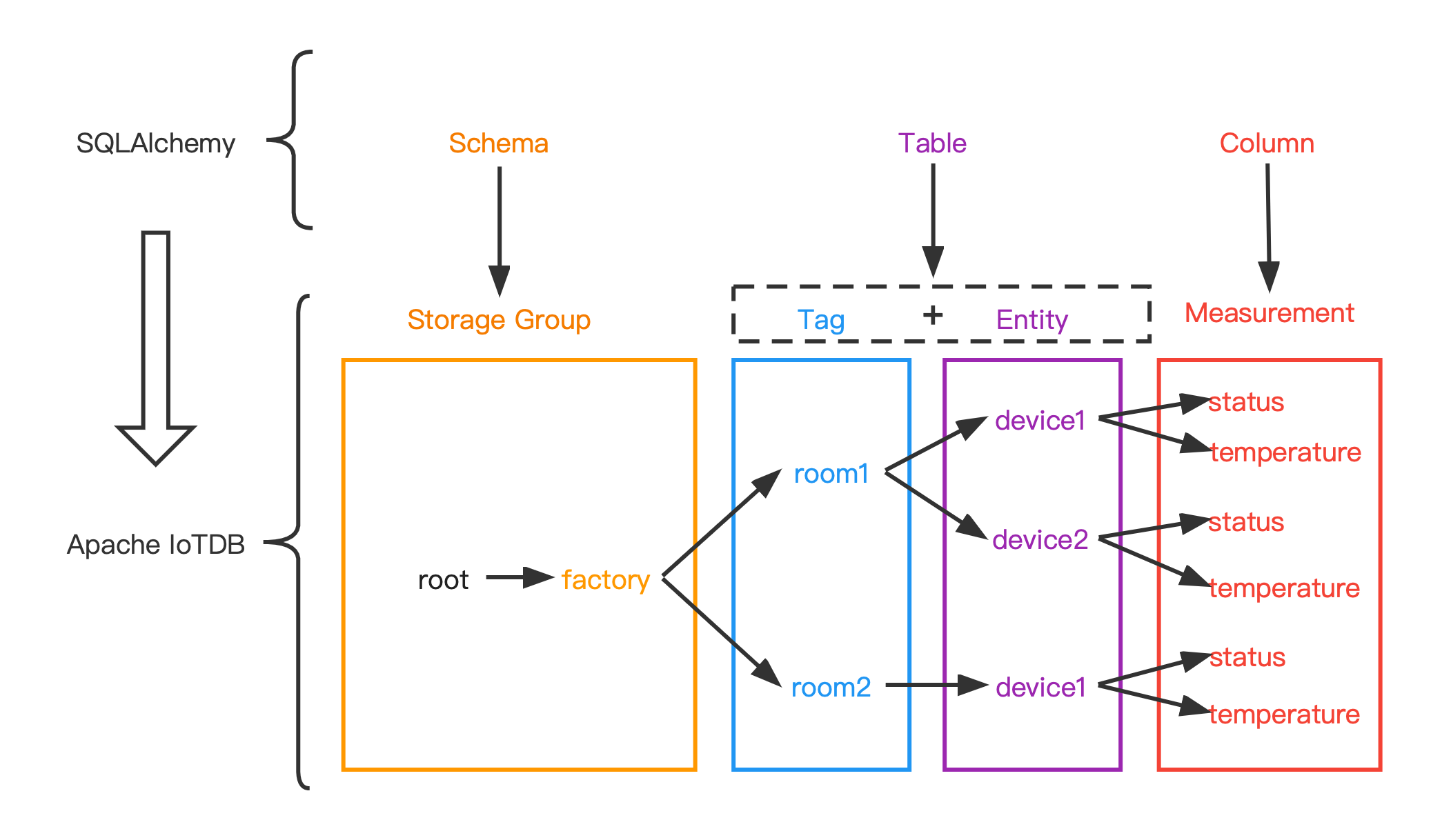
+
+### Data type mapping
+| data type in IoTDB | data type in SQLAlchemy |
+|--------------------|-------------------------|
+| BOOLEAN | Boolean |
+| INT32 | Integer |
+| INT64 | BigInteger |
+| FLOAT | Float |
+| DOUBLE | Float |
+| TEXT | Text |
+| LONG | BigInteger |
+
+### Example
+
++ execute statement
+
+```python
+from sqlalchemy import create_engine
+
+engine = create_engine("iotdb://root:root@127.0.0.1:6667")
+connect = engine.connect()
+result = connect.execute("SELECT ** FROM root")
+for row in result.fetchall():
+ print(row)
+```
+
++ ORM (now only simple queries are supported)
+
+```python
+from sqlalchemy import create_engine, Column, Float, BigInteger, MetaData
+from sqlalchemy.ext.declarative import declarative_base
+from sqlalchemy.orm import sessionmaker
+
+metadata = MetaData(
+ schema='root.factory'
+)
+Base = declarative_base(metadata=metadata)
+
+
+class Device(Base):
+ __tablename__ = "room2.device1"
+ Time = Column(BigInteger, primary_key=True)
+ temperature = Column(Float)
+ status = Column(Float)
+
+
+engine = create_engine("iotdb://root:root@127.0.0.1:6667")
+
+DbSession = sessionmaker(bind=engine)
+session = DbSession()
+
+res = session.query(Device.status).filter(Device.temperature > 1)
+
+for row in res:
+ print(row)
+```
+
+
+## Developers
+
+### Introduction
+
+This is an example of how to connect to IoTDB with python, using the thrift rpc interfaces. Things are almost the same on Windows or Linux, but pay attention to the difference like path separator.
+
+
+
+### Prerequisites
+
+Python3.7 or later is preferred.
+
+You have to install Thrift (0.11.0 or later) to compile our thrift file into python code. Below is the official tutorial of installation, eventually, you should have a thrift executable.
+
+```
+http://thrift.apache.org/docs/install/
+```
+
+Before starting you need to install `requirements_dev.txt` in your python environment, e.g. by calling
+```shell
+pip install -r requirements_dev.txt
+```
+
+
+
+### Compile the thrift library and Debug
+
+In the root of IoTDB's source code folder, run `mvn clean generate-sources -pl iotdb-client/client-py -am`.
+
+This will automatically delete and repopulate the folder `iotdb/thrift` with the generated thrift files.
+This folder is ignored from git and should **never be pushed to git!**
+
+**Notice** Do not upload `iotdb/thrift` to the git repo.
+
+
+
+
+### Session Client & Example
+
+We packed up the Thrift interface in `client-py/src/iotdb/Session.py` (similar with its Java counterpart), also provided an example file `client-py/src/SessionExample.py` of how to use the session module. please read it carefully.
+
+
+Or, another simple example:
+
+```python
+from iotdb.Session import Session
+
+ip = "127.0.0.1"
+port_ = "6667"
+username_ = "root"
+password_ = "root"
+session = Session(ip, port_, username_, password_)
+session.open(False)
+zone = session.get_time_zone()
+session.close()
+```
+
+
+
+### Tests
+
+Please add your custom tests in `tests` folder.
+
+To run all defined tests just type `pytest .` in the root folder.
+
+**Notice** Some tests need docker to be started on your system as a test instance is started in a docker container using [testcontainers](https://testcontainers-python.readthedocs.io/en/latest/index.html).
+
+
+
+### Futher Tools
+
+[black](https://pypi.org/project/black/) and [flake8](https://pypi.org/project/flake8/) are installed for autoformatting and linting.
+Both can be run by `black .` or `flake8 .` respectively.
+
+
+
+## Releasing
+
+To do a release just ensure that you have the right set of generated thrift files.
+Then run linting and auto-formatting.
+Then, ensure that all tests work (via `pytest .`).
+Then you are good to go to do a release!
+
+
+
+### Preparing your environment
+
+First, install all necessary dev dependencies via `pip install -r requirements_dev.txt`.
+
+
+
+### Doing the Release
+
+There is a convenient script `release.sh` to do all steps for a release.
+Namely, these are
+
+* Remove all transient directories from last release (if exists)
+* (Re-)generate all generated sources via mvn
+* Run Linting (flake8)
+* Run Tests via pytest
+* Build
+* Release to pypi
+
diff --git a/src/UserGuide/latest/API/Programming-Rust-Native-API.md b/src/UserGuide/V1.3.0-2/API/Programming-Rust-Native-API.md
similarity index 100%
copy from src/UserGuide/latest/API/Programming-Rust-Native-API.md
copy to src/UserGuide/V1.3.0-2/API/Programming-Rust-Native-API.md
diff --git a/src/UserGuide/latest/API/RestServiceV1.md b/src/UserGuide/V1.3.0-2/API/RestServiceV1.md
similarity index 100%
copy from src/UserGuide/latest/API/RestServiceV1.md
copy to src/UserGuide/V1.3.0-2/API/RestServiceV1.md
diff --git a/src/UserGuide/latest/API/RestServiceV2.md b/src/UserGuide/V1.3.0-2/API/RestServiceV2.md
similarity index 100%
copy from src/UserGuide/latest/API/RestServiceV2.md
copy to src/UserGuide/V1.3.0-2/API/RestServiceV2.md
diff --git a/src/UserGuide/V1.3.0-2/Basic-Concept/Cluster-data-partitioning.md b/src/UserGuide/V1.3.0-2/Basic-Concept/Cluster-data-partitioning.md
new file mode 100644
index 00000000..a9c6e9b6
--- /dev/null
+++ b/src/UserGuide/V1.3.0-2/Basic-Concept/Cluster-data-partitioning.md
@@ -0,0 +1,110 @@
+<!--
+
+ Licensed to the Apache Software Foundation (ASF) under one
+ or more contributor license agreements. See the NOTICE file
+ distributed with this work for additional information
+ regarding copyright ownership. The ASF licenses this file
+ to you under the Apache License, Version 2.0 (the
+ "License"); you may not use this file except in compliance
+ with the License. You may obtain a copy of the License at
+
+ http://www.apache.org/licenses/LICENSE-2.0
+
+ Unless required by applicable law or agreed to in writing,
+ software distributed under the License is distributed on an
+ "AS IS" BASIS, WITHOUT WARRANTIES OR CONDITIONS OF ANY
+ KIND, either express or implied. See the License for the
+ specific language governing permissions and limitations
+ under the License.
+
+-->
+
+# Load Balance
+This document introduces the partitioning strategies and load balance strategies in IoTDB. According to the characteristics of time series data, IoTDB partitions them by series and time dimensions. Combining a series partition with a time partition creates a partition, the unit of division. To enhance throughput and reduce management costs, these partitions are evenly allocated to RegionGroups, which serve as the unit of replication. The RegionGroup's Regions then determine the storage l [...]
+
+## Partitioning Strategy & Partition Allocation
+IoTDB implements tailored partitioning algorithms for time series data. Building on this foundation, the partition information cached on both ConfigNodes and DataNodes is not only manageable in size but also clearly differentiated between hot and cold. Subsequently, balanced partitions are evenly allocated across the cluster's RegionGroups to achieve storage balance.
+
+### Partitioning Strategy
+IoTDB maps each sensor in the production environment to a time series. The time series are then partitioned using the series partitioning algorithm to manage their schema, and combined with the time partitioning algorithm to manage their data. The following figure illustrates how IoTDB partitions time series data.
+
+<img style="width:100%; max-width:800px; max-height:600px; margin-left:auto; margin-right:auto; display:block;" src="https://alioss.timecho.com/docs/img/partition_table_en.png?raw=true">
+
+#### Partitioning Algorithm
+Because numerous devices and sensors are commonly deployed in production environments, IoTDB employs a series partitioning algorithm to ensure the size of partition information is manageable. Since the generated time series associated with timestamps, IoTDB uses a time partioning algorithm to clearly distinguish between hot and cold partitions.
+
+##### Series Partitioning Algorithm
+By default, IoTDB limits the number of series partitions to 1000 and configures the series partitioning algorithm to use a hash partitioning algorithm. This leads to the following outcomes:
++ Since the number of series partitions is a fixed constant, the mapping between series and series partitions remains stable. As a result, IoTDB does not require frequent data migrations.
++ The load across series partitions is relatively balanced because the number of series partitions is much smaller than the number of sensors deployed in the production environment.
+
+Furthermore, if a more accurate estimate of the actual load in the production environment is available, the series partitioning algorithm can be configured to use a customized hash partitioning or a list partitioning to achieve a more uniform load distribution across all series partitions.
+
+##### Time Partitioning Algorithm
+The time partitioning algorithm converts a given timestamp to the corresponding time partition by
+
+$$\left\lfloor\frac{\text{Timestamp}-\text{StartTimestamp}}{\text{TimePartitionInterval}}\right\rfloor.$$
+
+In this equation, both $\text{StartTimestamp}$ and $\text{TimePartitionInterval}$ are configurable parameters to accommodate various production environments. The $\text{StartTimestamp}$ represents the starting time of the first time partition, while the $\text{TimePartitionInterval}$ defines the duration of each time partition. By default, the $\text{TimePartitionInterval}$ is set to one day.
+
+#### Schema Partitioning
+Since the series partitioning algorithm evenly partitions the time series, each series partition corresponds to a schema partition. These schema partitions are then evenly allocated across the SchemaRegionGroups to achieve a balanced schema distribution.
+
+#### Data Partitioning
+Combining a series partition with a time partition creates a data partition. Since the series partitioning algorithm evenly partitions the time series, the load of data partitions within a specified time partition remains balanced. These data partitions are then evenly allocated across the DataRegionGroups to achieve balanced data distribution.
+
+### Partition Allocation
+IoTDB uses RegionGroups to enable elastic storage of time series, with the number of RegionGroups in the cluster determined by the total resources available across all DataNodes. Since the number of RegionGroups is dynamic, IoTDB can easily scale out. Both the SchemaRegionGroup and DataRegionGroup follow the same partition allocation algorithm, which evenly splits all series partitions. The following figure demonstrates the partition allocation process, where the dynamic RegionGroups mat [...]
+
+<img style="width:100%; max-width:800px; max-height:600px; margin-left:auto; margin-right:auto; display:block;" src="https://alioss.timecho.com/docs/img/partition_allocation_en.png?raw=true">
+
+#### RegionGroup Expansion
+The number of RegionGroups is given by
+
+$$\text{RegionGroupNumber}=\left\lfloor\frac{\sum_{i=1}^{DataNodeNumber}\text{RegionNumber}_i}{\text{ReplicationFactor}}\right\rfloor.$$
+
+In this equation, $\text{RegionNumber}_i$ represents the number of Regions expected to be hosted on the $i$-th DataNode, while $\text{ReplicationFactor}$ denotes the number of Regions within each RegionGroup. Both $\text{RegionNumber}_i$ and $\text{ReplicationFactor}$ are configurable parameters. The $\text{RegionNumber}_i$ can be determined by the available hardware resources---such as CPU cores, memory sizes, etc.---on the $i$-th DataNode to accommodate different physical servers. The [...]
+
+#### Allocation Algorithm
+Both the SchemaRegionGroup and the DataRegionGroup follow the same allocation algorithm--splitting all series partitions evenly. As a result, each SchemaRegionGroup holds the same number of schema partitions, ensuring balanced schema storage. Similarly, for each time partition, each DataRegionGroup acquires the data partitions corresponding to the series partitions it holds. Consequently, the data partitions within a time partition are evenly distributed across all DataRegionGroups, ensu [...]
+
+Notably, IoTDB effectively leverages the characteristics of time series data. When the TTL (Time to Live) is configured, IoTDB enables migration-free elastic storage for time series data. This feature facilitates cluster expansion while minimizing the impact on online operations. The figures above illustrate an instance of this feature: newborn data partitions are evenly allocated to each DataRegion, and expired data are automatically archived. As a result, the cluster's storage will eve [...]
+
+## Balance Strategy
+To enhance the cluster's availability and performance, IoTDB employs sophisticated storage load and computing load balance algorithms.
+
+### Storage Load Balance
+The number of Regions held by a DataNode reflects its storage load. If the difference in the number of Regions across DataNodes is relatively large, the DataNode with more Regions is likely to become a storage bottleneck. Although a straightforward Round Robin placement algorithm can achieve storage balance by ensuring that each DataNode hosts an equal number of Regions, it compromises the cluster's fault tolerance, as illustrated below:
+
+<img style="width:100%; max-width:800px; max-height:600px; margin-left:auto; margin-right:auto; display:block;" src="https://alioss.timecho.com/docs/img/placement_en.png?raw=true">
+
++ Assume the cluster has 4 DataNodes, 4 RegionGroups and a replication factor of 2.
++ Place RegionGroup $r_1$'s 2 Regions on DataNodes $n_1$ and $n_2$.
++ Place RegionGroup $r_2$'s 2 Regions on DataNodes $n_3$ and $n_4$.
++ Place RegionGroup $r_3$'s 2 Regions on DataNodes $n_1$ and $n_3$.
++ Place RegionGroup $r_4$'s 2 Regions on DataNodes $n_2$ and $n_4$.
+
+In this scenario, if DataNode $n_2$ fails, the load previously handled by DataNode $n_2$ would be transferred solely to DataNode $n_1$, potentially overloading it.
+
+To address this issue, IoTDB employs a Region placement algorithm that not only evenly distributes Regions across all DataNodes but also ensures that each DataNode can offload its storage to sufficient other DataNodes in the event of a failure. As a result, the cluster achieves balanced storage distribution and a high level of fault tolerance, ensuring its availability.
+
+### Computing Load Balance
+The number of leader Regions held by a DataNode reflects its Computing load. If the difference in the number of leaders across DataNodes is relatively large, the DataNode with more leaders is likely to become a Computing bottleneck. If the leader selection process is conducted using a transparent Greedy algorithm, the result may be an unbalanced leader distribution when the Regions are fault-tolerantly placed, as demonstrated below:
+
+<img style="width:100%; max-width:800px; max-height:600px; margin-left:auto; margin-right:auto; display:block;" src="https://alioss.timecho.com/docs/img/selection_en.png?raw=true">
+
++ Assume the cluster has 4 DataNodes, 4 RegionGroups and a replication factor of 2.
++ Select RegionGroup $r_5$'s Region on DataNode $n_5$ as the leader.
++ Select RegionGroup $r_6$'s Region on DataNode $n_7$ as the leader.
++ Select RegionGroup $r_7$'s Region on DataNode $n_7$ as the leader.
++ Select RegionGroup $r_8$'s Region on DataNode $n_8$ as the leader.
+
+Please note that all the above steps strictly follow the Greedy algorithm. However, by Step 3, selecting the leader of RegionGroup $r_7$ on either DataNode $n_5$ or $n_7$ results in an unbalanced leader distribution. The rationale is that each greedy step lacks a global perspective, leading to a locally optimal solution.
+
+To address this issue, IoTDB employs a leader selection algorithm that can consistently balance the cluster's leader distribution. Consequently, the cluster achieves balanced Computing load distribution, ensuring its performance.
+
+## Source Code
++ [Data Partitioning](https://github.com/apache/iotdb/tree/master/iotdb-core/node-commons/src/main/java/org/apache/iotdb/commons/partition)
++ [Partition Allocation](https://github.com/apache/iotdb/tree/master/iotdb-core/confignode/src/main/java/org/apache/iotdb/confignode/manager/load/balancer/partition)
++ [Region Placement](https://github.com/apache/iotdb/tree/master/iotdb-core/confignode/src/main/java/org/apache/iotdb/confignode/manager/load/balancer/region)
++ [Leader Selection](https://github.com/apache/iotdb/tree/master/iotdb-core/confignode/src/main/java/org/apache/iotdb/confignode/manager/load/balancer/router/leader)
\ No newline at end of file
diff --git a/src/UserGuide/latest/Basic-Concept/Data-Model-and-Terminology.md b/src/UserGuide/V1.3.0-2/Basic-Concept/Data-Model-and-Terminology.md
similarity index 99%
copy from src/UserGuide/latest/Basic-Concept/Data-Model-and-Terminology.md
copy to src/UserGuide/V1.3.0-2/Basic-Concept/Data-Model-and-Terminology.md
index 48b7df5f..502e393a 100644
--- a/src/UserGuide/latest/Basic-Concept/Data-Model-and-Terminology.md
+++ b/src/UserGuide/V1.3.0-2/Basic-Concept/Data-Model-and-Terminology.md
@@ -142,6 +142,6 @@ In the following chapters of data definition language, data operation language a
## Schema Template
-In the actual scenario, many entities collect the same measurements, that is, they have the same measurements name and type. A **schema template** can be declared to define the collectable measurements set. Schema template helps save memory by implementing schema sharing. For detailed description, please refer to [Schema Template doc](../User-Manual/Operate-Metadata.md#Device-Template).
+In the actual scenario, many entities collect the same measurements, that is, they have the same measurements name and type. A **schema template** can be declared to define the collectable measurements set. Schema template helps save memory by implementing schema sharing. For detailed description, please refer to [Schema Template doc](../User-Manual/Operate-Metadata_timecho.md#Device-Template).
In the following chapters of, data definition language, data operation language and Java Native Interface, various operations related to schema template will be introduced one by one.
diff --git a/src/UserGuide/latest/Basic-Concept/Data-Type.md b/src/UserGuide/V1.3.0-2/Basic-Concept/Data-Type.md
similarity index 100%
copy from src/UserGuide/latest/Basic-Concept/Data-Type.md
copy to src/UserGuide/V1.3.0-2/Basic-Concept/Data-Type.md
diff --git a/src/UserGuide/latest/Basic-Concept/Encoding-and-Compression.md b/src/UserGuide/V1.3.0-2/Basic-Concept/Encoding-and-Compression.md
similarity index 100%
copy from src/UserGuide/latest/Basic-Concept/Encoding-and-Compression.md
copy to src/UserGuide/V1.3.0-2/Basic-Concept/Encoding-and-Compression.md
diff --git a/src/UserGuide/latest/Basic-Concept/Navigating_Time_Series_Data.md b/src/UserGuide/V1.3.0-2/Basic-Concept/Navigating_Time_Series_Data.md
similarity index 100%
copy from src/UserGuide/latest/Basic-Concept/Navigating_Time_Series_Data.md
copy to src/UserGuide/V1.3.0-2/Basic-Concept/Navigating_Time_Series_Data.md
diff --git a/src/UserGuide/latest/Deployment-and-Maintenance/AINode_Deployment_timecho.md b/src/UserGuide/V1.3.0-2/Deployment-and-Maintenance/AINode_Deployment_timecho.md
similarity index 100%
copy from src/UserGuide/latest/Deployment-and-Maintenance/AINode_Deployment_timecho.md
copy to src/UserGuide/V1.3.0-2/Deployment-and-Maintenance/AINode_Deployment_timecho.md
diff --git a/src/UserGuide/latest/Deployment-and-Maintenance/Cluster-Deployment_apache.md b/src/UserGuide/V1.3.0-2/Deployment-and-Maintenance/Cluster-Deployment_apache.md
similarity index 100%
copy from src/UserGuide/latest/Deployment-and-Maintenance/Cluster-Deployment_apache.md
copy to src/UserGuide/V1.3.0-2/Deployment-and-Maintenance/Cluster-Deployment_apache.md
diff --git a/src/UserGuide/latest/Deployment-and-Maintenance/Cluster-Deployment_timecho.md b/src/UserGuide/V1.3.0-2/Deployment-and-Maintenance/Cluster-Deployment_timecho.md
similarity index 100%
copy from src/UserGuide/latest/Deployment-and-Maintenance/Cluster-Deployment_timecho.md
copy to src/UserGuide/V1.3.0-2/Deployment-and-Maintenance/Cluster-Deployment_timecho.md
diff --git a/src/UserGuide/V1.3.0-2/Deployment-and-Maintenance/Database-Resources.md b/src/UserGuide/V1.3.0-2/Deployment-and-Maintenance/Database-Resources.md
new file mode 100644
index 00000000..59a380db
--- /dev/null
+++ b/src/UserGuide/V1.3.0-2/Deployment-and-Maintenance/Database-Resources.md
@@ -0,0 +1,194 @@
+<!--
+
+ Licensed to the Apache Software Foundation (ASF) under one
+ or more contributor license agreements. See the NOTICE file
+ distributed with this work for additional information
+ regarding copyright ownership. The ASF licenses this file
+ to you under the Apache License, Version 2.0 (the
+ "License"); you may not use this file except in compliance
+ with the License. You may obtain a copy of the License at
+
+ http://www.apache.org/licenses/LICENSE-2.0
+
+ Unless required by applicable law or agreed to in writing,
+ software distributed under the License is distributed on an
+ "AS IS" BASIS, WITHOUT WARRANTIES OR CONDITIONS OF ANY
+ KIND, either express or implied. See the License for the
+ specific language governing permissions and limitations
+ under the License.
+
+-->
+# Database Resources
+## CPU
+<table style="text-align: center;">
+ <tr>
+ <th rowspan="2">Number of timeseries (frequency<=1HZ)</th>
+ <th rowspan="2">CPU</th>
+ <th colspan="3">Number of nodes</th>
+ </tr>
+ <tr>
+ <th>standalone mode</th>
+ <th>Double active</th>
+ <th>Distributed</th>
+ </tr>
+ <tr>
+ <td>Within 100000</td>
+ <td>2core-4core</td>
+ <td>1</td>
+ <td>2</td>
+ <td>3</td>
+ </tr>
+ <tr>
+ <td>Within 300000</td>
+ <td>4core-8core</td>
+ <td>1</td>
+ <td>2</td>
+ <td>3</td>
+ </tr>
+ <tr>
+ <td>Within 500000</td>
+ <td>8core-26core</td>
+ <td>1</td>
+ <td>2</td>
+ <td>3</td>
+ </tr>
+ <tr>
+ <td>Within 1000000</td>
+ <td>16core-32core</td>
+ <td>1</td>
+ <td>2</td>
+ <td>3</td>
+ </tr>
+ <tr>
+ <td>Within 2000000</td>
+ <td>32core-48core</td>
+ <td>1</td>
+ <td>2</td>
+ <td>3</td>
+ </tr>
+ <tr>
+ <td>Within 10000000</td>
+ <td>48core</td>
+ <td>1</td>
+ <td>2</td>
+ <td>Please contact Timecho Business for consultation</td>
+ </tr>
+ <tr>
+ <td>Over 10000000</td>
+ <td colspan="4">Please contact Timecho Business for consultation</td>
+ </tr>
+</table>
+
+## Memory
+<table style="text-align: center;">
+ <tr>
+ <th rowspan="2">Number of timeseries (frequency<=1HZ)</th>
+ <th rowspan="2">Memory</th>
+ <th colspan="3">Number of nodes</th>
+ </tr>
+ <tr>
+ <th>standalone mode</th>
+ <th>Double active</th>
+ <th>Distributed</th>
+ </tr>
+ <tr>
+ <td>Within 100000</td>
+ <td>4G-8G</td>
+ <td>1</td>
+ <td>2</td>
+ <td>3</td>
+ </tr>
+ <tr>
+ <td>Within 300000</td>
+ <td>12G-32G</td>
+ <td>1</td>
+ <td>2</td>
+ <td>3</td>
+ </tr>
+ <tr>
+ <td>Within 500000</td>
+ <td>24G-48G</td>
+ <td>1</td>
+ <td>2</td>
+ <td>3</td>
+ </tr>
+ <tr>
+ <td>Within 1000000</td>
+ <td>32G-96G</td>
+ <td>1</td>
+ <td>2</td>
+ <td>3</td>
+ </tr>
+ <tr>
+ <td>Within 2000000</td>
+ <td>64G-128G</td>
+ <td>1</td>
+ <td>2</td>
+ <td>3</td>
+ </tr>
+ <tr>
+ <td>Within 10000000</td>
+ <td>128G</td>
+ <td>1</td>
+ <td>2</td>
+ <td>Please contact Timecho Business for consultation</td>
+ </tr>
+ <tr>
+ <td>Over 10000000</td>
+ <td colspan="4">Please contact Timecho Business for consultation</td>
+ </tr>
+</table>
+
+## Storage (Disk)
+### Storage space
+Calculation formula: Number of measurement points * Sampling frequency (Hz) * Size of each data point (Byte, different data types may vary, see table below) * Storage time (seconds) * Number of copies (usually 1 copy for a single node and 2 copies for a cluster) ÷ Compression ratio (can be estimated at 5-10 times, but may be higher in actual situations)
+<table style="text-align: center;">
+ <tr>
+ <th colspan="4">Data point size calculation</th>
+ </tr>
+ <tr>
+ <th>data type</th>
+ <th>Timestamp (Bytes)</th>
+ <th> Value (Bytes)</th>
+ <th> Total size of data points (in bytes)
+ </th>
+ </tr>
+ <tr>
+ <td>Boolean</td>
+ <td>8</td>
+ <td>1</td>
+ <td>9</td>
+ </tr>
+ <tr>
+ <td> INT32/FLOAT</td>
+ <td>8</td>
+ <td>4</td>
+ <td>12</td>
+ </tr>
+ <tr>
+ <td>INT64/DOUBLE</td>
+ <td>8</td>
+ <td>8</td>
+ <td>16</td>
+ </tr>
+ <tr>
+ <td>TEXT</td>
+ <td>8</td>
+ <td>The average is a</td>
+ <td>8+a</td>
+ </tr>
+</table>
+
+Example: 1000 devices, each with 100 measurement points, a total of 100000 sequences, INT32 type. Sampling frequency 1Hz (once per second), storage for 1 year, 3 copies.
+- Complete calculation formula: 1000 devices * 100 measurement points * 12 bytes per data point * 86400 seconds per day * 365 days per year * 3 copies/10 compression ratio=11T
+- Simplified calculation formula: 1000 * 100 * 12 * 86400 * 365 * 3/10=11T
+### Storage Configuration
+If the number of nodes is over 10000000 or the query load is high, it is recommended to configure SSD
+## Network (Network card)
+If the write throughput does not exceed 10 million points/second, configure 1Gbps network card. When the write throughput exceeds 10 million points per second, a 10Gbps network card needs to be configured.
+| **Write throughput (data points per second)** | **NIC rate** |
+| ------------------- | ------------- |
+| <10 million | 1Gbps |
+| >=10 million | 10Gbps |
+## Other instructions
+IoTDB has the ability to scale up clusters in seconds, and expanding node data does not require migration. Therefore, you do not need to worry about the limited cluster capacity estimated based on existing data. In the future, you can add new nodes to the cluster when you need to scale up.
\ No newline at end of file
diff --git a/src/UserGuide/latest/Deployment-and-Maintenance/Docker-Deployment_timecho.md b/src/UserGuide/V1.3.0-2/Deployment-and-Maintenance/Docker-Deployment_apache.md
similarity index 66%
copy from src/UserGuide/latest/Deployment-and-Maintenance/Docker-Deployment_timecho.md
copy to src/UserGuide/V1.3.0-2/Deployment-and-Maintenance/Docker-Deployment_apache.md
index df2ec2d5..813bcfbb 100644
--- a/src/UserGuide/latest/Deployment-and-Maintenance/Docker-Deployment_timecho.md
+++ b/src/UserGuide/V1.3.0-2/Deployment-and-Maintenance/Docker-Deployment_apache.md
@@ -24,7 +24,7 @@
### Docker Installation
-```Bash
+```SQL
#Taking Ubuntu as an example, other operating systems can search for installation methods themselves
#step1: Install some necessary system tools
sudo apt-get update
@@ -44,7 +44,7 @@ docker --version #Display version information, indicating successful installati
### Docker-compose Installation
-```Bash
+```SQL
#Installation command
curl -L "https://github.com/docker/compose/releases/download/v2.20.0/docker-compose-$(uname -s)-$(uname -m)" -o /usr/local/bin/docker-compose
chmod +x /usr/local/bin/docker-compose
@@ -53,41 +53,27 @@ ln -s /usr/local/bin/docker-compose /usr/bin/docker-compose
docker-compose --version #Displaying version information indicates successful installation
```
-### Install The Dmidecode Plugin
-
-By default, Linux servers should already be installed. If not, you can use the following command to install them.
-
-```Bash
-sudo apt-get install dmidecode
-```
-
-After installing dmidecode, search for the installation path: `wherever dmidecode`. Assuming the result is `/usr/sbin/dmidecode`, remember this path as it will be used in the later docker compose yml file.
-
-### Get Container Image Of IoTDB
-
-You can contact business or technical support to obtain container images for IoTDB Enterprise Edition.
-
## Stand-Alone Deployment
This section demonstrates how to deploy a standalone Docker version of 1C1D.
-### Load Image File
+### Pull Image File
-For example, the container image file name of IoTDB obtained here is: `iotdb-enterprise-1.3.2-3-standalone-docker.tar.gz`
+The Docker image of Apache IoTDB has been uploaded tohttps://hub.docker.com/r/apache/iotdb。
-Load image:
+Taking obtaining version 1.3.2 as an example, pull the image command:
-```Bash
-docker load -i iotdb-enterprise-1.3.2.3-standalone-docker.tar.gz
+```bash
+docker pull apache/iotdb:1.3.2-standalone
```
View image:
-```Bash
+```bash
docker images
```
-
+
### Create Docker Bridge Network
@@ -95,13 +81,13 @@ docker images
docker network create --driver=bridge --subnet=172.18.0.0/16 --gateway=172.18.0.1 iotdb
```
-### Write The Yml File For docker-compose
+### Write The Yml File For Docker-Compose
Here we take the example of consolidating the IoTDB installation directory and yml files in the/docker iotdb folder:
The file directory structure is:`/docker-iotdb/iotdb`, `/docker-iotdb/docker-compose-standalone.yml `
-```Bash
+```bash
docker-iotdb:
├── iotdb #Iotdb installation directory
│── docker-compose-standalone.yml #YML file for standalone Docker Composer
@@ -109,11 +95,11 @@ docker-iotdb:
The complete docker-compose-standalone.yml content is as follows:
-```Bash
+```bash
version: "3"
services:
iotdb-service:
- image: iotdb-enterprise:1.3.2.3-standalone #The image used
+ image: apache/iotdb:1.3.2-standalone #The image used
hostname: iotdb
container_name: iotdb
restart: always
@@ -134,10 +120,8 @@ services:
- dn_seed_config_node=iotdb:10710
privileged: true
volumes:
- - ./iotdb/activation:/iotdb/activation
- ./iotdb/data:/iotdb/data
- ./iotdb/logs:/iotdb/logs
- - /usr/sbin/dmidecode:/usr/sbin/dmidecode:ro
- /dev/mem:/dev/mem:ro
networks:
iotdb:
@@ -147,95 +131,71 @@ networks:
external: true
```
-### First Launch
+### Start IoTDB
Use the following command to start:
-```Bash
+```bash
cd /docker-iotdb
-docker-compose -f docker-compose-standalone.yml up
+docker-compose -f docker-compose-standalone.yml up -d #Background startup
```
-Due to lack of activation, it is normal to exit directly upon initial startup. The initial startup is to obtain the machine code file for the subsequent activation process.
-
-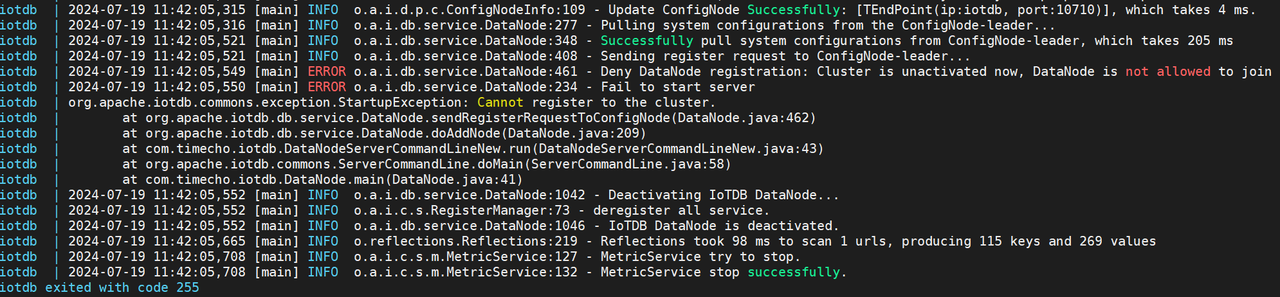
-
-### Apply For Activation
-
-- After the first startup, a system_info file will be generated in the physical machine directory `/docker-iotdb/iotdb/activation`, and this file will be copied to the Timecho staff.
-
- 
-
-- Received the license file returned by the staff, copy the license file to the `/docker iotdb/iotdb/activation` folder.
-
- 
-
-### Restart IoTDB
-
-```Bash
-docker-compose -f docker-compose-standalone.yml up -d
-```
-
-
-
### Validate Deployment
- Viewing the log, the following words indicate successful startup
- ```Bash
- docker logs -f iotdb-datanode #View log command
- 2024-07-19 12:02:32,608 [main] INFO o.a.i.db.service.DataNode:231 - Congratulations, IoTDB DataNode is set up successfully. Now, enjoy yourself!
- ```
+```SQL
+docker logs -f iotdb-datanode #View log command
+2024-07-21 08:22:38,457 [main] INFO o.a.i.db.service.DataNode:227 - Congratulations, IoTDB DataNode is set up successfully. Now, enjoy yourself!
+```
- 
+
-- Enter the container to view the service running status and activation information
+- Enter the container to view the service running status and activation information
- View the launched container
+View the launched container
- ```Bash
- docker ps
- ```
+```SQL
+docker ps
+```
- 
+
- Enter the container, log in to the database through CLI, and use the `show cluster` command to view the service status and activation status
+Enter the container, log in to the database through CLI, and use the `show cluster` command to view the service status and activation status
- ```Bash
- docker exec -it iotdb /bin/bash #Entering the container
- ./start-cli.sh -h iotdb #Log in to the database
- IoTDB> show cluster #View status
- ```
+```SQL
+docker exec -it iotdb /bin/bash #Entering the container
+./start-cli.sh -h iotdb #Log in to the database
+IoTDB> show cluster #View status
+```
- You can see that all services are running and the activation status shows as activated.
+You can see that all services are running and the activation status shows as activated.
- 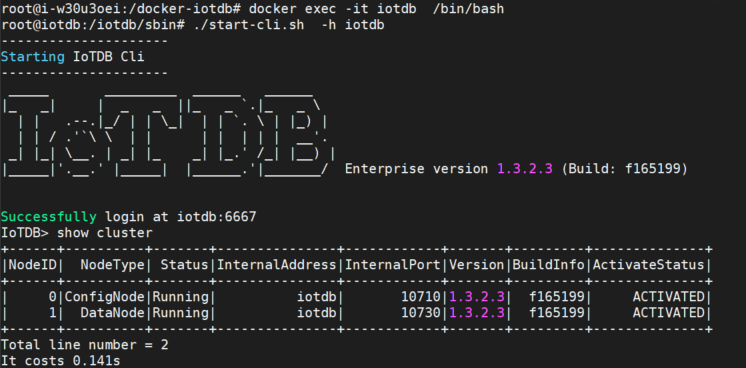
+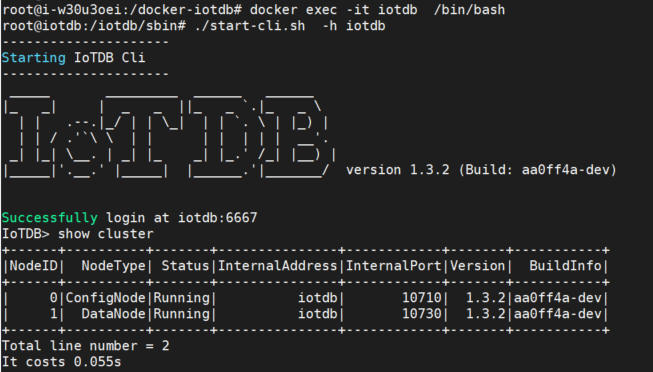
### Map/conf Directory (optional)
If you want to directly modify the configuration file in the physical machine in the future, you can map the/conf folder in the container in three steps:
-Step 1: Copy the/conf directory from the container to/docker-iotdb/iotdb/conf
+Step 1: Copy the /conf directory from the container to `/docker-iotdb/iotdb/conf`
-```Bash
+```bash
docker cp iotdb:/iotdb/conf /docker-iotdb/iotdb/conf
```
Step 2: Add mappings in docker-compose-standalone.yml
-```Bash
+```bash
volumes:
- ./iotdb/conf:/iotdb/conf #Add mapping for this/conf folder
- - ./iotdb/activation:/iotdb/activation
- ./iotdb/data:/iotdb/data
- ./iotdb/logs:/iotdb/logs
- - /usr/sbin/dmidecode:/usr/sbin/dmidecode:ro
- /dev/mem:/dev/mem:ro
```
Step 3: Restart IoTDB
-```Bash
+```bash
docker-compose -f docker-compose-standalone.yml up -d
```
@@ -269,31 +229,31 @@ echo "192.168.1.4 iotdb-2" >> /etc/hosts
echo "192.168.1.5 iotdb-3" >> /etc/hosts
```
-### Load Image File
+### Pull Image File
-For example, the container image file name obtained for IoTDB is: `iotdb-enterprise-1.3.23-standalone-docker.tar.gz`
+The Docker image of Apache IoTDB has been uploaded tohttps://hub.docker.com/r/apache/iotdb。
-Execute the load image command on three servers separately:
+Pull IoTDB images from three servers separately, taking version 1.3.2 as an example. The pull image command is:
-```Bash
-docker load -i iotdb-enterprise-1.3.2.3-standalone-docker.tar.gz
+```SQL
+docker pull apache/iotdb:1.3.2-standalone
```
View image:
-```Bash
+```SQL
docker images
```
-
+
### Write The Yml File For Docker Compose
-Here we take the example of consolidating the IoTDB installation directory and yml files in the /docker-iotdb folder:
+Here we take the example of consolidating the IoTDB installation directory and yml files in the `/docker-iotdb` folder:
-The file directory structure is:/docker-iotdb/iotdb, /docker-iotdb/confignode.yml,/docker-iotdb/datanode.yml
+The file directory structure is :`/docker-iotdb/iotdb`, `/docker-iotdb/confignode.yml`,`/docker-iotdb/datanode.yml`
-```Bash
+```SQL
docker-iotdb:
├── confignode.yml #Yml file of confignode
├── datanode.yml #Yml file of datanode
@@ -304,7 +264,7 @@ On each server, two yml files need to be written, namely confignnode. yml and da
**confignode.yml:**
-```Bash
+```bash
#confignode.yml
version: "3"
services:
@@ -333,7 +293,7 @@ services:
**datanode.yml:**
-```Bash
+```bash
#datanode.yml
version: "3"
services:
@@ -370,58 +330,46 @@ services:
First, start configNodes on each of the three servers to obtain the machine code. Pay attention to the startup order, start the first iotdb-1 first, then start iotdb-2 and iotdb-3.
-```Bash
+```bash
cd /docker-iotdb
docker-compose -f confignode.yml up -d #Background startup
```
-### Apply For Activation
-
-- After starting three confignodes for the first time, a system_info file will be generated in each physical machine directory `/docker-iotdb/iotdb/activation`, and the system_info files of the three servers will be copied to the Timecho staff;
-
- 
-
-- Put the three license files into the `/docker iotdb/iotdb/activation` folder of the corresponding Configurable Node node;
-
- 
-
-- After the license is placed in the corresponding activation folder, confignode will be automatically activated without restarting confignode
-
### Start Datanode
Start datanodes on 3 servers separately
-```Bash
+```SQL
cd /docker-iotdb
docker-compose -f datanode.yml up -d #Background startup
```
-
+
### Validate Deployment
- Viewing the logs, the following words indicate that the datanode has successfully started
- ```Bash
+ ```SQL
docker logs -f iotdb-datanode #View log command
- 2024-07-20 16:50:48,937 [main] INFO o.a.i.db.service.DataNode:231 - Congratulations, IoTDB DataNode is set up successfully. Now, enjoy yourself!
+ 2024-07-21 09:40:58,120 [main] INFO o.a.i.db.service.DataNode:227 - Congratulations, IoTDB DataNode is set up successfully. Now, enjoy yourself!
```
- 
+ 
- Enter any container to view the service running status and activation information
View the launched container
- ```Bash
+ ```SQL
docker ps
```
- 
+ 
Enter the container, log in to the database through CLI, and use the `show cluster` command to view the service status and activation status
- ```Bash
+ ```SQL
docker exec -it iotdb-datanode /bin/bash #Entering the container
./start-cli.sh -h iotdb-1 #Log in to the database
IoTDB> show cluster #View status
@@ -429,7 +377,7 @@ docker-compose -f datanode.yml up -d #Background startup
You can see that all services are running and the activation status shows as activated.
- 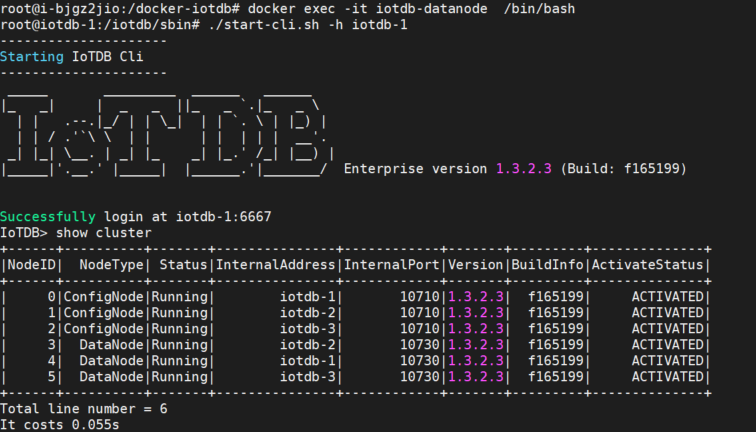
+ 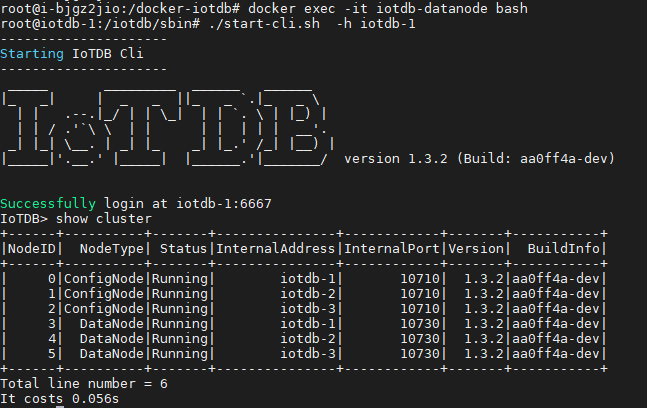
### Map/conf Directory (optional)
@@ -437,7 +385,7 @@ If you want to directly modify the configuration file in the physical machine in
Step 1: Copy the `/conf` directory from the container to `/docker-iotdb/iotdb/conf` on each of the three servers
-```Bash
+```bash
docker cp iotdb-confignode:/iotdb/conf /docker-iotdb/iotdb/conf
or
docker cp iotdb-datanode:/iotdb/conf /docker-iotdb/iotdb/conf
@@ -445,31 +393,26 @@ docker cp iotdb-datanode:/iotdb/conf /docker-iotdb/iotdb/conf
Step 2: Add `/conf` directory mapping in `confignode.yml` and `datanode. yml` on 3 servers
-```Bash
+```bash
#confignode.yml
volumes:
- ./iotdb/conf:/iotdb/conf #Add mapping for this /conf folder
- - ./iotdb/activation:/iotdb/activation
- ./iotdb/data:/iotdb/data
- ./iotdb/logs:/iotdb/logs
- - /usr/sbin/dmidecode:/usr/sbin/dmidecode:ro
- /dev/mem:/dev/mem:ro
#datanode.yml
volumes:
- - ./iotdb/conf:/iotdb/conf #Add mapping for this /conf folder
- - ./iotdb/activation:/iotdb/activation
+ - ./iotdb/conf:/iotdb/conf #Add mapping for this /conf folder
- ./iotdb/data:/iotdb/data
- ./iotdb/logs:/iotdb/logs
- - /usr/sbin/dmidecode:/usr/sbin/dmidecode:ro
- /dev/mem:/dev/mem:ro
```
Step 3: Restart IoTDB on 3 servers
-```Bash
+```bash
cd /docker-iotdb
docker-compose -f confignode.yml up -d
docker-compose -f datanode.yml up -d
-```
-
+```
\ No newline at end of file
diff --git a/src/UserGuide/latest/Deployment-and-Maintenance/Docker-Deployment_timecho.md b/src/UserGuide/V1.3.0-2/Deployment-and-Maintenance/Docker-Deployment_timecho.md
similarity index 100%
copy from src/UserGuide/latest/Deployment-and-Maintenance/Docker-Deployment_timecho.md
copy to src/UserGuide/V1.3.0-2/Deployment-and-Maintenance/Docker-Deployment_timecho.md
diff --git a/src/UserGuide/latest/Deployment-and-Maintenance/Dual-Active-Deployment_timecho.md b/src/UserGuide/V1.3.0-2/Deployment-and-Maintenance/Dual-Active-Deployment_timecho.md
similarity index 100%
copy from src/UserGuide/latest/Deployment-and-Maintenance/Dual-Active-Deployment_timecho.md
copy to src/UserGuide/V1.3.0-2/Deployment-and-Maintenance/Dual-Active-Deployment_timecho.md
diff --git a/src/UserGuide/V1.3.0-2/Deployment-and-Maintenance/Environment-Requirements.md b/src/UserGuide/V1.3.0-2/Deployment-and-Maintenance/Environment-Requirements.md
new file mode 100644
index 00000000..539d03b0
--- /dev/null
+++ b/src/UserGuide/V1.3.0-2/Deployment-and-Maintenance/Environment-Requirements.md
@@ -0,0 +1,191 @@
+<!--
+
+ Licensed to the Apache Software Foundation (ASF) under one
+ or more contributor license agreements. See the NOTICE file
+ distributed with this work for additional information
+ regarding copyright ownership. The ASF licenses this file
+ to you under the Apache License, Version 2.0 (the
+ "License"); you may not use this file except in compliance
+ with the License. You may obtain a copy of the License at
+
+ http://www.apache.org/licenses/LICENSE-2.0
+
+ Unless required by applicable law or agreed to in writing,
+ software distributed under the License is distributed on an
+ "AS IS" BASIS, WITHOUT WARRANTIES OR CONDITIONS OF ANY
+ KIND, either express or implied. See the License for the
+ specific language governing permissions and limitations
+ under the License.
+
+-->
+# System Requirements
+
+## Disk Array
+
+### Configuration Suggestions
+
+IoTDB has no strict operation requirements on disk array configuration. It is recommended to use multiple disk arrays to store IoTDB data to achieve the goal of concurrent writing to multiple disk arrays. For configuration, refer to the following suggestions:
+
+1. Physical environment
+ System disk: You are advised to use two disks as Raid1, considering only the space occupied by the operating system itself, and do not reserve system disk space for the IoTDB
+ Data disk:
+ Raid is recommended to protect data on disks
+ It is recommended to provide multiple disks (1-6 disks) or disk groups for the IoTDB. (It is not recommended to create a disk array for all disks, as this will affect the maximum performance of the IoTDB.)
+2. Virtual environment
+ You are advised to mount multiple hard disks (1-6 disks).
+
+### Configuration Example
+
+- Example 1: Four 3.5-inch hard disks
+
+Only a few hard disks are installed on the server. Configure Raid5 directly.
+The recommended configurations are as follows:
+| **Use classification** | **Raid type** | **Disk number** | **Redundancy** | **Available capacity** |
+| ----------- | -------- | -------- | --------- | -------- |
+| system/data disk | RAID5 | 4 | 1 | 3 | is allowed to fail|
+
+- Example 2: Twelve 3.5-inch hard disks
+
+The server is configured with twelve 3.5-inch disks.
+Two disks are recommended as Raid1 system disks. The two data disks can be divided into two Raid5 groups. Each group of five disks can be used as four disks.
+The recommended configurations are as follows:
+| **Use classification** | **Raid type** | **Disk number** | **Redundancy** | **Available capacity** |
+| -------- | -------- | -------- | --------- | -------- |
+| system disk | RAID1 | 2 | 1 | 1 |
+| data disk | RAID5 | 5 | 1 | 4 |
+| data disk | RAID5 | 5 | 1 | 4 |
+- Example 3:24 2.5-inch disks
+
+The server is configured with 24 2.5-inch disks.
+Two disks are recommended as Raid1 system disks. The last two disks can be divided into three Raid5 groups. Each group of seven disks can be used as six disks. The remaining block can be idle or used to store pre-write logs.
+The recommended configurations are as follows:
+| **Use classification** | **Raid type** | **Disk number** | **Redundancy** | **Available capacity** |
+| -------- | -------- | -------- | --------- | -------- |
+| system disk | RAID1 | 2 | 1 | 1 |
+| data disk | RAID5 | 7 | 1 | 6 |
+| data disk | RAID5 | 7 | 1 | 6 |
+| data disk | RAID5 | 7 | 1 | 6 |
+| data disk | NoRaid | 1 | 0 | 1 |
+
+## Operating System
+
+### Version Requirements
+
+IoTDB supports operating systems such as Linux, Windows, and MacOS, while the enterprise version supports domestic CPUs such as Loongson, Phytium, and Kunpeng. It also supports domestic server operating systems such as Neokylin, KylinOS, UOS, and Linx.
+
+### Disk Partition
+
+- The default standard partition mode is recommended. LVM extension and hard disk encryption are not recommended.
+- The system disk needs only the space used by the operating system, and does not need to reserve space for the IoTDB.
+- Each disk group corresponds to only one partition. Data disks (with multiple disk groups, corresponding to raid) do not need additional partitions. All space is used by the IoTDB.
+The following table lists the recommended disk partitioning methods.
+<table>
+ <tr>
+ <th>Disk classification</th>
+ <th>Disk set</th>
+ <th>Drive</th>
+ <th>Capacity</th>
+ <th>File system type</th>
+ </tr>
+ <tr>
+ <td rowspan="2">System disk</td>
+ <td rowspan="2">Disk group0</td>
+ <td>/boot</td>
+ <td>1GB</td>
+ <td>Acquiesce</td>
+ </tr>
+ <tr>
+ <td>/</td>
+ <td>Remaining space of the disk group</td>
+ <td>Acquiesce</td>
+ </tr>
+ <tr>
+ <td rowspan="3">Data disk</td>
+ <td>Disk set1</td>
+ <td>/data1</td>
+ <td>Full space of disk group1</td>
+ <td>Acquiesce</td>
+ </tr>
+ <tr>
+ <td>Disk set2</td>
+ <td>/data2</td>
+ <td>Full space of disk group2</td>
+ <td>Acquiesce</td>
+ </tr>
+ <tr>
+ <td colspan="4">......</td>
+ </tr>
+</table>
+### Network Configuration
+
+1. Disable the firewall
+
+```Bash
+# View firewall
+systemctl status firewalld
+# Disable firewall
+systemctl stop firewalld
+# Disable firewall permanently
+systemctl disable firewalld
+```
+2. Ensure that the required port is not occupied
+
+(1) Check the ports occupied by the cluster: In the default cluster configuration, ConfigNode occupies ports 10710 and 10720, and DataNode occupies ports 6667, 10730, 10740, 10750, 10760, 9090, 9190, and 3000. Ensure that these ports are not occupied. Check methods are as follows:
+
+```Bash
+lsof -i:6667 or netstat -tunp | grep 6667
+lsof -i:10710 or netstat -tunp | grep 10710
+lsof -i:10720 or netstat -tunp | grep 10720
+# If the command outputs, the port is occupied.
+```
+
+(2) Checking the port occupied by the cluster deployment tool: When using the cluster management tool opskit to install and deploy the cluster, enable the SSH remote connection service configuration and open port 22.
+
+```Bash
+yum install openssh-server # Install the ssh service
+systemctl start sshd # Enable port 22
+```
+
+3. Ensure that servers are connected to each other
+
+### Other Configuration
+
+1. Disable the system swap memory
+
+```Bash
+echo "vm.swappiness = 0">> /etc/sysctl.conf
+# The swapoff -a and swapon -a commands are executed together to dump the data in swap back to memory and to empty the data in swap.
+# Do not omit the swappiness setting and just execute swapoff -a; Otherwise, swap automatically opens again after the restart, making the operation invalid.
+swapoff -a && swapon -a
+# Make the configuration take effect without restarting.
+sysctl -p
+# Check memory allocation, expecting swap to be 0
+free -m
+```
+2. Set the maximum number of open files to 65535 to avoid the error of "too many open files".
+
+```Bash
+# View current restrictions
+ulimit -n
+# Temporary changes
+ulimit -n 65535
+# Permanent modification
+echo "* soft nofile 65535" >> /etc/security/limits.conf
+echo "* hard nofile 65535" >> /etc/security/limits.conf
+# View after exiting the current terminal session, expect to display 65535
+ulimit -n
+```
+## Software Dependence
+
+Install the Java runtime environment (Java version >= 1.8). Ensure that jdk environment variables are set. (It is recommended to deploy JDK17 for V1.3.2.2 or later. In some scenarios, the performance of JDK of earlier versions is compromised, and Datanodes cannot be stopped.)
+
+```Bash
+# The following is an example of installing in centos7 using JDK-17:
+tar -zxvf JDk-17_linux-x64_bin.tar # Decompress the JDK file
+Vim ~/.bashrc # Configure the JDK environment
+{ export JAVA_HOME=/usr/lib/jvm/jdk-17.0.9
+ export PATH=$JAVA_HOME/bin:$PATH
+} # Add JDK environment variables
+source ~/.bashrc # The configuration takes effect
+java -version # Check the JDK environment
+```
\ No newline at end of file
diff --git a/src/UserGuide/latest/Deployment-and-Maintenance/IoTDB-Package_apache.md b/src/UserGuide/V1.3.0-2/Deployment-and-Maintenance/IoTDB-Package_apache.md
similarity index 100%
copy from src/UserGuide/latest/Deployment-and-Maintenance/IoTDB-Package_apache.md
copy to src/UserGuide/V1.3.0-2/Deployment-and-Maintenance/IoTDB-Package_apache.md
diff --git a/src/UserGuide/V1.3.0-2/Deployment-and-Maintenance/IoTDB-Package_timecho.md b/src/UserGuide/V1.3.0-2/Deployment-and-Maintenance/IoTDB-Package_timecho.md
new file mode 100644
index 00000000..86e0af2a
--- /dev/null
+++ b/src/UserGuide/V1.3.0-2/Deployment-and-Maintenance/IoTDB-Package_timecho.md
@@ -0,0 +1,42 @@
+<!--
+
+ Licensed to the Apache Software Foundation (ASF) under one
+ or more contributor license agreements. See the NOTICE file
+ distributed with this work for additional information
+ regarding copyright ownership. The ASF licenses this file
+ to you under the Apache License, Version 2.0 (the
+ "License"); you may not use this file except in compliance
+ with the License. You may obtain a copy of the License at
+
+ http://www.apache.org/licenses/LICENSE-2.0
+
+ Unless required by applicable law or agreed to in writing,
+ software distributed under the License is distributed on an
+ "AS IS" BASIS, WITHOUT WARRANTIES OR CONDITIONS OF ANY
+ KIND, either express or implied. See the License for the
+ specific language governing permissions and limitations
+ under the License.
+
+-->
+# Obtain TimechoDB
+## How to obtain TimechoDB
+The enterprise version installation package can be obtained through product trial application or by directly contacting the business personnel who are in contact with you.
+
+## Installation Package Structure
+Install the package after decompression(iotdb-enterprise-{version}-bin.zip),The directory structure after unpacking the installation package is as follows:
+| **catalogue** | **Type** | **Explanation** |
+| :--------------: | -------- | ------------------------------------------------------------ |
+| activation | folder | The directory where the activation file is located, including the generated machine code and the enterprise version activation code obtained from the business side (this directory will only be generated after starting ConfigNode to obtain the activation code) |
+| conf | folder | Configuration file directory, including configuration files such as ConfigNode, DataNode, JMX, and logback |
+| data | folder | The default data file directory contains data files for ConfigNode and DataNode. (The directory will only be generated after starting the program) |
+| lib | folder | IoTDB executable library file directory |
+| licenses | folder | Open source community certificate file directory |
+| logs | folder | The default log file directory, which includes log files for ConfigNode and DataNode (this directory will only be generated after starting the program) |
+| sbin | folder | Main script directory, including start, stop, and other scripts |
+| tools | folder | Directory of System Peripheral Tools |
+| ext | folder | Related files for pipe, trigger, and UDF plugins (created by the user when needed) |
+| LICENSE | file | certificate |
+| NOTICE | file | Tip |
+| README_ZH\.md | file | Explanation of the Chinese version in Markdown format |
+| README\.md | file | Instructions for use |
+| RELEASE_NOTES\.md | file | Version Description |
diff --git a/src/UserGuide/latest/Deployment-and-Maintenance/Monitoring-panel-deployment.md b/src/UserGuide/V1.3.0-2/Deployment-and-Maintenance/Monitoring-panel-deployment.md
similarity index 100%
copy from src/UserGuide/latest/Deployment-and-Maintenance/Monitoring-panel-deployment.md
copy to src/UserGuide/V1.3.0-2/Deployment-and-Maintenance/Monitoring-panel-deployment.md
diff --git a/src/UserGuide/latest/Deployment-and-Maintenance/Stand-Alone-Deployment_apache.md b/src/UserGuide/V1.3.0-2/Deployment-and-Maintenance/Stand-Alone-Deployment_apache.md
similarity index 100%
copy from src/UserGuide/latest/Deployment-and-Maintenance/Stand-Alone-Deployment_apache.md
copy to src/UserGuide/V1.3.0-2/Deployment-and-Maintenance/Stand-Alone-Deployment_apache.md
diff --git a/src/UserGuide/latest/Deployment-and-Maintenance/Stand-Alone-Deployment_timecho.md b/src/UserGuide/V1.3.0-2/Deployment-and-Maintenance/Stand-Alone-Deployment_timecho.md
similarity index 100%
copy from src/UserGuide/latest/Deployment-and-Maintenance/Stand-Alone-Deployment_timecho.md
copy to src/UserGuide/V1.3.0-2/Deployment-and-Maintenance/Stand-Alone-Deployment_timecho.md
diff --git a/src/UserGuide/latest/Deployment-and-Maintenance/workbench-deployment.md b/src/UserGuide/V1.3.0-2/Deployment-and-Maintenance/workbench-deployment.md
similarity index 100%
copy from src/UserGuide/latest/Deployment-and-Maintenance/workbench-deployment.md
copy to src/UserGuide/V1.3.0-2/Deployment-and-Maintenance/workbench-deployment.md
diff --git a/src/UserGuide/V1.3.0-2/Ecosystem-Integration/DBeaver.md b/src/UserGuide/V1.3.0-2/Ecosystem-Integration/DBeaver.md
new file mode 100644
index 00000000..56b62d93
--- /dev/null
+++ b/src/UserGuide/V1.3.0-2/Ecosystem-Integration/DBeaver.md
@@ -0,0 +1,92 @@
+<!--
+
+ Licensed to the Apache Software Foundation (ASF) under one
+ or more contributor license agreements. See the NOTICE file
+ distributed with this work for additional information
+ regarding copyright ownership. The ASF licenses this file
+ to you under the Apache License, Version 2.0 (the
+ "License"); you may not use this file except in compliance
+ with the License. You may obtain a copy of the License at
+
+ http://www.apache.org/licenses/LICENSE-2.0
+
+ Unless required by applicable law or agreed to in writing,
+ software distributed under the License is distributed on an
+ "AS IS" BASIS, WITHOUT WARRANTIES OR CONDITIONS OF ANY
+ KIND, either express or implied. See the License for the
+ specific language governing permissions and limitations
+ under the License.
+
+-->
+
+# DBeaver
+
+DBeaver is a SQL client software application and a database administration tool. It can use the JDBC application programming interface (API) to interact with IoTDB via the JDBC driver.
+
+## DBeaver Installation
+
+* From DBeaver site: https://dbeaver.io/download/
+
+## IoTDB Installation
+
+* Download binary version
+ * From IoTDB site: https://iotdb.apache.org/Download/
+ * Version >= 0.13.0
+* Or compile from source code
+ * See https://github.com/apache/iotdb
+
+## Connect IoTDB and DBeaver
+
+1. Start IoTDB server
+
+ ```shell
+ ./sbin/start-server.sh
+ ```
+2. Start DBeaver
+3. Open Driver Manager
+
+ 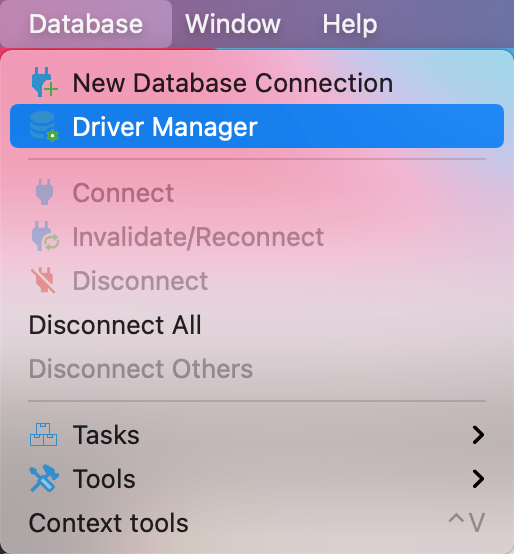
+
+4. Create a new driver type for IoTDB
+
+ 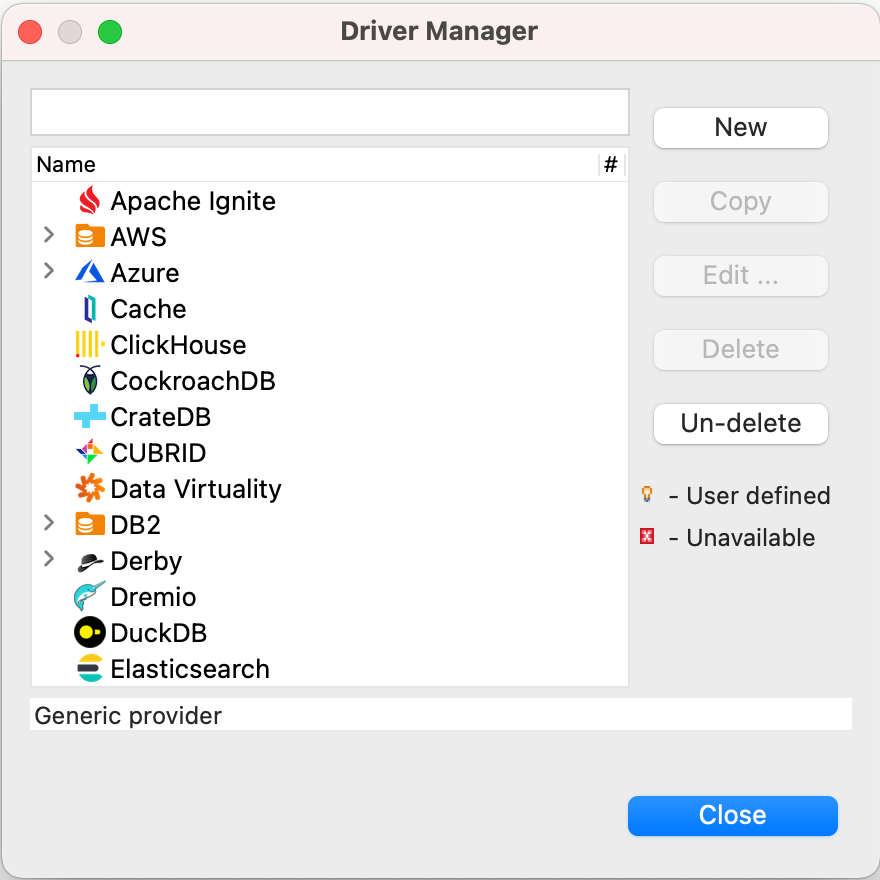
+
+5. Download `iotdb-jdbc`, from [source1](https://maven.proxy.ustclug.org/maven2/org/apache/iotdb/iotdb-jdbc/) or [source2](https://repo1.maven.org/maven2/org/apache/iotdb/iotdb-jdbc/),choose the corresponding jar file,download the suffix `jar-with-dependencies.jar` file.
+ 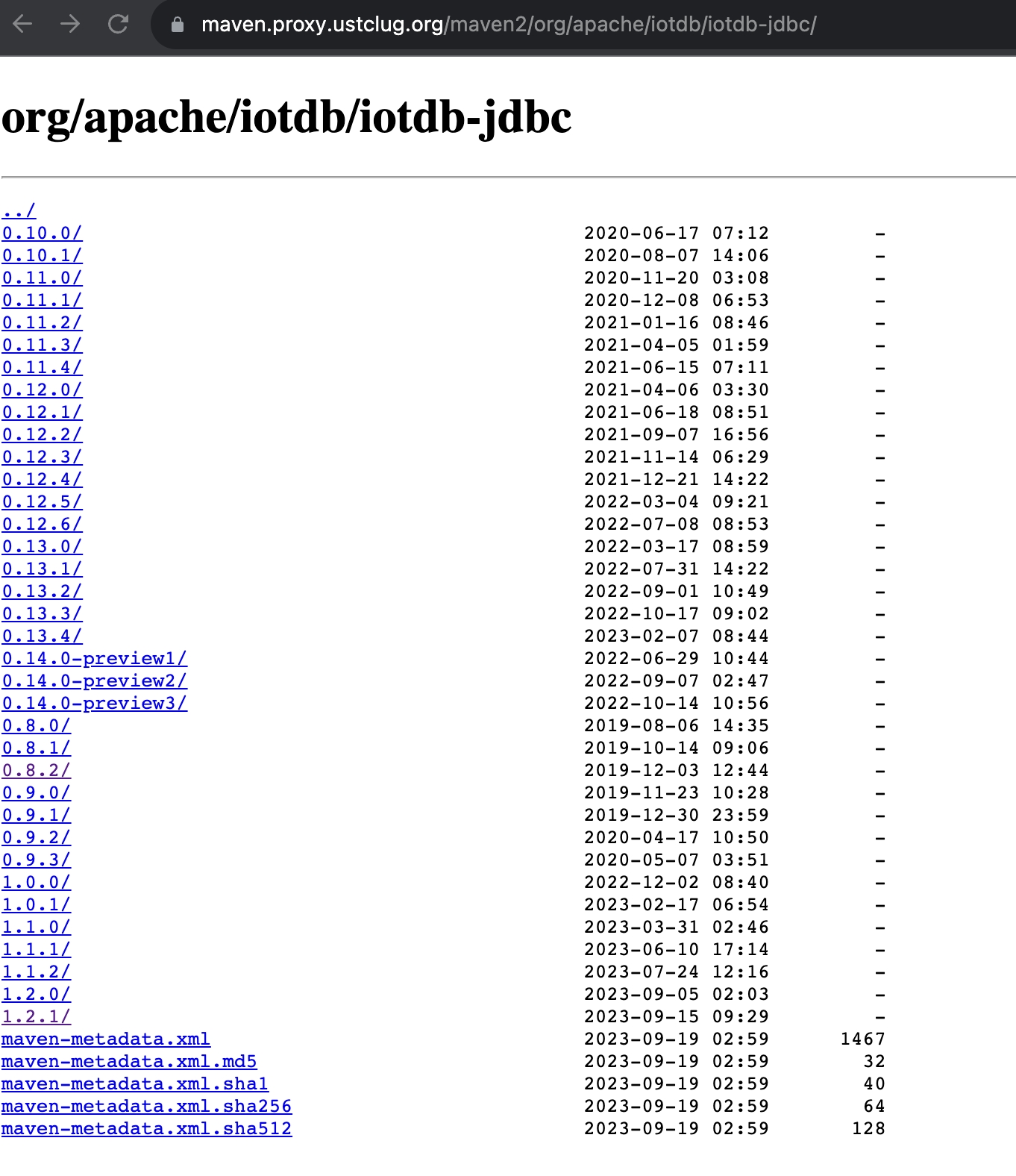
+
+6. Add the downloaded jar file, then select `Find Class`.
+
+ 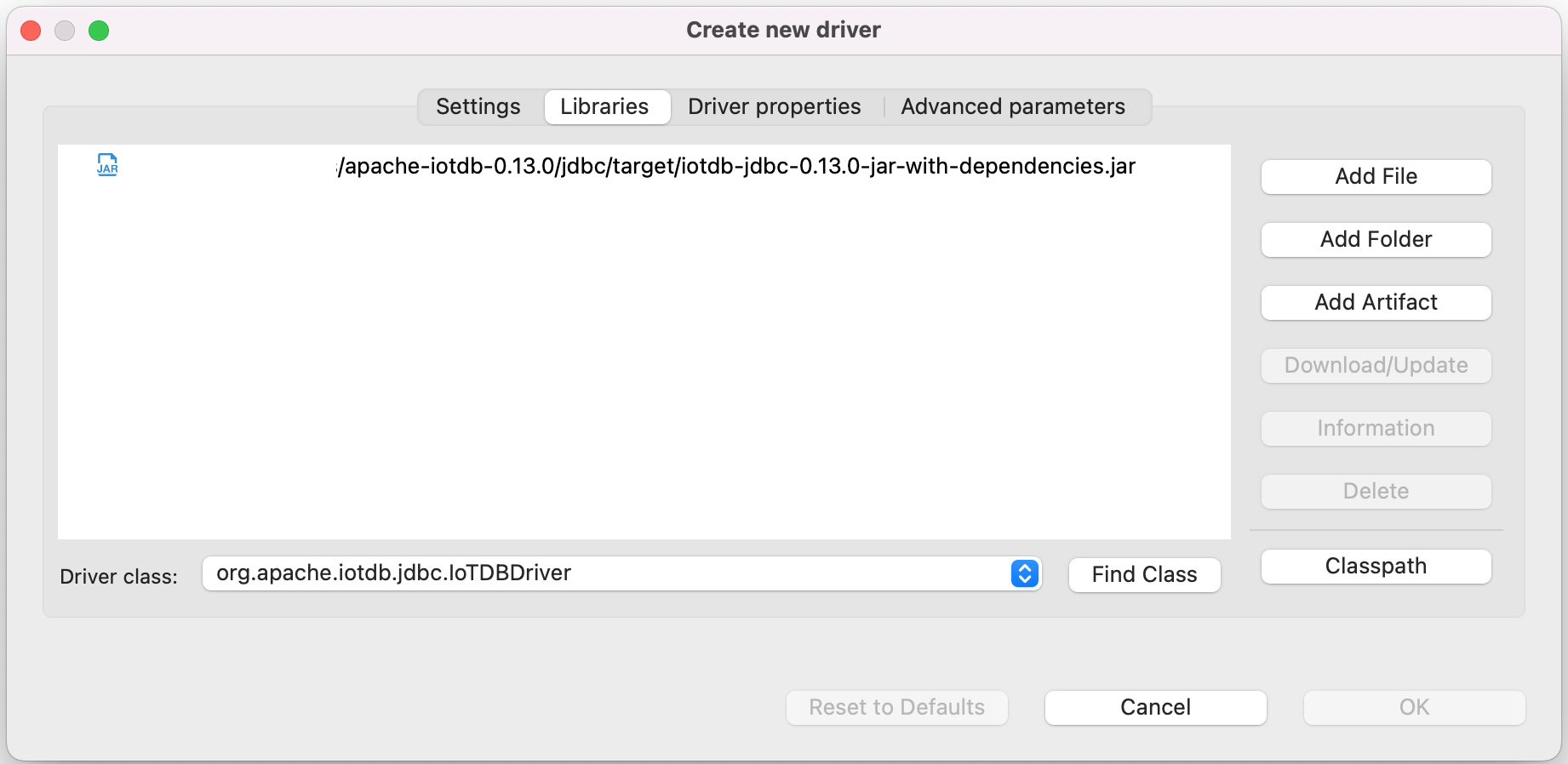
+
+7. Edit the driver Settings
+
+ 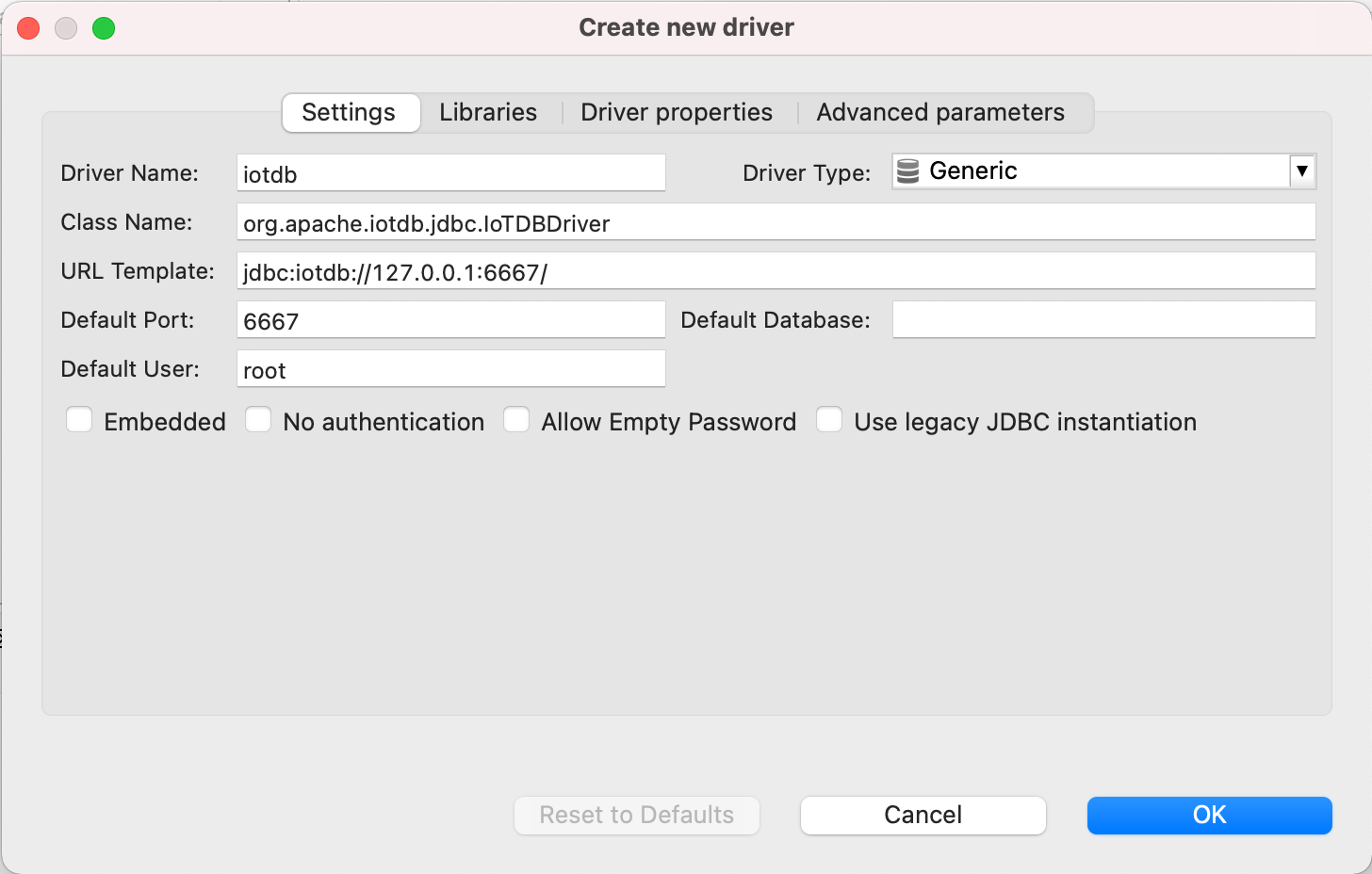
+
+ ```
+ Driver Name: IoTDB
+ Driver Type: Generic
+ URL Template: jdbc:iotdb://{host}:{port}/
+ Default Port: 6667
+ Default User: root
+ ```
+
+8. Open New DataBase Connection and select iotdb
+
+ 
+
+9. Edit JDBC Connection Settings
+
+ ```
+ JDBC URL: jdbc:iotdb://127.0.0.1:6667/
+ Username: root
+ Password: root
+ ```
+ 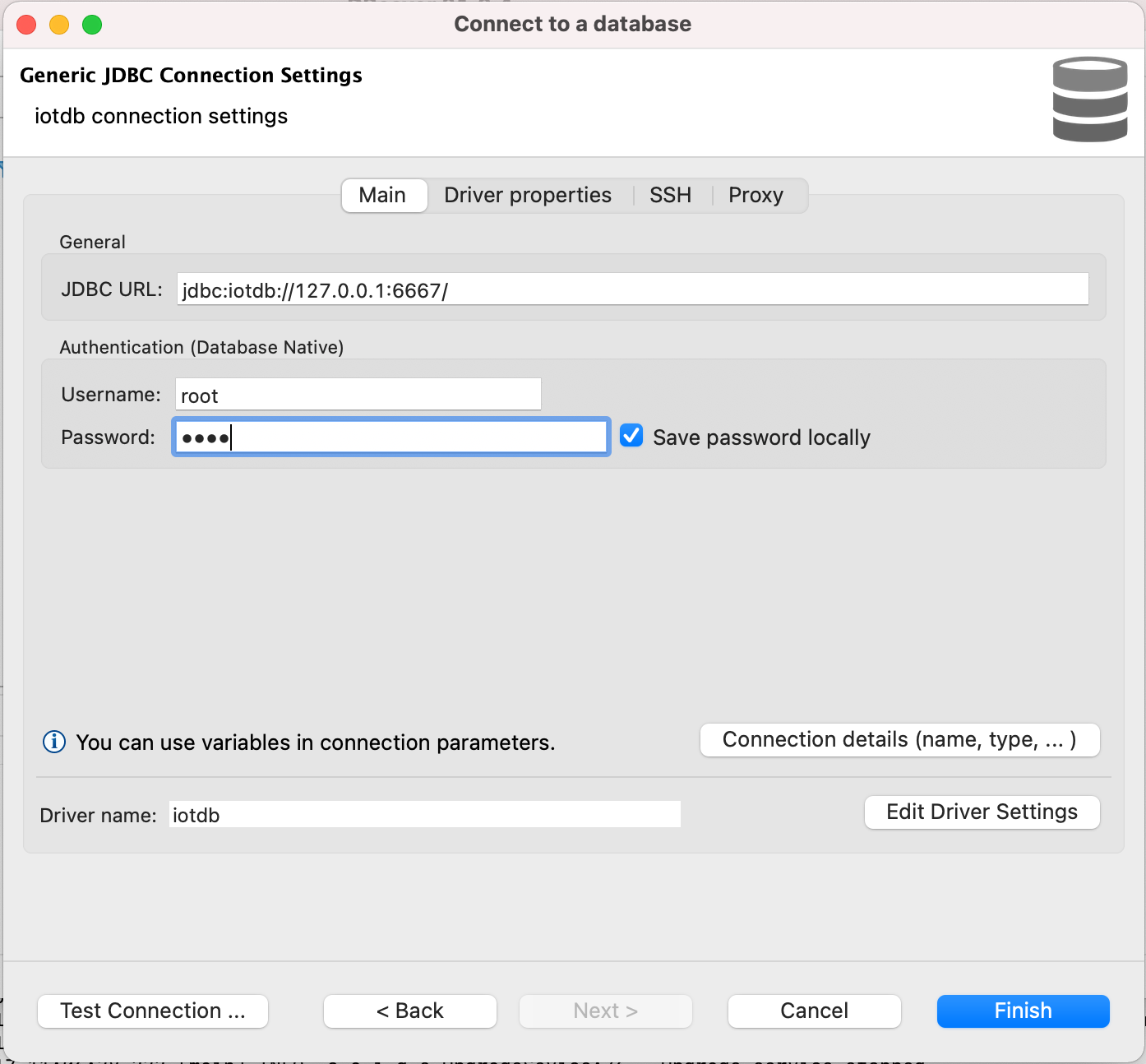
+
+10. Test Connection
+
+ 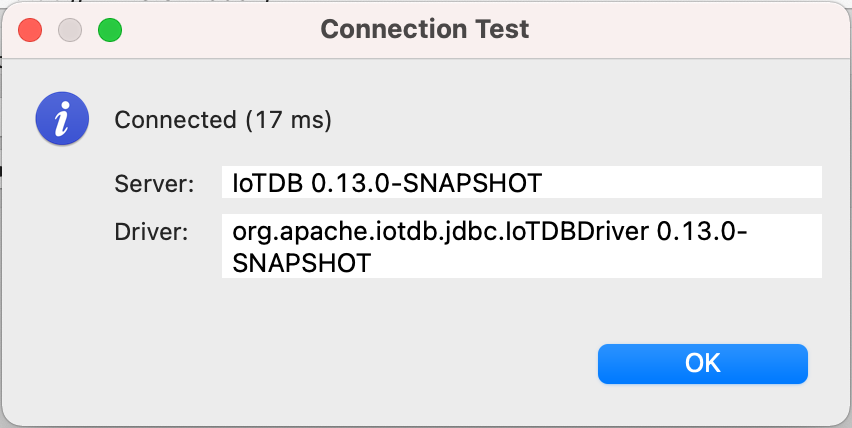
+
+11. Enjoy IoTDB with DBeaver
+
+ 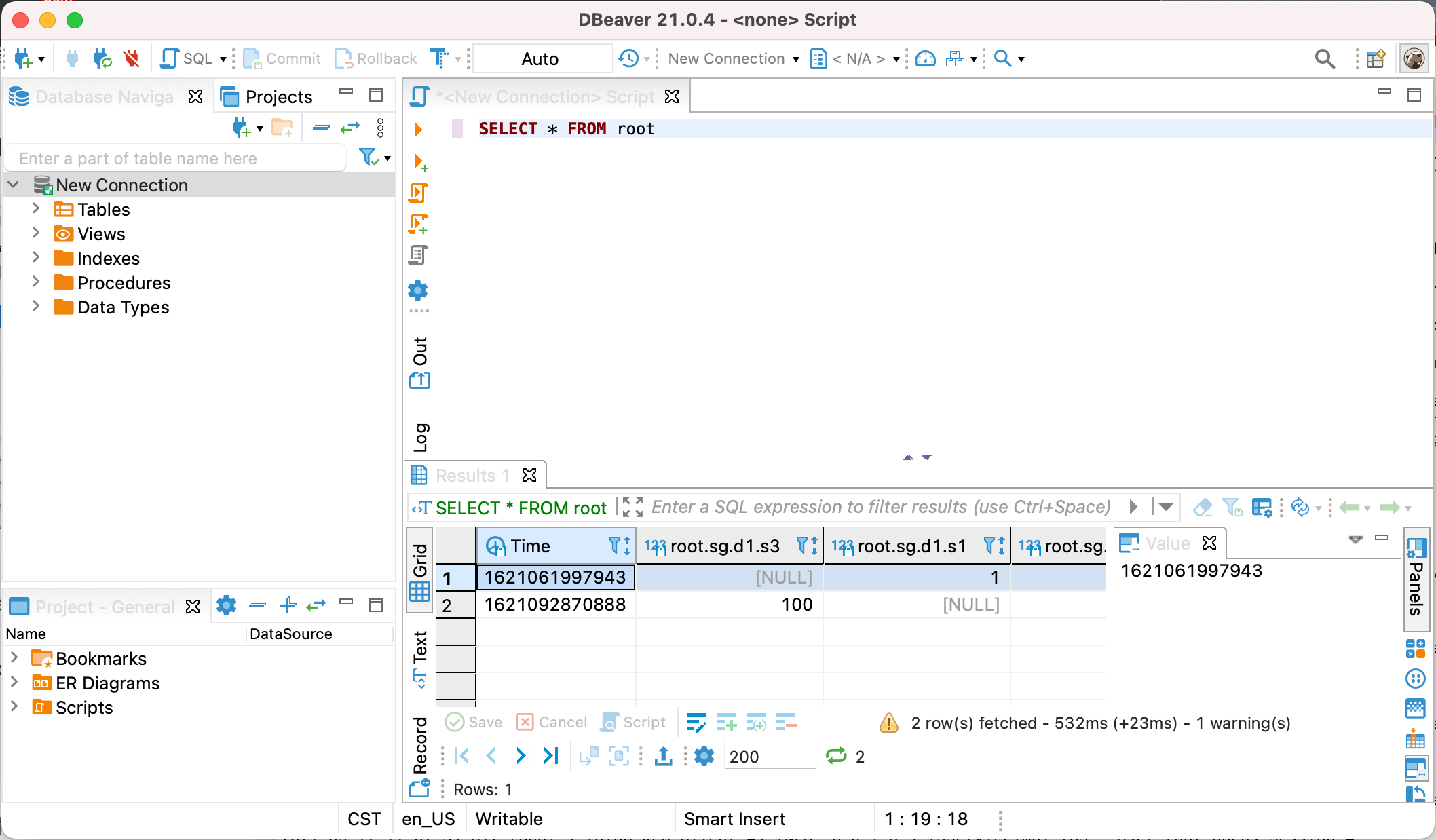
diff --git a/src/UserGuide/V1.3.0-2/Ecosystem-Integration/DataEase.md b/src/UserGuide/V1.3.0-2/Ecosystem-Integration/DataEase.md
new file mode 100644
index 00000000..7e471aaf
--- /dev/null
+++ b/src/UserGuide/V1.3.0-2/Ecosystem-Integration/DataEase.md
@@ -0,0 +1,228 @@
+<!--
+
+ Licensed to the Apache Software Foundation (ASF) under one
+ or more contributor license agreements. See the NOTICE file
+ distributed with this work for additional information
+ regarding copyright ownership. The ASF licenses this file
+ to you under the Apache License, Version 2.0 (the
+ "License"); you may not use this file except in compliance
+ with the License. You may obtain a copy of the License at
+
+ http://www.apache.org/licenses/LICENSE-2.0
+
+ Unless required by applicable law or agreed to in writing,
+ software distributed under the License is distributed on an
+ "AS IS" BASIS, WITHOUT WARRANTIES OR CONDITIONS OF ANY
+ KIND, either express or implied. See the License for the
+ specific language governing permissions and limitations
+ under the License.
+
+-->
+# DataEase
+
+## Product Overview
+
+1. Introduction to DataEase
+
+ DataEase is an open-source data visualization and analysis tool that provides a drag-and-drop interface, allowing users to easily create charts and dashboards. It supports multiple data sources such as MySQL, SQL Server, Hive, ClickHouse, and DM, and can be integrated into other applications. This tool helps users quickly gain insights from their data and make informed decisions. For more detailed information, please refer to [DataEase official website](https://www.fit2cloud.com/data [...]
+
+ <div style="text-align: center;">
+ <img src="https://alioss.timecho.com/docs/img/DataEase2.png" alt="" style="width: 60%;"/>
+ </div>
+
+2. Introduction to the DataEase-IoTDB Connector
+
+ IoTDB can be efficiently integrated with DataEase through API data sources, and IoTDB data can be accessed through the Session interface using API data source plugins. This plugin supports customized data processing functions, providing users with greater flexibility and more diverse data operation options.
+ <div style="text-align: center;">
+ <img src="https://alioss.timecho.com/docs/img/DataEase-English2.png" alt="" style="width: 70%;"/>
+ </div>
+
+## Installation Requirements
+
+| **Preparation Content** | **Version Requirements** |
+| :-------------------- | :----------------------------------------------------------- |
+| IoTDB | Version not required, please refer to [Deployment Guidance](https://www.timecho-global.com/docs/UserGuide/latest/Deployment-and-Maintenance/IoTDB-Package_timecho.html) |
+| JDK | Requires JDK 11 or higher (JDK 17 or above is recommended for optimal performance) |
+| DataEase | Requires v1 series v1.18 version, please refer to the official [DataEase Installation Guide](https://dataease.io/docs/v2/installation/offline_INSTL_and_UPG/)(V2.x is currently not supported. For integration with other versions, please contact Timecho) |
+| DataEase-IoTDB Connector | Please contact Timecho for assistance |
+
+## Installation Steps
+
+Step 1: Please contact Timecho to obtain the file and unzip the installation package `iotdb-api-source-1.0.0.zip`
+
+Step 2: After extracting the files, modify the `application.properties` configuration file in the `config` folder
+
+- `server.port` can be modified as needed.
+- `iotdb.nodeUrls` should be configured with the address and port of the IoTDB instance to be connected.
+- `iotdb.user` should be set to the IoTDB username.
+- `iotdb.password` should be set to the IoTDB password.
+
+```Properties
+# Port on which the IoTDB API Source listens
+server.port=8097
+# IoTDB instance addresses, multiple nodeUrls separated by ;
+iotdb.nodeUrls=127.0.0.1:6667
+# IoTDB username
+iotdb.user=root
+# IoTDB password
+iotdb.password=root
+```
+
+Step 3: Start up DataEase-IoTDB Connector
+
+- Foreground start
+
+```Shell
+./sbin/start.sh
+```
+
+- Background start (add - d parameter)
+
+```Shell
+./sbin/start.sh -d
+```
+
+Step 4: After startup, you can check whether the startup was successful through the log.
+
+```Shell
+ lsof -i:8097 // The port configured in the file where the IoTDB API Source listens
+```
+
+## Instructions
+
+### Sign in DataEase
+
+1. Sign in DataEase,access address: `http://[target server IP address]:80`
+<div style="text-align: center;">
+ <img src="https://alioss.timecho.com/docs/img/DataEase-English3.png" alt="" style="width: 70%;"/>
+</div>
+
+### Configure data source
+
+1. Navigate to "Data Source".
+<div style="text-align: center;">
+ <img src="https://alioss.timecho.com/docs/img/DataEase-English4.png" alt="" style="width: 70%;"/>
+</div>
+
+2. Click on the "+" on the top left corner, choose "API" at the bottom as data source.
+<div style="text-align: center;">
+ <img src="https://alioss.timecho.com/docs/img/DataEase-English5.png" alt="" style="width: 70%;"/>
+</div>
+
+3. Set the "Display Name" and add the API Data Source.
+<div style="text-align: center;">
+ <img src="https://alioss.timecho.com/docs/img/DataEase-English6.png" alt="" style="width: 70%;"/>
+</div>
+
+4. Set the name of the Dataset Table, select "Post" as the Request Type, fill in the address with `http://[IoTDB API Source]:[port]/getData>`. If operating on the local machine and using the default port, the address should be set to `http://127.0.0.1:8097/getData`.
+<div style="text-align: center;">
+ <img src="https://alioss.timecho.com/docs/img/DataEase-English7.png" alt="" style="width: 70%;"/>
+</div>
+
+5. In the "Request parameters"-"Request Body" configuration, set the format as "JSON". Please fill in the parameters according to the following example:
+ - timeseries:The full path of the series to be queried (currently only one series can be queried).
+ - limit:The number of entries to query (valid range is greater than 0 and less than 100,000).
+
+ ```JSON
+ {
+ "timeseries": "root.ln.wf03.wt03.speed",
+ "limit": 1000
+ }
+ ```
+<div style="text-align: center;">
+ <img src="https://alioss.timecho.com/docs/img/DataEase-English8.png" alt="" style="width: 70%;"/>
+</div>
+
+6. In the "Request parameters"-"Request Body" configuration, set "Basic Auth" as the verification method, and enter the IoTDB username and password.
+<div style="text-align: center;">
+ <img src="https://alioss.timecho.com/docs/img/DataEase-English9.png" alt="" style="width: 70%;"/>
+</div>
+
+7. In the next step, results are returned in the "data" section. For example, it returns `time`, `rownumber` and `value` as shown in the interface below. The date type for each field also need to be specified. After completing the settings, click the "Save" button in the bottom.
+<div style="text-align: center;">
+ <img src="https://alioss.timecho.com/docs/img/DataEase-English11.png" alt="" style="width: 70%;"/>
+</div>
+
+8. Save the settings to complete creating new API data source.
+<div style="text-align: center;">
+ <img src="https://alioss.timecho.com/docs/img/DataEase-English12.png" alt="" style="width: 70%;"/>
+</div>
+
+9. You can now view and edit the data source and its detailed information under "API"-"Data Source".
+<div style="text-align: center;">
+ <img src="https://alioss.timecho.com/docs/img/DataEase-English13.png" alt="" style="width: 70%;"/>
+</div>
+
+### Configure the Dataset
+
+1. Create API dataset: Navigate to "Data Set",click on the "+" on the top left corner, select "API dataset" and choose the directory where this dataset is located to enter the New API Dataset interface.
+<div style="text-align: center;">
+ <img src="https://alioss.timecho.com/docs/img/DataEase-English14.png" alt="" style="width: 49%;"/>
+ <img src="https://alioss.timecho.com/docs/img/DataEase-English15.png" alt="" style="width: 49%;"/>
+</div>
+
+2. Select the newly created API data source and the corresponding dataset table, then define the DataSet Name. Save the settings to complete the creation of the dataset.
+<div style="text-align: center;">
+ <img src="https://alioss.timecho.com/docs/img/DataEase-English16.png" alt="" style="width: 49%;"/>
+ <img src="https://alioss.timecho.com/docs/img/DataEase-English17.png" alt="" style="width: 49%;"/>
+</div>
+
+3. Select the newly created dataset and navigate to "Field Manage", check the required fields (such as `rowNum`) and convert them to dimensions.
+<div style="text-align: center;">
+ <img src="https://alioss.timecho.com/docs/img/DataEase-English18.png" alt="" style="width: 70%;"/>
+</div>
+
+4. Configure update frequency: Click on "Add Task" under "Update info" tag and set the following information:
+
+ - Task Name: Define the task name
+
+ - Update method: Select "Full update"
+
+ - Execution frequency: Set according to the actual situation. Considering the data retrieval speed of DataEase, it is recommended to set the update frequency to more than 5 seconds. For example, to set the update frequency to every 5 seconds, select "Expression setting" and configure the cron expression as `0/5****?*`.
+ Click on "Confirm" to save the settings.
+<div style="text-align: center;">
+ <img src="https://alioss.timecho.com/docs/img/DataEase-English19.png" alt="" style="width: 70%;"/>
+</div>
+
+5. The task is now successfully added. You can click "Execution record" to view the logs.
+<div style="text-align: center;">
+ <img src="https://alioss.timecho.com/docs/img/DataEase-English20.png" alt="" style="width: 70%;"/>
+</div>
+
+### Configure Dashboard
+
+1. Navigate to "Dashboard", click on "+" to create a directory, then click on "+" of the directory and select "Create Dashboard".
+<div style="text-align: center;">
+ <img src="https://alioss.timecho.com/docs/img/DataEase-English21.png" alt="" style="width: 70%;"/>
+</div>
+
+2. After setting up as needed, click on "Confirm". We will taking "Custom" setting as an example.
+<div style="text-align: center;">
+ <img src="https://alioss.timecho.com/docs/img/DataEase-English22.png" alt="" style="width: 70%;"/>
+</div>
+
+3. In the new dashboard interface, click on "Chart" to open a pop-up window for adding views. Select the previously created dataset and click on "Next".
+<div style="text-align: center;">
+ <img src="https://alioss.timecho.com/docs/img/DataEase-English23.png" alt="" style="width: 70%;"/>
+</div>
+
+4. Choose a chart type by need and define the chart title. We take "Base Line" as an example. Confirm to proceed.
+<div style="text-align: center;">
+ <img src="https://alioss.timecho.com/docs/img/DataEase-English24.png" alt="" style="width: 70%;"/>
+</div>
+
+5. In the chart configuration interface, drag and drop the `rowNum` field to the category axis (usually the X-axis) and the `value` field to the value axis (usually the Y-axis).
+<div style="text-align: center;">
+ <img src="https://alioss.timecho.com/docs/img/DataEase-English25.png" alt="" style="width: 70%;"/>
+</div>
+
+6. In the chart's category axis settings, set the sorting order to ascending, so that the data will be displayed in increasing order. Set the data refresh frequency to determine the frequency of chart updates. After completing these settings, you can further adjust other format and style options for the chart, such as color, size, etc., to meet display needs. Once adjustments are made, click the "Save" button to save the chart configuration.
+>Since DataEase may cause the API data, originally returned in ascending order, to become disordered after automatically updating the dataset, it is necessary to manually specify the sorting order in the chart configuration.
+<div style="text-align: center;">
+ <img src="https://alioss.timecho.com/docs/img/DataEase-English26.png" alt="" style="width: 70%;"/>
+</div>
+
+7. After exiting the editing mode, you will be able to see the corresponding chart.
+<div style="text-align: center;">
+ <img src="https://alioss.timecho.com/docs/img/DataEase-English27.png" alt="" style="width: 70%;"/>
+</div>
\ No newline at end of file
diff --git a/src/UserGuide/latest/Ecosystem-Integration/Flink-IoTDB.md b/src/UserGuide/V1.3.0-2/Ecosystem-Integration/Flink-IoTDB.md
similarity index 100%
copy from src/UserGuide/latest/Ecosystem-Integration/Flink-IoTDB.md
copy to src/UserGuide/V1.3.0-2/Ecosystem-Integration/Flink-IoTDB.md
diff --git a/src/UserGuide/V1.3.0-2/Ecosystem-Integration/Flink-TsFile.md b/src/UserGuide/V1.3.0-2/Ecosystem-Integration/Flink-TsFile.md
new file mode 100644
index 00000000..e1ea626d
--- /dev/null
+++ b/src/UserGuide/V1.3.0-2/Ecosystem-Integration/Flink-TsFile.md
@@ -0,0 +1,180 @@
+<!--
+
+ Licensed to the Apache Software Foundation (ASF) under one
+ or more contributor license agreements. See the NOTICE file
+ distributed with this work for additional information
+ regarding copyright ownership. The ASF licenses this file
+ to you under the Apache License, Version 2.0 (the
+ "License"); you may not use this file except in compliance
+ with the License. You may obtain a copy of the License at
+
+ http://www.apache.org/licenses/LICENSE-2.0
+
+ Unless required by applicable law or agreed to in writing,
+ software distributed under the License is distributed on an
+ "AS IS" BASIS, WITHOUT WARRANTIES OR CONDITIONS OF ANY
+ KIND, either express or implied. See the License for the
+ specific language governing permissions and limitations
+ under the License.
+
+-->
+
+# Apache Flink(TsFile)
+
+## About Flink-TsFile-Connector
+
+Flink-TsFile-Connector implements the support of Flink for external data sources of Tsfile type.
+This enables users to read and write Tsfile by Flink via DataStream/DataSet API.
+
+With this connector, you can
+
+* load a single TsFile or multiple TsFiles(only for DataSet), from either the local file system or hdfs, into Flink
+* load all files in a specific directory, from either the local file system or hdfs, into Flink
+
+## Quick Start
+
+### TsFileInputFormat Example
+
+1. create TsFileInputFormat with default RowRowRecordParser.
+
+```java
+String[] filedNames = {
+ QueryConstant.RESERVED_TIME,
+ "device_1.sensor_1",
+ "device_1.sensor_2",
+ "device_1.sensor_3",
+ "device_2.sensor_1",
+ "device_2.sensor_2",
+ "device_2.sensor_3"
+};
+TypeInformation[] typeInformations = new TypeInformation[] {
+ Types.LONG,
+ Types.FLOAT,
+ Types.INT,
+ Types.INT,
+ Types.FLOAT,
+ Types.INT,
+ Types.INT
+};
+List<Path> paths = Arrays.stream(filedNames)
+ .filter(s -> !s.equals(QueryConstant.RESERVED_TIME))
+ .map(Path::new)
+ .collect(Collectors.toList());
+RowTypeInfo rowTypeInfo = new RowTypeInfo(typeInformations, filedNames);
+QueryExpression queryExpression = QueryExpression.create(paths, null);
+RowRowRecordParser parser = RowRowRecordParser.create(rowTypeInfo, queryExpression.getSelectedSeries());
+TsFileInputFormat inputFormat = new TsFileInputFormat<>(queryExpression, parser);
+```
+
+2. Read data from the input format and print to stdout:
+
+DataStream:
+
+```java
+StreamExecutionEnvironment senv = StreamExecutionEnvironment.getExecutionEnvironment();
+inputFormat.setFilePath("source.tsfile");
+DataStream<Row> source = senv.createInput(inputFormat);
+DataStream<String> rowString = source.map(Row::toString);
+Iterator<String> result = DataStreamUtils.collect(rowString);
+while (result.hasNext()) {
+ System.out.println(result.next());
+}
+```
+
+DataSet:
+
+```java
+ExecutionEnvironment env = ExecutionEnvironment.getExecutionEnvironment();
+inputFormat.setFilePath("source.tsfile");
+DataSet<Row> source = env.createInput(inputFormat);
+List<String> result = source.map(Row::toString).collect();
+for (String s : result) {
+ System.out.println(s);
+}
+```
+
+### Example of TSRecordOutputFormat
+
+1. create TSRecordOutputFormat with default RowTSRecordConverter.
+
+```java
+String[] filedNames = {
+ QueryConstant.RESERVED_TIME,
+ "device_1.sensor_1",
+ "device_1.sensor_2",
+ "device_1.sensor_3",
+ "device_2.sensor_1",
+ "device_2.sensor_2",
+ "device_2.sensor_3"
+};
+TypeInformation[] typeInformations = new TypeInformation[] {
+ Types.LONG,
+ Types.LONG,
+ Types.LONG,
+ Types.LONG,
+ Types.LONG,
+ Types.LONG,
+ Types.LONG
+};
+RowTypeInfo rowTypeInfo = new RowTypeInfo(typeInformations, filedNames);
+Schema schema = new Schema();
+schema.extendTemplate("template", new MeasurementSchema("sensor_1", TSDataType.INT64, TSEncoding.TS_2DIFF));
+schema.extendTemplate("template", new MeasurementSchema("sensor_2", TSDataType.INT64, TSEncoding.TS_2DIFF));
+schema.extendTemplate("template", new MeasurementSchema("sensor_3", TSDataType.INT64, TSEncoding.TS_2DIFF));
+RowTSRecordConverter converter = new RowTSRecordConverter(rowTypeInfo);
+TSRecordOutputFormat<Row> outputFormat = new TSRecordOutputFormat<>(schema, converter);
+```
+
+2. write data via the output format:
+
+DataStream:
+
+```java
+StreamExecutionEnvironment senv = StreamExecutionEnvironment.getExecutionEnvironment();
+senv.setParallelism(1);
+List<Tuple7> data = new ArrayList<>(7);
+data.add(new Tuple7(1L, 2L, 3L, 4L, 5L, 6L, 7L));
+data.add(new Tuple7(2L, 3L, 4L, 5L, 6L, 7L, 8L));
+data.add(new Tuple7(3L, 4L, 5L, 6L, 7L, 8L, 9L));
+data.add(new Tuple7(4L, 5L, 6L, 7L, 8L, 9L, 10L));
+data.add(new Tuple7(6L, 6L, 7L, 8L, 9L, 10L, 11L));
+data.add(new Tuple7(7L, 7L, 8L, 9L, 10L, 11L, 12L));
+data.add(new Tuple7(8L, 8L, 9L, 10L, 11L, 12L, 13L));
+outputFormat.setOutputFilePath(new org.apache.flink.core.fs.Path(path));
+DataStream<Tuple7> source = senv.fromCollection(
+ data, Types.TUPLE(Types.LONG, Types.LONG, Types.LONG, Types.LONG, Types.LONG, Types.LONG, Types.LONG));
+source.map(t -> {
+ Row row = new Row(7);
+ for (int i = 0; i < 7; i++) {
+ row.setField(i, t.getField(i));
+ }
+ return row;
+}).returns(rowTypeInfo).writeUsingOutputFormat(outputFormat);
+senv.execute();
+```
+
+DataSet:
+
+```java
+ExecutionEnvironment env = ExecutionEnvironment.getExecutionEnvironment();
+env.setParallelism(1);
+List<Tuple7> data = new ArrayList<>(7);
+data.add(new Tuple7(1L, 2L, 3L, 4L, 5L, 6L, 7L));
+data.add(new Tuple7(2L, 3L, 4L, 5L, 6L, 7L, 8L));
+data.add(new Tuple7(3L, 4L, 5L, 6L, 7L, 8L, 9L));
+data.add(new Tuple7(4L, 5L, 6L, 7L, 8L, 9L, 10L));
+data.add(new Tuple7(6L, 6L, 7L, 8L, 9L, 10L, 11L));
+data.add(new Tuple7(7L, 7L, 8L, 9L, 10L, 11L, 12L));
+data.add(new Tuple7(8L, 8L, 9L, 10L, 11L, 12L, 13L));
+DataSet<Tuple7> source = env.fromCollection(
+ data, Types.TUPLE(Types.LONG, Types.LONG, Types.LONG, Types.LONG, Types.LONG, Types.LONG, Types.LONG));
+source.map(t -> {
+ Row row = new Row(7);
+ for (int i = 0; i < 7; i++) {
+ row.setField(i, t.getField(i));
+ }
+ return row;
+}).returns(rowTypeInfo).write(outputFormat, path);
+env.execute();
+```
+
diff --git a/src/UserGuide/V1.3.0-2/Ecosystem-Integration/Grafana-Connector.md b/src/UserGuide/V1.3.0-2/Ecosystem-Integration/Grafana-Connector.md
new file mode 100644
index 00000000..ceb6ec9f
--- /dev/null
+++ b/src/UserGuide/V1.3.0-2/Ecosystem-Integration/Grafana-Connector.md
@@ -0,0 +1,180 @@
+<!--
+
+ Licensed to the Apache Software Foundation (ASF) under one
+ or more contributor license agreements. See the NOTICE file
+ distributed with this work for additional information
+ regarding copyright ownership. The ASF licenses this file
+ to you under the Apache License, Version 2.0 (the
+ "License"); you may not use this file except in compliance
+ with the License. You may obtain a copy of the License at
+
+ http://www.apache.org/licenses/LICENSE-2.0
+
+ Unless required by applicable law or agreed to in writing,
+ software distributed under the License is distributed on an
+ "AS IS" BASIS, WITHOUT WARRANTIES OR CONDITIONS OF ANY
+ KIND, either express or implied. See the License for the
+ specific language governing permissions and limitations
+ under the License.
+
+-->
+
+# Grafana(IoTDB)
+
+Grafana is an open source volume metrics monitoring and visualization tool, which can be used to display time series data and application runtime analysis. Grafana supports Graphite, InfluxDB and other major time series databases as data sources. IoTDB-Grafana-Connector is a connector which we developed to show time series data in IoTDB by reading data from IoTDB and sends to Grafana(https://grafana.com/). Before using this tool, make sure Grafana and IoTDB are correctly installed and started.
+
+## Installation and deployment
+
+### Install Grafana
+
+* Download url: https://grafana.com/grafana/download
+* Version >= 4.4.1
+
+### Install data source plugin
+
+* Plugin name: simple-json-datasource
+* Download url: https://github.com/grafana/simple-json-datasource
+
+After downloading this plugin, use the grafana-cli tool to install SimpleJson from the commandline:
+
+```
+grafana-cli plugins install grafana-simple-json-datasource
+```
+
+Alternatively, manually download the .zip file and unpack it into grafana plugins directory.
+
+* `{grafana-install-directory}\data\plugins\` (Windows)
+* `/var/lib/grafana/plugins` (Linux)
+* `/usr/local/var/lib/grafana/plugins`(Mac)
+
+Then you need to restart grafana server, then you can use browser to visit grafana.
+
+If you see "SimpleJson" in "Type" of "Add data source" pages, then it is install successfully.
+
+Or, if you meet following errors:
+
+```
+Unsigned plugins were found during plugin initialization. Grafana Labs cannot guarantee the integrity of these plugins. We recommend only using signed plugins.
+The following plugins are disabled and not shown in the list below:
+```
+
+Please try to find config file of grafana(eg. customer.ini in windows, and /etc/grafana/grafana.ini in linux), then add following configuration:
+
+```
+allow_loading_unsigned_plugins = "grafana-simple-json-datasource"
+```
+
+### Start Grafana
+If Unix is used, Grafana will start automatically after installing, or you can run `sudo service grafana-server start` command. See more information [here](http://docs.grafana.org/installation/debian/).
+
+If Mac and `homebrew` are used to install Grafana, you can use `homebrew` to start Grafana.
+First make sure homebrew/services is installed by running `brew tap homebrew/services`, then start Grafana using: `brew services start grafana`.
+See more information [here](http://docs.grafana.org/installation/mac/).
+
+If Windows is used, start Grafana by executing grafana-server.exe, located in the bin directory, preferably from the command line. See more information [here](http://docs.grafana.org/installation/windows/).
+
+## IoTDB installation
+
+See https://github.com/apache/iotdb
+
+## IoTDB-Grafana-Connector installation
+
+```shell
+git clone https://github.com/apache/iotdb.git
+```
+
+## Start IoTDB-Grafana-Connector
+
+* Option one
+
+Import the entire project, after the maven dependency is installed, directly run`iotdb/grafana-connector/rc/main/java/org/apache/iotdb/web/grafana`directory` TsfileWebDemoApplication.java`, this grafana connector is developed by springboot
+
+* Option two
+
+In `/grafana/target/`directory
+
+```shell
+cd iotdb
+mvn clean package -pl iotdb-connector/grafana-connector -am -Dmaven.test.skip=true
+cd iotdb-connector/grafana-connector/target
+java -jar iotdb-grafana-connector-{version}.war
+```
+
+If following output is displayed, then iotdb-grafana-connector connector is successfully activated.
+
+```shell
+$ java -jar iotdb-grafana-connector-{version}.war
+
+ . ____ _ __ _ _
+ /\\ / ___'_ __ _ _(_)_ __ __ _ \ \ \ \
+( ( )\___ | '_ | '_| | '_ \/ _` | \ \ \ \
+ \\/ ___)| |_)| | | | | || (_| | ) ) ) )
+ ' |____| .__|_| |_|_| |_\__, | / / / /
+ =========|_|==============|___/=/_/_/_/
+ :: Spring Boot :: (v1.5.4.RELEASE)
+...
+```
+
+To configure properties, move the `grafana-connector/src/main/resources/application.properties` to the same directory as the war package (`grafana/target`)
+
+## Explore in Grafana
+
+The default port of Grafana is 3000, see http://localhost:3000/
+
+Username and password are both "admin" by default.
+
+### Add data source
+
+Select `Data Sources` and then `Add data source`, select `SimpleJson` in `Type` and `URL` is http://localhost:8888.
+After that, make sure IoTDB has been started, click "Save & Test", and "Data Source is working" will be shown to indicate successful configuration.
+<img style="width:100%; max-width:800px; max-height:600px; margin-left:auto; margin-right:auto; display:block;" src="https://alioss.timecho.com/docs/img/github/51664777-2766ae00-1ff5-11e9-9d2f-7489f8ccbfc2.png">
+
+<img style="width:100%; max-width:800px; max-height:600px; margin-left:auto; margin-right:auto; display:block;" src="https://alioss.timecho.com/docs/img/github/51664842-554bf280-1ff5-11e9-97d2-54eebe0b2ca1.png">
+
+### Design in dashboard
+
+Add diagrams in dashboard and customize your query. See http://docs.grafana.org/guides/getting_started/
+
+<img style="width:100%; max-width:800px; max-height:600px; margin-left:auto; margin-right:auto; display:block;" src="https://alioss.timecho.com/docs/img/github/51664878-6e54a380-1ff5-11e9-9718-4d0e24627fa8.png">
+
+## config grafana
+
+```
+# ip and port of IoTDB
+spring.datasource.url=jdbc:iotdb://127.0.0.1:6667/
+spring.datasource.username=root
+spring.datasource.password=root
+spring.datasource.driver-class-name=org.apache.iotdb.jdbc.IoTDBDriver
+server.port=8888
+# Use this value to set timestamp precision as "ms", "us" or "ns", which must to be same with the timestamp
+# precision of Apache IoTDB engine.
+timestamp_precision=ms
+
+# Use this value to set down sampling true/false
+isDownSampling=true
+# defaut sampling intervals
+interval=1m
+# aggregation function to use to downsampling the data (int, long, float, double)
+# COUNT, FIRST_VALUE, LAST_VALUE, MAX_TIME, MAX_VALUE, AVG, MIN_TIME, MIN_VALUE, NOW, SUM
+continuous_data_function=AVG
+# aggregation function to use to downsampling the data (boolean, string)
+# COUNT, FIRST_VALUE, LAST_VALUE, MAX_TIME, MIN_TIME, NOW
+discrete_data_function=LAST_VALUE
+```
+
+The specific configuration information of interval is as follows
+
+<1h: no sampling
+
+1h~1d : intervals = 1m
+
+1d~30d:intervals = 1h
+
+\>30d:intervals = 1d
+
+After configuration, please re-run war package
+
+```
+java -jar iotdb-grafana-connector-{version}.war
+```
+
diff --git a/src/UserGuide/latest/Ecosystem-Integration/Grafana-Plugin.md b/src/UserGuide/V1.3.0-2/Ecosystem-Integration/Grafana-Plugin.md
similarity index 100%
copy from src/UserGuide/latest/Ecosystem-Integration/Grafana-Plugin.md
copy to src/UserGuide/V1.3.0-2/Ecosystem-Integration/Grafana-Plugin.md
diff --git a/src/UserGuide/V1.3.0-2/Ecosystem-Integration/Hive-TsFile.md b/src/UserGuide/V1.3.0-2/Ecosystem-Integration/Hive-TsFile.md
new file mode 100644
index 00000000..e8b4dc30
--- /dev/null
+++ b/src/UserGuide/V1.3.0-2/Ecosystem-Integration/Hive-TsFile.md
@@ -0,0 +1,170 @@
+<!--
+
+ Licensed to the Apache Software Foundation (ASF) under one
+ or more contributor license agreements. See the NOTICE file
+ distributed with this work for additional information
+ regarding copyright ownership. The ASF licenses this file
+ to you under the Apache License, Version 2.0 (the
+ "License"); you may not use this file except in compliance
+ with the License. You may obtain a copy of the License at
+
+ http://www.apache.org/licenses/LICENSE-2.0
+
+ Unless required by applicable law or agreed to in writing,
+ software distributed under the License is distributed on an
+ "AS IS" BASIS, WITHOUT WARRANTIES OR CONDITIONS OF ANY
+ KIND, either express or implied. See the License for the
+ specific language governing permissions and limitations
+ under the License.
+
+-->
+# Apache Hive(TsFile)
+
+## About Hive-TsFile-Connector
+
+Hive-TsFile-Connector implements the support of Hive for external data sources of Tsfile type. This enables users to operate TsFile by Hive.
+
+With this connector, you can
+
+* Load a single TsFile, from either the local file system or hdfs, into hive
+* Load all files in a specific directory, from either the local file system or hdfs, into hive
+* Query the tsfile through HQL.
+* As of now, the write operation is not supported in hive-connector. So, insert operation in HQL is not allowed while operating tsfile through hive.
+
+## System Requirements
+
+|Hadoop Version |Hive Version | Java Version | TsFile |
+|------------- |------------ | ------------ |------------ |
+| `2.7.3` or `3.2.1` | `2.3.6` or `3.1.2` | `1.8` | `1.0.0`|
+
+> Note: For more information about how to download and use TsFile, please see the following link: https://github.com/apache/iotdb/tree/master/tsfile.
+
+## Data Type Correspondence
+
+| TsFile data type | Hive field type |
+| ---------------- | --------------- |
+| BOOLEAN | Boolean |
+| INT32 | INT |
+| INT64 | BIGINT |
+| FLOAT | Float |
+| DOUBLE | Double |
+| TEXT | STRING |
+
+
+## Add Dependency For Hive
+
+To use hive-connector in hive, we should add the hive-connector jar into hive.
+
+After downloading the code of iotdb from <https://github.com/apache/iotdb>, you can use the command of `mvn clean package -pl iotdb-connector/hive-connector -am -Dmaven.test.skip=true -P get-jar-with-dependencies` to get a `hive-connector-X.X.X-jar-with-dependencies.jar`.
+
+Then in hive, use the command of `add jar XXX` to add the dependency. For example:
+
+```
+hive> add jar /Users/hive/iotdb/hive-connector/target/hive-connector-1.0.0-jar-with-dependencies.jar;
+
+Added [/Users/hive/iotdb/hive-connector/target/hive-connector-1.0.0-jar-with-dependencies.jar] to class path
+Added resources: [/Users/hive/iotdb/hive-connector/target/hive-connector-1.0.0-jar-with-dependencies.jar]
+```
+
+
+## Create Tsfile-backed Hive tables
+
+To create a Tsfile-backed table, specify the `serde` as `org.apache.iotdb.hive.TsFileSerDe`,
+specify the `inputformat` as `org.apache.iotdb.hive.TSFHiveInputFormat`,
+and the `outputformat` as `org.apache.iotdb.hive.TSFHiveOutputFormat`.
+
+Also provide a schema which only contains two fields: `time_stamp` and `sensor_id` for the table.
+`time_stamp` is the time value of the time series
+and `sensor_id` is the sensor name to extract from the tsfile to hive such as `sensor_1`.
+The name of the table can be any valid table names in hive.
+
+Also a location provided for hive-connector to pull the most current data for the table.
+
+The location should be a specific directory on your local file system or HDFS to set up Hadoop.
+If it is in your local file system, the location should look like `file:///data/data/sequence/root.baic2.WWS.leftfrontdoor/`
+
+Last, set the `device_id` in `TBLPROPERTIES` to the device name you want to analyze.
+
+For example:
+
+```
+CREATE EXTERNAL TABLE IF NOT EXISTS only_sensor_1(
+ time_stamp TIMESTAMP,
+ sensor_1 BIGINT)
+ROW FORMAT SERDE 'org.apache.iotdb.hive.TsFileSerDe'
+STORED AS
+ INPUTFORMAT 'org.apache.iotdb.hive.TSFHiveInputFormat'
+ OUTPUTFORMAT 'org.apache.iotdb.hive.TSFHiveOutputFormat'
+LOCATION '/data/data/sequence/root.baic2.WWS.leftfrontdoor/'
+TBLPROPERTIES ('device_id'='root.baic2.WWS.leftfrontdoor.plc1');
+```
+In this example, the data of `root.baic2.WWS.leftfrontdoor.plc1.sensor_1` is pulled from the directory of `/data/data/sequence/root.baic2.WWS.leftfrontdoor/`.
+This table results in a description as below:
+
+```
+hive> describe only_sensor_1;
+OK
+time_stamp timestamp from deserializer
+sensor_1 bigint from deserializer
+Time taken: 0.053 seconds, Fetched: 2 row(s)
+```
+At this point, the Tsfile-backed table can be worked with in Hive like any other table.
+
+## Query from TsFile-backed Hive tables
+
+Before we do any queries, we should set the `hive.input.format` in hive by executing the following command.
+
+```
+hive> set hive.input.format=org.apache.hadoop.hive.ql.io.HiveInputFormat;
+```
+
+Now, we already have an external table named `only_sensor_1` in hive.
+We can use any query operations through HQL to analyse it.
+
+For example:
+
+### Select Clause Example
+
+```
+hive> select * from only_sensor_1 limit 10;
+OK
+1 1000000
+2 1000001
+3 1000002
+4 1000003
+5 1000004
+6 1000005
+7 1000006
+8 1000007
+9 1000008
+10 1000009
+Time taken: 1.464 seconds, Fetched: 10 row(s)
+```
+
+### Aggregate Clause Example
+
+```
+hive> select count(*) from only_sensor_1;
+WARNING: Hive-on-MR is deprecated in Hive 2 and may not be available in the future versions. Consider using a different execution engine (i.e. spark, tez) or using Hive 1.X releases.
+Query ID = jackietien_20191016202416_d1e3e233-d367-4453-b39a-2aac9327a3b6
+Total jobs = 1
+Launching Job 1 out of 1
+Number of reduce tasks determined at compile time: 1
+In order to change the average load for a reducer (in bytes):
+ set hive.exec.reducers.bytes.per.reducer=<number>
+In order to limit the maximum number of reducers:
+ set hive.exec.reducers.max=<number>
+In order to set a constant number of reducers:
+ set mapreduce.job.reduces=<number>
+Job running in-process (local Hadoop)
+2019-10-16 20:24:18,305 Stage-1 map = 0%, reduce = 0%
+2019-10-16 20:24:27,443 Stage-1 map = 100%, reduce = 100%
+Ended Job = job_local867757288_0002
+MapReduce Jobs Launched:
+Stage-Stage-1: HDFS Read: 0 HDFS Write: 0 SUCCESS
+Total MapReduce CPU Time Spent: 0 msec
+OK
+1000000
+Time taken: 11.334 seconds, Fetched: 1 row(s)
+```
+
diff --git a/src/UserGuide/V1.3.0-2/Ecosystem-Integration/Ignition-IoTDB-plugin_timecho.md b/src/UserGuide/V1.3.0-2/Ecosystem-Integration/Ignition-IoTDB-plugin_timecho.md
new file mode 100644
index 00000000..c2d3784d
--- /dev/null
+++ b/src/UserGuide/V1.3.0-2/Ecosystem-Integration/Ignition-IoTDB-plugin_timecho.md
@@ -0,0 +1,273 @@
+<!--
+
+ Licensed to the Apache Software Foundation (ASF) under one
+ or more contributor license agreements. See the NOTICE file
+ distributed with this work for additional information
+ regarding copyright ownership. The ASF licenses this file
+ to you under the Apache License, Version 2.0 (the
+ "License"); you may not use this file except in compliance
+ with the License. You may obtain a copy of the License at
+
+ http://www.apache.org/licenses/LICENSE-2.0
+
+ Unless required by applicable law or agreed to in writing,
+ software distributed under the License is distributed on an
+ "AS IS" BASIS, WITHOUT WARRANTIES OR CONDITIONS OF ANY
+ KIND, either express or implied. See the License for the
+ specific language governing permissions and limitations
+ under the License.
+
+-->
+
+# Ignition
+
+## Product Overview
+
+1. Introduction to Ignition
+
+ Ignition is a web-based monitoring and data acquisition tool (SCADA) - an open and scalable universal platform. Ignition allows you to more easily control, track, display, and analyze all data of your enterprise, enhancing business capabilities. For more introduction details, please refer to [Ignition Official Website](https://docs.inductiveautomation.com/docs/8.1/getting-started/introducing-ignition)
+
+2. Introduction to the Ignition-IoTDB Connector
+
+ The ignition-IoTDB Connector is divided into two modules: the ignition-IoTDB Connector,Ignition-IoTDB With JDBC。 Among them:
+
+ - Ignition-IoTDB Connector: Provides the ability to store data collected by Ignition into IoTDB, and also supports data reading in Components. It injects script interfaces such as `system. iotdb. insert`and`system. iotdb. query`to facilitate programming in Ignition
+ - Ignition-IoTDB With JDBC: Ignition-IoTDB With JDBC can be used in the`Transaction Groups`module and is not applicable to the`Tag Historian`module. It can be used for custom writing and querying.
+
+ The specific relationship and content between the two modules and ignition are shown in the following figure.
+
+ 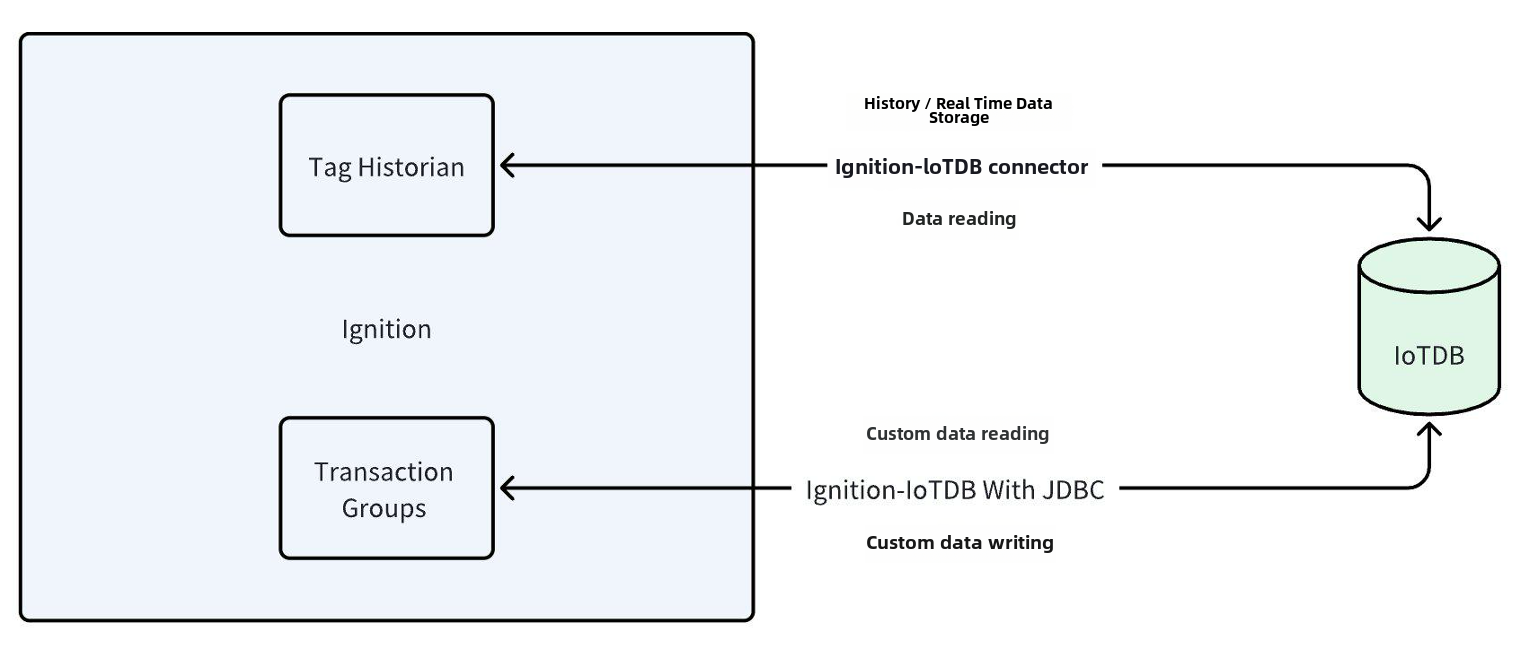
+
+## Installation Requirements
+
+| **Preparation Content** | Version Requirements |
+| ------------------------------- | ------------------------------------------------------------ |
+| IoTDB | Version 1.3.1 and above are required to be installed, please refer to IoTDB for installation [Deployment Guidance](../Deployment-and-Maintenance/IoTDB-Package_timecho.md) |
+| Ignition | Requirement: 8.1 version (8.1.37 and above) of version 8.1 must be installed. Please refer to the Ignition official website for installation [Installation Guidance](https://docs.inductiveautomation.com/docs/8.1/getting-started/installing-and-upgrading)(Other versions are compatible, please contact the business department for more information) |
+| Ignition-IoTDB Connector module | Please contact Business to obtain |
+| Ignition-IoTDB With JDBC module | Download address:https://repo1.maven.org/maven2/org/apache/iotdb/iotdb-jdbc/ |
+
+## Instruction Manual For Ignition-IoTDB Connector
+
+### Introduce
+
+The Ignition-IoTDB Connector module can store data in a database connection associated with the historical database provider. The data is directly stored in a table in the SQL database based on its data type, as well as a millisecond timestamp. Store data only when making changes based on the value pattern and dead zone settings on each label, thus avoiding duplicate and unnecessary data storage.
+
+The Ignition-IoTDB Connector provides the ability to store the data collected by Ignition into IoTDB.
+
+### Installation Steps
+
+Step 1: Enter the `Configuration` - `System` - `Modules` module and click on the `Install or Upgrade a Module` button at the bottom
+
+
+
+Step 2: Select the obtained `modl`, select the file and upload it, click `Install`, and trust the relevant certificate.
+
+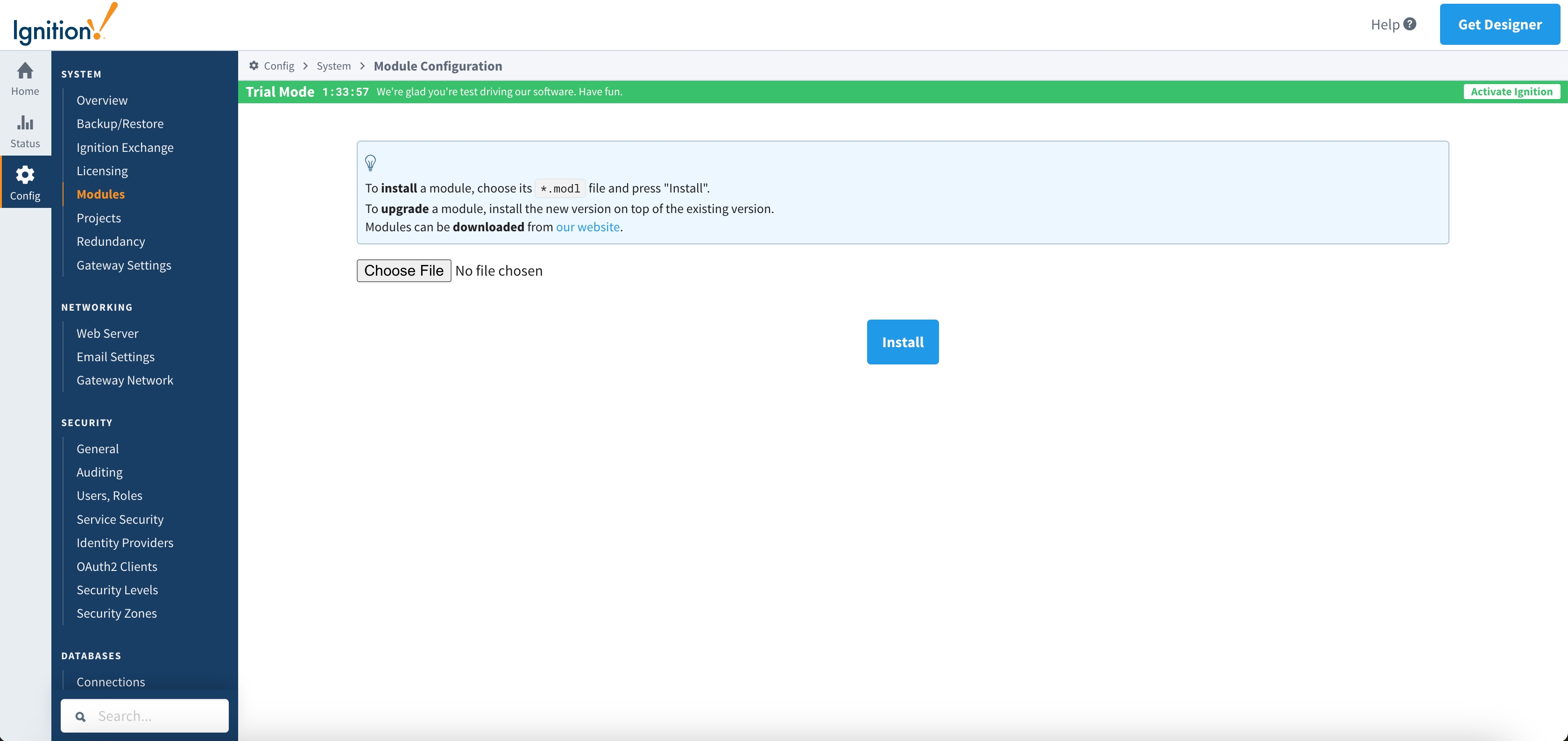
+
+Step 3: After installation is completed, you can see the following content
+
+
+
+Step 4: Enter the `Configuration` - `Tags` - `History` module and click on `Create new Historical Tag Provider` below
+
+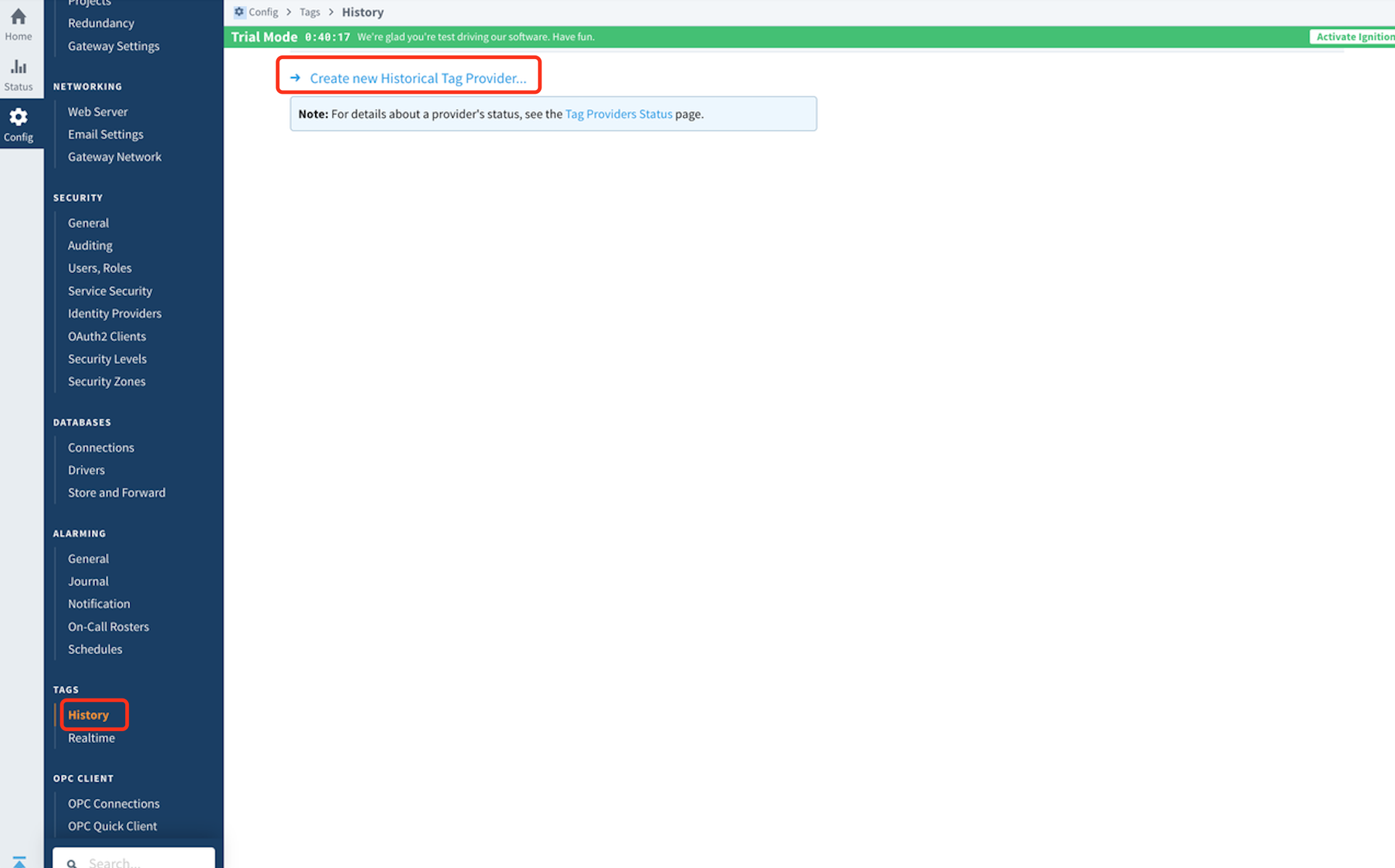
+
+Step 5: Select `IoTDB` and fill in the configuration information
+
+
+
+The configuration content is as follows:
+
+<table>
+ <tr>
+ <th>Name</th>
+ <th>Description</th>
+ <th>Default Value</th>
+ <th>Notes</th>
+ </tr>
+ <tr>
+ <th colspan="4">Main</th>
+ </tr>
+ <tr>
+ <td>Provider Name</td>
+ <td>Provider Name</td>
+ <td>-</td>
+ <td> </td>
+ </tr>
+ <tr>
+ <td>Enabled</td>
+ <td> </td>
+ <td>true</td>
+ <td>The provider can only be used when it is true</td>
+ </tr>
+ <tr>
+ <td>Description</td>
+ <td>Description</td>
+ <td>-</td>
+ <td> </td>
+ </tr>
+ <tr>
+ <th colspan="4">IoTDB Settings</th>
+ </tr>
+ <tr>
+ <td>Host Name</td>
+ <td>The address of the target IoTDB instance</td>
+ <td>-</td>
+ <td> </td>
+ </tr>
+ <tr>
+ <td>Port Number</td>
+ <td>The port of the target IoTDB instance</td>
+ <td>6667</td>
+ <td> </td>
+ </tr>
+ <tr>
+ <td>Username</td>
+ <td>The username of the target IoTDB</td>
+ <td>-</td>
+ <td> </td>
+ </tr>
+ <tr>
+ <td>Password</td>
+ <td>Password for target IoTDB</td>
+ <td>-</td>
+ <td> </td>
+ </tr>
+ <tr>
+ <td>Database Name</td>
+ <td>The database name to be stored, starting with root, such as root db</td>
+ <td>-</td>
+ <td> </td>
+ </tr>
+ <tr>
+ <td>Pool Size</td>
+ <td>Size of SessionPool</td>
+ <td>50</td>
+ <td>Can be configured as needed</td>
+ </tr>
+ <tr>
+ <th colspan="2">Store and Forward Settings</th>
+ <td>Just keep it as default</td>
+ <td> </td>
+ </tr>
+</table>
+
+
+
+### Instructions
+
+#### Configure Historical Data Storage
+
+- After configuring the `Provider`, you can use the `IoTDB Tag Historian` in the `Designer`, just like using other `Providers`. Right click on the corresponding `Tag` and select `Edit Tag (s) `, then select the History category in the Tag Editor
+
+ 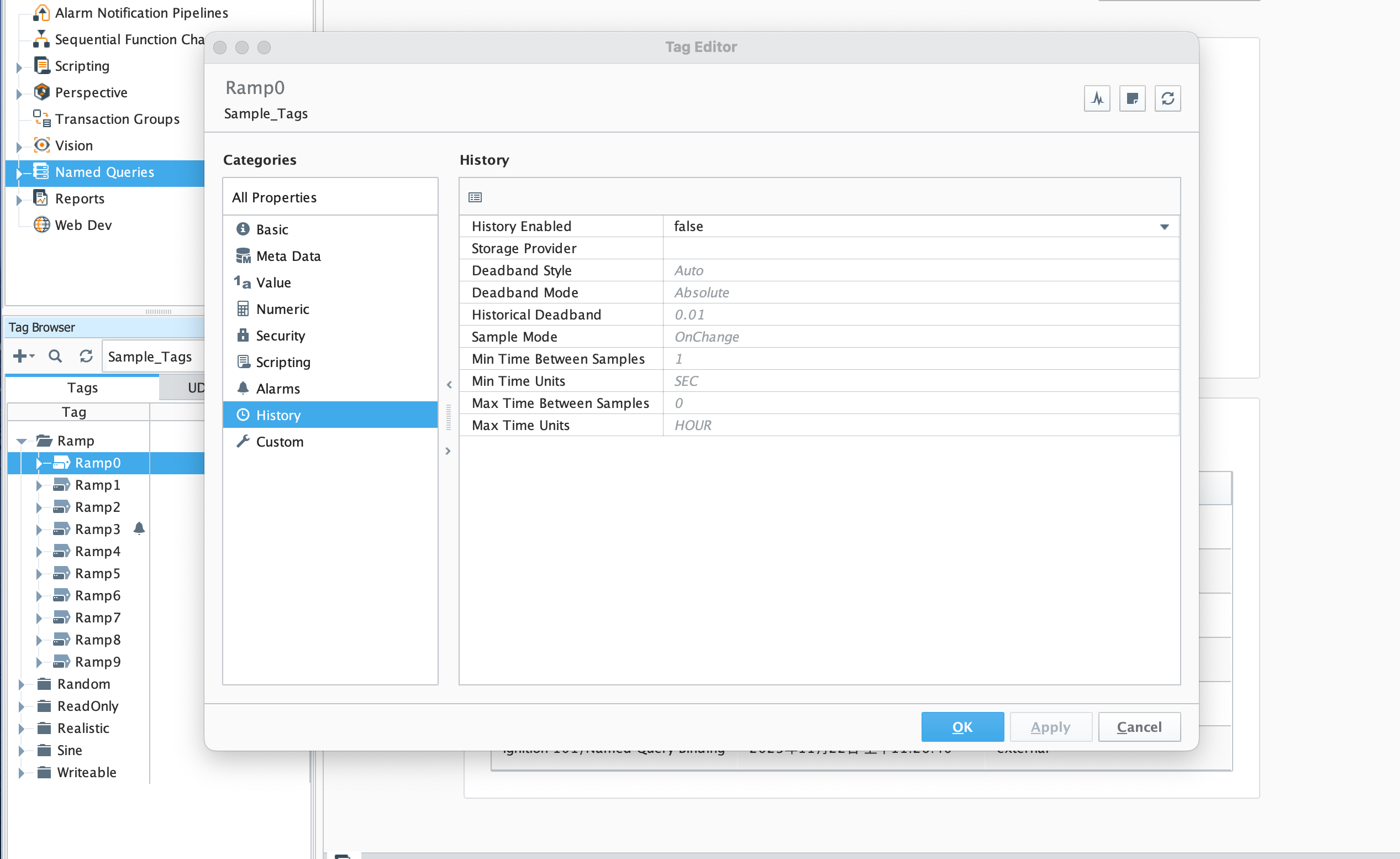
+
+- Set `History Disabled` to `true`, select `Storage Provider` as the `Provider` created in the previous step, configure other parameters as needed, click `OK`, and then save the project. At this point, the data will be continuously stored in the 'IoTDB' instance according to the set content.
+
+ 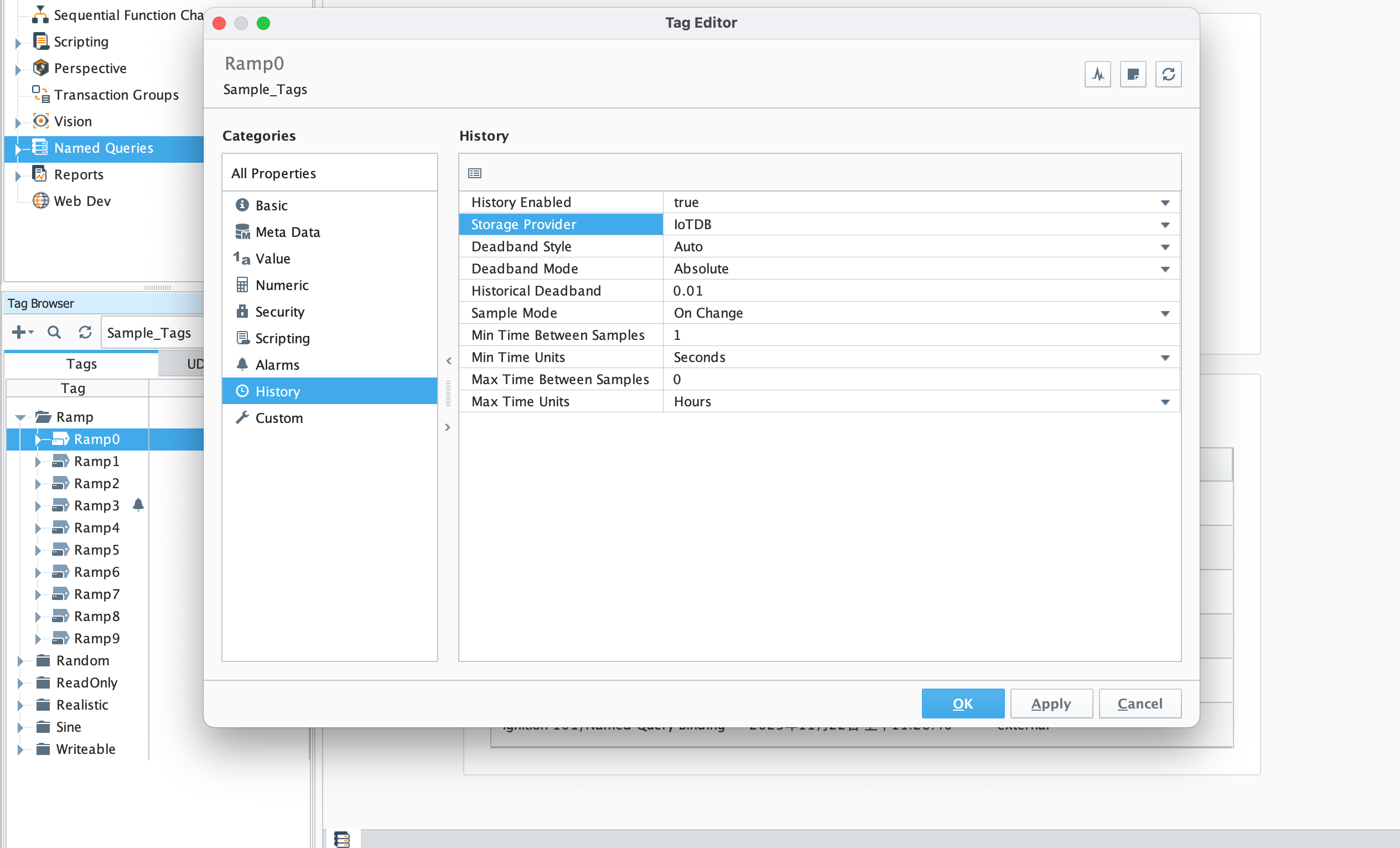
+
+#### Read Data
+
+- You can also directly select the tags stored in IoTDB under the Data tab of the Report
+
+ 
+
+- You can also directly browse relevant data in Components
+
+ 
+
+#### Script module: This function can interact with IoTDB
+
+1. system.iotdb.insert:
+
+
+- Script Description: Write data to an IoTDB instance
+
+- Script Definition:
+
+ `system.iotdb.insert(historian, deviceId, timestamps, measurementNames, measurementValues)`
+
+- Parameter:
+
+ - `str historian`:The name of the corresponding IoTDB Tag Historian Provider
+ - `str deviceId`:The deviceId written, excluding the configured database, such as Sine
+ - `long[] timestamps`:List of timestamps for written data points
+ - `str[] measurementNames`:List of names for written physical quantities
+ - `str[][] measurementValues`:The written data point data corresponds to the timestamp list and physical quantity name list
+
+- Return Value: None
+
+- Available Range:Client, Designer, Gateway
+
+- Usage example:
+
+ ```shell
+ system.iotdb.insert("IoTDB", "Sine", [system.date.now()],["measure1","measure2"],[["val1","val2"]])
+ ```
+
+2. system.iotdb.query:
+
+
+- Script Description:Query the data written to the IoTDB instance
+
+- Script Definition:
+
+ `system.iotdb.query(historian, sql)`
+
+- Parameter:
+
+ - `str historian`:The name of the corresponding IoTDB Tag Historian Provider
+ - `str sql`:SQL statement to be queried
+
+- Return Value:
+ Query Results:`List<Map<String, Object>>`
+
+- Available Range:Client, Designer, Gateway
+
+- Usage example:
+
+ ```Python
+ system.iotdb.query("IoTDB", "select * from root.db.Sine where time > 1709563427247")
+ ```
+
+## Ignition-IoTDB With JDBC
+
+### Introduce
+
+ Ignition-IoTDB With JDBC provides a JDBC driver that allows users to connect and query the Ignition IoTDB database using standard JDBC APIs
+
+### Installation Steps
+
+Step 1: Enter the `Configuration` - `Databases` -`Drivers` module and create the `Translator`
+
+
+
+Step 2: Enter the `Configuration` - `Databases` - `Drivers` module, create a `JDBC Driver` , select the `Translator` configured in the previous step, and upload the downloaded `IoTDB JDBC`. Set the Classname to `org. apache. iotdb. jdbc.IoTDBDriver`
+
+
+
+Step 3: Enter the `Configuration` - `Databases` - `Connections` module, create a new `Connections` , select the`IoTDB Driver` created in the previous step for `JDBC Driver`, configure the relevant information, and save it to use
+
+
+
+### Instructions
+
+#### Data Writing
+
+Select the previously created `Connection` from the `Data Source` in the `Transaction Groups`
+
+- `Table name`needs to be set as the complete device path starting from root
+- Uncheck `Automatically create table`
+- `Store timestame to` configure as time
+
+Do not select other options, set the fields, and after `enabled` , the data will be installed and stored in the corresponding IoTDB
+
+
+
+#### Query
+
+- Select `Data Source` in the `Database Query Browser` and select the previously created `Connection` to write an SQL statement to query the data in IoTDB
+
+
+
diff --git a/src/UserGuide/V1.3.0-2/Ecosystem-Integration/NiFi-IoTDB.md b/src/UserGuide/V1.3.0-2/Ecosystem-Integration/NiFi-IoTDB.md
new file mode 100644
index 00000000..531c5119
--- /dev/null
+++ b/src/UserGuide/V1.3.0-2/Ecosystem-Integration/NiFi-IoTDB.md
@@ -0,0 +1,141 @@
+<!--
+
+ Licensed to the Apache Software Foundation (ASF) under one
+ or more contributor license agreements. See the NOTICE file
+ distributed with this work for additional information
+ regarding copyright ownership. The ASF licenses this file
+ to you under the Apache License, Version 2.0 (the
+ "License"); you may not use this file except in compliance
+ with the License. You may obtain a copy of the License at
+
+ http://www.apache.org/licenses/LICENSE-2.0
+
+ Unless required by applicable law or agreed to in writing,
+ software distributed under the License is distributed on an
+ "AS IS" BASIS, WITHOUT WARRANTIES OR CONDITIONS OF ANY
+ KIND, either express or implied. See the License for the
+ specific language governing permissions and limitations
+ under the License.
+
+-->
+# Apache NiFi
+
+## Apache NiFi Introduction
+
+Apache NiFi is an easy to use, powerful, and reliable system to process and distribute data.
+
+Apache NiFi supports powerful and scalable directed graphs of data routing, transformation, and system mediation logic.
+
+Apache NiFi includes the following capabilities:
+
+* Browser-based user interface
+ * Seamless experience for design, control, feedback, and monitoring
+* Data provenance tracking
+ * Complete lineage of information from beginning to end
+* Extensive configuration
+ * Loss-tolerant and guaranteed delivery
+ * Low latency and high throughput
+ * Dynamic prioritization
+ * Runtime modification of flow configuration
+ * Back pressure control
+* Extensible design
+ * Component architecture for custom Processors and Services
+ * Rapid development and iterative testing
+* Secure communication
+ * HTTPS with configurable authentication strategies
+ * Multi-tenant authorization and policy management
+ * Standard protocols for encrypted communication including TLS and SSH
+
+## PutIoTDBRecord
+
+This is a processor that reads the content of the incoming FlowFile as individual records using the configured 'Record Reader' and writes them to Apache IoTDB using native interface.
+
+### Properties of PutIoTDBRecord
+
+| property | description | default value | necessary |
+|---------------|---------------------------------------------------------------------------------------------------------------------------------------------------------------------------------------------------------------------------------------------------------------------------------------------------------------| ------------- | --------- |
+| Host | The host of IoTDB. | null | true |
+| Port | The port of IoTDB. | 6667 | true |
+| Username | Username to access the IoTDB. | null | true |
+| Password | Password to access the IoTDB. | null | true |
+| Prefix | The Prefix begin with root. that will be add to the tsName in data. <br /> It can be updated by expression language. | null | true |
+| Time | The name of time field | null | true |
+| Record Reader | Specifies the type of Record Reader controller service to use <br />for parsing the incoming data and determining the schema. | null | true |
+| Schema | The schema that IoTDB needs doesn't support good by NiFi.<br/>Therefore, you can define the schema here. <br />Besides, you can set encoding type and compression type by this method.<br />If you don't set this property, the inferred schema will be used.<br /> It can be updated by expression language. | null | false |
+| Aligned | Whether using aligned interface? It can be updated by expression language. | false | false |
+| MaxRowNumber | Specifies the max row number of each tablet. It can be updated by expression language. | 1024 | false |
+
+### Inferred Schema of Flowfile
+
+There are a couple of rules about flowfile:
+
+1. The flowfile can be read by `Record Reader`.
+2. The schema of flowfile must contain a time field with name set in Time property.
+3. The data type of time must be `STRING` or `LONG`.
+4. Fields excepted time must start with `root.`.
+5. The supported data types are `INT`, `LONG`, `FLOAT`, `DOUBLE`, `BOOLEAN`, `TEXT`.
+
+### Convert Schema by property
+
+As mentioned above, converting schema by property which is more flexible and stronger than inferred schema.
+
+The structure of property `Schema`:
+
+```json
+{
+ "fields": [{
+ "tsName": "s1",
+ "dataType": "INT32",
+ "encoding": "RLE",
+ "compressionType": "GZIP"
+ }, {
+ "tsName": "s2",
+ "dataType": "INT64",
+ "encoding": "RLE",
+ "compressionType": "GZIP"
+ }]
+}
+```
+
+**Note**
+
+1. The first column must be `Time`. The rest must be arranged in the same order as in `field` of JSON.
+1. The JSON of schema must contain `timeType` and `fields`.
+2. There are only two options `LONG` and `STRING` for `timeType`.
+3. The columns `tsName` and `dataType` must be set.
+4. The property `Prefix` will be added to tsName as the field name when add data to IoTDB.
+5. The supported `dataTypes` are `INT32`, `INT64`, `FLOAT`, `DOUBLE`, `BOOLEAN`, `TEXT`.
+6. The supported `encoding` are `PLAIN`, `DICTIONARY`, `RLE`, `DIFF`, `TS_2DIFF`, `BITMAP`, `GORILLA_V1`, `REGULAR`, `GORILLA`, `CHIMP`, `SPRINTZ`, `RLBE`.
+7. The supported `compressionType` are `UNCOMPRESSED`, `SNAPPY`, `GZIP`, `LZO`, `SDT`, `PAA`, `PLA`, `LZ4`, `ZSTD`, `LZMA2`.
+
+## Relationships
+
+| relationship | description |
+| ------------ | ---------------------------------------------------- |
+| success | Data can be written correctly or flow file is empty. |
+| failure | The shema or flow file is abnormal. |
+
+
+## QueryIoTDBRecord
+
+This is a processor that reads the sql query from the incoming FlowFile and using it to query the result from IoTDB using native interface. Then it use the configured 'Record Writer' to generate the flowfile
+
+### Properties of QueryIoTDBRecord
+
+| property | description | default value | necessary |
+|---------------|------------------------------------------------------------------------------------------------------------------------------------------------------------------------------------------------------------------------------------------------------------------------------------------------------------|-----------| --------- |
+| Host | The host of IoTDB. | null | true |
+| Port | The port of IoTDB. | 6667 | true |
+| Username | Username to access the IoTDB. | null | true |
+| Password | Password to access the IoTDB. | null | true |
+| Record Writer | Specifies the Controller Service to use for writing results to a FlowFile. The Record Writer may use Inherit Schema to emulate the inferred schema behavior, i.e. An explicit schema need not be defined in the writer, and will be supplied by the same logic used to infer the schema from the column types. | null | true |
+| iotdb-query | The IoTDB query to execute. <br> Note: If there are incoming connections, then the query is created from incoming FlowFile's content otherwise"it is created from this property. | null | false |
+| iotdb-query-chunk-size | Chunking can be used to return results in a stream of smaller batches (each has a partial results up to a chunk size) rather than as a single response. Chunking queries can return an unlimited number of rows. Note: Chunking is enable when result chunk size is greater than 0 | 0 | false |
+
+
+## Relationships
+
+| relationship | description |
+| ------------ | ---------------------------------------------------- |
+| success | Data can be written correctly or flow file is empty. |
+| failure | The shema or flow file is abnormal. |
\ No newline at end of file
diff --git a/src/zh/UserGuide/latest/Ecosystem-Integration/Spark-IoTDB.md b/src/UserGuide/V1.3.0-2/Ecosystem-Integration/Spark-IoTDB.md
similarity index 59%
copy from src/zh/UserGuide/latest/Ecosystem-Integration/Spark-IoTDB.md
copy to src/UserGuide/V1.3.0-2/Ecosystem-Integration/Spark-IoTDB.md
index 15312315..7e03da5c 100644
--- a/src/zh/UserGuide/latest/Ecosystem-Integration/Spark-IoTDB.md
+++ b/src/UserGuide/V1.3.0-2/Ecosystem-Integration/Spark-IoTDB.md
@@ -21,26 +21,26 @@
# Apache Spark(IoTDB)
-## 版本支持
+## Supported Versions
-支持的 Spark 与 Scala 版本如下:
+Supported versions of Spark and Scala are as follows:
-| Spark 版本 | Scala 版本 |
-|----------------|--------------|
-| `2.4.0-latest` | `2.11, 2.12` |
+| Spark Version | Scala Version |
+|----------------|---------------|
+| `2.4.0-latest` | `2.11, 2.12` |
-## 注意事项
+## Precautions
-1. 当前版本的 `spark-iotdb-connector` 支持 `2.11` 与 `2.12` 两个版本的 Scala,暂不支持 `2.13` 版本。
-2. `spark-iotdb-connector` 支持在 Java、Scala 版本的 Spark 与 PySpark 中使用。
+1. The current version of `spark-iotdb-connector` supports Scala `2.11` and `2.12`, but not `2.13`.
+2. `spark-iotdb-connector` supports usage in Spark for both Java, Scala, and PySpark.
-## 部署
+## Deployment
-`spark-iotdb-connector` 总共有两个使用场景,分别为 IDE 开发与 spark-shell 调试。
+`spark-iotdb-connector` has two use cases: IDE development and `spark-shell` debugging.
-### IDE 开发
+### IDE Development
-在 IDE 开发时,只需要在 `pom.xml` 文件中添加以下依赖即可:
+For IDE development, simply add the following dependency to the `pom.xml` file:
``` xml
<dependency>
@@ -51,52 +51,53 @@
</dependency>
```
-### `spark-shell` 调试
+### `spark-shell` Debugging
-如果需要在 `spark-shell` 中使用 `spark-iotdb-connetcor`,需要先在官网下载 `with-dependencies` 版本的 jar 包。然后再将 jar 包拷贝到 `${SPARK_HOME}/jars` 目录中即可。
-执行以下命令即可:
+To use `spark-iotdb-connector` in `spark-shell`, you need to download the `with-dependencies` version of the jar package
+from the official website. After that, copy the jar package to the `${SPARK_HOME}/jars` directory.
+Simply execute the following command:
```shell
cp spark-iotdb-connector_2.12.10-${iotdb.version}.jar $SPARK_HOME/jars/
```
-此外,为了保证 spark 能使用 JDBC 和 IoTDB 连接,需要进行如下操作:
+In addition, to ensure that spark can use JDBC and IoTDB connections, you need to do the following:
-运行如下命令来编译 IoTDB-JDBC 连接器:
+Run the following command to compile the IoTDB JDBC connector:
```shell
mvn clean package -pl iotdb-client/jdbc -am -DskipTests -P get-jar-with-dependencies
```
-编译后的 jar 包在如下目录中:
+The compiled jar package is located in the following directory:
```shell
$IoTDB_HOME/iotdb-client/jdbc/target/iotdb-jdbc-{version}-SNAPSHOT-jar-with-dependencies.jar
```
-最后再将 jar 包拷贝到 `${SPARK_HOME}/jars` 目录中即可。执行以下命令即可:
+At last, copy the jar package to the ${SPARK_HOME}/jars directory. Simply execute the following command:
```shell
cp iotdb-jdbc-{version}-SNAPSHOT-jar-with-dependencies.jar $SPARK_HOME/jars/
```
-## 使用
+## Usage
-### 参数
+### Parameters
-| 参数 | 描述 | 默认值 | 使用范围 | 能否为空 |
-|--------------|------------------------------------------------|------|------------|-------|
-| url | 指定 IoTDB 的 JDBC 的 URL | null | read、write | false |
-| user | IoTDB 的用户名 | root | read、write | true |
-| password | IoTDB 的密码 | root | read、write | true |
-| sql | 用于指定查询的 SQL 语句 | null | read | true |
-| numPartition | 在 read 中用于指定 DataFrame 的分区数,在 write 中用于设置写入并发数 | 1 | read、write | true |
-| lowerBound | 查询的起始时间戳(包含) | 0 | read | true |
-| upperBound | 查询的结束时间戳(包含) | 0 | read | true |
+| Parameter | Description | Default Value | Scope | Can be Empty |
+|--------------|--------------------------------------------------------------------------------------------------------------|---------------|-------------|--------------|
+| url | Specifies the JDBC URL of IoTDB | null | read, write | false |
+| user | The username of IoTDB | root | read, write | true |
+| password | The password of IoTDB | root | read, write | true |
+| sql | Specifies the SQL statement for querying | null | read | true |
+| numPartition | Specifies the partition number of the DataFrame when in read, and the write concurrency number when in write | 1 | read, write | true |
+| lowerBound | The start timestamp of the query (inclusive) | 0 | read | true |
+| upperBound | The end timestamp of the query (inclusive) | 0 | read | true |
-### 从 IoTDB 读取数据
+### Reading Data from IoTDB
-以下是一个示例,演示如何从 IoTDB 中读取数据成为 DataFrame。
+Here is an example that demonstrates how to read data from IoTDB into a DataFrame:
```scala
import org.apache.iotdb.spark.db._
@@ -105,10 +106,10 @@ val df = spark.read.format("org.apache.iotdb.spark.db")
.option("user", "root")
.option("password", "root")
.option("url", "jdbc:iotdb://127.0.0.1:6667/")
- .option("sql", "select ** from root") // 查询 SQL
- .option("lowerBound", "0") // 时间戳下界
- .option("upperBound", "100000000") // 时间戳上界
- .option("numPartition", "5") // 分区数
+ .option("sql", "select ** from root") // query SQL
+ .option("lowerBound", "0") // lower timestamp bound
+ .option("upperBound", "100000000") // upper timestamp bound
+ .option("numPartition", "5") // number of partitions
.load
df.printSchema()
@@ -116,12 +117,12 @@ df.printSchema()
df.show()
```
-### 将数据写入 IoTDB
+### Writing Data to IoTDB
-以下是一个示例,演示如何将数据写入 IoTDB。
+Here is an example that demonstrates how to write data to IoTDB:
```scala
-// 构造窄表数据
+// Construct narrow table data
val df = spark.createDataFrame(List(
(1L, "root.test.d0", 1, 1L, 1.0F, 1.0D, true, "hello"),
(2L, "root.test.d0", 2, 2L, 2.0F, 2.0D, false, "world")))
@@ -135,14 +136,14 @@ val dfWithColumn = df.withColumnRenamed("_1", "Time")
.withColumnRenamed("_7", "s4")
.withColumnRenamed("_8", "s5")
-// 写入窄表数据
+// Write narrow table data
dfWithColumn
.write
.format("org.apache.iotdb.spark.db")
.option("url", "jdbc:iotdb://127.0.0.1:6667/")
.save
-// 构造宽表数据
+// Construct wide table data
val df = spark.createDataFrame(List(
(1L, 1, 1L, 1.0F, 1.0D, true, "hello"),
(2L, 2, 2L, 2.0F, 2.0D, false, "world")))
@@ -155,18 +156,18 @@ val dfWithColumn = df.withColumnRenamed("_1", "Time")
.withColumnRenamed("_6", "root.test.d0.s4")
.withColumnRenamed("_7", "root.test.d0.s5")
-// 写入宽表数据
+// Write wide table data
dfWithColumn.write.format("org.apache.iotdb.spark.db")
.option("url", "jdbc:iotdb://127.0.0.1:6667/")
.option("numPartition", "10")
.save
```
-### 宽表与窄表转换
+### Wide and Narrow Table Conversion
-以下是如何转换宽表与窄表的示例:
+Here are examples of how to convert between wide and narrow tables:
-* 从宽到窄
+* From wide to narrow
```scala
import org.apache.iotdb.spark.db._
@@ -175,7 +176,7 @@ val wide_df = spark.read.format("org.apache.iotdb.spark.db").option("url", "jdbc
val narrow_df = Transformer.toNarrowForm(spark, wide_df)
```
-* 从窄到宽
+* From narrow to wide
```scala
import org.apache.iotdb.spark.db._
@@ -183,17 +184,19 @@ import org.apache.iotdb.spark.db._
val wide_df = Transformer.toWideForm(spark, narrow_df)
```
-## 宽表与窄表
+## Wide and Narrow Tables
-以下 TsFile 结构为例:TsFile 模式中有三个度量:状态,温度和硬件。 这三种测量的基本信息如下:
+Using the TsFile structure as an example: there are three measurements in the TsFile pattern,
+namely `Status`, `Temperature`, and `Hardware`. The basic information for each of these three measurements is as
+follows:
-| 名称 | 类型 | 编码 |
-|-----|---------|-------|
-| 状态 | Boolean | PLAIN |
-| 温度 | Float | RLE |
-| 硬件 | Text | PLAIN |
+| Name | Type | Encoding |
+|-------------|---------|----------|
+| Status | Boolean | PLAIN |
+| Temperature | Float | RLE |
+| Hardware | Text | PLAIN |
-TsFile 中的现有数据如下:
+The existing data in the TsFile is as follows:
* `d1:root.ln.wf01.wt01`
* `d2:root.ln.wf02.wt02`
@@ -204,7 +207,7 @@ TsFile 中的现有数据如下:
| 3 | True | 2 | 2.2 | 4 | "bbb" | 2 | False |
| 5 | False | 3 | 2.1 | 6 | "ccc" | 4 | True |
-宽(默认)表形式如下:
+The wide (default) table form is as follows:
| Time | root.ln.wf02.wt02.temperature | root.ln.wf02.wt02.status | root.ln.wf02.wt02.hardware | root.ln.wf01.wt01.temperature | root.ln.wf01.wt01.status | root.ln.wf01.wt01.hardware |
|------|-------------------------------|--------------------------|----------------------------|-------------------------------|--------------------------|----------------------------|
@@ -215,7 +218,7 @@ TsFile 中的现有数据如下:
| 5 | null | null | null | null | false | null |
| 6 | null | null | ccc | null | null | null |
-你还可以使用窄表形式,如下所示:
+You can also use the narrow table format as shown below:
| Time | Device | status | hardware | temperature |
|------|-------------------|--------|----------|-------------|
@@ -226,4 +229,4 @@ TsFile 中的现有数据如下:
| 3 | root.ln.wf02.wt01 | true | null | 2.1 |
| 4 | root.ln.wf02.wt02 | true | bbb | null |
| 5 | root.ln.wf02.wt01 | false | null | null |
-| 6 | root.ln.wf02.wt02 | null | ccc | null |
+| 6 | root.ln.wf02.wt02 | null | ccc | null |
\ No newline at end of file
diff --git a/src/UserGuide/V1.3.0-2/Ecosystem-Integration/Spark-TsFile.md b/src/UserGuide/V1.3.0-2/Ecosystem-Integration/Spark-TsFile.md
new file mode 100644
index 00000000..ed00538c
--- /dev/null
+++ b/src/UserGuide/V1.3.0-2/Ecosystem-Integration/Spark-TsFile.md
@@ -0,0 +1,315 @@
+<!--
+
+ Licensed to the Apache Software Foundation (ASF) under one
+ or more contributor license agreements. See the NOTICE file
+ distributed with this work for additional information
+ regarding copyright ownership. The ASF licenses this file
+ to you under the Apache License, Version 2.0 (the
+ "License"); you may not use this file except in compliance
+ with the License. You may obtain a copy of the License at
+
+ http://www.apache.org/licenses/LICENSE-2.0
+
+ Unless required by applicable law or agreed to in writing,
+ software distributed under the License is distributed on an
+ "AS IS" BASIS, WITHOUT WARRANTIES OR CONDITIONS OF ANY
+ KIND, either express or implied. See the License for the
+ specific language governing permissions and limitations
+ under the License.
+
+-->
+
+# Apache Spark(TsFile)
+
+## About Spark-TsFile-Connector
+
+Spark-TsFile-Connector implements the support of Spark for external data sources of Tsfile type. This enables users to read, write and query Tsfile by Spark.
+
+With this connector, you can
+
+* load a single TsFile, from either the local file system or hdfs, into Spark
+* load all files in a specific directory, from either the local file system or hdfs, into Spark
+* write data from Spark into TsFile
+
+## System Requirements
+
+|Spark Version | Scala Version | Java Version | TsFile |
+|:-------------: | :-------------: | :------------: |:------------: |
+| `2.4.3` | `2.11.8` | `1.8` | `1.0.0`|
+
+> Note: For more information about how to download and use TsFile, please see the following link: https://github.com/apache/iotdb/tree/master/tsfile.
+> Currently we only support spark version 2.4.3 and there are some known issue on 2.4.7, do no use it
+
+## Quick Start
+### Local Mode
+
+Start Spark with TsFile-Spark-Connector in local mode:
+
+```
+./<spark-shell-path> --jars tsfile-spark-connector.jar,tsfile-{version}-jar-with-dependencies.jar,hadoop-tsfile-{version}-jar-with-dependencies.jar
+```
+
+Note:
+
+* \<spark-shell-path\> is the real path of your spark-shell.
+* Multiple jar packages are separated by commas without any spaces.
+* See https://github.com/apache/iotdb/tree/master/tsfile for how to get TsFile.
+
+
+### Distributed Mode
+
+Start Spark with TsFile-Spark-Connector in distributed mode (That is, the spark cluster is connected by spark-shell):
+
+```
+. /<spark-shell-path> --jars tsfile-spark-connector.jar,tsfile-{version}-jar-with-dependencies.jar,hadoop-tsfile-{version}-jar-with-dependencies.jar --master spark://ip:7077
+```
+
+Note:
+
+* \<spark-shell-path\> is the real path of your spark-shell.
+* Multiple jar packages are separated by commas without any spaces.
+* See https://github.com/apache/iotdb/tree/master/tsfile for how to get TsFile.
+
+## Data Type Correspondence
+
+| TsFile data type | SparkSQL data type|
+| --------------| -------------- |
+| BOOLEAN | BooleanType |
+| INT32 | IntegerType |
+| INT64 | LongType |
+| FLOAT | FloatType |
+| DOUBLE | DoubleType |
+| TEXT | StringType |
+
+## Schema Inference
+
+The way to display TsFile is dependent on the schema. Take the following TsFile structure as an example: There are three measurements in the TsFile schema: status, temperature, and hardware. The basic information of these three measurements is listed:
+
+
+|Name|Type|Encode|
+|---|---|---|
+|status|Boolean|PLAIN|
+|temperature|Float|RLE|
+|hardware|Text|PLAIN|
+
+The existing data in the TsFile are:
+
+<img width="519" alt="ST 1" src="https://alioss.timecho.com/docs/img/github/98197920-be9abc80-1f62-11eb-9efb-027f0590031c.png">
+
+The corresponding SparkSQL table is:
+
+| time | root.ln.wf02.wt02.temperature | root.ln.wf02.wt02.status | root.ln.wf02.wt02.hardware | root.ln.wf01.wt01.temperature | root.ln.wf01.wt01.status | root.ln.wf01.wt01.hardware |
+|------|-------------------------------|--------------------------|----------------------------|-------------------------------|--------------------------|----------------------------|
+| 1 | null | true | null | 2.2 | true | null |
+| 2 | null | false | aaa | 2.2 | null | null |
+| 3 | null | null | null | 2.1 | true | null |
+| 4 | null | true | bbb | null | null | null |
+| 5 | null | null | null | null | false | null |
+| 6 | null | null | ccc | null | null | null |
+
+You can also use narrow table form which as follows: (You can see part 6 about how to use narrow form)
+
+| time | device_name | status | hardware | temperature |
+|------|-------------------------------|--------------------------|----------------------------|-------------------------------|
+| 1 | root.ln.wf02.wt01 | true | null | 2.2 |
+| 1 | root.ln.wf02.wt02 | true | null | null |
+| 2 | root.ln.wf02.wt01 | null | null | 2.2 |
+| 2 | root.ln.wf02.wt02 | false | aaa | null |
+| 3 | root.ln.wf02.wt01 | true | null | 2.1 |
+| 4 | root.ln.wf02.wt02 | true | bbb | null |
+| 5 | root.ln.wf02.wt01 | false | null | null |
+| 6 | root.ln.wf02.wt02 | null | ccc | null |
+
+
+
+## Scala API
+
+NOTE: Remember to assign necessary read and write permissions in advance.
+
+* Example 1: read from the local file system
+
+```scala
+import org.apache.iotdb.spark.tsfile._
+val wide_df = spark.read.tsfile("test.tsfile")
+wide_df.show
+
+val narrow_df = spark.read.tsfile("test.tsfile", true)
+narrow_df.show
+```
+
+* Example 2: read from the hadoop file system
+
+```scala
+import org.apache.iotdb.spark.tsfile._
+val wide_df = spark.read.tsfile("hdfs://localhost:9000/test.tsfile")
+wide_df.show
+
+val narrow_df = spark.read.tsfile("hdfs://localhost:9000/test.tsfile", true)
+narrow_df.show
+```
+
+* Example 3: read from a specific directory
+
+```scala
+import org.apache.iotdb.spark.tsfile._
+val df = spark.read.tsfile("hdfs://localhost:9000/usr/hadoop")
+df.show
+```
+
+Note 1: Global time ordering of all TsFiles in a directory is not supported now.
+
+Note 2: Measurements of the same name should have the same schema.
+
+* Example 4: query in wide form
+
+```scala
+import org.apache.iotdb.spark.tsfile._
+val df = spark.read.tsfile("hdfs://localhost:9000/test.tsfile")
+df.createOrReplaceTempView("tsfile_table")
+val newDf = spark.sql("select * from tsfile_table where `device_1.sensor_1`>0 and `device_1.sensor_2` < 22")
+newDf.show
+```
+
+```scala
+import org.apache.iotdb.spark.tsfile._
+val df = spark.read.tsfile("hdfs://localhost:9000/test.tsfile")
+df.createOrReplaceTempView("tsfile_table")
+val newDf = spark.sql("select count(*) from tsfile_table")
+newDf.show
+```
+
+* Example 5: query in narrow form
+
+```scala
+import org.apache.iotdb.spark.tsfile._
+val df = spark.read.tsfile("hdfs://localhost:9000/test.tsfile", true)
+df.createOrReplaceTempView("tsfile_table")
+val newDf = spark.sql("select * from tsfile_table where device_name = 'root.ln.wf02.wt02' and temperature > 5")
+newDf.show
+```
+
+```scala
+import org.apache.iotdb.spark.tsfile._
+val df = spark.read.tsfile("hdfs://localhost:9000/test.tsfile", true)
+df.createOrReplaceTempView("tsfile_table")
+val newDf = spark.sql("select count(*) from tsfile_table")
+newDf.show
+```
+
+* Example 6: write in wide form
+
+```scala
+// we only support wide_form table to write
+import org.apache.iotdb.spark.tsfile._
+
+val df = spark.read.tsfile("hdfs://localhost:9000/test.tsfile")
+df.show
+df.write.tsfile("hdfs://localhost:9000/output")
+
+val newDf = spark.read.tsfile("hdfs://localhost:9000/output")
+newDf.show
+```
+
+* Example 7: write in narrow form
+
+```scala
+// we only support wide_form table to write
+import org.apache.iotdb.spark.tsfile._
+
+val df = spark.read.tsfile("hdfs://localhost:9000/test.tsfile", true)
+df.show
+df.write.tsfile("hdfs://localhost:9000/output", true)
+
+val newDf = spark.read.tsfile("hdfs://localhost:9000/output", true)
+newDf.show
+```
+
+
+Appendix A: Old Design of Schema Inference
+
+The way to display TsFile is related to TsFile Schema. Take the following TsFile structure as an example: There are three measurements in the Schema of TsFile: status, temperature, and hardware. The basic info of these three Measurements is:
+
+
+|Name|Type|Encode|
+|---|---|---|
+|status|Boolean|PLAIN|
+|temperature|Float|RLE|
+|hardware|Text|PLAIN|
+
+
+The existing data in the file are:
+
+<img width="817" alt="ST 2" src="https://alioss.timecho.com/docs/img/github/98197948-cf4b3280-1f62-11eb-9c8c-c97d1adf032c.png">
+
+A set of time-series data
+
+There are two ways to show a set of time-series data:
+
+* the default way
+
+Two columns are created to store the full path of the device: time(LongType) and delta_object(StringType).
+
+- `time` : Timestamp, LongType
+- `delta_object` : Delta_object ID, StringType
+
+Next, a column is created for each Measurement to store the specific data. The SparkSQL table structure is:
+
+|time(LongType)|delta\_object(StringType)|status(BooleanType)|temperature(FloatType)|hardware(StringType)|
+|---|---|---|---|---|
+|1| root.ln.wf01.wt01 |True|2.2|null|
+|1| root.ln.wf02.wt02 |True|null|null|
+|2| root.ln.wf01.wt01 |null|2.2|null|
+|2| root.ln.wf02.wt02 |False|null|"aaa"|
+|2| root.sgcc.wf03.wt01 |True|null|null|
+|3| root.ln.wf01.wt01 |True|2.1|null|
+|3| root.sgcc.wf03.wt01 |True|3.3|null|
+|4| root.ln.wf01.wt01 |null|2.0|null|
+|4| root.ln.wf02.wt02 |True|null|"bbb"|
+|4| root.sgcc.wf03.wt01 |True|null|null|
+|5| root.ln.wf01.wt01 |False|null|null|
+|5| root.ln.wf02.wt02 |False|null|null|
+|5| root.sgcc.wf03.wt01 |True|null|null|
+|6| root.ln.wf02.wt02 |null|null|"ccc"|
+|6| root.sgcc.wf03.wt01 |null|6.6|null|
+|7| root.ln.wf01.wt01 |True|null|null|
+|8| root.ln.wf02.wt02 |null|null|"ddd"|
+|8| root.sgcc.wf03.wt01 |null|8.8|null|
+|9| root.sgcc.wf03.wt01 |null|9.9|null|
+
+
+
+* unfold delta_object column
+
+Expand the device column by "." into multiple columns, ignoring the root directory "root". Convenient for richer aggregation operations. To use this display way, the parameter "delta\_object\_name" is set in the table creation statement (refer to Example 5 in Section 5.1 of this manual), as in this example, parameter "delta\_object\_name" is set to "root.device.turbine". The number of path layers needs to be one-to-one. At this point, one column is created for each layer of the device pa [...]
+
+Then SparkSQL Table Structure is as follows:
+
+|time(LongType)| group(StringType)| field(StringType)| device(StringType)|status(BooleanType)|temperature(FloatType)|hardware(StringType)|
+|---|---|---|---|---|---|---|
+|1| ln | wf01 | wt01 |True|2.2|null|
+|1| ln | wf02 | wt02 |True|null|null|
+|2| ln | wf01 | wt01 |null|2.2|null|
+|2| ln | wf02 | wt02 |False|null|"aaa"|
+|2| sgcc | wf03 | wt01 |True|null|null|
+|3| ln | wf01 | wt01 |True|2.1|null|
+|3| sgcc | wf03 | wt01 |True|3.3|null|
+|4| ln | wf01 | wt01 |null|2.0|null|
+|4| ln | wf02 | wt02 |True|null|"bbb"|
+|4| sgcc | wf03 | wt01 |True|null|null|
+|5| ln | wf01 | wt01 |False|null|null|
+|5| ln | wf02 | wt02 |False|null|null|
+|5| sgcc | wf03 | wt01 |True|null|null|
+|6| ln | wf02 | wt02 |null|null|"ccc"|
+|6| sgcc | wf03 | wt01 |null|6.6|null|
+|7| ln | wf01 | wt01 |True|null|null|
+|8| ln | wf02 | wt02 |null|null|"ddd"|
+|8| sgcc | wf03 | wt01 |null|8.8|null|
+|9| sgcc | wf03 | wt01 |null|9.9|null|
+
+
+TsFile-Spark-Connector displays one or more TsFiles as a table in SparkSQL By SparkSQL. It also allows users to specify a single directory or use wildcards to match multiple directories. If there are multiple TsFiles, the union of the measurements in all TsFiles will be retained in the table, and the measurement with the same name have the same data type by default. Note that if a situation with the same name but different data types exists, TsFile-Spark-Connector does not guarantee the [...]
+
+The writing process is to write a DataFrame as one or more TsFiles. By default, two columns need to be included: time and delta_object. The rest of the columns are used as Measurement. If user wants to write the second table structure back to TsFile, user can set the "delta\_object\_name" parameter(refer to Section 5.1 of Section 5.1 of this manual).
+
+Appendix B: Old Note
+NOTE: Check the jar packages in the root directory of your Spark and replace libthrift-0.9.2.jar and libfb303-0.9.2.jar with libthrift-0.9.1.jar and libfb303-0.9.1.jar respectively.
diff --git a/src/zh/UserGuide/latest/Ecosystem-Integration/Telegraf-IoTDB.md b/src/UserGuide/V1.3.0-2/Ecosystem-Integration/Telegraf-IoTDB.md
similarity index 62%
copy from src/zh/UserGuide/latest/Ecosystem-Integration/Telegraf-IoTDB.md
copy to src/UserGuide/V1.3.0-2/Ecosystem-Integration/Telegraf-IoTDB.md
index e9c64c16..cdb7475a 100644
--- a/src/zh/UserGuide/latest/Ecosystem-Integration/Telegraf-IoTDB.md
+++ b/src/UserGuide/V1.3.0-2/Ecosystem-Integration/Telegraf-IoTDB.md
@@ -20,29 +20,29 @@
-->
# Telegraf
-Telegraf 是一个开源代理工具,用于收集、处理和传输度量数据,由 InfluxData 开发。
-Telegraf 有以下这些特点:
-* 插件体系结构: Telegraf 的强大之处在于其广泛的插件生态系统。它支持多种输入、输出和处理器插件,可以与各种数据源和目标无缝集成。
-* 数据收集: Telegraf 擅长从不同来源收集度量数据,例如系统指标、日志、数据库等。其多功能性使其适用于监视应用程序、基础架构和物联网设备。
-* 输出目标: 一旦收集到数据,可以将其发送到各种输出目标,包括流行的数据库如 InfluxDB。这种灵活性使 Telegraf 适应不同的监视和分析设置。
-* 配置简易: Telegraf 的配置使用 TOML 文件进行。这种简单性使用户能够轻松定义输入、输出和处理器,使定制变得简单明了。
-* 社区与支持: 作为开源项目,Telegraf 受益于活跃的社区。用户可以通过论坛和文档贡献插件、报告问题并寻求帮助。
+Telegraf is an open-source agent that facilitates the collection, processing, and transmission of metric data. Developed by InfluxData.
+Telegraf includes the following features:
+* Plugin Architecture: Telegraf's strength lies in its extensive plugin ecosystem. It supports a wide range of input, output, and processor plugins, allowing seamless integration with various data sources and destinations.
+* Data Collection: Telegraf excels in collecting metrics from diverse sources, such as system metrics, logs, databases, and more. Its versatility makes it suitable for monitoring applications, infrastructure, and IoT devices.
+* Output Destinations: Once collected, data can be sent to various output destinations, including popular databases like InfluxDB. This flexibility makes Telegraf adaptable to different monitoring and analytics setups.
+* Ease of Configuration: Telegraf's configuration is done using TOML files. This simplicity allows users to define inputs, outputs, and processors with ease, making customization straightforward.
+* Community and Support: Being open-source, Telegraf benefits from an active community. Users can contribute plugins, report issues, and seek assistance through forums and documentation.
-# Telegraf IoTDB 输出插件
-这个输出插件保存 Telegraf 中的监控信息到 Apache IoTDB 的后端,支持 session 连接和数据写入。
+# Telegraf IoTDB Output Plugin
+This output plugin saves Telegraf metrics to an Apache IoTDB backend, supporting session connection and data insertion.
-## 注意事项
-1. 在使用这个插件前,需要配置 IP 地址,端口号,用户名,密码以及其他数据库服务器的信息,另外还有数据转换,时间单位和其他配置。
-2. 输出到 IoTDB 的路径需要满足章节 ‘语法约定’ 中的要求
-3. 查看 https://github.com/influxdata/telegraf/tree/master/plugins/outputs/iotdb 了解如何配置 Telegraf IoTDB Output 插件.
+## Precautions
+1. Before using this plugin, please configure the IP address, port number, username, password and other information of the database server, as well as some data type conversion, time unit and other configurations.
+2. The path should follow the rule in Chapter 'Syntax Rule'
+3. See https://github.com/influxdata/telegraf/tree/master/plugins/outputs/iotdb for how to configure this plugin.
-## 示例
-以下是一个使用 Telegraf 收集 CPU 数据输出到 IoTDB 的示例。
-1. 使用 telegraf 命令生成配置文件
+## Example
+Here is an example that demonstrates how to collect cpu data from Telegraf into IoTDB.
+1. generate the configuration file by telegraf
```
telegraf --sample-config --input-filter cpu --output-filter iotdb > cpu_iotdb.conf
```
-2. 修改 input cpu 插件的配置
+2. modify the default cpu inputs plugin configuration
```
# Read metrics about cpu usage
[[inputs.cpu]]
@@ -58,7 +58,7 @@ telegraf --sample-config --input-filter cpu --output-filter iotdb > cpu_iotdb.co
core_tags = false
name_override = "root.demo.telgraf.cpu"
```
-3. 修改 output iotdb 插件的配置
+3. modify the IoTDB outputs plugin configuration
```
# Save metrics to an IoTDB Database
[[outputs.iotdb]]
@@ -106,5 +106,5 @@ telegraf --sample-config --input-filter cpu --output-filter iotdb > cpu_iotdb.co
## - "device_id" -- root.sg.device.private.working, s1=100, s2="hello"
convert_tags_to = "fields"
```
-4. 使用这个配置文件运行 Telegraf,一段时间后,可以在 IoTDB 中查询到收集的这些数据
+4. run telegraf with this configuration file, after some time, the data can be found in IoTDB
diff --git a/src/UserGuide/latest/Ecosystem-Integration/Thingsboard.md b/src/UserGuide/V1.3.0-2/Ecosystem-Integration/Thingsboard.md
similarity index 100%
copy from src/UserGuide/latest/Ecosystem-Integration/Thingsboard.md
copy to src/UserGuide/V1.3.0-2/Ecosystem-Integration/Thingsboard.md
diff --git a/src/UserGuide/latest/Ecosystem-Integration/Zeppelin-IoTDB_apache.md b/src/UserGuide/V1.3.0-2/Ecosystem-Integration/Zeppelin-IoTDB_apache.md
similarity index 100%
copy from src/UserGuide/latest/Ecosystem-Integration/Zeppelin-IoTDB_apache.md
copy to src/UserGuide/V1.3.0-2/Ecosystem-Integration/Zeppelin-IoTDB_apache.md
diff --git a/src/UserGuide/latest/Ecosystem-Integration/Zeppelin-IoTDB_timecho.md b/src/UserGuide/V1.3.0-2/Ecosystem-Integration/Zeppelin-IoTDB_timecho.md
similarity index 100%
rename from src/UserGuide/latest/Ecosystem-Integration/Zeppelin-IoTDB_timecho.md
rename to src/UserGuide/V1.3.0-2/Ecosystem-Integration/Zeppelin-IoTDB_timecho.md
diff --git a/src/UserGuide/latest/FAQ/Frequently-asked-questions.md b/src/UserGuide/V1.3.0-2/FAQ/Frequently-asked-questions.md
similarity index 100%
copy from src/UserGuide/latest/FAQ/Frequently-asked-questions.md
copy to src/UserGuide/V1.3.0-2/FAQ/Frequently-asked-questions.md
diff --git a/src/UserGuide/V1.3.0-2/IoTDB-Introduction/Architecture.md b/src/UserGuide/V1.3.0-2/IoTDB-Introduction/Architecture.md
new file mode 100644
index 00000000..e135da54
--- /dev/null
+++ b/src/UserGuide/V1.3.0-2/IoTDB-Introduction/Architecture.md
@@ -0,0 +1,44 @@
+<!--
+
+ Licensed to the Apache Software Foundation (ASF) under one
+ or more contributor license agreements. See the NOTICE file
+ distributed with this work for additional information
+ regarding copyright ownership. The ASF licenses this file
+ to you under the Apache License, Version 2.0 (the
+ "License"); you may not use this file except in compliance
+ with the License. You may obtain a copy of the License at
+
+ http://www.apache.org/licenses/LICENSE-2.0
+
+ Unless required by applicable law or agreed to in writing,
+ software distributed under the License is distributed on an
+ "AS IS" BASIS, WITHOUT WARRANTIES OR CONDITIONS OF ANY
+ KIND, either express or implied. See the License for the
+ specific language governing permissions and limitations
+ under the License.
+
+-->
+
+# System Architecture
+
+Besides IoTDB engine, we also developed several components to provide better IoT service. All components are referred to below as the IoTDB suite, and IoTDB refers specifically to the IoTDB engine.
+
+IoTDB suite can provide a series of functions in the real situation such as data collection, data writing, data storage, data query, data visualization and data analysis. Figure 1.1 shows the overall application architecture brought by all the components of the IoTDB suite.
+
+<img style="width:100%; max-width:800px; max-height:600px; margin-left:auto; margin-right:auto; display:block;" src="https://alioss.timecho.com/docs/img/UserGuide/IoTDB-Introduction/Architecture/Structure-of-Apache-IoTDB.png?raw=true">
+
+As shown in Figure 1.1, users can use JDBC to import timeseries data collected by sensor on the device to local/remote IoTDB. These timeseries data may be system state data (such as server load and CPU memory, etc.), message queue data, timeseries data from applications, or other timeseries data in the database. Users can also write the data directly to the TsFile (local or on HDFS).
+
+TsFile could be written to the HDFS, thereby implementing data processing tasks such as abnormality detection and machine learning on the Hadoop or Spark data processing platform.
+
+For the data written to HDFS or local TsFile, users can use TsFile-Hadoop-Connector or TsFile-Spark-Connector to allow Hadoop or Spark to process data.
+
+The results of the analysis can be write back to TsFile in the same way.
+
+Also, IoTDB and TsFile provide client tools to meet the various needs of users in writing and viewing data in SQL form, script form and graphical form.
+
+IoTDB offers two deployment modes: standalone and cluster. In cluster deployment mode, IoTDB supports automatic failover, ensuring that the system can quickly switch to standby nodes in the event of a node failure. The switch time can be achieved in seconds, thereby minimizing system downtime and ensuring no data loss after the switch. When the faulty node returns to normal, the system will automatically reintegrate it into the cluster, ensuring the cluster's high availability and scalability.
+
+IoTDB also supports a read-write separation deployment mode, which can allocate read and write operations to different nodes, achieving load balancing and enhancing the system's concurrent processing capability.
+
+Through these features, IoTDB can avoid single-point performance bottlenecks and single-point failures (SPOF), offering a high-availability and reliable data storage and management solution.
diff --git a/src/UserGuide/V1.3.0-2/IoTDB-Introduction/Features.md b/src/UserGuide/V1.3.0-2/IoTDB-Introduction/Features.md
new file mode 100644
index 00000000..f7af7131
--- /dev/null
+++ b/src/UserGuide/V1.3.0-2/IoTDB-Introduction/Features.md
@@ -0,0 +1,58 @@
+<!--
+
+ Licensed to the Apache Software Foundation (ASF) under one
+ or more contributor license agreements. See the NOTICE file
+ distributed with this work for additional information
+ regarding copyright ownership. The ASF licenses this file
+ to you under the Apache License, Version 2.0 (the
+ "License"); you may not use this file except in compliance
+ with the License. You may obtain a copy of the License at
+
+ http://www.apache.org/licenses/LICENSE-2.0
+
+ Unless required by applicable law or agreed to in writing,
+ software distributed under the License is distributed on an
+ "AS IS" BASIS, WITHOUT WARRANTIES OR CONDITIONS OF ANY
+ KIND, either express or implied. See the License for the
+ specific language governing permissions and limitations
+ under the License.
+
+-->
+
+# Features
+
+
+* Flexible deployment.
+
+IoTDB provides users one-click installation tool on the cloud, once-decompressed-used terminal tool and the bridging tool between cloud platforms and terminal tools (Data Synchronization Tool).
+
+* Low storage cost.
+
+IoTDB can reach a high compression ratio of disk storage, which means IoTDB can store the same amount of data with less hardware disk cost.
+
+* Efficient directory structure.
+
+IoTDB supports efficient oganization for complex timeseries data structure from intelligent networking devices, oganization for timeseries data from devices of the same type, fuzzy searching strategy for massive and complex directory of timeseries data.
+* High-throughput read and write.
+
+IoTDB supports millions of low-power devices' strong connection data access, high-speed data read and write for intelligent networking devices and mixed devices mentioned above.
+
+* Rich query semantics.
+
+IoTDB supports time alignment for timeseries data accross devices and sensors, computation in timeseries field (frequency domain transformation) and rich aggregation function support in time dimension.
+
+* Easy to get started.
+
+IoTDB supports SQL-Like language, JDBC standard API and import/export tools which are easy to use.
+
+* Intense integration with Open Source Ecosystem.
+
+IoTDB supports Hadoop, Spark, etc. analysis ecosystems and Grafana visualization tool.
+
+* Unified data access mode
+
+IoTDB eliminates the need for database partitioning or sharding and makes no distinction between historical and real-time databases.
+
+* High availability support
+
+IoTDB supports a HA distributed architecture, ensuring 7x24 uninterrupted real-time database services. Users can connect to any node within the cluster for system access. The system remains operational and unaffected even during physical node outages or network failures. As physical nodes are added, removed, or face performance issues, IoTDB automatically manages load balancing for both computational and storage resources. Furthermore, it's compatible with heterogeneous environments, all [...]
diff --git a/src/UserGuide/latest/IoTDB-Introduction/IoTDB-Introduction_apache.md b/src/UserGuide/V1.3.0-2/IoTDB-Introduction/IoTDB-Introduction_apache.md
similarity index 100%
copy from src/UserGuide/latest/IoTDB-Introduction/IoTDB-Introduction_apache.md
copy to src/UserGuide/V1.3.0-2/IoTDB-Introduction/IoTDB-Introduction_apache.md
diff --git a/src/UserGuide/latest/IoTDB-Introduction/IoTDB-Introduction_timecho.md b/src/UserGuide/V1.3.0-2/IoTDB-Introduction/IoTDB-Introduction_timecho.md
similarity index 100%
copy from src/UserGuide/latest/IoTDB-Introduction/IoTDB-Introduction_timecho.md
copy to src/UserGuide/V1.3.0-2/IoTDB-Introduction/IoTDB-Introduction_timecho.md
diff --git a/src/UserGuide/V1.3.0-2/IoTDB-Introduction/Performance.md b/src/UserGuide/V1.3.0-2/IoTDB-Introduction/Performance.md
new file mode 100644
index 00000000..a428d141
--- /dev/null
+++ b/src/UserGuide/V1.3.0-2/IoTDB-Introduction/Performance.md
@@ -0,0 +1,38 @@
+<!--
+ Licensed to the Apache Software Foundation (ASF) under one
+ or more contributor license agreements. See the NOTICE file
+ distributed with this work for additional information
+ regarding copyright ownership. The ASF licenses this file
+ to you under the Apache License, Version 2.0 (the
+ "License"); you may not use this file except in compliance
+ with the License. You may obtain a copy of the License at
+
+ http://www.apache.org/licenses/LICENSE-2.0
+
+ Unless required by applicable law or agreed to in writing,
+ software distributed under the License is distributed on an
+ "AS IS" BASIS, WITHOUT WARRANTIES OR CONDITIONS OF ANY
+ KIND, either express or implied. See the License for the
+ specific language governing permissions and limitations
+ under the License.
+-->
+
+# Performance
+
+This chapter introduces the performance characteristics of IoTDB from the perspectives of database connection, database read and write performance, and storage performance.
+The test tool uses IoTDBBenchmark, an open source time series database benchmark tool.
+
+## Database connection
+
+- Support high concurrent connections, a single server can support tens of thousands of concurrent connections per second.
+
+
+## Read and write performance
+
+- It has the characteristics of high write throughput, a single core can handle more than tens of thousands of write requests per second, and the write performance of a single server can reach tens of millions of points per second; the cluster can be linearly scaled, and the write performance of the cluster can reach hundreds of millions points/second.
+- It has the characteristics of high query throughput and low query latency, a single server supports tens of millions of points/second query throughput, and can aggregate tens of billions of data points in milliseconds.
+-
+## Storage performance
+
+- Supports the storage of massive data, with the storage and processing capabilities of PB-level data.
+- Support high compression ratio, lossless compression can reach 20 times compression ratio, lossy compression can reach 100 times compression ratio.
\ No newline at end of file
diff --git a/src/zh/UserGuide/latest/IoTDB-Introduction/Publication.md b/src/UserGuide/V1.3.0-2/IoTDB-Introduction/Publication.md
similarity index 88%
copy from src/zh/UserGuide/latest/IoTDB-Introduction/Publication.md
copy to src/UserGuide/V1.3.0-2/IoTDB-Introduction/Publication.md
index 919e6b3c..1f1832ef 100644
--- a/src/zh/UserGuide/latest/IoTDB-Introduction/Publication.md
+++ b/src/UserGuide/V1.3.0-2/IoTDB-Introduction/Publication.md
@@ -19,11 +19,11 @@
-->
-# 学术成果
+# Academic Achievement
-Apache IoTDB 始于清华大学软件学院。IoTDB 是一个用于管理大量时间序列数据的数据库,它采用了列式存储、数据编码、预计算和索引技术,具有类 SQL 的接口,可支持每秒每节点写入数百万数据点,可以秒级获得超过数万亿个数据点的查询结果。它还可以很容易地与 Apache Hadoop、MapReduce 和 Apache Spark 集成以进行分析。
+Apache IoTDB starts at Tsinghua University, School of Software. IoTDB is a database for managing large amount of time series data with columnar storage, data encoding, pre-computation, and index techniques. It has SQL-like interface to write millions of data points per second per node and is optimized to get query results in few seconds over trillions of data points. It can also be easily integrated with Apache Hadoop MapReduce and Apache Spark for analytics.
-相关研究论文如下:
+The research papers related are as follows:
* [Apache IoTDB: A Time Series Database for IoT Applications](https://sxsong.github.io/doc/23sigmod-iotdb.pdf), Chen Wang, Jialin Qiao, Xiangdong Huang, Shaoxu Song, Haonan Hou, Tian Jiang, Lei Rui, Jianmin Wang, Jiaguang Sun. SIGMOD 2023.
* [Grouping Time Series for Efficient Columnar Storage](https://sxsong.github.io/doc/23sigmod-group.pdf), Chenguang Fang, Shaoxu Song, Haoquan Guan, Xiangdong Huang, Chen Wang, Jianmin Wang. SIGMOD 2023.
* [Learning Autoregressive Model in LSM-Tree based Store](https://sxsong.github.io/doc/23kdd.pdf), Yunxiang Su, Wenxuan Ma, Shaoxu Song. SIGMOD 2023.
diff --git a/src/UserGuide/latest/IoTDB-Introduction/Scenario.md b/src/UserGuide/V1.3.0-2/IoTDB-Introduction/Scenario.md
similarity index 100%
copy from src/UserGuide/latest/IoTDB-Introduction/Scenario.md
copy to src/UserGuide/V1.3.0-2/IoTDB-Introduction/Scenario.md
diff --git a/src/zh/UserGuide/latest/UserGuideReadme.md b/src/UserGuide/V1.3.0-2/QuickStart/QuickStart.md
similarity index 59%
copy from src/zh/UserGuide/latest/UserGuideReadme.md
copy to src/UserGuide/V1.3.0-2/QuickStart/QuickStart.md
index 739e32ae..d94d5e0c 100644
--- a/src/zh/UserGuide/latest/UserGuideReadme.md
+++ b/src/UserGuide/V1.3.0-2/QuickStart/QuickStart.md
@@ -1,3 +1,6 @@
+---
+redirectTo: QuickStart_apache.html
+---
<!--
Licensed to the Apache Software Foundation (ASF) under one
@@ -18,13 +21,3 @@
under the License.
-->
-# IoTDB 用户手册 Toc
-
-我们一直都在致力于不断向 IOTDB 中引入更多功能,因此不同的发行版本的用户手册文档也不尽相同。
-
-"In Progress Version" 用于匹配 IOTDB 源代码存储库的 master 分支。
-其他文档用于匹配 IoTDB 发布的版本。
-
-- [In progress version](https://iotdb.apache.org/UserGuide/Master/QuickStart/QuickStart.html)
-- [Version 1.0.x](https://iotdb.apache.org/UserGuide/V1.0.x/QuickStart/QuickStart.html)
-- [Version 0.13.x](https://iotdb.apache.org/UserGuide/V0.13.x/QuickStart/QuickStart.html)
diff --git a/src/UserGuide/V1.3.0-2/QuickStart/QuickStart_apache.md b/src/UserGuide/V1.3.0-2/QuickStart/QuickStart_apache.md
new file mode 100644
index 00000000..70057000
--- /dev/null
+++ b/src/UserGuide/V1.3.0-2/QuickStart/QuickStart_apache.md
@@ -0,0 +1,80 @@
+<!--
+
+ Licensed to the Apache Software Foundation (ASF) under one
+ or more contributor license agreements. See the NOTICE file
+ distributed with this work for additional information
+ regarding copyright ownership. The ASF licenses this file
+ to you under the Apache License, Version 2.0 (the
+ "License"); you may not use this file except in compliance
+ with the License. You may obtain a copy of the License at
+
+ http://www.apache.org/licenses/LICENSE-2.0
+
+ Unless required by applicable law or agreed to in writing,
+ software distributed under the License is distributed on an
+ "AS IS" BASIS, WITHOUT WARRANTIES OR CONDITIONS OF ANY
+ KIND, either express or implied. See the License for the
+ specific language governing permissions and limitations
+ under the License.
+
+-->
+# Quick Start
+
+This document will help you understand how to quickly get started with IoTDB.
+
+## How to install and deploy?
+
+This document will help you quickly install and deploy IoTDB. You can quickly locate the content you need to view through the following document links:
+
+1. Prepare the necessary machine resources:The deployment and operation of IoTDB require consideration of multiple aspects of machine resource configuration. Specific resource allocation can be viewed [Database Resources](../Deployment-and-Maintenance/Database-Resources.md)
+
+2. Complete system configuration preparation:The system configuration of IoTDB involves multiple aspects, and the key system configuration introductions can be viewed [System Requirements](../Deployment-and-Maintenance/Environment-Requirements.md)
+
+3. Get installation package:You can visit [Apache IoTDB official website](https://iotdb.apache.org/zh/Download/ ) Get the IoTDB installation package.The specific installation package structure can be viewed: [Obtain IoTDB](../Deployment-and-Maintenance/IoTDB-Package_apache.md)
+
+4. Install database: You can choose the following tutorials for installation and deployment based on the actual deployment architecture:
+
+ - Stand-Alone Deployment: [Stand-Alone Deployment](../Deployment-and-Maintenance/Stand-Alone-Deployment_apache.md)
+
+ - Cluster Deployment: [Cluster Deployment](../Deployment-and-Maintenance/Cluster-Deployment_apache.md)
+
+> ❗️Attention: Currently, we still recommend installing and deploying directly on physical/virtual machines. If Docker deployment is required, please refer to: [Docker Deployment](../Deployment-and-Maintenance/Docker-Deployment_apache.md)
+
+## How to use it?
+
+1. Database modeling design: Database modeling is an important step in creating a database system, which involves designing the structure and relationships of data to ensure that the organization of data meets the specific application requirements. The following document will help you quickly understand the modeling design of IoTDB:
+
+ - Introduction to the concept of timeseries: [Navigating Time Series Data](../Basic-Concept/Navigating_Time_Series_Data.md)
+
+ - Introduction to Modeling Design: [Data Model](../Basic-Concept/Data-Model-and-Terminology.md)
+
+ - SQL syntax introduction: [Operate Metadata](../User-Manual/Operate-Metadata_apache.md)
+
+2. Write Data: In terms of data writing, IoTDB provides multiple ways to insert real-time data. Please refer to the basic data writing operations for details [Write Data](../User-Manual/Write-Delete-Data.md)
+
+3. Query Data: IoTDB provides rich data query functions. Please refer to the basic introduction of data query [Query Data](../User-Manual/Query-Data.md)
+
+4. Other advanced features: In addition to common functions such as writing and querying in databases, IoTDB also supports "Data Synchronisation、Stream Framework、Database Administration " and other functions, specific usage methods can be found in the specific document:
+
+ - Data Synchronisation: [Data Synchronisation](../User-Manual/Data-Sync_apache.md)
+
+ - Stream Framework: [Stream Framework](../User-Manual/Streaming_apache.md)
+
+ - Database Administration: [Database Administration](../User-Manual/Authority-Management.md)
+
+5. API: IoTDB provides multiple application programming interfaces (API) for developers to interact with IoTDB in their applications, and currently supports [Java Native API](../API/Programming-Java-Native-API.md)、[Python Native API](../API/Programming-Python-Native-API.md)、[C++ Native API](../API/Programming-Cpp-Native-API.md) ,For more API, please refer to the official website 【API】 and other chapters
+
+## What other convenient peripheral tools are available?
+
+In addition to its rich features, IoTDB also has a comprehensive range of tools in its surrounding system. This document will help you quickly use the peripheral tool system :
+
+ - Benchmark Tool: IoT benchmark is a time series database benchmark testing tool developed based on Java and big data environments, developed and open sourced by the School of Software at Tsinghua University. It supports multiple writing and querying methods, can store test information and results for further query or analysis, and supports integration with Tableau to visualize test results. For specific usage instructions, please refer to: [Benchmark Tool](../Tools-System/Benchmark.md)
+
+ - Data Import Export Script: Used to achieve the interaction between internal data and external files in IoTDB, suitable for batch operations of individual files or directory files. For specific usage instructions, please refer to: [Data Import Export Script](../Tools-System/Data-Import-Export-Tool.md)
+
+ - TsFile Import Export Script: For different scenarios, IoTDB provides users with multiple ways to batch import data. For specific usage instructions, please refer to: [TsFile Import Export Script](../Tools-System/TsFile-Import-Export-Tool.md)
+
+## Encountering problems during use?
+
+If you encounter difficulties during installation or use, you can move to [Frequently Asked Questions](../FAQ/Frequently-asked-questions.md) View in the middle
+
diff --git a/src/UserGuide/V1.3.0-2/QuickStart/QuickStart_timecho.md b/src/UserGuide/V1.3.0-2/QuickStart/QuickStart_timecho.md
new file mode 100644
index 00000000..796d716c
--- /dev/null
+++ b/src/UserGuide/V1.3.0-2/QuickStart/QuickStart_timecho.md
@@ -0,0 +1,91 @@
+<!--
+
+ Licensed to the Apache Software Foundation (ASF) under one
+ or more contributor license agreements. See the NOTICE file
+ distributed with this work for additional information
+ regarding copyright ownership. The ASF licenses this file
+ to you under the Apache License, Version 2.0 (the
+ "License"); you may not use this file except in compliance
+ with the License. You may obtain a copy of the License at
+
+ http://www.apache.org/licenses/LICENSE-2.0
+
+ Unless required by applicable law or agreed to in writing,
+ software distributed under the License is distributed on an
+ "AS IS" BASIS, WITHOUT WARRANTIES OR CONDITIONS OF ANY
+ KIND, either express or implied. See the License for the
+ specific language governing permissions and limitations
+ under the License.
+
+-->
+# Quick Start
+
+This document will help you understand how to quickly get started with IoTDB.
+
+## How to install and deploy?
+
+This document will help you quickly install and deploy IoTDB. You can quickly locate the content you need to view through the following document links:
+
+1. Prepare the necessary machine resources: The deployment and operation of IoTDB require consideration of multiple aspects of machine resource configuration. Specific resource allocation can be viewed [Database Resources](../Deployment-and-Maintenance/Database-Resources.md)
+
+2. Complete system configuration preparation: The system configuration of IoTDB involves multiple aspects, and the key system configuration introductions can be viewed [System Requirements](../Deployment-and-Maintenance/Environment-Requirements.md)
+
+3. Get installation package: You can contact Timecho Business to obtain the IoTDB installation package to ensure that the downloaded version is the latest and stable. The specific installation package structure can be viewed: [Obtain TimechoDB](../Deployment-and-Maintenance/IoTDB-Package_timecho.md)
+
+4. Install database and activate: You can choose the following tutorials for installation and deployment based on the actual deployment architecture:
+
+ - Stand-Alone Deployment: [Stand-Alone Deployment](../Deployment-and-Maintenance/Stand-Alone-Deployment_timecho.md)
+
+ - Cluster Deployment: [Cluster Deployment](../Deployment-and-Maintenance/Cluster-Deployment_timecho.md)
+
+ - Dual Active Deployment: [Dual Active Deployment](../Deployment-and-Maintenance/Dual-Active-Deployment_timecho.md)
+
+> ❗️Attention: Currently, we still recommend installing and deploying directly on physical/virtual machines. If Docker deployment is required, please refer to: [Docker Deployment](../Deployment-and-Maintenance/Docker-Deployment_timecho.md)
+
+5. Install database supporting tools: The enterprise version database provides a monitoring panel 、Workbench Supporting tools, etc,It is recommended to install IoTDB when deploying the enterprise version, which can help you use IoTDB more conveniently:
+
+ - Monitoring panel:Provides over a hundred database monitoring metrics for detailed monitoring of IoTDB and its operating system, enabling system optimization, performance optimization, bottleneck discovery, and more. The installation steps can be viewed [Monitoring panel](../Deployment-and-Maintenance/Monitoring-panel-deployment.md)
+
+ - Workbench: It is the visual interface of IoTDB,Support providing through interface interaction Operate Metadata、Query Data、Data Visualization and other functions, help users use the database easily and efficiently, and the installation steps can be viewed [Workbench Deployment](../Deployment-and-Maintenance/workbench-deployment.md)
+
+## How to use it?
+
+1. Database modeling design: Database modeling is an important step in creating a database system, which involves designing the structure and relationships of data to ensure that the organization of data meets the specific application requirements. The following document will help you quickly understand the modeling design of IoTDB:
+
+ - Introduction to the concept of timeseries:[Navigating Time Series Data](../Basic-Concept/Navigating_Time_Series_Data.md)
+
+ - Introduction to Modeling Design: [Data Model](../Basic-Concept/Data-Model-and-Terminology.md)
+
+ - SQL syntax introduction:[Operate Metadata](../User-Manual/Operate-Metadata_timecho.md)
+
+2. Write Data: In terms of data writing, IoTDB provides multiple ways to insert real-time data. Please refer to the basic data writing operations for details [Write Data](../User-Manual/Write-Delete-Data.md)
+
+3. Query Data: IoTDB provides rich data query functions. Please refer to the basic introduction of data query [Query Data](../User-Manual/Query-Data.md)
+
+4. Other advanced features: In addition to common functions such as writing and querying in databases, IoTDB also supports "Data Synchronisation、Stream Framework、Security Management、Database Administration、AI Capability"and other functions, specific usage methods can be found in the specific document:
+
+ - Data Synchronisation: [Data Synchronisation](../User-Manual/Data-Sync_timecho.md)
+
+ - Stream Framework: [Stream Framework](../User-Manual/Streaming_timecho.md)
+
+ - Security Management: [Security Management](../User-Manual/Security-Management_timecho.md)
+
+ - Database Administration: [Database Administration](../User-Manual/Authority-Management.md)
+
+ - AI Capability :[AI Capability](../User-Manual/AINode_timecho.md)
+
+5. API: IoTDB provides multiple application programming interfaces (API) for developers to interact with IoTDB in their applications, and currently supports[ Java Native API](../API/Programming-Java-Native-API.md)、[Python Native API](../API/Programming-Python-Native-API.md)、[C++ Native API](../API/Programming-Cpp-Native-API.md)、[Go Native API](../API/Programming-Go-Native-API.md), For more API, please refer to the official website 【API】 and other chapters
+
+## What other convenient peripheral tools are available?
+
+In addition to its rich features, IoTDB also has a comprehensive range of tools in its surrounding system. This document will help you quickly use the peripheral tool system :
+
+ - Benchmark Tool: IoT benchmark is a time series database benchmark testing tool developed based on Java and big data environments, developed and open sourced by the School of Software at Tsinghua University. It supports multiple writing and querying methods, can store test information and results for further query or analysis, and supports integration with Tableau to visualize test results. For specific usage instructions, please refer to: [Benchmark Tool](../Tools-System/Benchmark.md)
+
+ - Data Import Export Script: Used to achieve the interaction between internal data and external files in IoTDB, suitable for batch operations of individual files or directory files. For specific usage instructions, please refer to: [Data Import Export Script](../Tools-System/Data-Import-Export-Tool.md)
+
+ - TsFile Import Export Script: For different scenarios, IoTDB provides users with multiple ways to batch import data. For specific usage instructions, please refer to: [TsFile Import Export Script](../Tools-System/TsFile-Import-Export-Tool.md)
+
+## Encountering problems during use?
+
+If you encounter difficulties during installation or use, you can move to [Frequently Asked Questions](../FAQ/Frequently-asked-questions.md) View in the middle
\ No newline at end of file
diff --git a/src/UserGuide/latest/Reference/Common-Config-Manual.md b/src/UserGuide/V1.3.0-2/Reference/Common-Config-Manual.md
similarity index 100%
copy from src/UserGuide/latest/Reference/Common-Config-Manual.md
copy to src/UserGuide/V1.3.0-2/Reference/Common-Config-Manual.md
diff --git a/src/UserGuide/latest/Reference/ConfigNode-Config-Manual.md b/src/UserGuide/V1.3.0-2/Reference/ConfigNode-Config-Manual.md
similarity index 100%
copy from src/UserGuide/latest/Reference/ConfigNode-Config-Manual.md
copy to src/UserGuide/V1.3.0-2/Reference/ConfigNode-Config-Manual.md
diff --git a/src/UserGuide/latest/Reference/DataNode-Config-Manual.md b/src/UserGuide/V1.3.0-2/Reference/DataNode-Config-Manual.md
similarity index 100%
copy from src/UserGuide/latest/Reference/DataNode-Config-Manual.md
copy to src/UserGuide/V1.3.0-2/Reference/DataNode-Config-Manual.md
diff --git a/src/zh/UserGuide/latest/Reference/Function-and-Expression.md b/src/UserGuide/V1.3.0-2/Reference/Function-and-Expression.md
similarity index 60%
copy from src/zh/UserGuide/latest/Reference/Function-and-Expression.md
copy to src/UserGuide/V1.3.0-2/Reference/Function-and-Expression.md
index 92b8df13..8fba38ac 100644
--- a/src/zh/UserGuide/latest/Reference/Function-and-Expression.md
+++ b/src/UserGuide/V1.3.0-2/Reference/Function-and-Expression.md
@@ -1,3 +1,5 @@
+# Function and Expression
+
<!--
Licensed to the Apache Software Foundation (ASF) under one
@@ -19,463 +21,424 @@
-->
-# 内置函数与表达式
-
-## 聚合函数
-
-聚合函数是多对一函数。它们对一组值进行聚合计算,得到单个聚合结果。
-
-除了 `COUNT()`, `COUNT_IF()`之外,其他所有聚合函数都忽略空值,并在没有输入行或所有值为空时返回空值。 例如,`SUM()` 返回 null 而不是零,而 `AVG()` 在计数中不包括 null 值。
-
-IoTDB 支持的聚合函数如下:
-
-| 函数名 | 功能描述 | 允许的输入类型 | 必要的属性参数 | 输出类型 |
-| ------------- | ------------------------------------------------------------ | ------------------------- | ------------------------------------------------------------ | -------------- |
-| SUM | 求和。 | INT32 INT64 FLOAT DOUBLE | 无 | DOUBLE |
-| COUNT | 计算数据点数。 | 所有类型 | 无 | INT64 |
-| AVG | 求平均值。 | INT32 INT64 FLOAT DOUBLE | 无 | DOUBLE |
-| STDDEV | STDDEV_SAMP 的别名,求样本标准差。 | INT32 INT64 FLOAT DOUBLE | 无 | DOUBLE |
-| STDDEV_POP | 求总体标准差。 | INT32 INT64 FLOAT DOUBLE | 无 | DOUBLE |
-| STDDEV_SAMP | 求样本标准差。 | INT32 INT64 FLOAT DOUBLE | 无 | DOUBLE |
-| VARIANCE | VAR_SAMP 的别名,求样本方差。 | INT32 INT64 FLOAT DOUBLE | 无 | DOUBLE |
-| VAR_POP | 求总体方差。 | INT32 INT64 FLOAT DOUBLE | 无 | DOUBLE |
-| VAR_SAMP | 求样本方差。 | INT32 INT64 FLOAT DOUBLE | 无 | DOUBLE |
-| EXTREME | 求具有最大绝对值的值。如果正值和负值的最大绝对值相等,则返回正值。 | INT32 INT64 FLOAT DOUBLE | 无 | 与输入类型一致 |
-| MAX_VALUE | 求最大值。 | INT32 INT64 FLOAT DOUBLE | 无 | 与输入类型一致 |
-| MIN_VALUE | 求最小值。 | INT32 INT64 FLOAT DOUBLE | 无 | 与输入类型一致 |
-| FIRST_VALUE | 求时间戳最小的值。 | 所有类型 | 无 | 与输入类型一致 |
-| LAST_VALUE | 求时间戳最大的值。 | 所有类型 | 无 | 与输入类型一致 |
-| MAX_TIME | 求最大时间戳。 | 所有类型 | 无 | Timestamp |
-| MIN_TIME | 求最小时间戳。 | 所有类型 | 无 | Timestamp |
-| COUNT_IF | 求数据点连续满足某一给定条件,且满足条件的数据点个数(用keep表示)满足指定阈值的次数。 | BOOLEAN | `[keep >=/>/=/!=/</<=]threshold`:被指定的阈值或阈值条件,若只使用`threshold`则等价于`keep >= threshold`,`threshold`类型为`INT64` <br> `ignoreNull`:可选,默认为`true`;为`true`表示忽略null值,即如果中间出现null值,直接忽略,不会打断连续性;为`false`表示不忽略null值,即如果中间出现null值,会打断连续性 | INT64 |
-| TIME_DURATION | 求某一列最大一个不为NULL的值所在时间戳与最小一个不为NULL的值所在时间戳的时间戳差 | 所有类型 | 无 | INT64 |
-| MODE | 求众数。注意:<br>1.输入序列的不同值个数过多时会有内存异常风险; <br>2.如果所有元素出现的频次相同,即没有众数,则返回对应时间戳最小的值; <br>3.如果有多个众数,则返回对应时间戳最小的众数。 | 所有类型 | 无 | 与输入类型一致 |
-| COUNT_TIME | 查询结果集的时间戳的数量。与 align by device 搭配使用时,得到的结果是每个设备的结果集的时间戳的数量。 | 所有类型,输入参数只能为* | 无 | INT64 |
-| MAX_BY | MAX_BY(x, y) 求二元输入 x 和 y 在 y 最大时对应的 x 的值。MAX_BY(time, x) 返回 x 取最大值时对应的时间戳。 | 第一个输入 x 可以是任意类型,第二个输入 y 只能是 INT32 INT64 FLOAT DOUBLE | 无 | 与第一个输入 x 的数据类型一致 |
-| MIN_BY | MIN_BY(x, y) 求二元输入 x 和 y 在 y 最小时对应的 x 的值。MIN_BY(time, x) 返回 x 取最小值时对应的时间戳。 | 第一个输入 x 可以是任意类型,第二个输入 y 只能是 INT32 INT64 FLOAT DOUBLE | 无 | 与第一个输入 x 的数据类型一致 |
+## Arithmetic Operators and Functions
+### Arithmetic Operators
-### COUNT_IF
+#### Unary Arithmetic Operators
-#### 语法
-```sql
-count_if(predicate, [keep >=/>/=/!=/</<=]threshold[, 'ignoreNull'='true/false'])
-```
-predicate: 返回类型为`BOOLEAN`的合法表达式
+Supported operators: `+`, `-`
-threshold 及 ignoreNull 用法见上表
+Supported input data types: `INT32`, `INT64` and `FLOAT`
->注意: count_if 当前暂不支持与 group by time 的 SlidingWindow 一起使用
+Output data type: consistent with the input data type
-#### 使用示例
+#### Binary Arithmetic Operators
-##### 原始数据
+Supported operators: `+`, `-`, `*`, `/`, `%`
-```
-+-----------------------------+-------------+-------------+
-| Time|root.db.d1.s1|root.db.d1.s2|
-+-----------------------------+-------------+-------------+
-|1970-01-01T08:00:00.001+08:00| 0| 0|
-|1970-01-01T08:00:00.002+08:00| null| 0|
-|1970-01-01T08:00:00.003+08:00| 0| 0|
-|1970-01-01T08:00:00.004+08:00| 0| 0|
-|1970-01-01T08:00:00.005+08:00| 1| 0|
-|1970-01-01T08:00:00.006+08:00| 1| 0|
-|1970-01-01T08:00:00.007+08:00| 1| 0|
-|1970-01-01T08:00:00.008+08:00| 0| 0|
-|1970-01-01T08:00:00.009+08:00| 0| 0|
-|1970-01-01T08:00:00.010+08:00| 0| 0|
-+-----------------------------+-------------+-------------+
-```
+Supported input data types: `INT32`, `INT64`, `FLOAT` and `DOUBLE`
-##### 不使用ignoreNull参数(忽略null)
+Output data type: `DOUBLE`
+
+Note: Only when the left operand and the right operand under a certain timestamp are not `null`, the binary arithmetic operation will have an output value.
+
+#### Example
-SQL:
```sql
-select count_if(s1=0 & s2=0, 3), count_if(s1=1 & s2=0, 3) from root.db.d1
+select s1, - s1, s2, + s2, s1 + s2, s1 - s2, s1 * s2, s1 / s2, s1 % s2 from root.sg.d1
```
-输出:
+Result:
+
```
-+--------------------------------------------------+--------------------------------------------------+
-|count_if(root.db.d1.s1 = 0 & root.db.d1.s2 = 0, 3)|count_if(root.db.d1.s1 = 1 & root.db.d1.s2 = 0, 3)|
-+--------------------------------------------------+--------------------------------------------------+
-| 2| 1|
-+--------------------------------------------------+--------------------------------------------------
++-----------------------------+-------------+--------------+-------------+-------------+-----------------------------+-----------------------------+-----------------------------+-----------------------------+-----------------------------+
+| Time|root.sg.d1.s1|-root.sg.d1.s1|root.sg.d1.s2|root.sg.d1.s2|root.sg.d1.s1 + root.sg.d1.s2|root.sg.d1.s1 - root.sg.d1.s2|root.sg.d1.s1 * root.sg.d1.s2|root.sg.d1.s1 / root.sg.d1.s2|root.sg.d1.s1 % root.sg.d1.s2|
++-----------------------------+-------------+--------------+-------------+-------------+-----------------------------+-----------------------------+-----------------------------+-----------------------------+-----------------------------+
+|1970-01-01T08:00:00.001+08:00| 1.0| -1.0| 1.0| 1.0| 2.0| 0.0| 1.0| 1.0| 0.0|
+|1970-01-01T08:00:00.002+08:00| 2.0| -2.0| 2.0| 2.0| 4.0| 0.0| 4.0| 1.0| 0.0|
+|1970-01-01T08:00:00.003+08:00| 3.0| -3.0| 3.0| 3.0| 6.0| 0.0| 9.0| 1.0| 0.0|
+|1970-01-01T08:00:00.004+08:00| 4.0| -4.0| 4.0| 4.0| 8.0| 0.0| 16.0| 1.0| 0.0|
+|1970-01-01T08:00:00.005+08:00| 5.0| -5.0| 5.0| 5.0| 10.0| 0.0| 25.0| 1.0| 0.0|
++-----------------------------+-------------+--------------+-------------+-------------+-----------------------------+-----------------------------+-----------------------------+-----------------------------+-----------------------------+
+Total line number = 5
+It costs 0.014s
```
-##### 使用ignoreNull参数
+### Arithmetic Functions
+
+Currently, IoTDB supports the following mathematical functions. The behavior of these mathematical functions is consistent with the behavior of these functions in the Java Math standard library.
+
+| Function Name | Allowed Input Series Data Types | Output Series Data Type | Required Attributes | Corresponding Implementation in the Java Standard Library |
+| ------------- | ------------------------------- | ----------------------------- | ------------------------------------------------------------ | ------------------------------------------------------------ |
+| SIN | INT32 / INT64 / FLOAT / DOUBLE | DOUBLE | / | Math#sin(double) |
+| COS | INT32 / INT64 / FLOAT / DOUBLE | DOUBLE | / | Math#cos(double) |
+| TAN | INT32 / INT64 / FLOAT / DOUBLE | DOUBLE | / | Math#tan(double) |
+| ASIN | INT32 / INT64 / FLOAT / DOUBLE | DOUBLE | / | Math#asin(double) |
+| ACOS | INT32 / INT64 / FLOAT / DOUBLE | DOUBLE | / | Math#acos(double) |
+| ATAN | INT32 / INT64 / FLOAT / DOUBLE | DOUBLE | / | Math#atan(double) |
+| SINH | INT32 / INT64 / FLOAT / DOUBLE | DOUBLE | / | Math#sinh(double) |
+| COSH | INT32 / INT64 / FLOAT / DOUBLE | DOUBLE | / | Math#cosh(double) |
+| TANH | INT32 / INT64 / FLOAT / DOUBLE | DOUBLE | / | Math#tanh(double) |
+| DEGREES | INT32 / INT64 / FLOAT / DOUBLE | DOUBLE | / | Math#toDegrees(double) |
+| RADIANS | INT32 / INT64 / FLOAT / DOUBLE | DOUBLE | / | Math#toRadians(double) |
+| ABS | INT32 / INT64 / FLOAT / DOUBLE | Same type as the input series | / | Math#abs(int) / Math#abs(long) /Math#abs(float) /Math#abs(double) |
+| SIGN | INT32 / INT64 / FLOAT / DOUBLE | DOUBLE | / | Math#signum(double) |
+| CEIL | INT32 / INT64 / FLOAT / DOUBLE | DOUBLE | / | Math#ceil(double) |
+| FLOOR | INT32 / INT64 / FLOAT / DOUBLE | DOUBLE | / | Math#floor(double) |
+| ROUND | INT32 / INT64 / FLOAT / DOUBLE | DOUBLE | 'places' : Round the significant number, positive number is the significant number after the decimal point, negative number is the significant number of whole number | Math#rint(Math#pow(10,places))/Math#pow(10,places) |
+| EXP | INT32 / INT64 / FLOAT / DOUBLE | DOUBLE | / | Math#exp(double) |
+| LN | INT32 / INT64 / FLOAT / DOUBLE | DOUBLE | / | Math#log(double) |
+| LOG10 | INT32 / INT64 / FLOAT / DOUBLE | DOUBLE | / | Math#log10(double) |
+| SQRT | INT32 / INT64 / FLOAT / DOUBLE | DOUBLE | / | Math#sqrt(double) |
+
+Example:
-SQL:
-```sql
-select count_if(s1=0 & s2=0, 3, 'ignoreNull'='false'), count_if(s1=1 & s2=0, 3, 'ignoreNull'='false') from root.db.d1
+``` sql
+select s1, sin(s1), cos(s1), tan(s1) from root.sg1.d1 limit 5 offset 1000;
```
-输出:
-```
-+------------------------------------------------------------------------+------------------------------------------------------------------------+
-|count_if(root.db.d1.s1 = 0 & root.db.d1.s2 = 0, 3, "ignoreNull"="false")|count_if(root.db.d1.s1 = 1 & root.db.d1.s2 = 0, 3, "ignoreNull"="false")|
-+------------------------------------------------------------------------+------------------------------------------------------------------------+
-| 1| 1|
-+------------------------------------------------------------------------+------------------------------------------------------------------------+
-```
+Result:
-### TIME_DURATION
-#### 语法
-```sql
- time_duration(Path)
```
-#### 使用示例
-##### 准备数据
-```
-+----------+-------------+
-| Time|root.db.d1.s1|
-+----------+-------------+
-| 1| 70|
-| 3| 10|
-| 4| 303|
-| 6| 110|
-| 7| 302|
-| 8| 110|
-| 9| 60|
-| 10| 70|
-|1677570934| 30|
-+----------+-------------+
++-----------------------------+-------------------+-------------------+--------------------+-------------------+
+| Time| root.sg1.d1.s1|sin(root.sg1.d1.s1)| cos(root.sg1.d1.s1)|tan(root.sg1.d1.s1)|
++-----------------------------+-------------------+-------------------+--------------------+-------------------+
+|2020-12-10T17:11:49.037+08:00|7360723084922759782| 0.8133527237573284| 0.5817708713544664| 1.3980636773094157|
+|2020-12-10T17:11:49.038+08:00|4377791063319964531|-0.8938962705202537| 0.4482738644511651| -1.994085181866842|
+|2020-12-10T17:11:49.039+08:00|7972485567734642915| 0.9627757585308978|-0.27030138509681073|-3.5618602479083545|
+|2020-12-10T17:11:49.040+08:00|2508858212791964081|-0.6073417341629443| -0.7944406950452296| 0.7644897069734913|
+|2020-12-10T17:11:49.041+08:00|2817297431185141819|-0.8419358900502509| -0.5395775727782725| 1.5603611649667768|
++-----------------------------+-------------------+-------------------+--------------------+-------------------+
+Total line number = 5
+It costs 0.008s
```
-##### 写入语句
+
+#### ROUND
+Example:
```sql
-"CREATE DATABASE root.db",
-"CREATE TIMESERIES root.db.d1.s1 WITH DATATYPE=INT32, ENCODING=PLAIN tags(city=Beijing)",
-"INSERT INTO root.db.d1(timestamp,s1,s2,s3) values(1, 2, 10, true)",
-"INSERT INTO root.db.d1(timestamp,s1,s2,s3) values(2, null, 20, true)",
-"INSERT INTO root.db.d1(timestamp,s1,s2,s3) values(3, 10, 0, null)",
-"INSERT INTO root.db.d1(timestamp,s1,s2,s3) values(4, 303, 30, true)",
-"INSERT INTO root.db.d1(timestamp,s1,s2,s3) values(5, null, 20, true)",
-"INSERT INTO root.db.d1(timestamp,s1,s2,s3) values(6, 110, 20, true)",
-"INSERT INTO root.db.d1(timestamp,s1,s2,s3) values(7, 302, 20, true)",
-"INSERT INTO root.db.d1(timestamp,s1,s2,s3) values(8, 110, null, true)",
-"INSERT INTO root.db.d1(timestamp,s1,s2,s3) values(9, 60, 20, true)",
-"INSERT INTO root.db.d1(timestamp,s1,s2,s3) values(10,70, 20, null)",
-"INSERT INTO root.db.d1(timestamp,s1,s2,s3) values(1677570934, 30, 0, true)",
+select s4,round(s4),round(s4,2),round(s4,-1) from root.sg1.d1
```
-查询:
```sql
-select time_duration(s1) from root.db.d1
++-----------------------------+-------------+--------------------+----------------------+-----------------------+
+| Time|root.db.d1.s4|ROUND(root.db.d1.s4)|ROUND(root.db.d1.s4,2)|ROUND(root.db.d1.s4,-1)|
++-----------------------------+-------------+--------------------+----------------------+-----------------------+
+|1970-01-01T08:00:00.001+08:00| 101.14345| 101.0| 101.14| 100.0|
+|1970-01-01T08:00:00.002+08:00| 20.144346| 20.0| 20.14| 20.0|
+|1970-01-01T08:00:00.003+08:00| 20.614372| 21.0| 20.61| 20.0|
+|1970-01-01T08:00:00.005+08:00| 20.814346| 21.0| 20.81| 20.0|
+|1970-01-01T08:00:00.006+08:00| 60.71443| 61.0| 60.71| 60.0|
+|2023-03-13T16:16:19.764+08:00| 10.143425| 10.0| 10.14| 10.0|
++-----------------------------+-------------+--------------------+----------------------+-----------------------+
+Total line number = 6
+It costs 0.059s
```
-输出
-```
-+----------------------------+
-|time_duration(root.db.d1.s1)|
-+----------------------------+
-| 1677570933|
-+----------------------------+
-```
-> 注:若数据点只有一个,则返回0,若数据点为null,则返回null。
+<!--
+
+ Licensed to the Apache Software Foundation (ASF) under one
+ or more contributor license agreements. See the NOTICE file
+ distributed with this work for additional information
+ regarding copyright ownership. The ASF licenses this file
+ to you under the Apache License, Version 2.0 (the
+ "License"); you may not use this file except in compliance
+ with the License. You may obtain a copy of the License at
+
+ http://www.apache.org/licenses/LICENSE-2.0
+
+ Unless required by applicable law or agreed to in writing,
+ software distributed under the License is distributed on an
+ "AS IS" BASIS, WITHOUT WARRANTIES OR CONDITIONS OF ANY
+ KIND, either express or implied. See the License for the
+ specific language governing permissions and limitations
+ under the License.
+
+-->
+
+## Comparison Operators and Functions
+
+### Basic comparison operators
+
+Supported operators `>`, `>=`, `<`, `<=`, `==`, `!=` (or `<>` )
+
+Supported input data types: `INT32`, `INT64`, `FLOAT` and `DOUBLE`
+
+Note: It will transform all type to `DOUBLE` then do computation.
+
+Output data type: `BOOLEAN`
+
+**Example:**
-### COUNT_TIME
-#### 语法
```sql
- count_time(*)
+select a, b, a > 10, a <= b, !(a <= b), a > 10 && a > b from root.test;
```
-#### 使用示例
-##### 准备数据
+
```
-+----------+-------------+-------------+-------------+-------------+
-| Time|root.db.d1.s1|root.db.d1.s2|root.db.d2.s1|root.db.d2.s2|
-+----------+-------------+-------------+-------------+-------------+
-| 0| 0| null| null| 0|
-| 1| null| 1| 1| null|
-| 2| null| 2| 2| null|
-| 4| 4| null| null| 4|
-| 5| 5| 5| 5| 5|
-| 7| null| 7| 7| null|
-| 8| 8| 8| 8| 8|
-| 9| null| 9| null| null|
-+----------+-------------+-------------+-------------+-------------+
+IoTDB> select a, b, a > 10, a <= b, !(a <= b), a > 10 && a > b from root.test;
++-----------------------------+-----------+-----------+----------------+--------------------------+---------------------------+------------------------------------------------+
+| Time|root.test.a|root.test.b|root.test.a > 10|root.test.a <= root.test.b|!root.test.a <= root.test.b|(root.test.a > 10) & (root.test.a > root.test.b)|
++-----------------------------+-----------+-----------+----------------+--------------------------+---------------------------+------------------------------------------------+
+|1970-01-01T08:00:00.001+08:00| 23| 10.0| true| false| true| true|
+|1970-01-01T08:00:00.002+08:00| 33| 21.0| true| false| true| true|
+|1970-01-01T08:00:00.004+08:00| 13| 15.0| true| true| false| false|
+|1970-01-01T08:00:00.005+08:00| 26| 0.0| true| false| true| true|
+|1970-01-01T08:00:00.008+08:00| 1| 22.0| false| true| false| false|
+|1970-01-01T08:00:00.010+08:00| 23| 12.0| true| false| true| true|
++-----------------------------+-----------+-----------+----------------+--------------------------+---------------------------+------------------------------------------------+
```
-##### 写入语句
+
+### `BETWEEN ... AND ...` operator
+
+|operator |meaning|
+|-----------------------------|-----------|
+|`BETWEEN ... AND ...` |within the specified range|
+|`NOT BETWEEN ... AND ...` |Not within the specified range|
+
+**Example:** Select data within or outside the interval [36.5,40]:
+
```sql
-CREATE DATABASE root.db;
-CREATE TIMESERIES root.db.d1.s1 WITH DATATYPE=INT32, ENCODING=PLAIN;
-CREATE TIMESERIES root.db.d1.s2 WITH DATATYPE=INT32, ENCODING=PLAIN;
-CREATE TIMESERIES root.db.d2.s1 WITH DATATYPE=INT32, ENCODING=PLAIN;
-CREATE TIMESERIES root.db.d2.s2 WITH DATATYPE=INT32, ENCODING=PLAIN;
-INSERT INTO root.db.d1(time, s1) VALUES(0, 0), (4,4), (5,5), (8,8);
-INSERT INTO root.db.d1(time, s2) VALUES(1, 1), (2,2), (5,5), (7,7), (8,8), (9,9);
-INSERT INTO root.db.d2(time, s1) VALUES(1, 1), (2,2), (5,5), (7,7), (8,8);
-INSERT INTO root.db.d2(time, s2) VALUES(0, 0), (4,4), (5,5), (8,8);
+select temperature from root.sg1.d1 where temperature between 36.5 and 40;
```
-查询示例1:
```sql
-select count_time(*) from root.db.**
+select temperature from root.sg1.d1 where temperature not between 36.5 and 40;
```
-输出
-```
-+-------------+
-|count_time(*)|
-+-------------+
-| 8|
-+-------------+
+### Fuzzy matching operator
+
+For TEXT type data, support fuzzy matching of data using `Like` and `Regexp` operators.
+
+|operator |meaning|
+|-----------------------------|-----------|
+|`LIKE` | matches simple patterns|
+|`NOT LIKE` |cannot match simple pattern|
+|`REGEXP` | Match regular expression|
+|`NOT REGEXP` |Cannot match regular expression|
+
+Input data type: `TEXT`
+
+Return type: `BOOLEAN`
+
+#### Use `Like` for fuzzy matching
+
+**Matching rules:**
+
+- `%` means any 0 or more characters.
+- `_` means any single character.
+
+**Example 1:** Query the data under `root.sg.d1` that contains `'cc'` in `value`.
+
+```shell
+IoTDB> select * from root.sg.d1 where value like '%cc%'
++--------------------------+----------------+
+| Time|root.sg.d1.value|
++--------------------------+----------------+
+|2017-11-01T00:00:00.000+08:00| aabbccdd|
+|2017-11-01T00:00:01.000+08:00| cc|
++--------------------------+----------------+
+Total line number = 2
+It costs 0.002s
```
-查询示例2:
-```sql
-select count_time(*) from root.db.d1, root.db.d2
+**Example 2:** Query the data under `root.sg.d1` with `'b'` in the middle of `value` and any single character before and after.
+
+```shell
+IoTDB> select * from root.sg.device where value like '_b_'
++--------------------------+----------------+
+| Time|root.sg.d1.value|
++--------------------------+----------------+
+|2017-11-01T00:00:02.000+08:00|abc|
++--------------------------+----------------+
+Total line number = 1
+It costs 0.002s
```
-输出
+#### Use `Regexp` for fuzzy matching
+
+The filter condition that needs to be passed in is **Java standard library style regular expression**.
+
+**Common regular matching examples:**
+
```
-+-------------+
-|count_time(*)|
-+-------------+
-| 8|
-+-------------+
+All characters with a length of 3-20: ^.{3,20}$
+Uppercase English characters: ^[A-Z]+$
+Numbers and English characters: ^[A-Za-z0-9]+$
+Starting with a: ^a.*
```
-查询示例3:
-```sql
-select count_time(*) from root.db.** group by([0, 10), 2ms)
+**Example 1:** Query the string of 26 English characters for value under root.sg.d1.
+
+```shell
+IoTDB> select * from root.sg.d1 where value regexp '^[A-Za-z]+$'
++--------------------------+----------------+
+| Time|root.sg.d1.value|
++--------------------------+----------------+
+|2017-11-01T00:00:00.000+08:00| aabbccdd|
+|2017-11-01T00:00:01.000+08:00| cc|
++--------------------------+----------------+
+Total line number = 2
+It costs 0.002s
```
-输出
-```
-+-----------------------------+-------------+
-| Time|count_time(*)|
-+-----------------------------+-------------+
-|1970-01-01T08:00:00.000+08:00| 2|
-|1970-01-01T08:00:00.002+08:00| 1|
-|1970-01-01T08:00:00.004+08:00| 2|
-|1970-01-01T08:00:00.006+08:00| 1|
-|1970-01-01T08:00:00.008+08:00| 2|
-+-----------------------------+-------------+
+**Example 2:** Query root.sg.d1 where the value is a string consisting of 26 lowercase English characters and the time is greater than 100.
+
+```shell
+IoTDB> select * from root.sg.d1 where value regexp '^[a-z]+$' and time > 100
++--------------------------+----------------+
+| Time|root.sg.d1.value|
++--------------------------+----------------+
+|2017-11-01T00:00:00.000+08:00| aabbccdd|
+|2017-11-01T00:00:01.000+08:00| cc|
++--------------------------+----------------+
+Total line number = 2
+It costs 0.002s
```
-查询示例4:
+**Example 3:**
+
```sql
-select count_time(*) from root.db.** group by([0, 10), 2ms) align by device
+select b, b like '1%', b regexp '[0-2]' from root.test;
```
-输出
+operation result
```
-+-----------------------------+----------+-------------+
-| Time| Device|count_time(*)|
-+-----------------------------+----------+-------------+
-|1970-01-01T08:00:00.000+08:00|root.db.d1| 2|
-|1970-01-01T08:00:00.002+08:00|root.db.d1| 1|
-|1970-01-01T08:00:00.004+08:00|root.db.d1| 2|
-|1970-01-01T08:00:00.006+08:00|root.db.d1| 1|
-|1970-01-01T08:00:00.008+08:00|root.db.d1| 2|
-|1970-01-01T08:00:00.000+08:00|root.db.d2| 2|
-|1970-01-01T08:00:00.002+08:00|root.db.d2| 1|
-|1970-01-01T08:00:00.004+08:00|root.db.d2| 2|
-|1970-01-01T08:00:00.006+08:00|root.db.d2| 1|
-|1970-01-01T08:00:00.008+08:00|root.db.d2| 1|
-+-----------------------------+----------+-------------+
-
++-----------------------------+-----------+------- ------------------+--------------------------+
+| Time|root.test.b|root.test.b LIKE '^1.*?$'|root.test.b REGEXP '[0-2]'|
++-----------------------------+-----------+------- ------------------+--------------------------+
+|1970-01-01T08:00:00.001+08:00| 111test111| true| true|
+|1970-01-01T08:00:00.003+08:00| 333test333| false| false|
++-----------------------------+-----------+------- ------------------+--------------------------+
```
-> 注:
-> 1. count_time里的表达式只能为*。
-> 2. count_time不能和其他的聚合函数一起使用。
-> 3. having语句里不支持使用count_time, 使用count_time聚合函数时不支持使用having语句。
-> 4. count_time不支持与group by level, group by tag一起使用。
+### `IS NULL` operator
-### MAX_BY
+|operator |meaning|
+|-----------------------------|-----------|
+|`IS NULL` |is a null value|
+|`IS NOT NULL` |is not a null value|
-#### 功能定义
-max_by(x, y): 返回 y 最大时对应时间戳下的 x 值。
-- max_by 必须有两个输入参数 x 和 y。
-- 第一个输入可以为 time 关键字, max_by(time, x) 返回 x 取最大值时对应的时间戳。
-- 如果 y 最大时对应的时间戳下 x 为 null,则返回 null。
-- 如果 y 可以在多个时间戳下取得最大值,取最大值中最小时间戳对应的 x 值。
-- 与 IoTDB max_value 保持一致,仅支持 INT32、INT64、FLOAT、DOUBLE 作为 y 的输入,支持所有六种类型作为 x 的输入。
-- x, y 的输入均不允许为具体数值。
+**Example 1:** Select data with empty values:
-
-#### 语法
```sql
-select max_by(x, y) from root.sg
-select max_by(time, x) from root.sg
+select code from root.sg1.d1 where temperature is null;
```
-#### 使用示例
+**Example 2:** Select data with non-null values:
-##### 原始数据
```sql
-IoTDB> select * from root.test
-+-----------------------------+-----------+-----------+
-| Time|root.test.a|root.test.b|
-+-----------------------------+-----------+-----------+
-|1970-01-01T08:00:00.001+08:00| 1.0| 10.0|
-|1970-01-01T08:00:00.002+08:00| 2.0| 10.0|
-|1970-01-01T08:00:00.003+08:00| 3.0| 3.0|
-|1970-01-01T08:00:00.004+08:00| 10.0| 10.0|
-|1970-01-01T08:00:00.005+08:00| 10.0| 12.0|
-|1970-01-01T08:00:00.006+08:00| 6.0| 6.0|
-+-----------------------------+-----------+-----------+
-```
-##### 查询示例
-查询最大值对应的时间戳:
-```sql
-IoTDB> select max_by(time, a), max_value(a) from root.test
-+-------------------------+------------------------+
-|max_by(Time, root.test.a)| max_value(root.test.a)|
-+-------------------------+------------------------+
-| 4| 10.0|
-+-------------------------+------------------------+
+select code from root.sg1.d1 where temperature is not null;
```
-求 a 最大时对应的 b 值:
+### `IN` operator
+
+|operator |meaning|
+|-----------------------------|-----------|
+|`IN` / `CONTAINS` | are the values in the specified list|
+|`NOT IN` / `NOT CONTAINS` |not a value in the specified list|
+
+Input data type: `All Types`
+
+return type `BOOLEAN`
+
+**Note: Please ensure that the values in the collection can be converted to the type of the input data. **
+>
+> For example:
+>
+> `s1 in (1, 2, 3, 'test')`, the data type of `s1` is `INT32`
+>
+> We will throw an exception because `'test'` cannot be converted to type `INT32`
+
+**Example 1:** Select data with values within a certain range:
+
```sql
-IoTDB> select max_by(b, a) from root.test
-+--------------------------------+
-|max_by(root.test.b, root.test.a)|
-+--------------------------------+
-| 10.0|
-+--------------------------------+
+select code from root.sg1.d1 where code in ('200', '300', '400', '500');
```
-结合表达式使用:
+**Example 2:** Select data with values outside a certain range:
+
```sql
-IoTDB> select max_by(b + 1, a * 2) from root.test
-+----------------------------------------+
-|max_by(root.test.b + 1, root.test.a * 2)|
-+----------------------------------------+
-| 11.0|
-+----------------------------------------+
+select code from root.sg1.d1 where code not in ('200', '300', '400', '500');
```
-结合 group by time 子句使用:
+**Example 3:**
+
```sql
-IoTDB> select max_by(b, a) from root.test group by ([0,7),4ms)
-+-----------------------------+--------------------------------+
-| Time|max_by(root.test.b, root.test.a)|
-+-----------------------------+--------------------------------+
-|1970-01-01T08:00:00.000+08:00| 3.0|
-+-----------------------------+--------------------------------+
-|1970-01-01T08:00:00.004+08:00| 10.0|
-+-----------------------------+--------------------------------+
+select a, a in (1, 2) from root.test;
```
-结合 having 子句使用:
-```sql
-IoTDB> select max_by(b, a) from root.test group by ([0,7),4ms) having max_by(b, a) > 4.0
-+-----------------------------+--------------------------------+
-| Time|max_by(root.test.b, root.test.a)|
-+-----------------------------+--------------------------------+
-|1970-01-01T08:00:00.004+08:00| 10.0|
-+-----------------------------+--------------------------------+
+Output 2:
```
-结合 order by 子句使用:
-```sql
-IoTDB> select max_by(b, a) from root.test group by ([0,7),4ms) order by time desc
-+-----------------------------+--------------------------------+
-| Time|max_by(root.test.b, root.test.a)|
-+-----------------------------+--------------------------------+
-|1970-01-01T08:00:00.004+08:00| 10.0|
-+-----------------------------+--------------------------------+
-|1970-01-01T08:00:00.000+08:00| 3.0|
-+-----------------------------+--------------------------------+
++-----------------------------+-----------+------- -------------+
+| Time|root.test.a|root.test.a IN (1,2)|
++-----------------------------+-----------+------- -------------+
+|1970-01-01T08:00:00.001+08:00| 1| true|
+|1970-01-01T08:00:00.003+08:00| 3| false|
++-----------------------------+-----------+------- -------------+
```
-#### 功能定义
-min_by(x, y): 返回 y 最小时对应时间戳下的 x 值。
-- min_by 必须有两个输入参数 x 和 y。
-- 第一个输入可以为 time 关键字, min_by(time, x) 返回 x 取最小值时对应的时间戳。
-- 如果 y 最大时对应的时间戳下 x 为 null,则返回 null。
-- 如果 y 可以在多个时间戳下取得最小值,取最小值中最小时间戳对应的 x 值。
-- 与 IoTDB min_value 保持一致,仅支持 INT32、INT64、FLOAT、DOUBLE 作为 y 的输入,支持所有六种类型作为 x 的输入。
-- x, y 的输入均不允许为具体数值。
+### Condition Functions
-#### 语法
-```sql
-select min_by(x, y) from root.sg
-select min_by(time, x) from root.sg
-```
+Condition functions are used to check whether timeseries data points satisfy some specific condition.
-#### 使用示例
+They return BOOLEANs.
-##### 原始数据
-```sql
-IoTDB> select * from root.test
-+-----------------------------+-----------+-----------+
-| Time|root.test.a|root.test.b|
-+-----------------------------+-----------+-----------+
-|1970-01-01T08:00:00.001+08:00| 4.0| 10.0|
-|1970-01-01T08:00:00.002+08:00| 3.0| 10.0|
-|1970-01-01T08:00:00.003+08:00| 2.0| 3.0|
-|1970-01-01T08:00:00.004+08:00| 1.0| 10.0|
-|1970-01-01T08:00:00.005+08:00| 1.0| 12.0|
-|1970-01-01T08:00:00.006+08:00| 6.0| 6.0|
-+-----------------------------+-----------+-----------+
+Currently, IoTDB supports the following condition functions:
+
+| Function Name | Allowed Input Series Data Types | Required Attributes | Output Series Data Type | Description |
+| ------------- | ------------------------------- | --------------------------------------------- | ----------------------- | --------------------------------------------- |
+| ON_OFF | INT32 / INT64 / FLOAT / DOUBLE | `threshold`: a double type variate | BOOLEAN | Return `ts_value >= threshold`. |
+| IN_RANGR | INT32 / INT64 / FLOAT / DOUBLE | `lower`: DOUBLE type<br/>`upper`: DOUBLE type | BOOLEAN | Return `ts_value >= lower && value <= upper`. |
+
+Example Data:
```
-##### 查询示例
-查询最小值对应的时间戳:
-```sql
-IoTDB> select min_by(time, a), min_value(a) from root.test
-+-------------------------+------------------------+
-|min_by(Time, root.test.a)| min_value(root.test.a)|
-+-------------------------+------------------------+
-| 4| 1.0|
-+-------------------------+------------------------+
+IoTDB> select ts from root.test;
++-----------------------------+------------+
+| Time|root.test.ts|
++-----------------------------+------------+
+|1970-01-01T08:00:00.001+08:00| 1|
+|1970-01-01T08:00:00.002+08:00| 2|
+|1970-01-01T08:00:00.003+08:00| 3|
+|1970-01-01T08:00:00.004+08:00| 4|
++-----------------------------+------------+
```
-求 a 最小时对应的 b 值:
+#### Test 1
+SQL:
```sql
-IoTDB> select min_by(b, a) from root.test
-+--------------------------------+
-|min_by(root.test.b, root.test.a)|
-+--------------------------------+
-| 10.0|
-+--------------------------------+
+select ts, on_off(ts, 'threshold'='2') from root.test;
```
-结合表达式使用:
-```sql
-IoTDB> select min_by(b + 1, a * 2) from root.test
-+----------------------------------------+
-|min_by(root.test.b + 1, root.test.a * 2)|
-+----------------------------------------+
-| 11.0|
-+----------------------------------------+
+Output:
```
-
-结合 group by time 子句使用:
-```sql
-IoTDB> select min_by(b, a) from root.test group by ([0,7),4ms)
-+-----------------------------+--------------------------------+
-| Time|min_by(root.test.b, root.test.a)|
-+-----------------------------+--------------------------------+
-|1970-01-01T08:00:00.000+08:00| 3.0|
-+-----------------------------+--------------------------------+
-|1970-01-01T08:00:00.004+08:00| 10.0|
-+-----------------------------+--------------------------------+
+IoTDB> select ts, on_off(ts, 'threshold'='2') from root.test;
++-----------------------------+------------+-------------------------------------+
+| Time|root.test.ts|on_off(root.test.ts, "threshold"="2")|
++-----------------------------+------------+-------------------------------------+
+|1970-01-01T08:00:00.001+08:00| 1| false|
+|1970-01-01T08:00:00.002+08:00| 2| true|
+|1970-01-01T08:00:00.003+08:00| 3| true|
+|1970-01-01T08:00:00.004+08:00| 4| true|
++-----------------------------+------------+-------------------------------------+
```
-结合 having 子句使用:
+#### Test 2
+Sql:
```sql
-IoTDB> select min_by(b, a) from root.test group by ([0,7),4ms) having max_by(b, a) > 4.0
-+-----------------------------+--------------------------------+
-| Time|min_by(root.test.b, root.test.a)|
-+-----------------------------+--------------------------------+
-|1970-01-01T08:00:00.004+08:00| 10.0|
-+-----------------------------+--------------------------------+
+select ts, in_range(ts, 'lower'='2', 'upper'='3.1') from root.test;
```
-结合 order by 子句使用:
-```sql
-IoTDB> select min_by(b, a) from root.test group by ([0,7),4ms) order by time desc
-+-----------------------------+--------------------------------+
-| Time|min_by(root.test.b, root.test.a)|
-+-----------------------------+--------------------------------+
-|1970-01-01T08:00:00.004+08:00| 10.0|
-+-----------------------------+--------------------------------+
-|1970-01-01T08:00:00.000+08:00| 3.0|
-+-----------------------------+--------------------------------+
+Output:
+```
+IoTDB> select ts, in_range(ts,'lower'='2', 'upper'='3.1') from root.test;
++-----------------------------+------------+--------------------------------------------------+
+| Time|root.test.ts|in_range(root.test.ts, "lower"="2", "upper"="3.1")|
++-----------------------------+------------+--------------------------------------------------+
+|1970-01-01T08:00:00.001+08:00| 1| false|
+|1970-01-01T08:00:00.002+08:00| 2| true|
+|1970-01-01T08:00:00.003+08:00| 3| true|
+|1970-01-01T08:00:00.004+08:00| 4| false|
++-----------------------------+------------+--------------------------------------------------+
```
<!--
@@ -499,120 +462,47 @@ IoTDB> select min_by(b, a) from root.test group by ([0,7),4ms) order by time des
-->
-## 算数运算符和函数
-
-### 算数运算符
+## Logical Operators
-#### 一元算数运算符
+### Unary Logical Operators
-支持的运算符:`+`, `-`
+Supported operator `!`
-输入数据类型要求:`INT32`, `INT64`, `FLOAT`, `DOUBLE`
+Supported input data types: `BOOLEAN`
-输出数据类型:与输入数据类型一致
+Output data type: `BOOLEAN`
-#### 二元算数运算符
+Hint: the priority of `!` is the same as `-`. Remember to use brackets to modify priority.
-支持的运算符:`+`, `-`, `*`, `/`, `%`
+### Binary Logical Operators
-输入数据类型要求:`INT32`, `INT64`, `FLOAT`和`DOUBLE`
+Supported operators AND:`and`,`&`, `&&`; OR:`or`,`|`,`||`
-输出数据类型:`DOUBLE`
+Supported input data types: `BOOLEAN`
-注意:当某个时间戳下左操作数和右操作数都不为空(`null`)时,二元运算操作才会有输出结果
+Output data type: `BOOLEAN`
-#### 使用示例
+Note: Only when the left operand and the right operand under a certain timestamp are both `BOOLEAN` type, the binary logic operation will have an output value.
-例如:
+**Example:**
```sql
-select s1, - s1, s2, + s2, s1 + s2, s1 - s2, s1 * s2, s1 / s2, s1 % s2 from root.sg.d1
-```
-
-结果:
-
-```
-+-----------------------------+-------------+--------------+-------------+-------------+-----------------------------+-----------------------------+-----------------------------+-----------------------------+-----------------------------+
-| Time|root.sg.d1.s1|-root.sg.d1.s1|root.sg.d1.s2|root.sg.d1.s2|root.sg.d1.s1 + root.sg.d1.s2|root.sg.d1.s1 - root.sg.d1.s2|root.sg.d1.s1 * root.sg.d1.s2|root.sg.d1.s1 / root.sg.d1.s2|root.sg.d1.s1 % root.sg.d1.s2|
-+-----------------------------+-------------+--------------+-------------+-------------+-----------------------------+-----------------------------+-----------------------------+-----------------------------+-----------------------------+
-|1970-01-01T08:00:00.001+08:00| 1.0| -1.0| 1.0| 1.0| 2.0| 0.0| 1.0| 1.0| 0.0|
-|1970-01-01T08:00:00.002+08:00| 2.0| -2.0| 2.0| 2.0| 4.0| 0.0| 4.0| 1.0| 0.0|
-|1970-01-01T08:00:00.003+08:00| 3.0| -3.0| 3.0| 3.0| 6.0| 0.0| 9.0| 1.0| 0.0|
-|1970-01-01T08:00:00.004+08:00| 4.0| -4.0| 4.0| 4.0| 8.0| 0.0| 16.0| 1.0| 0.0|
-|1970-01-01T08:00:00.005+08:00| 5.0| -5.0| 5.0| 5.0| 10.0| 0.0| 25.0| 1.0| 0.0|
-+-----------------------------+-------------+--------------+-------------+-------------+-----------------------------+-----------------------------+-----------------------------+-----------------------------+-----------------------------+
-Total line number = 5
-It costs 0.014s
-```
-
-### 数学函数
-
-目前 IoTDB 支持下列数学函数,这些数学函数的行为与这些函数在 Java Math 标准库中对应实现的行为一致。
-
-| 函数名 | 输入序列类型 | 输出序列类型 | 必要属性参数 | Java 标准库中的对应实现 |
-| ------- | ------------------------------ | ------------------------ |-----------| ------------------------------------------------------------ |
-| SIN | INT32 / INT64 / FLOAT / DOUBLE | DOUBLE | | Math#sin(double) |
-| COS | INT32 / INT64 / FLOAT / DOUBLE | DOUBLE | | Math#cos(double) |
-| TAN | INT32 / INT64 / FLOAT / DOUBLE | DOUBLE | | Math#tan(double) |
-| ASIN | INT32 / INT64 / FLOAT / DOUBLE | DOUBLE | | Math#asin(double) |
-| ACOS | INT32 / INT64 / FLOAT / DOUBLE | DOUBLE | | Math#acos(double) |
-| ATAN | INT32 / INT64 / FLOAT / DOUBLE | DOUBLE | | Math#atan(double) |
-| SINH | INT32 / INT64 / FLOAT / DOUBLE | DOUBLE | | Math#sinh(double) |
-| COSH | INT32 / INT64 / FLOAT / DOUBLE | DOUBLE | | Math#cosh(double) |
-| TANH | INT32 / INT64 / FLOAT / DOUBLE | DOUBLE | | Math#tanh(double) |
-| DEGREES | INT32 / INT64 / FLOAT / DOUBLE | DOUBLE | | Math#toDegrees(double) |
-| RADIANS | INT32 / INT64 / FLOAT / DOUBLE | DOUBLE | | Math#toRadians(double) |
-| ABS | INT32 / INT64 / FLOAT / DOUBLE | 与输入序列的实际类型一致 | | Math#abs(int) / Math#abs(long) /Math#abs(float) /Math#abs(double) |
-| SIGN | INT32 / INT64 / FLOAT / DOUBLE | DOUBLE | | Math#signum(double) |
-| CEIL | INT32 / INT64 / FLOAT / DOUBLE | DOUBLE | | Math#ceil(double) |
-| FLOOR | INT32 / INT64 / FLOAT / DOUBLE | DOUBLE | | Math#floor(double) |
-| ROUND | INT32 / INT64 / FLOAT / DOUBLE | DOUBLE |`places`:四舍五入有效位数,正数为小数点后面的有效位数,负数为整数位的有效位数 | Math#rint(Math#pow(10,places))/Math#pow(10,places)|
-| EXP | INT32 / INT64 / FLOAT / DOUBLE | DOUBLE | | Math#exp(double) |
-| LN | INT32 / INT64 / FLOAT / DOUBLE | DOUBLE | | Math#log(double) |
-| LOG10 | INT32 / INT64 / FLOAT / DOUBLE | DOUBLE | | Math#log10(double) |
-| SQRT | INT32 / INT64 / FLOAT / DOUBLE | DOUBLE | | Math#sqrt(double) |
-
-例如:
-
-``` sql
-select s1, sin(s1), cos(s1), tan(s1) from root.sg1.d1 limit 5 offset 1000;
-```
-
-结果:
-
-```
-+-----------------------------+-------------------+-------------------+--------------------+-------------------+
-| Time| root.sg1.d1.s1|sin(root.sg1.d1.s1)| cos(root.sg1.d1.s1)|tan(root.sg1.d1.s1)|
-+-----------------------------+-------------------+-------------------+--------------------+-------------------+
-|2020-12-10T17:11:49.037+08:00|7360723084922759782| 0.8133527237573284| 0.5817708713544664| 1.3980636773094157|
-|2020-12-10T17:11:49.038+08:00|4377791063319964531|-0.8938962705202537| 0.4482738644511651| -1.994085181866842|
-|2020-12-10T17:11:49.039+08:00|7972485567734642915| 0.9627757585308978|-0.27030138509681073|-3.5618602479083545|
-|2020-12-10T17:11:49.040+08:00|2508858212791964081|-0.6073417341629443| -0.7944406950452296| 0.7644897069734913|
-|2020-12-10T17:11:49.041+08:00|2817297431185141819|-0.8419358900502509| -0.5395775727782725| 1.5603611649667768|
-+-----------------------------+-------------------+-------------------+--------------------+-------------------+
-Total line number = 5
-It costs 0.008s
+select a, b, a > 10, a <= b, !(a <= b), a > 10 && a > b from root.test;
```
-#### ROUND
-例如:
-```sql
-select s4,round(s4),round(s4,2),round(s4,-1) from root.sg1.d1
+Output:
```
-
-```sql
-+-----------------------------+-------------+--------------------+----------------------+-----------------------+
-| Time|root.db.d1.s4|ROUND(root.db.d1.s4)|ROUND(root.db.d1.s4,2)|ROUND(root.db.d1.s4,-1)|
-+-----------------------------+-------------+--------------------+----------------------+-----------------------+
-|1970-01-01T08:00:00.001+08:00| 101.14345| 101.0| 101.14| 100.0|
-|1970-01-01T08:00:00.002+08:00| 20.144346| 20.0| 20.14| 20.0|
-|1970-01-01T08:00:00.003+08:00| 20.614372| 21.0| 20.61| 20.0|
-|1970-01-01T08:00:00.005+08:00| 20.814346| 21.0| 20.81| 20.0|
-|1970-01-01T08:00:00.006+08:00| 60.71443| 61.0| 60.71| 60.0|
-|2023-03-13T16:16:19.764+08:00| 10.143425| 10.0| 10.14| 10.0|
-+-----------------------------+-------------+--------------------+----------------------+-----------------------+
-Total line number = 6
-It costs 0.059s
+IoTDB> select a, b, a > 10, a <= b, !(a <= b), a > 10 && a > b from root.test;
++-----------------------------+-----------+-----------+----------------+--------------------------+---------------------------+------------------------------------------------+
+| Time|root.test.a|root.test.b|root.test.a > 10|root.test.a <= root.test.b|!root.test.a <= root.test.b|(root.test.a > 10) & (root.test.a > root.test.b)|
++-----------------------------+-----------+-----------+----------------+--------------------------+---------------------------+------------------------------------------------+
+|1970-01-01T08:00:00.001+08:00| 23| 10.0| true| false| true| true|
+|1970-01-01T08:00:00.002+08:00| 33| 21.0| true| false| true| true|
+|1970-01-01T08:00:00.004+08:00| 13| 15.0| true| true| false| false|
+|1970-01-01T08:00:00.005+08:00| 26| 0.0| true| false| true| true|
+|1970-01-01T08:00:00.008+08:00| 1| 22.0| false| true| false| false|
+|1970-01-01T08:00:00.010+08:00| 23| 12.0| true| false| true| true|
++-----------------------------+-----------+-----------+----------------+--------------------------+---------------------------+------------------------------------------------+
```
<!--
@@ -636,404 +526,324 @@ It costs 0.059s
-->
-## 比较运算符和函数
-
-### 基本比较运算符
-
-- 输入数据类型: `INT32`, `INT64`, `FLOAT`, `DOUBLE`。
-- 注意:会将所有数据转换为`DOUBLE`类型后进行比较。`==`和`!=`可以直接比较两个`BOOLEAN`。
-- 返回类型:`BOOLEAN`。
+## Aggregate Functions
-|运算符 |含义|
-|----------------------------|-----------|
-|`>` |大于|
-|`>=` |大于等于|
-|`<` |小于|
-|`<=` |小于等于|
-|`==` |等于|
-|`!=` / `<>` |不等于|
+Aggregate functions are many-to-one functions. They perform aggregate calculations on a set of values, resulting in a single aggregated result.
-**示例:**
+All aggregate functions except `COUNT()`, `COUNT_IF()` ignore null values and return null when there are no input rows or all values are null. For example, `SUM()` returns null instead of zero, and `AVG()` does not include null values in the count.
-```sql
-select a, b, a > 10, a <= b, !(a <= b), a > 10 && a > b from root.test;
-```
+The aggregate functions supported by IoTDB are as follows:
-运行结果
-```
-IoTDB> select a, b, a > 10, a <= b, !(a <= b), a > 10 && a > b from root.test;
-+-----------------------------+-----------+-----------+----------------+--------------------------+---------------------------+------------------------------------------------+
-| Time|root.test.a|root.test.b|root.test.a > 10|root.test.a <= root.test.b|!root.test.a <= root.test.b|(root.test.a > 10) & (root.test.a > root.test.b)|
-+-----------------------------+-----------+-----------+----------------+--------------------------+---------------------------+------------------------------------------------+
-|1970-01-01T08:00:00.001+08:00| 23| 10.0| true| false| true| true|
-|1970-01-01T08:00:00.002+08:00| 33| 21.0| true| false| true| true|
-|1970-01-01T08:00:00.004+08:00| 13| 15.0| true| true| false| false|
-|1970-01-01T08:00:00.005+08:00| 26| 0.0| true| false| true| true|
-|1970-01-01T08:00:00.008+08:00| 1| 22.0| false| true| false| false|
-|1970-01-01T08:00:00.010+08:00| 23| 12.0| true| false| true| true|
-+-----------------------------+-----------+-----------+----------------+--------------------------+---------------------------+------------------------------------------------+
-```
+| Function Name | Description | Allowed Input Series Data Types | Required Attributes | Output Series Data Type |
+| ------------- | ------------------------------------------------------------ |-----------------------------------------------------| ------------------------------------------------------------ | ----------------------------------- |
+| SUM | Summation. | INT32 INT64 FLOAT DOUBLE | / | DOUBLE |
+| COUNT | Counts the number of data points. | All data types | / | INT |
+| AVG | Average. | INT32 INT64 FLOAT DOUBLE | / | DOUBLE |
+| EXTREME | Finds the value with the largest absolute value. Returns a positive value if the maximum absolute value of positive and negative values is equal. | INT32 INT64 FLOAT DOUBLE | / | Consistent with the input data type |
+| MAX_VALUE | Find the maximum value. | INT32 INT64 FLOAT DOUBLE | / | Consistent with the input data type |
+| MIN_VALUE | Find the minimum value. | INT32 INT64 FLOAT DOUBLE | / | Consistent with the input data type |
+| FIRST_VALUE | Find the value with the smallest timestamp. | All data types | / | Consistent with input data type |
+| LAST_VALUE | Find the value with the largest timestamp. | All data types | / | Consistent with input data type |
+| MAX_TIME | Find the maximum timestamp. | All data Types | / | Timestamp |
+| MIN_TIME | Find the minimum timestamp. | All data Types | / | Timestamp |
+| COUNT_IF | Find the number of data points that continuously meet a given condition and the number of data points that meet the condition (represented by keep) meet the specified threshold. | BOOLEAN | `[keep >=/>/=/!=/</<=]threshold`:The specified threshold or threshold condition, it is equivalent to `keep >= threshold` if `threshold` is used alone, type of `threshold` is `INT64` `ignoreNull`:Optional, default value is `true`;If the valu [...]
+| TIME_DURATION | Find the difference between the timestamp of the largest non-null value and the timestamp of the smallest non-null value in a column | All data Types | / | INT64 |
+| MODE | Find the mode. Note: 1.Having too many different values in the input series risks a memory exception; 2.If all the elements have the same number of occurrences, that is no Mode, return the value with earliest time; 3.If there are many Modes, return the Mode with earliest time. | All data Types | / | Consistent with the input data type |
+| STDDEV | Calculate the overall standard deviation of the data. Note:<br> Missing points, null points and `NaN` in the input series will be ignored.| INT32 INT64 FLOAT DOUBLE | / | DOUBLE |
+| COUNT_TIME | The number of timestamps in the query data set. When used with `align by device`, the result is the number of timestamps in the data set per device. | All data Types, the input parameter can only be `*` | / [...]
-### `BETWEEN ... AND ...` 运算符
-|运算符 |含义|
-|----------------------------|-----------|
-|`BETWEEN ... AND ...` |在指定范围内|
-|`NOT BETWEEN ... AND ...` |不在指定范围内|
+### COUNT
-**示例:** 选择区间 [36.5,40] 内或之外的数据:
+#### example
```sql
-select temperature from root.sg1.d1 where temperature between 36.5 and 40;
+select count(status) from root.ln.wf01.wt01;
```
+Result:
-```sql
-select temperature from root.sg1.d1 where temperature not between 36.5 and 40;
+```
++-------------------------------+
+|count(root.ln.wf01.wt01.status)|
++-------------------------------+
+| 10080|
++-------------------------------+
+Total line number = 1
+It costs 0.016s
```
-### 模糊匹配运算符
-
-对于 TEXT 类型的数据,支持使用 `Like` 和 `Regexp` 运算符对数据进行模糊匹配
-
-|运算符 |含义|
-|----------------------------|-----------|
-|`LIKE` |匹配简单模式|
-|`NOT LIKE` |无法匹配简单模式|
-|`REGEXP` |匹配正则表达式|
-|`NOT REGEXP` |无法匹配正则表达式|
-
-输入数据类型:`TEXT`
+### COUNT_IF
-返回类型:`BOOLEAN`
+#### Grammar
+```sql
+count_if(predicate, [keep >=/>/=/!=/</<=]threshold[, 'ignoreNull'='true/false'])
+```
+predicate: legal expression with `BOOLEAN` return type
-#### 使用 `Like` 进行模糊匹配
+use of threshold and ignoreNull can see above table
-**匹配规则:**
+>Note: count_if is not supported to use with SlidingWindow in group by time now
-- `%` 表示任意0个或多个字符。
-- `_` 表示任意单个字符。
+#### example
-**示例 1:** 查询 `root.sg.d1` 下 `value` 含有`'cc'`的数据。
+##### raw data
-```shell
-IoTDB> select * from root.sg.d1 where value like '%cc%'
-+-----------------------------+----------------+
-| Time|root.sg.d1.value|
-+-----------------------------+----------------+
-|2017-11-01T00:00:00.000+08:00| aabbccdd|
-|2017-11-01T00:00:01.000+08:00| cc|
-+-----------------------------+----------------+
-Total line number = 2
-It costs 0.002s
+```
++-----------------------------+-------------+-------------+
+| Time|root.db.d1.s1|root.db.d1.s2|
++-----------------------------+-------------+-------------+
+|1970-01-01T08:00:00.001+08:00| 0| 0|
+|1970-01-01T08:00:00.002+08:00| null| 0|
+|1970-01-01T08:00:00.003+08:00| 0| 0|
+|1970-01-01T08:00:00.004+08:00| 0| 0|
+|1970-01-01T08:00:00.005+08:00| 1| 0|
+|1970-01-01T08:00:00.006+08:00| 1| 0|
+|1970-01-01T08:00:00.007+08:00| 1| 0|
+|1970-01-01T08:00:00.008+08:00| 0| 0|
+|1970-01-01T08:00:00.009+08:00| 0| 0|
+|1970-01-01T08:00:00.010+08:00| 0| 0|
++-----------------------------+-------------+-------------+
```
-**示例 2:** 查询 `root.sg.d1` 下 `value` 中间为 `'b'`、前后为任意单个字符的数据。
+##### Not use `ignoreNull` attribute (Ignore Null)
-```shell
-IoTDB> select * from root.sg.device where value like '_b_'
-+-----------------------------+----------------+
-| Time|root.sg.d1.value|
-+-----------------------------+----------------+
-|2017-11-01T00:00:02.000+08:00| abc|
-+-----------------------------+----------------+
-Total line number = 1
-It costs 0.002s
+SQL:
+```sql
+select count_if(s1=0 & s2=0, 3), count_if(s1=1 & s2=0, 3) from root.db.d1
```
-#### 使用 `Regexp` 进行模糊匹配
-
-需要传入的过滤条件为 **Java 标准库风格的正则表达式**。
-
-**常见的正则匹配举例:**
-
+Result:
```
-长度为3-20的所有字符:^.{3,20}$
-大写英文字符:^[A-Z]+$
-数字和英文字符:^[A-Za-z0-9]+$
-以a开头的:^a.*
++--------------------------------------------------+--------------------------------------------------+
+|count_if(root.db.d1.s1 = 0 & root.db.d1.s2 = 0, 3)|count_if(root.db.d1.s1 = 1 & root.db.d1.s2 = 0, 3)|
++--------------------------------------------------+--------------------------------------------------+
+| 2| 1|
++--------------------------------------------------+--------------------------------------------------
```
-**示例 1:** 查询 root.sg.d1 下 value 值为26个英文字符组成的字符串。
+##### Use `ignoreNull` attribute
-```shell
-IoTDB> select * from root.sg.d1 where value regexp '^[A-Za-z]+$'
-+-----------------------------+----------------+
-| Time|root.sg.d1.value|
-+-----------------------------+----------------+
-|2017-11-01T00:00:00.000+08:00| aabbccdd|
-|2017-11-01T00:00:01.000+08:00| cc|
-+-----------------------------+----------------+
-Total line number = 2
-It costs 0.002s
+SQL:
+```sql
+select count_if(s1=0 & s2=0, 3, 'ignoreNull'='false'), count_if(s1=1 & s2=0, 3, 'ignoreNull'='false') from root.db.d1
```
-**示例 2:** 查询 root.sg.d1 下 value 值为26个小写英文字符组成的字符串且时间大于100的。
-
-```shell
-IoTDB> select * from root.sg.d1 where value regexp '^[a-z]+$' and time > 100
-+-----------------------------+----------------+
-| Time|root.sg.d1.value|
-+-----------------------------+----------------+
-|2017-11-01T00:00:00.000+08:00| aabbccdd|
-|2017-11-01T00:00:01.000+08:00| cc|
-+-----------------------------+----------------+
-Total line number = 2
-It costs 0.002s
+Result:
+```
++------------------------------------------------------------------------+------------------------------------------------------------------------+
+|count_if(root.db.d1.s1 = 0 & root.db.d1.s2 = 0, 3, "ignoreNull"="false")|count_if(root.db.d1.s1 = 1 & root.db.d1.s2 = 0, 3, "ignoreNull"="false")|
++------------------------------------------------------------------------+------------------------------------------------------------------------+
+| 1| 1|
++------------------------------------------------------------------------+------------------------------------------------------------------------+
```
-**示例 3:**
+### TIME_DURATION
+#### Grammar
+```sql
+ time_duration(Path)
+```
+#### Example
+##### raw data
+```sql
++----------+-------------+
+| Time|root.db.d1.s1|
++----------+-------------+
+| 1| 70|
+| 3| 10|
+| 4| 303|
+| 6| 110|
+| 7| 302|
+| 8| 110|
+| 9| 60|
+| 10| 70|
+|1677570934| 30|
++----------+-------------+
+```
+##### Insert sql
+```sql
+"CREATE DATABASE root.db",
+"CREATE TIMESERIES root.db.d1.s1 WITH DATATYPE=INT32, ENCODING=PLAIN tags(city=Beijing)",
+"INSERT INTO root.db.d1(timestamp,s1,s2,s3) values(1, 2, 10, true)",
+"INSERT INTO root.db.d1(timestamp,s1,s2,s3) values(2, null, 20, true)",
+"INSERT INTO root.db.d1(timestamp,s1,s2,s3) values(3, 10, 0, null)",
+"INSERT INTO root.db.d1(timestamp,s1,s2,s3) values(4, 303, 30, true)",
+"INSERT INTO root.db.d1(timestamp,s1,s2,s3) values(5, null, 20, true)",
+"INSERT INTO root.db.d1(timestamp,s1,s2,s3) values(6, 110, 20, true)",
+"INSERT INTO root.db.d1(timestamp,s1,s2,s3) values(7, 302, 20, true)",
+"INSERT INTO root.db.d1(timestamp,s1,s2,s3) values(8, 110, null, true)",
+"INSERT INTO root.db.d1(timestamp,s1,s2,s3) values(9, 60, 20, true)",
+"INSERT INTO root.db.d1(timestamp,s1,s2,s3) values(10,70, 20, null)",
+"INSERT INTO root.db.d1(timestamp,s1,s2,s3) values(1677570934, 30, 0, true)",
+```
+SQL:
```sql
-select b, b like '1%', b regexp '[0-2]' from root.test;
+select time_duration(s1) from root.db.d1
```
-运行结果
+Result:
```
-+-----------------------------+-----------+-------------------------+--------------------------+
-| Time|root.test.b|root.test.b LIKE '^1.*?$'|root.test.b REGEXP '[0-2]'|
-+-----------------------------+-----------+-------------------------+--------------------------+
-|1970-01-01T08:00:00.001+08:00| 111test111| true| true|
-|1970-01-01T08:00:00.003+08:00| 333test333| false| false|
-+-----------------------------+-----------+-------------------------+--------------------------+
++----------------------------+
+|time_duration(root.db.d1.s1)|
++----------------------------+
+| 1677570933|
++----------------------------+
```
+> Note: Returns 0 if there is only one data point, or null if the data point is null.
-### `IS NULL` 运算符
-
-|运算符 |含义|
-|----------------------------|-----------|
-|`IS NULL` |是空值|
-|`IS NOT NULL` |不是空值|
-
-**示例 1:** 选择值为空的数据:
-
+### COUNT_TIME
+#### Grammar
```sql
-select code from root.sg1.d1 where temperature is null;
+ count_time(*)
```
-
-**示例 2:** 选择值为非空的数据:
-
-```sql
-select code from root.sg1.d1 where temperature is not null;
+#### Example
+##### raw data
```
-
-### `IN` 运算符
-
-|运算符 |含义|
-|----------------------------|-----------|
-|`IN` / `CONTAINS` |是指定列表中的值|
-|`NOT IN` / `NOT CONTAINS` |不是指定列表中的值|
-
-输入数据类型:`All Types`
-
-返回类型 `BOOLEAN`
-
-**注意:请确保集合中的值可以被转为输入数据的类型。**
-> 例如:
->
->`s1 in (1, 2, 3, 'test')`,`s1`的数据类型是`INT32`
->
-> 我们将会抛出异常,因为`'test'`不能被转为`INT32`类型
-
-**示例 1:** 选择值在特定范围内的数据:
-
-```sql
-select code from root.sg1.d1 where code in ('200', '300', '400', '500');
++----------+-------------+-------------+-------------+-------------+
+| Time|root.db.d1.s1|root.db.d1.s2|root.db.d2.s1|root.db.d2.s2|
++----------+-------------+-------------+-------------+-------------+
+| 0| 0| null| null| 0|
+| 1| null| 1| 1| null|
+| 2| null| 2| 2| null|
+| 4| 4| null| null| 4|
+| 5| 5| 5| 5| 5|
+| 7| null| 7| 7| null|
+| 8| 8| 8| 8| 8|
+| 9| null| 9| null| null|
++----------+-------------+-------------+-------------+-------------+
```
-
-**示例 2:** 选择值在特定范围外的数据:
-
+##### Insert sql
```sql
-select code from root.sg1.d1 where code not in ('200', '300', '400', '500');
+CREATE DATABASE root.db;
+CREATE TIMESERIES root.db.d1.s1 WITH DATATYPE=INT32, ENCODING=PLAIN;
+CREATE TIMESERIES root.db.d1.s2 WITH DATATYPE=INT32, ENCODING=PLAIN;
+CREATE TIMESERIES root.db.d2.s1 WITH DATATYPE=INT32, ENCODING=PLAIN;
+CREATE TIMESERIES root.db.d2.s2 WITH DATATYPE=INT32, ENCODING=PLAIN;
+INSERT INTO root.db.d1(time, s1) VALUES(0, 0), (4,4), (5,5), (8,8);
+INSERT INTO root.db.d1(time, s2) VALUES(1, 1), (2,2), (5,5), (7,7), (8,8), (9,9);
+INSERT INTO root.db.d2(time, s1) VALUES(1, 1), (2,2), (5,5), (7,7), (8,8);
+INSERT INTO root.db.d2(time, s2) VALUES(0, 0), (4,4), (5,5), (8,8);
```
-**示例 3:**
-
+Query-Example - 1:
```sql
-select a, a in (1, 2) from root.test;
-```
-
-输出2:
-```
-+-----------------------------+-----------+--------------------+
-| Time|root.test.a|root.test.a IN (1,2)|
-+-----------------------------+-----------+--------------------+
-|1970-01-01T08:00:00.001+08:00| 1| true|
-|1970-01-01T08:00:00.003+08:00| 3| false|
-+-----------------------------+-----------+--------------------+
+select count_time(*) from root.db.**
```
-### 条件函数
-
-条件函数针对每个数据点进行条件判断,返回布尔值。
-
-| 函数名 | 可接收的输入序列类型 | 必要的属性参数 | 输出序列类型 | 功能类型 |
-|----------|--------------------------------|---------------------------------------|------------|--------------------------------------------------|
-| ON_OFF | INT32 / INT64 / FLOAT / DOUBLE | `threshold`:DOUBLE类型 | BOOLEAN 类型 | 返回`ts_value >= threshold`的bool值 |
-| IN_RANGE | INT32 / INT64 / FLOAT / DOUBLE | `lower`:DOUBLE类型<br/>`upper`:DOUBLE类型 | BOOLEAN类型 | 返回`ts_value >= lower && ts_value <= upper`的bool值 | |
-
-测试数据:
-
+Result
```
-IoTDB> select ts from root.test;
-+-----------------------------+------------+
-| Time|root.test.ts|
-+-----------------------------+------------+
-|1970-01-01T08:00:00.001+08:00| 1|
-|1970-01-01T08:00:00.002+08:00| 2|
-|1970-01-01T08:00:00.003+08:00| 3|
-|1970-01-01T08:00:00.004+08:00| 4|
-+-----------------------------+------------+
++-------------+
+|count_time(*)|
++-------------+
+| 8|
++-------------+
```
-**示例 1:**
-
-SQL语句:
+Query-Example - 2:
```sql
-select ts, on_off(ts, 'threshold'='2') from root.test;
+select count_time(*) from root.db.d1, root.db.d2
```
-输出:
+Result
```
-IoTDB> select ts, on_off(ts, 'threshold'='2') from root.test;
-+-----------------------------+------------+-------------------------------------+
-| Time|root.test.ts|on_off(root.test.ts, "threshold"="2")|
-+-----------------------------+------------+-------------------------------------+
-|1970-01-01T08:00:00.001+08:00| 1| false|
-|1970-01-01T08:00:00.002+08:00| 2| true|
-|1970-01-01T08:00:00.003+08:00| 3| true|
-|1970-01-01T08:00:00.004+08:00| 4| true|
-+-----------------------------+------------+-------------------------------------+
++-------------+
+|count_time(*)|
++-------------+
+| 8|
++-------------+
```
-**示例 2:**
-
-Sql语句:
+Query-Example - 3:
```sql
-select ts, in_range(ts, 'lower'='2', 'upper'='3.1') from root.test;
+select count_time(*) from root.db.** group by([0, 10), 2ms)
```
-输出:
-```
-IoTDB> select ts, in_range(ts, 'lower'='2', 'upper'='3.1') from root.test;
-+-----------------------------+------------+--------------------------------------------------+
-| Time|root.test.ts|in_range(root.test.ts, "lower"="2", "upper"="3.1")|
-+-----------------------------+------------+--------------------------------------------------+
-|1970-01-01T08:00:00.001+08:00| 1| false|
-|1970-01-01T08:00:00.002+08:00| 2| true|
-|1970-01-01T08:00:00.003+08:00| 3| true|
-|1970-01-01T08:00:00.004+08:00| 4| false|
-+-----------------------------+------------+--------------------------------------------------+
+Result
+```
++-----------------------------+-------------+
+| Time|count_time(*)|
++-----------------------------+-------------+
+|1970-01-01T08:00:00.000+08:00| 2|
+|1970-01-01T08:00:00.002+08:00| 1|
+|1970-01-01T08:00:00.004+08:00| 2|
+|1970-01-01T08:00:00.006+08:00| 1|
+|1970-01-01T08:00:00.008+08:00| 2|
++-----------------------------+-------------+
```
-<!--
-
- Licensed to the Apache Software Foundation (ASF) under one
- or more contributor license agreements. See the NOTICE file
- distributed with this work for additional information
- regarding copyright ownership. The ASF licenses this file
- to you under the Apache License, Version 2.0 (the
- "License"); you may not use this file except in compliance
- with the License. You may obtain a copy of the License at
-
- http://www.apache.org/licenses/LICENSE-2.0
-
- Unless required by applicable law or agreed to in writing,
- software distributed under the License is distributed on an
- "AS IS" BASIS, WITHOUT WARRANTIES OR CONDITIONS OF ANY
- KIND, either express or implied. See the License for the
- specific language governing permissions and limitations
- under the License.
-
--->
-
-## 逻辑运算符
-
-### 一元逻辑运算符
-
-- 支持运算符:`!`
-- 输入数据类型:`BOOLEAN`。
-- 输出数据类型:`BOOLEAN`。
-- 注意:`!`的优先级很高,记得使用括号调整优先级。
-
-### 二元逻辑运算符
-
-- 支持运算符
- - AND:`and`,`&`, `&&`
- - OR:`or`,`|`,`||`
-
-- 输入数据类型:`BOOLEAN`。
-
-- 返回类型 `BOOLEAN`。
-
-- 注意:当某个时间戳下左操作数和右操作数都为`BOOLEAN`类型时,二元逻辑操作才会有输出结果。
-
-**示例:**
-
+Query-Example - 4:
```sql
-select a, b, a > 10, a <= b, !(a <= b), a > 10 && a > b from root.test;
+select count_time(*) from root.db.** group by([0, 10), 2ms) align by device
```
-运行结果
+Result
```
-IoTDB> select a, b, a > 10, a <= b, !(a <= b), a > 10 && a > b from root.test;
-+-----------------------------+-----------+-----------+----------------+--------------------------+---------------------------+------------------------------------------------+
-| Time|root.test.a|root.test.b|root.test.a > 10|root.test.a <= root.test.b|!root.test.a <= root.test.b|(root.test.a > 10) & (root.test.a > root.test.b)|
-+-----------------------------+-----------+-----------+----------------+--------------------------+---------------------------+------------------------------------------------+
-|1970-01-01T08:00:00.001+08:00| 23| 10.0| true| false| true| true|
-|1970-01-01T08:00:00.002+08:00| 33| 21.0| true| false| true| true|
-|1970-01-01T08:00:00.004+08:00| 13| 15.0| true| true| false| false|
-|1970-01-01T08:00:00.005+08:00| 26| 0.0| true| false| true| true|
-|1970-01-01T08:00:00.008+08:00| 1| 22.0| false| true| false| false|
-|1970-01-01T08:00:00.010+08:00| 23| 12.0| true| false| true| true|
-+-----------------------------+-----------+-----------+----------------+--------------------------+---------------------------+------------------------------------------------+
++-----------------------------+----------+-------------+
+| Time| Device|count_time(*)|
++-----------------------------+----------+-------------+
+|1970-01-01T08:00:00.000+08:00|root.db.d1| 2|
+|1970-01-01T08:00:00.002+08:00|root.db.d1| 1|
+|1970-01-01T08:00:00.004+08:00|root.db.d1| 2|
+|1970-01-01T08:00:00.006+08:00|root.db.d1| 1|
+|1970-01-01T08:00:00.008+08:00|root.db.d1| 2|
+|1970-01-01T08:00:00.000+08:00|root.db.d2| 2|
+|1970-01-01T08:00:00.002+08:00|root.db.d2| 1|
+|1970-01-01T08:00:00.004+08:00|root.db.d2| 2|
+|1970-01-01T08:00:00.006+08:00|root.db.d2| 1|
+|1970-01-01T08:00:00.008+08:00|root.db.d2| 1|
++-----------------------------+----------+-------------+
```
+> Note:
+> 1. The parameter in count_time can only be *.
+> 2. Count_time aggregation cannot be used with other aggregation functions.
+> 3. Count_time aggregation used with having statement is not supported, and count_time aggregation can not appear in the having statement.
+> 4. Count_time does not support use with group by level, group by tag.
+
<!--
- Licensed to the Apache Software Foundation (ASF) under one
- or more contributor license agreements. See the NOTICE file
- distributed with this work for additional information
- regarding copyright ownership. The ASF licenses this file
- to you under the Apache License, Version 2.0 (the
- "License"); you may not use this file except in compliance
- with the License. You may obtain a copy of the License at
-
- http://www.apache.org/licenses/LICENSE-2.0
-
- Unless required by applicable law or agreed to in writing,
- software distributed under the License is distributed on an
- "AS IS" BASIS, WITHOUT WARRANTIES OR CONDITIONS OF ANY
- KIND, either express or implied. See the License for the
- specific language governing permissions and limitations
- under the License.
+ Licensed to the Apache Software Foundation (ASF) under one
+ or more contributor license agreements. See the NOTICE file
+ distributed with this work for additional information
+ regarding copyright ownership. The ASF licenses this file
+ to you under the Apache License, Version 2.0 (the
+ "License"); you may not use this file except in compliance
+ with the License. You may obtain a copy of the License at
+
+ http://www.apache.org/licenses/LICENSE-2.0
+
+ Unless required by applicable law or agreed to in writing,
+ software distributed under the License is distributed on an
+ "AS IS" BASIS, WITHOUT WARRANTIES OR CONDITIONS OF ANY
+ KIND, either express or implied. See the License for the
+ specific language governing permissions and limitations
+ under the License.
-->
-## 字符串处理
+## String Processing
-### STRING_CONTAINS
+### STRING_CONTAINS
-#### 函数简介
+#### Function introduction
-本函数判断字符串中是否存在子串 `s`
+This function checks whether the substring `s` exists in the string
-**函数名:** STRING_CONTAINS
+**Function name:** STRING_CONTAINS
-**输入序列:** 仅支持单个输入序列,类型为 TEXT。
+**Input sequence:** Only a single input sequence is supported, the type is TEXT.
-**参数:**
-+ `s`: 待搜寻的字符串。
+**parameter:**
++ `s`: The string to search for.
-**输出序列:** 输出单个序列,类型为 BOOLEAN。
+**Output Sequence:** Output a single sequence, the type is BOOLEAN.
-#### 使用示例
+#### Usage example
``` sql
select s1, string_contains(s1, 's'='warn') from root.sg1.d4;
```
-结果:
-
```
+-----------------------------+--------------+-------------------------------------------+
| Time|root.sg1.d4.s1|string_contains(root.sg1.d4.s1, "s"="warn")|
@@ -1046,30 +856,28 @@ Total line number = 3
It costs 0.007s
```
-### STRING_MATCHES
+### STRING_MATCHES
-#### 函数简介
+#### Function introduction
-本函数判断字符串是否能够被正则表达式`regex`匹配。
+This function judges whether a string can be matched by the regular expression `regex`.
-**函数名:** STRING_MATCHES
+**Function name:** STRING_MATCHES
-**输入序列:** 仅支持单个输入序列,类型为 TEXT。
+**Input sequence:** Only a single input sequence is supported, the type is TEXT.
-**参数:**
-+ `regex`: Java 标准库风格的正则表达式。
+**parameter:**
++ `regex`: Java standard library-style regular expressions.
-**输出序列:** 输出单个序列,类型为 BOOLEAN。
+**Output Sequence:** Output a single sequence, the type is BOOLEAN.
-#### 使用示例
+#### Usage example
-``` sql
+```sql
select s1, string_matches(s1, 'regex'='[^\\s]+37229') from root.sg1.d4;
```
-结果:
-
-```
+```
+-----------------------------+--------------+------------------------------------------------------+
| Time|root.sg1.d4.s1|string_matches(root.sg1.d4.s1, "regex"="[^\\s]+37229")|
+-----------------------------+--------------+------------------------------------------------------+
@@ -1081,23 +889,23 @@ Total line number = 3
It costs 0.007s
```
-### Length
+### Length
-#### 函数简介
+#### Usage
-本函数用于获取输入序列的长度。
+The function is used to get the length of input series.
-**函数名:** LENGTH
+**Name:** LENGTH
-**输入序列:** 仅支持单个输入序列,类型为 TEXT。
+**Input Series:** Only support a single input series. The data type is TEXT.
-**输出序列:** 输出单个序列,类型为 INT32。
+**Output Series:** Output a single series. The type is INT32.
-**提示:** 如果输入是NULL,返回NULL。
+**Note:** Returns NULL if input is NULL.
-#### 使用示例
+#### Examples
-输入序列:
+Input series:
```
+-----------------------------+--------------+
@@ -1108,13 +916,13 @@ It costs 0.007s
+-----------------------------+--------------+
```
-用于查询的 SQL 语句:
+SQL for query:
```sql
select s1, length(s1) from root.sg1.d1
```
-输出序列:
+Output series:
```
+-----------------------------+--------------+----------------------+
@@ -1125,28 +933,28 @@ select s1, length(s1) from root.sg1.d1
+-----------------------------+--------------+----------------------+
```
-### Locate
+### Locate
-#### 函数简介
+#### Usage
-本函数用于获取`target`子串第一次出现在输入序列的位置,如果输入序列中不包含`target`则返回 -1 。
+The function is used to get the position of the first occurrence of substring `target` in input series. Returns -1 if there are no `target` in input.
-**函数名:** LOCATE
+**Name:** LOCATE
-**输入序列:** 仅支持单个输入序列,类型为 TEXT。
+**Input Series:** Only support a single input series. The data type is TEXT.
-**参数:**
+**Parameter:**
-+ `target`: 需要被定位的子串。
-+ `reverse`: 指定是否需要倒序定位,默认值为`false`, 即从左至右定位。
++ `target`: The substring to be located.
++ `reverse`: Indicates whether reverse locate is required. The default value is `false`, means left-to-right locate.
-**输出序列:** 输出单个序列,类型为INT32。
+**Output Series:** Output a single series. The type is INT32.
-**提示:** 下标从 0 开始。
+**Note:** The index begins from 0.
-#### 使用示例
+#### Examples
-输入序列:
+Input series:
```
+-----------------------------+--------------+
@@ -1157,13 +965,13 @@ select s1, length(s1) from root.sg1.d1
+-----------------------------+--------------+
```
-用于查询的 SQL 语句:
+SQL for query:
```sql
select s1, locate(s1, "target"="1") from root.sg1.d1
```
-输出序列:
+Output series:
```
+-----------------------------+--------------+------------------------------------+
@@ -1174,13 +982,13 @@ select s1, locate(s1, "target"="1") from root.sg1.d1
+-----------------------------+--------------+------------------------------------+
```
-另一个用于查询的 SQL 语句:
+Another SQL for query:
```sql
select s1, locate(s1, "target"="1", "reverse"="true") from root.sg1.d1
```
-输出序列:
+Output series:
```
+-----------------------------+--------------+------------------------------------------------------+
@@ -1191,26 +999,26 @@ select s1, locate(s1, "target"="1", "reverse"="true") from root.sg1.d1
+-----------------------------+--------------+------------------------------------------------------+
```
-### StartsWith
+### StartsWith
-#### 函数简介
+#### Usage
-本函数用于判断输入序列是否有指定前缀。
+The function is used to check whether input series starts with the specified prefix.
-**函数名:** STARTSWITH
+**Name:** STARTSWITH
-**输入序列:** 仅支持单个输入序列,类型为 TEXT。
+**Input Series:** Only support a single input series. The data type is TEXT.
-**参数:**
-+ `target`: 需要匹配的前缀。
+**Parameter:**
++ `target`: The prefix to be checked.
-**输出序列:** 输出单个序列,类型为 BOOLEAN。
+**Output Series:** Output a single series. The type is BOOLEAN.
-**提示:** 如果输入是NULL,返回NULL。
+**Note:** Returns NULL if input is NULL.
-#### 使用示例
+#### Examples
-输入序列:
+Input series:
```
+-----------------------------+--------------+
@@ -1221,13 +1029,13 @@ select s1, locate(s1, "target"="1", "reverse"="true") from root.sg1.d1
+-----------------------------+--------------+
```
-用于查询的 SQL 语句:
+SQL for query:
```sql
select s1, startswith(s1, "target"="1") from root.sg1.d1
```
-输出序列:
+Output series:
```
+-----------------------------+--------------+----------------------------------------+
@@ -1238,26 +1046,26 @@ select s1, startswith(s1, "target"="1") from root.sg1.d1
+-----------------------------+--------------+----------------------------------------+
```
-### EndsWith
+### EndsWith
-#### 函数简介
+#### Usage
-本函数用于判断输入序列是否有指定后缀。
+The function is used to check whether input series ends with the specified suffix.
-**函数名:** ENDSWITH
+**Name:** ENDSWITH
-**输入序列:** 仅支持单个输入序列,类型为 TEXT。
+**Input Series:** Only support a single input series. The data type is TEXT.
-**参数:**
-+ `target`: 需要匹配的后缀。
+**Parameter:**
++ `target`: The suffix to be checked.
-**输出序列:** 输出单个序列,类型为 BOOLEAN。
+**Output Series:** Output a single series. The type is BOOLEAN.
-**提示:** 如果输入是NULL,返回NULL。
+**Note:** Returns NULL if input is NULL.
-#### 使用示例
+#### Examples
-输入序列:
+Input series:
```
+-----------------------------+--------------+
@@ -1268,13 +1076,13 @@ select s1, startswith(s1, "target"="1") from root.sg1.d1
+-----------------------------+--------------+
```
-用于查询的 SQL 语句:
+SQL for query:
```sql
select s1, endswith(s1, "target"="1") from root.sg1.d1
```
-输出序列:
+Output series:
```
+-----------------------------+--------------+--------------------------------------+
@@ -1285,30 +1093,30 @@ select s1, endswith(s1, "target"="1") from root.sg1.d1
+-----------------------------+--------------+--------------------------------------+
```
-### Concat
+### Concat
-#### 函数简介
+#### Usage
-本函数用于拼接输入序列和`target`字串。
+The function is used to concat input series and target strings.
-**函数名:** CONCAT
+**Name:** CONCAT
-**输入序列:** 至少一个输入序列,类型为 TEXT。
+**Input Series:** At least one input series. The data type is TEXT.
-**参数:**
-+ `targets`: 一系列 K-V, key需要以`target`为前缀且不重复, value是待拼接的字符串。
-+ `series_behind`: 指定拼接时时间序列是否在后面,默认为`false`。
+**Parameter:**
++ `targets`: A series of K-V, key needs to start with `target` and be not duplicated, value is the string you want to concat.
++ `series_behind`: Indicates whether series behind targets. The default value is `false`.
-**输出序列:** 输出单个序列,类型为 TEXT。
+**Output Series:** Output a single series. The type is TEXT.
-**提示:**
-+ 如果输入序列是NULL, 跳过该序列的拼接。
-+ 函数只能将输入序列和`targets`区分开各自拼接。`concat(s1, "target1"="IoT", s2, "target2"="DB")`和
- `concat(s1, s2, "target1"="IoT", "target2"="DB")`得到的结果是一样的。
+**Note:**
++ If value of input series is NULL, it will be skipped.
++ We can only concat input series and `targets` separately. `concat(s1, "target1"="IoT", s2, "target2"="DB")` and
+ `concat(s1, s2, "target1"="IoT", "target2"="DB")` gives the same result.
-#### 使用示例
+#### Examples
-输入序列:
+Input series:
```
+-----------------------------+--------------+--------------+
@@ -1319,13 +1127,13 @@ select s1, endswith(s1, "target"="1") from root.sg1.d1
+-----------------------------+--------------+--------------+
```
-用于查询的 SQL 语句:
+SQL for query:
```sql
select s1, s2, concat(s1, s2, "target1"="IoT", "target2"="DB") from root.sg1.d1
```
-输出序列:
+Output series:
```
+-----------------------------+--------------+--------------+-----------------------------------------------------------------------+
@@ -1336,13 +1144,13 @@ select s1, s2, concat(s1, s2, "target1"="IoT", "target2"="DB") from root.sg1.d1
+-----------------------------+--------------+--------------+-----------------------------------------------------------------------+
```
-另一个用于查询的 SQL 语句:
+Another SQL for query:
```sql
select s1, s2, concat(s1, s2, "target1"="IoT", "target2"="DB", "series_behind"="true") from root.sg1.d1
```
-输出序列:
+Output series:
```
+-----------------------------+--------------+--------------+-----------------------------------------------------------------------------------------------+
@@ -1353,27 +1161,27 @@ select s1, s2, concat(s1, s2, "target1"="IoT", "target2"="DB", "series_behind"="
+-----------------------------+--------------+--------------+-----------------------------------------------------------------------------------------------+
```
-### Substring
+### substring
-#### 函数简介
-提取字符串的子字符串,从指定的第一个字符开始,并在指定的字符数之后停止。下标从1开始。from 和 for的范围是 INT32 类型取值范围。
+#### Usage
-**函数名:** SUBSTRING
+Extracts a substring of a string, starting with the first specified character and stopping after the specified number of characters.The index start at 1. The value range of from and for is an INT32.
+**Name:** SUBSTRING
-**输入序列:** 仅支持单个输入序列,类型为TEXT。
+**Input Series:** Only support a single input series. The data type is TEXT.
-**参数:**
-+ `from`: 指定子串开始下标。
-+ `for`: 指定多少个字符数后停止。
+**Parameter:**
++ `from`: Indicates the start position of substring.
++ `for`: Indicates how many characters to stop after of substring.
-**输出序列:** 输出单个序列,类型为 TEXT。
+**Output Series:** Output a single series. The type is TEXT.
-**提示:** 如果输入是NULL,返回NULL。
+**Note:** Returns NULL if input is NULL.
-#### 使用示例
+#### Examples
-输入序列:
+Input series:
```
+-----------------------------+--------------+
@@ -1384,13 +1192,13 @@ select s1, s2, concat(s1, s2, "target1"="IoT", "target2"="DB", "series_behind"="
+-----------------------------+--------------+
```
-用于查询的 SQL 语句:
+SQL for query:
```sql
select s1, substring(s1 from 1 for 2) from root.sg1.d1
```
-输出序列:
+Output series:
```
+-----------------------------+--------------+--------------------------------------+
@@ -1401,27 +1209,27 @@ select s1, substring(s1 from 1 for 2) from root.sg1.d1
+-----------------------------+--------------+--------------------------------------+
```
-### Replace
+### replace
-#### 函数简介
-将输入序列中的子串替换成目标子串。
+#### Usage
-**函数名:** REPLACE
+Replace a substring in the input sequence with the target substring.
+**Name:** REPLACE
-**输入序列:** 仅支持单个输入序列,类型为TEXT。
+**Input Series:** Only support a single input series. The data type is TEXT.
-**参数:**
-+ 第一个参数: 需要替换的目标子串。
-+ 第二个参数: 要替换成的子串。
+**Parameter:**
++ first parameter: The target substring to be replaced.
++ second parameter: The substring to replace with.
-**输出序列:** 输出单个序列,类型为 TEXT。
+**Output Series:** Output a single series. The type is TEXT.
-**提示:** 如果输入是NULL,返回NULL。
+**Note:** Returns NULL if input is NULL.
-#### 使用示例
+#### Examples
-输入序列:
+Input series:
```
+-----------------------------+--------------+
@@ -1432,13 +1240,13 @@ select s1, substring(s1 from 1 for 2) from root.sg1.d1
+-----------------------------+--------------+
```
-用于查询的 SQL 语句:
+SQL for query:
```sql
select s1, replace(s1, 'es', 'tt') from root.sg1.d1
```
-输出序列:
+Output series:
```
+-----------------------------+--------------+-----------------------------------+
@@ -1449,23 +1257,23 @@ select s1, replace(s1, 'es', 'tt') from root.sg1.d1
+-----------------------------+--------------+-----------------------------------+
```
-### Upper
+### Upper
-#### 函数简介
+#### Usage
-本函数用于将输入序列转化为大写。
+The function is used to get the string of input series with all characters changed to uppercase.
-**函数名:** UPPER
+**Name:** UPPER
-**输入序列:** 仅支持单个输入序列,类型为TEXT。
+**Input Series:** Only support a single input series. The data type is TEXT.
-**输出序列:** 输出单个序列,类型为 TEXT。
+**Output Series:** Output a single series. The type is TEXT.
-**提示:** 如果输入是NULL,返回NULL。
+**Note:** Returns NULL if input is NULL.
-#### 使用示例
+#### Examples
-输入序列:
+Input series:
```
+-----------------------------+--------------+
@@ -1476,13 +1284,13 @@ select s1, replace(s1, 'es', 'tt') from root.sg1.d1
+-----------------------------+--------------+
```
-用于查询的 SQL 语句:
+SQL for query:
```sql
select s1, upper(s1) from root.sg1.d1
```
-输出序列:
+Output series:
```
+-----------------------------+--------------+---------------------+
@@ -1493,23 +1301,23 @@ select s1, upper(s1) from root.sg1.d1
+-----------------------------+--------------+---------------------+
```
-### Lower
+### Lower
-#### 函数简介
+#### Usage
-本函数用于将输入序列转换为小写。
+The function is used to get the string of input series with all characters changed to lowercase.
-**函数名:** LOWER
+**Name:** LOWER
-**输入序列:** 仅支持单个输入序列,类型为TEXT。
+**Input Series:** Only support a single input series. The data type is TEXT.
-**输出序列:** 输出单个序列,类型为 TEXT。
+**Output Series:** Output a single series. The type is TEXT.
-**提示:** 如果输入是NULL,返回NULL。
+**Note:** Returns NULL if input is NULL.
-#### 使用示例
+#### Examples
-输入序列:
+Input series:
```
+-----------------------------+--------------+
@@ -1520,13 +1328,13 @@ select s1, upper(s1) from root.sg1.d1
+-----------------------------+--------------+
```
-用于查询的 SQL 语句:
+SQL for query:
```sql
select s1, lower(s1) from root.sg1.d1
```
-输出序列:
+Output series:
```
+-----------------------------+--------------+---------------------+
@@ -1537,23 +1345,23 @@ select s1, lower(s1) from root.sg1.d1
+-----------------------------+--------------+---------------------+
```
-### Trim
+### Trim
-#### 函数简介
+#### Usage
-本函数用于移除输入序列前后的空格。
+The function is used to get the string whose value is same to input series, with all leading and trailing space removed.
-**函数名:** TRIM
+**Name:** TRIM
-**输入序列:** 仅支持单个输入序列,类型为TEXT。
+**Input Series:** Only support a single input series. The data type is TEXT.
-**输出序列:** 输出单个序列,类型为 TEXT。
+**Output Series:** Output a single series. The type is TEXT.
-**提示:** 如果输入是NULL,返回NULL。
+**Note:** Returns NULL if input is NULL.
-#### 使用示例
+#### Examples
-输入序列:
+Input series:
```
+-----------------------------+--------------+
@@ -1564,13 +1372,13 @@ select s1, lower(s1) from root.sg1.d1
+-----------------------------+--------------+
```
-用于查询的 SQL 语句:
+SQL for query:
```sql
select s3, trim(s3) from root.sg1.d1
```
-输出序列:
+Output series:
```
+-----------------------------+--------------+--------------------+
@@ -1581,23 +1389,24 @@ select s3, trim(s3) from root.sg1.d1
+-----------------------------+--------------+--------------------+
```
-### StrCmp
+### StrCmp
-#### 函数简介
+#### Usage
-本函数用于比较两个输入序列。 如果值相同返回 `0` , 序列1的值小于序列2的值返回一个`负数`,序列1的值大于序列2的值返回一个`正数`。
+The function is used to get the compare result of two input series. Returns `0` if series value are the same, a `negative integer` if value of series1 is smaller than series2,
+a `positive integer` if value of series1 is more than series2.
-**函数名:** StrCmp
+**Name:** StrCmp
-**输入序列:** 输入两个序列,类型均为 TEXT。
+**Input Series:** Support two input series. Data types are all the TEXT.
-**输出序列:** 输出单个序列,类型为 TEXT。
+**Output Series:** Output a single series. The type is INT32.
-**提示:** 如果任何一个输入是NULL,返回NULL。
+**Note:** Returns NULL either series value is NULL.
-#### 使用示例
+#### Examples
-输入序列:
+Input series:
```
+-----------------------------+--------------+--------------+
@@ -1608,13 +1417,13 @@ select s3, trim(s3) from root.sg1.d1
+-----------------------------+--------------+--------------+
```
-用于查询的 SQL 语句:
+SQL for query:
```sql
select s1, s2, strcmp(s1, s2) from root.sg1.d1
```
-输出序列:
+Output series:
```
+-----------------------------+--------------+--------------+--------------------------------------+
@@ -1625,29 +1434,31 @@ select s1, s2, strcmp(s1, s2) from root.sg1.d1
+-----------------------------+--------------+--------------+--------------------------------------+
```
-### StrReplace
-#### 函数简介
+### StrReplace
+
+#### Usage
-**非内置函数,需要注册数据质量函数库后才能使用**。本函数用于将文本中的子串替换为指定的字符串。
+**This is not a built-in function and can only be used after registering the library-udf.** The function is used to replace the specific substring with given string.
-**函数名:** STRREPLACE
+**Name:** STRREPLACE
-**输入序列:** 仅支持单个输入序列,类型为 TEXT。
+**Input Series:** Only support a single input series. The data type is TEXT.
-**参数:**
+**Parameter:**
-+ `target`: 需要替换的字符子串
-+ `replace`: 替换后的字符串。
-+ `limit`: 替换次数,大于等于 -1 的整数,默认为 -1 表示所有匹配的子串都会被替换。
-+ `offset`: 需要跳过的匹配次数,即前`offset`次匹配到的字符子串并不会被替换,默认为 0。
-+ `reverse`: 是否需要反向计数,默认为 false 即按照从左向右的次序。
++ `target`: The target substring to be replaced.
++ `replace`: The string to be put on.
++ `limit`: The number of matches to be replaced which should be an integer no less than -1,
+ default to -1 which means all matches will be replaced.
++ `offset`: The number of matches to be skipped, which means the first `offset` matches will not be replaced, default to 0.
++ `reverse`: Whether to count all the matches reversely, default to 'false'.
-**输出序列:** 输出单个序列,类型为 TEXT。
+**Output Series:** Output a single series. The type is TEXT.
-#### 使用示例
+#### Examples
-输入序列:
+Input series:
```
+-----------------------------+---------------+
@@ -1661,13 +1472,13 @@ select s1, s2, strcmp(s1, s2) from root.sg1.d1
+-----------------------------+---------------+
```
-用于查询的 SQL 语句:
+SQL for query:
```sql
select strreplace(s1, "target"=",", "replace"="/", "limit"="2") from root.test.d1
```
-输出序列:
+Output series:
```
+-----------------------------+-----------------------------------------+
@@ -1682,13 +1493,13 @@ select strreplace(s1, "target"=",", "replace"="/", "limit"="2") from root.test.d
+-----------------------------+-----------------------------------------+
```
-另一个用于查询的 SQL 语句:
+Another SQL for query:
```sql
select strreplace(s1, "target"=",", "replace"="/", "limit"="1", "offset"="1", "reverse"="true") from root.test.d1
```
-输出序列:
+Output series:
```
+-----------------------------+-----------------------------------------------------+
@@ -1703,30 +1514,32 @@ select strreplace(s1, "target"=",", "replace"="/", "limit"="1", "offset"="1", "r
+-----------------------------+-----------------------------------------------------+
```
-### RegexMatch
+### RegexMatch
-#### 函数简介
+#### Usage
-**非内置函数,需要注册数据质量函数库后才能使用**。本函数用于正则表达式匹配文本中的具体内容并返回。
+**This is not a built-in function and can only be used after registering the library-udf.** The function is used to fetch matched contents from text with given regular expression.
-**函数名:** REGEXMATCH
+**Name:** REGEXMATCH
-**输入序列:** 仅支持单个输入序列,类型为 TEXT。
+**Input Series:** Only support a single input series. The data type is TEXT.
-**参数:**
+**Parameter:**
-+ `regex`: 匹配的正则表达式,支持所有 Java 正则表达式语法,比如`\d+\.\d+\.\d+\.\d+`将会匹配任意 IPv4 地址.
-+ `group`: 输出的匹配组序号,根据 java.util.regex 规定,第 0 组为整个正则表达式,此后的组按照左括号出现的顺序依次编号。
- 如`A(B(CD))`中共有三个组,第 0 组`A(B(CD))`,第 1 组`B(CD)`和第 2 组`CD`。
++ `regex`: The regular expression to match in the text. All grammars supported by Java are acceptable,
+ for example, `\d+\.\d+\.\d+\.\d+` is expected to match any IPv4 addresses.
++ `group`: The wanted group index in the matched result.
+ Reference to java.util.regex, group 0 is the whole pattern and
+ the next ones are numbered with the appearance order of left parentheses.
+ For example, the groups in `A(B(CD))` are: 0-`A(B(CD))`, 1-`B(CD)`, 2-`CD`.
-**输出序列:** 输出单个序列,类型为 TEXT。
+**Output Series:** Output a single series. The type is TEXT.
-**提示:** 空值或无法匹配给定的正则表达式的数据点没有输出结果。
+**Note:** Those points with null values or not matched with the given pattern will not return any results.
-#### 使用示例
+#### Examples
-
-输入序列:
+Input series:
```
+-----------------------------+-------------------------------+
@@ -1740,13 +1553,13 @@ select strreplace(s1, "target"=",", "replace"="/", "limit"="1", "offset"="1", "r
+-----------------------------+-------------------------------+
```
-用于查询的 SQL 语句:
+SQL for query:
```sql
select regexmatch(s1, "regex"="\d+\.\d+\.\d+\.\d+", "group"="0") from root.test.d1
```
-输出序列:
+Output series:
```
+-----------------------------+----------------------------------------------------------------------+
@@ -1760,30 +1573,31 @@ select regexmatch(s1, "regex"="\d+\.\d+\.\d+\.\d+", "group"="0") from root.test.
+-----------------------------+----------------------------------------------------------------------+
```
-### RegexReplace
+### RegexReplace
-##### 函数简介
+#### Usage
-**非内置函数,需要注册数据质量函数库后才能使用**。本函数用于将文本中符合正则表达式的匹配结果替换为指定的字符串。
+**This is not a built-in function and can only be used after registering the library-udf.** The function is used to replace the specific regular expression matches with given string.
-**函数名:** REGEXREPLACE
+**Name:** REGEXREPLACE
-**输入序列:** 仅支持单个输入序列,类型为 TEXT。
+**Input Series:** Only support a single input series. The data type is TEXT.
-**参数:**
+**Parameter:**
-+ `regex`: 需要替换的正则表达式,支持所有 Java 正则表达式语法。
-+ `replace`: 替换后的字符串,支持 Java 正则表达式中的后向引用,
- 形如'$1'指代了正则表达式`regex`中的第一个分组,并会在替换时自动填充匹配到的子串。
-+ `limit`: 替换次数,大于等于 -1 的整数,默认为 -1 表示所有匹配的子串都会被替换。
-+ `offset`: 需要跳过的匹配次数,即前`offset`次匹配到的字符子串并不会被替换,默认为 0。
-+ `reverse`: 是否需要反向计数,默认为 false 即按照从左向右的次序。
++ `regex`: The target regular expression to be replaced. All grammars supported by Java are acceptable.
++ `replace`: The string to be put on and back reference notes in Java is also supported,
+ for example, '$1' refers to group 1 in the `regex` which will be filled with corresponding matched results.
++ `limit`: The number of matches to be replaced which should be an integer no less than -1,
+ default to -1 which means all matches will be replaced.
++ `offset`: The number of matches to be skipped, which means the first `offset` matches will not be replaced, default to 0.
++ `reverse`: Whether to count all the matches reversely, default to 'false'.
-**输出序列:** 输出单个序列,类型为 TEXT。
+**Output Series:** Output a single series. The type is TEXT.
-##### 使用示例
+#### Examples
-输入序列:
+Input series:
```
+-----------------------------+-------------------------------+
@@ -1797,13 +1611,13 @@ select regexmatch(s1, "regex"="\d+\.\d+\.\d+\.\d+", "group"="0") from root.test.
+-----------------------------+-------------------------------+
```
-用于查询的 SQL 语句:
+SQL for query:
```sql
select regexreplace(s1, "regex"="192\.168\.0\.(\d+)", "replace"="cluster-$1", "limit"="1") from root.test.d1
```
-输出序列:
+Output series:
```
+-----------------------------+-----------------------------------------------------------+
@@ -1818,29 +1632,32 @@ select regexreplace(s1, "regex"="192\.168\.0\.(\d+)", "replace"="cluster-$1", "l
+-----------------------------+-----------------------------------------------------------+
```
-#### RegexSplit
-
-##### 函数简介
+### RegexSplit
-**非内置函数,需要注册数据质量函数库后才能使用**。本函数用于使用给定的正则表达式切分文本,并返回指定的项。
+#### Usage
-**函数名:** REGEXSPLIT
+**This is not a built-in function and can only be used after registering the library-udf.** The function is used to split text with given regular expression and return specific element.
-**输入序列:** 仅支持单个输入序列,类型为 TEXT。
+**Name:** REGEXSPLIT
-**参数:**
+**Input Series:** Only support a single input series. The data type is TEXT.
-+ `regex`: 用于分割文本的正则表达式,支持所有 Java 正则表达式语法,比如`['"]`将会匹配任意的英文引号`'`和`"`。
-+ `index`: 输出结果在切分后数组中的序号,需要是大于等于 -1 的整数,默认值为 -1 表示返回切分后数组的长度,其它非负整数即表示返回数组中对应位置的切分结果(数组的秩从 0 开始计数)。
+**Parameter:**
-**输出序列:** 输出单个序列,在`index`为 -1 时输出数据类型为 INT32,否则为 TEXT。
++ `regex`: The regular expression used to split the text.
+ All grammars supported by Java are acceptable, for example, `['"]` is expected to match `'` and `"`.
++ `index`: The wanted index of elements in the split result.
+ It should be an integer no less than -1, default to -1 which means the length of the result array is returned
+ and any non-negative integer is used to fetch the text of the specific index starting from 0.
-**提示:** 如果`index`超出了切分后结果数组的秩范围,例如使用`,`切分`0,1,2`时输入`index`为 3,则该数据点没有输出结果。
+**Output Series:** Output a single series. The type is INT32 when `index` is -1 and TEXT when it's an valid index.
-##### 使用示例
+**Note:** When `index` is out of the range of the result array, for example `0,1,2` split with `,` and `index` is set to 3,
+no result are returned for that record.
+#### Examples
-输入序列:
+Input series:
```
+-----------------------------+---------------+
@@ -1854,13 +1671,13 @@ select regexreplace(s1, "regex"="192\.168\.0\.(\d+)", "replace"="cluster-$1", "l
+-----------------------------+---------------+
```
-用于查询的 SQL 语句:
+SQL for query:
```sql
select regexsplit(s1, "regex"=",", "index"="-1") from root.test.d1
```
-输出序列:
+Output series:
```
+-----------------------------+------------------------------------------------------+
@@ -1874,13 +1691,15 @@ select regexsplit(s1, "regex"=",", "index"="-1") from root.test.d1
+-----------------------------+------------------------------------------------------+
```
-另一个查询的 SQL 语句:
+Another SQL for query:
+
+SQL for query:
```sql
select regexsplit(s1, "regex"=",", "index"="3") from root.test.d1
```
-输出序列:
+Output series:
```
+-----------------------------+-----------------------------------------------------+
@@ -1914,32 +1733,28 @@ select regexsplit(s1, "regex"=",", "index"="3") from root.test.d1
-->
-## 数据类型转换
-
-### CAST
+## Data Type Conversion Function
-#### 函数简介
+The IoTDB currently supports 6 data types, including INT32, INT64 ,FLOAT, DOUBLE, BOOLEAN, TEXT. When we query or evaluate data, we may need to convert data types, such as TEXT to INT32, or FLOAT to DOUBLE. IoTDB supports cast function to convert data types.
-当前 IoTDB 支持6种数据类型,其中包括 INT32、INT64、FLOAT、DOUBLE、BOOLEAN 以及 TEXT。当我们对数据进行查询或者计算时可能需要进行数据类型的转换, 比如说将 TEXT 转换为 INT32,或者提高数据精度,比如说将 FLOAT 转换为 DOUBLE。IoTDB 支持使用cast 函数对数据类型进行转换。
-
-语法示例如下:
+Syntax example:
```sql
SELECT cast(s1 as INT32) from root.sg
```
-cast 函数语法形式上与 PostgreSQL 一致,AS 后指定的数据类型表明要转换成的目标类型,目前 IoTDB 支持的六种数据类型均可以在 cast 函数中使用,遵循的转换规则如下表所示,其中行表示原始数据类型,列表示要转化成的目标数据类型:
+The syntax of the cast function is consistent with that of PostgreSQL. The data type specified after AS indicates the target type to be converted. Currently, all six data types supported by IoTDB can be used in the cast function. The conversion rules to be followed are shown in the following table. The row represents the original data type, and the column represents the target data type to be converted into:
-| | **INT32** | **INT64** | **FLOAT** | **DOUBLE** | **BOOLEAN** | **TEXT** |
-| ----------- | ------------------------------------------------------------ | ------------------------------------------------------------ | ----------------------------------------------- | ----------------------- | ------------------------------------------------------------ | -------------------------------- |
-| **INT32** | 不转化 | 直接转化 | 直接转化 | 直接转化 | !=0 : true<br />==0: false | String.valueOf() |
-| **INT64** | 超出 INT32 范围:执行抛异常<br />否则:直接转化 | 不转化 | 直接转化 | 直接转化 | !=0L : true<br />==0: false | String.valueOf() |
-| **FLOAT** | 超出 INT32 范围:执行抛异常<br />否则:四舍五入(Math.round()) | 超出 INT64 范围:执行抛异常<br />否则:四舍五入(Math.round()) | 不转化 | 直接转化 | !=0.0f : true<br />==0: false | String.valueOf() |
-| **DOUBLE** | 超出 INT32 范围:执行抛异常<br />否则:四舍五入(Math.round()) | 超出 INT64 范围:执行抛异常<br />否则:四舍五入(Math.round()) | 超出 FLOAT 范围:执行抛异常<br />否则:直接转化 | 不转化 | !=0.0 : true<br />==0: false | String.valueOf() |
-| **BOOLEAN** | true: 1<br />false: 0 | true: 1L<br />false: 0 | true: 1.0f<br />false: 0 | true: 1.0<br />false: 0 | 不转化 | true: "true"<br />false: "false" |
-| **TEXT** | Integer.parseInt() | Long.parseLong() | Float.parseFloat() | Double.parseDouble() | text.toLowerCase =="true" : true<br />text.toLowerCase =="false" : false<br />其它情况:执行抛异常 | 不转化 |
+| | **INT32** | **INT64** | **FLOAT** | **DOUBLE** | **BOOLEAN** | **TEXT** |
+| ----------- | ------------------------------------------------------------ | ------------------------------------------------------------ | ------------------------------------------------------------ | ----------------------- | ------------------------------------------------------------ | -------------------------------- |
+| **INT32** | No need to cast | Cast directly | Cast directly | Cast directly | !=0 : true<br />==0: false | String.valueOf() |
+| **INT64** | Out of the range of INT32: throw Exception<br />Otherwise: Cast directly | No need to cast | Cast directly | Cast directly | !=0L : true<br />==0: false | String.valueOf() |
+| **FLOAT** | Out of the range of INT32: throw Exception<br />Otherwise: Math.round() | Out of the range of INT64: throw Exception<br />Otherwise: Math.round() | No need to cast | Cast directly | !=0.0f : true<br />==0: false | String.valueOf() |
+| **DOUBLE** | Out of the range of INT32: throw Exception<br />Otherwise: Math.round() | Out of the range of INT64: throw Exception<br />Otherwise: Math.round() | Out of the range of FLOAT:throw Exception<br />Otherwise: Cast directly | No need to cast | !=0.0 : true<br />==0: false | String.valueOf() |
+| **BOOLEAN** | true: 1<br />false: 0 | true: 1L<br />false: 0 | true: 1.0f<br />false: 0 | true: 1.0<br />false: 0 | No need to cast | true: "true"<br />false: "false" |
+| **TEXT** | Integer.parseInt() | Long.parseLong() | Float.parseFloat() | Double.parseDouble() | text.toLowerCase =="true" : true<br />text.toLowerCase =="false" : false<br />Otherwise: throw Exception | No need to cast |
-#### 使用示例
+### Examples
```
// timeseries
@@ -1996,6 +1811,7 @@ IoTDB> select cast(s6 as BOOLEAN) from root.sg.d1 where time >= 2
+-----------------------------+------------------------------+
```
+
<!--
Licensed to the Apache Software Foundation (ASF) under one
@@ -2017,27 +1833,27 @@ IoTDB> select cast(s6 as BOOLEAN) from root.sg.d1 where time >= 2
-->
-## 常序列生成函数
+## Constant Timeseries Generating Functions
-常序列生成函数用于生成所有数据点的值都相同的时间序列。
+The constant timeseries generating function is used to generate a timeseries in which the values of all data points are the same.
-常序列生成函数接受一个或者多个时间序列输入,其输出的数据点的时间戳集合是这些输入序列时间戳集合的并集。
+The constant timeseries generating function accepts one or more timeseries inputs, and the timestamp set of the output data points is the union of the timestamp sets of the input timeseries.
-目前 IoTDB 支持如下常序列生成函数:
+Currently, IoTDB supports the following constant timeseries generating functions:
-| 函数名 | 必要的属性参数 | 输出序列类型 | 功能描述 |
-| ------ | ------------------------------------------------------------ | -------------------------- | ------------------------------------------------------------ |
-| CONST | `value`: 输出的数据点的值 <br />`type`: 输出的数据点的类型,只能是 INT32 / INT64 / FLOAT / DOUBLE / BOOLEAN / TEXT | 由输入属性参数 `type` 决定 | 根据输入属性 `value` 和 `type` 输出用户指定的常序列。 |
-| PI | 无 | DOUBLE | 常序列的值:`π` 的 `double` 值,圆的周长与其直径的比值,即圆周率,等于 *Java标准库* 中的`Math.PI`。 |
-| E | 无 | DOUBLE | 常序列的值:`e` 的 `double` 值,自然对数的底,它等于 *Java 标准库* 中的 `Math.E`。 |
+| Function Name | Required Attributes | Output Series Data Type | Description |
+| ------------- | ------------------------------------------------------------ | -------------------------------------------- | ------------------------------------------------------------ |
+| CONST | `value`: the value of the output data point <br />`type`: the type of the output data point, it can only be INT32 / INT64 / FLOAT / DOUBLE / BOOLEAN / TEXT | Determined by the required attribute `type` | Output the user-specified constant timeseries according to the attributes `value` and `type`. |
+| PI | None | DOUBLE | Data point value: a `double` value of `π`, the ratio of the circumference of a circle to its diameter, which is equals to `Math.PI` in the *Java Standard Library*. |
+| E | None | DOUBLE | Data point value: a `double` value of `e`, the base of the natural logarithms, which is equals to `Math.E` in the *Java Standard Library*. |
-例如:
+Example:
``` sql
select s1, s2, const(s1, 'value'='1024', 'type'='INT64'), pi(s2), e(s1, s2) from root.sg1.d1;
```
-结果:
+Result:
```
select s1, s2, const(s1, 'value'='1024', 'type'='INT64'), pi(s2), e(s1, s2) from root.sg1.d1;
@@ -2075,22 +1891,22 @@ It costs 0.005s
-->
-## 选择函数
+## Selector Functions
-目前 IoTDB 支持如下选择函数:
+Currently, IoTDB supports the following selector functions:
-| 函数名 | 输入序列类型 | 必要的属性参数 | 输出序列类型 | 功能描述 |
-| -------- | ------------------------------------- | ------------------------------------------------- | ------------------------ | ------------------------------------------------------------ |
-| TOP_K | INT32 / INT64 / FLOAT / DOUBLE / TEXT | `k`: 最多选择的数据点数,必须大于 0 小于等于 1000 | 与输入序列的实际类型一致 | 返回某时间序列中值最大的`k`个数据点。若多于`k`个数据点的值并列最大,则返回时间戳最小的数据点。 |
-| BOTTOM_K | INT32 / INT64 / FLOAT / DOUBLE / TEXT | `k`: 最多选择的数据点数,必须大于 0 小于等于 1000 | 与输入序列的实际类型一致 | 返回某时间序列中值最小的`k`个数据点。若多于`k`个数据点的值并列最小,则返回时间戳最小的数据点。 |
+| Function Name | Allowed Input Series Data Types | Required Attributes | Output Series Data Type | Description |
+| ------------- | ------------------------------------- | ------------------------------------------------------------ | ----------------------------- | ------------------------------------------------------------ |
+| TOP_K | INT32 / INT64 / FLOAT / DOUBLE / TEXT | `k`: the maximum number of selected data points, must be greater than 0 and less than or equal to 1000 | Same type as the input series | Returns `k` data points with the largest values in a time series. |
+| BOTTOM_K | INT32 / INT64 / FLOAT / DOUBLE / TEXT | `k`: the maximum number of selected data points, must be greater than 0 and less than or equal to 1000 | Same type as the input series | Returns `k` data points with the smallest values in a time series. |
-例如:
+Example:
``` sql
select s1, top_k(s1, 'k'='2'), bottom_k(s1, 'k'='2') from root.sg1.d2 where time > 2020-12-10T20:36:15.530+08:00;
```
-结果:
+Result:
```
+-----------------------------+--------------------+------------------------------+---------------------------------+
@@ -2127,24 +1943,22 @@ It costs 0.006s
-->
-## 区间查询函数
+## Continuous Interval Functions
-### 连续满足区间函数
+The continuous interval functions are used to query all continuous intervals that meet specified conditions.
+They can be divided into two categories according to return value:
+1. Returns the start timestamp and time span of the continuous interval that meets the conditions (a time span of 0 means that only the start time point meets the conditions)
+2. Returns the start timestamp of the continuous interval that meets the condition and the number of points in the interval (a number of 1 means that only the start time point meets the conditions)
-连续满足条件区间函数用来查询所有满足指定条件的连续区间。
+| Function Name | Allowed Input Series Data Types | Required Attributes | Output Series Data Type | Description |
+| ----------------- | ------------------------------------ | ------------------------------------------------------------ | ----------------------- | ------------------------------------------------------------ |
+| ZERO_DURATION | INT32/ INT64/ FLOAT/ DOUBLE/ BOOLEAN | `min`:Optional with default value `0L`<br>`max`:Optional with default value `Long.MAX_VALUE` | Long | Return intervals' start times and duration times in which the value is always 0(false), and the duration time `t` satisfy `t >= min && t <= max`. The unit of `t` is ms |
+| NON_ZERO_DURATION | INT32/ INT64/ FLOAT/ DOUBLE/ BOOLEAN | `min`:Optional with default value `0L`<br>`max`:Optional with default value `Long.MAX_VALUE` | Long | Return intervals' start times and duration times in which the value is always not 0, and the duration time `t` satisfy `t >= min && t <= max`. The unit of `t` is ms |
+| ZERO_COUNT | INT32/ INT64/ FLOAT/ DOUBLE/ BOOLEAN | `min`:Optional with default value `1L`<br>`max`:Optional with default value `Long.MAX_VALUE` | Long | Return intervals' start times and the number of data points in the interval in which the value is always 0(false). Data points number `n` satisfy `n >= min && n <= max` |
+| NON_ZERO_COUNT | INT32/ INT64/ FLOAT/ DOUBLE/ BOOLEAN | `min`:Optional with default value `1L`<br>`max`:Optional with default value `Long.MAX_VALUE` | Long | Return intervals' start times and the number of data points in the interval in which the value is always not 0(false). Data points number `n` satisfy `n >= min && n <= max` |
-按返回值可分为两类:
-1. 返回满足条件连续区间的起始时间戳和时间跨度(时间跨度为0表示此处只有起始时间这一个数据点满足条件)
-2. 返回满足条件连续区间的起始时间戳和后面连续满足条件的点的个数(个数为1表示此处只有起始时间这一个数据点满足条件)
-
-| 函数名 | 输入序列类型 | 属性参数 | 输出序列类型 | 功能描述 |
-|-------------------|--------------------------------------|------------------------------------------------|-------|------------------------------------------------------------------|
-| ZERO_DURATION | INT32/ INT64/ FLOAT/ DOUBLE/ BOOLEAN | `min`:可选,默认值0<br>`max`:可选,默认值`Long.MAX_VALUE` | Long | 返回时间序列连续为0(false)的开始时间与持续时间,持续时间t(单位ms)满足`t >= min && t <= max` |
-| NON_ZERO_DURATION | INT32/ INT64/ FLOAT/ DOUBLE/ BOOLEAN | `min`:可选,默认值0<br>`max`:可选,默认值`Long.MAX_VALUE` | Long | 返回时间序列连续不为0(false)的开始时间与持续时间,持续时间t(单位ms)满足`t >= min && t <= max` | |
-| ZERO_COUNT | INT32/ INT64/ FLOAT/ DOUBLE/ BOOLEAN | `min`:可选,默认值1<br>`max`:可选,默认值`Long.MAX_VALUE` | Long | 返回时间序列连续为0(false)的开始时间与其后数据点的个数,数据点个数n满足`n >= min && n <= max` | |
-| NON_ZERO_COUNT | INT32/ INT64/ FLOAT/ DOUBLE/ BOOLEAN | `min`:可选,默认值1<br>`max`:可选,默认值`Long.MAX_VALUE` | Long | 返回时间序列连续不为0(false)的开始时间与其后数据点的个数,数据点个数n满足`n >= min && n <= max` | |
-
-测试数据:
+### Demonstrate
+Example data:
```
IoTDB> select s1,s2,s3,s4,s5 from root.sg.d2;
+-----------------------------+-------------+-------------+-------------+-------------+-------------+
@@ -2161,12 +1975,12 @@ IoTDB> select s1,s2,s3,s4,s5 from root.sg.d2;
+-----------------------------+-------------+-------------+-------------+-------------+-------------+
```
-sql:
+Sql:
```sql
select s1, zero_count(s1), non_zero_count(s2), zero_duration(s3), non_zero_duration(s4) from root.sg.d2;
```
-结果:
+Result:
```
+-----------------------------+-------------+-------------------------+-----------------------------+----------------------------+--------------------------------+
| Time|root.sg.d2.s1|zero_count(root.sg.d2.s1)|non_zero_count(root.sg.d2.s2)|zero_duration(root.sg.d2.s3)|non_zero_duration(root.sg.d2.s4)|
@@ -2203,26 +2017,26 @@ select s1, zero_count(s1), non_zero_count(s2), zero_duration(s3), non_zero_durat
-->
-## 趋势计算函数
+## Variation Trend Calculation Functions
-目前 IoTDB 支持如下趋势计算函数:
+Currently, IoTDB supports the following variation trend calculation functions:
-| 函数名 | 输入序列类型 | 属性参数 | 输出序列类型 | 功能描述 |
-| ----------------------- | ----------------------------------------------- | ------------------------------------------------------------ | ------------------------ | ------------------------------------------------------------ |
-| TIME_DIFFERENCE | INT32 / INT64 / FLOAT / DOUBLE / BOOLEAN / TEXT | 无 | INT64 | 统计序列中某数据点的时间戳与前一数据点时间戳的差。范围内第一个数据点没有对应的结果输出。 |
-| DIFFERENCE | INT32 / INT64 / FLOAT / DOUBLE | 无 | 与输入序列的实际类型一致 | 统计序列中某数据点的值与前一数据点的值的差。范围内第一个数据点没有对应的结果输出。 |
-| NON_NEGATIVE_DIFFERENCE | INT32 / INT64 / FLOAT / DOUBLE | 无 | 与输入序列的实际类型一致 | 统计序列中某数据点的值与前一数据点的值的差的绝对值。范围内第一个数据点没有对应的结果输出。 |
-| DERIVATIVE | INT32 / INT64 / FLOAT / DOUBLE | 无 | DOUBLE | 统计序列中某数据点相对于前一数据点的变化率,数量上等同于 DIFFERENCE / TIME_DIFFERENCE。范围内第一个数据点没有对应的结果输出。 |
-| NON_NEGATIVE_DERIVATIVE | INT32 / INT64 / FLOAT / DOUBLE | 无 | DOUBLE | 统计序列中某数据点相对于前一数据点的变化率的绝对值,数量上等同于 NON_NEGATIVE_DIFFERENCE / TIME_DIFFERENCE。范围内第一个数据点没有对应的结果输出。 |
-| DIFF | INT32 / INT64 / FLOAT / DOUBLE | `ignoreNull`:可选,默认为true;为true时,前一个数据点值为null时,忽略该数据点继续向前找到第一个出现的不为null的值;为false时,如果前一个数据点为null,则不忽略,使用null进行相减,结果也为null | DOUBLE | 统计序列中某数据点的值与前一数据点的值的差。第一个数据点没有对应的结果输出,输出值为null |
+| Function Name | Allowed Input Series Data Types | Required Attributes | Output Series Data Type | Description |
+| ----------------------- | ----------------------------------------------- | ------------------------------------------------------------ | ----------------------------- | ------------------------------------------------------------ |
+| TIME_DIFFERENCE | INT32 / INT64 / FLOAT / DOUBLE / BOOLEAN / TEXT | / | INT64 | Calculates the difference between the time stamp of a data point and the time stamp of the previous data point. There is no corresponding output for the first data point. |
+| DIFFERENCE | INT32 / INT64 / FLOAT / DOUBLE | / | Same type as the input series | Calculates the difference between the value of a data point and the value of the previous data point. There is no corresponding output for the first data point. |
+| NON_NEGATIVE_DIFFERENCE | INT32 / INT64 / FLOAT / DOUBLE | / | Same type as the input series | Calculates the absolute value of the difference between the value of a data point and the value of the previous data point. There is no corresponding output for the first data point. |
+| DERIVATIVE | INT32 / INT64 / FLOAT / DOUBLE | / | DOUBLE | Calculates the rate of change of a data point compared to the previous data point, the result is equals to DIFFERENCE / TIME_DIFFERENCE. There is no corresponding output for the first data point. |
+| NON_NEGATIVE_DERIVATIVE | INT32 / INT64 / FLOAT / DOUBLE | / | DOUBLE | Calculates the absolute value of the rate of change of a data point compared to the previous data point, the result is equals to NON_NEGATIVE_DIFFERENCE / TIME_DIFFERENCE. There is no corresponding output for the first data point. |
+| DIFF | INT32 / INT64 / FLOAT / DOUBLE | `ignoreNull`:optional,default is true. If is true, the previous data point is ignored when it is null and continues to find the first non-null value forwardly. If the value is false, previous data point is not ignored when it is null, the result is also null because null is used for subtraction | DOUBLE | Calculates the difference between the value of a data point and the value of the pre [...]
-例如:
+Example:
``` sql
select s1, time_difference(s1), difference(s1), non_negative_difference(s1), derivative(s1), non_negative_derivative(s1) from root.sg1.d1 limit 5 offset 1000;
```
-结果:
+Result:
```
+-----------------------------+-------------------+-------------------------------+--------------------------+---------------------------------------+--------------------------+---------------------------------------+
@@ -2238,9 +2052,9 @@ Total line number = 5
It costs 0.014s
```
-### 使用示例
+### Example
-#### 原始数据
+#### RawData
```
+-----------------------------+------------+------------+
@@ -2255,14 +2069,14 @@ It costs 0.014s
+-----------------------------+------------+------------+
```
-#### 不使用ignoreNull参数(忽略null)
+#### Not use `ignoreNull` attribute (Ignore Null)
SQL:
```sql
SELECT DIFF(s1), DIFF(s2) from root.test;
```
-输出:
+Result:
```
+-----------------------------+------------------+------------------+
| Time|DIFF(root.test.s1)|DIFF(root.test.s2)|
@@ -2276,14 +2090,14 @@ SELECT DIFF(s1), DIFF(s2) from root.test;
+-----------------------------+------------------+------------------+
```
-#### 使用ignoreNull参数
+#### Use `ignoreNull` attribute
SQL:
```sql
SELECT DIFF(s1, 'ignoreNull'='false'), DIFF(s2, 'ignoreNull'='false') from root.test;
```
-输出:
+Result:
```
+-----------------------------+----------------------------------------+----------------------------------------+
| Time|DIFF(root.test.s1, "ignoreNull"="false")|DIFF(root.test.s2, "ignoreNull"="false")|
@@ -2318,25 +2132,24 @@ SELECT DIFF(s1, 'ignoreNull'='false'), DIFF(s2, 'ignoreNull'='false') from root.
-->
-## 采样函数
-
-### 等数量分桶降采样函数
-
-本函数对输入序列进行等数量分桶采样,即根据用户给定的降采样比例和降采样方法将输入序列按固定点数等分为若干桶。在每个桶内通过给定的采样方法进行采样。
+## Sample Functions
-#### 等数量分桶随机采样
+### Equal Size Bucket Sample Function
-对等数量分桶后,桶内进行随机采样。
+This function samples the input sequence in equal size buckets, that is, according to the downsampling ratio and downsampling method given by the user, the input sequence is equally divided into several buckets according to a fixed number of points. Sampling by the given sampling method within each bucket.
+- `proportion`: sample ratio, the value range is `(0, 1]`.
+#### Equal Size Bucket Random Sample
+Random sampling is performed on the equally divided buckets.
-| 函数名 | 可接收的输入序列类型 | 必要的属性参数 | 输出序列类型 | 功能类型 |
+| Function Name | Allowed Input Series Data Types | Required Attributes | Output Series Data Type | Description |
|----------|--------------------------------|---------------------------------------|------------|--------------------------------------------------|
-| EQUAL_SIZE_BUCKET_RANDOM_SAMPLE | INT32 / INT64 / FLOAT / DOUBLE | 降采样比例 `proportion`,取值范围为`(0, 1]`,默认为`0.1` | INT32 / INT64 / FLOAT / DOUBLE | 返回符合采样比例的等分桶随机采样 |
+| EQUAL_SIZE_BUCKET_RANDOM_SAMPLE | INT32 / INT64 / FLOAT / DOUBLE | `proportion` The value range is `(0, 1]`, the default is `0.1` | INT32 / INT64 / FLOAT / DOUBLE | Returns a random sample of equal buckets that matches the sampling ratio |
-##### 示例
+##### Example
-输入序列:`root.ln.wf01.wt01.temperature`从`0.0-99.0`共`100`条数据。
+Example data: `root.ln.wf01.wt01.temperature` has a total of `100` ordered data from `0.0-99.0`.
-```
+```sql
IoTDB> select temperature from root.ln.wf01.wt01;
+-----------------------------+-----------------------------+
| Time|root.ln.wf01.wt01.temperature|
@@ -2368,12 +2181,12 @@ IoTDB> select temperature from root.ln.wf01.wt01;
|1970-01-01T08:00:00.099+08:00| 99.0|
+-----------------------------+-----------------------------+
```
-sql:
+Sql:
```sql
select equal_size_bucket_random_sample(temperature,'proportion'='0.1') as random_sample from root.ln.wf01.wt01;
```
-结果:
-```
+Result:
+```sql
+-----------------------------+-------------+
| Time|random_sample|
+-----------------------------+-------------+
@@ -2392,28 +2205,27 @@ Total line number = 10
It costs 0.024s
```
-#### 等数量分桶聚合采样
+#### Equal Size Bucket Aggregation Sample
-采用聚合采样法对输入序列进行采样,用户需要另外提供一个聚合函数参数即
-- `type`:聚合类型,取值为`avg`或`max`或`min`或`sum`或`extreme`或`variance`。在缺省情况下,采用`avg`。其中`extreme`表示等分桶中,绝对值最大的值。`variance`表示采样等分桶中的方差。
+The input sequence is sampled by the aggregation sampling method, and the user needs to provide an additional aggregation function parameter, namely
+- `type`: Aggregate type, which can be `avg` or `max` or `min` or `sum` or `extreme` or `variance`. By default, `avg` is used. `extreme` represents the value with the largest absolute value in the equal bucket. `variance` represents the variance in the sampling equal buckets.
-每个桶采样输出的时间戳为这个桶第一个点的时间戳
+The timestamp of the sampling output of each bucket is the timestamp of the first point of the bucket.
-
-| 函数名 | 可接收的输入序列类型 | 必要的属性参数 | 输出序列类型 | 功能类型 |
+| Function Name | Allowed Input Series Data Types | Required Attributes | Output Series Data Type | Description |
|----------|--------------------------------|---------------------------------------|------------|--------------------------------------------------|
-| EQUAL_SIZE_BUCKET_AGG_SAMPLE | INT32 / INT64 / FLOAT / DOUBLE | `proportion`取值范围为`(0, 1]`,默认为`0.1`<br>`type`:取值类型有`avg`, `max`, `min`, `sum`, `extreme`, `variance`, 默认为`avg` | INT32 / INT64 / FLOAT / DOUBLE | 返回符合采样比例的等分桶聚合采样 |
+| EQUAL_SIZE_BUCKET_AGG_SAMPLE | INT32 / INT64 / FLOAT / DOUBLE | `proportion` The value range is `(0, 1]`, the default is `0.1`<br>`type`: The value types are `avg`, `max`, `min`, `sum`, `extreme`, `variance`, the default is `avg` | INT32 / INT64 / FLOAT / DOUBLE | Returns equal bucket aggregation samples that match the sampling ratio |
-##### 示例
+##### Example
-输入序列:`root.ln.wf01.wt01.temperature`从`0.0-99.0`共`100`条有序数据,同等分桶随机采样的测试数据。
+Example data: `root.ln.wf01.wt01.temperature` has a total of `100` ordered data from `0.0-99.0`, and the test data is randomly sampled in equal buckets.
-sql:
+Sql:
```sql
select equal_size_bucket_agg_sample(temperature, 'type'='avg','proportion'='0.1') as agg_avg, equal_size_bucket_agg_sample(temperature, 'type'='max','proportion'='0.1') as agg_max, equal_size_bucket_agg_sample(temperature,'type'='min','proportion'='0.1') as agg_min, equal_size_bucket_agg_sample(temperature, 'type'='sum','proportion'='0.1') as agg_sum, equal_size_bucket_agg_sample(temperature, 'type'='extreme','proportion'='0.1') as agg_extreme, equal_size_bucket_agg_sample(temperature, ' [...]
```
-结果:
-```
+Result:
+```sql
+-----------------------------+-----------------+-------+-------+-------+-----------+------------+
| Time| agg_avg|agg_max|agg_min|agg_sum|agg_extreme|agg_variance|
+-----------------------------+-----------------+-------+-------+-------+-----------+------------+
@@ -2432,24 +2244,24 @@ Total line number = 10
It costs 0.044s
```
-#### 等数量分桶 M4 采样
+#### Equal Size Bucket M4 Sample
-采用M4采样法对输入序列进行采样。即对于每个桶采样首、尾、最小和最大值。
+The input sequence is sampled using the M4 sampling method. That is to sample the head, tail, min and max values for each bucket.
-| 函数名 | 可接收的输入序列类型 | 必要的属性参数 | 输出序列类型 | 功能类型 |
+| Function Name | Allowed Input Series Data Types | Required Attributes | Output Series Data Type | Description |
|----------|--------------------------------|---------------------------------------|------------|--------------------------------------------------|
-| EQUAL_SIZE_BUCKET_M4_SAMPLE | INT32 / INT64 / FLOAT / DOUBLE | `proportion`取值范围为`(0, 1]`,默认为`0.1`| INT32 / INT64 / FLOAT / DOUBLE | 返回符合采样比例的等分桶M4采样 |
+| EQUAL_SIZE_BUCKET_M4_SAMPLE | INT32 / INT64 / FLOAT / DOUBLE | `proportion` The value range is `(0, 1]`, the default is `0.1` | INT32 / INT64 / FLOAT / DOUBLE | Returns equal bucket M4 samples that match the sampling ratio |
-##### 示例
+##### Example
-输入序列:`root.ln.wf01.wt01.temperature`从`0.0-99.0`共`100`条有序数据,同等分桶随机采样的测试数据。
+Example data: `root.ln.wf01.wt01.temperature` has a total of `100` ordered data from `0.0-99.0`, and the test data is randomly sampled in equal buckets.
-sql:
+Sql:
```sql
select equal_size_bucket_m4_sample(temperature, 'proportion'='0.1') as M4_sample from root.ln.wf01.wt01;
```
-结果:
-```
+Result:
+```sql
+-----------------------------+---------+
| Time|M4_sample|
+-----------------------------+---------+
@@ -2470,27 +2282,28 @@ Total line number = 12
It costs 0.065s
```
-#### 等数量分桶离群值采样
+#### Equal Size Bucket Outlier Sample
-本函数对输入序列进行等数量分桶离群值采样,即根据用户给定的降采样比例和桶内采样个数将输入序列按固定点数等分为若干桶,在每个桶内通过给定的离群值采样方法进行采样。
+This function samples the input sequence with equal number of bucket outliers, that is, according to the downsampling ratio given by the user and the number of samples in the bucket, the input sequence is divided into several buckets according to a fixed number of points. Sampling by the given outlier sampling method within each bucket.
-| 函数名 | 可接收的输入序列类型 | 必要的属性参数 | 输出序列类型 | 功能类型 |
+| Function Name | Allowed Input Series Data Types | Required Attributes | Output Series Data Type | Description |
|----------|--------------------------------|---------------------------------------|------------|--------------------------------------------------|
-| EQUAL_SIZE_BUCKET_OUTLIER_SAMPLE | INT32 / INT64 / FLOAT / DOUBLE | `proportion`取值范围为`(0, 1]`,默认为`0.1`<br>`type`取值为`avg`或`stendis`或`cos`或`prenextdis`,默认为`avg`<br>`number`取值应大于0,默认`3`| INT32 / INT64 / FLOAT / DOUBLE | 返回符合采样比例和桶内采样个数的等分桶离群值采样 |
+| EQUAL_SIZE_BUCKET_OUTLIER_SAMPLE | INT32 / INT64 / FLOAT / DOUBLE | The value range of `proportion` is `(0, 1]`, the default is `0.1`<br> The value of `type` is `avg` or `stendis` or `cos` or `prenextdis`, the default is `avg` <br>The value of `number` should be greater than 0, the default is `3`| INT32 / INT64 / FLOAT / DOUBLE | Returns outlier samples in equal buckets that match the sampling ratio and the number of samples in the bucket |
-参数说明
-- `proportion`: 采样比例
- - `number`: 每个桶内的采样个数,默认`3`
-- `type`: 离群值采样方法,取值为
- - `avg`: 取桶内数据点的平均值,并根据采样比例,找到距离均值最远的`top number`个
- - `stendis`: 取桶内每一个数据点距离桶的首末数据点连成直线的垂直距离,并根据采样比例,找到距离最大的`top number`个
- - `cos`: 设桶内一个数据点为b,b左边的数据点为a,b右边的数据点为c,则取ab与bc向量的夹角的余弦值,值越小,说明形成的角度越大,越可能是异常值。找到cos值最小的`top number`个
- - `prenextdis`: 设桶内一个数据点为b,b左边的数据点为a,b右边的数据点为c,则取ab与bc的长度之和作为衡量标准,和越大越可能是异常值,找到最大的`top number`个
+Parameter Description
+- `proportion`: sampling ratio
+- `number`: the number of samples in each bucket, default `3`
+- `type`: outlier sampling method, the value is
+ - `avg`: Take the average of the data points in the bucket, and find the `top number` farthest from the average according to the sampling ratio
+ - `stendis`: Take the vertical distance between each data point in the bucket and the first and last data points of the bucket to form a straight line, and according to the sampling ratio, find the `top number` with the largest distance
+ - `cos`: Set a data point in the bucket as b, the data point on the left of b as a, and the data point on the right of b as c, then take the cosine value of the angle between the ab and bc vectors. The larger the angle, the more likely it is an outlier. Find the `top number` with the smallest cos value
+ - `prenextdis`: Let a data point in the bucket be b, the data point to the left of b is a, and the data point to the right of b is c, then take the sum of the lengths of ab and bc as the yardstick, the larger the sum, the more likely it is to be an outlier, and find the `top number` with the largest sum value
-##### 示例
+##### Example
-测试数据:`root.ln.wf01.wt01.temperature`从`0.0-99.0`共`100`条数据,其中为了加入离群值,我们使得个位数为5的值自增100。
-```
+Example data: `root.ln.wf01.wt01.temperature` has a total of `100` ordered data from `0.0-99.0`. Among them, in order to add outliers, we make the number modulo 5 equal to 0 increment by 100.
+
+```sql
IoTDB> select temperature from root.ln.wf01.wt01;
+-----------------------------+-----------------------------+
| Time|root.ln.wf01.wt01.temperature|
@@ -2523,12 +2336,12 @@ IoTDB> select temperature from root.ln.wf01.wt01;
|1970-01-01T08:00:00.099+08:00| 99.0|
+-----------------------------+-----------------------------+
```
-sql:
+Sql:
```sql
select equal_size_bucket_outlier_sample(temperature, 'proportion'='0.1', 'type'='avg', 'number'='2') as outlier_avg_sample, equal_size_bucket_outlier_sample(temperature, 'proportion'='0.1', 'type'='stendis', 'number'='2') as outlier_stendis_sample, equal_size_bucket_outlier_sample(temperature, 'proportion'='0.1', 'type'='cos', 'number'='2') as outlier_cos_sample, equal_size_bucket_outlier_sample(temperature, 'proportion'='0.1', 'type'='prenextdis', 'number'='2') as outlier_prenextdis_sam [...]
```
-结果:
-```
+Result:
+```sql
+-----------------------------+------------------+----------------------+------------------+-------------------------+
| Time|outlier_avg_sample|outlier_stendis_sample|outlier_cos_sample|outlier_prenextdis_sample|
+-----------------------------+------------------+----------------------+------------------+-------------------------+
@@ -2547,44 +2360,42 @@ Total line number = 10
It costs 0.041s
```
-### M4函数
+### M4 Function
-#### 函数简介
+M4 is used to sample the `first, last, bottom, top` points for each sliding window:
-M4用于在窗口内采样第一个点(`first`)、最后一个点(`last`)、最小值点(`bottom`)、最大值点(`top`):
-
-- 第一个点是拥有这个窗口内最小时间戳的点;
-- 最后一个点是拥有这个窗口内最大时间戳的点;
-- 最小值点是拥有这个窗口内最小值的点(如果有多个这样的点,M4只返回其中一个);
-- 最大值点是拥有这个窗口内最大值的点(如果有多个这样的点,M4只返回其中一个)。
+- the first point is the point with the **m**inimal time;
+- the last point is the point with the **m**aximal time;
+- the bottom point is the point with the **m**inimal value (if there are multiple such points, M4 returns one of them);
+- the top point is the point with the **m**aximal value (if there are multiple such points, M4 returns one of them).
<img src="https://alioss.timecho.com/docs/img/github/198178733-a0919d17-0663-4672-9c4f-1efad6f463c2.png" alt="image" style="zoom:50%;" />
-| 函数名 | 可接收的输入序列类型 | 属性参数 | 输出序列类型 | 功能类型 |
-| ------ | ------------------------------ | ------------------------------------------------------------ | ------------------------------ | ------------------------------------------------------------ |
-| M4 | INT32 / INT64 / FLOAT / DOUBLE | 包含固定点数的窗口和滑动时间窗口使用不同的属性参数。包含固定点数的窗口使用属性`windowSize`和`slidingStep`。滑动时间窗口使用属性`timeInterval`、`slidingStep`、`displayWindowBegin`和`displayWindowEnd`。更多细节见下文。 | INT32 / INT64 / FLOAT / DOUBLE | 返回每个窗口内的第一个点(`first`)、最后一个点(`last`)、最小值点(`bottom`)、最大值点(`top`)。在一个窗口内的聚合点输出之前,M4会将它们按照时间戳递增排序并且去重。 |
+| Function Name | Allowed Input Series Data Types | Required Attributes | Output Series Data Type | Description |
+| ------------- | ------------------------------- | ------------------------------------------------------------ | ------------------------------ | ------------------------------------------------------------ |
+| M4 | INT32 / INT64 / FLOAT / DOUBLE | Different attributes used by the size window and the time window. The size window uses attributes `windowSize` and `slidingStep`. The time window uses attributes `timeInterval`, `slidingStep`, `displayWindowBegin`, and `displayWindowEnd`. More details see below. | INT32 / INT64 / FLOAT / DOUBLE | Returns the `first, last, bottom, top` points in each sliding window. M4 sorts and deduplicates the aggregated points within the window before [...]
-#### 属性参数
+#### Attributes
-**(1) 包含固定点数的窗口(SlidingSizeWindowAccessStrategy)使用的属性参数:**
+**(1) Attributes for the size window:**
-+ `windowSize`: 一个窗口内的点数。Int数据类型。必需的属性参数。
-+ `slidingStep`: 按照设定的点数来滑动窗口。Int数据类型。可选的属性参数;如果没有设置,默认取值和`windowSize`一样。
++ `windowSize`: The number of points in a window. Int data type. **Required**.
++ `slidingStep`: Slide a window by the number of points. Int data type. Optional. If not set, default to the same as `windowSize`.
<img src="https://alioss.timecho.com/docs/img/github/198181449-00d563c8-7bce-4ecd-a031-ec120ca42c3f.png" alt="image" style="zoom: 50%;" />
-**(2) 滑动时间窗口(SlidingTimeWindowAccessStrategy)使用的属性参数:**
+**(2) Attributes for the time window:**
-+ `timeInterval`: 一个窗口的时间长度。Long数据类型。必需的属性参数。
-+ `slidingStep`: 按照设定的时长来滑动窗口。Long数据类型。可选的属性参数;如果没有设置,默认取值和`timeInterval`一样。
-+ `displayWindowBegin`: 窗口滑动的起始时间戳位置(包含在内)。Long数据类型。可选的属性参数;如果没有设置,默认取值为Long.MIN_VALUE,意为使用输入的时间序列的第一个点的时间戳作为窗口滑动的起始时间戳位置。
-+ `displayWindowEnd`: 结束时间限制(不包含在内;本质上和`WHERE time < displayWindowEnd`起的效果是一样的)。Long数据类型。可选的属性参数;如果没有设置,默认取值为Long.MAX_VALUE,意为除了输入的时间序列自身数据读取完毕之外没有增加额外的结束时间过滤条件限制。
++ `timeInterval`: The time interval length of a window. Long data type. **Required**.
++ `slidingStep`: Slide a window by the time length. Long data type. Optional. If not set, default to the same as `timeInterval`.
++ `displayWindowBegin`: The starting position of the window (included). Long data type. Optional. If not set, default to Long.MIN_VALUE, meaning using the time of the first data point of the input time series as the starting position of the window.
++ `displayWindowEnd`: End time limit (excluded, essentially playing the same role as `WHERE time < displayWindowEnd`). Long data type. Optional. If not set, default to Long.MAX_VALUE, meaning there is no additional end time limit other than the end of the input time series itself.
<img src="https://alioss.timecho.com/docs/img/github/198183015-93b56644-3330-4acf-ae9e-d718a02b5f4c.png" alt="groupBy window" style="zoom: 67%;" />
-#### 示例
+#### Examples
-输入的时间序列:
+Input series:
```sql
+-----------------------------+------------------+
@@ -2608,13 +2419,13 @@ M4用于在窗口内采样第一个点(`first`)、最后一个点(`last`
+-----------------------------+------------------+
```
-查询语句1:
+SQL for query1:
```sql
select M4(s1,'timeInterval'='25','displayWindowBegin'='0','displayWindowEnd'='100') from root.vehicle.d1
```
-输出结果1:
+Output1:
```sql
+-----------------------------+-----------------------------------------------------------------------------------------------+
@@ -2632,13 +2443,13 @@ select M4(s1,'timeInterval'='25','displayWindowBegin'='0','displayWindowEnd'='10
Total line number = 8
```
-查询语句2:
+SQL for query2:
```sql
select M4(s1,'windowSize'='10') from root.vehicle.d1
```
-输出结果2:
+Output2:
```sql
+-----------------------------+-----------------------------------------+
@@ -2655,89 +2466,91 @@ select M4(s1,'windowSize'='10') from root.vehicle.d1
Total line number = 7
```
-#### 推荐的使用场景
+#### Suggested Use Cases
-**(1) 使用场景:保留极端点的降采样**
+**(1) Use Case: Extreme-point-preserving downsampling**
-由于M4为每个窗口聚合其第一个点(`first`)、最后一个点(`last`)、最小值点(`bottom`)、最大值点(`top`),因此M4通常保留了极值点,因此比其他下采样方法(如分段聚合近似 (PAA))能更好地保留模式。如果你想对时间序列进行下采样并且希望保留极值点,你可以试试 M4。
+As M4 aggregation selects the `first, last, bottom, top` points for each window, M4 usually preserves extreme points and thus patterns better than other downsampling methods such as Piecewise Aggregate Approximation (PAA). Therefore, if you want to downsample the time series while preserving extreme points, you may give M4 a try.
-**(2) 使用场景:基于M4降采样的大规模时间序列的零误差双色折线图可视化**
+**(2) Use case: Error-free two-color line chart visualization of large-scale time series through M4 downsampling**
-参考论文["M4: A Visualization-Oriented Time Series Data Aggregation"](http://www.vldb.org/pvldb/vol7/p797-jugel.pdf),作为大规模时间序列可视化的降采样方法,M4可以做到双色折线图的零变形。
+Referring to paper ["M4: A Visualization-Oriented Time Series Data Aggregation"](http://www.vldb.org/pvldb/vol7/p797-jugel.pdf), M4 is a downsampling method to facilitate large-scale time series visualization without deforming the shape in terms of a two-color line chart.
-假设屏幕画布的像素宽乘高是`w*h`,假设时间序列要可视化的时间范围是`[tqs,tqe)`,并且(tqe-tqs)是w的整数倍,那么落在第i个时间跨度`Ii=[tqs+(tqe-tqs)/w*(i-1),tqs+(tqe-tqs)/w*i)` 内的点将会被画在第i个像素列中,i=1,2,...,w。于是从可视化驱动的角度出发,使用查询语句:`"select M4(s1,'timeInterval'='(tqe-tqs)/w','displayWindowBegin'='tqs','displayWindowEnd'='tqe') from root.vehicle.d1"`,来采集每个时间跨度内的第一个点(`first`)、最后一个点(`last`)、最小值点(`bottom`)、最大值点(`top`)。降采样时间序列的结果点数不会超过`4*w`个,与此同时,使用这些聚合点画出来的二色折线图与使用原始数据画出来的在像素级别上是完全一致的。
+Given a chart of `w*h` pixels, suppose that the visualization time range of the time series is `[tqs,tqe)` and (tqe-tqs) is divisible by w, the points that fall within the `i`-th time span `Ii=[tqs+(tqe-tqs)/w*(i-1),tqs+(tqe-tqs)/w*i)` will be drawn on the `i`-th pixel column, i=1,2,...,w. Therefore, from a visualization-driven perspective, use the sql: `"select M4(s1,'timeInterval'='(tqe-tqs)/w','displayWindowBegin'='tqs','displayWindowEnd'='tqe') from root.vehicle.d1"` to sample the ` [...]
-为了免除参数值硬编码的麻烦,当Grafana用于可视化时,我们推荐使用Grafana的[模板变量](https://grafana.com/docs/grafana/latest/dashboards/variables/add-template-variables/#global-variables)`$ __interval_ms`,如下所示:
+To eliminate the hassle of hardcoding parameters, we recommend the following usage of Grafana's [template variable](https://grafana.com/docs/grafana/latest/dashboards/variables/add-template-variables/#global-variables) `$__interval_ms` when Grafana is used for visualization:
-```sql
+```
select M4(s1,'timeInterval'='$__interval_ms') from root.sg1.d1
```
-其中`timeInterval`自动设置为`(tqe-tqs)/w`。请注意,这里的时间精度假定为毫秒。
+where `timeInterval` is set as `(tqe-tqs)/w` automatically. Note that the time precision here is assumed to be milliseconds.
+
+#### Comparison with Other Functions
-#### 和其它函数的功能比较
+| SQL | Whether support M4 aggregation | Sliding window type | Example | Docs |
+| ------------------------------------------------------------ | ------------------------------------------------------------ | ------------------------------------------------- | ------------------------------------------------------------ | ------------------------------------------------------------ |
+| 1. native built-in aggregate functions with Group By clause | No. Lack `BOTTOM_TIME` and `TOP_TIME`, which are respectively the time of the points that have the mininum and maximum value. | Time Window | `select count(status), max_value(temperature) from root.ln.wf01.wt01 group by ([2017-11-01 00:00:00, 2017-11-07 23:00:00), 3h, 1d)` | https://iotdb.apache.org/UserGuide/Master/Query-Data/Aggregate-Query.html#built-in-aggregate-functions <br />http [...]
+| 2. EQUAL_SIZE_BUCKET_M4_SAMPLE (built-in UDF) | Yes* | Size Window. `windowSize = 4*(int)(1/proportion)` | `select equal_size_bucket_m4_sample(temperature, 'proportion'='0.1') as M4_sample from root.ln.wf01.wt01` | https://iotdb.apache.org/UserGuide/Master/Query-Data/Select-Expression.html#time-series-generating-functions |
+| **3. M4 (built-in UDF)** | Yes* | Size Window, Time Window | (1) Size Window: `select M4(s1,'windowSize'='10') from root.vehicle.d1` <br />(2) Time Window: `select M4(s1,'timeInterval'='25','displayWindowBegin'='0','displayWindowEnd'='100') from root.vehicle.d1` | refer to this doc |
+| 4. extend native built-in aggregate functions with Group By clause to support M4 aggregation | not implemented | not implemented | not implemented | not implemented |
-| SQL | 是否支持M4聚合 | 滑动窗口类型 | 示例 | 相关文档 |
-| ------------------------------------------------- | ------------------------------------------------------------ | ------------------------------------------------- | ------------------------------------------------------------ | ------------------------------------------------------------ |
-| 1. 带有Group By子句的内置聚合函数 | 不支持,缺少`BOTTOM_TIME`和`TOP_TIME`,即缺少最小值点和最大值点的时间戳。 | Time Window | `select count(status), max_value(temperature) from root.ln.wf01.wt01 group by ([2017-11-01 00:00:00, 2017-11-07 23:00:00), 3h, 1d)` | https://iotdb.apache.org/UserGuide/Master/Query-Data/Aggregate-Query.html#built-in-aggregate-functions <br />https://iotdb.apache.org/UserGuide/Master/Query-Data/Aggregate-Query.html#downsampling-aggregate-query |
-| 2. EQUAL_SIZE_BUCKET_M4_SAMPLE (内置UDF) | 支持* | Size Window. `windowSize = 4*(int)(1/proportion)` | `select equal_size_bucket_m4_sample(temperature, 'proportion'='0.1') as M4_sample from root.ln.wf01.wt01` | https://iotdb.apache.org/UserGuide/Master/Query-Data/Select-Expression.html#time-series-generating-functions |
-| **3. M4 (内置UDF)** | 支持* | Size Window, Time Window | (1) Size Window: `select M4(s1,'windowSize'='10') from root.vehicle.d1` <br />(2) Time Window: `select M4(s1,'timeInterval'='25','displayWindowBegin'='0','displayWindowEnd'='100') from root.vehicle.d1` | 本文档 |
-| 4. 扩展带有Group By子句的内置聚合函数来支持M4聚合 | 未实施 | 未实施 | 未实施 | 未实施 |
+Further compare `EQUAL_SIZE_BUCKET_M4_SAMPLE` and `M4`:
-进一步比较`EQUAL_SIZE_BUCKET_M4_SAMPLE`和`M4`:
+**(1) Different M4 aggregation definition:**
-**(1) 不同的M4聚合函数定义:**
+For each window, `EQUAL_SIZE_BUCKET_M4_SAMPLE` extracts the top and bottom points from points **EXCLUDING** the first and last points.
-在每个窗口内,`EQUAL_SIZE_BUCKET_M4_SAMPLE`从排除了第一个点和最后一个点之后剩余的点中提取最小值点和最大值点。
+In contrast, `M4` extracts the top and bottom points from points **INCLUDING** the first and last points, which is more consistent with the semantics of `max_value` and `min_value` stored in metadata.
-而`M4`则是从窗口内所有点中(包括第一个点和最后一个点)提取最小值点和最大值点,这个定义与元数据中保存的`max_value`和`min_value`的语义更加一致。
+It is worth noting that both functions sort and deduplicate the aggregated points in a window before outputting them to the collectors.
-值得注意的是,在一个窗口内的聚合点输出之前,`EQUAL_SIZE_BUCKET_M4_SAMPLE`和`M4`都会将它们按照时间戳递增排序并且去重。
+**(2) Different sliding windows:**
-**(2) 不同的滑动窗口:**
+`EQUAL_SIZE_BUCKET_M4_SAMPLE` uses SlidingSizeWindowAccessStrategy and **indirectly** controls sliding window size by sampling proportion. The conversion formula is `windowSize = 4*(int)(1/proportion)`.
-`EQUAL_SIZE_BUCKET_M4_SAMPLE`使用SlidingSizeWindowAccessStrategy,并且通过采样比例(`proportion`)来间接控制窗口点数(`windowSize`),转换公式是`windowSize = 4*(int)(1/proportion)`。
+`M4` supports two types of sliding window: SlidingSizeWindowAccessStrategy and SlidingTimeWindowAccessStrategy. `M4` **directly** controls the window point size or time length using corresponding parameters.
-`M4`支持两种滑动窗口:SlidingSizeWindowAccessStrategy和SlidingTimeWindowAccessStrategy,并且`M4`通过相应的参数直接控制窗口的点数或者时长。
<!--
- Licensed to the Apache Software Foundation (ASF) under one
- or more contributor license agreements. See the NOTICE file
- distributed with this work for additional information
- regarding copyright ownership. The ASF licenses this file
- to you under the Apache License, Version 2.0 (the
- "License"); you may not use this file except in compliance
- with the License. You may obtain a copy of the License at
-
- http://www.apache.org/licenses/LICENSE-2.0
-
- Unless required by applicable law or agreed to in writing,
- software distributed under the License is distributed on an
- "AS IS" BASIS, WITHOUT WARRANTIES OR CONDITIONS OF ANY
- KIND, either express or implied. See the License for the
- specific language governing permissions and limitations
- under the License.
+ Licensed to the Apache Software Foundation (ASF) under one
+ or more contributor license agreements. See the NOTICE file
+ distributed with this work for additional information
+ regarding copyright ownership. The ASF licenses this file
+ to you under the Apache License, Version 2.0 (the
+ "License"); you may not use this file except in compliance
+ with the License. You may obtain a copy of the License at
+
+ http://www.apache.org/licenses/LICENSE-2.0
+
+ Unless required by applicable law or agreed to in writing,
+ software distributed under the License is distributed on an
+ "AS IS" BASIS, WITHOUT WARRANTIES OR CONDITIONS OF ANY
+ KIND, either express or implied. See the License for the
+ specific language governing permissions and limitations
+ under the License.
-->
-## 时间序列处理
+## Time Series Processing
### CHANGE_POINTS
-#### 函数简介
+#### Usage
-本函数用于去除输入序列中的连续相同值。如输入序列`1,1,2,2,3`输出序列为`1,2,3`。
+This function is used to remove consecutive identical values from an input sequence.
+For example, input:`1,1,2,2,3` output:`1,2,3`.
-**函数名:** CHANGE_POINTS
+**Name:** CHANGE_POINTS
-**输入序列:** 仅支持输入1个序列。
+**Input Series:** Support only one input series.
-**参数:** 无
+**Parameters:** No parameters.
-#### 使用示例
+#### Example
-原始数据:
+Raw data:
```
+-----------------------------+---------------------------+---------------------------+---------------------------+---------------------------+---------------------------+---------------------------+
@@ -2751,13 +2564,13 @@ select M4(s1,'timeInterval'='$__interval_ms') from root.sg1.d1
+-----------------------------+---------------------------+---------------------------+---------------------------+---------------------------+---------------------------+---------------------------+
```
-用于查询的SQL语句:
+SQL for query:
```sql
select change_points(s1), change_points(s2), change_points(s3), change_points(s4), change_points(s5), change_points(s6) from root.testChangePoints.d1
```
-输出序列:
+Output series:
```
+-----------------------------+------------------------------------------+------------------------------------------+------------------------------------------+------------------------------------------+------------------------------------------+------------------------------------------+
@@ -2791,23 +2604,19 @@ select change_points(s1), change_points(s2), change_points(s3), change_points(s4
-->
-## Lambda 表达式
-
-### JEXL 自定义函数
-
-#### 函数简介
+## Lambda Expression
-Java Expression Language (JEXL) 是一个表达式语言引擎。我们使用 JEXL 来扩展 UDF,在命令行中,通过简易的 lambda 表达式来实现 UDF。
+### JEXL Function
-lambda 表达式中支持的运算符详见链接 [JEXL 中 lambda 表达式支持的运算符](https://commons.apache.org/proper/commons-jexl/apidocs/org/apache/commons/jexl3/package-summary.html#customization) 。
+Java Expression Language (JEXL) is an expression language engine. We use JEXL to extend UDFs, which are implemented on the command line with simple lambda expressions. See the link for [operators supported in jexl lambda expressions](https://commons.apache.org/proper/commons-jexl/apidocs/org/apache/commons/jexl3/package-summary.html#customization).
-| 函数名 | 可接收的输入序列类型 | 必要的属性参数 | 输出序列类型 | 功能类型 |
+| Function Name | Allowed Input Series Data Types | Required Attributes | Output Series Data Type | Series Data Type Description |
|----------|--------------------------------|---------------------------------------|------------|--------------------------------------------------|
-| JEXL | INT32 / INT64 / FLOAT / DOUBLE / TEXT / BOOLEAN | `expr`是一个支持标准的一元或多元参数的lambda表达式,符合`x -> {...}`或`(x, y, z) -> {...}`的格式,例如`x -> {x * 2}`, `(x, y, z) -> {x + y * z}`| INT32 / INT64 / FLOAT / DOUBLE / TEXT / BOOLEAN | 返回将输入的时间序列通过lambda表达式变换的序列 |
+| JEXL | INT32 / INT64 / FLOAT / DOUBLE / TEXT / BOOLEAN | `expr` is a lambda expression that supports standard one or multi arguments in the form `x -> {...}` or `(x, y, z) -> {...}`, e.g. ` x -> {x * 2}`, `(x, y, z) -> {x + y * z}` | INT32 / INT64 / FLOAT / DOUBLE / TEXT / BOOLEAN | Returns the input time series transformed by a lambda expression |
-#### 使用示例
+##### Demonstrate
+Example data: `root.ln.wf01.wt01.temperature`, `root.ln.wf01.wt01.st`, `root.ln.wf01.wt01.str` a total of `11` data.
-输入序列:
```
IoTDB> select * from root.ln.wf01.wt01;
+-----------------------------+---------------------+--------------------+-----------------------------+
@@ -2826,13 +2635,12 @@ IoTDB> select * from root.ln.wf01.wt01;
|1970-01-01T08:00:00.010+08:00| str| 110.0| 10.0|
+-----------------------------+---------------------+--------------------+-----------------------------+
```
-
-用于查询的SQL语句:
+Sql:
```sql
-select jexl(temperature, 'expr'='x -> {x + x}') as jexl1, jexl(temperature, 'expr'='x -> {x * 3}') as jexl2, jexl(temperature, 'expr'='x -> {x * x}') as jexl3, jexl(temperature, 'expr'='x -> {multiply(x, 100)}') as jexl4, jexl(temperature, st, 'expr'='(x, y) -> {x + y}') as jexl5, jexl(temperature, st, str, 'expr'='(x, y, z) -> {x + y + z}') as jexl6 from root.ln.wf01.wt01;
+select jexl(temperature, 'expr'='x -> {x + x}') as jexl1, jexl(temperature, 'expr'='x -> {x * 3}') as jexl2, jexl(temperature, 'expr'='x -> {x * x}') as jexl3, jexl(temperature, 'expr'='x -> {multiply(x, 100)}') as jexl4, jexl(temperature, st, 'expr'='(x, y) -> {x + y}') as jexl5, jexl(temperature, st, str, 'expr'='(x, y, z) -> {x + y + z}') as jexl6 from root.ln.wf01.wt01;```
```
-输出序列:
+Result:
```
+-----------------------------+-----+-----+-----+------+-----+--------+
| Time|jexl1|jexl2|jexl3| jexl4|jexl5| jexl6|
@@ -2853,6 +2661,7 @@ Total line number = 11
It costs 0.118s
```
+
<!--
Licensed to the Apache Software Foundation (ASF) under one
@@ -2874,86 +2683,89 @@ It costs 0.118s
-->
-## 条件表达式
+## Conditional Expressions
### CASE
-CASE表达式是一种条件表达式,可用于根据特定条件返回不同的值,功能类似于其它语言中的if-else。
-CASE表达式由以下部分组成:
-- CASE关键字:表示开始CASE表达式。
-- WHEN-THEN子句:可能存在多个,用于定义条件与给出结果。此子句又分为WHEN和THEN两个部分,WHEN部分表示条件,THEN部分表示结果表达式。如果WHEN条件为真,则返回对应的THEN结果。
-- ELSE子句:如果没有任何WHEN-THEN子句的条件为真,则返回ELSE子句中的结果。可以不存在ELSE子句。
-- END关键字:表示结束CASE表达式。
+The CASE expression is a kind of conditional expression that can be used to return different values based on specific conditions, similar to the if-else statements in other languages.
-CASE表达式是一种标量运算,可以配合任何其它的标量运算或聚合函数使用。
+The CASE expression consists of the following parts:
-下文把所有THEN部分和ELSE子句并称为结果子句。
+- CASE keyword: Indicates the start of the CASE expression.
+- WHEN-THEN clauses: There may be multiple clauses used to define conditions and give results. This clause is divided into two parts, WHEN and THEN. The WHEN part defines the condition, and the THEN part defines the result expression. If the WHEN condition is true, the corresponding THEN result is returned.
+- ELSE clause: If none of the WHEN conditions is true, the result in the ELSE clause will be returned. The ELSE clause can be omitted.
+- END keyword: Indicates the end of the CASE expression.
-#### 语法示例
+The CASE expression is a scalar operation that can be used in combination with any other scalar operation or aggregate function.
-CASE表达式支持两种格式。
+In the following text, all THEN parts and ELSE clauses will be collectively referred to as result clauses.
-语法示例如下:
-- 格式1:
-```sql
- CASE
- WHEN condition1 THEN expression1
- [WHEN condition2 THEN expression2] ...
- [ELSE expression_end]
- END
-```
- 从上至下检查WHEN子句中的condition。
+#### Syntax
- condition为真时返回对应THEN子句中的expression,condition为假时继续检查下一个WHEN子句中的condition。
-- 格式2:
-```sql
- CASE caseValue
- WHEN whenValue1 THEN expression1
- [WHEN whenValue2 THEN expression2] ...
- [ELSE expression_end]
- END
-```
+The CASE expression supports two formats.
- 从上至下检查WHEN子句中的whenValue是否与caseValue相等。
+- Format 1:
+ ```sql
+ CASE
+ WHEN condition1 THEN expression1
+ [WHEN condition2 THEN expression2] ...
+ [ELSE expression_end]
+ END
+ ```
+ The `condition`s will be evaluated one by one.
- 满足caseValue=whenValue时返回对应THEN子句中的expression,不满足时继续检查下一个WHEN子句中的whenValue。
+ The first `condition` that is true will return the corresponding expression.
- 格式2会被iotdb转换成等效的格式1,例如以上sql语句会转换成:
-```sql
- CASE
- WHEN caseValue=whenValue1 THEN expression1
- [WHEN caseValue=whenValue1 THEN expression1] ...
- [ELSE expression_end]
- END
-```
+- Format 2:
+ ```sql
+ CASE caseValue
+ WHEN whenValue1 THEN expression1
+ [WHEN whenValue2 THEN expression2] ...
+ [ELSE expression_end]
+ END
+ ```
+ The `caseValue` will be evaluated first, and then the `whenValue`s will be evaluated one by one. The first `whenValue` that is equal to the `caseValue` will return the corresponding `expression`.
-如果格式1中的condition均不为真,或格式2中均不满足caseVaule=whenValue,则返回ELSE子句中的expression_end;不存在ELSE子句则返回null。
+ Format 2 will be transformed into an equivalent Format 1 by iotdb.
-#### 注意事项
+ For example, the above SQL statement will be transformed into:
-- 格式1中,所有WHEN子句必须返回BOOLEAN类型。
-- 格式2中,所有WHEN子句必须能够与CASE子句进行判等。
-- 一个CASE表达式中所有结果子句的返回值类型需要满足一定的条件:
- - BOOLEAN类型不能与其它类型共存,存在其它类型会报错。
- - TEXT类型不能与其它类型共存,存在其它类型会报错。
- - 其它四种数值类型可以共存,最终结果会为DOUBLE类型,转换过程可能会存在精度损失。
-- CASE表达式没有实现惰性计算,即所有子句都会被计算。
-- CASE表达式不支持与UDF混用。
-- CASE表达式内部不能存在聚合函数,但CASE表达式的结果可以提供给聚合函数。
-- 使用CLI时,由于CASE表达式字符串较长,推荐用as为表达式提供别名。
+ ```sql
+ CASE
+ WHEN caseValue=whenValue1 THEN expression1
+ [WHEN caseValue=whenValue1 THEN expression1] ...
+ [ELSE expression_end]
+ END
+ ```
-#### 使用示例
+If none of the conditions are true, or if none of the `whenValue`s match the `caseValue`, the `expression_end` will be returned.
-##### 示例1
+If there is no ELSE clause, `null` will be returned.
-CASE表达式可对数据进行直观地分析,例如:
+#### Notes
-- 某种化学产品的制备需要温度和压力都处于特定范围之内
-- 在制备过程中传感器会侦测温度和压力,在iotdb中形成T(temperature)和P(pressure)两个时间序列
+- In format 1, all WHEN clauses must return a BOOLEAN type.
+- In format 2, all WHEN clauses must be able to be compared to the CASE clause.
+- All result clauses in a CASE expression must satisfy certain conditions for their return value types:
+ - BOOLEAN types cannot coexist with other types and will cause an error if present.
+ - TEXT types cannot coexist with other types and will cause an error if present.
+ - The other four numeric types can coexist, and the final result will be of DOUBLE type, with possible precision loss during conversion.
+ - If necessary, you can use the CAST function to convert the result to a type that can coexist with others.
+- The CASE expression does not implement lazy evaluation, meaning that all clauses will be evaluated.
+- The CASE expression does not support mixing with UDFs.
+- Aggregate functions cannot be used within a CASE expression, but the result of a CASE expression can be used as input for an aggregate function.
+- When using the CLI, because the CASE expression string can be lengthy, it is recommended to provide an alias for the expression using AS.
-这种应用场景下,CASE表达式可以指出哪些时间的参数是合适的,哪些时间的参数不合适,以及为什么不合适。
+#### Using Examples
-数据:
+##### Example 1
+
+The CASE expression can be used to analyze data in a visual way. For example:
+- The preparation of a certain chemical product requires that the temperature and pressure be within specific ranges.
+- During the preparation process, sensors will detect the temperature and pressure, forming two time-series T (temperature) and P (pressure) in IoTDB.
+In this application scenario, the CASE expression can indicate which time parameters are appropriate, which are not, and why they are not.
+
+data:
```sql
IoTDB> select * from root.test1
+-----------------------------+------------+------------+
@@ -2967,7 +2779,7 @@ IoTDB> select * from root.test1
+-----------------------------+------------+------------+
```
-SQL语句:
+SQL statements:
```sql
select T, P, case
when 1000<T and T<1050 and 1000000<P and P<1100000 then "good!"
@@ -2978,7 +2790,7 @@ from root.test1
```
-输出:
+output:
```
+-----------------------------+------------+------------+---------------+
| Time|root.test1.T|root.test1.P| result|
@@ -2992,11 +2804,11 @@ from root.test1
```
-##### 示例2
+##### Example 2
-CASE表达式可实现结果的自由转换,例如将具有某种模式的字符串转换成另一种字符串。
+The CASE expression can achieve flexible result transformation, such as converting strings with a certain pattern to other strings.
-数据:
+data:
```sql
IoTDB> select * from root.test2
+-----------------------------+--------------+
@@ -3008,7 +2820,7 @@ IoTDB> select * from root.test2
+-----------------------------+--------------+
```
-SQL语句:
+SQL statements:
```sql
select str, case
when str like "%cc%" then "has cc"
@@ -3017,7 +2829,7 @@ else "no cc and dd" end as `result`
from root.test2
```
-输出:
+output:
```
+-----------------------------+--------------+------------+
| Time|root.test2.str| result|
@@ -3028,13 +2840,13 @@ from root.test2
+-----------------------------+--------------+------------+
```
-##### 示例3:搭配聚合函数
+##### Example 3: work with aggregation functions
-###### 合法:聚合函数←CASE表达式
+###### Valid: aggregation function ← CASE expression
-CASE表达式可作为聚合函数的参数。例如,与聚合函数COUNT搭配,可实现同时按多个条件进行数据统计。
+The CASE expression can be used as a parameter for aggregate functions. For example, used in conjunction with the COUNT function, it can implement statistics based on multiple conditions simultaneously.
-数据:
+data:
```sql
IoTDB> select * from root.test3
+-----------------------------+------------+
@@ -3053,7 +2865,7 @@ IoTDB> select * from root.test3
+-----------------------------+------------+
```
-SQL语句:
+SQL statements:
```sql
select
@@ -3064,7 +2876,7 @@ count(case when 7<x then 1 end) as `(7,+∞)`
from root.test3
```
-输出:
+output:
```
+------+-----+-----+------+
|(-∞,1]|(1,3]|(3,7]|(7,+∞)|
@@ -3073,25 +2885,26 @@ from root.test3
+------+-----+-----+------+
```
-###### 非法:CASE表达式←聚合函数
+###### Invalid: CASE expression ← aggregation function
-不支持在CASE表达式内部使用聚合函数。
+Using aggregation function in CASE expression is not supported
-SQL语句:
+SQL statements:
```sql
select case when x<=1 then avg(x) else sum(x) end from root.test3
```
-输出:
+output:
```
Msg: 701: Raw data and aggregation result hybrid calculation is not supported.
```
-##### 示例4:格式2
+##### Example 4: kind 2
-一个使用格式2的简单例子。如果所有条件都为判等,则推荐使用格式2,以简化SQL语句。
+Here is a simple example that uses the format 2 syntax.
+If all conditions are equality tests, it is recommended to use format 2 to simplify SQL statements.
-数据:
+data:
```sql
IoTDB> select * from root.test4
+-----------------------------+------------+
@@ -3104,12 +2917,12 @@ IoTDB> select * from root.test4
+-----------------------------+------------+
```
-SQL语句:
+SQL statements:
```sql
select x, case x when 1 then "one" when 2 then "two" else "other" end from root.test4
```
-输出:
+output:
```
+-----------------------------+------------+-----------------------------------------------------------------------------------+
| Time|root.test4.x|CASE WHEN root.test4.x = 1 THEN "one" WHEN root.test4.x = 2 THEN "two" ELSE "other"|
@@ -3121,32 +2934,32 @@ select x, case x when 1 then "one" when 2 then "two" else "other" end from root.
+-----------------------------+------------+-----------------------------------------------------------------------------------+
```
-##### 示例5:结果子句类型
+##### Example 5: type of return clauses
-CASE表达式的结果子句的返回值需要满足一定的类型限制。
+The result clause of a CASE expression needs to satisfy certain type restrictions.
-此示例中,继续使用示例4中的数据。
+In this example, we continue to use the data from Example 4.
-###### 非法:BOOLEAN与其它类型共存
+###### Invalid: BOOLEAN cannot coexist with other types
-SQL语句:
+SQL statements:
```sql
select x, case x when 1 then true when 2 then 2 end from root.test4
```
-输出:
+output:
```
Msg: 701: CASE expression: BOOLEAN and other types cannot exist at same time
```
-###### 合法:只存在BOOLEAN类型
+###### Valid: Only BOOLEAN type exists
-SQL语句:
+SQL statements:
```sql
select x, case x when 1 then true when 2 then false end as `result` from root.test4
```
-输出:
+output:
```
+-----------------------------+------------+------+
| Time|root.test4.x|result|
@@ -3158,25 +2971,25 @@ select x, case x when 1 then true when 2 then false end as `result` from root.te
+-----------------------------+------------+------+
```
-###### 非法:TEXT与其它类型共存
+###### Invalid:TEXT cannot coexist with other types
-SQL语句:
+SQL statements:
```sql
select x, case x when 1 then 1 when 2 then "str" end from root.test4
```
-输出:
+output:
```
Msg: 701: CASE expression: TEXT and other types cannot exist at same time
```
-###### 合法:只存在TEXT类型
+###### Valid: Only TEXT type exists
-见示例1。
+See in Example 1.
-###### 合法:数值类型共存
+###### Valid: Numerical types coexist
-SQL语句:
+SQL statements:
```sql
select x, case x
when 1 then 1
@@ -3187,7 +3000,7 @@ end as `result`
from root.test4
```
-输出:
+output:
```
+-----------------------------+------------+-------------------+
| Time|root.test4.x| result|
@@ -3197,4 +3010,5 @@ from root.test4
|1970-01-01T08:00:00.003+08:00| 3.0| 3.299999952316284|
|1970-01-01T08:00:00.004+08:00| 4.0| 4.44444465637207|
+-----------------------------+------------+-------------------+
-```
\ No newline at end of file
+```
+
diff --git a/src/UserGuide/V1.3.0-2/Reference/Keywords.md b/src/UserGuide/V1.3.0-2/Reference/Keywords.md
new file mode 100644
index 00000000..c098b3e9
--- /dev/null
+++ b/src/UserGuide/V1.3.0-2/Reference/Keywords.md
@@ -0,0 +1,227 @@
+<!--
+
+ Licensed to the Apache Software Foundation (ASF) under one
+ or more contributor license agreements. See the NOTICE file
+ distributed with this work for additional information
+ regarding copyright ownership. The ASF licenses this file
+ to you under the Apache License, Version 2.0 (the
+ "License"); you may not use this file except in compliance
+ with the License. You may obtain a copy of the License at
+
+ http://www.apache.org/licenses/LICENSE-2.0
+
+ Unless required by applicable law or agreed to in writing,
+ software distributed under the License is distributed on an
+ "AS IS" BASIS, WITHOUT WARRANTIES OR CONDITIONS OF ANY
+ KIND, either express or implied. See the License for the
+ specific language governing permissions and limitations
+ under the License.
+
+-->
+
+# Keywords
+
+Reserved words(Can not be used as identifier):
+
+- ROOT
+- TIME
+- TIMESTAMP
+
+Common Keywords:
+
+- ADD
+- AFTER
+- ALIAS
+- ALIGN
+- ALIGNED
+- ALL
+- ALTER
+- ALTER_TIMESERIES
+- ANY
+- APPEND
+- APPLY_TEMPLATE
+- AS
+- ASC
+- ATTRIBUTES
+- BEFORE
+- BEGIN
+- BLOCKED
+- BOUNDARY
+- BY
+- CACHE
+- CHILD
+- CLEAR
+- CLUSTER
+- CONCAT
+- CONFIGNODES
+- CONFIGURATION
+- CONTINUOUS
+- COUNT
+- CONTAIN
+- CQ
+- CQS
+- CREATE
+- CREATE_CONTINUOUS_QUERY
+- CREATE_FUNCTION
+- CREATE_ROLE
+- CREATE_TIMESERIES
+- CREATE_TRIGGER
+- CREATE_USER
+- DATA
+- DATABASE
+- DATABASES
+- DATANODES
+- DEACTIVATE
+- DEBUG
+- DELETE
+- DELETE_ROLE
+- DELETE_STORAGE_GROUP
+- DELETE_TIMESERIES
+- DELETE_USER
+- DESC
+- DESCRIBE
+- DEVICE
+- DEVICEID
+- DEVICES
+- DISABLE
+- DISCARD
+- DROP
+- DROP_CONTINUOUS_QUERY
+- DROP_FUNCTION
+- DROP_TRIGGER
+- END
+- ENDTIME
+- EVERY
+- EXPLAIN
+- FILL
+- FILE
+- FLUSH
+- FOR
+- FROM
+- FULL
+- FUNCTION
+- FUNCTIONS
+- GLOBAL
+- GRANT
+- GRANT_ROLE_PRIVILEGE
+- GRANT_USER_PRIVILEGE
+- GRANT_USER_ROLE
+- GROUP
+- HEAD
+- HAVING
+- INDEX
+- INFO
+- INSERT
+- INSERT_TIMESERIES
+- INTO
+- KILL
+- LABEL
+- LAST
+- LATEST
+- LEVEL
+- LIKE
+- LIMIT
+- LINEAR
+- LINK
+- LIST
+- LIST_ROLE
+- LIST_USER
+- LOAD
+- LOCAL
+- LOCK
+- MERGE
+- METADATA
+- MODIFY_PASSWORD
+- NODES
+- NONE
+- NOW
+- OF
+- OFF
+- OFFSET
+- ON
+- ORDER
+- ONSUCCESS
+- PARTITION
+- PASSWORD
+- PATHS
+- PIPE
+- PIPES
+- PIPESINK
+- PIPESINKS
+- PIPESINKTYPE
+- POLICY
+- PREVIOUS
+- PREVIOUSUNTILLAST
+- PRIVILEGES
+- PROCESSLIST
+- PROPERTY
+- PRUNE
+- QUERIES
+- QUERY
+- RANGE
+- READONLY
+- READ_TEMPLATE
+- READ_TEMPLATE_APPLICATION
+- READ_TIMESERIES
+- REGEXP
+- REGIONID
+- REGIONS
+- REMOVE
+- RENAME
+- RESAMPLE
+- RESOURCE
+- REVOKE
+- REVOKE_ROLE_PRIVILEGE
+- REVOKE_USER_PRIVILEGE
+- REVOKE_USER_ROLE
+- ROLE
+- RUNNING
+- SCHEMA
+- SELECT
+- SERIESSLOTID
+- SET
+- SET_STORAGE_GROUP
+- SETTLE
+- SGLEVEL
+- SHOW
+- SLIMIT
+- SOFFSET
+- STORAGE
+- START
+- STARTTIME
+- STATELESS
+- STATEFUL
+- STOP
+- SYSTEM
+- TAIL
+- TAGS
+- TASK
+- TEMPLATE
+- TIMEOUT
+- TIMESERIES
+- TIMESLOTID
+- TO
+- TOLERANCE
+- TOP
+- TRACING
+- TRIGGER
+- TRIGGERS
+- TTL
+- UNLINK
+- UNLOAD
+- UNSET
+- UPDATE
+- UPDATE_TEMPLATE
+- UPSERT
+- URI
+- USER
+- USING
+- VALUES
+- VERIFY
+- VERSION
+- VIEW
+- WATERMARK_EMBEDDING
+- WHERE
+- WITH
+- WITHOUT
+- WRITABLE
diff --git a/src/UserGuide/latest/Reference/Modify-Config-Manual.md b/src/UserGuide/V1.3.0-2/Reference/Modify-Config-Manual.md
similarity index 100%
copy from src/UserGuide/latest/Reference/Modify-Config-Manual.md
copy to src/UserGuide/V1.3.0-2/Reference/Modify-Config-Manual.md
diff --git a/src/UserGuide/V1.3.0-2/Reference/Status-Codes.md b/src/UserGuide/V1.3.0-2/Reference/Status-Codes.md
new file mode 100644
index 00000000..5dffc1ed
--- /dev/null
+++ b/src/UserGuide/V1.3.0-2/Reference/Status-Codes.md
@@ -0,0 +1,178 @@
+<!--
+
+ Licensed to the Apache Software Foundation (ASF) under one
+ or more contributor license agreements. See the NOTICE file
+ distributed with this work for additional information
+ regarding copyright ownership. The ASF licenses this file
+ to you under the Apache License, Version 2.0 (the
+ "License"); you may not use this file except in compliance
+ with the License. You may obtain a copy of the License at
+
+ http://www.apache.org/licenses/LICENSE-2.0
+
+ Unless required by applicable law or agreed to in writing,
+ software distributed under the License is distributed on an
+ "AS IS" BASIS, WITHOUT WARRANTIES OR CONDITIONS OF ANY
+ KIND, either express or implied. See the License for the
+ specific language governing permissions and limitations
+ under the License.
+
+-->
+
+# Status Codes
+
+A sample solution as IoTDB requires registering the time series first before writing data is:
+
+```
+try {
+ writeData();
+} catch (SQLException e) {
+ // the most case is that the time series does not exist
+ if (e.getMessage().contains("exist")) {
+ //However, using the content of the error message is not so efficient
+ registerTimeSeries();
+ //write data once again
+ writeData();
+ }
+}
+
+```
+
+With Status Code, instead of writing codes like `if (e.getErrorMessage().contains("exist"))`, we can simply use `e.getErrorCode() == TSStatusCode.TIME_SERIES_NOT_EXIST_ERROR.getStatusCode()`.
+
+Here is a list of Status Code and related message:
+
+| Status Code | Status Type | Meanings |
+|:------------|:---------------------------------------|:------------------------------------------------------------------------------------------|
+| 200 | SUCCESS_STATUS | |
+| 201 | INCOMPATIBLE_VERSION | Incompatible version |
+| 202 | CONFIGURATION_ERROR | Configuration error |
+| 203 | START_UP_ERROR | Meet error while starting |
+| 204 | SHUT_DOWN_ERROR | Meet error while shutdown |
+| 300 | UNSUPPORTED_OPERATION | Unsupported operation |
+| 301 | EXECUTE_STATEMENT_ERROR | Execute statement error |
+| 302 | MULTIPLE_ERROR | Meet error when executing multiple statements |
+| 303 | ILLEGAL_PARAMETER | Parameter is illegal |
+| 304 | OVERLAP_WITH_EXISTING_TASK | Current task has some conflict with existing tasks |
+| 305 | INTERNAL_SERVER_ERROR | Internal server error |
+| 306 | DISPATCH_ERROR | Meet error while dispatching |
+| 400 | REDIRECTION_RECOMMEND | Recommend Client redirection |
+| 500 | DATABASE_NOT_EXIST | Database does not exist |
+| 501 | DATABASE_ALREADY_EXISTS | Database already exist |
+| 502 | SERIES_OVERFLOW | Series number exceeds the threshold |
+| 503 | TIMESERIES_ALREADY_EXIST | Timeseries already exists |
+| 504 | TIMESERIES_IN_BLACK_LIST | Timeseries is being deleted |
+| 505 | ALIAS_ALREADY_EXIST | Alias already exists |
+| 506 | PATH_ALREADY_EXIST | Path already exists |
+| 507 | METADATA_ERROR | Meet error when dealing with metadata |
+| 508 | PATH_NOT_EXIST | Path does not exist |
+| 509 | ILLEGAL_PATH | Illegal path |
+| 510 | CREATE_TEMPLATE_ERROR | Create schema template error |
+| 511 | DUPLICATED_TEMPLATE | Schema template is duplicated |
+| 512 | UNDEFINED_TEMPLATE | Schema template is not defined |
+| 513 | TEMPLATE_NOT_SET | Schema template is not set |
+| 514 | DIFFERENT_TEMPLATE | Template is not consistent |
+| 515 | TEMPLATE_IS_IN_USE | Template is in use |
+| 516 | TEMPLATE_INCOMPATIBLE | Template is not compatible |
+| 517 | SEGMENT_NOT_FOUND | Segment not found |
+| 518 | PAGE_OUT_OF_SPACE | No enough space on schema page |
+| 519 | RECORD_DUPLICATED | Record is duplicated |
+| 520 | SEGMENT_OUT_OF_SPACE | No enough space on schema segment |
+| 521 | PBTREE_FILE_NOT_EXISTS | PBTreeFile does not exist |
+| 522 | OVERSIZE_RECORD | Size of record exceeds the threshold of page of PBTreeFile |
+| 523 | PBTREE_FILE_REDO_LOG_BROKEN | PBTreeFile redo log has broken |
+| 524 | TEMPLATE_NOT_ACTIVATED | Schema template is not activated |
+| 526 | SCHEMA_QUOTA_EXCEEDED | Schema usage exceeds quota limit |
+| 527 | MEASUREMENT_ALREADY_EXISTS_IN_TEMPLATE | Measurement already exists in schema template |
+| 600 | SYSTEM_READ_ONLY | IoTDB system is read only |
+| 601 | STORAGE_ENGINE_ERROR | Storage engine related error |
+| 602 | STORAGE_ENGINE_NOT_READY | The storage engine is in recovery, not ready fore accepting read/write operation |
+| 603 | DATAREGION_PROCESS_ERROR | DataRegion related error |
+| 604 | TSFILE_PROCESSOR_ERROR | TsFile processor related error |
+| 605 | WRITE_PROCESS_ERROR | Writing data related error |
+| 606 | WRITE_PROCESS_REJECT | Writing data rejected error |
+| 607 | OUT_OF_TTL | Insertion time is less than TTL time bound |
+| 608 | COMPACTION_ERROR | Meet error while merging |
+| 609 | ALIGNED_TIMESERIES_ERROR | Meet error in aligned timeseries |
+| 610 | WAL_ERROR | WAL error |
+| 611 | DISK_SPACE_INSUFFICIENT | Disk space is insufficient |
+| 700 | SQL_PARSE_ERROR | Meet error while parsing SQL |
+| 701 | SEMANTIC_ERROR | SQL semantic error |
+| 702 | GENERATE_TIME_ZONE_ERROR | Meet error while generating time zone |
+| 703 | SET_TIME_ZONE_ERROR | Meet error while setting time zone |
+| 704 | QUERY_NOT_ALLOWED | Query statements are not allowed error |
+| 705 | LOGICAL_OPERATOR_ERROR | Logical operator related error |
+| 706 | LOGICAL_OPTIMIZE_ERROR | Logical optimize related error |
+| 707 | UNSUPPORTED_FILL_TYPE | Unsupported fill type related error |
+| 708 | QUERY_PROCESS_ERROR | Query process related error |
+| 709 | MPP_MEMORY_NOT_ENOUGH | Not enough memory for task execution in MPP |
+| 710 | CLOSE_OPERATION_ERROR | Meet error in close operation |
+| 711 | TSBLOCK_SERIALIZE_ERROR | TsBlock serialization error |
+| 712 | INTERNAL_REQUEST_TIME_OUT | MPP Operation timeout |
+| 713 | INTERNAL_REQUEST_RETRY_ERROR | Internal operation retry failed |
+| 714 | NO_SUCH_QUERY | Cannot find target query |
+| 715 | QUERY_WAS_KILLED | Query was killed when execute |
+| 800 | UNINITIALIZED_AUTH_ERROR | Failed to initialize auth module |
+| 801 | WRONG_LOGIN_PASSWORD | Username or password is wrong |
+| 802 | NOT_LOGIN | Not login |
+| 803 | NO_PERMISSION | No permisstion to operate |
+| 804 | USER_NOT_EXIST | User not exists |
+| 805 | USER_ALREADY_EXIST | User already exists |
+| 806 | USER_ALREADY_HAS_ROLE | User already has target role |
+| 807 | USER_NOT_HAS_ROLE | User not has target role |
+| 808 | ROLE_NOT_EXIST | Role not exists |
+| 809 | ROLE_ALREADY_EXIST | Role already exists |
+| 810 | ALREADY_HAS_PRIVILEGE | Already has privilege |
+| 811 | NOT_HAS_PRIVILEGE | Not has privilege |
+| 812 | CLEAR_PERMISSION_CACHE_ERROR | Failed to clear permission cache |
+| 813 | UNKNOWN_AUTH_PRIVILEGE | Unknown auth privilege |
+| 814 | UNSUPPORTED_AUTH_OPERATION | Unsupported auth operation |
+| 815 | AUTH_IO_EXCEPTION | IO Exception in auth module |
+| 900 | MIGRATE_REGION_ERROR | Error when migrate region |
+| 901 | CREATE_REGION_ERROR | Create region error |
+| 902 | DELETE_REGION_ERROR | Delete region error |
+| 903 | PARTITION_CACHE_UPDATE_ERROR | Update partition cache failed |
+| 904 | CONSENSUS_NOT_INITIALIZED | Consensus is not initialized and cannot provide service |
+| 905 | REGION_LEADER_CHANGE_ERROR | Region leader migration failed |
+| 906 | NO_AVAILABLE_REGION_GROUP | Cannot find an available region group |
+| 907 | LACK_DATA_PARTITION_ALLOCATION | Lacked some data partition allocation result in the response |
+| 1000 | DATANODE_ALREADY_REGISTERED | DataNode already registered in cluster |
+| 1001 | NO_ENOUGH_DATANODE | The number of DataNode is not enough, cannot remove DataNode or create enough replication |
+| 1002 | ADD_CONFIGNODE_ERROR | Add ConfigNode error |
+| 1003 | REMOVE_CONFIGNODE_ERROR | Remove ConfigNode error |
+| 1004 | DATANODE_NOT_EXIST | DataNode not exist error |
+| 1005 | DATANODE_STOP_ERROR | DataNode stop error |
+| 1006 | REMOVE_DATANODE_ERROR | Remove datanode failed |
+| 1007 | REGISTER_DATANODE_WITH_WRONG_ID | The DataNode to be registered has incorrect register id |
+| 1008 | CAN_NOT_CONNECT_DATANODE | Can not connect to DataNode |
+| 1100 | LOAD_FILE_ERROR | Meet error while loading file |
+| 1101 | LOAD_PIECE_OF_TSFILE_ERROR | Error when load a piece of TsFile when loading |
+| 1102 | DESERIALIZE_PIECE_OF_TSFILE_ERROR | Error when deserialize a piece of TsFile |
+| 1103 | SYNC_CONNECTION_ERROR | Sync connection error |
+| 1104 | SYNC_FILE_REDIRECTION_ERROR | Sync TsFile redirection error |
+| 1105 | SYNC_FILE_ERROR | Sync TsFile error |
+| 1106 | CREATE_PIPE_SINK_ERROR | Failed to create a PIPE sink |
+| 1107 | PIPE_ERROR | PIPE error |
+| 1108 | PIPESERVER_ERROR | PIPE server error |
+| 1109 | VERIFY_METADATA_ERROR | Meet error in validate timeseries schema |
+| 1200 | UDF_LOAD_CLASS_ERROR | Error when loading UDF class |
+| 1201 | UDF_DOWNLOAD_ERROR | DataNode cannot download UDF from ConfigNode |
+| 1202 | CREATE_UDF_ON_DATANODE_ERROR | Error when create UDF on DataNode |
+| 1203 | DROP_UDF_ON_DATANODE_ERROR | Error when drop a UDF on DataNode |
+| 1300 | CREATE_TRIGGER_ERROR | ConfigNode create trigger error |
+| 1301 | DROP_TRIGGER_ERROR | ConfigNode delete Trigger error |
+| 1302 | TRIGGER_FIRE_ERROR | Error when firing trigger |
+| 1303 | TRIGGER_LOAD_CLASS_ERROR | Error when load class of trigger |
+| 1304 | TRIGGER_DOWNLOAD_ERROR | Error when download trigger from ConfigNode |
+| 1305 | CREATE_TRIGGER_INSTANCE_ERROR | Error when create trigger instance |
+| 1306 | ACTIVE_TRIGGER_INSTANCE_ERROR | Error when activate trigger instance |
+| 1307 | DROP_TRIGGER_INSTANCE_ERROR | Error when drop trigger instance |
+| 1308 | UPDATE_TRIGGER_LOCATION_ERROR | Error when move stateful trigger to new datanode |
+| 1400 | NO_SUCH_CQ | CQ task does not exist |
+| 1401 | CQ_ALREADY_ACTIVE | CQ is already active |
+| 1402 | CQ_AlREADY_EXIST | CQ is already exist |
+| 1403 | CQ_UPDATE_LAST_EXEC_TIME_ERROR | CQ update last execution time failed |
+
+> All exceptions are refactored in the latest version by extracting uniform message into exception classes. Different error codes are added to all exceptions. When an exception is caught and a higher-level exception is thrown, the error code will keep and pass so that users will know the detailed error reason.
+A base exception class "ProcessException" is also added to be extended by all exceptions.
+
diff --git a/src/UserGuide/latest/Reference/UDF-Libraries.md b/src/UserGuide/V1.3.0-2/Reference/UDF-Libraries.md
similarity index 100%
copy from src/UserGuide/latest/Reference/UDF-Libraries.md
copy to src/UserGuide/V1.3.0-2/Reference/UDF-Libraries.md
diff --git a/src/UserGuide/V1.3.0-2/Reference/UDF-development.md b/src/UserGuide/V1.3.0-2/Reference/UDF-development.md
new file mode 100644
index 00000000..057aabbe
--- /dev/null
+++ b/src/UserGuide/V1.3.0-2/Reference/UDF-development.md
@@ -0,0 +1,743 @@
+ # UDF development
+
+## 1. UDF development
+
+### 1.1 UDF Development Dependencies
+
+If you use [Maven](http://search.maven.org/), you can search for the development dependencies listed below from the [Maven repository](http://search.maven.org/) . Please note that you must select the same dependency version as the target IoTDB server version for development.
+
+``` xml
+<dependency>
+ <groupId>org.apache.iotdb</groupId>
+ <artifactId>udf-api</artifactId>
+ <version>1.0.0</version>
+ <scope>provided</scope>
+</dependency>
+```
+
+## 1.2 UDTF(User Defined Timeseries Generating Function)
+
+To write a UDTF, you need to inherit the `org.apache.iotdb.udf.api.UDTF` class, and at least implement the `beforeStart` method and a `transform` method.
+
+#### Interface Description:
+
+| Interface definition | Description | Required to Implement |
+| :----------------------------------------------------------- | :----------------------------------------------------------- | ----------------------------------------------------- |
+| void validate(UDFParameterValidator validator) throws Exception | This method is mainly used to validate `UDFParameters` and it is executed before `beforeStart(UDFParameters, UDTFConfigurations)` is called. | Optional |
+| void beforeStart(UDFParameters parameters, UDTFConfigurations configurations) throws Exception | The initialization method to call the user-defined initialization behavior before a UDTF processes the input data. Every time a user executes a UDTF query, the framework will construct a new UDF instance, and `beforeStart` will be called. | Required |
+| Object transform(Row row) throws Exception | This method is called by the framework. This data processing method will be called when you choose to use the `MappableRowByRowAccessStrategy` strategy (set in `beforeStart`) to consume raw data. Input data is passed in by `Row`, and the transformation result should be returned. | Required to implement at least one `transform` method |
+| void transform(Column[] columns, ColumnBuilder builder) throws Exception | This method is called by the framework. This data processing method will be called when you choose to use the `MappableRowByRowAccessStrategy` strategy (set in `beforeStart`) to consume raw data. Input data is passed in by `Column[]`, and the transformation result should be output by `ColumnBuilder`. You need to call the data collection method provided by `builder` to determine the output data. | Required to im [...]
+| void transform(Row row, PointCollector collector) throws Exception | This method is called by the framework. This data processing method will be called when you choose to use the `RowByRowAccessStrategy` strategy (set in `beforeStart`) to consume raw data. Input data is passed in by `Row`, and the transformation result should be output by `PointCollector`. You need to call the data collection method provided by `collector` to determine the output data. | Required to implement at least [...]
+| void transform(RowWindow rowWindow, PointCollector collector) throws Exception | This method is called by the framework. This data processing method will be called when you choose to use the `SlidingSizeWindowAccessStrategy` or `SlidingTimeWindowAccessStrategy` strategy (set in `beforeStart`) to consume raw data. Input data is passed in by `RowWindow`, and the transformation result should be output by `PointCollector`. You need to call the data collection method provided by `collector` [...]
+| void terminate(PointCollector collector) throws Exception | This method is called by the framework. This method will be called once after all `transform` calls have been executed. In a single UDF query, this method will and will only be called once. You need to call the data collection method provided by `collector` to determine the output data. | Optional |
+| void beforeDestroy() | This method is called by the framework after the last input data is processed, and will only be called once in the life cycle of each UDF instance. | Optional |
+
+In the life cycle of a UDTF instance, the calling sequence of each method is as follows:
+
+1. void validate(UDFParameterValidator validator) throws Exception
+2. void beforeStart(UDFParameters parameters, UDTFConfigurations configurations) throws Exception
+3. `Object transform(Row row) throws Exception` or `void transform(Column[] columns, ColumnBuilder builder) throws Exception` or `void transform(Row row, PointCollector collector) throws Exception` or `void transform(RowWindow rowWindow, PointCollector collector) throws Exception`
+4. void terminate(PointCollector collector) throws Exception
+5. void beforeDestroy()
+
+> Note that every time the framework executes a UDTF query, a new UDF instance will be constructed. When the query ends, the corresponding instance will be destroyed. Therefore, the internal data of the instances in different UDTF queries (even in the same SQL statement) are isolated. You can maintain some state data in the UDTF without considering the influence of concurrency and other factors.
+
+#### Detailed interface introduction:
... 75034 lines suppressed ...