You are viewing a plain text version of this content. The canonical link for it is here.
Posted to commits@airflow.apache.org by "Mola-maker (via GitHub)" <gi...@apache.org> on 2026/10/02 09:36:32 UTC
Re: [PR] Add documentation and sample DAG for ExasolToS3Operator [airflow]
Mola-maker commented on PR #73940:
URL: https://github.com/apache/airflow/pull/73940#issuecomment-5949340968
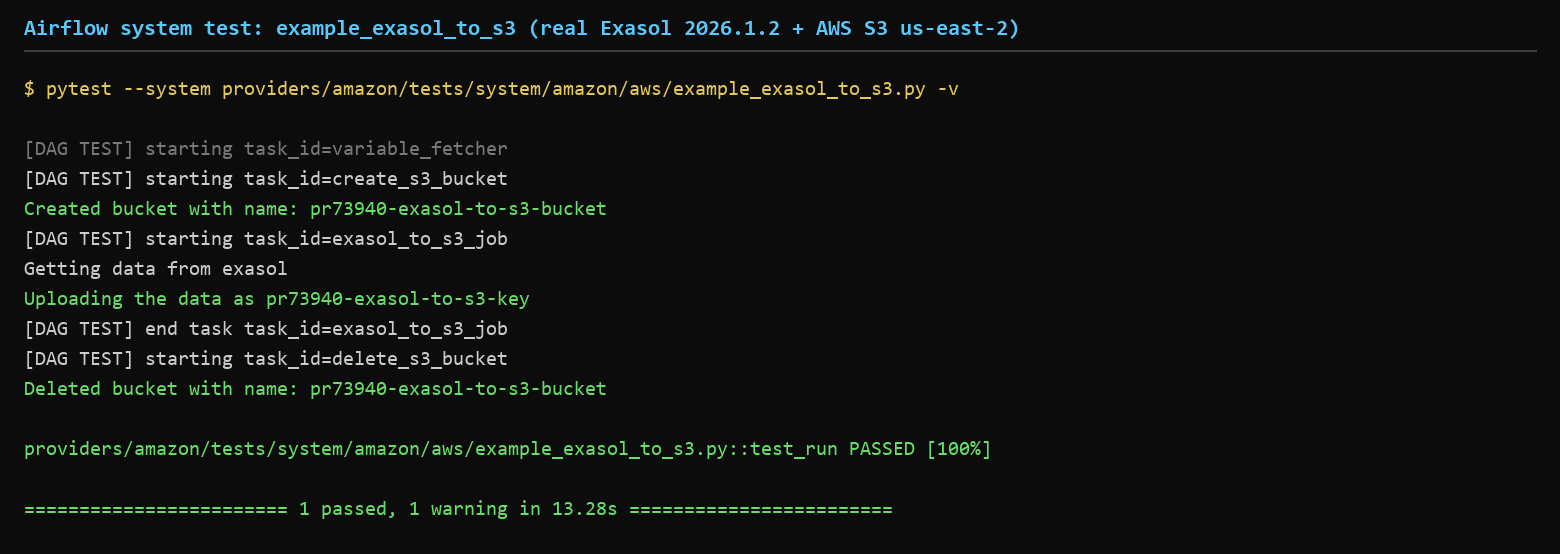
## System test executed against real infrastructure ✅
@vincbeck @o-nikolas — following up on the review feedback: the example system test has now been run end-to-end against **real infrastructure** (no mocks).
### Result
```
providers/amazon/tests/system/amazon/aws/example_exasol_to_s3.py::test_run PASSED [100%]
======================== 1 passed, 1 warning in 13.28s ========================
```
Repeated **3 times**, including a final run with the complete teardown path (`delete_s3_bucket` with `TriggerRule.ALL_DONE`).
### Environment
| Component | Version / Detail |
|---|---|
| Exasol | `exasol/docker-db:latest-8` community edition, **2026.1.2** (Docker, `--privileged`) |
| pyexasol | 2.4.1 |
| Python | 3.12.13 |
| Airflow | this PR branch (`docs-exasol-to-s3`) |
| AWS | real S3 bucket in **us-east-2** (created + deleted by the DAG) |
| `EXASOL_TABLE` | `SELECT * FROM TEST.EMPLOYEES` |
| Test data | `TEST.EMPLOYEES(id, name)` — 3 rows |
### Content verification
To prove the exported data actually lands in S3, I temporarily disabled the `delete_s3_bucket` teardown task, re-ran the test (passed again), and downloaded the object:
```
$ aws s3 ls s3://pr73940-exasol-to-s3-bucket/
2026-10-02 02:21:55 22 pr73940-exasol-to-s3-key
$ aws s3 cp s3://pr73940-exasol-to-s3-bucket/pr73940-exasol-to-s3-key -
1,Alice
2,Bob
3,Carol
```
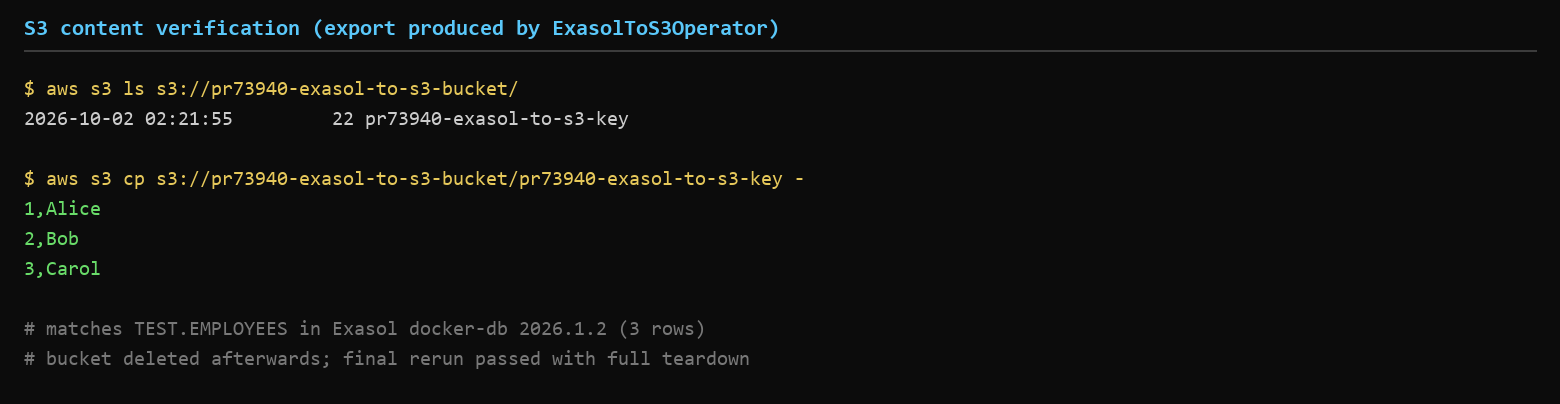
The CSV content matches the Exasol source table exactly. The bucket was deleted manually afterwards, and the final rerun with the restored DAG passed with full teardown (bucket lifecycle fully managed by the DAG).
### One finding, now documented in this PR
While setting this up I hit a real usability issue: passing a schema-qualified table name as a string (`query_or_table="TEST.EMPLOYEES"`) fails — pyexasol's `export_to_file` rejects dotted identifiers as unsafe (`ExaExportError`). Verified all three forms against Exasol 2026.1.2 / pyexasol 2.4.1:
- `"SELECT * FROM TEST.EMPLOYEES"` (query) — ✅ works
- `("TEST", "EMPLOYEES")` (tuple) — ✅ works (but not expressible via the operator's `str` parameter)
- `"TEST.EMPLOYEES"` (dotted string) — ❌ `ExaExportError`
So for schema-qualified tables, users must pass a query. I added a docstring clarification to `ExasolToS3Operator` in commit 8634fae, and the system test was run with the query form accordingly. This is exactly the kind of thing that only surfaces when running against a real instance — thanks for pushing for a real test run.
--
This is an automated message from the Apache Git Service.
To respond to the message, please log on to GitHub and use the
URL above to go to the specific comment.
To unsubscribe, e-mail: commits-unsubscribe@airflow.apache.org
For queries about this service, please contact Infrastructure at:
users@infra.apache.org