You are viewing a plain text version of this content. The canonical link for it is here.
Posted to commits@dolphinscheduler.apache.org by GitBox <gi...@apache.org> on 2022/04/28 02:11:23 UTC
[GitHub] [dolphinscheduler] Amy0104 commented on pull request #9810: [Feature][UI Next] Add front-end for Apache Zeppelin task plugin (#9597)
Amy0104 commented on PR #9810:
URL: https://github.com/apache/dolphinscheduler/pull/9810#issuecomment-1111663224
> I don't know how to get a colorless icon of Apache Zeppelin. Do you have any ideas about how to do this? Thx. @songjianet @Amy0104 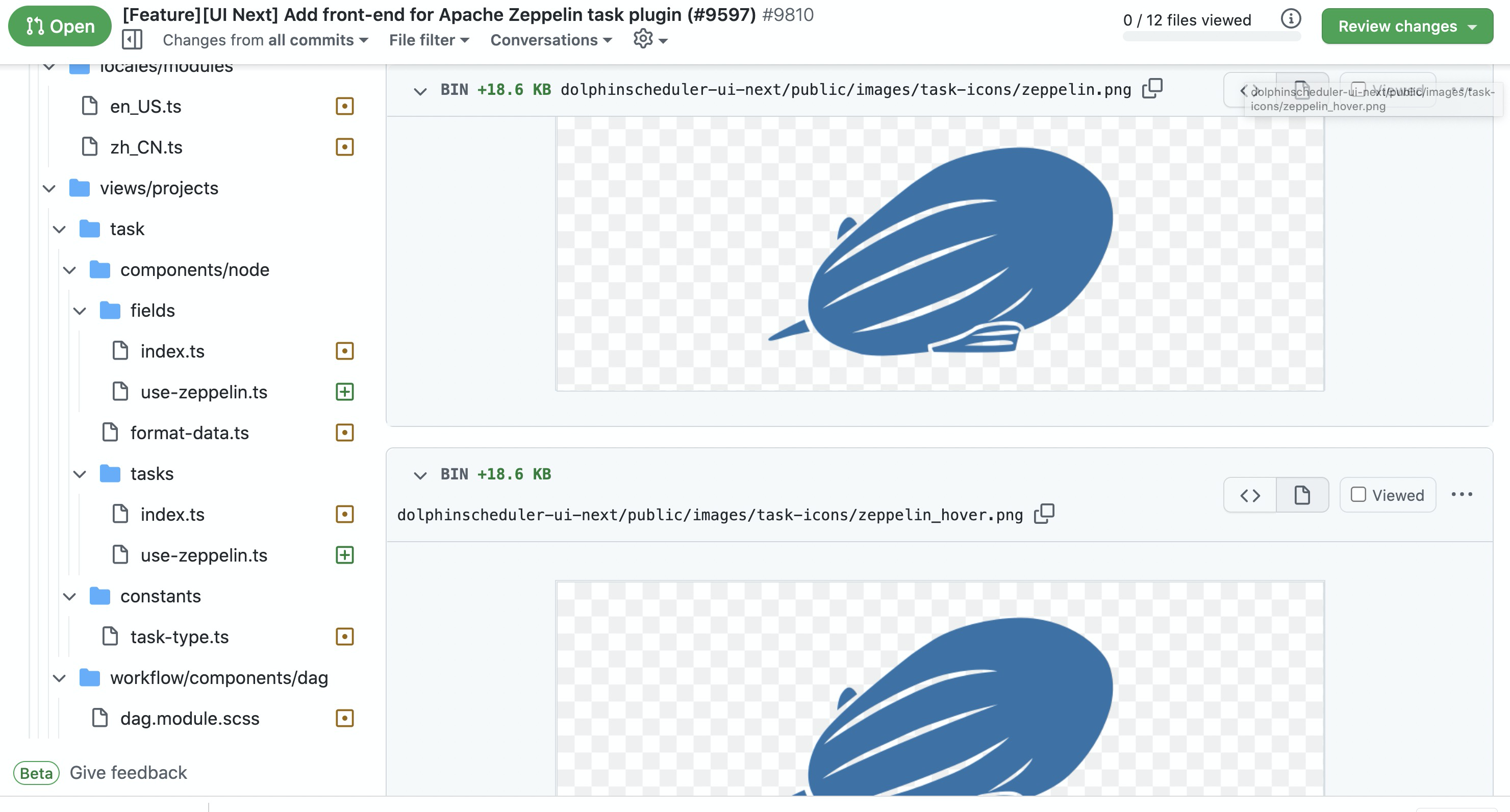
>
There are two ways to do this. Firstly, you can try photoshop to modify the icon picture. Secondly, you can use the the filter in css style. But there is better to use the icon in svg format.
--
This is an automated message from the Apache Git Service.
To respond to the message, please log on to GitHub and use the
URL above to go to the specific comment.
To unsubscribe, e-mail: commits-unsubscribe@dolphinscheduler.apache.org
For queries about this service, please contact Infrastructure at:
users@infra.apache.org