You are viewing a plain text version of this content. The canonical link for it is here.
Posted to commits@doris.apache.org by mo...@apache.org on 2026/04/29 21:53:57 UTC
(doris-website) branch master updated: [refactor](next) data-operate (#3601)
This is an automated email from the ASF dual-hosted git repository.
morningman pushed a commit to branch master
in repository https://gitbox.apache.org/repos/asf/doris-website.git
The following commit(s) were added to refs/heads/master by this push:
new 28de51454b7 [refactor](next) data-operate (#3601)
28de51454b7 is described below
commit 28de51454b74a324169844f9588fbcee28361d77
Author: Mingyu Chen (Rayner) <mo...@163.com>
AuthorDate: Wed Apr 29 14:53:51 2026 -0700
[refactor](next) data-operate (#3601)
---
.../import/import-way/log-storage-analysis.md | 571 -------
.../continuous-load-mysql-database.md | 0
.../streaming-job/continuous-load-mysql-table.md | 0
.../streaming-job/continuous-load-overview.md | 0
.../continuous-load-postgresql-database.md | 0
.../continuous-load-postgresql-table.md | 0
.../streaming-job/continuous-load-s3.md | 0
.../prerequisites/amazon-aurora-mysql.md | 0
.../prerequisites/amazon-aurora-postgresql.md | 0
.../prerequisites/amazon-rds-mysql.md | 0
.../prerequisites/amazon-rds-postgresql.md | 0
.../prerequisites/images/mysql-binlog-setting.png | Bin
.../prerequisites/images/pgwalsetting.png | Bin
.../data-operate/import/load-best-practices.md | 44 -
.../group-commit-manual.md | 0
.../load-best-practices/load-best-practices.md | 136 ++
.../load-high-availability.md | 0
.../routine-load-best-practices.md | 222 +++
.../stream-load-in-complex-network.md | 190 +++
.../import/load-internals/load-internals.md | 214 ---
.../load-internals/routine-load-internals.md | 166 --
.../stream-load-in-complex-network.md | 134 --
docs-next/data-operate/overview.mdx | 31 +
docs-next/data-operate/update-and-delete.mdx | 33 +
docs-next/ecosystem/automq-load.md | 111 --
docs-next/ecosystem/bi/apache-superset.md | 131 --
docs-next/ecosystem/bi/clouddm.md | 62 -
docs-next/ecosystem/bi/datagrip.md | 71 -
docs-next/ecosystem/bi/dbeaver.md | 104 --
docs-next/ecosystem/bi/finebi.md | 77 -
docs-next/ecosystem/bi/metabase.md | 270 ----
docs-next/ecosystem/bi/powerbi.md | 188 ---
docs-next/ecosystem/bi/quickbi.md | 28 -
docs-next/ecosystem/bi/quicksight.md | 131 --
docs-next/ecosystem/bi/smartbi.md | 37 -
docs-next/ecosystem/bi/tableau-back.md | 142 --
docs-next/ecosystem/bi/tableau.md | 113 --
docs-next/ecosystem/cloudcanal.md | 64 -
docs-next/ecosystem/datax.md | 327 ----
docs-next/ecosystem/dbt-doris-adapter.md | 505 ------
.../doris-kafka-connector/doris-kafka-connector.md | 592 -------
.../doris-kafka-connector/release-notes.md | 53 -
.../doris-operator/doris-operator-overview.md | 75 -
docs-next/ecosystem/doris-operator/on-alibaba.md | 140 --
docs-next/ecosystem/doris-operator/on-aws.md | 78 -
docs-next/ecosystem/doris-streamloader.md | 224 ---
.../flink-doris-connector/flink-doris-connector.md | 1151 --------------
.../flink-doris-connector/release-notes.md | 64 -
docs-next/ecosystem/kettle.md | 61 -
docs-next/ecosystem/kyuubi.md | 96 --
docs-next/ecosystem/observability/beats.md | 358 -----
docs-next/ecosystem/observability/fluentbit.md | 353 -----
docs-next/ecosystem/observability/langfuse.md | 331 ----
docs-next/ecosystem/observability/logstash.md | 411 -----
.../ecosystem/observability/loongcollector.md | 347 ----
docs-next/ecosystem/observability/opentelemetry.md | 372 -----
docs-next/ecosystem/observability/vector.md | 470 ------
docs-next/ecosystem/seatunnel.md | 305 ----
.../spark-doris-connector/release-notes.md | 74 -
.../spark-doris-connector/spark-doris-connector.md | 598 -------
docs-next/observability/log-storage-analysis.md | 24 +
.../current.json | 12 +-
.../data-operate/delete/atomicity-replace.md | 105 +-
.../data-operate/delete/batch-delete-manual.md | 210 ++-
.../current/data-operate/delete/delete-manual.md | 230 ++-
.../current/data-operate/delete/delete-overview.md | 153 +-
.../data-operate/delete/table-temp-partition.md | 286 ++--
.../current/data-operate/delete/truncate-manual.md | 146 +-
.../data-operate/export/export-best-practice.md | 197 ++-
.../current/data-operate/export/export-manual.md | 257 +--
.../current/data-operate/export/export-overview.md | 220 +--
.../data-operate/export/export-with-mysql-dump.md | 88 +-
.../current/data-operate/export/outfile.md | 223 ++-
.../data-operate/import/complex-types/array.md | 71 +-
.../data-operate/import/complex-types/bitmap.md | 114 +-
.../data-operate/import/complex-types/hll.md | 83 +-
.../data-operate/import/complex-types/json.md | 106 +-
.../data-operate/import/complex-types/map.md | 73 +-
.../data-operate/import/complex-types/struct.md | 109 +-
.../data-operate/import/complex-types/variant.md | 100 +-
.../data-operate/import/data-source/aliyun-oss.md | 148 +-
.../data-operate/import/data-source/amazon-s3.md | 127 +-
.../data-operate/import/data-source/aws-msk.md | 197 ++-
.../import/data-source/azure-storage.md | 141 +-
.../data-operate/import/data-source/bigquery.md | 353 +++--
.../data-operate/import/data-source/flink.md | 111 +-
.../import/data-source/google-cloud-storage.md | 117 +-
.../data-operate/import/data-source/hdfs.md | 135 +-
.../data-operate/import/data-source/huawei-obs.md | 125 +-
.../data-operate/import/data-source/kafka.md | 202 ++-
.../data-operate/import/data-source/local-file.md | 84 +-
.../data-source/migrate-data-from-other-olap.md | 58 +-
.../data-source/migrate-data-from-other-oltp.md | 331 ++--
.../data-operate/import/data-source/minio.md | 128 +-
.../data-operate/import/data-source/redshift.md | 159 +-
.../import/data-source/s3-compatible.md | 118 +-
.../data-operate/import/data-source/snowflake.md | 445 ++++--
.../data-operate/import/data-source/tencent-cos.md | 144 +-
.../current/data-operate/import/file-format/csv.md | 397 +++--
.../data-operate/import/file-format/json.md | 379 +++--
.../data-operate/import/file-format/native.md | 85 +-
.../current/data-operate/import/file-format/orc.md | 72 +-
.../data-operate/import/file-format/parquet.md | 83 +-
.../data-operate/import/group-commit-manual.md | 779 ---------
.../data-operate/import/handling-messy-data.md | 210 ++-
.../import/import-way/broker-load-manual.md | 1102 ++++++-------
.../import/import-way/insert-into-manual.md | 231 ++-
.../import/import-way/insert-into-values-manual.md | 178 ++-
.../import/import-way/log-storage-analysis.md | 548 -------
.../import/import-way/mysql-load-manual.md | 182 ++-
.../import/import-way/routine-load-manual.md | 915 ++++++-----
.../import/import-way/stream-load-manual.md | 335 ++--
.../continuous-load-mysql-database.md | 237 +++
.../streaming-job/continuous-load-mysql-table.md | 135 ++
.../streaming-job/continuous-load-overview.md | 221 +++
.../continuous-load-postgresql-database.md | 173 ++
.../continuous-load-postgresql-table.md | 117 ++
.../import-way/streaming-job/continuous-load-s3.md | 231 +++
.../prerequisites/amazon-aurora-mysql.md | 163 ++
.../prerequisites/amazon-aurora-postgresql.md | 190 +++
.../prerequisites/amazon-rds-mysql.md | 164 ++
.../prerequisites/amazon-rds-postgresql.md | 210 +++
.../data-operate/import/load-best-practices.md | 44 -
.../load-best-practices/group-commit-manual.md | 812 ++++++++++
.../load-best-practices/load-best-practices.md | 379 +++++
.../load-best-practices/load-high-availability.md | 157 ++
.../routine-load-best-practices.md | 222 +++
.../stream-load-in-complex-network.md | 188 +++
.../data-operate/import/load-data-convert.md | 351 +++-
.../data-operate/import/load-high-availability.md | 104 --
.../import/load-internals/load-internals.md | 209 ---
.../load-internals/routine-load-internals.md | 165 --
.../stream-load-in-complex-network.md | 134 --
.../current/data-operate/import/load-manual.md | 175 +-
.../continuous-load-mysql-database.md | 131 --
.../streaming-job/continuous-load-mysql-table.md | 81 -
.../streaming-job/continuous-load-overview.md | 165 --
.../continuous-load-postgresql-database.md | 105 --
.../continuous-load-postgresql-table.md | 83 -
.../import/streaming-job/continuous-load-s3.md | 129 --
.../prerequisites/amazon-aurora-mysql.md | 83 -
.../prerequisites/amazon-aurora-postgresql.md | 82 -
.../prerequisites/amazon-rds-mysql.md | 82 -
.../prerequisites/amazon-rds-postgresql.md | 86 -
.../current/data-operate/overview.mdx | 40 +
.../current/data-operate/update-and-delete.mdx | 33 +
.../update/multi-stream-update-for-unique-model.md | 218 ++-
.../data-operate/update/partial-column-update.md | 369 +++--
.../update/unique-update-concurrent-control.md | 171 +-
.../data-operate/update/unique-update-sql.md | 138 +-
.../current/data-operate/update/unique-update.md | 87 +-
.../update/update-of-aggregate-model.md | 34 +-
.../data-operate/update/update-of-unique-model.md | 34 +-
.../current/data-operate/update/update-overview.md | 270 ++--
.../current/ecosystem/automq-load.md | 108 --
.../current/ecosystem/cloudcanal.md | 64 -
.../current/ecosystem/datax.md | 328 ----
.../current/ecosystem/dbt-doris-adapter.md | 521 ------
.../doris-kafka-connector/doris-kafka-connector.md | 593 -------
.../doris-kafka-connector/release-notes.md | 53 -
.../doris-operator/doris-operator-overview.md | 76 -
.../current/ecosystem/doris-operator/on-alibaba.md | 137 --
.../current/ecosystem/doris-operator/on-aws.md | 77 -
.../current/ecosystem/doris-streamloader.md | 216 ---
.../flink-doris-connector/flink-doris-connector.md | 1151 --------------
.../flink-doris-connector/release-notes.md | 64 -
.../current/ecosystem/kettle.md | 64 -
.../current/ecosystem/kyuubi.md | 91 --
.../current/ecosystem/observability/beats.md | 358 -----
.../current/ecosystem/observability/fluentbit.md | 352 -----
.../current/ecosystem/observability/langfuse.md | 333 ----
.../current/ecosystem/observability/logstash.md | 412 -----
.../ecosystem/observability/loongcollector.md | 347 ----
.../ecosystem/observability/opentelemetry.md | 366 -----
.../current/ecosystem/observability/vector.md | 468 ------
.../current/ecosystem/seatunnel.md | 305 ----
.../spark-doris-connector/release-notes.md | 74 -
.../spark-doris-connector/spark-doris-connector.md | 596 -------
.../current/observability/log-storage-analysis.md | 800 ++++++----
.../current/query-acceleration/colocation-join.md | 375 +++--
.../current/query-acceleration/condition-cache.md | 177 ++-
.../current/query-acceleration/dictionary.md | 640 ++++----
.../bitmap-precise-deduplication.md | 116 +-
.../hll-approximate-deduplication.md | 109 +-
.../high-concurrent-point-query.md | 232 ++-
.../query-acceleration/hints/distribute-hint.md | 93 +-
.../query-acceleration/hints/hints-overview.md | 71 +-
.../query-acceleration/hints/leading-hint.md | 686 ++++----
.../async-materialized-view/faq.md | 486 +++---
.../functions-and-demands.md | 1670 ++++++++++----------
.../async-materialized-view/overview.md | 181 ++-
.../async-materialized-view/use-advice.md | 262 +--
.../async-materialized-view/use-guide.md | 663 ++++----
.../materialized-view/overview.md | 84 +-
.../materialized-view/sync-materialized-view.md | 574 ++++---
.../pipeline-execution-engine.md | 158 +-
.../query-optimizer.md | 104 +-
.../runtime-filter.md | 473 +++---
.../statistics.md | 491 +++---
.../topn-optimization.md | 138 +-
.../performance-tuning-overview/analysis-tools.md | 259 ++-
.../diagnostic-tools.md | 158 +-
.../performance-tuning-overview/tuning-overview.md | 87 +-
.../performance-tuning-overview/tuning-process.md | 126 +-
.../current/query-acceleration/query-cache.md | 330 ++--
.../current/query-acceleration/query-profile.md | 470 ++++--
.../current/query-acceleration/sql-cache-manual.md | 251 ++-
.../tuning/parallelism-tuning.md | 190 ++-
.../adjustment-of-runtimefilter-wait-time.md | 155 +-
.../tuning/tuning-execution/data-skew-handling.md | 154 +-
.../tuning/tuning-execution/parallelism-tuning.md | 235 ++-
.../query-acceleration/tuning/tuning-parameters.md | 118 +-
.../accelerating-queries-with-sql-cache.md | 71 +-
.../tuning/tuning-plan/adjusting-join-shuffle.md | 142 +-
.../tuning-plan/controlling-hints-with-cbo-rule.md | 109 +-
.../tuning/tuning-plan/dml-tuning-plan.md | 60 +-
.../optimizing-join-with-colocate-group.md | 93 +-
.../tuning/tuning-plan/optimizing-table-index.md | 127 +-
.../tuning-plan/optimizing-table-scanning.md | 121 +-
.../tuning/tuning-plan/optimizing-table-schema.md | 166 +-
.../reordering-join-with-leading-hint.md | 147 +-
.../transparent-rewriting-with-async-mv.md | 184 ++-
.../transparent-rewriting-with-sync-mv.md | 170 +-
.../current/query-data/asof-join.md | 151 +-
.../current/query-data/complex-type.md | 36 +-
.../current/query-data/cte.md | 182 ++-
.../current/query-data/join.md | 154 +-
.../current/query-data/lateral-view.md | 50 +-
.../query-data/multi-dimensional-analytics.md | 749 ++++-----
.../current/query-data/mysql-compatibility.md | 219 +--
.../current/query-data/subquery.md | 415 ++---
.../current/query-data/udf/alias-function.md | 64 +-
.../query-data/udf/java-user-defined-function.md | 272 ++--
.../query-data/udf/python-user-defined-function.md | 1108 +++++++------
.../current/query-data/window-function.md | 544 ++++---
sidebars-next.ts | 143 +-
static/images/next/data-operate/cdc.jpg | Bin 0 -> 118373 bytes
static/images/next/data-operate/delete-sign.jpg | Bin 0 -> 284614 bytes
.../images/next/data-operate/distribute-lock.jpg | Bin 0 -> 183629 bytes
.../data-operate/streaming-job/job-state-flow.jpg | Bin 0 -> 175626 bytes
.../data-operate/streaming-job/job-state-flow.png | Bin 0 -> 1920573 bytes
.../streaming-job}/mysql-binlog-setting.png | Bin
.../data-operate/streaming-job}/pgwalsetting.png | Bin
static/images/next/data-operate/upsert.jpg | Bin 0 -> 206915 bytes
244 files changed, 22801 insertions(+), 29829 deletions(-)
diff --git a/docs-next/data-operate/import/import-way/log-storage-analysis.md b/docs-next/data-operate/import/import-way/log-storage-analysis.md
deleted file mode 100644
index f89dfd723a1..00000000000
--- a/docs-next/data-operate/import/import-way/log-storage-analysis.md
+++ /dev/null
@@ -1,571 +0,0 @@
----
-{
- "title": "Log Storage and Analysis",
- "language": "en",
- "description": "Logs record key events in the system and contain crucial information such as the events' subject, time, location, and content."
-}
----
-
-Logs record key events in the system and contain crucial information such as the events' subject, time, location, and content. To meet the diverse needs of observability in operations, network security monitoring, and business analysis, enterprises might need to collect scattered logs for centralized storage, querying, and analysis to extract valuable content from the log data further.
-
-In this scenario, Apache Doris provides a corresponding solution. With the characteristics of log scenarios in mind, Apache Doris added inverted-index and ultra-fast full-text search capabilities, optimizing write performance and storage space to the extreme. This allows users to build an open, high-performance, cost-effective, and unified log storage and analysis platform based on Apache Doris.
-
-Focused on this solution, this chapter contains the following 3 sections:
-
-- **Overall architecture**: This section explains the core components and architecture of the log storage and analysis platform built on Apache Doris.
-
-- **Features and advantages**: This section explains the features and advantages of the log storage and analysis platform built on Apache Doris.
-
-- **Operational guide**: This section explains how to build a log storage and analysis platform based on Apache Doris.
-
-## Overall architecture
-
-The following figure illustrates the architecture of the log storage and analysis platform built on Apache Doris:
-
-
-
-The architecture contains the following 3 parts:
-
-- **Log collection and preprocessing**: Various log collection tools can write log data into Apache Doris through HTTP APIs.
-
-- **Log storage and analysis engine**: Apache Doris provides high-performance, low-cost unified log storage, offering rich retrieval and analysis capabilities through SQL interfaces.
-
-- **Log analysis and alert interface**: Various log retrieval and analysis tools can query Apache Doris through standard SQL interfaces, providing users with a simple and user-friendly interface.
-
-## Features and advantages
-
-The following figure illustrates the architecture of the log storage and analysis platform built on Apache Doris::
-
-- **High throughput, low latency log writing**: Supports stable writing of log data at the level of hundreds of TBs and GB/s per day, while maintaining latency within 1 second.
-
-- **Cost-effective storage of massive log data**: Supports petabyte-scale storage, saving 60% to 80% in storage costs compared to Elasticsearch, and further reducing storage costs by 50% by storing cold data in S3/HDFS.
-
-- **High-performance log full-text search and analysis**: Supports inverted indexes and full-text search, providing second-level response times for common log queries (keyword searches, trend analysis, etc.).
-
-- **Open and user-friendly upstream and downstream ecosystem**: Upstream integration with common log collection systems and data sources such as Logstash, Filebeat, Fluentbit, and Kafka through Stream Load's universal HTTP APIs, and downstream integration with various visual analytics UIs using standard MySQL protocol and syntax, such as observability platform Grafana, BI analytics Superset, and log retrieval Doris WebUI similar to Kibana.
-
-### Cost-effective performance
-
-After Benchmark testing and production validation, the log storage and analysis platform built on Apache Doris has a 5 to 10 times cost-performance advantage over Elasticsearch. Apache Doris's performance benefits are mainly due to its globally leading high-performance storage and query engine, as well as specialized optimizations for log scenarios:
-
-- **Improved write throughput**: Elasticsearch's write performance bottleneck lies in CPU consumption for parsing data and building inverted indexes. In comparison, Apache Doris has optimized writes in two aspects: using SIMD and other CPU vector instructions to improve JSON data parsing speed and index-building performance and simplifying the inverted index structure for log scenarios by removing unnecessary data structures like forward indexes, effectively reducing index build complexi [...]
-
-- **Reduced Storage Costs**: The storage bottleneck in Elasticsearch lies in the multiple storage formats for forward indexes, inverted indexes, and Docvalue columns, as well as the relatively low compression ratio of its general compression algorithms. In contrast, Apache Doris has made the following optimizations in storage: it removes the forward index, reducing the index data size by 30%; it uses columnar storage and the Zstandard compression algorithm, achieving a compression ratio [...]
-
-### Strong analytical capabilities
-
-Apache Doris supports standard SQL and is compatible with MySQL protocol and syntax. Therefore, log systems built on Apache Doris can use SQL for log analysis, giving the following advantages to log systems:
-
-- **Easy to use**: Engineers and data analysts are very familiar with SQL, their expertise can be reused, no need to learn new technology stacks to quickly get started.
-
-- **Rich ecosystem**: The MySQL ecosystem is the most widely used language in the database field, seamlessly integrating with and applying to the MySQL ecosystem. Doris can leverage MySQL command line and various GUI tools, BI tools, and other big data ecosystem tools for more complex and diverse data processing and analysis needs.
-
-- **Strong analytical capabilities**: SQL has become the de facto standard for database and big data analysis, with powerful expressive capabilities and functions supporting retrieval, aggregation, multi-table JOIN, subqueries, UDFs, logical views, materialized views, and various data analysis capabilities.
-
-### Flexible Schema
-
-Here is a typical example of a semi-structured log in JSON format. The top-level fields are some fixed fields, such as timestamp, source, node, component, level, clientRequestID, message, and properties, which are present in every log entry. The nested fields of the properties , such as properties.size and properties.format are more dynamic, and the fields of each log may vary.
-
-```JSON
-{
- "timestamp": "2014-03-08T00:50:03.8432810Z",
- "source": "ADOPTIONCUSTOMERS81",
- "node": "Engine000000000405",
- "level": "Information",
- "component": "DOWNLOADER",
- "clientRequestId": "671db15d-abad-94f6-dd93-b3a2e6000672",
- "message": "Downloading file path: benchmark/2014/ADOPTIONCUSTOMERS81_94_0.parquet.gz",
- "properties": {
- "size": 1495636750,
- "format": "parquet",
- "rowCount": 855138,
- "downloadDuration": "00:01:58.3520561"
- }
-}
-```
-
-
-Apache Doris provides several aspects of support for Flexible Schema log data:
-
-- For changes to top-level fields, Light Schema Change can be used to add or remove columns and to add or remove indexes, enabling schema changes to be completed in seconds. When planning a log platform, users only need to consider which fields need to be indexed.
-
-- For extension fields similar to properties, the native semi-structured data type `VARIANT` is provided, which can write any JSON data, automatically recognize field names and types in JSON, and automatically split frequently occurring fields for columnar storage for subsequent analysis. Additionally, `VARIANT` can create inverted indexes to accelerate internal field queries and retrievals.
-
-Compared to Elasticsearch's Dynamic Mapping, Apache Doris's Flexible Schema has the following advantages:
-
-- Allows a field to have multiple types, `VARIANT` automatically handles conflicts and type promotion for fields, better adapting to iterative changes in log data.
-
-- `VARIANT` automatically merges infrequently occurring fields into a column store to avoid performance issues caused by excessive fields, metadata, or columns.
-
-- Not only can columns be dynamically added, but they can also be dynamically deleted, and indexes can be dynamically added or removed, eliminating the need to index all fields at the beginning like Elasticsearch, reducing unnecessary costs.
-
-## Operational guide
-
-### Step 1: Estimate resources
-
-Before deploying the cluster, you need to estimate the hardware resources required for the servers. Follow the steps below:
-
-1. Estimate the resources for data writing by the following calculation formulas:
-
-- `Average write throughput = Daily data increment / 86400 s`
-
-- `Peak write throughput = Average write throughput \* Ratio of the peak write throughput to the average write throughput`
-
-- `Number of CPU cores for the peak write throughput = Peak write throughput / Write throughput of a single-core CPU`
-
-1. Estimate the resources for data storage by the calculation formula: `Storage space = Daily data increment / Data compression ratio * Number of data copies * Data storage duration`.
-
-2. Estimate the resources for data querying. The resources for data querying depend on the query volume and complexity. It is recommended to reserve 50% of CPU resources for data query initially and then adjust according to the actual test results.
-
-3. Integrate the calculation results as follows:
-
- 1. Divide the number of CPU cores calculated in Step 1 and Step 3 by the number of CPU cores of a BE server, and you can get the number of BE servers.
-
- 2. Based on the number of BE servers and the calculation result of Step 2, estimate the storage space required for each BE server.
-
- 3. Allocate the storage space required for each BE server to 4 to 12 data disks, and you can get the storage capacity required for a single data disk.
-
-For example, suppose that the daily data increment is 100 TB, the data compression ratio is 5, the number of data copies is 1, the storage duration of hot data is 3 days, the storage duration of cold data is 30 days, the ratio of the peak write throughput to the average write throughput is 200%, the write throughput of a single-core CUP is 10 MB/s, and 50% of CPU resources are reserved for data querying, one can estimate that:
-
-- 3 FE servers are required, each configured with a 16-core CPU, 64 GB memory, and an 1 100 GB SSD disk.
-
-- 15 BE servers are required, each configured with a 32-core CPU, 256 GB memory, and 10 600 GB SSD disks.
-
-- S3 object storage space 600 TB
-
-Refer to the following table to learn about the values of indicators in the example above and how they are calculated.
-
-| Indicator (Unit) | Value | Description |
-| --- | --- | --- |
-| Daily data increment (TB) | 100 | Specify the value according to your actual needs. |
-| Data compression ratio | 5 | Specify the value according to your actual needs, which is often between 3 to 10. Note that the data contains index data. |
-| Number of data copies | 1 | Specify the value according to your actual needs, which can be 1, 2, or 3. The default value is 1. |
-| Storage duration of hot data (day) | 3 | Specify the value according to your actual needs. |
-| Storage duration of cold data (day) | 30 | Specify the value according to your actual needs. |
-| Data storage duration | 33 | Calculation formula: `Storage duration of hot data + Storage duration of cold data` |
-| Estimated storage space for hot data (TB) | 60 | Calculation formula: `Daily data increment / Data compression ratios * Number of data copies * Storage duration of hot data` |
-| Estimated storage space for cold data (TB) | 600 | Calculation formula: `Daily data increment / Data compression ratios * Number of data copies * Storage duration of cold data` |
-| Ratio of the peak write throughput to the average write throughput | 200% | Specify the value according to your actual needs. The default value is 200%. |
-| Number of CPU cores of a BE server | 32 | Specify the value according to your actual needs. The default value is 32. |
-| Average write throughput (MB/s) | 1214 | Calculation formula: `Daily data increment / 86400 s` |
-| Peak write throughput (MB/s) | 2427 | Calculation formula: `Average write throughput * Ratio of the peak write throughput to the average write throughput` |
-| Number of CPU cores for the peak write throughput | 242.7 | Calculation formula: `Peak write throughput / Write throughput of a single-core CPU` |
-| Percent of CPU resources reserved for data querying | 50% | Specify the value according to your actual needs. The default value is 50%. |
-| Estimated number of BE servers | 15.2 | Calculation formula: `Number of CPU cores for the peak write throughput / Number of CPU cores of a BE server /(1 - Percent of CPU resources reserved for data querying)` |
-| Rounded number of BE servers | 15 | Calculation formula: `MAX (Number of data copies, Estimated number of BE servers)` |
-| Estimated data storage space for each BE server (TB) | 5.7 | Calculation formula: `Estimated storage space for hot data / Estimated number of BE servers /(1 - 30%)`, where 30% represents the percent of reserved storage space.<br /><br />It is recommended to mount 4 to 12 data disks on each BE server to enhance I/O capabilities. |
-
-### Step 2: Deploy the cluster
-
-After estimating the resources, you need to deploy the cluster. It is recommended to deploy in both physical and virtual environments manually. For manual deployment, refer to [Manual Deployment](./install/deploy-manually/integrated-storage-compute-deploy-manually).
-
-
-### Step 3: Optimize FE and BE configurations
-
-After completing the cluster deployment, it is necessary to optimize the configuration parameters for both the front-end and back-end separately, so as to better suit the scenario of log storage and analysis.
-
-**Optimize FE configurations**
-
-You can find FE configuration fields in `fe/conf/fe.conf`. Refer to the following table to optimize FE configurations.
-
-| Configuration fields to be optimized | Description |
-| :----------------------------------------------------------- | :----------------------------------------------------------- |
-| `max_running_txn_num_per_db = 10000` | Increase the parameter value to adapt to high-concurrency import transactions. |
-| `streaming_label_keep_max_second = 3600` `label_keep_max_second = 7200` | Increase the retention time to handle high-frequency import transactions with high memory usage. |
-| `enable_round_robin_create_tablet = true` | When creating Tablets, use a Round Robin strategy to distribute evenly. |
-| `tablet_rebalancer_type = partition` | When balancing Tablets, use a strategy to evenly distribute within each partition. |
-| `autobucket_min_buckets = 10` | Increase the minimum number of automatically bucketed buckets from 1 to 10 to avoid insufficient buckets when the log volume increases. |
-| `max_backend_heartbeat_failure_tolerance_count = 10` | In log scenarios, the BE server may experience high pressure, leading to short-term timeouts, so increase the tolerance count from 1 to 10. |
-
-For more information, refer to [FE Configuration](./admin-manual/config/fe-config.md).
-
-**Optimize BE configurations**
-
-You can find BE configuration fields in `be/conf/be.conf`. Refer to the following table to optimize BE configurations.
-
-| Module | Configuration fields to be optimized | Description |
-| :--------- | :----------------------------------------------------------- | :----------------------------------------------------------- |
-| Storage | `storage_root_path = /path/to/dir1;/path/to/dir2;...;/path/to/dir12` | Configure the storage path for hot data on disk directories. |
-| - | `enable_file_cache = true` | Enable file caching. |
-| - | `file_cache_path = [{"path": "/mnt/datadisk0/file_cache", "total_size":53687091200, "query_limit": "10737418240"},{"path": "/mnt/datadisk1/file_cache", "total_size":53687091200,"query_limit": "10737418240"}]` | Configure the cache path and related settings for cold data with the following specific configurations:<br/>`path`: cache path<br/>`total_size`: total size of the cache path in bytes, where 53687091200 bytes equals 50 GB<br/>`query_limit`: maximum amount of data tha [...]
-| Write | `write_buffer_size = 1073741824` | Increase the file size of the write buffer to reduce small files and random I/O operations, improving performance. |
-| Compaction | `max_cumu_compaction_threads = 8` | Set to CPU core count / 4, indicating that 1/4 of CPU resources are used for writing, 1/4 for background compaction, and 2/1 for queries and other operations. |
-| - | `inverted_index_compaction_enable = true` | Enable inverted index compaction to reduce CPU consumption during compaction. |
-| - | `enable_segcompaction = false` `enable_ordered_data_compaction = false` | Disable two compaction features that are unnecessary for log scenarios. |
-| - | `enable_compaction_priority_scheduling = false` | Low-priority compaction is limited to 2 tasks on a single disk, which can affect the speed of compaction. |
-| - | `total_permits_for_compaction_score = 200000 ` | The parameter is used to control memory, under the memory time series strategy, the parameter itself can control memory. |
-| Cache | `disable_storage_page_cache = true` `inverted_index_searcher_cache_limit = 30%` | Due to the large volume of log data and limited caching effect, switch from data caching to index caching. |
-| - | `inverted_index_cache_stale_sweep_time_sec = 3600` `index_cache_entry_stay_time_after_lookup_s = 3600` | Maintain index caching in memory for up to 1 hour. |
-| - | `enable_inverted_index_cache_on_cooldown = true`<br />`enable_write_index_searcher_cache = false` | Enable automatic caching of cold data storage during index uploading. |
-| - | `tablet_schema_cache_recycle_interval = 3600` `segment_cache_capacity = 20000` | Reduce memory usage by other caches. |
-| - | `inverted_index_ram_dir_enable = true` | Reduce the IO overhead caused by writing to index files temporarily. |
-| Thread | `pipeline_executor_size = 24` `doris_scanner_thread_pool_thread_num = 48` | Configure computing threads and I/O threads for a 32-core CPU in proportion to core count. |
-| - | `scan_thread_nice_value = 5` | Lower the priority of query I/O threads to ensure writing performance and timeliness. |
-| Other | `string_type_length_soft_limit_bytes = 10485760` | Increase the length limit of string-type data to 10 MB. |
-| - | `trash_file_expire_time_sec = 300` `path_gc_check_interval_second = 900` `path_scan_interval_second = 900` | Accelerate the recycling of trash files. |
-
-
-For more information, refer to [BE Configuration](./admin-manual/config/be-config).
-
-### Step 4: Create tables
-
-Due to the distinct characteristics of both writing and querying log data, it is recommended to configure tables with targeted settings to enhance performance.
-
-**Configure data partitioning and bucketing**
-
-- For data partitioning:
-
- - Enable [range partitioning](./table-design/data-partitioning/manual-partitioning.md#range-partitioning) (`PARTITION BY RANGE(`ts`)`) with [dynamic partitions](./table-design/data-partitioning/dynamic-partitioning.md) (`"dynamic_partition.enable" = "true"`) managed automatically by day.
-
- - Use a field in the DATETIME type as the key (`DUPLICATE KEY(ts)`) for accelerated retrieval of the latest N log entries.
-
-- For data bucketing:
-
- - Configure the number of buckets to be roughly three times the total number of disks in the cluster, with each bucket containing approximately 5GB of data after compression.
-
- - Use the Random strategy (`DISTRIBUTED BY RANDOM BUCKETS 60`) to optimize batch writing efficiency when paired with single tablet imports.
-
-For more information, refer to [Data Partitioning](./table-design/data-partitioning/auto-partitioning).
-
-**Configure compression parameters**
-
-Use the zstd compression algorithm ("compression" = "zstd") to improve data compression efficiency.
-
-**Configure compaction parameters**
-
-Configure compaction fields as follows:
-
-- Use the time_series strategy (`"compaction_policy" = "time_series"`) to reduce write amplification, which is crucial for high-throughput log writes.
-
-**Configure index parameters**
-
-Configuring index fields as follows:
-
-- Create indexes for fields that are frequently queried (`USING INVERTED`).
-
-- For fields that require full-text search, specify the parser field as unicode, which satisfies most requirements. If there is a need to support phrase queries, set the support_phrase field to true; if not needed, set it to false to reduce storage space.
-
-**Configure storage parameters**
-
-Configure storage policies as follows:
-
-- For storage of hot data, if using cloud storage, configure the number of data copies as 1; if using physical disks, configure the number of data copies as at least 2 (`"replication_num" = "2"`).
-
-- Configure the storage location for log_s3 (`CREATE RESOURCE "log_s3"`) and set the log_policy_3day policy (`CREATE STORAGE POLICY log_policy_3day`), where the data is cooled and moved to the specified storage location of log_s3 after 3 days. Refer to the code below.
-
-```SQL
-CREATE DATABASE log_db;
-USE log_db;
-
-CREATE RESOURCE "log_s3"
-PROPERTIES
-(
- "type" = "s3",
- "s3.endpoint" = "your_endpoint_url",
- "s3.region" = "your_region",
- "s3.bucket" = "your_bucket",
- "s3.root.path" = "your_path",
- "s3.access_key" = "your_ak",
- "s3.secret_key" = "your_sk"
-);
-
-CREATE STORAGE POLICY log_policy_3day
-PROPERTIES(
- "storage_resource" = "log_s3",
- "cooldown_ttl" = "259200"
-);
-
-CREATE TABLE log_table
-(
- `ts` DATETIME,
- `host` TEXT,
- `path` TEXT,
- `message` TEXT,
- INDEX idx_host (`host`) USING INVERTED,
- INDEX idx_path (`path`) USING INVERTED,
- INDEX idx_message (`message`) USING INVERTED PROPERTIES("parser" = "unicode", "support_phrase" = "true")
-)
-ENGINE = OLAP
-DUPLICATE KEY(`ts`)
-PARTITION BY RANGE(`ts`) ()
-DISTRIBUTED BY RANDOM BUCKETS 60
-PROPERTIES (
- "compression" = "zstd",
- "compaction_policy" = "time_series",
- "dynamic_partition.enable" = "true",
- "dynamic_partition.create_history_partition" = "true",
- "dynamic_partition.time_unit" = "DAY",
- "dynamic_partition.start" = "-30",
- "dynamic_partition.end" = "1",
- "dynamic_partition.prefix" = "p",
- "dynamic_partition.buckets" = "60",
- "dynamic_partition.replication_num" = "2", -- unneccessary for the compute-storage coupled mode
- "replication_num" = "2", -- unneccessary for the compute-storage coupled mode
- "storage_policy" = "log_policy_3day" -- unneccessary for the compute-storage coupled mode
-);
-```
-
-### Step 5: Collect logs
-
-After completing table creation, you can proceed with log collection.
-
-Apache Doris provides open and versatile Stream HTTP APIs, through which you can connect with popular log collectors such as Logstash, Filebeat, Kafka, and others to carry out log collection work. This section explains how to integrate these log collectors using the Stream HTTP APIs.
-
-**Integrating Logstash**
-
-Follow these steps:
-
-1. Download and install the Logstash Doris Output plugin. You can choose one of the following two methods:
-
- - [Click to download](https://download.selectdb.com/extension/logstash-output-doris-1.2.0.gem) and install.
-
- - Compile from the source code and run the following command to install:
-
-```markdown
-./bin/logstash-plugin install logstash-output-doris-1.2.0.gem
-```
-
-1. Configure Logstash. Specify the following fields:
-
-- `logstash.yml`: Used to configure Logstash batch processing log sizes and timings for improved data writing performance.
-
-```Plain Text
-pipeline.batch.size: 1000000
-pipeline.batch.delay: 10000
-```
-
-- `logstash_demo.conf`: Used to configure the specific input path of the collected logs and the settings for output to Apache Doris.
-
-```
-input {
- file {
- path => "/path/to/your/log"
- }
-}
-
-output {
- doris {
- http_hosts => [ "<http://fehost1:http_port>", "<http://fehost2:http_port>", "<http://fehost3:http_port">]
- user => "your_username"
- password => "your_password"
- db => "your_db"
- table => "your_table"
-
- # doris stream load http headers
- headers => {
- "format" => "json"
- "read_json_by_line" => "true"
- "load_to_single_tablet" => "true"
- }
-
- # field mapping: doris fileld name => logstash field name
- # %{} to get a logstash field, [] for nested field such as [host][name] for host.name
- mapping => {
- "ts" => "%{@timestamp}"
- "host" => "%{[host][name]}"
- "path" => "%{[log][file][path]}"
- "message" => "%{message}"
- }
- log_request => true
- log_speed_interval => 10
- }
-}
- ```
-
-3. Run Logstash according to the command below, collect logs, and output to Apache Doris.
-
-```shell
-./bin/logstash -f logstash_demo.conf
-```
-
-For more information about the Logstash Doris Output plugin, see [Logstash Doris Output Plugin](./ecosystem/observability/logstash).
-
-**Integrating Filebeat**
-
-Follow these steps:
-
-1. Obtain the Filebeat binary file that supports output to Apache Doris. You can [click to download](https://download.selectdb.com/extension/filebeat-doris-2.1.1) or compile it from the Apache Doris source code.
-
-2. Configure Filebeat. Specify the filebeat_demo.yml field that is used to configure the specific input path of the collected logs and the settings for output to Apache Doris.
-
-```YAML
-# input
-filebeat.inputs:
-- type: log
-enabled: true
-paths:
- - /path/to/your/log
-multiline:
- type: pattern
- pattern: '^[0-9]{4}-[0-9]{2}-[0-9]{2} [0-9]{2}:[0-9]{2}:[0-9]{2}'
- negate: true
- match: after
- skip_newline: true
-
-processors:
-- script:
- lang: javascript
- source: >
- function process(event) {
- var msg = event.Get("message");
- msg = msg.replace(/\t/g, " ");
- event.Put("message", msg);
- }
-- dissect:
- # 2024-06-08 18:26:25,481 INFO (report-thread|199) [ReportHandler.cpuReport():617] begin to handle
- tokenizer: "%{day} %{time} %{log_level} (%{thread}) [%{position}] %{content}"
- target_prefix: ""
- ignore_failure: true
- overwrite_keys: true
-
-# queue and batch
-queue.mem:
-events: 1000000
-flush.min_events: 100000
-flush.timeout: 10s
-
-# output
-output.doris:
-fenodes: [ "http://fehost1:http_port", "http://fehost2:http_port", "http://fehost3:http_port" ]
-user: "your_username"
-password: "your_password"
-database: "your_db"
-table: "your_table"
-# output string format
-codec_format_string: '{"ts": "%{[day]} %{[time]}", "host": "%{[agent][hostname]}", "path": "%{[log][file][path]}", "message": "%{[message]}"}'
-headers:
- format: "json"
- read_json_by_line: "true"
- load_to_single_tablet: "true"
-```
-
-3. Run Filebeat according to the command below, collect logs, and output to Apache Doris.
-
- ```shell
- chmod +x filebeat-doris-2.1.1
- ./filebeat-doris-2.1.1 -c filebeat_demo.yml
- ```
-
-For more information about Filebeat, refer to [Beats Doris Output Plugin](./ecosystem/observability/beats).
-
-**Integrating Kafka**
-
-Write JSON formatted logs to Kafka's message queue, create a Kafka Routine Load, and allow Apache Doris to actively pull data from Kafka.
-
-You can refer to the example below, where `property.*` represents Librdkafka client-related configurations and needs to be adjusted according to the actual Kafka cluster situation.
-
-```SQL
-CREATE ROUTINE LOAD load_log_kafka ON log_db.log_table
-COLUMNS(ts, clientip, request, status, size)
-PROPERTIES (
-"max_batch_interval" = "60",
-"max_batch_rows" = "20000000",
-"max_batch_size" = "1073741824",
-"load_to_single_tablet" = "true",
-"format" = "json"
-)
-FROM KAFKA (
-"kafka_broker_list" = "host:port",
-"kafka_topic" = "log__topic_",
-"property.group.id" = "your_group_id",
-"property.security.protocol"="SASL_PLAINTEXT",
-"property.sasl.mechanism"="GSSAPI",
-"property.sasl.kerberos.service.name"="kafka",
-"property.sasl.kerberos.keytab"="/path/to/xxx.keytab",
-"property.sasl.kerberos.principal"="<xx...@yyy.com>"
-);
-<br />SHOW ROUTINE LOAD;
-```
-
-For more information about Kafka, see [Routine Load](./data-operate/import/import-way/routine-load-manual.md).
-
-**Using customized programs to collect logs**
-
-In addition to integrating common log collectors, you can also customize programs to import log data into Apache Doris using the Stream Load HTTP API. Refer to the following code:
-
-```shell
-curl
---location-trusted
--u username:password
--H "format:json"
--H "read_json_by_line:true"
--H "load_to_single_tablet:true"
--H "timeout:600"
--T logfile.json
-http://fe_host:fe_http_port/api/log_db/log_table/_stream_load
-```
-
-When using custom programs, pay attention to the following key points:
-
-- Use Basic Auth for HTTP authentication, calculate using the command echo -n 'username:password' | base64.
-
-- Set HTTP header "format:json" to specify the data format as JSON.
-
-- Set HTTP header "read_json_by_line:true" to specify one JSON per line.
-
-- Set HTTP header "load_to_single_tablet:true" to import data into one bucket at a time to reduce small file imports.
-
-- It is recommended to write batches whose sizes are between 100MB to 1GB on the client side. For Apache Doris version 2.1 and higher, you need to reduce batch sizes on the client side through the Group Commit function.
-
-### Step 6: Query and analyze logs
-
-**Query logs**
-
-Apache Doris supports standard SQL, so you can connect to the cluster through MySQL client or JDBC to execute SQL for log queries.
-
-```Plain Text
-mysql -h fe_host -P fe_mysql_port -u your_username -Dyour_db_name
-```
-
-Here are 5 common SQL query commands for reference:
-
-- View the latest 10 log entries
-
-```SQL
-SELECT * FROM your_table_name ORDER BY ts DESC LIMIT 10;
-```
-
-- Query the latest 10 log entries with the host as 8.8.8.8
-
-```SQL
-SELECT * FROM your_table_name WHERE host = '8.8.8.8' ORDER BY ts DESC LIMIT 10;
-```
-
-- Retrieve the latest 10 log entries with error or 404 in the request field. In the command below, MATCH_ANY is a full-text search SQL syntax used by Apache Doris for matching any keyword in the fields.
-
-```SQL
-SELECT * FROM your_table_name WHERE message **MATCH_ANY** 'error 404'
-ORDER BY ts DESC LIMIT 10;
-```
-
-- Retrieve the latest 10 log entries with image and faq in the request field. In the command below, MATCH_ALL is a full-text search SQL syntax used by Apache Doris for matching all keywords in the fields.
-
-```SQL
-SELECT * FROM your_table_name WHERE message **MATCH_ALL** 'image faq'
-ORDER BY ts DESC LIMIT 10;
-```
-
-- Retrieve the latest 10 entries with image and faq in the request field. In the following command, MATCH_PHRASE is a full-text search SQL syntax used by Apache Doris for matching all keywords in the fields and requiring consistent order. In the example below, a image faq b can match, but a faq image b cannot match because the order of image and faq does not match the syntax.
-
-```SQL
-SELECT * FROM your_table_name WHERE message **MATCH_PHRASE** 'image faq'
-ORDER BY ts DESC LIMIT 10;
-```
-
-**Analyze logs visually**
-
-Some third-party vendors offer visual log analysis development platforms based on Apache Doris, which include a log search and analysis interface similar to Kibana Discover. These platforms provide an intuitive and user-friendly exploratory log analysis interaction.
-
-
-
-- Support for full-text search and SQL modes
-
-- Support for selecting query log timeframes with time boxes and histograms
-
-- Display of detailed log information, expandable into JSON or tables
-
-- Interactive clicking to add and remove filter conditions in the log data context
-
-- Display of top field values in search results for finding anomalies and further drilling down for analysis
-
-Please contact dev@doris.apache.org to find more.
diff --git a/docs-next/data-operate/import/streaming-job/continuous-load-mysql-database.md b/docs-next/data-operate/import/import-way/streaming-job/continuous-load-mysql-database.md
similarity index 100%
rename from docs-next/data-operate/import/streaming-job/continuous-load-mysql-database.md
rename to docs-next/data-operate/import/import-way/streaming-job/continuous-load-mysql-database.md
diff --git a/docs-next/data-operate/import/streaming-job/continuous-load-mysql-table.md b/docs-next/data-operate/import/import-way/streaming-job/continuous-load-mysql-table.md
similarity index 100%
rename from docs-next/data-operate/import/streaming-job/continuous-load-mysql-table.md
rename to docs-next/data-operate/import/import-way/streaming-job/continuous-load-mysql-table.md
diff --git a/docs-next/data-operate/import/streaming-job/continuous-load-overview.md b/docs-next/data-operate/import/import-way/streaming-job/continuous-load-overview.md
similarity index 100%
rename from docs-next/data-operate/import/streaming-job/continuous-load-overview.md
rename to docs-next/data-operate/import/import-way/streaming-job/continuous-load-overview.md
diff --git a/docs-next/data-operate/import/streaming-job/continuous-load-postgresql-database.md b/docs-next/data-operate/import/import-way/streaming-job/continuous-load-postgresql-database.md
similarity index 100%
rename from docs-next/data-operate/import/streaming-job/continuous-load-postgresql-database.md
rename to docs-next/data-operate/import/import-way/streaming-job/continuous-load-postgresql-database.md
diff --git a/docs-next/data-operate/import/streaming-job/continuous-load-postgresql-table.md b/docs-next/data-operate/import/import-way/streaming-job/continuous-load-postgresql-table.md
similarity index 100%
rename from docs-next/data-operate/import/streaming-job/continuous-load-postgresql-table.md
rename to docs-next/data-operate/import/import-way/streaming-job/continuous-load-postgresql-table.md
diff --git a/docs-next/data-operate/import/streaming-job/continuous-load-s3.md b/docs-next/data-operate/import/import-way/streaming-job/continuous-load-s3.md
similarity index 100%
rename from docs-next/data-operate/import/streaming-job/continuous-load-s3.md
rename to docs-next/data-operate/import/import-way/streaming-job/continuous-load-s3.md
diff --git a/docs-next/data-operate/import/streaming-job/prerequisites/amazon-aurora-mysql.md b/docs-next/data-operate/import/import-way/streaming-job/prerequisites/amazon-aurora-mysql.md
similarity index 100%
rename from docs-next/data-operate/import/streaming-job/prerequisites/amazon-aurora-mysql.md
rename to docs-next/data-operate/import/import-way/streaming-job/prerequisites/amazon-aurora-mysql.md
diff --git a/docs-next/data-operate/import/streaming-job/prerequisites/amazon-aurora-postgresql.md b/docs-next/data-operate/import/import-way/streaming-job/prerequisites/amazon-aurora-postgresql.md
similarity index 100%
rename from docs-next/data-operate/import/streaming-job/prerequisites/amazon-aurora-postgresql.md
rename to docs-next/data-operate/import/import-way/streaming-job/prerequisites/amazon-aurora-postgresql.md
diff --git a/docs-next/data-operate/import/streaming-job/prerequisites/amazon-rds-mysql.md b/docs-next/data-operate/import/import-way/streaming-job/prerequisites/amazon-rds-mysql.md
similarity index 100%
rename from docs-next/data-operate/import/streaming-job/prerequisites/amazon-rds-mysql.md
rename to docs-next/data-operate/import/import-way/streaming-job/prerequisites/amazon-rds-mysql.md
diff --git a/docs-next/data-operate/import/streaming-job/prerequisites/amazon-rds-postgresql.md b/docs-next/data-operate/import/import-way/streaming-job/prerequisites/amazon-rds-postgresql.md
similarity index 100%
rename from docs-next/data-operate/import/streaming-job/prerequisites/amazon-rds-postgresql.md
rename to docs-next/data-operate/import/import-way/streaming-job/prerequisites/amazon-rds-postgresql.md
diff --git a/docs-next/data-operate/import/streaming-job/prerequisites/images/mysql-binlog-setting.png b/docs-next/data-operate/import/import-way/streaming-job/prerequisites/images/mysql-binlog-setting.png
similarity index 100%
rename from docs-next/data-operate/import/streaming-job/prerequisites/images/mysql-binlog-setting.png
rename to docs-next/data-operate/import/import-way/streaming-job/prerequisites/images/mysql-binlog-setting.png
diff --git a/docs-next/data-operate/import/streaming-job/prerequisites/images/pgwalsetting.png b/docs-next/data-operate/import/import-way/streaming-job/prerequisites/images/pgwalsetting.png
similarity index 100%
rename from docs-next/data-operate/import/streaming-job/prerequisites/images/pgwalsetting.png
rename to docs-next/data-operate/import/import-way/streaming-job/prerequisites/images/pgwalsetting.png
diff --git a/docs-next/data-operate/import/load-best-practices.md b/docs-next/data-operate/import/load-best-practices.md
deleted file mode 100644
index 3a465b246c2..00000000000
--- a/docs-next/data-operate/import/load-best-practices.md
+++ /dev/null
@@ -1,44 +0,0 @@
----
-{
- "title": "Load Best Practices",
- "language": "en",
- "description": "It is recommended to prioritize using the Duplicate Key model,"
-}
----
-
-## Table Model Selection
-
-It is recommended to prioritize using the Duplicate Key model, which offers advantages in both data loading and query performance compared to other models. For more information, please refer to: [Data Model](../../table-design/data-model/intro)
-
-## Partition and Bucket Configuration
-
-It is recommended to keep the size of a tablet between 1-10GB. Tablets that are too small may lead to poor aggregation performance and increase metadata management overhead; tablets that are too large may hinder replica migration and repair. For details, please refer to: [Data Distribution](../../table-design/data-partitioning/data-distribution).
-
-## Random Bucketing
-
-When using Random bucketing, you can enable single-tablet loading mode by setting load_to_single_tablet to true. This mode can improve data loading concurrency and throughput while reducing write amplification during large-scale data loading. For details, refer to: [Random Bucketing](../../table-design/data-partitioning/data-bucketing#random-bucketing)
-
-## Batch Loading
-
-Client-side batching: It is recommended to batch data (from several MB to GB in size) on the client side before loading. High-frequency small loads will cause frequent compaction, leading to severe write amplification issues.
-Server-side batching: For high-concurrency small data volume loading, it is recommended to enable [Group Commit](group-commit-manual.md) to implement batching on the server side.
-
-## Partition Loading
-
-It is recommended to load data from only a few partitions at a time. Loading from too many partitions simultaneously will increase memory usage and may cause performance issues. Each tablet in Doris has an active Memtable in memory, which is flushed to disk when it reaches a certain size. To prevent process OOM, when the active Memtable's memory usage is too high, it will trigger early flushing, resulting in many small files and affecting loading performance.
-
-## Large-scale Data Batch Loading
-
-When dealing with a large number of files or large data volumes, it is recommended to load in batches to avoid high retry costs in case of loading failures and to reduce system resource impact. For Broker Load, it is recommended not to exceed 100GB per batch. For large local data files, you can use Doris's streamloader tool, which automatically performs batch loading.
-
-## Broker Load Concurrency
-
-Compressed files/Parquet/ORC files: It is recommended to split files into multiple smaller files for loading to achieve higher concurrency.
-
-Uncompressed CSV and JSON files: Doris will automatically split files and load them concurrently.
-
-For concurrency strategies, please refer to: [Broker Load Configuration Parameters](./import-way/broker-load-manual#Related-Configurations)
-
-## Stream Load Concurrency
-
-It is recommended to keep Stream load concurrency per BE under 128 (controlled by BE's webserver_num_workers parameter). High concurrency may cause webserver thread exhaustion and affect loading performance. Particularly when a single BE's concurrency exceeds 512 (doris_max_remote_scanner_thread_pool_thread_num parameter), it may cause the BE process to hang.
diff --git a/docs-next/data-operate/import/group-commit-manual.md b/docs-next/data-operate/import/load-best-practices/group-commit-manual.md
similarity index 100%
rename from docs-next/data-operate/import/group-commit-manual.md
rename to docs-next/data-operate/import/load-best-practices/group-commit-manual.md
diff --git a/docs-next/data-operate/import/load-best-practices/load-best-practices.md b/docs-next/data-operate/import/load-best-practices/load-best-practices.md
new file mode 100644
index 00000000000..8f8236bbfd5
--- /dev/null
+++ b/docs-next/data-operate/import/load-best-practices/load-best-practices.md
@@ -0,0 +1,136 @@
+---
+{
+ "title": "导入最佳实践",
+ "language": "zh-CN",
+ "description": "Doris 数据导入最佳实践:表模型选择、分区分桶、攒批策略、Broker Load 与 Stream Load 并发调优,避免写放大与 OOM。",
+ "keywords": [
+ "Doris 导入最佳实践",
+ "Stream Load 并发",
+ "Broker Load 并发",
+ "Group Commit 攒批",
+ "Random 分桶",
+ "Tablet 大小",
+ "写放大",
+ "Memtable OOM"
+ ]
+}
+---
+
+<!-- 知识类型: 操作建议 / 配置参数 -->
+<!-- 适用场景: 数据导入设计 / 性能调优 / 故障预防 -->
+
+本文汇总 Apache Doris 数据导入过程中的关键最佳实践,帮助你在表设计、批次划分、并发控制等环节做出合理选择,规避高频小导入、写放大、Memtable OOM 等常见问题。
+
+## 快速导航
+
+| 关注点 | 推荐做法 | 详情章节 |
+| --- | --- | --- |
+| 表模型 | 优先使用明细模型 | [表模型选择](#表模型选择) |
+| 分区分桶 | 单 tablet 控制在 1–10 GB | [分区分桶配置](#分区分桶配置) |
+| Random 分桶 | 开启 `load_to_single_tablet` 提升吞吐 | [Random 分桶导入优化](#random-分桶导入优化) |
+| 高频小导入 | 客户端攒批 + Group Commit | [攒批导入](#攒批导入) |
+| 单次导入分区数 | 控制少量分区,避免 Memtable 过多 | [分区导入](#分区导入) |
+| 大数据量导入 | 分批导入,单批 ≤ 100 GB | [大规模数据分批导入](#大规模数据分批导入) |
+| Broker Load 并发 | 拆分压缩/列存文件以并发 | [Broker Load 导入并发数](#broker-load-导入并发数) |
+| Stream Load 并发 | 单 BE 并发不超过 128 | [Stream Load 并发导入](#stream-load-并发导入) |
+
+## 表模型选择
+
+建议优先考虑使用明细模型。明细模型在数据导入和查询性能方面相比其他模型都具有优势。
+
+如需了解更多信息,请参考:[数据模型](../../table-design/data-model/intro)。
+
+## 分区分桶配置
+
+建议将单个 tablet 的大小控制在 **1–10 GB** 范围内:
+
+- **过小的 tablet**:可能导致聚合效果不佳,并增加元数据管理压力;
+- **过大的 tablet**:不利于副本迁移、补齐。
+
+详细请参考:[数据分布](../../table-design/data-partitioning/basic-concepts)。
+
+## Random 分桶导入优化
+
+在使用 Random 分桶时,可以通过设置 `load_to_single_tablet` 为 `true` 来启用单分片导入模式。
+
+该模式在大规模数据导入过程中具有以下收益:
+
+- 提升数据导入的并发度和吞吐量;
+- 减少写放大问题。
+
+详细参考:[Random 分桶](../../table-design/data-partitioning/data-bucketing#random-分桶)。
+
+## 攒批导入
+
+针对高频小导入容易触发频繁 compaction、引发严重写放大的问题,建议结合客户端与服务端两种攒批方式:
+
+| 攒批方式 | 适用场景 | 推荐做法 |
+| --- | --- | --- |
+| 客户端攒批 | 客户端可控的批量写入 | 在客户端将数据攒到 **数 MB 到数 GB** 大小后再发起导入 |
+| 服务端攒批 | 高并发、小数据量导入 | 开启 [Group Commit](group-commit-manual.md),由服务端完成批量提交 |
+
+## 分区导入
+
+每次导入建议只导入**少量分区**的数据。过多的分区同时导入会带来以下问题:
+
+1. 增加内存占用,可能导致性能下降;
+2. Doris 每个 tablet 在内存中存在一个活跃的 Memtable,当活跃 Memtable 占用内存过高时,为避免进程 OOM 会被提前下刷;
+3. 提前下刷会产生大量小文件,进一步影响导入性能。
+
+为获得稳定的导入吞吐,应严格控制单次导入涉及的分区数量。
+
+## 大规模数据分批导入
+
+在文件数较多、数据量很大时,建议**分批进行导入**,以降低重试代价并减少对系统资源的冲击。
+
+| 数据来源 | 推荐导入方式 | 单批数据量建议 |
+| --- | --- | --- |
+| HDFS / 对象存储等远端文件 | Broker Load | 单批 **不超过 100 GB** |
+| 本地大数据量文件 | Doris streamloader 工具(自动分批) | 由工具自动控制 |
+
+## Broker Load 导入并发数
+
+不同文件类型对应的并发策略有所不同:
+
+- **压缩文件 / Parquet / ORC 文件**:建议将文件分割为多个小文件后导入,以实现多并发导入;
+- **非压缩 CSV 与 JSON 文件**:Doris 内部会自动切分文件并并发导入。
+
+并发数策略请参考:[Broker Load 导入配置参数](./import-way/broker-load-manual#导入配置参数)。
+
+## Stream Load 并发导入
+
+Stream Load 的并发受 BE 端线程池参数限制,建议遵循以下阈值:
+
+| 参数 / 阈值 | 推荐值 | 说明 |
+| --- | --- | --- |
+| 单 BE 并发数 | **不超过 128** | 由 BE 的 `webserver_num_workers` 参数控制;超出可能导致 webserver 线程不够用,影响导入性能 |
+| 单 BE 并发数(强限制) | **不应超过 512** | 由 `doris_max_remote_scanner_thread_pool_thread_num` 参数控制;超过该值可能导致 BE 进程卡住 |
+
+## FAQ
+
+### 为什么高频小批量导入会显著影响性能?
+
+高频小导入会导致 Doris 频繁进行 compaction,进而引发严重的写放大问题。建议在客户端攒批至数 MB 至数 GB,或开启 [Group Commit](group-commit-manual.md) 在服务端完成攒批。
+
+### 为什么单次导入不要覆盖过多分区?
+
+每个 tablet 在内存中持有一个活跃 Memtable。当活跃 Memtable 总占用内存过高时,会提前下刷以避免 OOM,从而生成大量小文件并降低导入性能。控制单次导入的分区数量可以缓解该问题。
+
+### tablet 大小为何建议在 1–10 GB?
+
+过小的 tablet 会削弱聚合效果并加重元数据管理压力;过大的 tablet 在副本迁移和补齐时成本更高。1–10 GB 是兼顾导入、查询与副本管理的经验区间。
+
+### Stream Load 并发应如何设置?
+
+单 BE 上的 Stream Load 并发建议不超过 128(受 `webserver_num_workers` 限制),且必须低于 512(受 `doris_max_remote_scanner_thread_pool_thread_num` 限制),否则可能造成 BE 进程卡住。
+
+## Troubleshooting
+
+| 现象 | 可能原因 | 处理建议 |
+| --- | --- | --- |
+| 导入吞吐低、compaction 频繁 | 高频小批量导入引发写放大 | 客户端攒批,或开启 [Group Commit](group-commit-manual.md) |
+| 导入过程中产生大量小文件 | 单次导入覆盖分区过多,Memtable 提前下刷 | 减少单次导入涉及的分区数 |
+| BE 进程卡住 | Stream Load 单 BE 并发超过 512 | 降低并发,调整 `doris_max_remote_scanner_thread_pool_thread_num` |
+| webserver 线程不够用、Stream Load 慢 | 单 BE 并发超过 128 | 控制并发在 128 以内或调整 `webserver_num_workers` |
+| Broker Load 并发低 | 单个压缩 / Parquet / ORC 文件过大且未拆分 | 将大文件拆分为多个小文件后再导入 |
+| 单次 Broker Load 失败重试代价大 | 单批数据量过大 | 单批控制在 100 GB 以内并分批提交 |
diff --git a/docs-next/data-operate/import/load-high-availability.md b/docs-next/data-operate/import/load-best-practices/load-high-availability.md
similarity index 100%
rename from docs-next/data-operate/import/load-high-availability.md
rename to docs-next/data-operate/import/load-best-practices/load-high-availability.md
diff --git a/docs-next/data-operate/import/load-best-practices/routine-load-best-practices.md b/docs-next/data-operate/import/load-best-practices/routine-load-best-practices.md
new file mode 100644
index 00000000000..b504bce8cb7
--- /dev/null
+++ b/docs-next/data-operate/import/load-best-practices/routine-load-best-practices.md
@@ -0,0 +1,222 @@
+---
+{
+ "title": "Routine Load导入原理及最佳实践",
+ "language": "zh-CN",
+ "description": "深入解析 Apache Doris Routine Load 消费 Kafka 的实现原理、Exactly Once 语义、调优参数与常见问题排查方法。",
+ "keywords": [
+ "Routine Load",
+ "Apache Doris Kafka 导入",
+ "Doris 流式导入",
+ "Exactly Once",
+ "Kafka Topic 消费",
+ "数据堆积排查",
+ "max_batch_interval",
+ "desired_concurrent_number",
+ "out of range"
+ ]
+}
+---
+
+<!-- 知识类型: 架构原理 + 配置参数 + 故障排查 -->
+<!-- 适用场景: 流式导入原理理解 / 性能调优 / 故障排查 -->
+
+## 1. 概述
+
+Routine Load 用于持续消费 Kafka 数据并写入 Apache Doris。用户可以通过创建 Routine Load Job,自动订阅指定的 Kafka Topic。其核心特性包括:
+
+- **高可用:** 支持 7×24 小时不间断消费 Kafka 数据,且故障恢复后可自动恢复运行。
+- **低延迟:** Kafka 消息可实现秒级可见。
+- **Exactly Once 语义:** 确保消费 Kafka 数据不丢不重,实现精确一次消费。
+
+本文将深入解析其实现原理,给出典型场景的最佳实践,并提供常见问题的排查思路,帮助用户快速上手并高效运维。
+
+阅读路径建议:
+
+1. 想了解工作机制 → 阅读 [实现原理](#2-实现原理)
+2. 想优化性能 → 阅读 [最佳实践](#3-最佳实践)
+3. 遇到问题排查 → 阅读 [常见问题排查](#4-常见问题排查)
+
+## 2. 实现原理
+
+<!-- 知识类型: 架构原理 -->
+
+Kafka 数据以流形式存在,Doris 以「微批」(micro-batch)方式消费 Kafka 流式数据。创建 Routine Load Job 后,系统会根据配置的并发度将其拆分为多个 Task 并发执行,每个 Task 负责消费 Kafka Topic 中特定 Partition 的数据。每个 Task 对应一个事务,执行完成后会生成新的 Task 继续消费下一批数据。
+
+下文从三个维度展开说明:
+
+- Job 与 Task 的调度机制
+- Exactly Once 语义的实现方式
+- 一流多表写入的执行流程
+
+### 2.1 作业(Job)与任务(Task)调度
+
+Routine Load 采用两级调度模型:
+
+| 调度层级 | 职责 |
+| -------------- | ---------------------------------------------------------- |
+| **Job 调度** | 负责任务拆分、故障恢复与生命周期管理 |
+| **Task 调度** | 负责将具体的数据拉取、转换与写入操作的任务分发到 BE 节点执行 |
+
+#### 2.1.1 Job 调度
+
+**Job 状态机**
+
+| 状态 | 含义 |
+| -------------- | ----------------------------------- |
+| NEED_SCHEDULE | 等待首次调度或需要重新调度 |
+| RUNNING | 正常消费中 |
+| PAUSED | 主动或异常暂停,可自动恢复 |
+| CANCELLED | 因库/表被删除等不可恢复错误而终止 |
+| STOPPED | 手动停止且不可恢复 |
+
+**调度行为**
+
+调度线程每周期(10s)根据 Job 状态执行以下动作:
+
+- **NEED_SCHEDULE:** 获取 Topic 元数据(Partition 数、起始 Offset),按以下公式拆分 Task,并将 Task 放入 `needScheduleTasksQueue` 等待 Task 调度线程开始调度:
+
+ ```Plain
+ taskNum = min(topic_partition_num,
+ desired_concurrent_number,
+ max_routine_load_task_concurrent_num)
+ ```
+
+- **RUNNING:** 周期获取 Topic 元数据,若 Partition 数变化立即重调度。
+
+- **PAUSED:** 为了确保作业的高可用性,引入了 auto-resume 机制。在非预期暂停的情况下,Routine Load Scheduler 调度线程会尝试自动恢复作业。对于 Kafka 侧的意外宕机或其他无法工作的情况,自动恢复机制可以确保在 Kafka 恢复后,无需人工干预,导入作业能够继续正常运行。需要注意的是,存在三种**不会**自动恢复的情况:
+
+ 1. 用户手动执行 `PAUSE ROUTINE LOAD` 命令。
+ 2. 数据质量存在问题。
+ 3. 无法自动恢复的情况,例如库表被删除。
+
+ 除上述三种情况外,其他暂停状态的作业都会尝试自动恢复。
+
+- **CANCELLED / STOPPED:** 延迟回收资源。
+
+#### 2.1.2 Task 调度
+
+**调度条件**
+
+Task 调度需要满足以下条件之一:
+
+- Task 未读到 Partition 末尾,即仍然还有数据可以消费,以避免无效占用资源。
+- 若上一次已读到 EOF,则距上次开始执行必须超过 `max_batch_interval` 才会发起新一轮调度,目的是在消费速度大于生产速度条件下适当攒批,防止生成太多的小事务。
+
+**负载均衡策略**
+
+调度器按以下顺序选择执行 Task 的 BE 节点:
+
+1. 优先选择当前运行 Task 数量最少的 BE。
+2. 若多个 BE 的 Task 数相同,则优先复用已缓存 Kafka Consumer 的节点,以减少初始化开销。
+
+**批边界(Batch Boundary)**
+
+任一条件满足即结束当前 Task:
+
+- 达到 `max_batch_interval` 定义的时间。
+- 达到 `max_batch_rows` 定义的行数。
+- 达到 `max_batch_size` 定义的 bytes 大小。
+- 读取到 Kafka EOF,即消费到流末尾。
+
+Task 结束后提交事务,并立即生成新 Task 放入队列等待下一次调度,实现持续消费。
+
+### 2.2 Exactly Once 语义
+
+<!-- 知识类型: 架构原理 -->
+
+Routine Load 通过「持久化消费进度」+「提交校验」双重机制,确保 Kafka 数据不丢不重。
+
+#### 2.2.1 持久化消费进度
+
+每个 Task 在事务提交时,将消费进度(progress)随事务信息一起写入 FE 的 edit log,利用 Berkeley DB JE 同步给所有 FE Follower。Master 切换/重启后,进度信息依旧准确。
+
+#### 2.2.2 提交校验
+
+当 Job 因手动暂停、切主或 Topic 元数据变化被重调度时,可能短暂出现两个 Task 并发消费同一 Partition 的场景。为防止重复写入:
+
+- 每个 Job 在内存中维护 `routineLoadTaskInfoList`。
+- Task 提交前会校验自己是否仍在 `routineLoadTaskInfoList` 中,否则拒绝提交。
+
+### 2.3 一流多表写入
+
+一流多表用于单个 Routine Load Job 同时写入多张目标表,核心流程如下:
+
+1. **规划阶段:** 由于目标表无法在创建 Job 时完全确定,执行计划会被延迟到运行时,由 BE 动态向 FE Master 获取。
+2. **数据缓存:** BE 先将数据缓存在本地的 multi-table pipe。如果缓存至 200 条记录,或 5 张尚未请求执行计划的新表,就会发起执行计划请求并执行,防止数据积压。
+3. **执行计划复用:** 同一事务内会复用已缓存的执行计划,事务间重新请求,保障元信息实时性。
+
+## 3. 最佳实践
+
+<!-- 知识类型: 配置参数 -->
+<!-- 适用场景: 性能调优 -->
+
+Routine Load 默认参数已满足绝大多数场景。仅在以下三种典型场景下需要手动调优:
+
+| 场景 | 推荐修改参数 |
+| ------------------ | ----------------------------------------------------- |
+| 低延迟需求 | 将 `max_batch_interval` 由默认 60s 调小 |
+| 小数据量、资源敏感 | 将 `desired_concurrent_number` 调小 |
+| 高吞吐 | 将 `max_batch_interval` 由默认 60s 调大至 120-180s |
+
+## 4. 常见问题排查
+
+<!-- 知识类型: 故障排查 -->
+<!-- 适用场景: Routine Load 异常排查 -->
+
+### 4.1 数据堆积
+
+按以下三步定位数据堆积原因并优化:
+
+**步骤 1:查看任务状态**
+
+通过 `SHOW ROUTINE LOAD\G` 查看任务状态,重点关注:
+
+- `State` 是否为 `RUNNING`,如果为其他状态,可查看 `ReasonOfStateChanged` 字段了解原因。
+- `OtherMsg` 是否有报错信息。
+
+**步骤 2:判断是否已触达吞吐上限**
+
+通过 BE 日志判断是否已触达吞吐上限。搜索 `consumer group done` 日志,其中的 `left_time / left_rows / left_bytes` 会显示最先触发的阈值,进而针对性调大 `max_batch_size` 或 `max_batch_rows`:
+
+```C++
+consumer group done: 894fc32d5b9d3e93-7387a02da6dafd88. consume time(ms)=34004, received rows=2679540, received bytes=2147484043, eos: 0, left_time: 25996, left_rows: 17320460, left_bytes: -395, blocking get time(us): 949236, blocking put time(us): 28730419, id=69616a41fc064f1e-a93ff0ddd217f0a0, job_id=48121487, txn_id=61763720, label=ods_hq_market_unique_jobs_0-48121487-69616a41fc064f1e-a93ff0ddd217f0a0-61763720, elapse(s)=34
+```
+
+上例中 `left_bytes: -395` 表示 34 秒内就因 `max_batch_size` 到达上限而结束批次。此时可适当调大 `max_batch_size`,让单个批次在 `max_batch_interval` 内尽量满载,以提升吞吐。
+
+**步骤 3:增加并发与吞吐量**
+
+- 将 `desired_concurrent_number` 提高到与 Topic 的 Partition 数一致。
+- 适度增加 `max_batch_interval`(如 120s ~ 180s)/ `max_batch_size` / `max_batch_rows` 以提升单事务数据量,增加单批次数据量,减少事务开销。
+
+### 4.2 任务异常暂停
+
+Routine Load 内置自动恢复机制,绝大多数非预期暂停都会重试。若任务持续处于 `PAUSED` 且无法自动恢复,可执行 `SHOW ROUTINE LOAD` 并按以下方向排查:
+
+- 是否手动执行了 `PAUSE ROUTINE LOAD`。
+- 是否存在数据质量问题(如格式错误、字段缺失)。
+- Kafka 数据是否已经过期,报错 `out of range`。
+
+## 5. FAQ
+
+<!-- 知识类型: FAQ -->
+
+**Q1:Routine Load 如何保证 Exactly Once 语义?**
+
+通过两个机制:(1)每个 Task 在事务提交时将消费进度写入 FE edit log 并通过 Berkeley DB JE 同步至所有 FE Follower;(2)Task 提交前会校验自己是否仍在 `routineLoadTaskInfoList` 中,否则拒绝提交,避免并发重复写入。
+
+**Q2:Job 进入 PAUSED 状态会自动恢复吗?**
+
+大多数非预期暂停都会自动恢复。但以下三种情况**不会**自动恢复:手动执行 `PAUSE ROUTINE LOAD`、数据质量问题、库表被删除等不可恢复错误。
+
+**Q3:Task 数量由什么决定?**
+
+由以下公式决定:`taskNum = min(topic_partition_num, desired_concurrent_number, max_routine_load_task_concurrent_num)`。
+
+**Q4:什么情况下需要调大 `max_batch_interval`?**
+
+在高吞吐场景下,将其由默认 60s 调大至 120s-180s,可让单事务数据量更大,减少事务开销,提升整体吞吐。
+
+**Q5:日志中出现 `out of range` 报错是什么意思?**
+
+表示 Kafka 中要消费的数据已经过期(被 Kafka 的保留策略清理),导致消费位点失效。需要检查 Kafka Topic 的保留时长,或重置 Routine Load 的消费起始 Offset。
diff --git a/docs-next/data-operate/import/load-best-practices/stream-load-in-complex-network.md b/docs-next/data-operate/import/load-best-practices/stream-load-in-complex-network.md
new file mode 100644
index 00000000000..c22f22f26a9
--- /dev/null
+++ b/docs-next/data-operate/import/load-best-practices/stream-load-in-complex-network.md
@@ -0,0 +1,190 @@
+---
+{
+ "title": "复杂网络环境下的 Stream Load 实践",
+ "language": "zh-CN",
+ "description": "如何在公有云、私有云、Kubernetes 跨集群等复杂网络下使用 Doris Stream Load?多端点配置与 Group Commit 调度方案。",
+ "keywords": [
+ "Stream Load",
+ "Group Commit",
+ "复杂网络",
+ "公有云导入",
+ "Kubernetes 数据导入",
+ "VPC 跨集群",
+ "负载均衡器",
+ "public_endpoint",
+ "private_endpoint",
+ "redirect-policy"
+ ]
+}
+---
+
+<!-- 知识类型: 架构选型决策 + 操作步骤 -->
+<!-- 适用场景: 公有云 / 私有云 / Kubernetes 跨集群环境下的数据导入配置 -->
+
+## 概述
+
+在公有云、私有云、Kubernetes 跨集群等复杂网络环境中,数据导入面临独特挑战。负载均衡器(LB)和网络隔离(VPC 内外访问)会影响请求路由的灵活性和批处理效率。
+
+Apache Doris 通过以下两个特性解决这些挑战:
+
+- **Stream Load 多端点支持**:支持为 BE 节点灵活配置多个网络端点。
+- **Group Commit LB 调度优化**:确保请求经过负载均衡器时仍能高效批处理。
+
+> 版本要求:需要 Doris 3.1.0 或更高版本。
+
+## 背景知识
+
+### Stream Load
+
+Stream Load 是基于 HTTP 的数据导入方式,支持 JSON、CSV 等格式。作为推送式方法,客户端通过 HTTP 请求直接将数据发送到 BE 节点,绕过 MySQL 协议。这种设计支持高并发、低延迟和高吞吐,特别适合小批量、高频写入场景。
+
+### Group Commit
+
+Group Commit 通过在服务端将多个小请求合并为大批量操作来优化吞吐量,减少磁盘 I/O、锁竞争和 Compaction 开销。为实现最佳效率,Group Commit 要求同一表的请求路由到同一 BE 节点。
+
+### 复杂网络环境下的核心问题
+
+在云环境中,负载均衡器会将请求随机分发到各 BE 节点,破坏了 Group Commit 所需的"节点亲和性",导致同一表的请求分散到不同节点。测试表明,高并发场景下吞吐量可能因此下降 20-50%。
+
+## Stream Load 多端点支持
+
+<!-- 知识类型: 配置参数 -->
+
+### 三种 BE 地址类型
+
+Doris BE 节点支持三种地址类型,以适配不同的网络访问场景:
+
+| 地址类型 | 用途 | 示例 |
+| -------------------- | ------------------------------------- | --------------------- |
+| `be_host` | 集群内部通信 | `192.168.1.1:9050` |
+| `public_endpoint` | 外部公网访问(通过 LB 或公网 IP) | `11.10.20.12:8010` |
+| `private_endpoint` | VPC 内部或 Kubernetes Service IP 访问 | `10.10.10.9:8020` |
+
+### 配置 BE 端点
+
+通过 SQL 语句为 BE 节点添加或修改端点信息:
+
+```sql
+-- 添加 BE 节点并配置端点
+ALTER SYSTEM ADD BACKEND '192.168.1.1:9050' PROPERTIES(
+ 'tag.public_endpoint' = '11.10.20.12:8010',
+ 'tag.private_endpoint' = '10.10.10.9:8020'
+);
+
+-- 修改现有 BE 节点的端点
+ALTER SYSTEM MODIFY BACKEND '192.168.1.1:9050' SET (
+ 'tag.public_endpoint' = '11.10.20.12:8010',
+ 'tag.private_endpoint' = '10.10.10.9:8020'
+);
+```
+
+### 重定向策略(redirect-policy)
+
+通过在 Stream Load 请求中设置 `redirect-policy` HTTP 头,可以控制请求路由到的目标端点:
+
+| 策略 | 行为 | 适用场景 |
+| ------------ | ----------------------------- | ------------------------------ |
+| `direct` | 路由到 `be_host` | 内部低延迟通信、Pod 间通信 |
+| `public` | 路由到 `public_endpoint` | 外部公网访问 |
+| `private` | 路由到 `private_endpoint` | VPC 内部或跨集群访问 |
+| 默认(空) | 根据主机名自动选择 | 通用场景 |
+
+未显式设置 `redirect-policy` 时,FE 按以下顺序自动选择端点:
+
+1. 若请求主机名与 `public_endpoint` 主机名匹配,路由到 `public_endpoint`。
+2. 否则若配置了 `private_endpoint`,路由到 `private_endpoint`。
+3. 否则回退到 `be_host`。
+
+### 请求示例
+
+```bash
+curl --location-trusted -u user:pass \
+ -H "redirect-policy: private" \
+ -T data.csv \
+ http://doris.example.com:8030/api/db_name/table_name/_stream_load
+```
+
+### 工作原理
+
+1. 客户端向 FE 发送 Stream Load 请求,可携带 `redirect-policy` 头。
+2. FE 根据策略从 BE 地址池中选择目标地址。
+3. FE 返回 HTTP 重定向响应,指向选定的端点。
+
+## Group Commit LB 调度优化
+
+<!-- 知识类型: 架构机制 -->
+
+### 两阶段转发机制
+
+为在负载均衡器后保持 Group Commit 效率,Doris 实现了两阶段转发机制:
+
+**第一阶段:FE 重定向**
+
+- FE 根据 `redirect-policy` 选择合适的端点。
+- FE 确定应处理目标表的 BE 节点。
+- 请求经 LB 重定向,LB 随机分发到某个 BE 节点。
+
+**第二阶段:BE 转发**
+
+- 若接收请求的 BE(BE1)不是该表的指定节点。
+- BE1 通过 `be_host` 将请求内部转发到正确的 BE(BE2)。
+- 确保同一表的所有请求到达同一节点。
+
+### 启用 Group Commit 的请求示例
+
+只需在请求头中加入 `group_commit` 参数,即可启用对应的 Group Commit 模式:
+
+```bash
+curl --location-trusted -u user:pass \
+ -H "redirect-policy: private" \
+ -H "group_commit: async_mode" \
+ -T data.csv \
+ http://doris.example.com:8030/api/db_name/table_name/_stream_load
+```
+
+### 性能表现
+
+两阶段转发引入的开销极小(毫秒级),而 Group Commit 的批处理优化可在高并发场景下提升 20-50% 的吞吐量。
+
+## 典型应用场景
+
+<!-- 适用场景: 不同业务形态下的端点与 Group Commit 组合选型 -->
+
+| 场景 | 配置 | 收益 |
+| ------------------ | ------------------------------------------ | -------------------------- |
+| 实时日志采集 | Group Commit + 多端点 | 高吞吐 + 灵活路由 |
+| 云原生 BI | `public_endpoint` 外部访问 | 安全的外部用户访问 |
+| Kubernetes 跨集群 | `private_endpoint` 配合 Pod / Service IP | 高效跨集群通信 |
+
+## 注意事项
+
+- **配置规划**:确保端点地址配置正确,尤其在 Kubernetes 环境中,需要与 Service / Pod IP 规划保持一致。
+- **监控**:使用监控工具跟踪转发率和性能指标,关注两阶段转发的命中率。
+- **版本要求**:需要 Doris 3.1.0 或更高版本。
+
+## FAQ
+
+**Q1:什么时候需要配置 `public_endpoint` 和 `private_endpoint`?**
+
+当客户端与 BE 节点之间存在网络隔离(如 VPC 内外、Kubernetes 集群内外)时,需要分别配置 `public_endpoint`(公网/外部访问)和 `private_endpoint`(内网/VPC 访问),以便不同网络位置的客户端能够正确访问 BE。
+
+**Q2:经过负载均衡器后 Group Commit 还有效吗?**
+
+有效。Doris 通过两阶段转发机制确保即使 LB 随机分发请求,BE 之间也会将同一表的请求转发到同一节点,从而保留 Group Commit 的批处理优势。
+
+**Q3:`redirect-policy` 不设置会怎样?**
+
+FE 会根据请求主机名自动选择端点:先尝试匹配 `public_endpoint`,再尝试 `private_endpoint`,最后回退到 `be_host`。
+
+**Q4:两阶段转发是否会显著增加延迟?**
+
+不会。BE 之间的内部转发开销在毫秒级,相对于 Group Commit 在高并发下带来的 20-50% 吞吐量提升,可以忽略不计。
+
+## Troubleshooting
+
+| 现象 | 可能原因 | 解决方案 |
+| ------------------------------------------------- | ----------------------------------------------------- | ------------------------------------------------------------------------- |
+| 客户端无法访问重定向后的 BE 地址 | `public_endpoint` / `private_endpoint` 配置与实际网络不符 | 通过 `ALTER SYSTEM MODIFY BACKEND` 修正端点配置 |
+| 高并发下 Stream Load 吞吐未达预期 | 未启用 Group Commit,或请求未经过两阶段转发 | 在请求头加入 `group_commit: async_mode`,并确认 BE 间网络互通 |
+| 跨 Kubernetes 集群导入失败 | 缺少 `private_endpoint` 或未指定 `redirect-policy` | 配置 `private_endpoint` 为 Pod / Service IP,并设置 `redirect-policy: private` |
+| 默认重定向行为路由到错误的端点 | 主机名匹配规则未命中预期 | 显式指定 `redirect-policy: public` 或 `private` |
diff --git a/docs-next/data-operate/import/load-internals/load-internals.md b/docs-next/data-operate/import/load-internals/load-internals.md
deleted file mode 100644
index 94fab95d3db..00000000000
--- a/docs-next/data-operate/import/load-internals/load-internals.md
+++ /dev/null
@@ -1,214 +0,0 @@
----
-{
- "title": "Load Internals and Performance Optimization",
- "language": "en",
- "description": "Apache Doris is a high-performance distributed analytical database that adopts the MPP (Massively Parallel Processing) architecture and is widely "
-}
----
-
-## Overview
-
-Apache Doris is a high-performance distributed analytical database that adopts the MPP (Massively Parallel Processing) architecture and is widely used in real-time data analysis, data warehousing, and stream computing scenarios. Data loading is a core functionality of Doris that directly affects the real-time nature and accuracy of data analysis. An efficient loading mechanism ensures that large-scale data can enter the system quickly and reliably, providing support for subsequent querie [...]
-
-## Data Load Internals
-
-### Load Internals Overview
-
-Doris's data loading internals are built on its distributed architecture, mainly involving Frontend nodes (FE) and Backend nodes (BE). FE is responsible for metadata management, query parsing, task scheduling, and transaction coordination, while BE handles actual data storage, computation, and write operations. Doris's data loading design aims to meet diverse business needs, including real-time writing, streaming synchronization, batch loading, and external data source integration. Its c [...]
-
-- **Consistency and Atomicity**: Each load task acts as a transaction, ensuring atomic data writes and avoiding partial writes. The Label mechanism guarantees that loaded data is neither lost nor duplicated.
-- **Flexibility**: Supports multiple data sources (such as local files, HDFS, S3, Kafka, etc.) and formats (such as CSV, JSON, Parquet, ORC, etc.) to meet different scenarios.
-- **Efficiency**: Leverages distributed architecture for parallel data processing, with multiple BE nodes processing data in parallel to improve throughput.
-- **Simplicity**: Provides lightweight ETL functionality, allowing users to perform data cleaning and transformation directly during loading, reducing dependency on external tools.
-- **Flexible Modeling**: Supports detail models (Duplicate Key), primary key models (Unique Key), and aggregate models (Aggregate Key), allowing data aggregation or deduplication during loading.
-
-### General Load Process
-
-Doris's data loading process can be divided into several intuitive steps. Regardless of the loading method used (such as Stream Load, Broker Load, Routine Load, etc.), the core process is basically consistent.
-
-1. **Submit Load Task**
- 1. Users submit load requests through clients (such as HTTP, JDBC, MySQL client), specifying data sources (such as local files, Kafka Topics, HDFS file paths), target tables, file formats, and load parameters (such as delimiters, error tolerance).
- 2. Each task can specify a unique **Label** for task identification and idempotency support (preventing duplicate loads). For example, users specify Labels through HTTP headers in Stream Load.
- 3. Doris's Frontend node (FE) receives the request, validates permissions, checks if the target table exists, and parses load parameters.
-
-2. **Task Assignment and Coordination**
- 1. FE analyzes data distribution (based on table partitioning and bucketing rules), generates a load plan, and selects a Backend node (BE) as the **Coordinator** to coordinate the entire task.
- 2. If users submit directly to BE (such as Stream Load), BE can directly serve as Coordinator but still needs to obtain metadata (such as table Schema) from FE.
- 3. The load plan distributes data to multiple BE nodes, ensuring parallel processing to improve efficiency.
-
-3. **Data Reading and Distribution**
- 1. Coordinator BE reads data from data sources (for example, pulling messages from Kafka, reading files from S3, or directly receiving HTTP data streams).
- 2. Doris parses data formats (such as CSV splitting, JSON parsing) and supports user-defined **lightweight ETL** operations, including:
- - **Pre-filtering**: Filters raw data to reduce processing overhead.
- - **Column mapping**: Adjusts the correspondence between data columns and target table columns.
- - **Data transformation**: Processes data through expressions.
- - **Post-filtering**: Filters transformed data.
- 3. After parsing data, Coordinator BE distributes it to multiple downstream Executor BEs according to partitioning and bucketing rules.
-
-4. **Data Writing**
- 1. Data is distributed to multiple BE nodes and written to memory tables (MemTable), sorted by Key columns. For Aggregate or Unique Key models, Doris performs aggregation or deduplication according to Keys (such as SUM, REPLACE).
- 2. When MemTable is full (default 200MB) or the task ends, data is asynchronously written to disk, forming columnar storage **Segment files** and composing **Rowsets**.
- 3. Each BE independently processes assigned data and reports status to the Coordinator after writing is complete.
-
-5. **Transaction Commit and Publishing**
- 1. Coordinator initiates transaction commit (Commit) to FE. After FE ensures that most replicas are successfully written, it notifies BE to publish data versions (Publish Version). After BE Publish succeeds, FE marks the transaction as **VISIBLE**, at which point data becomes queryable.
- 2. If it fails, FE triggers rollback (Rollback), deletes temporary data, and ensures data consistency.
-
-6. **Result Return**
- 1. Synchronous methods (such as Stream Load, Insert Into) directly return load results, including success/failure status and error details (such as ErrorURL).
- 2. Asynchronous methods (such as Broker Load) provide task IDs and Labels. Users can view progress, error row counts, and detailed information through SHOW LOAD.
- 3. Operations are recorded in audit logs for subsequent tracing.
-
-### Memtable Forwarding
-
-Memtable forwarding is an optimization mechanism introduced in Apache Doris 2.1.0 that significantly improves performance for INSERT INTO…SELECT load methods. Official tests show that load time is reduced to 36% in single-replica scenarios and 54% in three-replica scenarios, with overall performance improvements exceeding 100%. In traditional processes, Sink nodes need to encode data into Block format and transmit to downstream nodes through Ping-pong RPC, involving multiple encoding and [...]
-
-### Separation of Storage and Compute Load
-
-In storage-compute separation architecture, load optimization focuses on decoupling data storage and transaction management:
-
-- **Data Storage**: BE does not persist data. After MemTable flush, Segment files are directly uploaded to shared storage (such as S3, HDFS), leveraging object storage's high availability and low cost to support elastic scaling. BE local File Cache asynchronously caches hot data, improving query hit rates through TTL and Warmup strategies. Metadata (such as Tablet, Rowset metadata) is stored by Meta Service in FoundationDB rather than BE local RocksDB.
-- **Transaction Processing**: Transaction management migrates from FE to Meta Service, eliminating FE Edit Log write bottlenecks. Meta Service manages transactions through standard interfaces (beginTransaction, commitTransaction), relying on FoundationDB's global transaction capabilities to ensure consistency. BE coordinators directly interact with Meta Service, recording transaction states and handling conflicts and timeout recovery through atomic operations, simplifying synchronization [...]
-
-### Load Methods
-
-Doris provides multiple load methods that share the above principles but are optimized for different scenarios. Users can choose based on data sources and business needs:
-
-- **Stream Load**: Load local files or data streams through HTTP, returning results synchronously, suitable for real-time writing (such as application data pushing).
-- **Broker Load**: Load HDFS, S3, and other external storage through SQL, executing asynchronously, suitable for large-scale batch loads.
-- **Routine Load**: Continuously consume data from Kafka, asynchronous streaming load with Exactly-Once support, suitable for real-time synchronization of message queue data.
-- **Insert Into/Select**: Load from Doris tables or external sources (such as Hive, MySQL, S3 TVF) through SQL, suitable for ETL jobs and external data integration.
-- **MySQL Load**: Compatible with MySQL LOAD DATA syntax, loads local CSV files with data forwarded through FE as Stream Load, suitable for small-scale testing or MySQL user migration.
-
-## How to Improve Doris Load Performance
-
-Doris's load performance is affected by its distributed architecture and storage mechanisms, with core aspects involving FE metadata management, BE parallel processing, MemTable cache flushing, and transaction management. The following optimization strategies and their effectiveness are explained from the dimensions of table structure design, batching strategies, bucket configuration, memory management, and concurrency control, combined with load principles.
-
-### **Table Structure Design Optimization: Reduce Distribution Overhead and Memory Pressure**
-
-In Doris's load process, data needs to be parsed by FE and then distributed to Tablets (data shards) on BE nodes according to table partitioning and bucketing rules, cached and sorted in BE memory through MemTable, and then flushed to disk to generate Segment files. Table structure (partitioning, models, indexes) directly affects data distribution efficiency, computational load, and storage fragmentation.
-
-- **Partition Design: Isolate Data Ranges, Reduce Distribution and Memory Pressure**
-
-By partitioning according to business query patterns (such as time, region), data is only distributed to target partitions during loading, avoiding processing metadata and files from unrelated partitions. Writing to multiple partitions simultaneously causes many Tablets to be active, with each Tablet occupying independent MemTable, significantly increasing BE memory pressure and potentially triggering early Flush, generating numerous small Segment files. This not only increases disk or o [...]
-
-- **Model Selection: Reduce Computational Load, Accelerate Writing**
-
-Detail models (Duplicate Key) only store raw data without aggregation or deduplication computation; while Aggregate models need aggregation by Key columns and Unique Key models need deduplication, both increasing CPU and memory consumption. For scenarios without deduplication or aggregation needs, prioritizing detail models can avoid additional computation (such as sorting, deduplication) at the MemTable stage on BE nodes, reducing memory usage and CPU pressure, accelerating the data wri [...]
-
-- **Index Control: Balance Query and Write Overhead**
-
-Indexes (such as bitmap indexes, inverted indexes) need synchronous updates during loading, increasing maintenance costs during writing. Creating indexes only for high-frequency query fields and avoiding redundant indexes can reduce index update operations (such as index building, verification) during BE writing, reducing CPU and memory usage and improving load throughput.
-
-### **Batching Optimization: Reduce Transactions and Storage Fragmentation**
-
-Each load task in Doris is an independent transaction, involving FE Edit Log writing (recording metadata changes) and BE MemTable flushing (generating Segment files). High-frequency small-batch loads (such as KB-level) cause frequent Edit Log writing (increasing FE disk I/O) and frequent MemTable flushing (generating numerous small Segment files, triggering Compaction write amplification), significantly degrading performance.
-
-- **Client-side Batching: Reduce Transaction Count, Lower Metadata Overhead**
-
-Clients accumulate data to hundreds of MB to several GB before loading at once, reducing transaction count. Single large transactions replacing multiple small transactions can reduce FE Edit Log write frequency (reducing metadata operations) and BE MemTable flush frequency (reducing small file generation), avoiding storage fragmentation and subsequent Compaction resource consumption.
-
-- **Server-side Batching (Group Commit): Merge Small Transactions, Optimize Storage Efficiency**
-
-After enabling Group Commit, the server merges multiple small-batch loads within a short time into a single transaction, reducing Edit Log write count and MemTable flush frequency. Merged large transactions generate larger Segment files (reducing small files), alleviating background Compaction pressure, particularly suitable for high-frequency small-batch scenarios (such as logging, IoT data writing).
-
-### **Bucket Count Optimization: Balance Load and Distribution Efficiency**
-
-Bucket count determines Tablet count (each bucket corresponds to one Tablet), directly affecting data distribution on BE nodes. Too few buckets easily cause data skew (single BE overloaded), while too many buckets increase metadata management and distribution overhead (BE needs to handle more Tablets' MemTable and Segment files).
-
-- **Reasonable Bucket Count Configuration: Ensure Balanced Tablet Size**
-
-Bucket count should be set according to BE node count and data volume, with recommended single Tablet compressed data size of 1-10GB (calculation formula: bucket count = total data volume / (1-10GB)). Simultaneously, adjust bucket keys (such as random number columns) to avoid data skew. Reasonable bucketing can balance BE node load, avoiding single node overload or multi-node resource waste, improving parallel write efficiency.
-
-- **Random Bucketing Optimization: Reduce RPC Overhead and Compaction Pressure**
-
-In random bucketing scenarios, enabling `load_to_single_tablet=true` can write data directly to a single Tablet, bypassing distribution to multiple Tablets. This eliminates CPU overhead for computing Tablet distribution and RPC transmission overhead between BEs, significantly improving write speed. Simultaneously, concentrated writing to a single Tablet reduces small Segment file generation, avoids frequent Compaction-induced write amplification, reduces BE resource consumption and stora [...]
-
-### **Memory Optimization: Reduce Flushing and Resource Impact**
-
-During data loading, BE first writes data to memory MemTable (default 200MB), then asynchronously flushes to disk to generate Segment files (triggering disk I/O) when full. High-frequency flushing increases disk or object storage (storage-compute separation scenarios) I/O pressure; insufficient memory causes MemTable dispersion (in multi-partition/bucket scenarios), easily triggering frequent flushing or OOM.
-
-- **Sequential Load by Partition: Concentrate Memory Usage**
-
-Loading by partition sequence (such as daily), concentrating data writing to a single partition, reduces MemTable dispersion (multi-partitions need MemTable allocation for each partition) and flush frequency, reducing memory fragmentation and I/O pressure.
-
-- **Large-scale Data Batch Load: Reduce Resource Impact**
-
-For large file or multi-file loads (such as Broker Load), recommend batching (≤100GB per batch) to avoid high retry costs after load errors while reducing concentrated occupation of BE memory and disk. Local large files can use the `streamloader` tool for automatic batch loading.
-
-### **Concurrency Optimization: Balance Throughput and Resource Competition**
-
-Doris's distributed architecture supports multi-BE parallel writing. Increasing concurrency can improve throughput, but excessive concurrency causes CPU, memory, or object storage QPS competition (storage-compute separation scenarios need to consider QPS limits of APIs like S3), increasing transaction conflicts and latency.
-
-- **Reasonable Concurrency Control: Match Hardware Resources**
-
-Set concurrent threads based on BE node count and hardware resources (CPU, memory, disk I/O). Moderate concurrency can fully utilize BE parallel processing capabilities, improving throughput; excessive concurrency reduces efficiency due to resource competition.
-
-- **Low Latency Scenarios: Reduce Concurrency and Asynchronous Submission**
-
-For low latency requirement scenarios (such as real-time monitoring), reduce concurrency count (avoiding resource competition) and combine Group Commit's asynchronous mode (`async_mode`) to merge small transactions, reducing transaction commit latency.
-
-## Doris Data Load Latency and Throughput Trade-offs
-
-When using Apache Doris, data load **Latency** and **Throughput** often need to be balanced in actual business scenarios:
-
-- **Lower Latency**: Means users can see the latest data faster, but smaller write batches and higher write frequency lead to more frequent background Compaction, consuming more CPU, IO, and memory resources while increasing metadata management pressure.
-- **Higher Throughput**: Reduces load count by increasing single load data volume, which can significantly reduce metadata pressure and background Compaction overhead, thus improving overall system performance. However, latency between data writing and visibility will increase.
-
-Therefore, it's recommended that users **maximize single load data volume** while meeting business latency requirements to improve throughput and reduce system overhead.
-
-### Test Data
-
-#### Flink End-to-End Latency
-
-Using Flink Connector with batching mode for writing, mainly focusing on end-to-end latency and load throughput. Batching time is controlled by the Flink Connector's sink.buffer-flush.interval parameter. For detailed usage of Flink Connector, refer to [Flink-Doris-Connector](../../../ecosystem/flink-doris-connector#usage).
-
-**Machine Configuration:**
-
-- 1 FE: 8-core CPU, 16GB memory
-- 3 BEs: 16-core CPU, 64GB memory
-
-**Dataset:**
-
-- TPCH lineitem data
-
-Load performance under different batching times and concurrency levels, test results:
-
-| Batch Time (s) | Load Concurrency | Bucket Count | Throughput (rows/s) | End-to-End Avg Latency (s) | End-to-End P99 Latency (s) |
-| -------------- | ---------------- | ------------ | ------------------- | -------------------------- | -------------------------- |
-| 0.2 | 1 | 32 | 6073 | 0.211 | 0.517 |
-| 1 | 1 | 32 | 31586 | 0.71 | 1.39 |
-| 10 | 1 | 32 | 67437 | 5.65 | 10.90 |
-| 20 | 1 | 32 | 93769 | 10.962 | 20.682 |
-| 60 | 1 | 32 | 125000 | 32.46 | 62.17 |
-| 0.2 | 10 | 32 | 9300 | 0.38 | 0.704 |
-| 1 | 10 | 32 | 34633 | 0.75 | 1.47 |
-| 10 | 10 | 32 | 82023 | 5.44 | 10.43 |
-| 20 | 10 | 32 | 139731 | 11.12 | 22.68 |
-| 60 | 10 | 32 | 171642 | 32.37 | 61.93 |
-
-Impact of different bucket counts on load performance, test results:
-
-| Batch Time (s) | Load Concurrency | Bucket Count | Throughput (rows/s) | End-to-End Avg Latency (s) | End-to-End P99 Latency (s) |
-| -------------- | ---------------- | ------------ | ------------------- | -------------------------- | -------------------------- |
-| 1 | 10 | 4 | 34722 | 0.86 | 2.28 |
-| 1 | 10 | 16 | 34526 | 0.8 | 1.52 |
-| 1 | 10 | 32 | 34633 | 0.75 | 1.47 |
-| 1 | 10 | 64 | 34829 | 0.81 | 1.51 |
-| 1 | 10 | 128 | 34722 | 0.83 | 1.55 |
-
-#### GroupCommit Testing
-
-For small-batch high-frequency loads, it is recommended to enable Group Commit, which can significantly improve load performance. For Group Commit performance test data, refer to [Group Commit Performance](../group-commit-manual.md#performance)
-
-## Summary
-
-Apache Doris's data load mechanism relies on distributed collaboration between FE and BE, combined with transaction management and lightweight ETL functionality, ensuring efficient and reliable data writing. Frequent small-batch loads increase transaction overhead, storage fragmentation, and Compaction pressure. The following optimization strategies can effectively alleviate these issues:
-
-- **Table Structure Design**: Reasonable partitioning and detail models reduce scanning and computational overhead, streamlined indexes reduce write burden.
-- **Batching Optimization**: Client-side and server-side batching reduce transaction and flush frequency, generate large files, optimize storage and queries.
-- **Bucket Count Optimization**: Appropriate bucketing balances load, avoiding hotspots or management overhead.
-- **Memory Optimization**: Control MemTable size, load by partition.
-- **Concurrency Optimization**: Moderate concurrency improves throughput, combined with batching and resource monitoring to control latency.
-
-Users can combine these strategies according to business scenarios (such as real-time logging, batch ETL), optimize table design, parameter configuration, and resource allocation to significantly improve load performance.
diff --git a/docs-next/data-operate/import/load-internals/routine-load-internals.md b/docs-next/data-operate/import/load-internals/routine-load-internals.md
deleted file mode 100644
index 04ab6b63e90..00000000000
--- a/docs-next/data-operate/import/load-internals/routine-load-internals.md
+++ /dev/null
@@ -1,166 +0,0 @@
----
-{
- "title": "Routine Load Internals and Best Practices",
- "language": "en",
- "description": "Routine Load is designed for continuously consuming Kafka data and writing it into Apache Doris."
-}
----
-
-## 1. Overview
-
-Routine Load is designed for continuously consuming Kafka data and writing it into Apache Doris. Users can create Routine Load Jobs to automatically subscribe to specified Kafka Topics. Its core features include:
-
-- **High Availability:** Supports 24/7 uninterrupted Kafka data consumption with automatic recovery after failures.
-
-- **Low Latency:** Kafka messages can achieve second-level visibility.
-
-- **Exactly-Once Semantics:** Ensures Kafka data consumption without loss or duplication, achieving exactly-once processing.
-
-This document provides an in-depth analysis of the implementation principles, best practices for typical scenarios, and troubleshooting approaches for common issues to help users get started quickly and operate efficiently.
-
-## 2. Implementation Principles
-
-Kafka data exists in streaming form, while Doris consumes Kafka streaming data in a "micro-batch" manner. After creating a routine load job, the system splits it into multiple tasks for concurrent execution based on the configured concurrency level. Each task is responsible for consuming data from specific partitions in the Kafka topic. Each task corresponds to one transaction, and after completion, a new task is generated to continue consuming the next batch of data. The following secti [...]
-
-### 2.1 Job and Task Scheduling
-
-Routine Load employs a two-level scheduling approach:
-
-- **Job Scheduling:** Responsible for task splitting, failure recovery, and lifecycle management.
-
-- **Task Scheduling:** Responsible for distributing specific data fetching, transformation, and writing operations to BE nodes for execution.
-
-#### 2.1.1 Job Scheduling
-
-Job State Machine:
-
-| State | Description |
-| ------------- | ----------------------------------------------------- |
-| NEED_SCHEDULE | Waiting for initial scheduling or requiring reschedule |
-| RUNNING | Normal consumption in progress |
-| PAUSED | Actively or abnormally paused, can auto-recover |
-| CANCELLED | Terminated due to unrecoverable errors like database/table deletion |
-| STOPPED | Manually stopped and unrecoverable |
-
-Based on different job states, the scheduling thread performs the following actions every cycle (10s):
-
-- **NEED_SCHEDULE:** Retrieves topic metadata (partition count, starting offset) and splits tasks according to:
-
-```Plain
-taskNum = min(topic_partition_num,
- desired_concurrent_number,
- max_routine_load_task_concurrent_num)
-```
-
-Places tasks into `needScheduleTasksQueue` waiting for the task scheduling thread to begin scheduling.
-
-- **RUNNING:** Periodically retrieves topic metadata and immediately reschedules if partition count changes.
-
-- **PAUSED:** To ensure job high availability, an auto-resume mechanism is introduced. In cases of unexpected pauses, the Routine Load Scheduler thread attempts to automatically recover jobs. For unexpected Kafka-side failures or other non-functional situations, the auto-recovery mechanism ensures that after Kafka recovery, import jobs can continue normal operation without manual intervention. Note that there are three situations that will not auto-recover:
- - User manually executes PAUSE ROUTINE LOAD command.
- - Data quality issues exist.
- - Unrecoverable situations, such as database/table deletion.
-
- Except for the above three situations, all other paused jobs will attempt auto-recovery.
-
-- **CANCELLED / STOPPED:** Delayed resource cleanup.
-
-#### 2.1.2 Task Scheduling
-
-**Scheduling Conditions**
-
-- Task has not reached the end of partition, meaning there is still data to consume, to avoid ineffective resource occupation.
-
-- If EOF was reached in the last execution, a new round of scheduling will only be initiated if more than `max_batch_interval` has passed since the last execution start. This aims to appropriately batch data when consumption speed exceeds production speed, preventing generation of too many small transactions.
-
-**Load Balancing Strategy**
-
-1. Prioritize selecting BE nodes with the fewest currently running Tasks.
-
-2. If multiple BEs have the same Task count, prioritize reusing nodes with cached Kafka Consumers to reduce initialization overhead.
-
-**Batch Boundaries**
-
-A current task ends when any of the following conditions is met:
-
-- Reaches the time limit defined by `max_batch_interval`.
-
-- Reaches the row count defined by `max_batch_rows`.
-
-- Reaches the byte size defined by `max_batch_size`.
-
-- Reads Kafka EOF, i.e., consumes to the end of the stream.
-
-After task completion, the transaction is committed and a new task is immediately generated and placed in the queue for the next scheduling cycle, enabling continuous consumption.
-
-### **2.2 Exactly-Once Semantics**
-
-Routine Load ensures Kafka data is neither lost nor duplicated through a dual mechanism of "persistent consumption progress" + "commit validation".
-
-#### **2.2.1 Persistent Consumption Progress**
-
-Each task writes consumption progress along with transaction information to the FE's edit log during transaction commit, utilizing Berkeley DB JE to synchronize to all FE Followers. Progress information remains accurate after Master switching/restart.
-
-#### **2.2.2 Commit Validation**
-
-When a Job is rescheduled due to manual pause, master switching, or topic metadata changes, there may be brief scenarios where two tasks concurrently consume the same partition. To prevent duplicate writes:
-
-- Each Job maintains `routineLoadTaskInfoList` in memory.
-
-- Before committing, tasks verify whether they are still in the `routineLoadTaskInfoList`, otherwise the commit is rejected.
-
-### 2.3 Multi-Table Writing from Single Stream
-
-Multi-table writing allows a single Routine Load Job to write to multiple target tables simultaneously. The core process is as follows:
-
-1. Planning Phase: Since target tables cannot be completely determined when creating the Job, execution plans are delayed to runtime, with BE dynamically obtaining them from FE Master.
-
-2. Data Caching: BE first caches data in local multi-table pipes. If 200 records are cached, or 5 new tables that haven't requested execution plans yet, an execution plan request is initiated and executed to prevent data backlog.
-
-3. Execution Plan Reuse: Within the same transaction, cached execution plans are reused; between transactions, new requests are made to ensure metadata timeliness.
-
-## 3. Best Practices
-
-Routine Load default parameters satisfy most scenarios. Manual tuning is needed in the following three situations:
-
-| Scenario | Recommended Parameter Modifications |
-| --------------------------- | ---------------------------------------------------------- |
-| Low latency requirements | Reduce `max_batch_interval` from default 60s |
-| Small data volume, resource-sensitive | Reduce `desired_concurrent_number` |
-| High throughput | Increase `max_batch_interval` from default 60s to 120-180s |
-
-## 4. Common Issue Troubleshooting
-
-### 4.1 Data Backlog
-
-1. Check task status through `SHOW ROUTINE LOAD\G`:
-
-- Whether State is `RUNNING`; if other status, check `ReasonOfStateChanged` field for reasons.
-
-- Whether OtherMsg contains error information.
-
-2. Use BE logs to determine if throughput limit has been reached
-
- Search for `consumer group done` logs, where `left_time / left_rows / left_bytes` shows the first triggered threshold, allowing targeted increases to `max_batch_size` or `max_batch_rows`:
-
- ```C++
- consumer group done: 894fc32d5b9d3e93-7387a02da6dafd88. consume time(ms)=34004, received rows=2679540, received bytes=2147484043, eos: 0, left_time: 25996, left_rows: 17320460, left_bytes: -395, blocking get time(us): 949236, blocking put time(us): 28730419, id=69616a41fc064f1e-a93ff0ddd217f0a0, job_id=48121487, txn_id=61763720, label=ods_hq_market_unique_jobs_0-48121487-69616a41fc064f1e-a93ff0ddd217f0a0-61763720, elapse(s)=34
- ```
-
- In the above example, `left_bytes: -395` indicates that the batch ended due to reaching `max_batch_size` limit within 34 seconds. In this case, you can appropriately increase `max_batch_size` to allow single batches to reach full capacity within `max_batch_interval`, thus improving throughput.
-
-3. Increase Concurrency and Throughput
-
-- Increase `desired_concurrent_number` to match the number of Topic Partitions.
-
-- Moderately increase `max_batch_interval` (e.g., 120s ~ 180s) / `max_batch_size` / `max_batch_rows` to improve single transaction data volume, increase single batch data volume, and reduce transaction overhead.
-
-### 4.2 Task Abnormal Pause
-
-Routine Load has built-in auto-recovery mechanisms, and most unexpected pauses will be retried. If tasks remain in PAUSED state and cannot auto-recover, execute `SHOW ROUTINE LOAD` and troubleshoot:
-
-- Whether `PAUSE ROUTINE LOAD` was manually executed.
-
-- Whether data quality issues exist (such as format errors, missing fields).
-
-- Whether Kafka data has expired with `out of range` errors.
diff --git a/docs-next/data-operate/import/load-internals/stream-load-in-complex-network.md b/docs-next/data-operate/import/load-internals/stream-load-in-complex-network.md
deleted file mode 100644
index 5f6710cbefa..00000000000
--- a/docs-next/data-operate/import/load-internals/stream-load-in-complex-network.md
+++ /dev/null
@@ -1,134 +0,0 @@
----
-{
- "title": "Stream Load in Complex Network Environments",
- "language": "en",
- "description": "Best practices for Stream Load in complex network environments including public cloud, private cloud, and Kubernetes cross-cluster access scenarios."
-}
----
-
-## Overview
-
-In complex network environments such as public cloud, private cloud, and Kubernetes cross-cluster deployments, data import faces unique challenges. Load balancers (LB) and network isolation (VPC internal/external access) can impact both request routing flexibility and batch processing efficiency.
-
-Apache Doris addresses these challenges through two key features:
-- **Stream Load Multi-Endpoint Support**: Enables flexible configuration of multiple network endpoints for BE nodes
-- **Group Commit LB Scheduling Optimization**: Ensures efficient batch processing even when requests pass through load balancers
-
-## Background
-
-### Stream Load
-
-Stream Load is an HTTP-based data import method that supports JSON, CSV, and other formats. As a push-based approach, clients send data directly to Backend nodes (BE) via HTTP requests, bypassing the MySQL protocol. This design enables high concurrency, low latency, and high throughput, making it ideal for small-batch, frequent write scenarios.
-
-### Group Commit
-
-Group Commit optimizes throughput by combining multiple small requests into larger batch operations on the server side, reducing disk I/O, lock contention, and compaction overhead. For maximum efficiency, Group Commit requires requests for the same table to be routed to the same BE node.
-
-### The Challenge
-
-In cloud environments, load balancers randomly distribute requests across BE nodes. This breaks the "node affinity" required by Group Commit, causing requests for the same table to scatter across different nodes. Tests show throughput can drop 20-50% in high-concurrency scenarios due to this issue.
-
-## Stream Load Multi-Endpoint Support
-
-### Address Types
-
-Doris BE nodes support three address types to accommodate different network access scenarios:
-
-| Address Type | Purpose | Example |
-|-------------|---------|---------|
-| `be_host` | Internal cluster communication | `192.168.1.1:9050` |
-| `public_endpoint` | External public access via LB or public IP | `11.10.20.12:8010` |
-| `private_endpoint` | Private access within VPC or Kubernetes Service IP | `10.10.10.9:8020` |
-
-### Configuration
-
-Configure endpoints using SQL statements:
-
-```sql
--- Add BE node with endpoints
-ALTER SYSTEM ADD BACKEND '192.168.1.1:9050' PROPERTIES(
- 'tag.public_endpoint' = '11.10.20.12:8010',
- 'tag.private_endpoint' = '10.10.10.9:8020'
-);
-
--- Modify existing BE node endpoints
-ALTER SYSTEM MODIFY BACKEND '192.168.1.1:9050' SET (
- 'tag.public_endpoint' = '11.10.20.12:8010',
- 'tag.private_endpoint' = '10.10.10.9:8020'
-);
-```
-
-### Redirect Policy
-
-Control request routing using the `redirect-policy` HTTP header:
-
-| Policy | Behavior | Use Case |
-|--------|----------|----------|
-| `direct` | Routes to `be_host` | Internal low-latency communication, Pod-to-Pod |
-| `public` | Routes to `public_endpoint` | External access via public network |
-| `private` | Routes to `private_endpoint` | VPC internal or cross-cluster access |
-| Default (empty) | Auto-selects based on hostname matching | General use |
-
-**Default behavior:**
-1. If request hostname matches `public_endpoint` hostname, routes to `public_endpoint`
-2. Else if `private_endpoint` is configured, routes to `private_endpoint`
-3. Otherwise, falls back to `be_host`
-
-**Example:**
-
-```bash
-curl --location-trusted -u user:pass \
- -H "redirect-policy: private" \
- -T data.csv \
- http://doris.example.com:8030/api/db_name/table_name/_stream_load
-```
-
-### How It Works
-
-1. Client sends Stream Load request to FE with optional `redirect-policy` header
-2. FE selects target address from BE's address pool based on the policy
-3. FE returns HTTP redirect response to the selected endpoint
-
-## Group Commit LB Scheduling Optimization
-
-### Two-Phase Forwarding
-
-To maintain Group Commit efficiency behind load balancers, Doris implements a two-phase forwarding mechanism:
-
-**Phase 1: FE Redirect**
-- FE selects the appropriate endpoint based on `redirect-policy`
-- FE determines which BE node should handle the target table
-- Request is redirected through LB, which randomly distributes to a BE node
-
-**Phase 2: BE Forwarding**
-- If the receiving BE (BE1) is not the designated node for the table
-- BE1 forwards the request internally to the correct BE (BE2) via `be_host`
-- This ensures all requests for the same table reach the same node
-
-### Configuration Example
-
-```bash
-curl --location-trusted -u user:pass \
- -H "redirect-policy: private" \
- -H "group_commit: async_mode" \
- -T data.csv \
- http://doris.example.com:8030/api/db_name/table_name/_stream_load
-```
-
-### Performance
-
-The two-phase forwarding introduces minimal overhead (millisecond-level), while Group Commit's batch processing provides 20-50% throughput improvement in high-concurrency scenarios.
-
-## Use Cases
-
-| Scenario | Configuration | Benefit |
-|----------|--------------|---------|
-| Real-time log ingestion | Group Commit + Multi-Endpoint | High throughput with flexible routing |
-| Cloud-native BI | `public_endpoint` for external access | Secure external user access |
-| Kubernetes cross-cluster | `private_endpoint` with Pod/Service IPs | Efficient cross-cluster communication |
-
-## Considerations
-
-- **Configuration planning**: Ensure endpoint addresses are correctly configured, especially in Kubernetes environments
-- **Monitoring**: Use monitoring tools to track forwarding rates and performance
-- **Version requirement**: These features require Doris 3.1.0 or later
diff --git a/docs-next/data-operate/overview.mdx b/docs-next/data-operate/overview.mdx
new file mode 100644
index 00000000000..85b57f3e07b
--- /dev/null
+++ b/docs-next/data-operate/overview.mdx
@@ -0,0 +1,31 @@
+---
+{
+ "title": "Data Operations",
+ "language": "en",
+ "description": "Load, update, delete, and export data in Apache Doris — covering ingestion methods, write semantics, and result-set export."
+}
+---
+
+import GettingStartedCard from '@site/src/components/getting-started-card/getting-started-card';
+
+Apache Doris provides a complete set of data operation capabilities, covering the full lifecycle from ingestion to export. You can load data from a wide range of sources, update or delete rows with transactional guarantees, and export query results or table data to external storage.
+
+<div className="cards-grid">
+<GettingStartedCard
+ title="Loading Data"
+ description="Ingest data from files, message queues, transactional databases, and other OLAP systems via Stream Load, Broker Load, Routine Load, INSERT, and continuous load jobs."
+ link="./import/load-manual"
+/>
+
+<GettingStartedCard
+ title="Data Update and Delete"
+ description="Update existing rows, remove data with DELETE / TRUNCATE / atomic replace, and group write operations into transactions."
+ link="./update-and-delete"
+/>
+
+<GettingStartedCard
+ title="Exporting Data"
+ description="Export query results or table data to HDFS, object storage, or local files using EXPORT, SELECT INTO OUTFILE, or mysqldump."
+ link="./export/export-overview"
+/>
+</div>
diff --git a/docs-next/data-operate/update-and-delete.mdx b/docs-next/data-operate/update-and-delete.mdx
new file mode 100644
index 00000000000..3ee02a3d07c
--- /dev/null
+++ b/docs-next/data-operate/update-and-delete.mdx
@@ -0,0 +1,33 @@
+---
+{
+ "title": "Data Update and Delete",
+ "language": "en",
+ "description": "Update and delete data in Apache Doris, and manage write operations through transactions."
+}
+---
+
+import GettingStartedCard from '@site/src/components/getting-started-card/getting-started-card';
+
+# Data Update and Delete
+
+Apache Doris provides flexible mechanisms for updating and deleting data, along with transaction support to ensure that write operations are executed reliably and consistently.
+
+<div className="cards-grid">
+<GettingStartedCard
+ title="Updating Data"
+ description="Update existing rows via SQL UPDATE, partial column updates, and Unique Key model upserts"
+ link="./update/update-overview"
+/>
+
+<GettingStartedCard
+ title="Deleting Data"
+ description="Remove rows with DELETE, batch delete, TRUNCATE, atomic replace, and temporary partitions"
+ link="./delete/delete-overview"
+/>
+
+<GettingStartedCard
+ title="Transaction"
+ description="Group multiple writes into an atomic unit with explicit and implicit transactions"
+ link="./transaction"
+/>
+</div>
diff --git a/docs-next/ecosystem/automq-load.md b/docs-next/ecosystem/automq-load.md
deleted file mode 100644
index 4fd9bfc6942..00000000000
--- a/docs-next/ecosystem/automq-load.md
+++ /dev/null
@@ -1,111 +0,0 @@
----
-{
- "title": "AutoMQ Load",
- "language": "en",
- "description": "AutoMQ is a cloud-native fork of Kafka by separating storage to object storage like S3."
-}
----
-
-[AutoMQ](https://github.com/AutoMQ/automq) is a cloud-native fork of Kafka by separating storage to object storage like S3. It remains 100% compatible with Apache Kafka® while offering users up to a 10x cost-effective and 100x elasticity . Through its innovative shared storage architecture, it achieves capabilities such as reassign partitions in seconds, self-balancing and auto scaling in seconds while ensuring high throughput and low latency.
-
-
-This article will explain how to use Apache Doris Routine Load to import data from AutoMQ into Doris. For more details on Routine Load, please refer to the [Routine Load](../data-operate/import/import-way/routine-load-manual.md) document.
-
-## Environment Preparation
-### Prepare Apache Doris and Test Data
-
-Ensure that a working Apache Doris cluster is already set up. For demonstration purposes, we have deployed a test Apache Doris environment on Linux following the [Quick Started](../gettingStarted/quick-start) document.
-Create databases and test tables:
-```
-create database automq_db;
-CREATE TABLE automq_db.users (
- id bigint NOT NULL,
- name string NOT NULL,
- timestamp string NULL,
- status string NULL
-
-) DISTRIBUTED BY hash (id) PROPERTIES ('replication_num' = '1');
-```
-
-### Prepare Kafka Command Line Tools
-
-Download the latest TGZ package from [AutoMQ Releases](https://github.com/AutoMQ/automq) and extract it. Assuming the extraction directory is $AUTOMQ_HOME, this article will use the scripts under $AUTOMQ_HOME/bin to create topics and generate test data.
-
-### Prepare AutoMQ and test data
-
-Refer to the AutoMQ [official deployment documentation](https://docs.automq.com/docs/automq-opensource/EvqhwAkpriAomHklOUzcUtybn7g) to deploy a functional cluster, ensuring network connectivity between AutoMQ and Apache Doris.
-Quickly create a topic named example_topic in AutoMQ and write a test JSON data to it by following these steps.
-
-**Create Topic**
-
-Use the Apache Kafka® command line tool in AutoMQ to create the topic, ensuring that you have access to a Kafka environment and that the Kafka service is running. Here is an example command to create a topic:
-```
-$AUTOMQ_HOME/bin/kafka-topics.sh --create --topic exampleto_topic --bootstrap-server 127.0.0.1:9092 --partitions 1 --replication-factor 1
-```
-> Tips: When executing the command, replace `topic` and `bootstarp-server` with the actual AutoMQ Bootstrap Server address.
-
-After creating the topic, you can use the following command to verify that the topic has been successfully created.
-```
-$AUTOMQ_HOME/bin/kafka-topics.sh --describe example_topic --bootstrap-server 127.0.0.1:9092
-```
-
-**Generate test data**
-
-Create a JSON-formatted test data entry, corresponding to the table mentioned earlier.
-```
-{
- "id": 1,
- "name": "testuser",
- "timestamp": "2023-11-10T12:00:00",
- "status": "active"
-}
-```
-**Write test data**
-
-Use Kafka's command-line tools or a programming approach to write the test data to a topic named `example_topic`. Below is an example using the command-line tool:
-```
-echo '{"id": 1, "name": "testuser", "timestamp": "2023-11-10T12:00:00", "status": "active"}' | sh kafka-console-producer.sh --broker-list 127.0.0.1:9092 --topic example_topic
-```
-To view the data just written to the topic, use the following command:
-```
-sh $AUTOMQ_HOME/bin/kafka-console-consumer.sh --bootstrap-server 127.0.0.1:9092 --topic example_topic --from-beginning
-```
-> Tips: When executing the command, replace `topic` and `bootstarp-server` with the actual AutoMQ Bootstrap Server address.
-
-## Create a Routine Load import job
-
-In the Apache Doris command line, create a Routine Load job that accepts JSON data to continuously import data from an AutoMQ Kafka topic. For detailed parameter information of Routine Load, please refer to [Doris Routine Load].
-```
-CREATE ROUTINE LOAD automq_example_load ON users
-COLUMNS(id, name, timestamp, status)
-PROPERTIES
-(
- "format" = "json",
- "jsonpaths" = "[\"$.id\",\"$.name\",\"$.timestamp\",\"$.status\"]"
- )
-FROM KAFKA
-(
- "kafka_broker_list" = "127.0.0.1:9092",
- "kafka_topic" = "example_topic",
- "property.kafka_default_offsets" = "OFFSET_BEGINNING"
-);
-```
-> Tips: When executing the command, you need to replace kafka_broker_list with the actual AutoMQ Bootstrap Server address.
-
-## Verify data import
-
-First, check the status of the Routine Load import job to ensure that the task is running.
-```
-show routine load\G;
-```
-Then query the relevant tables in the Apache Doris database, and you will see that the data has been successfully imported.
-```
-select * from users;
-+------+--------------+---------------------+--------+
-| id | name | timestamp | status |
-+------+--------------+---------------------+--------+
-| 1 | testuser | 2023-11-10T12:00:00 | active |
-| 2 | testuser | 2023-11-10T12:00:00 | active |
-+------+--------------+---------------------+--------+
-2 rows in set (0.01 sec)
-```
diff --git a/docs-next/ecosystem/bi/apache-superset.md b/docs-next/ecosystem/bi/apache-superset.md
deleted file mode 100644
index cb3f8c6d522..00000000000
--- a/docs-next/ecosystem/bi/apache-superset.md
+++ /dev/null
@@ -1,131 +0,0 @@
----
-{
- "title": "Apache Superset",
- "language": "en",
- "description": "Apache Superset is an open-source data mining platform that supports rich data source connections, various visualization methods,"
-}
----
-
-Apache Superset is an open-source data mining platform that supports rich data source connections, various visualization methods, and fine-grained user access control. Its main features include self-service analysis, customizable dashboards, visualization (export) of analysis results, user/role access control, and an integrated SQL editor for SQL editing and querying.
-
-Apache Superset version 3.1 provides an official connection method, officially supporting querying and visualization of both internal and external data from Apache Doris. Apache Doris version 2.0.4 and above are recommended.
-
-Through this connection method, Superset can integrate Apache Doris databases and tables as data sources. To enable this feature, please follow the setup guide below:
-
-- Prerequisite setup
-- Configuring the Apache Doris data source in Apache Superset
-- Building visualizations in Apache Superset
-- Connection and usage tips
-
-## Installing Superset and the Doris Python client
-
-1. Install Python 3, version 3.1.11 is recommended.
-2. Install Apache Superset version 3.1 or later. See [Installing Superset from PyPI repository](https://superset.apache.org/docs/installation/installing-superset-from-pypi) for details.
-3. Install the Apache Doris Python client on the Apache Superset server. You can refer to the following commands:
-
-```
-pip install pydoris
-```
-
-Verify Installation Results:
-
-```
--> pip list | grep pydoris
-pydoris 1.1.0
-```
-
-After confirming the environment is correct, you can now configure a Doris data source in Superset and start building data visualizations!
-
-## Configuring a Doris Data Source in Superset
-
-Now that you have installed the **Pydoris** and **Apache Superset** drivers, let's see how to define a data source in Superset that connects to the tpch database in Doris.
-
-1. To connect to Apache Doris via Pydoris, you need to configure the SQLAlchemy URI connection string:
-
-Complete the configuration in this format:
-
-`doris://<User>:<Password>@<Host>:<Port>/<Catalog>.<Database>`
-
-The URI parameters are explained below:
-
-| Parameter | Meaning | Example |
-|------|------|------|
-| **User** | Username | testuser |
-| **Password** | Password | xxxxxx |
-| **Host** | Database host | 127.0.1.28 |
-| **Port** | Database query port | 9030 |
-| **Catalog** | Doris Catalog, used when querying external tables and data lakes; internal tables are internal | internal |
-| **Database** | Database name | tpch |
-
-2. Accessing the Superset.
-
-
-
-3. After logging in, click Settings -> Database Connectors in the upper right corner.
-
-
-
-4. Click Add Database. In the Connect a database pop-up window, select Apache Doris.
-
-
-
-5. Enter the SQLAlchemy URI in the connection information. After verifying the connection is correct, click Connect.
-
-
-
-6. Adding a data source is now complete.
-
-
-
-Next, we can build some visualizations in Superset!
-
-
-## Building Visualizations in Superset
-
-We choose TPC-H data as our data source. Refer to [this document](../../benchmark/tpch) for instructions on building a Doris TPC-H data source.
-
-Now that we have configured the Doris data source in Superset, let's visualize the data...
-
-Suppose we need to analyze the time-varying curves of order amounts for different freight methods for cost analysis.
-
-1. Click Datasets to add a Dataset
-
-
-
-2. Select the following in sequence, then click Create dataset and create chart in the lower right corner:
- - Database:Doris
- - Schema: tpch
- - Table:lineitem
-
-
-
-3. Edit the lineitem Dataset
-
-
-
-4. Click Metrics -> Add item to add a calculated metric.
- - Metric Key : Revenue
- - SQL expression : `SUM(`l_extendedprice` * (1 - `l_discount`))`
-
-
-
-5. Go to Chart -> Add Chart, select lineitem for the dateset, and select Line Chart for the chart type.
-
-
-
-6. Drag l_shipdate to the X-axis and set the time granularity. Simultaneously, drag the Revenum custom metric and the data column l_shipmode to Meters and Dimensions respectively.
-
-
-
-7. Click Update chart to view the dashboard content. Click Save to save the dashboard.
-
-
-
-At this point, Superset has been successfully connected to Apache Doris, and data analysis and visualization dashboard creation have been implemented.
-
-## Connection and Usage Tips
-
-- Pre-install pydoris in the Superset environment to select Apache Doris when creating the database.
-- Create Doris database tables reasonably according to actual needs, partitioning and bucketing by time, which can effectively reduce predicate filtering and most data transmission.
-- It is recommended to use a VPC private connection to avoid the security risks introduced by public network access.
-- Refine Doris user account roles and access permissions to avoid excessive delegation of permissions.
diff --git a/docs-next/ecosystem/bi/clouddm.md b/docs-next/ecosystem/bi/clouddm.md
deleted file mode 100644
index a3843ed8cb1..00000000000
--- a/docs-next/ecosystem/bi/clouddm.md
+++ /dev/null
@@ -1,62 +0,0 @@
----
-{
- "title": "CloudDM",
- "language": "en",
- "description": "CloudDM, developed by Clougence, is a powerful cross-platform database management tool designed for both teams and individual users."
-}
----
-
-## Introduction
-CloudDM, developed by Clougence, is a powerful cross-platform database management tool designed for both teams and individual users.
-
-It provides dedicated support for key features of Apache Doris, offering capabilities such as data access, data masking, visual editing, and database CI/CD workflows.
-
-## Preconditions
-Install CloudDM. You can download and install CloudDM from https://www.cdmgr.com/.
-
-## Add data source
-
-:::info Note
-CloudDM version should be 2.8.0.0 or above.
-:::
-
-1. Log in to CloudDM.
-2. Click **DataSources** > **Add DataSources**.
-3. Select **Doris** for the Type.
-
- 
-
-4. Enter the following required information to connect to the Doris instance.
- - Client Address: The FE query port of the Doris cluster, for example: hostID:9030.
- - Account: Username used to log in to the Doris cluster, for example: admin.
- - Password: Password used to log in to the Doris cluster.
-
- :::tip
- CloudDM can manage both internal catalogs and external catalogs in Doris.
- :::
-
- :::info Note
- Managing the external catalog connected to Doris through the Database form of catalog.db requires Doris version 2.1.0 and above.
- :::
-
-5. Click **Query Settings** in the top navigation bar. Then enable **Data Management**.
-
- 
-
-6. Access data.
- In the database connection navigation panel on the left, you can view the added Doris connection. Then you can start to manage the data through **CloudDM**.
-
- 
-
-## Function support
-- Query Client
- - Visually manage database objects in Doris
- - Write and execute SQL in the console
- - Export query results
-
-- Team Collaboration
- - Statement-level authorization with table-level granularity
- - Workflow and approval for SQL requests
- - Database CI/CD
- - Data masking for sensitive information
- - SQL review rules
\ No newline at end of file
diff --git a/docs-next/ecosystem/bi/datagrip.md b/docs-next/ecosystem/bi/datagrip.md
deleted file mode 100644
index c2ba9821ff4..00000000000
--- a/docs-next/ecosystem/bi/datagrip.md
+++ /dev/null
@@ -1,71 +0,0 @@
----
-{
- "title": "DataGrip",
- "language": "en",
- "description": "DataGrip is a powerful cross-platform database tool for relational and NoSQL databases from JetBrains."
-}
----
-
-## introduce
-
-DataGrip is a powerful cross-platform database tool for relational and NoSQL databases from JetBrains.
-
-Apache Doris is highly compatible with the MySQL protocol. You can use DataGrip's MySQL data source to connect to Apache Doris and query data in the internal catalog and external catalog.
-
-## Preconditions
-
-DataGrip installed
-You can visit www.jetbrains.com/datagrip/ to download and install DataGrip
-
-## Add data source
-
-:::info Note
-Currently verified using DataGrip version 2023.3.4
-:::
-
-1. Start DataGrip
-2. Click the plus sign (**+**) icon in the upper left corner of the DataGrip window and select the MySQL data source
-
- 
-
-3. Configure Doris connection
-
- On the General tab of the Data Sources and Drivers window, configure the following connection information:
-
- - Host: FE host IP address of the Doris cluster.
- - Port: FE query port of Doris cluster, such as 9030.
- - Database: The target database in the Doris cluster.
- - User: User name used to log in to the Doris cluster, such as admin.
- - Password: User password used to log in to the Doris cluster.
-
- :::tip
- Database can be used to distinguish between internal catalog and external catalog. If only the Database name is filled in, the current data source will be connected to the internal catalog by default. If the format is catalog.db, the current data source will be connected to the catalog filled in Database by default, as shown in DataGrip The database table is also a database table in the connected catalog. In this way, you can use DataGrip's MySQL data source to create multiple Doris [...]
- :::
-
- :::info Note
- Managing the external catalog connected to Doris through the Database form of catalog.db requires Doris version 2.1.0 and above.
- :::
-
- - internal catalog
-
- 
-
- - external catalog
-
- 
-
-5. Test data source connection
-
- After filling in the connection information, click Test Connection in the lower left corner to verify the accuracy of the database connection information. If DataGrip returns the following pop-up window, the test connection is successful. Then click OK in the lower right corner to complete the connection configuration.
-
- 
-
-6. Connect to database
-
- After the database connection is established, you can see the created data source connection in the database connection navigation on the left, and you can connect and manage the database through DataGrip.
-
- 
-
-## Function support
-
-Basically supports most visual viewing operations, as well as SQL console writing SQL operations Doris does not support or has not been verified various operations such as creating database tables, schema changes, and adding, deleting, and modifying data.
diff --git a/docs-next/ecosystem/bi/dbeaver.md b/docs-next/ecosystem/bi/dbeaver.md
deleted file mode 100644
index 97e27b58393..00000000000
--- a/docs-next/ecosystem/bi/dbeaver.md
+++ /dev/null
@@ -1,104 +0,0 @@
----
-{
- "title": "DBeaver",
- "language": "en",
- "description": "DBeaver is a cross-platform database tool for developers, database administrators, analysts and anyone who works with data."
-}
----
-
-## introduce
-
-DBeaver is a cross-platform database tool for developers, database administrators, analysts and anyone who works with data.
-
-Apache Doris is highly compatible with the MySQL protocol. You can use DBeaver's MySQL driver to connect to Apache Doris and query data in the internal catalog and external catalog.
-
-## Preconditions
-
-Dbeaver installed
-You can visit https://dbeaver.io to download and install DBeaver
-
-## Add data source
-
-:::info Note
-Currently verified using DBeaver version 24.0.0
-:::
-
-1. Start DBeaver
-
-2. Click the plus sign (**+**) icon in the upper left corner of the DBeaver window, or select **Database > New Database Connection** in the menu bar to open the **Connect to a database** interface.
-
- 
-
- 
-
-3. Select the MySQL driver
-
- In the **Select your database** window, select **MySQL**.
-
- 
-
-4. Configure Doris connection
-
- In the **main** tab of the **Connection Settings** window, configure the following connection information:
-
- - Server Host: FE host IP address of the Doris cluster.
- - Port: FE query port of Doris cluster, such as 9030.
- - Database: The target database in the Doris cluster.
- - Username: The username used to log in to the Doris cluster, such as admin.
- - Password: User password used to log in to the Doris cluster.
-
- :::tip
- Database can be used to distinguish between internal catalog and external catalog. If only the Database name is filled in, the current data source will be connected to the internal catalog by default. If the format is catalog.db, the current data source will be connected to the catalog filled in Database by default, as shown in DBeaver The database tables are also database tables in the connected catalog, so you can use DBeaver's MySQL driver to create multiple Doris data sources to m [...]
- :::
-
- :::info Note
- Managing the external catalog connected to Doris through the Database form of catalog.db requires Doris version 2.1.0 and above.
- :::
-
- - internal catalog
- 
- - external catalog
- 
-
-5. Test data source connection
-
- After filling in the connection information, click Test Connection in the lower left corner to verify the accuracy of the database connection information. DBeaver returns to the following dialog box to confirm the configuration of the connection information. Click OK to confirm that the configured connection information is correct. Then click Finish in the lower right corner to complete the connection configuration.
- 
-
-6. Connect to database
-
- After the database connection is established, you can see the created data source connection in the database connection navigation on the left, and you can connect and manage the database through DBeaver.
- 
-
-## Function support
-- fully support
- - Visual viewing class
- - Databases
- - Tables
- - Views
- - Users
- - Administer
- - Session Manager
- - System Info
- - Session Variables
- - Global Variables
- - Engines
- - Charsets
- - User Priviages
- - Plugin
- - Operation class
- - SQL editor
- - SQL console
-- basic support
-
- The basic support part means that you can click to view without error, but due to protocol compatibility issues, there may be incomplete display.
-
- - Visual viewing class
- - dash board
- - Users/user/properties
- - Session Status
- - Global Status
-- not support
-
- The unsupported part means that when using DBeaver to manage Doris, errors may be reported when performing certain visual operations, or some visual operations are not verified.
- Such as visual creation of database tables, schema change, addition, deletion and modification of data, etc.
diff --git a/docs-next/ecosystem/bi/finebi.md b/docs-next/ecosystem/bi/finebi.md
deleted file mode 100644
index 700bb085bc0..00000000000
--- a/docs-next/ecosystem/bi/finebi.md
+++ /dev/null
@@ -1,77 +0,0 @@
----
-{
- "title": "FineBI",
- "language": "en",
- "description": "As a business intelligence product, FineBI has a system architecture of data processing, real-time analysis,"
-}
----
-
-## FineBI Introduction
-
-As a business intelligence product, FineBI has a system architecture of data processing, real-time analysis, multidimensional analysis Dashboard and other functions. FineBI supports rich data source connection and analysis and management of tables with multiple views. FineBI can successfully support the modeling and visualization of internal and external data of Apache Doris.
-
-## Precondition
-
-Install FineBI 5.0 or later, Download link: https://intl.finebi.com/
-
-## Login and Connection
-
-1. Create account and log in FineBI
-
- 
-
-2. Select the Built-in database, If you need to select an external database configuration, the documentation is available: https://help.fanruan.com/finebi-en/doc-view-4437.html
-
- :::info Note
- It is recommended to select the built-in database as the information repository of FineBI. The database type selected here is not the target database for querying and analyzing data, but the database for storing and maintaining FineBI model, dashboard and other information. FineBI needs to add, delete, modify and check it.
- :::
-
- 
-
-3. Click the Management System button and select the database connection management in Data Connections to create a new database connection.
-
- 
-
-4. On the new database connection page, select MySQL database
-
- 
-
-5. Fill in the link information of the Doris database
-
- - Parameters are described as follows:
-
- - Username: The username for logging into Doris.
-
- - Password: Password of the current user.
-
- - Host: IP address of the FE host in the Doris cluster.
-
- - Port: FE query port of the Doris cluster.
-
- - Coding: Encoding format of the Doris cluster.
-
- - Name Database: Target database in Doris cluster.
-
- 
-
-6. Click the test link. Connection succeeded is displayed when the connection information is correct
-
- 
-
-## Create model
-
-1. In the "Public Data" section, click to create a new dataset. Then click the database table
-
- 
-
-2. You need to import tables in the existing database connection
-
- 
-
-3. You need to refresh each imported table after importing the table. You can analyze the table in the topic only after refreshing the table
-
- 
-
-4. Add the imported public data to the edited topic, and then conduct compass analysis and configuration according to business logic.
-
- 
\ No newline at end of file
diff --git a/docs-next/ecosystem/bi/metabase.md b/docs-next/ecosystem/bi/metabase.md
deleted file mode 100644
index b3bb143ff99..00000000000
--- a/docs-next/ecosystem/bi/metabase.md
+++ /dev/null
@@ -1,270 +0,0 @@
----
-{
- "title": "Metabase",
- "language": "en",
- "description": "Metabase is an open-source business intelligence tool that provides simple and easy-to-use data analysis and visualization capabilities, supports rich data source connections, and enables the rapid construction of interactive dashboards."
-}
----
-
-Metabase is an open-source business intelligence tool that provides simple and easy-to-use data analysis and visualization capabilities, supports rich data source connections, and enables the rapid construction of interactive dashboards. Its key features include a user-friendly interface, ease of use, support for self-service analysis, visualization dashboard creation, data drill-down exploration, and an integrated SQL query editor for SQL queries and data export.
-
-The Metabase Apache Doris Driver allows Metabase to connect to Apache Doris databases, enabling querying and visualization of both internal and external Doris data.
-
-This driver allows Metabase to integrate Apache Doris databases and tables as data sources. To enable this feature, follow the setup guide below:
-
-- Installing and configuring the driver
-- Configuring the Apache Doris data source in Metabase
-- Building visualizations in Metabase
-- Connection and usage tips
-
-## Installing Metabase and the Doris Driver
-
-### Prerequisites
-
-1. Download and install Metabase version 0.48.0 or later. See the [Metabase Installation Documentation](https://www.metabase.com/docs/latest/installation-and-operation/installing-metabase) for details.
-2. Prepare the Apache Doris cluster.
-
-### Install the Doris Driver
-
-First, you need to download the latest [metabase-doris-driver](https://velodb-bi-connector-1316291683.cos.ap-hongkong.myqcloud.com/Metabase/latest/doris.metabase-driver.jar).
-
-Then install the driver. The installation method depends on your Metabase deployment method:
-
-#### Metabase Standard Deployment
-
-1. Download the Driver
-
-2. Create the Metabase plugin directory (if it doesn't exist):
-
-```bash
-mkdir -p $path_metabase/plugins
-```
-
-3. Copy the JAR file to the plugin directory:
-
-```bash
-cp doris.metabase-driver.jar $path_metabase/plugins
-```
-
-4. Restart the Metabase service
-
-#### Metabase Docker Deployment
-
-If Metabase is started using Docker, it is recommended to start it by mounting `doris.metabase-driver.jar`. The plugin path inside the Docker container is `/plugins/`.
-
-1. Download the Driver
-
-2. Start Metabase using the following command:
-
-```bash
-docker run -d -p 3000:3000 --name metabase -v $host_path/doris.metabase-driver.jar:/plugins/doris.metabase-driver.jar metabase/metabase
-```
-
-## Configuring a Doris Data Source in Metabase
-
-Now that you have **Metabase** and **metabase-doris-driver** installed, let's see how to define a data source in Metabase that connects to the tpch database in Doris.
-
-### Connection Parameter Description
-
-The following parameters need to be configured when connecting to Apache Doris:
-
-| Parameters | Meaning | Example |
-|------|------|------|
-| **Display Name** | Data source display name | Doris-TPCH |
-| **Host** | Doris FE node address | 127.0.0.1 |
-| **Port** | Doris Query Port (MySQL protocol port) | 9030 |
-| **Catalog name** | Catalog name (optional, defaults to internal) | internal |
-| **Database name** | Database name (required) | tpch |
-| **Username** | Username | root |
-| **Password** | Password | your_password |
-
-**Database Name Format Explanation:**
-
-- **Internal Tables**: Enter the database name directly, such as `tpch`. The system will automatically use the `internal` catalog.
-- **External Tables/Data Lake**: Enter the Catalog configuration. If only linking internal tables, this item is not required.
-
-### Configuration Steps
-
-1. Start Metabase and log in.
-
-2. Click the gear icon in the upper right corner and select **Admin Settings**.
-
-
-
-3. In the left-hand menu, select **Databases**, and click the **Add database** button in the upper right corner.
-
-
-
-4. In the **Database type** dropdown menu, select **Apache Doris**.
-
-
-
-5. Fill in the connection information:
-
-- **Display name**: Doris-TPCH
-- **Host**: 127.0.0.1
-- **Port**: 9030
-- **Database name**: tpch
-- **Username**: admin
-- **Password**: ******
-
-
-
-6. Click **Save** to save the configuration.
-
-7. Metabase will automatically test the connection and synchronize database metadata. If the connection is successful, a success message will be displayed.
-
-
-
-At this point, the data source configuration is complete! Next, we can build visualizations in Metabase.
-
-## Building Visualizations in Metabase
-
-We choose TPC-H data as the data source. Refer to [this document](../../benchmark/tpch) for instructions on building the Doris TPC-H data source.
-
-Now that we have configured the Doris data source in Metabase, let's visualize the data...
-
-Suppose we need to analyze the order amount growth curve over time for different freight methods for cost analysis.
-
-### Creating a Question
-
-1. Click the **New +** button in the upper right corner of the homepage and select **Question**.
-
-
-
-2. Select the data source:
- - **Database**: Doris TPCH
- - **Table**: lineitem
-
-
-
-### Building Custom Metrics Using SQL
-
-To calculate revenue, we need to use a custom SQL expression:
-
-1. Click the **view sql** switch in the upper right corner, then click **convert this question to SQL** to edit the SQL.
-
-
-
-2. Enter the following SQL query:
-
-```sql
-SELECT
- DATE_FORMAT(l_shipdate, '%Y-%m') AS ship_month,
- l_shipmode,
- SUM(l_extendedprice * (1 - l_discount)) AS revenue
-FROM lineitem
-WHERE l_shipdate >= '1995-01-01'
- AND l_shipdate < '1997-01-01'
-GROUP BY
- DATE_FORMAT(l_shipdate, '%Y-%m'),
- l_shipmode
-ORDER BY ship_month, l_shipmode
-```
-
-3. Click the **Visualize** button in the lower right corner to view the results.
-
-
-
-
-### Configure Visualization Charts
-
-1. The default display is a table. Click the **Visualization** button in the lower left corner and select the **Line** chart type.
-
-
-
-2. Configure chart parameters as needed (metabase automatically configures as follows):
- - **X-axis**: ship_month (shipping month)
- - **Y-axis**: revenue (revenue)
- - **Series**: l_shipmode (shipping mode)
-
-3. Customize chart style:
- - Click the **Settings** icon to adjust colors, labels, legend position, etc.
- - In the **Display** tab, you can set axis titles, value formats, etc.
-
-4. After configuring the chart, click **Save** in the upper right corner.
-
-5. Enter the issue name: **my-tpch**, and select the collection to save to.
-
-
-
-### Creating a Dashboard
-
-1. Click **+ New** → **Dashboard** to create a new dashboard. Enter the dashboard name: **my-tpch**
-
-
-
-2. Click **Add a chart** to add the saved question to the dashboard.
-
-
-
-3. Adjust the chart position and size, and click **Save** in the upper right corner to save the dashboard.
-
-
-
-At this point, Metabase has been successfully connected to Apache Doris, and data analysis and visualization dashboard creation have been implemented!
-
-## Advanced Features
-
-### Accessing External Data Using Catalogs
-
-Doris supports multi-catalog functionality, allowing queries to external data sources and cross-data source queries. When using it in Metabase:
-
-1. Configure `Catalog` in the Links configuration interface, and configure the external database under that catalog in `Database`, for example:
- `catalog: hive_catalog`, `database: warehouse` - Access the warehouse database named hive_catalog
-
-
-
-2. Or explicitly specify the Catalog in an SQL query:
-
-```sql
-SELECT * FROM hive.warehouse.orders LIMIT 100;
-```
-
-### Using Parameterized Queries
-
-Metabase supports using variables in SQL queries, making it easy to create interactive dashboards:
-
-```sql
-SELECT
- l_shipmode,
- SUM(l_extendedprice * (1 - l_discount)) AS revenue
-FROM lineitem
-WHERE l_shipdate BETWEEN {{start_date}} AND {{end_date}}
- AND l_shipmode = {{ship_mode}}
-GROUP BY l_shipmode
-```
-
-After saving, data can be dynamically filtered in the dashboard using dropdown menus or date pickers.
-
-### Performance Optimization Recommendations
-
-1. **Use Partition Clipping**: Add a partition column filter condition to the WHERE clause.
- ```sql
- WHERE date >= '2024-01-01' AND date < '2024-02-01'
- ```
-
-2. **Utilize Materialized Views:** For complex aggregation queries, creating materialized views in Doris can accelerate the query process.
-
-3. **Control Result Set Size:** Use LIMIT to limit the number of rows returned, avoiding loading too much data at once.
-
-4. **Query Caching:** Metabase automatically caches query results; setting appropriate cache times can improve performance.
-
-### Connection and Usage Tips
-
-- **Driver Installation:** Ensure `doris.metabase-driver.jar` is placed in the Metabase `plugins` directory and restart Metabase.
-- **Time Zone Settings:** If you encounter time zone issues, add `serverTimezone=Asia/Shanghai` to the JDBC connection string.
-- **Partitioned Table Optimization:** Creating appropriate Doris partitioned tables, dividing them by time and bucketing them, can effectively reduce the amount of data scanned in queries.
-- **Network Connection:** It is recommended to use a VPC private connection to avoid security risks introduced by public network access.
-- **Access Control:** Fine-tune Doris user account roles and access permissions, following the principle of least privilege.
-- **Metadata Synchronization:** When Doris... When the table structure changes, manually synchronize it by clicking "Sync database schema now" on the Metabase management page.
-- **Performance Monitoring**: For slow queries, you can use `SHOW QUERY PROFILE` in Doris to analyze performance bottlenecks.
-
-### Data Type Display Anomalies
-
-- Ensure you are using the latest version of the Doris Driver.
-- Doris largeint types need to be explicitly converted in SQL.
- ```sql
- SELECT CAST(large_int_col AS STRING) FROM table
- ```
-
\ No newline at end of file
diff --git a/docs-next/ecosystem/bi/powerbi.md b/docs-next/ecosystem/bi/powerbi.md
deleted file mode 100644
index d405462704c..00000000000
--- a/docs-next/ecosystem/bi/powerbi.md
+++ /dev/null
@@ -1,188 +0,0 @@
----
-{
- "title": "Power BI",
- "language": "en",
- "description": "Microsoft Power BI can query from Apache Doris or load data into memory."
-}
----
-
-Microsoft Power BI can query from Apache Doris or load data into memory.
-
-You can use Power BI Desktop, the Windows desktop application for creating dashboards and visualizations.
-
-This tutorial will guide you through the following process:
-
-- Install the MySQL ODBC driver
-- Install the Doris Power BI connector into Power BI Desktop
-- Query data from Doris to visualize it in Power BI Desktop
-
-## Prerequisites
-
-### Power BI installation
-
-This tutorial assumes that you have installed Microsoft Power BI Desktop on a Windows computer. You can download and install Power BI Desktop [here](https://www.microsoft.com/en-us/download/details.aspx?id=58494).
-
-We recommend updating to the latest version of Power BI.
-
-### Connection information
-
-Collect your Apache Doris connection details
-
-You will need the following details to connect to your Apache Doris instance:
-
-| Parameter | Description | Example |
-| ---- | ---- |------------------------------|
-| **Doris Data Source** | Database connection string, host + port | 127.0.1.28:9030 |
-| **Database** | Database name | test_db |
-| **Data Connectivity Mode** | Data connectivity mode, includes Import and DirectQuery | DirectQuery |
-| **SQL Statement** | SQL statement that must include the Database, only for Import mode | select * from database.table |
-| **User Name** | User name | admin |
-| **Password** | Password | xxxxxx |
-
-## Power BI Desktop
-
-To start querying data in Power BI Desktop, complete the following steps:
-
-1. Install the MySQL ODBC driver
-2. Find the Doris connector
-3. Connect to Doris
-4. Query and visualize data
-
-### Install the ODBC driver
-
-Download and install [MySQL ODBC](https://downloads.mysql.com/archives/c-odbc/), and configure it (version 5.3).
-
-Run the provided `.msi` installer and follow the wizard.
-
-
-
-
-
-
-
-Installation completed
-
-
-
-#### Verify the ODBC driver
-
-After the driver installation is complete, you can verify that it was successful as follows:
-
-In the Start menu, type ODBC and select "ODBC Data Sources **(64-bit)**".
-
-
-
-Verify that the MySQL driver is listed.
-
-
-
-### Install the Doris connector
-
-The certification channel for Power BI custom connectors is currently closed, so the Doris custom connector is uncertified. For uncertified connectors, configure it as follows ([https://learn.microsoft.com/en-us/power-bi/connect-data/desktop-connector-extensibility#custom-connectors](https://learn.microsoft.com/en-us/power-bi/connect-data/desktop-connector-extensibility#custom-connectors)):
-
-1. Assuming `power_bi_path` is the directory of Power BI Desktop in the Windows operating system, the default is usually: `power_bi_path = C:\Program Files\Power BI Desktop`. Refer to this path `%power_bi_path%\Custom Connectors folder` and place the [Doris.mez](https://velodb-bi-connector-1316291683.cos.ap-hongkong.myqcloud.com/PowerBI/latest/Doris.mez) custom connector file (if the path does not exist, create it manually as needed).
-2. In Power BI Desktop, choose `File` > `Options and settings` > `Options` > `Security`. Under `Data Extensions`, check `(Not Recommended) Allow any extension to load without validation or warning` to bypass the restriction on uncertified connectors.
-
-First, choose `File`
-
-
-
-Then choose `Options and settings` > `Options`
-
-
-
-In the `Options` dialog, go to `GLOBAL` > `Security`. Under `Data Extensions`,
-
-check `(Not Recommended) Allow any extension to load without validation or warning`.
-
-
-
-Click `OK`, then restart Power BI Desktop.
-
-### Find the Doris connector
-
-1. Launch Power BI Desktop
-2. On the Power BI Desktop start screen, click "New report". If you already have a local report, you can open the existing report.
-
-
-
-3. Click "Get Data" and select the Doris database in the pop-up window.
-
-
-
-### Connect to Doris
-
-Select the connector and enter your Doris instance credentials:
-
-- Doris Data Source (required) - Your instance domain/address or host:port.
-- Database (required) - Your database name.
-- SQL statement - A pre-executed SQL statement (only available in 'Import' mode)
-- Data connectivity mode - DirectQuery/Import
-
-
-
-**Note**
-
-We recommend choosing DirectQuery to query Doris directly.
-
-If you have use cases with a small amount of data, you can choose Import mode, and the entire dataset will be loaded into Power BI.
-
-- Specify the user name and password
-
-
-
-### Query and visualize data
-
-Finally, you should see the database and tables in the navigator view. Select the desired table and click "Load" to load the table structure and preview the data from Apache Doris.
-
-
-
-After the import is complete, your Doris data should be accessible in Power BI as usual, Configure the required statistical compass.
-
-
-
-## Building Visualizations in Power BI
-
-We've chosen TPC-H data as our data source. For instructions on building a Doris TPC-H data source, refer to [this document](../../benchmark/tpch).
-Now that we've configured the Doris data source in Power BI, let's visualize the data...
-
-Suppose we need to know the order revenue statistics for each region, then we will build a dashboard based on this requirement.
-
-1. First, create the table model relationships. Click Model view.
-
-
-
-2. Drag and drop to place these four tables on the same screen as needed, and then drag and drop the related fields.
-
-
-
-
-
-The relationships between the four tables are as follows:
-
-- **customer** :c_nationkey -- **nation** : n_nationkey
-- **customer** :c_custkey -- **orders** : o_custkey
-- **nation** : n_regionkey -- **region** : r_regionkey
-
-3. The results after association are as follows:
-
-
-
-4. Return to the Report view workbench and build the dashboard.
-5. Drag the `o_totalprice` field from the `orders` table to the dashboard.
-
-
-
-6. Drag the `r_name` field from the `region` table to column X.
-
-
-
-7. You should now have the expected dashboard content.
-
-
-
-8. Click the save button in the upper left corner of the workbench to save the created statistical compass to your local machine.
-
-
-
-At this point, you have successfully connected Power BI to Apache Doris and implemented data analysis and dashboard creation.
diff --git a/docs-next/ecosystem/bi/quickbi.md b/docs-next/ecosystem/bi/quickbi.md
deleted file mode 100644
index d7ba5e55ebe..00000000000
--- a/docs-next/ecosystem/bi/quickbi.md
+++ /dev/null
@@ -1,28 +0,0 @@
----
-{
- "title": "Quick BI",
- "language": "en",
- "description": "Quick BI is a data warehouse-based business intelligence tool that helps enterprises set up impressive visual analyses quickly."
-}
----
-
-## Introduction
-Quick BI is a data warehouse-based business intelligence tool that helps enterprises set up impressive visual analyses quickly. Quick BI supports a variety of data sources, including databases like MySQL, Oracle, SQL Server, and Apache Doris, as well as file formats such as Excel, CSV, and JSON. It offers a wealth of visualization components, such as tables, charts, and maps, allowing users to easily achieve data visualization through simple drag-and-drop operations.
-
-## Data connection and application
-1. Login Quick BI and create a workspace.
-2. Click Data Source under the current workspace.
-
- 
-
-3. Select Apache Doris in the already created data source and fill in the corresponding Apache Doris connection information.
-
- 
-
-4. Once the connection is successful, you can see the data source we created in the data source list.
-
- 
-
-5. Create a dataset in the data source we created, using the TPC-H dataset as an example. After the dataset is created, you can set the corresponding report.
-
- 
diff --git a/docs-next/ecosystem/bi/quicksight.md b/docs-next/ecosystem/bi/quicksight.md
deleted file mode 100644
index 6da964d0c0c..00000000000
--- a/docs-next/ecosystem/bi/quicksight.md
+++ /dev/null
@@ -1,131 +0,0 @@
----
-{
- "title": "QuickSight",
- "language": "en",
- "description": "QuickSight can connect to Apache Doris via the official MySQL data source in Directly query or Import mode"
-}
----
-
-QuickSight can connect to Apache Doris via the official MySQL data source in Directly query or Import mode
-
-## Prerequisites
-
-- Apache Doris version must be no less than 3.1.2
-- Network connectivity (VPC, security group configuration) needs to be configured according to the Doris deployment environment to ensure that AWS servers can access your Doris cluster.
-- Run the following SQL on the MySQL client that connects to Doris to adjust the declared MySQL compatibility version:
-
- ```sql
- SET GLOBAL version = '8.3.99';
- ```
- Verification result:
- ```sql
- mysql> show variables like "version";
- +---------------+--------+---------------+---------+
- | Variable_name | Value | Default_Value | Changed |
- +---------------+--------+---------------+---------+
- | version | 8.3.99 | 5.7.99 | 1 |
- +---------------+--------+---------------+---------+
- 1 row in set (0.01 sec)
- ```
-
-## Connect QuickSight to Apache Doris
-
-First, visit [https://quicksight.aws.amazon.com](https://quicksight.aws.amazon.com/), navigate to Datasets, and click "New dataset":
-
-
-
-
-
-Search for the official MySQL connector bundled with QuickSight:
-
-
-
-Specify your connection details. Note that the MySQL interface port defaults to 9030, which may vary depending on your FE `query_port` configuration.
-
-
-
-Now, you can select a table from the list:
-
-
-
-It is recommended to choose the "Directly query" mode:
-
-
-
-Additionally, by clicking "Edit/Preview data", you should be able to view the internal table structure or adjust the custom SQL, and you can adjust the dataset here:
-
-
-
-Now, you can proceed to publish the dataset and create new visualizations!
-
-
-
-## Building Visualizations in QuickSight
-
-We've chosen TPC-H data as our data source. For instructions on building a Doris TPC-H data source, refer to [this document](../../benchmark/tpch).
-
-Now that we've configured the Doris data source in QuickSight, let's visualize the data...
-
-Due to Doris's excellent performance in multi-table join scenarios, we chose to design a dashboard based on this scenario. Let's say we need to know order statistics for different countries at different statuses. We will then build the dashboard according to this requirement.
-
-1. Add the following table as a Dataset to the Data source created using the steps above.
-
-- customer
-- nation
-- orders
-
-2. Click 'Create Dataset'
-
-
-
-3. Select the data source created in the above steps
-
-
-
-4. Select the required tables
-
-
-
-Select Directly Query mode
-
-
-
-Click 'Visualize' to create the data source. Follow these steps to create data sources for other tables as well.
-
-5. Enter the dashboard creation workbench, click the current Dataset dropdown menu, and select Add New Dataset.
-
-
-
-6. Select all datasets in sequence, click Select, and add them to the dashboard.
-
-
-
-7. After completion, click the nation's operation interface to enter the dataset editing interface. We will now perform column joins on the dataset.
-
-
-
-8. As shown in the image, click Add data to add a data source.
-
-
-
-9. After adding the three tables, perform joins. The join relationship is as follows:
- - **customer** :c_nationkey -- **nation** : n_nationkey
- - **customer** :c_custkey -- **orders** : o_custkey
-
-
-
-10. After the join is complete, click Save & Publish in the upper right corner to publish.
-
-
-
-11. Return to the Analyses interface where you just added the three data sources, click n_name to display the total number of orders by country name.
-
-
-
-12. Click VALUE, select o_orderkey, click GROUP/COLOR, and select o_orderstatus to obtain the demand dashboard.
-
-
-
-13. Click Publish in the upper right corner to complete the dashboard publication.
-
-At this point, QuickSight has been successfully connected to Apache Doris, and data analysis and visualization dashboard creation have been implemented.
diff --git a/docs-next/ecosystem/bi/smartbi.md b/docs-next/ecosystem/bi/smartbi.md
deleted file mode 100644
index f14e3ec7e3b..00000000000
--- a/docs-next/ecosystem/bi/smartbi.md
+++ /dev/null
@@ -1,37 +0,0 @@
----
-{
- "title": "Smartbi",
- "language": "en",
- "description": "Smartbi is a collection of software services and application connectors that can connect to a variety of data sources, including Oracle, SQL Server,"
-}
----
-
-## Smartbi Introduction
-
-Smartbi is a collection of software services and application connectors that can connect to a variety of data sources, including Oracle, SQL Server, MySQL, and Doris, enabling users to integrate and cleanse their data easily. With Smartbi's data modeling capabilities, users can not only create complex relational models but also write data analysis expressions and establish data relationships, laying the foundation for advanced data analysis and visualization. SmartBI offers a diverse ran [...]
-
-## Precondition
-
-you can visit https://www.smartbi.com.cn to download and install Smartbi.
-
-## Data connection and application
-
-1. Log into Smartbi and click Data Connections.
-
- 
-
-2. After clicking the data connections, you can find a list of databases to be connected with and select the Doris database.
-
- 
-
-3. After selecting the database, fill in the connection information of the Doris database
-
- 
-
-4. If the information is correct and the network is connected, a message is displayed indicating that the Test passed.
-
- 
-
-5. After the connection is successful, you can customize and set the required report information in the data analysis module Self-service dashboard.
-
- 
diff --git a/docs-next/ecosystem/bi/tableau-back.md b/docs-next/ecosystem/bi/tableau-back.md
deleted file mode 100644
index 24541f6ed99..00000000000
--- a/docs-next/ecosystem/bi/tableau-back.md
+++ /dev/null
@@ -1,142 +0,0 @@
----
-{
- "title": "Tableau Back | Bi",
- "language": "en",
- "description": "VeloDB provides an official Tableau Doris connector. This connector accesses data based on the MySQL JDBC Driver.",
- "sidebar_label": "Tableau Back"
-}
----
-
-# Tableau Back
-
-VeloDB provides an official Tableau Doris connector. This connector accesses data based on the MySQL JDBC Driver.
-
-The connector has been tested by the [TDVT framework](https://tableau.github.io/connector-plugin-sdk/docs/tdvt) with a 100% pass rate.
-
-With this connector, Tableau can integrate Apache Doris databases and tables as data sources. To enable this, follow the setup guide below:
-
-- Install Tableau and the Doris connector
-- Configure an Apache Doris data source in Tableau
-- Build visualizations in Tableau
-- Connection and usage tips
-- Summary
-
-## Install Tableau and Doris connector
-
-
-1. Download and install [Tableau desktop](https://www.tableau.com/products/desktop/download).
-2. Get the [tableau-doris](https://velodb-bi-connector-1316291683.cos.ap-hongkong.myqcloud.com/Tableau/latest/doris_jdbc-latest.taco) custom connector connector (doris_jdbc-***.taco).
-3. Get [MySQL JDBC](https://velodb-bi-connector-1316291683.cos.ap-hongkong.myqcloud.com/Tableau/latest/mysql-connector-j-8.3.0.jar) (version 8.3.0).
-4. Locations to place the Connector and JDBC driver
- MacOS:
- - Refer to this path: `~/Documents/My Tableau Repository/Connectors`, place the `doris_jdbc-latest.taco` custom connector file (if the path does not exist, create it manually as needed).
- - JDBC driver jar placement path: `~/Library/Tableau/Drivers`
- Windows:
- Assume `tableau_path` is the Tableau installation directory on Windows,
- typically defaults to: `tableau_path = C:\Program Files\Tableau`
- - Refer to this path: `%tableau_path%``\Connectors\`, place the `doris_jdbc-latest.taco` custom connector file (if the path does not exist, create it manually as needed).
- - JDBC driver jar placement path: `%tableau_path%\Drivers\`
-
-Next, you can configure a Doris data source in Tableau and start building data visualizations!
-
-## Configure a Doris data source in Tableau
-
-
-Now that you have installed and set up the **JDBC and Connector** drivers, let's look at how to define a data source in Tableau that connects to the tpch database in Doris.
-
-1. Gather your connection details
-
-To connect to Apache Doris via JDBC, you need the following information:
-
-| Parameter | Meaning | Example |
-| -------------------- | -------------------------------------------------------------------- | ----------------------------- |
-| Server | Database host | 127.0.1.28 |
-| Port | Database MySQL port | 9030 |
-| Catalog | Doris Catalog, used when querying external tables and data lakes, set in Advanced | internal |
-| Database | Database name | tpch |
-| Authentication | Choose database authentication method: Username / Username and Password | Username and Password |
-| Username | Username | testuser |
-| Password | Password | Leave blank |
-| Init SQL Statement | Initial SQL statement | `select * from database.table` |
-
-
-2. Launch Tableau. (If you were already running it before placing the connector, please restart.)
-3. From the left menu, click **More** under the **To a Server** section. In the list of available connectors, search for **Doris JDBC by VeloDB**:
-
-
-
-4. Click **Doris by VeloDB ,the following dialog will pop up:**
-
-
-
-5. Enter the corresponding connection information as prompted in the dialog.
-6. Optional advanced configuration:
-
- - You can enter preset SQL in Initial SQL to define the data source
- 
- - In Advanced, you can use Catalog to access data lake data sources; the default value is internal,
- 
-7. After completing the above input fields, click the **Sign In** button, and you should see a new Tableau workbook:
- 
-
-Next, you can build some visualizations in Tableau!
-
-## Build visualizations in Tableau
-
-We choose TPC-H data as the data source, refer to [this document](../../benchmark/tpch.md) for the construction method of the Doris TPC-H data source
-
-Now that we have configured the Doris data source in Tableau, let's visualize the data
-
-1. Drag the customer table and orders table to the workbook. And select the table join field Custkey for them below
-
-
-
-2. Drag the nation table to the workbook and select the table join field Nationkey with the customer table
- 
-3. Now that you have associated the customer table, orders table and nation table as a data source, you can use this relationship to handle questions about the data. Select the `Sheet 1` tab at the bottom of the workbook to enter the workspace.
- 
-4. Suppose you want to know the summary of the number of users per year. Drag OrderDate from orders to the `Columns` area (horizontal field), and then drag customer(count) from customer to `Rows`. Tableau will generate the following line chart:
- 
-
-A simple line chart is completed, but this dataset is automatically generated by the tpch script and default rules and is not actual data. It is not for reference and is intended to test availability.
-
-5. Suppose you want to know the average order amount (USD) by region (country) and year:
- - Click the `New Worksheet` tab to create a new sheet
- - Drag Name from the nation table to `Rows`
- - Drag OrderDate from the orders table to `Columns`
-
-You should see the following:
-
-
-6. Note: The `Abc` value is just a placeholder value, because you have not defined aggregation logic for that mark, so you need to drag a measure onto the table. Drag Totalprice from the orders table to the middle of the table. Note that the default calculation is to perform a SUM on Totalprices:
- 
-7. Click `SUM` and change `Measure` to `Average`.
- 
-8. From the same dropdown menu, select `Format ` and change `Numbers` to `Currency (Standard)`:
- 
-9. Get a table that meets expectations:
- 
-
-So far, Tableau has been successfully connected to Apache Doris, and data analysis and visualization dashboard production has been achieved.
-
-## Connection and usage tips
-
-**Performance optimization**
-
-- According to actual needs, reasonably create doris databases and tables, partition and bucket by time, which can effectively reduce predicate filtering and most data transmission
-- Appropriate data pre-aggregation can be done by creating materialized views on the Doris side.
-- Set a reasonable refresh plan to balance the computing resource consumption of refresh and the timeliness of dashboard data
-
-**Security configuration**
-
-- It is recommended to use VPC private connections to avoid security risks introduced by public network access.
-- Configure security groups to restrict access.
-- Enable access methods such as SSL/TLS connections.
-- Refine Doris user account roles and access permissions to avoid excessive delegation of permissions.
-
-## Summary
-
-This connector simplifies the connection setup process of generic ODBC/JDBC driver-based connectors and provides a better compatible connector for Apache Doris. If you encounter any problems when using the connector, please feel free to contact us on [GitHub](https://github.com/apache/doris/issues).
-
-
-
diff --git a/docs-next/ecosystem/bi/tableau.md b/docs-next/ecosystem/bi/tableau.md
deleted file mode 100644
index eb332fa7517..00000000000
--- a/docs-next/ecosystem/bi/tableau.md
+++ /dev/null
@@ -1,113 +0,0 @@
----
-{
- "title": "Tableau | Bi",
- "language": "en",
- "description": "For enabling Apache Doris access on Tableau, Tableau's official MySQL connector can meet your needs.",
- "sidebar_label": "Tableau"
-}
----
-
-# Tableau
-
-For enabling Apache Doris access on Tableau, Tableau's official MySQL connector can meet your needs. This connector uses the MySQL JDBC driver to access data.
-
-Through the MySQL connector, Tableau can integrate Apache Doris databases and tables as data sources. To enable this feature, follow the setup guide below:
-
-- Required setup before use
-- Configuring the Apache Doris data source in Tableau
-- Building visualizations in Tableau
-- Connection and usage tips
-
-## Installing Tableau and the JDBC driver
-
-1. Download and install [Tableau desktop](https://www.tableau.com/products/desktop/download).
-2. Obtain [MySQL JDBC](https://velodb-bi-connector-1316291683.cos.ap-hongkong.myqcloud.com/Tableau/latest/mysql-connector-j-8.3.0.jar) (version 8.3.0).
-3. JDBC Driver Placement Path
- - macOS: JDBC driver JAR file placement path: `~/Library/Tableau/Drivers`
- - Windows: Assuming `tableau_path` is the Tableau installation directory on the Windows operating system, generally the default is: `tableau_path = C:\Program Files\Tableau`, then the JDBC driver JAR file placement path is: `%tableau_path%\Drivers\`
-
-Next, you can configure a Doris data source in Tableau and start building data visualizations!
-
-## Configuring a Doris Data Source in Tableau
-
-Now that you have installed and set up the **JDBC and Connector** drivers, let's see how to define a data source in Tableau that connects to the tpch database in Doris.
-
-1. Gathering Your Connection Details
-
-To connect to Apache Doris via JDBC, you need the following information:
-
-| Parameter | Meaning | Example |
-| -------------------- | -------------------------------------------------------------------- | ----------------------------- |
-| Server | Database host | 127.0.1.28 |
-| Port | Database MySQL port | 9030 |
-| Database | Database name | tpch |
-| Username | Username | testuser |
-| Password | Password | Leave blank |
-| Init SQL Statement | Initial SQL statement | `select * from database.table` |
-
-
-2. Start Tableau. (If you are already running it, please restart it.)
-3. From the left-hand menu, click **More** under the **To a Server** section. Search for **mysql** in the list of available connectors.
-
-
-
-4. Clicking **MySQL** will bring up the following dialog box:
-
-
-
-5. Follow the prompts in the dialog box to enter the corresponding connection information.
-6. After completing the above input boxes, click the **Sign In** button. You should then see a new Tableau workbook.
- 
-
-Next, we can build some visualizations in Tableau!
-
-## Building Visualizations in Tableau
-
-We've chosen TPC-H data as our data source. For instructions on building a Doris TPC-H data source, refer to [this document](../../benchmark/tpch.md).
-
-Now that we've configured the Doris data source in Tableau, let's visualize the data.
-
-1. Drag the `customer` and `orders` tables into the workbook. Then, select the `Custkey` field for the table association below.
- 
-2. Drag the `nation` table into the workbook and associate it with the `customer` table by selecting the `Nationkey` field.
- 
-3. Now you have linked the `customer`, `orders`, and `nation` tables as data sources, so you can use this relationship to work on data-related issues. Select the `Sheet 1` tab at the bottom of the workbook to access the workbench.
- 
-4. Suppose you want to know the total number of users each year. Drag OrderDate from orders to the Columns area (a horizontal field), and then drag customer(count) from customer to Rows. Tableau will generate the following line chart:
- 
-
-A simple line chart is now complete. However, this dataset is not real data and was automatically generated by the tpch script and default rules; it is intended for testing usability.
-
-5. Suppose you want to know the average order amount (USD) by region (country) and year:
- - Click the `New Worksheet` tab to create a new table
- - Drag Name from the nation table into `Rows`
- - Drag OrderDate from the orders table into `Columns`
-
-You should see the following:
-
-6. Note: The `Abc` value is just a populated value because you haven't defined the aggregation logic to this icon, so you need to drag the measure onto the table. Drag Totalprice from the orders table to the middle of the table. Note that the default calculation is a SUM on Totalprices:
- 
-7. Click `SUM` and change `Measure` to `Average`.
- 
-8. From the same drop-down menu, select `Format` and change `Numbers` to `Currency (Standard)`
- 
-9. You will get a table that meets your expectations.
- 
-
-At this point, Tableau has been successfully connected to Apache Doris, enabling data analysis and dashboard creation.
-
-## Connection and Usage Tips
-
-**Performance Optimization**
-
-- Create Doris database tables appropriately based on actual needs, partitioning and bucketing by time to effectively reduce predicate filtering and most data transfer.
-- Appropriate data pre-aggregation can be achieved by creating materialized views on the Doris side.
-- Set a reasonable refresh schedule to balance refresh computational resource consumption and dashboard data timeliness.
-
-**Security Configuration**
-
-- It is recommended to use a VPC private connection to avoid security risks introduced by public network access.
-- Configure security groups to restrict access.
-- Enable SSL/TLS connections and other access methods.
-- Fine-tune Doris user account roles and access permissions to avoid excessive delegation of permissions.
-
diff --git a/docs-next/ecosystem/cloudcanal.md b/docs-next/ecosystem/cloudcanal.md
deleted file mode 100644
index a1b4edd590b..00000000000
--- a/docs-next/ecosystem/cloudcanal.md
+++ /dev/null
@@ -1,64 +0,0 @@
----
-{
- "title": "BladePipe",
- "language": "en",
- "description": "BladePipe is a real-time end-to-end data replication tool, moving data between 30+ databases, message queues, search engines, caching,"
-}
----
-
-BladePipe is a **real-time end-to-end data replication** tool, moving data between **30+** databases, message queues, search engines, caching, real-time data warehouses, data lakes and more, with **ultra-low latency less than 3 seconds**. It features efficiency, stability and scalability, compatibility with diverse database engines, one-stop management, enhanced security, and complex data transformation.
-
-## Functions
-BladePipe presents a visual management interface, allowing you to easily create DataJobs to realize **schema migration, data migration, synchronization, verification and correction**, etc. In addition, more refined and customized configurations are supported by setting parameters. Now BladePipe supports data movement from the following source DataSources to Doris:
-
-| Source DataSource | Schema Migration | Data Migration | Data Sync | Verification & Correction |
-|------------------------------|------------------|----------------|-----------|---------------------------|
-| MySQL/MariaDB/AuroraMySQL | Yes | Yes | Yes | Yes |
-| Oracle | Yes | Yes | Yes | Yes |
-| PostgreSQL/AuroraPostgreSQL | Yes | Yes | Yes | Yes |
-| SQL Server | Yes | Yes | Yes | Yes |
-| Kafka | No | No | Yes | No |
-| AutoMQ | No | No | Yes | No |
-| TiDB | Yes | Yes | Yes | Yes |
-| Hana | Yes | Yes | Yes | Yes |
-| PolarDB-X | Yes | Yes | Yes | Yes |
-
-:::info
-For more functions and parameter settings, please refer to [BladePipe Connections](https://doc.bladepipe.com/dataMigrationAndSync/connection/mysql2?target=Doris).
-:::
-
-## Installation
-Follow the instructions in [Install Worker (Docker)](https://www.bladepipe.com/docs/productOP/byoc/installation/install_worker_docker) or [Install Worker (Binary)](https://www.bladepipe.com/docs/productOP/byoc/installation/install_worker_binary) to download and install a BladePipe Worker.
-
-## Example
-Taking a MySQL instance as an example, the following part describes how to move data from MySQL to Doris.
-
-### Add DataSources
-1. Log in to the [BladePipe Cloud](https://cloud.bladepipe.com/). Click **DataSource** > **Add DataSource**.
-2. Select MySQL and Doris as the Type respectively, and fill in the setup form accordingly.
- 
-
-3. Click **Test Connection**. After successful connection, click **Add DataSource** to add the DataSource.
- 
-
-
-### Create a DataJob
-1. Click DataJob > [Create DataJob](https://doc.bladepipe.com/operation/job_manage/create_job/create_full_incre_task).
-2. Select the source and target DataSources, and click **Test Connection** to ensure the connection to the source and target DataSources are both successful.
- 
-
-1. Select **Incremental** for DataJob Type, together with the **Full Data** option.
- 
-
-1. Select the tables to be replicated.
- 
-
-1. Select the columns to be replicated.
- 
-
-1. Confirm the DataJob creation.
-2. The DataJob runs automatically. BladePipe will automatically run the following DataTasks:
- - **Schema Migration**: The schemas of the source tables will be migrated to the target instance.
- - **Full Data**: All existing data of the source tables will be fully migrated to the target instance.
- - **Incremental**: Ongoing data changes will be continuously synchronized to the target instance.
- 
\ No newline at end of file
diff --git a/docs-next/ecosystem/datax.md b/docs-next/ecosystem/datax.md
deleted file mode 100644
index bb0d883dc8e..00000000000
--- a/docs-next/ecosystem/datax.md
+++ /dev/null
@@ -1,327 +0,0 @@
----
-{
- "title": "DataX Doriswriter",
- "language": "en",
- "description": "The DataX Doriswriter plugin supports synchronizing data from various data sources, such as MySQL, Oracle, and SQL Server,"
-}
----
-
-# DataX Doriswriter
-
-The [DataX](https://github.com/alibaba/DataX) Doriswriter plugin supports synchronizing data from various data sources, such as MySQL, Oracle, and SQL Server, into Doris using the Stream Load method.
-
-:::info Note
-This plugin needs to be used together with the DataX service.
-DataX supports multiple data sources. For more details, see here.
-:::
-
-## Usage
-
-### Directly Download the DataX Installation Package
-
-DataX provides an official installation package that already includes DataX, which can be downloaded and used directly. For more details, refer to [here](https://github.com/alibaba/DataX?tab=readme-ov-file#download-datax%E4%B8%8B%E8%BD%BD%E5%9C%B0%E5%9D%80).
-
-### Compile the DorisWriter Plugin Manually
-
-Download the [source code](https://github.com/apache/doris/tree/master/extension/DataX) for the DorisWriter plugin.
-
-1. Run `init-env.sh`
-2. Modify code of doriswriter in `DataX/doriswriter` if you need.
-3. Build doriswriter
-
- > Build doriswriter along:
-
- `mvn clean install -pl plugin-rdbms-util,doriswriter -DskipTests`
-
- > If you need to compile the entire DataX project, please refer to [here](https://github.com/alibaba/DataX/blob/master/userGuid.md#quick-start)
-
- > Compilation error
-
- If you encounter the following compilation errors:
-
- ```
- Could not find artifact com.alibaba.datax:datax-all:pom:0.0.1-SNAPSHOT ...
- ```
-
- You can try the following solutions:
-
- 1. Download [alibaba-datax-maven-m2-20210928.tar.gz](https://doris-thirdparty-repo.bj.bcebos.com/thirdparty/alibaba-datax-maven-m2-20210928.tar.gz)
- 2. After decompression, copy the resulting `alibaba/datax/` directory to `.m2/repository/com/alibaba/` corresponding to the maven used, and try to compile again.
-
-### Datax DorisWriter parameter introduction:
-
-* **jdbcUrl**
-
- - Description: Doris's JDBC connection string, the user executes preSql or postSQL.
- - Mandatory: Yes
- - Default: None
-* **loadUrl**
-
- - Description: As a connection target for Stream Load. The format is "ip:port". Where IP is the FE node IP, port is the http_port of the FE node. You can fill in more than one, separated by commas in English: `,`, doriswriter will visit in a polling manner.
- - Mandatory: Yes
- - Default: None
-* **username**
-
- - Description: The username to access the Doris database
- - Mandatory: Yes
- - Default: None
-* **password**
-
- - Description: Password to access Doris database
- - Mandatory: No
- - Default: empty
-* **connection.selectedDatabase**
- - Description: The name of the Doris database that needs to be written.
- - Mandatory: Yes
- - Default: None
-* **connection. table**
- - Description: The name of the Doris table that needs to be written.
- - Mandatory: Yes
- - Default: None
-* **flushInterval**
- - Description: The time interval at which data is written in batches. If this time interval is set too small, it will cause Doris write blocking problem, error code -235, and if you set this time interval too small, `maxBatchRows` and `batchSize` parameters are set too large, then it may not be able to reach you The data size set by this will also be imported.
- - Mandatory: No
- - Default: 30000 (ms)
-* **column**
- - Description: The fields that the destination table needs to write data into, these fields will be used as the field names of the generated Json data. Fields are separated by commas. For example: "column": ["id","name","age"].
- - Mandatory: Yes
- - Default: No
-* **preSql**
-
- - Description: Before writing data to the destination table, the standard statement here will be executed first.
- - Mandatory: No
- - Default: None
-* **postSql**
-
- - Description: After writing data to the destination table, the standard statement here will be executed.
- - Mandatory: No
- - Default: None
-
-
-* **maxBatchRows**
- - Description: The maximum number of rows for each batch of imported data. Together with **batchSize**, it controls the number of imported record rows per batch. When each batch of data reaches one of the two thresholds, the data of this batch will start to be imported.
- - Mandatory: No
- - Default: 500000
-
-* **batchSize**
- - Description: The maximum amount of data imported in each batch. Works with **maxBatchRows** to control the number of imports per batch. When each batch of data reaches one of the two thresholds, the data of this batch will start to be imported.
- - Mandatory: No
- - Default: 94371840
-
-* **maxRetries**
-
- - Description: The number of retries after each batch of failed data imports.
- - Mandatory: No
- - Default: 3
-
-
-* **labelPrefix**
-
- - Description: The label prefix for each batch of imported tasks. The final label will have `labelPrefix + UUID` to form a globally unique label to ensure that data will not be imported repeatedly
- - Mandatory: No
- - Default: `datax_doris_writer_`
-
-* **loadProps**
-
- - Description: The request parameter of StreamLoad. For details, refer to the StreamLoad introduction page. [Stream load - Apache Doris](../data-operate/import/import-way/stream-load-manual.md)
-
- This includes the imported data format: format, etc. The imported data format defaults to csv, which supports JSON. For details, please refer to the type conversion section below, or refer to the official information of Stream load above.
-
- - Mandatory: No
-
- - Default: None
-
-### Example
-
-#### 1. Stream reads the data and imports it to Doris
-
-For instructions on using the doriswriter plug-in, please refer to [here](https://github.com/apache/doris/blob/master/extension/DataX/doriswriter/doc/doriswriter.md).
-
-#### 2.Mysql reads the data and imports it to Doris
-
-1.Mysql table structure
-
-```sql
-CREATE TABLE `t_test`(
- `id`bigint(30) NOT NULL,
- `order_code` varchar(30) DEFAULT NULL COMMENT '',
- `line_code` varchar(30) DEFAULT NULL COMMENT '',
- `remark` varchar(30) DEFAULT NULL COMMENT '',
- `unit_no` varchar(30) DEFAULT NULL COMMENT '',
- `unit_name` varchar(30) DEFAULT NULL COMMENT '',
- `price` decimal(12,2) DEFAULT NULL COMMENT '',
- PRIMARY KEY(`id`) USING BTREE
-)ENGINE=InnoDB DEFAULT CHARSET=utf8mb4 ROW_FORMAT=DYNAMIC COMMENT='';
-```
-
-2.Doris table structure
-
-```sql
-CREATE TABLE `ods_t_test` (
- `id`bigint(30) NOT NULL,
- `order_code` varchar(30) DEFAULT NULL COMMENT '',
- `line_code` varchar(30) DEFAULT NULL COMMENT '',
- `remark` varchar(30) DEFAULT NULL COMMENT '',
- `unit_no` varchar(30) DEFAULT NULL COMMENT '',
- `unit_name` varchar(30) DEFAULT NULL COMMENT '',
- `price` decimal(12,2) DEFAULT NULL COMMENT ''
-)ENGINE=OLAP
-UNIQUE KEY(id`, `order_code`)
-DISTRIBUTED BY HASH(`order_code`) BUCKETS 1
-PROPERTIES (
-"replication_allocation" = "tag.location.default: 3",
-"in_memory" = "false",
-"storage_format" = "V2"
-);
-```
-
-3.Create datax script
-
-my_import.json
-
-```json
-{
- "job": {
- "content": [
- {
- "reader": {
- "name": "mysqlreader",
- "parameter": {
- "column": ["id","order_code","line_code","remark","unit_no","unit_name","price"],
- "connection": [
- {
- "jdbcUrl": ["jdbc:mysql://localhost:3306/demo"],
- "table": ["employees_1"]
- }
- ],
- "username": "root",
- "password": "xxxxx",
- "where": ""
- }
- },
- "writer": {
- "name": "doriswriter",
- "parameter": {
- "loadUrl": ["127.0.0.1:8030"],
- "column": ["id","order_code","line_code","remark","unit_no","unit_name","price"],
- "username": "root",
- "password": "xxxxxx",
- "postSql": ["select count(1) from all_employees_info"],
- "preSql": [],
- "flushInterval":30000,
- "connection": [
- {
- "jdbcUrl": "jdbc:mysql://127.0.0.1:9030/demo",
- "selectedDatabase": "demo",
- "table": ["all_employees_info"]
- }
- ],
- "loadProps": {
- "format": "json",
- "strip_outer_array":"true",
- "line_delimiter": "\\x02"
- }
- }
- }
- }
- ],
- "setting": {
- "speed": {
- "channel": "1"
- }
- }
- }
-}
-```
-
->Remark:
->
->```json
->"loadProps": {
-> "format": "json",
-> "strip_outer_array": "true",
-> "line_delimiter": "\\x02"
->}
->```
->
->1. Here we use JSON format to import data
->2. `line_delimiter` defaults to a newline character, which may conflict with the value in the data, we can use some special characters or invisible characters to avoid import errors
->3. strip_outer_array : Represents multiple rows of data in a batch of imported data. Doris will expand the array when parsing, and then parse each Object in it as a row of data in turn.
->4. For more parameters of Stream load, please refer to [Stream load - Apache Doris](../data-operate/import/import-way/stream-load-manual)
->5. If it is in CSV format, we can use it like this
->
->```json
->"loadProps": {
-> "format": "csv",
-> "column_separator": "\\x01",
-> "line_delimiter": "\\x02"
->}
->```
->
->**CSV format should pay special attention to row and column separators to avoid conflicts with special characters in the data. Hidden characters are recommended here. The default column separator is: \t, row separator: \n**
-
-4.Execute the datax task, refer to the specific [datax official website](https://github.com/alibaba/DataX/blob/master/userGuid.md)
-
-```
-python bin/datax.py my_import.json
-```
-
-After execution, we can see the following information
-
-```
-2022-11-16 14:28:54.012 [job-0] INFO JobContainer - jobContainer starts to do prepare ...
-2022-11-16 14:28:54.012 [job-0] INFO JobContainer - DataX Reader.Job [mysqlreader] do prepare work .
-2022-11-16 14:28:54.013 [job-0] INFO JobContainer - DataX Writer.Job [doriswriter] do prepare work .
-2022-11-16 14:28:54.020 [job-0] INFO JobContainer - jobContainer starts to do split ...
-2022-11-16 14:28:54.020 [job-0] INFO JobContainer - Job set Channel-Number to 1 channels.
-2022-11-16 14:28:54.023 [job-0] INFO JobContainer - DataX Reader.Job [mysqlreader] splits to [1] tasks.
-2022-11-16 14:28:54.023 [job-0] INFO JobContainer - DataX Writer.Job [doriswriter] splits to [1] tasks.
-2022-11-16 14:28:54.033 [job-0] INFO JobContainer - jobContainer starts to do schedule ...
-2022-11-16 14:28:54.036 [job-0] INFO JobContainer - Scheduler starts [1] taskGroups.
-2022-11-16 14:28:54.037 [job-0] INFO JobContainer - Running by standalone Mode.
-2022-11-16 14:28:54.041 [taskGroup-0] INFO TaskGroupContainer - taskGroupId=[0] start [1] channels for [1] tasks.
-2022-11-16 14:28:54.043 [taskGroup-0] INFO Channel - Channel set byte_speed_limit to -1, No bps activated.
-2022-11-16 14:28:54.043 [taskGroup-0] INFO Channel - Channel set record_speed_limit to -1, No tps activated.
-2022-11-16 14:28:54.049 [taskGroup-0] INFO TaskGroupContainer - taskGroup[0] taskId[0] attemptCount[1] is started
-2022-11-16 14:28:54.052 [0-0-0-reader] INFO CommonRdbmsReader$Task - Begin to read record by Sql: [select taskid,projectid,taskflowid,templateid,template_name,status_task from dwd_universal_tb_task
-] jdbcUrl:[jdbc:mysql://localhost:3306/demo?yearIsDateType=false&zeroDateTimeBehavior=convertToNull&tinyInt1isBit=false&rewriteBatchedStatements=true].
-Wed Nov 16 14:28:54 GMT+08:00 2022 WARN: Establishing SSL connection without server's identity verification is not recommended. According to MySQL 5.5.45+, 5.6.26+ and 5.7.6+ requirements SSL connection must be established by default if explicit option isn't set. For compliance with existing applications not using SSL the verifyServerCertificate property is set to 'false'. You need either to explicitly disable SSL by setting useSSL=false, or set useSSL=true and provide truststore for ser [...]
-2022-11-16 14:28:54.071 [0-0-0-reader] INFO CommonRdbmsReader$Task - Finished read record by Sql: [select taskid,projectid,taskflowid,templateid,template_name,status_task from dwd_universal_tb_task
-] jdbcUrl:[jdbc:mysql://localhost:3306/demo?yearIsDateType=false&zeroDateTimeBehavior=convertToNull&tinyInt1isBit=false&rewriteBatchedStatements=true].
-2022-11-16 14:28:54.104 [Thread-1] INFO DorisStreamLoadObserver - Start to join batch data: rows[2] bytes[438] label[datax_doris_writer_c4e08cb9-c157-4689-932f-db34acc45b6f].
-2022-11-16 14:28:54.104 [Thread-1] INFO DorisStreamLoadObserver - Executing stream load to: 'http://127.0.0.1:8030/api/demo/dwd_universal_tb_task/_stream_load', size: '441'
-2022-11-16 14:28:54.224 [Thread-1] INFO DorisStreamLoadObserver - StreamLoad response :{"Status":"Success","BeginTxnTimeMs":0,"Message":"OK","NumberUnselectedRows":0,"CommitAndPublishTimeMs":17,"Label":"datax_doris_writer_c4e08cb9-c157-4689-932f-db34acc45b6f","LoadBytes":441,"StreamLoadPutTimeMs":1,"NumberTotalRows":2,"WriteDataTimeMs":11,"TxnId":217056,"LoadTimeMs":31,"TwoPhaseCommit":"false","ReadDataTimeMs":0,"NumberLoadedRows":2,"NumberFilteredRows":0}
-2022-11-16 14:28:54.225 [Thread-1] INFO DorisWriterManager - Async stream load finished: label[datax_doris_writer_c4e08cb9-c157-4689-932f-db34acc45b6f].
-2022-11-16 14:28:54.249 [taskGroup-0] INFO TaskGroupContainer - taskGroup[0] taskId[0] is successed, used[201]ms
-2022-11-16 14:28:54.250 [taskGroup-0] INFO TaskGroupContainer - taskGroup[0] completed it's tasks.
-2022-11-16 14:29:04.048 [job-0] INFO StandAloneJobContainerCommunicator - Total 2 records, 214 bytes | Speed 21B/s, 0 records/s | Error 0 records, 0 bytes | All Task WaitWriterTime 0.000s | All Task WaitReaderTime 0.000s | Percentage 100.00%
-2022-11-16 14:29:04.049 [job-0] INFO AbstractScheduler - Scheduler accomplished all tasks.
-2022-11-16 14:29:04.049 [job-0] INFO JobContainer - DataX Writer.Job [doriswriter] do post work.
-Wed Nov 16 14:29:04 GMT+08:00 2022 WARN: Establishing SSL connection without server's identity verification is not recommended. According to MySQL 5.5.45+, 5.6.26+ and 5.7.6+ requirements SSL connection must be established by default if explicit option isn't set. For compliance with existing applications not using SSL the verifyServerCertificate property is set to 'false'. You need either to explicitly disable SSL by setting useSSL=false, or set useSSL=true and provide truststore for ser [...]
-2022-11-16 14:29:04.187 [job-0] INFO DorisWriter$Job - Start to execute preSqls:[select count(1) from dwd_universal_tb_task]. context info:jdbc:mysql://172.16.0.13:9030/demo.
-2022-11-16 14:29:04.204 [job-0] INFO JobContainer - DataX Reader.Job [mysqlreader] do post work.
-2022-11-16 14:29:04.204 [job-0] INFO JobContainer - DataX jobId [0] completed successfully.
-2022-11-16 14:29:04.204 [job-0] INFO HookInvoker - No hook invoked, because base dir not exists or is a file: /data/datax/hook
-2022-11-16 14:29:04.205 [job-0] INFO JobContainer -
- [total cpu info] =>
- averageCpu | maxDeltaCpu | minDeltaCpu
- -1.00% | -1.00% | -1.00%
-
-
- [total gc info] =>
- NAME | totalGCCount | maxDeltaGCCount | minDeltaGCCount | totalGCTime | maxDeltaGCTime | minDeltaGCTime
- PS MarkSweep | 1 | 1 | 1 | 0.017s | 0.017s | 0.017s
- PS Scavenge | 1 | 1 | 1 | 0.007s | 0.007s | 0.007s
-
-2022-11-16 14:29:04.205 [job-0] INFO JobContainer - PerfTrace not enable!
-2022-11-16 14:29:04.206 [job-0] INFO StandAloneJobContainerCommunicator - Total 2 records, 214 bytes | Speed 21B/s, 0 records/s | Error 0 records, 0 bytes | All Task WaitWriterTime 0.000s | All Task WaitReaderTime 0.000s | Percentage 100.00%
-2022-11-16 14:29:04.206 [job-0] INFO JobContainer -
-Task Start Time : 2022-11-16 14:28:53
-Task End Time : 2022-11-16 14:29:04
-Total Task Duration : 10s
-Average Task Throughput : 21B/s
-Record Write Speed : 0rec/s
-Total Records Read : 2
-Total Read/Write Failures : 0
-
-```
diff --git a/docs-next/ecosystem/dbt-doris-adapter.md b/docs-next/ecosystem/dbt-doris-adapter.md
deleted file mode 100644
index f544f68a9ef..00000000000
--- a/docs-next/ecosystem/dbt-doris-adapter.md
+++ /dev/null
@@ -1,505 +0,0 @@
----
-{
- "title": "DBT Doris Adapter",
- "language": "en",
- "description": "DBT(Data Build Tool) is a component that focuses on doing T (Transform) in ELT (extraction, loading,"
-}
----
-
-# DBT Doris Adapter
-
-[DBT(Data Build Tool)](https://docs.getdbt.com/docs/introduction) is a component that focuses on doing T (Transform) in ELT (extraction, loading, transformation) - the "transformation data" link
-The `dbt-doris` adapter is developed based on `dbt-core` and relies on the `mysql-connector-python` driver to convert data to doris.
-
-git: https://github.com/apache/doris/tree/master/extension/dbt-doris
-
-## version
-
-| doris | python | dbt-core | dbt-doris |
-|---------|-------------|----------|----------|
-| >=1.2.5 | >=3.8,<=3.10| >=1.5.0 | <=0.3 |
-| >=1.2.5 | >=3.9 | >=1.8.0 | >=0.4 |
-
-
-## dbt-doris adapter Instructions
-
-### dbt-doris adapter install
-use pip install:
-```shell
-pip install dbt-doris
-```
-check version:
-```shell
-dbt --version
-```
-if command not found: dbt:
-```shell
-ln -s /usr/local/python3/bin/dbt /usr/bin/dbt
-```
-
-### dbt-doris adapter project init
-```shell
-dbt init
-```
-Users need to prepare the following information to init dbt project
-
-| name | default | meaning |
-|----------|---------|-------------------------------------------------------------------------------------------------------------------------------------------|
-| project | | project name |
-| database | | Enter the corresponding number to select the adapter |
-| host | | doris host |
-| port | 9030 | doris MySQL Protocol Port |
-| schema | | In dbt-doris, it is equivalent to database, Database name |
-| username | | doris username |
-| password | | doris password |
-| threads | 1 | Parallelism in dbt-doris (setting a parallelism that does not match the cluster capability will increase the risk of dbt running failure) |
-
-
-### dbt-doris adapter run
-For dbt run documentation, please refer to [here](https://docs.getdbt.com/docs/get-started/run-your-dbt-projects).
-Go to the project directory and execute the default dbt model:
-```shell
-dbt run
-```
-model:`my_first_dbt_model`和`my_second_dbt_model`
-
-They are materialized `table` and `view` respectively.
-then login to doris to view the data results and table creation statements of `my_first_dbt_model` and `my_second_dbt_model`.
-### dbt-doris adapter Materialization
-dbt-doris Materialization support three:
-1. view
-2. table
-3. incremental
-
-#### View
-
-Using `view` as the materialization, Models will be rebuilt as views each time they are run through the create view as statement. (By default, the materialization method of dbt is view)
-```
-Advantages: No extra data is stored, and views on top of the source data will always contain the latest records.
-Disadvantages: View queries that perform large transformations or are nested on top of other views are slow.
-Recommendation: Usually start with the view of the model and only change to another materialization if there are performance issues. Views are best suited for models that do not undergo major transformations, such as renaming, column changes.
-```
-
-config:
-```yaml
-models:
- <resource-path>:
- +materialized: view
-```
-Or write in the model file
-```jinja
-{{ config(materialized = "view") }}
-```
-
-#### Table
-
-When using the `table` materialization mode, your model is rebuilt as a table at each run with a `create table as select` statement.
-For the tablet materialization of dbt, dbt-doris uses the following steps to ensure the atomicity of data changes:
-1. first create a temporary table: `create table this_table_temp as {{ model sql}}`.
-2. Determine whether `this_table` does not exist, that is, it is created for the first time, execute `rename`, and change the temporary table to the final table.
-3. if already exists, then `alter table this_table REPLACE WITH TABLE this_table_temp PROPERTIES('swap' = 'False')`,This operation can exchange the table name and delete the `this_table_temp` temporary table,[this](../sql-manual/sql-statements/table-and-view/table/ALTER-TABLE-REPLACE.md) guarantees the atomicity of this operation through the transaction mechanism of the Doris.
-
-```
-Advantages: table query speed will be faster than view.
-Disadvantages: The table takes a long time to build or rebuild, additional data will be stored, and incremental data synchronization cannot be performed.
-Recommendation: It is recommended to use the table materialization method for models queried by BI tools or models with slow operations such as downstream queries and conversions.
-```
-
-config:
-```yaml
-models:
- <resource-path>:
- +materialized: table
- +duplicate_key: [ <column-name>, ... ],
- +replication_num: int,
- +partition_by: [ <column-name>, ... ],
- +partition_type: <engine-type>,
- +partition_by_init: [<pertition-init>, ... ]
- +distributed_by: [ <column-name>, ... ],
- +buckets: int | 'auto',
- +properties: {<key>:<value>,...}
-```
-Or write in the model file:
-```jinja
-{{ config(
- materialized = "table",
- duplicate_key = [ "<column-name>", ... ],
- replication_num = "<int>"
- partition_by = [ "<column-name>", ... ],
- partition_type = "<engine-type>",
- partition_by_init = ["<pertition-init>", ... ]
- distributed_by = [ "<column-name>", ... ],
- buckets = "<int>" | "auto",
- properties = {"<key>":"<value>",...}
- ...
- ]
-) }}
-```
-
-The details of the above configuration items are as follows:
-
-| item | description | Required? |
-|---------------------|------------------------------------------------------------|-----------|
-| `materialized` | The materialized form of the table (Doris Duplicate table) | Required |
-| `duplicate_key` | Doris Duplicate key | Optional |
-| `replication_num` | Number of table replicas | Optional |
-| `partition_by` | Table partition column | Optional |
-| `partition_type` | Table partition type, `range` or `list`.(default: `RANGE`) | Optional |
-| `partition_by_init` | Initialized table partitions | Optional |
-| `distributed_by` | Table distributed column | Optional |
-| `buckets` | Bucket size | Optional |
-| `properties` | Doris table properties | Optional |
-
-
-
-
-#### Incremental
-
-Based on the incremental model results of the last run of dbt, records are incrementally inserted or updated into the table.
-There are two ways to realize the increment of doris. `incremental_strategy` has two incremental strategies:
-* `insert_overwrite`: Depends on the doris `unique` model. If there is an incremental requirement, specify the materialization as incremental when initializing the data of the model, and aggregate by specifying the aggregation column to achieve incremental data coverage.
-* `append`: Depends on the doris `duplicate` model, it only appends incremental data and does not involve modifying any historical data. So no need to specify unique_key.
-```
-Advantages: Significantly reduces build time by only converting new records.
-Disadvantages: incremental mode requires additional configuration, which is an advanced usage of dbt, and requires the support of complex scenarios and the adaptation of corresponding components.
-Recommendation: The incremental model is best for event-based scenarios or when dbt runs become too slow
-```
-
-config:
-```yaml
-models:
- <resource-path>:
- +materialized: incremental
- +incremental_strategy: <strategy>
- +unique_key: [ <column-name>, ... ],
- +replication_num: int,
- +partition_by: [ <column-name>, ... ],
- +partition_type: <engine-type>,
- +partition_by_init: [<pertition-init>, ... ]
- +distributed_by: [ <column-name>, ... ],
- +buckets: int | 'auto',
- +properties: {<key>:<value>,...}
-```
-Or write in the model file:
-```jinja
-{{ config(
- materialized = "incremental",
- incremental_strategy = "<strategy>"
- unique_key = [ "<column-name>", ... ],
- replication_num = "<int>"
- partition_by = [ "<column-name>", ... ],
- partition_type = "<engine-type>",
- partition_by_init = ["<pertition-init>", ... ]
- distributed_by = [ "<column-name>", ... ],
- buckets = "<int>" | "auto",
- properties = {"<key>":"<value>",...}
- ...
- ]
-) }}
-```
-
-The details of the above configuration items are as follows:
-
-| item | description | Required? |
-|----------------------------|-------------------------------------------------------------------|-----------|
-| `materialized` | The materialized form of the table (Doris Duplicate/Unique table) | Required |
-| `incremental_strategy` | Incremental_strategy | Optional |
-| `unique_key` | Doris Unique key | Optional |
-| `replication_num` | Number of table replicas | Optional |
-| `partition_by` | Table partition column | Optional |
-| `partition_type` | Table partition type, `range` or `list`.(default: `RANGE`) | Optional |
-| `partition_by_init` | Initialized table partitions | Optional |
-| `distributed_by` | Table distributed column | Optional |
-| `buckets` | Bucket size | Optional |
-| `properties` | Doris table properties | Optional |
-
-
-
-### dbt-doris adapter seed
-
-[`seed`](https://docs.getdbt.com/docs/build/seeds) is a functional module used to load data files such as csv. It is a way to load files into the library and participate in model building, but there are the following precautions:
-1. Seeds should not be used to load raw data (for example, large CSV exports from a production database).
-2. Since seeds are version controlled, they are best suited to files that contain business-specific logic, for example a list of country codes or user IDs of employees.
-3. Loading CSVs using dbt's seed functionality is not performant for large files. Consider using `streamload` to load these CSVs into doris.
-
-Users can see the seeds directory under the dbt project directory, upload the csv file and seed configuration file in it and run
-```shell
- dbt seed --select seed_name
-```
-
-Common seed configuration file writing method supports the definition of column types:
-```yaml
-seeds:
- seed_name:
- config:
- schema: demo_seed
- full_refresh: true
- replication_num: 1
- column_types:
- id: bigint
- phone: varchar(32)
- ip: varchar(15)
- name: varchar(20)
- cost: DecimalV3(19,10)
-```
-
-## Usage Examples
-
-### View Model Sample Reference
-
-```sql
-{{ config(materialized='view') }}
-
-select
- u.user_id,
- max(o.create_time) as create_time,
- sum (o.cost) as balance
-from {{ ref('sell_order') }} as o
-left join {{ ref('sell_user') }} as u
-on u.account_id=o.account_id
-group by u.user_id
-order by u.user_id
-```
-
-### Table Model Sample Reference
-
-```sql
-{{ config(materialized='table') }}
-
-select
- u.user_id,
- max(o.create_time) as create_time,
- sum (o.cost) as balance
-from {{ ref('sell_order') }} as o
-left join {{ ref('sell_user') }} as u
-on u.account_id=o.account_id
-group by u.user_id
-order by u.user_id
-```
-
-### Incremental model sample reference (duplicate mode)
-
-Create a table in duplicate mode, without data aggregation, and without specifying unique_key
-
-```sql
-{{ config(
- materialized='incremental',
- replication_num=1
-) }}
-
-with source_data as (
- select
- *
- from {{ ref('sell_order2') }}
-)
-
-select * from source_data
-```
-
-### Incremental model sample reference (unique mode)
-
-Create a table in unique mode, data aggregation, unique_key must be specified
-
-```sql
-{{ config(
-materialized='incremental',
-unique_key=['account_id','create_time']
-) }}
-
-with source_data as (
- select
- *
- from {{ ref('sell_order2') }}
-)
-
-select * from source_data
-```
-
-### Incremental model full refresh sample reference
-
-```sql
-{{ config(
- materialized='incremental',
- full_refresh = true
-)}}
-
-select * from
- {{ source('dbt_source', 'sell_user') }}
-```
-
-### Example of setting bucketing rules
-
-Here buckets can be filled with auto or a positive integer, representing automatic bucketing and setting a fixed number of buckets respectively.
-
-```sql
-{{ config(
- materialized='incremental',
- unique_key=['account_id',"create_time"],
- distributed_by=['account_id'],
- buckets='auto'
-) }}
-
-with source_data as (
- select
- *
- from {{ ref('sell_order') }}
-)
-
-select
- *
- from source_data
-
-{% if is_incremental() %}
- where
- create_time > (select max(create_time) from {{this}})
-{% endif %}
-```
-
-### Setting the number of replicas example reference
-
-```sql
-{{ config(
- materialized='table',
- replication_num=1
-)}}
-
-with source_data as (
- select
- *
- from {{ ref('sell_order2') }}
-)
-
-select * from source_data
-```
-
-### Dynamic partition sample reference
-
-```sql
-{{ config(
- materialized='incremental',
- partition_by = 'create_time',
- partition_type = 'range',
- -- The properties here are the properties in the create table statement, which contains the configuration related to dynamic partitioning
- properties = {
- "dynamic_partition.time_unit":"DAY",
- "dynamic_partition.end":"8",
- "dynamic_partition.prefix":"p",
- "dynamic_partition.buckets":"4",
- "dynamic_partition.create_history_partition":"true",
- "dynamic_partition.history_partition_num":"3"
- }
-) }}
-
-with source_data as (
- select
- *
- from {{ ref('sell_order2') }}
-)
-
-select
- *
- from source_data
-
-{% if is_incremental() %}
- where
- create_time = DATE_SUB(CURDATE(), INTERVAL 1 DAY)
-{% endif %}
-```
-
-### Conventional partition sample reference
-
-```sql
-{{ config(
- materialized='incremental',
- partition_by = 'create_time',
- partition_type = 'range',
- -- partition_by_init here refers to the historical partitions for creating partition tables. The historical partitions of the current doris version need to be manually specified.
- partition_by_init = [
- "PARTITION `p20240601` VALUES [(\"2024-06-01\"), (\"2024-06-02\"))",
- "PARTITION `p20240602` VALUES [(\"2024-06-02\"), (\"2024-06-03\"))"
- ]
- )}}
-
-with source_data as (
- select
- *
- from {{ ref('sell_order2') }}
-)
-
-select
- *
- from source_data
-
-{% if is_incremental() %}
- where
- -- If the my_date variable is provided, use this path (via the dbt run --vars '{"my_date": "\"2024-06-03\""}' command). If the my_date variable is not provided (directly using dbt run), use the day before the current date. For the incremental selection here, it is recommended to directly use doris's CURDATE() function, which is also a common path in production environments.
- create_time = {{ var('my_date' , 'DATE_SUB(CURDATE(), INTERVAL 1 DAY)') }}
-
-{% endif %}
-```
-
-### Batch date setting parameter sample reference
-
-```sql
-{{ config(
- materialized='incremental',
- partition_by = 'create_time',
- partition_type = 'range',
- ...
-)}}
-
-with source_data as (
- select
- *
- from {{ ref('sell_order2') }}
-)
-
-select
- *
- from source_data
-
-{% if is_incremental() %}
- where
- -- If the my_date variable is provided, use this path (via the dbt run --vars '{"my_date": "\"2024-06-03\""}' command). If the my_date variable is not provided (directly using dbt run), use the day before the current date. For the incremental selection here, it is recommended to directly use doris's CURDATE() function, which is also a common path in production environments.
- create_time = {{ var('my_date' , 'DATE_SUB(CURDATE(), INTERVAL 1 DAY)') }}
-
-{% endif %}
-```
-
-### Customizing table data column types and precision sample reference
-
-The `schema.yaml` file configures `data_type` for `columns` in `models` as follows:
-
-```yaml
-models:
- - name: sell_user
- description: "A dbt model named sell_user"
- columns:
- - name: user_id
- data_type: BIGINT
- - name: account_id
- data_type: VARCHAR(12)
- - name: status
- - name: cost_sum
- data_type: DECIMAL(38,9)
- - name: update_time
- data_type: DATETIME
- - name: create_time
- data_type: DATETIME
-```
-
-### Access catalog sample reference
-
-The [Data Catalog](../lakehouse/catalog-overview.md) is a reference to different data sources within the Doris data lake functionality, layered above the Database.
-It is recommended to access it through the dbt-doris built-in Macros: `catalog_source`
-
-```sql
-{{ config(materialized='table', replication_num=1) }}
-
-select *
--- use macros 'catalog_source' not macros 'source'
--- catalog name is 'mysql_catalog'
--- database name is 'dbt_source'
--- table name is 'sell_user'
-from {{ catalog_source('mysql_catalog', 'dbt_source', 'sell_user') }}
-```
diff --git a/docs-next/ecosystem/doris-kafka-connector/doris-kafka-connector.md b/docs-next/ecosystem/doris-kafka-connector/doris-kafka-connector.md
deleted file mode 100644
index 0263e05ca17..00000000000
--- a/docs-next/ecosystem/doris-kafka-connector/doris-kafka-connector.md
+++ /dev/null
@@ -1,592 +0,0 @@
----
-{
- "title": "Doris Kafka Connector",
- "language": "en",
- "description": "Kafka Connect is a scalable and reliable tool for data transmission between Apache Kafka and other systems."
-}
----
-
-[Kafka Connect](https://docs.confluent.io/platform/current/connect/index.html) is a scalable and reliable tool for data transmission between Apache Kafka and other systems. Connectors can be defined Move large amounts of data in and out of Kafka.
-
-The Doris community provides the [doris-kafka-connector](https://github.com/apache/doris-kafka-connector) plug-in, which can write data in the Kafka topic to Doris.
-
-## Version Description
-
-| Connector Version | Kafka Version | Doris Version | Java Version |
-| ----------------- | ----------------------------- | ------------- | ------------ |
-| 1.0.0 | 2.4+ | 2.0+ | 8 |
-| 1.1.0 | 2.4+ | 2.0+ | 8 |
-| 24.0.0 | 2.4+ | 2.0+ | 8 |
-| 25.0.0 | 2.4+ | 2.0+ | 8 |
-| 26.0.0 | 2.4+ | 2.0+ | 8 |
-
-## Usage
-
-### Download
-[doris-kafka-connector](https://doris.apache.org/download)
-
-maven dependencies
-```xml
-<dependency>
- <groupId>org.apache.doris</groupId>
- <artifactId>doris-kafka-connector</artifactId>
- <version>25.0.0</version>
-</dependency>
-```
-
-### Standalone mode startup
-Create the plugins directory under $KAFKA_HOME and put the downloaded doris-kafka-connector jar package into it
-<br />
-Configure config/connect-standalone.properties
-
-```properties
-# Modify broker address
-bootstrap.servers=127.0.0.1:9092
-
-# Modify to the created plugins directory
-# Note: Please fill in the direct path to Kafka here. For example: plugin.path=/opt/kafka/plugins
-plugin.path=$KAFKA_HOME/plugins
-
-# It is recommended to increase the max.poll.interval.ms time of Kafka to more than 30 minutes, the default is 5 minutes
-# Avoid Stream Load import data consumption timeout and consumers being kicked out of the consumer group
-max.poll.interval.ms=1800000
-consumer.max.poll.interval.ms=1800000
-```
-
-Configure doris-connector-sink.properties
-
-Create doris-connector-sink.properties in the config directory and configure the following content:
-
-```properties
-name=test-doris-sink
-connector.class=org.apache.doris.kafka.connector.DorisSinkConnector
-topics=topic_test
-doris.topic2table.map=topic_test:test_kafka_tbl
-doris.urls=10.10.10.1
-doris.http.port=8030
-doris.query.port=9030
-doris.user=root
-doris.password=
-doris.database=test_db
-buffer.count.records=10000
-buffer.flush.time=120
-buffer.size.bytes=5000000
-enable.combine.flush=true
-key.converter=org.apache.kafka.connect.storage.StringConverter
-value.converter=org.apache.kafka.connect.json.JsonConverter
-value.converter.schemas.enable=false
-```
-
-Start Standalone
-
-```shell
-$KAFKA_HOME/bin/connect-standalone.sh -daemon $KAFKA_HOME/config/connect-standalone.properties $KAFKA_HOME/config/doris-connector-sink.properties
-```
-:::note
-Note: It is generally not recommended to use standalone mode in a production environment.
-:::
-
-### Distributed mode startup
-Create the plugins directory under $KAFKA_HOME and put the downloaded doris-kafka-connector jar package into it
-
-Configure config/connect-distributed.properties
-
-```properties
-# Modify kafka server address
-bootstrap.servers=127.0.0.1:9092
-
-# Modify group.id, the same cluster needs to be consistent
-group.id=connect-cluster
-
-# Modify to the created plugins directory
-# Note: Please fill in the direct path to Kafka here. For example: plugin.path=/opt/kafka/plugins
-plugin.path=$KAFKA_HOME/plugins
-
-# It is recommended to increase the max.poll.interval.ms time of Kafka to more than 30 minutes, the default is 5 minutes
-# Avoid Stream Load import data consumption timeout and consumers being kicked out of the consumer group
-max.poll.interval.ms=1800000
-consumer.max.poll.interval.ms=1800000
-```
-
-
-
-Start Distributed
-
-```shell
-$KAFKA_HOME/bin/connect-distributed.sh -daemon $KAFKA_HOME/config/connect-distributed.properties
-```
-
-
-Add Connector
-
-```shell
-curl -i http://127.0.0.1:8083/connectors -H "Content-Type: application/json" -X POST -d '{
- "name":"test-doris-sink-cluster",
- "config":{
- "connector.class":"org.apache.doris.kafka.connector.DorisSinkConnector",
- "topics":"topic_test",
- "doris.topic2table.map": "topic_test:test_kafka_tbl",
- "doris.urls":"10.10.10.1",
- "doris.user":"root",
- "doris.password":"",
- "doris.http.port":"8030",
- "doris.query.port":"9030",
- "doris.database":"test_db",
- "enable.combine.flush": "true",
- "buffer.count.records":"10000",
- "buffer.flush.time":"120",
- "buffer.size.bytes":"5000000",
- "key.converter":"org.apache.kafka.connect.storage.StringConverter",
- "value.converter":"org.apache.kafka.connect.json.JsonConverter",
- "value.converter.schemas.enable": "false"
- }
-}'
-```
-
-Operation Connector
-```shell
-# View connector status
-curl -i http://127.0.0.1:8083/connectors/test-doris-sink-cluster/status -X GET
-# Delete connector
-curl -i http://127.0.0.1:8083/connectors/test-doris-sink-cluster -X DELETE
-# Pause connector
-curl -i http://127.0.0.1:8083/connectors/test-doris-sink-cluster/pause -X PUT
-# Restart connector
-curl -i http://127.0.0.1:8083/connectors/test-doris-sink-cluster/resume -X PUT
-# Restart tasks within the connector
-curl -i http://127.0.0.1:8083/connectors/test-doris-sink-cluster/tasks/0/restart -X POST
-```
-Refer to: [Connect REST Interface](https://docs.confluent.io/platform/current/connect/references/restapi.html#kconnect-rest-interface)
-
-:::note
-Note that when kafka-connect is started for the first time, three topics `config.storage.topic` `offset.storage.topic` and `status.storage.topic` will be created in the kafka cluster to record the shared connector configuration of kafka-connect. Offset data and status updates. [How to Use Kafka Connect - Get Started](https://docs.confluent.io/platform/current/connect/userguide.html)
-:::
-
-### Access an SSL-certified Kafka cluster
-Accessing an SSL-certified Kafka cluster through kafka-connect requires the user to provide a certificate file (client.truststore.jks) used to authenticate the Kafka Broker public key. You can add the following configuration in the `connect-distributed.properties` file:
-```properties
-# Connect worker
-security.protocol=SSL
-ssl.truststore.location=/var/ssl/private/client.truststore.jks
-ssl.truststore.password=test1234
-
-# Embedded consumer for sink connectors
-consumer.security.protocol=SSL
-consumer.ssl.truststore.location=/var/ssl/private/client.truststore.jks
-consumer.ssl.truststore.password=test1234
-```
-For instructions on configuring a Kafka cluster connected to SSL authentication through kafka-connect, please refer to: [Configure Kafka Connect](https://docs.confluent.io/5.1.2/tutorials/security_tutorial.html#configure-kconnect-long)
-
-
-### Dead letter queue
-By default, any errors encountered during or during the conversion will cause the connector to fail. Each connector configuration can also tolerate such errors by skipping them, optionally writing the details of each error and failed operation as well as the records in question (with varying levels of detail) to a dead-letter queue for logging.
-```properties
-errors.tolerance=all
-errors.deadletterqueue.topic.name=test_error_topic
-errors.deadletterqueue.context.headers.enable=true
-errors.deadletterqueue.topic.replication.factor=1
-```
-
-
-## Configuration items
-
-
-| Key | Enum | Default Value | **Required** | **Description** [...]
-|-----------------------------|--------------------------------------|--------------------------------------------------------------------------------------|--------------|-------------------------------------------------------------------------------------------------------------------------------------------------------------------------------------------------------------------------------------------------------------------------------------------------------------------------------- [...]
-| name | - | - | Y | Connect application name, must be unique within the Kafka Connect environment [...]
-| connector.class | - | - | Y | org.apache.doris.kafka.connector.DorisSinkConnector [...]
-| topics | - | - | Y | List of subscribed topics, separated by commas. like: topic1, topic2 [...]
-| doris.urls | - | - | Y | Doris FE connection address. If there are multiple, separate them with commas. like: 10.20.30.1,10.20.30.2,10.20.30.3 [...]
-| doris.http.port | - | - | Y | Doris HTTP protocol port [...]
-| doris.query.port | - | - | Y | Doris MySQL protocol port [...]
-| doris.user | - | - | Y | Doris username [...]
-| doris.password | - | - | Y | Doris password [...]
-| doris.database | - | - | Y | The database to write to. It can be empty when there are multiple libraries. At the same time, the specific library name needs to be configured in topic2table.map. [...]
-| doris.topic2table.map | - | - | Y | The corresponding relationship between topic and table table, for example: topic1:tb1,topic2:tb2<br />If left blank, the topic will be used as the default table name for writing. <br />The format of multiple libraries is topic1:db1.tbl1,topic2:db2.tbl2 [...]
-| buffer.count.records | - | 50000 | N | Number of records buffered in memory before flush triggering. Default 50000 records [...]
-| buffer.flush.time | - | 120 | N | Buffer refresh interval, in seconds, default 120 seconds [...]
-| buffer.size.bytes | - | 104857600(100MB) | N | Cumulative size of records buffered in memory before flush triggering, default 100MB |
-| enable.combine.flush | `true`,<br/> `false` | false | N | Whether to merge data from all partitions together and write them. The default value is false. When enabled, only at_least_once semantics are guaranteed.|
-| jmx | - | true | N | To obtain connector internal monitoring indicators through JMX, please refer to: [Doris-Connector-JMX](https://github.com/apache/doris-kafka-connector/blob/master/docs/en/Doris-Connector-JMX.md) [...]
-| label.prefix | - | ${name} | N | Stream load label prefix when importing data. Defaults to the Connector application name. [...]
-| auto.redirect | - | true | N | Whether to redirect StreamLoad requests. After being turned on, StreamLoad will redirect to the BE where data needs to be written through FE, and the BE information will no longer be displayed. |
-| sink.properties.* | - | `'sink.properties.format':'json'`, <br/>`'sink.properties.read_json_by_line':'true'` | N | Import parameters for Stream Load. <br />For example: define column separator `'sink.properties.column_separator':','` <br />Detailed parameter reference [here](https://doris.apache.org/docs/data-operate/import/import-way/stream-load-manual) <br/><br/> **Enable Group Commit**, for example, enable group commit in sync [...]
-| delivery.guarantee | `at_least_once`,<br/> `exactly_once` | at_least_once | N | How to ensure data consistency when consuming Kafka data is imported into Doris. Supports `at_least_once` `exactly_once`, default is `at_least_once`. Doris needs to be upgraded to 2.1.0 or above to ensure data `exactly_once` |
-| converter.mode | `normal`,<br/> `debezium_ingestion` | normal | N | Type conversion mode of upstream data when using Connector to consume Kafka data. <br/> ```normal``` means consuming data in Kafka normally without any type conversion. <br/> ```debezium_ingestion``` means that when Kafka upstream data is collected through CDC (Changelog Data Capture) tools such as Debezium, the upstr [...]
-| debezium.schema.evolution | `none`,<br/> `basic` | none | N | Use Debezium to collect upstream database systems (such as MySQL), and when structural changes occur, the added fields can be synchronized to Doris. <br/>`none` means that when the structure of the upstream database system changes, the changed structure will not be synchronized to Doris. <br/> `basic` means synchroniz [...]
-| enable.delete | - | false | N | Whether to delete records synchronously, default false [...]
-| database.time_zone | - | UTC | N | When `converter.mode` is not `normal` mode, it provides a way to specify time zone conversion for date data types (such as datetime, date, timestamp, etc.). The default is UTC time zone. [...]
-| avro.topic2schema.filepath | - | - | N | By reading the locally provided Avro Schema file, the Avro file content in the Topic is parsed to achieve decoupling from the Schema registration center provided by Confluent. <br/> This configuration needs to be used with the `key.converter` or `value.converter` prefix. For example, the local Avro Schema file for con [...]
-| record.tablename.field | - | - | N | Configure this parameter, data from one kafka topic can flow to multiple doris tables. For configuration details, refer to: [#58](https://github.com/apache/doris-kafka-connector/pull/58) [...]
-| max.retries | - | 10 | N | The maximum number of times to retry on errors before failing the task. [...]
-| retry.interval.ms | - | 6000 | N | The time in milliseconds to wait following an error before attempting a retry. [...]
-| behavior.on.null.values | `ignore`,<br/> `fail` | ignore | N | Defined how to handle records with null values. [...]
-
-For other Kafka Connect Sink common configuration items, please refer to: [connect_configuring](https://kafka.apache.org/documentation/#connect_configuring)
-
-## Type mapping
-Doris-kafka-connector uses logical or primitive type mapping to resolve the column's data type.
-<br />Primitive types refer to simple data types represented using Kafka connect's `Schema`. Logical data types usually use the `Struct` structure to represent complex types, or date and time types.
-
-
-| Kafka Primitive Type | Doris Type |
-|--------------------------|----------|
-| INT8 | TINYINT |
-| INT16 | SMALLINT |
-| INT32 | INT |
-| INT64 | BIGINT |
-| FLOAT32 | FLOAT |
-| FLOAT64 | DOUBLE |
-| BOOLEAN | BOOLEAN |
-| STRING | STRING |
-| BYTES | STRING |
-
-| Kafka Logical Type | Doris Type |
-|-------------------------------------------|----------|
-| org.apache.kafka.connect.data.Decimal | DECIMAL |
-| org.apache.kafka.connect.data.Date | DATE |
-| org.apache.kafka.connect.data.Time | STRING |
-| org.apache.kafka.connect.data.Timestamp | DATETIME |
-
-| Debezium Logical Type | Doris Type |
-|-----------------------------------------|-----------|
-| io.debezium.time.Date | DATE |
-| io.debezium.time.Time | String |
-| io.debezium.time.MicroTime | DATETIME |
-| io.debezium.time.NanoTime | DATETIME |
-| io.debezium.time.ZonedTime | DATETIME |
-| io.debezium.time.Timestamp | DATETIME |
-| io.debezium.time.MicroTimestamp | DATETIME |
-| io.debezium.time.NanoTimestamp | DATETIME |
-| io.debezium.time.ZonedTimestamp | DATETIME |
-| io.debezium.data.VariableScaleDecimal | DOUBLE |
-
-
-## Best Practices
-### Load plain JSON data
-
-1. Import data sample<br />
- In Kafka, there is the following sample data
- ```shell
- kafka-console-consumer.sh --bootstrap-server localhost:9092 --topic test-data-topic --from-beginning
- {"user_id":1,"name":"Emily","age":25}
- {"user_id":2,"name":"Benjamin","age":35}
- {"user_id":3,"name":"Olivia","age":28}
- {"user_id":4,"name":"Alexander","age":60}
- {"user_id":5,"name":"Ava","age":17}
- {"user_id":6,"name":"William","age":69}
- {"user_id":7,"name":"Sophia","age":32}
- {"user_id":8,"name":"James","age":64}
- {"user_id":9,"name":"Emma","age":37}
- {"user_id":10,"name":"Liam","age":64}
- ```
-
-2. Create the table that needs to be imported<br />
- In Doris, create the imported table, the specific syntax is as follows
- ```sql
- CREATE TABLE test_db.test_kafka_connector_tbl(
- user_id BIGINT NOT NULL COMMENT "user id",
- name VARCHAR(20) COMMENT "name",
- age INT COMMENT "age"
- )
- DUPLICATE KEY(user_id)
- DISTRIBUTED BY HASH(user_id) BUCKETS 12;
- ```
-
-3. Create an import task<br />
- On the machine where Kafka-connect is deployed, submit the following import task through the curl command
- ```shell
- curl -i http://127.0.0.1:8083/connectors -H "Content-Type: application/json" -X POST -d '{
- "name":"test-doris-sink-cluster",
- "config":{
- "connector.class":"org.apache.doris.kafka.connector.DorisSinkConnector",
- "tasks.max":"10",
- "topics":"test-data-topic",
- "doris.topic2table.map": "test-data-topic:test_kafka_connector_tbl",
- "doris.urls":"10.10.10.1",
- "doris.user":"root",
- "doris.password":"",
- "doris.http.port":"8030",
- "doris.query.port":"9030",
- "doris.database":"test_db",
- "buffer.count.records":"10000",
- "buffer.flush.time":"120",
- "buffer.size.bytes":"5000000",
- "enable.combine.flush": "true",
- "key.converter":"org.apache.kafka.connect.storage.StringConverter",
- "value.converter": "org.apache.kafka.connect.json.JsonConverter",
- "value.converter.schemas.enable": "false"
- }
- }'
- ```
-
-### Load data collected by Debezium components
-1. The MySQL database has the following table
-```sql
- CREATE TABLE test.test_user (
- user_id int NOT NULL ,
- name varchar(20),
- age int,
- PRIMARY KEY (user_id)
- ) ENGINE=InnoDB DEFAULT CHARSET=utf8mb4 COLLATE=utf8mb4_0900_ai_ci;
-
-insert into test.test_user values(1,'zhangsan',20);
-insert into test.test_user values(2,'lisi',21);
-insert into test.test_user values(3,'wangwu',22);
-```
-
-2. Create the imported table in Doris
-```sql
- CREATE TABLE test_db.test_user(
- user_id BIGINT NOT NULL COMMENT "user id",
- name VARCHAR(20) COMMENT "name",
- age INT COMMENT "age"
- )
- UNIQUE KEY(user_id)
- DISTRIBUTED BY HASH(user_id) BUCKETS 12;
-```
-3. Deploy the Debezium connector for MySQL component, refer to: [Debezium connector for MySQL](https://debezium.io/documentation/reference/stable/connectors/mysql.html)
-4. Create doris-kafka-connector import task<br />
- Assume that the MySQL table data collected through Debezium is in the `mysql_debezium.test.test_user` Topic
-```shell
- curl -i http://127.0.0.1:8083/connectors -H "Content-Type: application/json" -X POST -d '{
- "name":"test-debezium-doris-sink",
- "config":{
- "connector.class":"org.apache.doris.kafka.connector.DorisSinkConnector",
- "tasks.max":"10",
- "topics":"mysql_debezium.test.test_user",
- "doris.topic2table.map": "mysql_debezium.test.test_user:test_user",
- "doris.urls":"10.10.10.1",
- "doris.user":"root",
- "doris.password":"",
- "doris.http.port":"8030",
- "doris.query.port":"9030",
- "doris.database":"test_db",
- "buffer.count.records":"10000",
- "buffer.flush.time":"30",
- "buffer.size.bytes":"5000000",
- "enable.combine.flush": "true",
- "converter.mode":"debezium_ingestion",
- "enable.delete":"true",
- "key.converter":"org.apache.kafka.connect.json.JsonConverter",
- "value.converter":"org.apache.kafka.connect.json.JsonConverter"
- }
- }'
-```
-
-### Load Avro serialized data
-```shell
-curl -i http://127.0.0.1:8083/connectors -H "Content-Type: application/json" -X POST -d '{
- "name":"doris-avro-test",
- "config":{
- "connector.class":"org.apache.doris.kafka.connector.DorisSinkConnector",
- "topics":"avro_topic",
- "tasks.max":"10",
- "doris.topic2table.map": "avro_topic:avro_tab",
- "doris.urls":"127.0.0.1",
- "doris.user":"root",
- "doris.password":"",
- "doris.http.port":"8030",
- "doris.query.port":"9030",
- "doris.database":"test",
- "buffer.count.records":"100000",
- "buffer.flush.time":"120",
- "buffer.size.bytes":"10000000",
- "enable.combine.flush": "true",
- "key.converter":"io.confluent.connect.avro.AvroConverter",
- "key.converter.schema.registry.url":"http://127.0.0.1:8081",
- "value.converter":"io.confluent.connect.avro.AvroConverter",
- "value.converter.schema.registry.url":"http://127.0.0.1:8081"
- }
-}'
-```
-
-### Load Protobuf serialized data
-```shell
-curl -i http://127.0.0.1:8083/connectors -H "Content-Type: application/json" -X POST -d '{
- "name":"doris-protobuf-test",
- "config":{
- "connector.class":"org.apache.doris.kafka.connector.DorisSinkConnector",
- "topics":"proto_topic",
- "tasks.max":"10",
- "doris.topic2table.map": "proto_topic:proto_tab",
- "doris.urls":"127.0.0.1",
- "doris.user":"root",
- "doris.password":"",
- "doris.http.port":"8030",
- "doris.query.port":"9030",
- "doris.database":"test",
- "buffer.count.records":"100000",
- "buffer.flush.time":"120",
- "buffer.size.bytes":"10000000",
- "enable.combine.flush": "true",
- "key.converter":"io.confluent.connect.protobuf.ProtobufConverter",
- "key.converter.schema.registry.url":"http://127.0.0.1:8081",
- "value.converter":"io.confluent.connect.protobuf.ProtobufConverter",
- "value.converter.schema.registry.url":"http://127.0.0.1:8081"
- }
-}'
-```
-
-### Loading Data with Kafka Connect Single Message Transforms
-
-For example, consider data in the following format:
-```shell
-{
- "registertime": 1513885135404,
- "userid": "User_9",
- "regionid": "Region_3",
- "gender": "MALE"
-}
-```
-To add a hard-coded column to Kafka messages, InsertField can be used. Additionally, TimestampConverter can be used to convert Bigint type timestamps to time strings.
-
-```shell
-curl -i http://127.0.0.1:8083/connectors -H "Content-Type: application/json" -X POST -d '{
- "name": "insert_field_tranform",
- "config": {
- "connector.class": "org.apache.doris.kafka.connector.DorisSinkConnector",
- "tasks.max": "1",
- "topics": "users",
- "doris.topic2table.map": "users:kf_users",
- "buffer.count.records": "10000",
- "buffer.flush.time": "10",
- "buffer.size.bytes": "5000000",
- "doris.urls": "127.0.0.1:8030",
- "doris.user": "root",
- "doris.password": "123456",
- "doris.http.port": "8030",
- "doris.query.port": "9030",
- "doris.database": "testdb",
- "key.converter": "org.apache.kafka.connect.storage.StringConverter",
- "value.converter": "org.apache.kafka.connect.json.JsonConverter",
- "value.converter.schemas.enable": "false",
- "transforms": "InsertField,TimestampConverter",
- // Insert Static Field
- "transforms.InsertField.type": "org.apache.kafka.connect.transforms.InsertField$Value",
- "transforms.InsertField.static.field": "repo",
- "transforms.InsertField.static.value": "Apache Doris",
- // Convert Timestamp Format
- "transforms.TimestampConverter.type": "org.apache.kafka.connect.transforms.TimestampConverter$Value",
- "transforms.TimestampConverter.field": "registertime",
- "transforms.TimestampConverter.format": "yyyy-MM-dd HH:mm:ss.SSS",
- "transforms.TimestampConverter.target.type": "string"
- }
-}'
-```
-
-After InsertField and TimestampConverter transformations, the data becomes:
-```shell
-{
- "userid": "User_9",
- "regionid": "Region_3",
- "gender": "MALE",
- "repo": "Apache Doris",// Static field added
- "registertime": "2017-12-21 03:38:55.404" // Unix timestamp converted to string
-}
-```
-
-For more examples of Kafka Connect Single Message Transforms (SMT), please refer to the [SMT documentation](https://docs.confluent.io/cloud/current/connectors/transforms/overview.html).
-
-
-## FAQ
-**1. The following error occurs when reading Json type data:**
-```shell
-Caused by: org.apache.kafka.connect.errors.DataException: JsonConverter with schemas.enable requires "schema" and "payload" fields and may not contain additional fields. If you are trying to deserialize plain JSON data, set schemas.enable=false in your converter configuration.
- at org.apache.kafka.connect.json.JsonConverter.toConnectData(JsonConverter.java:337)
- at org.apache.kafka.connect.storage.Converter.toConnectData(Converter.java:91)
- at org.apache.kafka.connect.runtime.WorkerSinkTask.lambda$convertAndTransformRecord$4(WorkerSinkTask.java:536)
- at org.apache.kafka.connect.runtime.errors.RetryWithToleranceOperator.execAndRetry(RetryWithToleranceOperator.java:180)
- at org.apache.kafka.connect.runtime.errors.RetryWithToleranceOperator.execAndHandleError(RetryWithToleranceOperator.java:214)
-```
-**reason:**
-This is because using the `org.apache.kafka.connect.json.JsonConverter` converter requires matching the "schema" and "payload" fields.
-
-**Two solutions, choose one:**
- 1. Replace `org.apache.kafka.connect.json.JsonConverter` with `org.apache.kafka.connect.storage.StringConverter`
- 2. If the startup mode is **Standalone** mode, change `value.converter.schemas.enable` or `key.converter.schemas.enable` in config/connect-standalone.properties to false;
- If the startup mode is **Distributed** mode, change `value.converter.schemas.enable` or `key.converter.schemas.enable` in config/connect-distributed.properties to false
-
-**2. The consumption times out and the consumer is kicked out of the consumption group:**
-
-```shell
-org.apache.kafka.clients.consumer.CommitFailedException: Offset commit cannot be completed since the consumer is not part of an active group for auto partition assignment; it is likely that the consumer was kicked out of the group.
- at org.apache.kafka.clients.consumer.internals.ConsumerCoordinator.sendOffsetCommitRequest(ConsumerCoordinator.java:1318)
- at org.apache.kafka.clients.consumer.internals.ConsumerCoordinator.doCommitOffsetsAsync(ConsumerCoordinator.java:1127)
- at org.apache.kafka.clients.consumer.internals.ConsumerCoordinator.commitOffsetsAsync(ConsumerCoordinator.java:1093)
- at org.apache.kafka.clients.consumer.KafkaConsumer.commitAsync(KafkaConsumer.java:1590)
- at org.apache.kafka.connect.runtime.WorkerSinkTask.doCommitAsync(WorkerSinkTask.java:361)
- at org.apache.kafka.connect.runtime.WorkerSinkTask.doCommit(WorkerSinkTask.java:376)
- at org.apache.kafka.connect.runtime.WorkerSinkTask.commitOffsets(WorkerSinkTask.java:467)
- at org.apache.kafka.connect.runtime.WorkerSinkTask.commitOffsets(WorkerSinkTask.java:381)
- at org.apache.kafka.connect.runtime.WorkerSinkTask.iteration(WorkerSinkTask.java:221)
- at org.apache.kafka.connect.runtime.WorkerSinkTask.execute(WorkerSinkTask.java:206)
- at org.apache.kafka.connect.runtime.WorkerTask.doRun(WorkerTask.java:204)
- at org.apache.kafka.connect.runtime.WorkerTask.run(WorkerTask.java:259)
- at org.apache.kafka.connect.runtime.isolation.Plugins.lambda$withClassLoader$1(Plugins.java:181)
- at java.base/java.util.concurrent.Executors$RunnableAdapter.call(Executors.java:539)
- at java.base/java.util.concurrent.FutureTask.run(FutureTask.java:264)
- at java.base/java.util.concurrent.ThreadPoolExecutor.runWorker(ThreadPoolExecutor.java:1136)
- at java.base/java.util.concurrent.ThreadPoolExecutor$Worker.run(ThreadPoolExecutor.java:635)
- at java.base/java.lang.Thread.run(Thread.java:833)
-```
-
-**Solution:**
-
-Increase `max.poll.interval.ms` in Kafka according to the scenario. The default value is `300000`
-- If it is started in Standalone mode, add the `max.poll.interval.ms` and `consumer.max.poll.interval.ms` parameters in the configuration file of config/connect-standalone.properties, and configure the parameter values.
-- If it is started in Distributed mode, add the `max.poll.interval.ms` and `consumer.max.poll.interval.ms` parameters in the configuration file of config/connect-distributed.properties, and configure the parameter values.
-
-After adjusting the parameters, restart kafka-connect
-
-**3. Doris-kafka-connector reports an error when upgrading version from 1.0.0 or 1.1.0 to 24.0.0**
-```
-org.apache.kafka.common.config.ConfigException: Topic 'connect-status' supplied via the 'status.storage.topic' property is required to have 'cleanup.policy=compact' to guarantee consistency and durability of connector and task statuses, but found the topic currently has 'cleanup.policy=delete'. Continuing would likely result in eventually losing connector and task statuses and problems restarting this Connect cluster in the future. Change the 'status.storage.topic' property in the Connec [...]
- at org.apache.kafka.connect.util.TopicAdmin.verifyTopicCleanupPolicyOnlyCompact(TopicAdmin.java:581)
- at org.apache.kafka.connect.storage.KafkaTopicBasedBackingStore.lambda$topicInitializer$0(KafkaTopicBasedBackingStore.java:47)
- at org.apache.kafka.connect.util.KafkaBasedLog.start(KafkaBasedLog.java:247)
- at org.apache.kafka.connect.util.KafkaBasedLog.start(KafkaBasedLog.java:231)
- at org.apache.kafka.connect.storage.KafkaStatusBackingStore.start(KafkaStatusBackingStore.java:228)
- at org.apache.kafka.connect.runtime.AbstractHerder.startServices(AbstractHerder.java:164)
- at org.apache.kafka.connect.runtime.distributed.DistributedHerder.run
-```
-**Solution:**
-Adjust the clearing strategy of `connect-configs` `connect-status` Topic to compact
-```
-$KAFKA_HOME/bin/kafka-configs.sh --alter --entity-type topics --entity-name connect-configs --add-config cleanup.policy=compact --bootstrap-server 127.0.0.1:9092
-$KAFKA_HOME/bin/kafka-configs.sh --alter --entity-type topics --entity-name connect-status --add-config cleanup.policy=compact --bootstrap-server 127.0.0.1:9092
-```
-
-**4. Table schema change failed in `debezium_ingestion` converter mode**
-```
-[2025-01-07 14:26:20,474] WARN [doris-normal_test_sink-connector|task-0] Table 'test_sink' cannot be altered because schema evolution is disabled. (org.apache.doris.kafka.connector.converter.RecordService:183)
-[2025-01-07 14:26:20,475] ERROR [doris-normal_test_sink-connector|task-0] WorkerSinkTask{id=doris-normal_test_sink-connector-0} Task threw an uncaught and unrecoverable exception. Task is being killed and will not recover until manually restarted. Error: Cannot alter table org.apache.doris.kafka.connector.model.TableDescriptor@67cd8027 because schema evolution is disabled (org.apache.kafka.connect.runtime.WorkerSinkTask:612)
-org.apache.doris.kafka.connector.exception.SchemaChangeException: Cannot alter table org.apache.doris.kafka.connector.model.TableDescriptor@67cd8027 because schema evolution is disabled
- at org.apache.doris.kafka.connector.converter.RecordService.alterTableIfNeeded(RecordService.java:186)
- at org.apache.doris.kafka.connector.converter.RecordService.checkAndApplyTableChangesIfNeeded(RecordService.java:150)
- at org.apache.doris.kafka.connector.converter.RecordService.processStructRecord(RecordService.java:100)
- at org.apache.doris.kafka.connector.converter.RecordService.getProcessedRecord(RecordService.java:305)
- at org.apache.doris.kafka.connector.writer.DorisWriter.putBuffer(DorisWriter.java:155)
- at org.apache.doris.kafka.connector.writer.DorisWriter.insertRecord(DorisWriter.java:124)
- at org.apache.doris.kafka.connector.writer.StreamLoadWriter.insert(StreamLoadWriter.java:151)
- at org.apache.doris.kafka.connector.service.DorisDefaultSinkService.insert(DorisDefaultSinkService.java:154)
- at org.apache.doris.kafka.connector.service.DorisDefaultSinkService.insert(DorisDefaultSinkService.java:135)
- at org.apache.doris.kafka.connector.DorisSinkTask.put(DorisSinkTask.java:97)
- at org.apache.kafka.connect.runtime.WorkerSinkTask.deliverMessages(WorkerSinkTask.java:583)
- at org.apache.kafka.connect.runtime.WorkerSinkTask.poll(WorkerSinkTask.java:336)
- at org.apache.kafka.connect.runtime.WorkerSinkTask.iteration(WorkerSinkTask.java:237)
- at org.apache.kafka.connect.runtime.WorkerSinkTask.execute(WorkerSinkTask.java:206)
- at org.apache.kafka.connect.runtime.WorkerTask.doRun(WorkerTask.java:202)
- at org.apache.kafka.connect.runtime.WorkerTask.run(WorkerTask.java:257)
- at org.apache.kafka.connect.runtime.isolation.Plugins.lambda$withClassLoader$1(Plugins.java:177)
- at java.base/java.util.concurrent.Executors$RunnableAdapter.call(Executors.java:515)
- at java.base/java.util.concurrent.FutureTask.run(FutureTask.java:264)
- at java.base/java.util.concurrent.ThreadPoolExecutor.runWorker(ThreadPoolExecutor.java:1128)
- at java.base/java.util.concurrent.ThreadPoolExecutor$Worker.run(ThreadPoolExecutor.java:628)
- at java.base/java.lang.Thread.run(Thread.java:829)
-```
-
-**Solution:**
-
-In `debezium_ingestion` converter mode, table schema changes are turned off by default. You need to configure `debezium.schema.evolution` to `basic` to enable table schema changes. <br />
-It should be noted that enabling table structure changes does not accurately keep this changed column as the only column in the Doris table (see `debezium.schema.evolution` parameter description for details). If you need to keep only unique columns in the upstream and downstream, it is best to manually add the changed columns to the Doris table, and then restart the Connector task. The Connector will continue to consume the unconsumed `offset` to maintain data consistency.
diff --git a/docs-next/ecosystem/doris-kafka-connector/release-notes.md b/docs-next/ecosystem/doris-kafka-connector/release-notes.md
deleted file mode 100644
index fd2ca6f323a..00000000000
--- a/docs-next/ecosystem/doris-kafka-connector/release-notes.md
+++ /dev/null
@@ -1,53 +0,0 @@
----
-{
- "title": "Release Notes",
- "language": "en"
-}
----
-
-# Doris Kafka Connector Release Notes
-
-## 26.0.0
-
-### Features & Improvements
-
-- Enable gzip compression by default for StreamLoad [#95](https://github.com/apache/doris-kafka-connector/pull/95)
-- Fix JDBC connection surge caused by improper connection reuse in schema evolution [#94](https://github.com/apache/doris-kafka-connector/pull/94)
-- Add Confluent build scripts [#86](https://github.com/apache/doris-kafka-connector/pull/86)
-- Update config for ConfigDef [#85](https://github.com/apache/doris-kafka-connector/pull/85)
-
-### Bug Fixes
-
-- Fix the check of 'topic2table' configuration [#83](https://github.com/apache/doris-kafka-connector/pull/83)
-- Fix the link to the website doc in the readme [#84](https://github.com/apache/doris-kafka-connector/pull/84)
-
-### Credits
-
-@JNSimba @rnb-tron
-
-## 25.0.0
-
-### Features & Improvements
-
-- Support combine flush async [#74](https://github.com/apache/doris-kafka-connector/pull/74)
-- Update config default value and add combine flush mode [#73](https://github.com/apache/doris-kafka-connector/pull/73)
-- Change log level to debug [#75](https://github.com/apache/doris-kafka-connector/pull/75)
-- Add E2E test for multiple transforms chain [#72](https://github.com/apache/doris-kafka-connector/pull/72)
-- Add behavior on null values [#69](https://github.com/apache/doris-kafka-connector/pull/69)
-- Check topic mutating SMTs [#68](https://github.com/apache/doris-kafka-connector/pull/68)
-- Add retry strategy [#67](https://github.com/apache/doris-kafka-connector/pull/67)
-- Add case for Debezium update, delete and Avro convert [#65](https://github.com/apache/doris-kafka-connector/pull/65)
-- Add E2E test cases for Kafka Connect Transforms [#64](https://github.com/apache/doris-kafka-connector/pull/64)
-- Optimize some code, including querying label transaction status and others [#62](https://github.com/apache/doris-kafka-connector/pull/62)
-- Schema change error prompts the table name [#61](https://github.com/apache/doris-kafka-connector/pull/61)
-- Add scripts tool for release [#80](https://github.com/apache/doris-kafka-connector/pull/80)
-
-### Bug Fixes
-
-- Fix decimal parse [#70](https://github.com/apache/doris-kafka-connector/pull/70)
-- Fix processedOffset update when retry load [#79](https://github.com/apache/doris-kafka-connector/pull/79)
-- Ignore schema API response [#77](https://github.com/apache/doris-kafka-connector/pull/77)
-
-### Credits
-
-@chuang-wang-pre @DongLiang-0 @JNSimba @vinlee19
diff --git a/docs-next/ecosystem/doris-operator/doris-operator-overview.md b/docs-next/ecosystem/doris-operator/doris-operator-overview.md
deleted file mode 100644
index 551d764f3e8..00000000000
--- a/docs-next/ecosystem/doris-operator/doris-operator-overview.md
+++ /dev/null
@@ -1,75 +0,0 @@
----
-{
- "title": "Doris Kubernetes Operator",
- "language": "en",
- "description": "Kubernetes Operator (referred to as Doris Operator) was born to meet the user's demand for efficient deployment and operation of Doris on the "
-}
----
-
-[Kubernetes Operator](https://github.com/apache/doris-operator) (referred to as Doris Operator) was born to meet the user's demand for efficient deployment and operation of Doris on the Kubernetes platform.
-It integrates the complex management capabilities of native Kubernetes resources, and integrates the distributed collaboration between Doris components, on-demand customization of user cluster forms, and other experiences, providing users with a more concise, efficient and easy-to-use containerized deployment solution.
-It aims to achieve efficient management and control of Doris on Kubernetes, helping users reduce operation and maintenance management and learning costs while providing powerful functions and flexible configuration capabilities.
-
-Doris Operator implements the configuration, management and scheduling of Doris on the Kubernetes platform based on Kubernetes CustomResourceDefinitions (CRD). Doris Operator can automatically create Pods and other resources to start services according to the user-defined desired state. Through the automatic registration mechanism, all started services can be integrated into a complete Doris cluster. This implementation significantly reduces the complexity and learning cost of processing [...]
-
-## Doris Operator Architecture
-
-The design of Doris Operator is based on the principle of a two-layer scheduler. The first-layer scheduling of each component uses native StatefulSet and Service resources to directly manage the corresponding Pod service, which makes it fully compatible with open source Kubernetes clusters, including public clouds, private clouds, and self-built Kubernetes platforms.
-
-Based on the deployment definition provided by Doris Operator, users can customize the Doris deployment state and send it to the Kubernetes cluster through the kubectl management command of Kubernetes. Doris Operator converts the deployment of each service into StatefulSet and its affiliated resources (such as Service) according to the customized state, and then schedules the desired Pods through StatefulSet. It simplifies unnecessary configuration in the StatefulSet specification by abs [...]
-
-## Key capabilities
-
-- **Final state deployment**:
-
- Kubernetes uses the final state operation and maintenance mode to manage services, and Doris Operator defines a resource type that can describe the Doris cluster - DorisCluster. Users can refer to relevant documents and usage examples to easily configure the required cluster.
- Users can send the configuration to the Kubernetes cluster through the Kubernetes command line tool kubectl. Doris Operator automatically builds the required cluster and updates the cluster status to the corresponding resources in real time. This process ensures efficient management and monitoring of the cluster and greatly simplifies operation and maintenance operations.
-
-- **Easy to expand**:
-
- Doris Operator supports concurrent real-time horizontal expansion in a cloud disk-based environment. All component services of Doris are deployed and managed through Kubernetes' StatefulSet. When deploying or expanding, Pods are created using StatefulSet's Parallel mode, so that in theory all replicas can be started within the time it takes to start a node. The startup of each replica does not interfere with each other, and when a service fails to start, the startup of other services w [...]
- Doris Operator uses concurrent mode to start services and has a built-in distributed architecture, which greatly simplifies the process of service expansion. Users only need to set the number of replicas to easily complete the expansion, completely freeing up the complexity of operation and maintenance operations.
-
-- **Unnoticeable changes**:
-
- In a distributed environment, service restarts may cause temporary instability of services. Especially for services such as databases that have extremely high requirements for stability, how to ensure the stability of services during the restart process is a very important topic. Doris uses the following three mechanisms on Kubernetes to ensure the stability of the service restart process, thereby achieving an imperceptible experience for the business during the restart and upgrade process.
-
- 1. Graceful exit
- 2. Rolling restart
- 3. Actively stop query allocation
-
-- **Host system configuration**:
-
- In some scenarios, it is necessary to configure the host system parameters to achieve the ideal performance of Apache Doris. In the containerized scenario, the uncertainty of host deployment and the difficulty of parameter modification bring challenges to users. To solve this problem, Doris Operator uses Kubernetes's initialization container to make the host parameters configurable.
- Doris Operator allows users to configure commands executed on the host and make them effective by initializing containers. To improve availability, Doris Operator abstracts the configuration method of Kubernetes initialization containers, making the setting of host commands simpler and more intuitive.
-
-- **Persistent configuration**:
-
- Doris Operator uses the Kubernetes StorageClass mode to provide storage configuration for each service. It allows users to customize the mount directory. When customizing the startup configuration, if the storage directory is modified, the directory can be set as a persistent location in the custom resource, so that the service uses the specified directory in the container to store data.
-
-- **Runtime debugging**:
-
- One of the biggest challenges for Trouble Shooting with containerized services is how to debug at runtime. While pursuing availability and ease of use, Doris Operator also provides more convenient conditions for problem location. In the basic image of Doris, a variety of tools for problem location are pre-set. When you need to view the status in real time, you can enter the container through the exec command provided by kubectl and use the built-in tools for troubleshooting.
- When the service cannot be started for unknown reasons, Doris Operator provides a Debug running mode. When a Pod is set to Debug startup mode, the container will automatically enter the running state. At this time, you can enter the container through the `exec` command, manually start the service and locate the problem. For details, please refer to [this document](../../install/deploy-on-kubernetes/integrated-storage-compute/cluster-operation.md#How-to-enter-the-container-when-the-pod- [...]
-
-## Compatibility
-
-Doris Operator is developed in accordance with standard K8s specifications and is compatible with all standard K8s platforms, including those provided by mainstream cloud vendors, self-built K8s platforms based on standards, and user-built platforms.
-
-### Cloud vendor compatibility
-
-Fully compatible with the containerized service platforms of mainstream cloud vendors. For environment preparation and usage suggestions for Doris Operator, please refer to the following documents:
-
-- [Alibaba Cloud](./on-alibaba)
-
-- [AWS](./on-aws)
-
-## Installation and management
-
-### Prerequisites
-
-Before deployment, you need to check the host system. Refer to [Operating System Check](../../install/preparation/os-checking.md)
-
-### Deploy Doris Operator
-
-For details, please see Doris Operator installation doc for [Compute-Storage Coupled](../../install/deploy-on-kubernetes/integrated-storage-compute/install-doris-operator.md) or [Compute-Storage Decoupled](../../install/deploy-on-kubernetes/separating-storage-compute/install-doris-cluster.md)
diff --git a/docs-next/ecosystem/doris-operator/on-alibaba.md b/docs-next/ecosystem/doris-operator/on-alibaba.md
deleted file mode 100644
index 8a65478c9a2..00000000000
--- a/docs-next/ecosystem/doris-operator/on-alibaba.md
+++ /dev/null
@@ -1,140 +0,0 @@
----
-{
- "title": "Recommendations on Alibaba Cloud",
- "language": "en",
- "description": "Alibaba Cloud Container Service ACK is a managed containerized service after purchasing an ECS instance,"
-}
----
-
-## Alibaba ACK
-
-Alibaba Cloud Container Service ACK is a managed containerized service after purchasing an ECS instance, so you can obtain full access control permissions to adjust related system parameters. Use the instance image: Alibaba Cloud Linux 3. The current system parameters fully meet the requirements for running Doris. Those that do not meet the requirements can also be corrected in the container through the K8s privileged mode to ensure stable operation.
-**Alibaba Cloud ACK cluster, deployed using Doris Operator, most environmental requirements can be met by the ECS default configuration. If not met, Doris Operator can correct it by itself**. Users can also manually correct it, as follows:
-
-### Already exists cluster
-
-If the Container Service cluster has already been created, you can modify it by referring to this document: [Cluster Environment OS Checking](../../install/preparation/os-checking.md)
-Focus on the BE startup parameter requirements:
-1. Disable and close swap: `swapon --show` will not be output if it is not enabled
-2. Check the maximum number of open file handles in the system `ulimit -n`
-3. Check and modify the number of virtual memory areas `sysctl vm.max_map_count`
-4. Whether transparent huge pages are closed `cat /sys/kernel/mm/transparent_hugepage/enabled` contains never
- The default values of the corresponding parameters are as follows:
-
- ```shell
- [root@iZj6c12a1czxk5oer9rbp8Z ~]# swapon --show
- [root@iZj6c12a1czxk5oer9rbp8Z ~]# ulimit -n
- 65535
- [root@iZj6c12a1czxk5oer9rbp8Z ~]# sysctl vm.max_map_count
- vm.max_map_count = 262144
- [root@iZj6c12a1czxk5oer9rbp8Z ~]# cat /sys/kernel/mm/transparent_hugepage/enabled
- [always] madvise never
- ```
-
-### Create a new cluster
-
-If the cluster has not been purchased and created, you can click "Create Cluster" in the Alibaba Cloud Container Service ACK console to purchase it. You can adjust the configuration as needed. The above parameters can be added to the system adjustment script in "Instance Pre-customized Data" in the "Node Pool Configuration" step of creating a cluster.
-After the cluster is started, restart the node to complete the configuration. The reference script is as follows:
-
-```shell
-#!/bin/bash
-chmod +x /etc/rc.d/rc.local
-echo "sudo systemctl stop firewalld.service" >> /etc/rc.d/rc.local
-echo "sudo systemctl disable firewalld.service" >> /etc/rc.d/rc.local
-echo "sysctl -w vm.max_map_count=2000000" >> /etc/rc.d/rc.local
-echo "swapoff -a" >> /etc/rc.d/rc.local
-current_limit=$(ulimit -n)
-desired_limit=1000000
-config_file="/etc/security/limits.conf"
- if [ "$current_limit" -ne "$desired_limit" ]; then
- echo "* soft nofile 1000000" >> "$config_file"
- echo "* hard nofile 1000000" >> "$config_file"
-fi
-```
-
-## Alibaba ACS
-
-The ACS service is a cloud computing service that uses K8s as the user interface to provide container computing resources, providing elastic computing resources that are billed on demand. Unlike the above ACK, you do not need to pay attention to the specific use of ECS.
-The following points should be noted when using ACS:
-
-### Image repository
-
-When using ACS, it is recommended to use the supporting Alibaba [Container Registry](https://www.alibabacloud.com/en/product/container-registry)(ACR). The personal and enterprise versions are enabled on demand.
-
-After configuring the ACR and image transfer environment, you need to migrate the official image provided by Doris to the corresponding ACR.
-
-If you use a private ACR to enable authentication, you can refer to the following steps:
-
-1. You need to set a `secret` of type `docker-registry` in advance to configure the authentication information for accessing the image warehouse.
-
- ```shell
- kubectl create secret docker-registry image-hub-secret --docker-server={your-server} --docker-username={your-username} --docker-password={your-pwd}
- ```
-
-2. Configure the secret using the above steps on DCR:
-
- ```yaml
- spec:
- feSpec:
- replicas: 1
- image: crpi-4q6quaxa0ta96k7h-vpc.cn-hongkong.personal.cr.aliyuncs.com/selectdb-test/doris.fe-ubuntu:3.0.3
- imagePullSecrets:
- - name: image-hub-secret
- beSpec:
- replicas: 3
- image: crpi-4q6quaxa0ta96k7h-vpc.cn-hongkong.personal.cr.aliyuncs.com/selectdb-test/doris.be-ubuntu:3.0.3
- imagePullSecrets:
- - name: image-hub-secret
- systemInitialization:
- initImage: crpi-4q6quaxa0ta96k7h-vpc.cn-hongkong.personal.cr.aliyuncs.com/selectdb-test/alpine:latest
- ```
-
-### Be systemInitialization
-
-Currently, Alibaba Cloud is gradually pushing the ability to enable privileged mode on fully managed ACS services (some regions may not be enabled yet, you can submit a work order to apply for the ability to be enabled).
-The Doris BE node startup requires some special environment parameters, such as Modify the number of virtual memory areas `sysctl -w vm.max_map_count=2000000`
-Setting this parameter inside the container requires modifying the host configuration, so regular K8s clusters need to enable privileged mode in the pod. Operator adds `InitContainer` to the BE pod through `systemInitialization` to perform such operations.
-
-:::tip Tip
-**If the current cluster cannot use privileged mode, the BE node cannot be started**. You can choose ACK container service + host to deploy the cluster.
-:::
-
-### Service
-
-Since the ACS service is a cloud computing service that uses K8s as the user interface to provide container computing resources, it provides computing resources. Its nodes are virtual computing resources, and users do not need to pay attention to them. They are charged according to the amount of resources used, and can be expanded infinitely. That is, there is no physical concept of conventional nodes:
-
-```shell
-$ kubectl get nodes
-NAME STATUS ROLES AGE VERSION
-virtual-kubelet-cn-hongkong-d Ready agent 27h v1.31.1-aliyun.1
-```
-
-Therefore, when deploying the Doris cluster, serviceType disables the NodePort mode and allows the use of ClusterIP and LB modes.
-
-- ClusterIP mode:
-
- ClusterIP modethe default network mode of Operator. For specific usage and access methods, please refer to [this document](https://kubernetes.io/docs/concepts/services-networking/service/#type-clusterip)
-
-- Load balancing mode:
-
- can be configured as follows:
-
- - Configure LB access through the DCR service annotations provided by Operator. The steps are as follows:
- 1. A CLB or NLB instance has been created through the load balancing console, and the instance is in the same region as the ACK cluster. If you haven't created one yet, see [Create and manage a CLB instance](https://www.alibabacloud.com/help/en/slb/classic-load-balancer/user-guide/create-and-manage-a-clb-instance) and [Create and manage an NLB instance](https://www.alibabacloud.com/help/en/slb/network-load-balancer/user-guide/create-and-manage-an-nlb-instance)。
- 2. Through DCR configuration, the access annotations of the above LB are in the following format:
- ```yaml
- feSpec:
- replicas: 3
- image: crpi-4q6quaxa0ta96k7h-vpc.cn-hongkong.personal.cr.aliyuncs.com/selectdb-test/doris.fe-ubuntu:3.0.3
- service:
- type: LoadBalancer
- annotations:
- service.beta.kubernetes.io/alibaba-cloud-loadbalancer-address-type: "intranet"
- ```
-
- - Host the LB service through the ACS console and generate a statefulset service bound to the corresponding resource control of FE or BE
- The steps are as follows:
- 1. serviceType is ClusterIP (default policy)
- 2. You can create a load balancing service through the Alibaba Cloud console interface: Container Compute Service ACS -> Cluster List -> Cluster -> Service, and use the `Create` button.
- 3. Select the newly created LB in the interface for creating `service`, which will be bound to `service` and will also be deregistered when the `service` is deregistered. However, this `service` is not controlled by Doris Operator.
-
diff --git a/docs-next/ecosystem/doris-operator/on-aws.md b/docs-next/ecosystem/doris-operator/on-aws.md
deleted file mode 100644
index b9607862520..00000000000
--- a/docs-next/ecosystem/doris-operator/on-aws.md
+++ /dev/null
@@ -1,78 +0,0 @@
----
-{
- "title": "Recommendations on AWS",
- "language": "en",
- "description": "The containers running in the EKS cluster are hosted on EC2 instances,"
-}
----
-
-## AWS EKS
-
-### Create a new cluster
-The containers running in the EKS cluster are hosted on EC2 instances, and the EC2 instances need to be configured at the system level according to the requirements of Doris. When creating a cluster, the user needs to confirm the EKS mode, auto mode or non-auto mode.
-It is recommended not to use the autonomous mode here, because the computing resources in the autonomous mode are allocated and recycled through the built-in node pool. At each resource application or release, the existing resources will be reintegrated. For stateful services such as statefulset, especially those that take a long time to start and services with strict distributed collaboration requirements such as Doris, it will cause turbulence in all services in the shared node pool. T [...]
-- As mentioned above, the autonomous mode is suitable for stateless service operation and maintenance deployment. The non-autonomous mode is recommended for installing the Doris cluster
-- Recommended operating system image: Amazon Linux 2
-
-### Already exists cluster
-
-On an existing cluster (non-auto mode), you can run the Doris cluster through Doris Operator, unless the cluster is restricted to use the privileged mode of K8s.
-It is recommended that the existing cluster configure a new node group to deploy and maintain Doris cluster resources separately, which involves the system settings for Doris BE operation and may adjust the system parameters of the host machine.
-
-### Assess DockerHub
-
-If you need to access the DockerHub public image repository on EKS, you need to add network plug-ins such as `Amazon VPC CNI`, `CoreDNS`, `kube-proxy` to the cluster, and when configuring VPC for the cluster, select a subnet that can access the public environment.
-
-### K8s Privileged
-
-Under EKS, EC2 instances completely belong to the current EKS user, and there is no situation where different user clusters affect each other in the resource pool and disable the K8s privileged mode.
-
-- If your EKS allows privileged mode (allowed by default), you don't need to care about system parameters. Doris Operator will adjust system parameters for Doris operation by default.
-- If privileged mode is not allowed, you need to adjust the following system parameters on the host:
- - Modify the number of virtual memory areas: `sysctl -w vm.max_map_count=2000000` to adjust the maximum number of virtual memory mappings. View it through `sysctl vm.max_map_count`.
- - Turn off transparent huge pages: Transparent huge pages may have an adverse effect on performance, so you need to turn it off. Judge by whether cat /sys/kernel/mm/transparent_hugepage/enabled contains never.
- - Set the maximum number of open file handles: adjust the maximum number of file handles by modifying `/etc/security/limits.conf`. View it through `ulimit -n`.
- - Disable swap: `swapoff -a` is used to disable all swap partitions and files. Verify with `swapon --show`, no output if not enabled.
-
-### Storage
-
-Doris Operator must use persistent configuration in the production environment to save the node storage. [EBS](https://aws.amazon.com/ebs) is recommended.
-
-There are the following points to note:
-
-- In the cluster configuration installation or management interface, add the EBS storage plug-in. If you use the EKS autonomous mode (not recommended), it is recommended to install EFS, and the storage plug-in needs to have the corresponding [role permissions](https://docs.aws.amazon.com/eks/latest/userguide/ebs-csi.html)
-- Ensure that the IAM role of the EKS node has the following permissions:
- - AmazonEC2FullAccess
- - AmazonEKSWorkerNodePolicy
- - AmazonEKS_CNI_Policy
- - AmazonSSMManagedInstanceCore
-
-### Compute resource pool configuration
-
-- AWS Resource Groups(recommended)
- You can create a node group in the cluster creation interface, or add a node group after the cluster is initialized. Use EC2 > Launch Template > Create Launch Template to set the node group launch template for the node pool. Use the template to inject scripts to automatically adjust the system environment configuration of the EC2 instance to ensure that the node automatically configures the required system parameters when it starts. By configuring the node template, you can also achiev [...]
- Example startup script:
-
- ```shell
- #!/bin/bash
- chmod +x /etc/rc.d/rc.local
- echo "sudo systemctl stop firewalld.service" >> /etc/rc.d/rc.local
- echo "sudo systemctl disable firewalld.service" >> /etc/rc.d/rc.local
- echo "sysctl -w vm.max_map_count=2000000" >> /etc/rc.d/rc.local
- echo "swapoff -a" >> /etc/rc.d/rc.local
- current_limit=$(ulimit -n)
- desired_limit=1000000
- config_file="/etc/security/limits.conf"
- if [ "$current_limit" -ne "$desired_limit" ]; then
- echo "* soft nofile 1000000" >> "$config_file"
- echo "* hard nofile 1000000" >> "$config_file"
- fi
- ```
- In addition, when creating a node group, if you want to access it through the command line, you need to configure remote node access permissions.
-
-- Default node pools(not recommended)
-
- Enable the resource pool used in EKS autonomous mode. When creating a node pool, you can choose a custom EC2 instance type and adjust the instance's CPU, memory and other resources. When configuring the node pool, you can add a startup script for the EC2 instance to adjust the system parameters. However, this type of resource pool requires autonomous mode and reduces the freedom to manage the cluster. For details on the specific modification operations, please refer to: [Cluster Enviro [...]
-
-
-
diff --git a/docs-next/ecosystem/doris-streamloader.md b/docs-next/ecosystem/doris-streamloader.md
deleted file mode 100644
index f59fac56a40..00000000000
--- a/docs-next/ecosystem/doris-streamloader.md
+++ /dev/null
@@ -1,224 +0,0 @@
----
-{
- "title": "Doris Streamloader",
- "language": "en",
- "description": "Doris Streamloader is a client tool designed for loading data into Apache Doris. In comparison to single-threaded load using curl,"
-}
----
-
-## Overview
-Doris Streamloader is a client tool designed for loading data into Apache Doris. In comparison to single-threaded load using `curl`, it reduces the load latency of large datasets by its concurrent loading capabilities. It comes with the following features:
-
-- **Parallel loading**: multi-threaded load for the Stream Load method. You can set the parallelism level using the `workers` parameter.
-- **Multi-file load:** simultaneously load of multiple files and directories with one shot. It supports recursive file fetching and allows you to specify file names with wildcard characters.
-- **Path traversal support:** support path traversal when the source files are in directories
-- **Resilience and continuity:** in case of partial load failures, it can resume data loading from the point of failure.
-- **Automatic retry mechanism:** in case of loading failures, it can automatically retry a default number of times. If the loading remains unsuccessful, it will print the command for manual retry.
-
-
-## Installation
-
-Source Code: https://github.com/apache/doris-streamloader/
-Binary File: https://doris.apache.org/download
-
-:::note
-The obtained result is the executable binary.
-:::
-
-## How to use
-
-```shell
-
-doris-streamloader --source_file={FILE_LIST} --url={FE_OR_BE_SERVER_URL}:{PORT} --header={STREAMLOAD_HEADER} --db={TARGET_DATABASE} --table={TARGET_TABLE}
-
-
-```
-
-**1. `FILE_LIST` support:**
-
-- Single file
-
- E.g. Load a single file
-
-
- ```json
-
- doris-streamloader --source_file="dir" --url="http://localhost:8330" --header="column_separator:|?columns:col1,col2" --db="testdb" --table="testtbl"
-
- ```
-
-- Single directory
-
- E.g. Load a single directory
-
- ```json
- doris-streamloader --source_file="dir" --url="http://localhost:8330" --header="column_separator:|?columns:col1,col2" --db="testdb" --table="testtbl"
- ```
-
-- File names with wildcard characters (enclosed in quotes)
-
- E.g. Load file0.csv, file1.csv, file2.csv
-
- ```json
- doris-streamloader --source_file="file*" --url="http://localhost:8330" --header="column_separator:|?columns:col1,col2" --db="testdb" --table="testtbl"
- ```
-
-- A list of files separated by commas
-
- E.g. Load file0.csv, file1.csv, file2.csv
-
- ```json
- doris-streamloader --source_file="file0.csv,file1.csv,file2.csv" --url="http://localhost:8330" --header="column_separator:|?columns:col1,col2" --db="testdb" --table="testtbl"
- ```
-
-- A list of directories separated by commas
-
- E.g. Load dir1, dir2, dir3
-
- ```json
- doris-streamloader --source_file="dir1,dir2,dir3" --url="http://localhost:8330" --header="column_separator:|?columns:col1,col2" --db="testdb" --table="testtbl"
- ```
-
-
-**2. `STREAMLOAD_HEADER` supports all streamload headers separated with '?' if there is more than one**
-
-Example:
-
-```shell
-doris-streamloader --source_file="data.csv" --url="http://localhost:8330" --header="column_separator:|?columns:col1,col2" --db="testdb" --table="testtbl"
-```
-
-The parameters above are required, and the following parameters are optional:
-
-| Parameter | Description | Default Value | Suggestions |
-|---|---|---|---|
-| --u | Username of the database | root | |
-| --p | Password | empty string | |
-| --compress | Whether to compress data upon HTTP transmission | false | Remain as default. Compression and decompression can increase pressure on Doris Streamloader side and the CPU resources on Doris BE side, so it is advised to only enable this when network bandwidth is constrained. |
-|--timeout | Timeout of the HTTP request sent to Doris (seconds) | 60\*60\*10 | Remain as default |
-| --batch | Granularity of batch reading and sending of files (rows) | 4096 | Remain as default |
-| --batch_byte | Granularity of batch reading and sending of files (byte) | 943718400 (900MB) | Remain as default |
-| --workers | Concurrency level of data loading | 0 | "0" means the auto mode, in which the streamload speed is based on the data size and disk throughput. You can dial this up for a high-performance cluster, but it is advised to keep it below 10. If you observe excessive memory usage (via the memtracker in log), you can dial this down. |
-| --disk_throughput | Disk throughput (MB/s) | 800 | Usually remain as default. This parameter is a basis of the automatic inference of workers. You can adjust this based on your needs to get a more appropriate value of workers. |
-|--streamload_throughput | Streamload throughput (MB/s) | 100 | Usually remain as default. The default value is derived from the streamload throughput and predicted performance provided by the daily performance testing environment. To get a more appropriate value of workers, you can configure this based on your measured streamload throughput: (LoadBytes*1000)/(LoadTimeMs*1024*1024) |
-| --max_byte_per_task | Maximum data size for each load task. For a dataset exceeding this size, the remaining part will be split into a new load task. | 107374182400 (100G) | This is recommended to be large in order to reduce the number of load versions. However, if you encounter a "body exceed max size" and try to avoid adjusting the streaming_load_max_mb parameter (which requires restarting the backend), or if you encounter a "-238 TOO MANY SEGMENT" error, you can temporarily [...]
-| --check_utf8 | <p>Whether to check the encoding of the data that has been loaded: </p> <p> 1) false, direct load of raw data without checking; 2) true, replacing non UTF-8 characters with � </p> | true |Remain as default|
-|--debug |Print debug log | false | Remain as default |
-|--auto_retry| The list of failed workers and tasks for auto retry | empty string | This is only used when there is an load failure. The serial numbers of the failed workers and tasks will be shown and all you need is to copy and execute the the entire command. For example, if --auto_retry="1,1;2,1", that means the failed tasks include the first task in the first worker and the first task in the second worker. |
-|--auto_retry_times | Times of auto retries | 3 | Remain as default. If you don't need retries, you can set this to 0. |
-|--auto_retry_interval | Interval of auto retries | 60 | Remain as default. If the load failure is caused by a Doris downtime, it is recommended to set this parameter based on the restart interval of Doris. |
-|--log_filename | Path for log storage | "" | Logs are printed to the console by default. To print them to a log file, you can set the path, such as --log_filename="/var/log". |
-
-
-
-## Result description
-
-A result will be returned no matter the data loading succeeds or fails.
-
-
-|Parameter | Description |
-|---|---|
-| Status | Loading succeeded or failed |
-| TotalRows | Total number of rows |
-| FailLoadRows | Number of rows failed to be loaded |
-| LoadedRows | Number of rows loaded |
-| FilteredRows | Number of rows filtered |
-| UnselectedRows | Number of rows unselected |
-| LoadBytes | Number of bytes loaded |
-| LoadTimeMs | Actual loading time |
-| LoadFiles | List of loaded files |
-
-
-
-Examples:
-
-- If the loading succeeds, you will see a result like:
- ```Go
- Load Result: {
- "Status": "Success",
- "TotalRows": 120,
- "FailLoadRows": 0,
- "LoadedRows": 120,
- "FilteredRows": 0,
- "UnselectedRows": 0,
- "LoadBytes": 40632,
- "LoadTimeMs": 971,
- "LoadFiles": [
- "basic.csv",
- "basic_data1.csv",
- "basic_data2.csv",
- "dir1/basic_data.csv",
- "dir1/basic_data.csv.1",
- "dir1/basic_data1.csv"
- ]
- }
- ```
-
-- If the loading fails (or partially fails), you will see a retry message:
-
- ```Go
- load has some error and auto retry failed, you can retry by :
- ./doris-streamloader --source_file /mnt/disk1/laihui/doris/tools/tpch-tools/bin/tpch-data/lineitem.tbl.1 --url="http://127.0.0.1:8239" --header="column_separator:|?columns: l_orderkey, l_partkey, l_suppkey, l_linenumber, l_quantity, l_extendedprice, l_discount, l_tax, l_returnflag,l_linestatus, l_shipdate,l_commitdate,l_receiptdate,l_shipinstruct,l_shipmode,l_comment,temp" --db="db" --table="lineitem1" -u root -p "" --compress=false --timeout=36000 --workers=3 --batch=4096 --batch_byt [...]
- ```
-
-
-You can copy and execute the command. The failure message will also be provided:
-
-```Go
-Load Result: {
- "Status": "Failed",
- "TotalRows": 1,
- "FailLoadRows": 1,
- "LoadedRows": 0,
- "FilteredRows": 0,
- "UnselectedRows": 0,
- "LoadBytes": 0,
- "LoadTimeMs": 104,
- "LoadFiles": [
- "/mnt/disk1/laihui/doris/tools/tpch-tools/bin/tpch-data/lineitem.tbl.1"
- ]
-}
-
-```
-
-
-## Best practice
-
-### Parameter suggestions
-
-1. Required parameters:
-```--source_file=FILE_LIST --url=FE_OR_BE_SERVER_URL_WITH_PORT --header=STREAMLOAD_HEADER --db=TARGET_DATABASE --table=TARGET_TABLE```
- If you need to load multiple files, you should configure all of them at a time in `source_file`.
-
-2. The default value of `workers` is the number of CPU cores. When that is large, for example, 96 cores, the value of `workers` should be dialed down. **The recommended value for most cases is 8.**
-
-3. `max_byte_per_task` is recommended to be large in order to reduce the number of load versions. However, if you encounter a "body exceed max size" and try to avoid adjusting the streaming_load_max_mb parameter (which requires restarting the backend), or if you encounter a `-238 TOO MANY SEGMENT` error, you can temporarily dial this down. **For most cases, this can remain as default.**
-
-**Two parameters that impacts the number of versions:**
-
-- `workers`: The more `workers`, the higher concurrency level, and thus the more versions. The recommended value for most cases is 8.
-- `max_byte_per_task`: The larger `max_byte_per_task` , the larger data size in one single version, and thus the less versions. However, if this is excessively high, it could easily cause an `-238 TOO MANY SEGMENT ` error. For most cases, this can remain as default.
-
-
-
-### Recommended commands
-
-In most cases, you only need to set the required parameters and `workers`.
-
-```text
-./doris-streamloader --source_file="demo.csv,demoFile*.csv,demoDir" --url="http://127.0.0.1:8030" --header="column_separator:," --db="demo" --table="test_load" --u="root" --workers=8
-```
-
-
-### FAQ
-
-- Before resumable loading was available, to fix any partial failures in loading would require deleting the current table and starting over. In this case, Doris Streamloader would retry automatically. If the retry fails, a retry command will be printed so you can copy and execute it.
-- The default maximum data loading size for Doris Streamloader is limited by BE config `streaming_load_max_mb` (default: 100GB). If you don't want to restart BE, you can also dial down `max_byte_per_task`.
-
- To show current `streaming_load_max_mb`:
-
- ```Go
- curl "http://127.0.0.1:8040/api/show_config"
- ```
-
-- If you encounter an `-238 TOO MANY SEGMENT ` error, you can dial down `max_byte_per_task`.
diff --git a/docs-next/ecosystem/flink-doris-connector/flink-doris-connector.md b/docs-next/ecosystem/flink-doris-connector/flink-doris-connector.md
deleted file mode 100644
index c4483299884..00000000000
--- a/docs-next/ecosystem/flink-doris-connector/flink-doris-connector.md
+++ /dev/null
@@ -1,1151 +0,0 @@
----
-{
- "title": "Flink Doris Connector",
- "language": "en",
- "description": "The Flink Doris Connector is used to read from and write data to a Doris cluster through Flink. It also integrates FlinkCDC,"
-}
----
-
-The [Flink Doris Connector](https://github.com/apache/doris-flink-connector) is used to read from and write data to a Doris cluster through Flink. It also integrates [FlinkCDC](https://nightlies.apache.org/flink/flink-cdc-docs-release-3.2/docs/connectors/flink-sources/overview/), which allows for more convenient full database synchronization with upstream databases such as MySQL.
-
-Using the Flink Connector, you can perform the following operations:
-
-- **Read data from Doris**: Flink Connector supports parallel reading from BE, improving data retrieval efficiency.
-
-- **Write data to Doris**: After batching in Flink, data is imported into Doris in bulk using Stream Load.
-
-- **Perform dimension table joins with Lookup Join**: Batching and asynchronous queries accelerate dimension table joins.
-
-- **Full database synchronization**: Using Flink CDC, you can synchronize entire databases such as MySQL, Oracle, and PostgreSQL, including automatic table creation and DDL operations.
-
-## Version Description
-
-| Connector Version | Flink Version | Doris Version | Java Version | Scala Version |
-| ----------------- | ------------------------- | ------------- | ------------ | ------------- |
-| 1.0.3 | 1.11,1.12,1.13,1.14 | 0.15+ | 8 | 2.11,2.12 |
-| 1.1.1 | 1.14 | 1.0+ | 8 | 2.11,2.12 |
-| 1.2.1 | 1.15 | 1.0+ | 8 | - |
-| 1.3.0 | 1.16 | 1.0+ | 8 | - |
-| 1.4.0 | 1.15 - 1.17 | 1.0+ | 8 | - |
-| 1.5.2 | 1.15 - 1.18 | 1.0+ | 8 | - |
-| 1.6.1 | 1.15 - 1.19 | 1.0+ | 8 | - |
-| 24.0.1 | 1.15 - 1.20 | 1.0+ | 8 | - |
-| 24.1.0 | 1.15 - 1.20 | 1.0+ | 8 | - |
-| 25.0.0 | 1.15 - 1.20 | 1.0+ | 8 | - |
-| 25.1.0 | 1.15 - 1.20 | 1.0+ | 8 | - |
-| 26.0.0 | 1.15 - 1.20,2.0 - 2.2 | 1.0+ | 8(1.x),17(2.x) | - |
-| 26.1.0 | 1.15 - 1.20,2.0 - 2.2 | 1.0+ | 8(1.x),17(2.x) | - |
-
-## Usage
-
-The Flink Doris Connector can be used in two ways: via Jar or Maven.
-
-#### Jar
-
-You can download the corresponding version of the Flink Doris Connector Jar file [here](https://doris.apache.org/download#doris-ecosystem), then copy this file to the `classpath` of your `Flink` setup to use the `Flink-Doris-Connector`. For a `Standalone` mode Flink deployment, place this file under the `lib/` folder. For a Flink cluster running in `Yarn` mode, place the file into the pre-deployment package.
-
-#### Maven
-
-To use it with Maven, simply add the following dependency to your Pom file:
-
-```xml
-<dependency>
- <groupId>org.apache.doris</groupId>
- <artifactId>flink-doris-connector-${flink.version}</artifactId>
- <version>${connector.version}</version>
-</dependency>
-```
-
-For example:
-
-```xml
-<dependency>
- <groupId>org.apache.doris</groupId>
- <artifactId>flink-doris-connector-1.16</artifactId>
- <version>25.1.0</version>
-</dependency>
-```
-
-## Working Principles
-
-### Reading Data from Doris
-
-
-
-When reading data, Flink Doris Connector offers higher performance compared to Flink JDBC Connector and is recommended for use:
-
-- **Flink JDBC Connector**: Although Doris is compatible with the MySQL protocol, using Flink JDBC Connector for reading and writing to a Doris cluster is not recommended. This approach results in serial read/write operations on a single FE node, creating a bottleneck and affecting performance.
-
-- **Flink Doris Connector**: Starting from Doris 2.1, ADBC is the default protocol for Flink Doris Connector. The reading process follows these steps:
-
- a. Flink Doris Connector first retrieves Tablet ID information from FE based on the query plan.
-
- b. It generates the query statement: `SELECT * FROM tbs TABLET(id1, id2, id3)`.
-
- c. The query is then executed through the ADBC port of FE.
-
- d. Data is returned directly from BE, bypassing FE to eliminate the single-point bottleneck.
-
-### Writing Data to Doris
-
-When using Flink Doris Connector for data writing, batch processing is performed in Flink's memory before bulk import via Stream Load. Doris Flink Connector provides two batching modes, with Flink Checkpoint-based streaming writes as the default:
-
-| | Streaming Write | Batch Write |
-|----------|----------------|-------------|
-| **Trigger Condition** | Relies on Flink Checkpoints and follows Flink's checkpoint cycle to write to Doris | Periodic submission based on connector-defined time or data volume thresholds |
-| **Consistency** | Exactly-Once | At-Least-Once; Exactly-Once can be ensured with the primary key model |
-| **Latency** | Limited by the Flink checkpoint interval, generally higher | Independent batch mechanism with flexible adjustment |
-| **Fault Tolerance & Recovery** | Fully consistent with Flink state recovery | Relies on external deduplication logic (e.g., Doris primary key deduplication) |
-
-
-## Quick Start
-
-#### Preparation
-
-#### Flink Cluster Deployment
-
-Taking a Standalone cluster as an example:
-
-1. Download the Flink installation package, e.g., [Flink 1.18.1](https://archive.apache.org/dist/flink/flink-1.18.1/flink-1.18.1-bin-scala_2.12.tgz);
-2. After extraction, place the Flink Doris Connector package in `<FLINK_HOME>/lib`;
-3. Navigate to the `<FLINK_HOME>` directory and run `bin/start-cluster.sh` to start the Flink cluster;
-4. You can verify if the Flink cluster started successfully using the `jps` command.
-
-#### Initialize Doris Tables
-
-Run the following statements to create Doris tables:
-
-```sql
-CREATE DATABASE test;
-
-CREATE TABLE test.student (
- `id` INT,
- `name` VARCHAR(256),
- `age` INT
-)
-UNIQUE KEY(`id`)
-DISTRIBUTED BY HASH(`id`) BUCKETS 1
-PROPERTIES (
-"replication_allocation" = "tag.location.default: 3"
-);
-
-INSERT INTO test.student values(1,"James",18);
-INSERT INTO test.student values(2,"Emily",28);
-
-CREATE TABLE test.student_trans (
- `id` INT,
- `name` VARCHAR(256),
- `age` INT
-)
-UNIQUE KEY(`id`)
-DISTRIBUTED BY HASH(`id`) BUCKETS 1
-PROPERTIES (
-"replication_allocation" = "tag.location.default: 3"
-);
-```
-
-#### Run FlinkSQL Task
-
-**Start FlinkSQL Client**
-
-```bash
-bin/sql-client.sh
-```
-
-**Run FlinkSQL**
-
-```sql
-CREATE TABLE Student (
- id STRING,
- name STRING,
- age INT
- )
- WITH (
- 'connector' = 'doris',
- 'fenodes' = '127.0.0.1:8030',
- 'table.identifier' = 'test.student',
- 'username' = 'root',
- 'password' = ''
-);
-
-CREATE TABLE StudentTrans (
- id STRING,
- name STRING,
- age INT
- )
- WITH (
- 'connector' = 'doris',
- 'fenodes' = '127.0.0.1:8030',
- 'table.identifier' = 'test.student_trans',
- 'username' = 'root',
- 'password' = '',
- 'sink.label-prefix' = 'doris_label'
-);
-
-INSERT INTO StudentTrans SELECT id, concat('prefix_',name), age+1 FROM Student;
-```
-
-#### Query Data
-
-```sql
-mysql> select * from test.student_trans;
-+------+--------------+------+
-| id | name | age |
-+------+--------------+------+
-| 1 | prefix_James | 19 |
-| 2 | prefix_Emily | 29 |
-+------+--------------+------+
-2 rows in set (0.02 sec)
-```
-
-
-
-## Scenarios and Operations
-
-### Reading Data from Doris
-
-When Flink reads data from Doris, the Doris Source is currently a bounded stream and does not support continuous reading in a CDC manner. Data can be read from Doris using Thrift or ArrowFlightSQL (supported from version 24.0.0 onward). Starting from version 2.1, ArrowFlightSQL is the recommended approach.
-
-- **Thrift**: Data is read by calling the BE's Thrift interface. For detailed steps, refer to [Reading Data via Thrift Interface](https://github.com/apache/doris/blob/master/samples/doris-demo/doris-source-demo/README.md).
-- **ArrowFlightSQL**: Based on Doris 2.1, this method allows high-speed reading of large volumes of data using the Arrow Flight SQL protocol. For more information, refer to [High-speed Data Transfer via Arrow Flight SQL](https://doris.apache.org/docs/dev/db-connect/arrow-flight-sql-connect/).
-
-#### Using FlinkSQL to Read Data
-
-##### Thrift Method
-
-```SQL
-CREATE TABLE student (
- id INT,
- name STRING,
- age INT
- )
- WITH (
- 'connector' = 'doris',
- 'fenodes' = '127.0.0.1:8030', -- Fe的host:HttpPort
- 'table.identifier' = 'test.student',
- 'username' = 'root',
- 'password' = ''
-);
-
-SELECT * FROM student;
-```
-
-##### ArrowFlightSQL
-
-```SQL
-CREATE TABLE student (
- id INT,
- name STRING,
- age INT
- )
- WITH (
- 'connector' = 'doris',
- 'fenodes' = '{fe.conf:http_port}',
- 'table.identifier' = 'test.student',
- 'source.use-flight-sql' = 'true',
- 'source.flight-sql-port' = '{fe.conf:arrow_flight_sql_port}',
- 'username' = 'root',
- 'password' = ''
-);
-
-SELECT * FROM student;
-```
-
-#### Using DataStream API to Read Data
-
-When using the DataStream API to read data, you need to include the dependencies in your program's POM file in advance, as described in the "Usage" section.
-
-```Java
-final StreamExecutionEnvironment env = StreamExecutionEnvironment.getExecutionEnvironment();
-DorisOptions option = DorisOptions.builder()
- .setFenodes("127.0.0.1:8030")
- .setTableIdentifier("test.student")
- .setUsername("root")
- .setPassword("")
- .build();
-
-DorisReadOptions readOptions = DorisReadOptions.builder().build();
-DorisSource<List<?>> dorisSource = DorisSource.<List<?>>builder()
- .setDorisOptions(option)
- .setDorisReadOptions(readOptions)
- .setDeserializer(new SimpleListDeserializationSchema())
- .build();
-
-env.fromSource(dorisSource, WatermarkStrategy.noWatermarks(), "doris source").print();
-env.execute("Doris Source Test");
-```
-
-For the complete code, refer to:[DorisSourceDataStream.java](https://github.com/apache/doris-flink-connector/blob/master/flink-doris-connector/src/test/java/org/apache/doris/flink/example/DorisSourceDataStream.java)
-
-### Writing Data to Doris
-
-Flink writes data to Doris using the Stream Load method, supporting both streaming and batch-insertion modes.
-
-:::info Difference Between Streaming and Batch-insertion
-
-Starting from Connector 1.5.0, batch-insertion is supported. Batch-insertion does not rely on Checkpoints; it buffers data in memory and controls the writing timing based on batch parameters. Streaming insertion requires Checkpoints to be enabled, continuously writing upstream data to Doris during the entire Checkpoint period, without keeping data in memory continuously.
-
-:::
-
-#### Using FlinkSQL to Write Data
-
-For testing, Flink's [Datagen](https://nightlies.apache.org/flink/flink-docs-master/docs/connectors/table/datagen/) is used to simulate the continuously generated upstream data.
-
-```SQL
--- enable checkpoint
-SET 'execution.checkpointing.interval' = '30s';
-
-CREATE TABLE student_source (
- id INT,
- name STRING,
- age INT
-) WITH (
- 'connector' = 'datagen',
- 'rows-per-second' = '1',
- 'fields.name.length' = '20',
- 'fields.id.min' = '1',
- 'fields.id.max' = '100000',
- 'fields.age.min' = '3',
- 'fields.age.max' = '30'
-);
-
--- doris sink
-CREATE TABLE student_sink (
- id INT,
- name STRING,
- age INT
- )
- WITH (
- 'connector' = 'doris',
- 'fenodes' = '10.16.10.6:28737',
- 'table.identifier' = 'test.student',
- 'username' = 'root',
- 'password' = 'password',
- 'sink.label-prefix' = 'doris_label'
- --'sink.enable.batch-mode' = 'true' Adding this configuration enables batch writing
-);
-
-INSERT INTO student_sink SELECT * FROM student_source;
-```
-
-#### Using DataStream API to Write Data
-
-When using the DataStream API to write data, different serialization methods can be used to serialize the upstream data before writing it to the Doris table.
-
-:::info
-
-The Connector already contains the HttpClient4.5.13 version. If you reference HttpClient separately in your project, you need to ensure that the versions are consistent.
-
-:::
-
-##### Standard String Format
-
-When the upstream data is in CSV or JSON format, you can directly use the `SimpleStringSerializer` to serialize the data.
-
-```Java
-StreamExecutionEnvironment env = StreamExecutionEnvironment.getExecutionEnvironment();
-env.enableCheckpointing(30000);
-DorisSink.Builder<String> builder = DorisSink.builder();
-
-DorisOptions dorisOptions = DorisOptions.builder()
- .setFenodes("10.16.10.6:28737")
- .setTableIdentifier("test.student")
- .setUsername("root")
- .setPassword("")
- .build();
-
-Properties properties = new Properties();
-// When the upstream data is in json format, the following configuration needs to be enabled
-properties.setProperty("read_json_by_line", "true");
-properties.setProperty("format", "json");
-
-// When writing csv data from the upstream, the following configurations need to be enabled
-//properties.setProperty("format", "csv");
-//properties.setProperty("column_separator", ",");
-
-DorisExecutionOptions executionOptions = DorisExecutionOptions.builder()
- .setLabelPrefix("label-doris")
- .setDeletable(false)
- //.setBatchMode(true) Enable batch writing
- .setStreamLoadProp(properties)
- .build();
-
-builder.setDorisReadOptions(DorisReadOptions.builder().build())
- .setDorisExecutionOptions(executionOptions)
- .setSerializer(new SimpleStringSerializer())
- .setDorisOptions(dorisOptions);
-
-List<String> data = new ArrayList<>();
-data.add("{\"id\":3,\"name\":\"Michael\",\"age\":28}");
-data.add("{\"id\":4,\"name\":\"David\",\"age\":38}");
-
-env.fromCollection(data).sinkTo(builder.build());
-env.execute("doris test");
-```
-
-For the complete code, refer to:[DorisSinkExample.java](https://github.com/apache/doris-flink-connector/blob/master/flink-doris-connector/src/test/java/org/apache/doris/flink/example/DorisSinkExample.java)
-
-##### RowData Format
-
-RowData is the internal format of Flink. If the upstream data is in RowData format, you need to use the `RowDataSerializer` to serialize the data.
-
-```Java
-StreamExecutionEnvironment env = StreamExecutionEnvironment.getExecutionEnvironment();
-env.enableCheckpointing(10000);
-env.setParallelism(1);
-
-DorisSink.Builder<RowData> builder = DorisSink.builder();
-
-Properties properties = new Properties();
-properties.setProperty("column_separator", ",");
-properties.setProperty("line_delimiter", "\n");
-properties.setProperty("format", "csv");
-// When writing json data from the upstream, the following configuration needs to be enabled
-// properties.setProperty("read_json_by_line", "true");
-// properties.setProperty("format", "json");
-DorisOptions.Builder dorisBuilder = DorisOptions.builder();
-dorisBuilder
- .setFenodes("10.16.10.6:28737")
- .setTableIdentifier("test.student")
- .setUsername("root")
- .setPassword("");
-DorisExecutionOptions.Builder executionBuilder = DorisExecutionOptions.builder();
-executionBuilder.setLabelPrefix(UUID.randomUUID().toString()).setDeletable(false).setStreamLoadProp(properties);
-
-// flink rowdata‘s schema
-String[] fields = {"id","name", "age"};
-DataType[] types = {DataTypes.INT(), DataTypes.VARCHAR(256), DataTypes.INT()};
-
-builder.setDorisExecutionOptions(executionBuilder.build())
- .setSerializer(
- RowDataSerializer.builder() // serialize according to rowdata
- .setType(LoadConstants.CSV)
- .setFieldDelimiter(",")
- .setFieldNames(fields)
- .setFieldType(types)
- .build())
- .setDorisOptions(dorisBuilder.build());
-
-// mock rowdata source
-DataStream<RowData> source =
- env.fromElements("")
- .flatMap(
- new FlatMapFunction<String, RowData>() {
- @Override
- public void flatMap(String s, Collector<RowData> out)
- throws Exception {
- GenericRowData genericRowData = new GenericRowData(3);
- genericRowData.setField(0, 1);
- genericRowData.setField(1, StringData.fromString("Michael"));
- genericRowData.setField(2, 18);
- out.collect(genericRowData);
-
- GenericRowData genericRowData2 = new GenericRowData(3);
- genericRowData2.setField(0, 2);
- genericRowData2.setField(1, StringData.fromString("David"));
- genericRowData2.setField(2, 38);
- out.collect(genericRowData2);
- }
- });
-
-source.sinkTo(builder.build());
-env.execute("doris test");
-```
-
-For the complete code, refer to:[DorisSinkExampleRowData.java](https://github.com/apache/doris-flink-connector/blob/master/flink-doris-connector/src/test/java/org/apache/doris/flink/example/DorisSinkExampleRowData.java)
-
-##### Debezium Format
-
-For upstream data in Debezium format, such as data from FlinkCDC or Debezium format in Kafka, you can use the `JsonDebeziumSchemaSerializer` to serialize the data.
-
-```Java
-// enable checkpoint
-env.enableCheckpointing(10000);
-
-Properties props = new Properties();
-props.setProperty("format", "json");
-props.setProperty("read_json_by_line", "true");
-DorisOptions dorisOptions = DorisOptions.builder()
- .setFenodes("127.0.0.1:8030")
- .setTableIdentifier("test.student")
- .setUsername("root")
- .setPassword("").build();
-
-DorisExecutionOptions.Builder executionBuilder = DorisExecutionOptions.builder();
-executionBuilder.setLabelPrefix("label-prefix")
- .setStreamLoadProp(props)
- .setDeletable(true);
-
-DorisSink.Builder<String> builder = DorisSink.builder();
-builder.setDorisReadOptions(DorisReadOptions.builder().build())
- .setDorisExecutionOptions(executionBuilder.build())
- .setDorisOptions(dorisOptions)
- .setSerializer(JsonDebeziumSchemaSerializer.builder().setDorisOptions(dorisOptions).build());
-
-env.fromSource(mySqlSource, WatermarkStrategy.noWatermarks(), "MySQL Source")
- .sinkTo(builder.build());
-```
-
-For the complete code, refer to:[CDCSchemaChangeExample.java](https://github.com/apache/doris-flink-connector/blob/master/flink-doris-connector/src/test/java/org/apache/doris/flink/example/CDCSchemaChangeExample.java)
-
-##### Multi-table Write Format
-
-Currently, DorisSink supports synchronizing multiple tables with a single Sink. You need to pass both the data and the database/table information to the Sink, and serialize it using the `RecordWithMetaSerializer`.
-
-```Java
-StreamExecutionEnvironment env = StreamExecutionEnvironment.getExecutionEnvironment();
-env.setParallelism(1);
-DorisSink.Builder<RecordWithMeta> builder = DorisSink.builder();
-Properties properties = new Properties();
-properties.setProperty("column_separator", ",");
-properties.setProperty("line_delimiter", "\n");
-properties.setProperty("format", "csv");
-DorisOptions.Builder dorisBuilder = DorisOptions.builder();
-dorisBuilder
- .setFenodes("10.16.10.6:28737")
- .setTableIdentifier("")
- .setUsername("root")
- .setPassword("");
-
-DorisExecutionOptions.Builder executionBuilder = DorisExecutionOptions.builder();
-
-executionBuilder
- .setLabelPrefix("label-doris")
- .setStreamLoadProp(properties)
- .setDeletable(false)
- .setBatchMode(true);
-
-builder.setDorisReadOptions(DorisReadOptions.builder().build())
- .setDorisExecutionOptions(executionBuilder.build())
- .setDorisOptions(dorisBuilder.build())
- .setSerializer(new RecordWithMetaSerializer());
-
-RecordWithMeta record = new RecordWithMeta("test", "student_1", "1,David,18");
-RecordWithMeta record1 = new RecordWithMeta("test", "student_2", "1,Jack,28");
-env.fromCollection(Arrays.asList(record, record1)).sinkTo(builder.build());
-```
-
-For the complete code, refer to:[DorisSinkMultiTableExample.java](https://github.com/apache/doris-flink-connector/blob/master/flink-doris-connector/src/test/java/org/apache/doris/flink/example/DorisSinkMultiTableExample.java)
-
-### Lookup Join
-
-Using Lookup Join can optimize dimension table joins in Flink. When using Flink JDBC Connector for dimension table joins, the following issues may arise:
-
-- Flink JDBC Connector uses a synchronous query mode, meaning that after upstream data (e.g., from Kafka) sends a record, it immediately queries the Doris dimension table. This results in high query latency under high-concurrency scenarios.
-
-- Queries executed via JDBC are typically point lookups per record, whereas Doris recommends batch queries for better efficiency.
-
-Using [Lookup Join](https://nightlies.apache.org/flink/flink-docs-release-1.20/docs/dev/table/sql/queries/joins/#lookup-join) for dimension table joins in Flink Doris Connector provides the following advantages:
-
-- **Batch caching of upstream data**, avoiding the high latency and database load caused by per-record queries.
-
-- **Asynchronous execution of join queries**, improving data throughput and reducing the query load on Doris.
-
-```SQL
-CREATE TABLE fact_table (
- `id` BIGINT,
- `name` STRING,
- `city` STRING,
- `process_time` as proctime()
-) WITH (
- 'connector' = 'kafka',
- ...
-);
-
-create table dim_city(
- `city` STRING,
- `level` INT ,
- `province` STRING,
- `country` STRING
-) WITH (
- 'connector' = 'doris',
- 'fenodes' = '127.0.0.1:8030',
- 'jdbc-url' = 'jdbc:mysql://127.0.0.1:9030',
- 'table.identifier' = 'dim.dim_city',
- 'username' = 'root',
- 'password' = '',
- 'lookup.cache.max-rows' = '100000',
- 'lookup.cache.ttl' = '300s'
-);
-
-SELECT a.id, a.name, a.city, c.province, c.country,c.level
-FROM fact_table a
-LEFT JOIN dim_city FOR SYSTEM_TIME AS OF a.process_time AS c
-ON a.city = c.city
-```
-
-### Full Database Synchronization
-
-The Flink Doris Connector integrates **Flink CDC** ([Flink CDC Documentation](https://nightlies.apache.org/flink/flink-cdc-docs-release-3.2/docs/connectors/flink-sources/overview/)), making it easier to synchronize relational databases like MySQL to Doris. This integration also includes automatic table creation, schema changes, etc. Supported databases for synchronization include: MySQL, Oracle, PostgreSQL, SQLServer, MongoDB, and DB2.
-
-:::info Note
-
-1. When using full database synchronization, you need to add the corresponding Flink CDC dependencies in the `$FLINK_HOME/lib` directory (Fat Jar), such as **flink-sql-connector-mysql-cdc-${version}.jar**, **flink-sql-connector-oracle-cdc-${version}.jar**. FlinkCDC version 3.1 and later is not compatible with previous versions. You can download the dependencies from the following links: [FlinkCDC 3.x](https://repo.maven.apache.org/maven2/org/apache/flink/flink-sql-connector-mysql-cdc/), [...]
-2. For versions after Connector 24.0.0, the required Flink CDC version must be 3.1 or higher. You can download it [here](https://repo.maven.apache.org/maven2/org/apache/flink/flink-sql-connector-mysql-cdc/). If Flink CDC is used to synchronize MySQL and Oracle, you must also add the relevant JDBC drivers under `$FLINK_HOME/lib`.
-
-#### MySQL Whole Database Synchronization
-
-After starting the Flink cluster, you can directly run the following command:
-
-```Shell
-<FLINK_HOME>bin/flink run \
- -Dexecution.checkpointing.interval=10s \
- -Dparallelism.default=1 \
- -c org.apache.doris.flink.tools.cdc.CdcTools \
- lib/flink-doris-connector-1.16-24.0.1.jar \
- mysql-sync-database \
- --database test_db \
- --mysql-conf hostname=127.0.0.1 \
- --mysql-conf port=3306 \
- --mysql-conf username=root \
- --mysql-conf password=123456 \
- --mysql-conf database-name=mysql_db \
- --including-tables "tbl1|test.*" \
- --sink-conf fenodes=127.0.0.1:8030 \
- --sink-conf username=root \
- --sink-conf password=123456 \
- --sink-conf jdbc-url=jdbc:mysql://127.0.0.1:9030 \
- --sink-conf sink.label-prefix=label \
- --table-conf replication_num=1
-```
-
-#### Oracle Whole Database Synchronization
-
-```Shell
-<FLINK_HOME>bin/flink run \
- -Dexecution.checkpointing.interval=10s \
- -Dparallelism.default=1 \
- -c org.apache.doris.flink.tools.cdc.CdcTools \
- ./lib/flink-doris-connector-1.16-24.0.1.jar \
- oracle-sync-database \
- --database test_db \
- --oracle-conf hostname=127.0.0.1 \
- --oracle-conf port=1521 \
- --oracle-conf username=admin \
- --oracle-conf password="password" \
- --oracle-conf database-name=XE \
- --oracle-conf schema-name=ADMIN \
- --including-tables "tbl1|tbl2" \
- --sink-conf fenodes=127.0.0.1:8030 \
- --sink-conf username=root \
- --sink-conf password=\
- --sink-conf jdbc-url=jdbc:mysql://127.0.0.1:9030 \
- --sink-conf sink.label-prefix=label \
- --table-conf replication_num=1
-```
-
-#### PostgreSQL Whole Database Synchronization
-
-```Shell
-<FLINK_HOME>/bin/flink run \
- -Dexecution.checkpointing.interval=10s \
- -Dparallelism.default=1\
- -c org.apache.doris.flink.tools.cdc.CdcTools \
- ./lib/flink-doris-connector-1.16-24.0.1.jar \
- postgres-sync-database \
- --database db1\
- --postgres-conf hostname=127.0.0.1 \
- --postgres-conf port=5432 \
- --postgres-conf username=postgres \
- --postgres-conf password="123456" \
- --postgres-conf database-name=postgres \
- --postgres-conf schema-name=public \
- --postgres-conf slot.name=test \
- --postgres-conf decoding.plugin.name=pgoutput \
- --including-tables "tbl1|tbl2" \
- --sink-conf fenodes=127.0.0.1:8030 \
- --sink-conf username=root \
- --sink-conf password=\
- --sink-conf jdbc-url=jdbc:mysql://127.0.0.1:9030 \
- --sink-conf sink.label-prefix=label \
- --table-conf replication_num=1
-```
-
-#### SQLServer Whole Database Synchronization
-
-```Shell
-<FLINK_HOME>/bin/flink run \
- -Dexecution.checkpointing.interval=10s \
- -Dparallelism.default=1 \
- -c org.apache.doris.flink.tools.cdc.CdcTools \
- ./lib/flink-doris-connector-1.16-24.0.1.jar \
- sqlserver-sync-database \
- --database db1\
- --sqlserver-conf hostname=127.0.0.1 \
- --sqlserver-conf port=1433 \
- --sqlserver-conf username=sa \
- --sqlserver-conf password="123456" \
- --sqlserver-conf database-name=CDC_DB \
- --sqlserver-conf schema-name=dbo \
- --including-tables "tbl1|tbl2" \
- --sink-conf fenodes=127.0.0.1:8030 \
- --sink-conf username=root \
- --sink-conf password=\
- --sink-conf jdbc-url=jdbc:mysql://127.0.0.1:9030 \
- --sink-conf sink.label-prefix=label \
- --table-conf replication_num=1
-```
-
-#### DB2 Whole Database Synchronization
-
-```Shell
-<FLINK_HOME>bin/flink run \
- -Dexecution.checkpointing.interval=10s \
- -Dparallelism.default=1 \
- -c org.apache.doris.flink.tools.cdc.CdcTools \
- lib/flink-doris-connector-1.16-24.0.1.jar \
- db2-sync-database \
- --database db2_test \
- --db2-conf hostname=127.0.0.1 \
- --db2-conf port=50000 \
- --db2-conf username=db2inst1 \
- --db2-conf password=doris123456 \
- --db2-conf database-name=testdb \
- --db2-conf schema-name=DB2INST1 \
- --including-tables "FULL_TYPES|CUSTOMERS" \
- --single-sink true \
- --use-new-schema-change true \
- --sink-conf fenodes=127.0.0.1:8030 \
- --sink-conf username=root \
- --sink-conf password=123456 \
- --sink-conf jdbc-url=jdbc:mysql://127.0.0.1:9030 \
- --sink-conf sink.label-prefix=label \
- --table-conf replication_num=1
-```
-
-#### MongoDB Whole Database Synchronization
-
-```Shell
-<FLINK_HOME>/bin/flink run \
- -Dexecution.checkpointing.interval=10s \
- -Dparallelism.default=1 \
- -c org.apache.doris.flink.tools.cdc.CdcTools \
- ./lib/flink-doris-connector-1.18-24.0.1.jar \
- mongodb-sync-database \
- --database doris_db \
- --schema-change-mode debezium_structure \
- --mongodb-conf hosts=127.0.0.1:27017 \
- --mongodb-conf username=flinkuser \
- --mongodb-conf password=flinkpwd \
- --mongodb-conf database=test \
- --mongodb-conf scan.startup.mode=initial \
- --mongodb-conf schema.sample-percent=0.2 \
- --including-tables "tbl1|tbl2" \
- --sink-conf fenodes=127.0.0.1:8030 \
- --sink-conf username=root \
- --sink-conf password= \
- --sink-conf jdbc-url=jdbc:mysql://127.0.0.1:9030 \
- --sink-conf sink.label-prefix=label \
- --sink-conf sink.enable-2pc=false \
- --table-conf replication_num=1
-```
-
-#### AWS Aurora MySQL Whole Database Synchronization
-
-```Shell
-<FLINK_HOME>bin/flink run \
- -Dexecution.checkpointing.interval=10s \
- -Dparallelism.default=1 \
- -c org.apache.doris.flink.tools.cdc.CdcTools \
- lib/flink-doris-connector-1.18-25.0.0.jar \
- mysql-sync-database \
- --database testwd \
- --mysql-conf hostname=xxx.us-east-1.rds.amazonaws.com \
- --mysql-conf port=3306 \
- --mysql-conf username=admin \
- --mysql-conf password=123456 \
- --mysql-conf database-name=test \
- --mysql-conf server-time-zone=UTC \
- --including-tables "student" \
- --sink-conf fenodes=127.0.0.1:8030 \
- --sink-conf username=root \
- --sink-conf password= \
- --sink-conf jdbc-url=jdbc:mysql://127.0.0.1:9030 \
- --sink-conf sink.label-prefix=label \
- --table-conf replication_num=1
-```
-
-#### AWS RDS MySQL Whole Database Synchronization
-
-```Shell
-<FLINK_HOME>bin/flink run \
- -Dexecution.checkpointing.interval=10s \
- -Dparallelism.default=1 \
- -c org.apache.doris.flink.tools.cdc.CdcTools \
- lib/flink-doris-connector-1.18-25.0.0.jar \
- mysql-sync-database \
- --database testwd \
- --mysql-conf hostname=xxx.ap-southeast-1.rds.amazonaws.com \
- --mysql-conf port=3306 \
- --mysql-conf username=admin \
- --mysql-conf password=123456 \
- --mysql-conf database-name=test \
- --mysql-conf server-time-zone=UTC \
- --including-tables "student" \
- --sink-conf fenodes=127.0.0.1:8030 \
- --sink-conf username=root \
- --sink-conf password= \
- --sink-conf jdbc-url=jdbc:mysql://127.0.0.1:9030 \
- --sink-conf sink.label-prefix=label \
- --table-conf replication_num=1
-```
-
-
-## Usage Instructions
-
-### Parameter Configuration
-
-#### General Configuration Items
-
-| Key | Default Value | Required | Comment |
-| ----------------------------- | ------------- | -------- | ------------------------------------------------------------ |
-| fenodes | -- | Y | Doris FE http addresses. Multiple addresses are supported and should be separated by commas. |
-| benodes | -- | N | Doris BE http addresses. Multiple addresses are supported and should be separated by commas. |
-| jdbc-url | -- | N | JDBC connection information, such as jdbc:mysql://127.0.0.1:9030. |
-| table.identifier | -- | Y | Doris table name, such as db.tbl. |
-| username | -- | Y | Username for accessing Doris. |
-| password | -- | Y | Password for accessing Doris. |
-| auto-redirect | TRUE | N | Whether to redirect StreamLoad requests. After enabling, StreamLoad will write through FE and will no longer explicitly obtain BE information. |
-| doris.request.retries | 3 | N | The number of retries for sending requests to Doris. |
-| doris.request.connect.timeout | 30s | N | The connection timeout for sending requests to Doris. |
-| doris.request.read.timeout | 30s | N | The read timeout for sending requests to Doris. |
-
-#### Source Configuration
-
-| Key | Default Value | Required | Comment |
-| ----------------------------- | ------------- | -------- | ------------------------------------------------------------ |
-| doris.request.query.timeout | 21600s | N | The timeout for querying Doris. The default value is 6 hours. |
-| doris.request.tablet.size | 1 | N | The number of Doris Tablets corresponding to one Partition. The smaller this value is set, the more Partitions will be generated, which can increase the parallelism on the Flink side. However, it will also put more pressure on Doris. |
-| doris.batch.size | 4064 | N | The maximum number of rows read from BE at one time. Increasing this value can reduce the number of connections established between Flink and Doris, thereby reducing the additional time overhead caused by network latency. |
-| doris.exec.mem.limit | 8192mb | N | The memory limit for a single query. The default is 8GB, in bytes. |
-| source.use-flight-sql | FALSE | N | Whether to use Arrow Flight SQL for reading. |
-| source.flight-sql-port | - | N | The arrow_flight_sql_port of FE when using Arrow Flight SQL for reading. |
-
-**DataStream-Specific Configuration**
-
-| Key | Default Value | Required | Comment |
-| ------------------ | ------------- | -------- | ------------------------------------------------------------ |
-| doris.read.field | -- | N | The list of column names for reading Doris tables. Multiple columns should be separated by commas. |
-| doris.filter.query | -- | N | The expression for filtering read data. This expression is passed to Doris. Doris uses this expression to complete source data filtering. For example, age=18. |
-
-#### Sink Configuration
-
-| Key | Default Value | Required | Comment |
-| --------------------------- | ------------- | -------- | ------------------------------------------------------------ |
-| sink.label-prefix | -- | Y | The label prefix used for Stream load import. In the 2pc scenario, it is required to be globally unique to ensure the EOS semantics of Flink. |
-| sink.properties.* | -- | N | Import parameters for Stream Load. For example, 'sink.properties.column_separator' = ', ' defines the column separator, and 'sink.properties.escape_delimiters' = 'true' means that special characters as delimiters, like \x01, will be converted to binary 0x01. For JSON format import, 'sink.properties.format' = 'json', 'sink.properties.read_json_by_line' = 'true'. For detailed parameters, refer to [here](../../data-operate/import/im [...]
-| sink.enable-delete | TRUE | N | Whether to enable deletion. This option requires the Doris table to have the batch deletion feature enabled (enabled by default in Doris 0.15+ versions), and only supports the Unique model. |
-| sink.enable-2pc | TRUE | N | Whether to enable two-phase commit (2pc). The default is true, ensuring Exactly-Once semantics. For details about two-phase commit, refer to [here](../../data-operate/transaction.md#streamload-2pc). |
-| sink.buffer-size | 1MB | N | The size of the write data cache buffer, in bytes. It is not recommended to modify it, and the default configuration can be used. |
-| sink.buffer-count | 3 | N | The number of write data cache buffers. It is not recommended to modify it, and the default configuration can be used. |
-| sink.max-retries | 3 | N | The maximum number of retries after a Commit failure. The default is 3 times. |
-| sink.enable.batch-mode | FALSE | N | Whether to use the batch mode to write to Doris. After enabling, the writing timing does not rely on Checkpoint, and it is controlled by parameters such as sink.buffer-flush.max-rows, sink.buffer-flush.max-bytes, and sink.buffer-flush.interval. Meanwhile, after enabling, Exactly-once semantics will not be guaranteed, but idempotency can be achieved with the help of the Uniq model. |
-| sink.flush.queue-size | 2 | N | The size of the cache queue in batch mode. |
-| sink.buffer-flush.max-rows | 500000 | N | The maximum number of rows written in a single batch in batch mode. |
-| sink.buffer-flush.max-bytes | 100MB | N | The maximum number of bytes written in a single batch in batch mode. |
-| sink.buffer-flush.interval | 10s | N | The interval for asynchronously flushing the cache in batch mode. |
-| sink.ignore.update-before | TRUE | N | Whether to ignore the update-before event. The default is to ignore it. |
-
-#### Lookup Join Configuration
-
-| Key | Default Value | Required | Comment |
-| --------------------------------- | ------------- | -------- | ------------------------------------------------------------ |
-| lookup.cache.max-rows | -1 | N | The maximum number of rows in the lookup cache. The default value is -1, which means the cache is not enabled. |
-| lookup.cache.ttl | 10s | N | The maximum time for the lookup cache. The default is 10 seconds. |
-| lookup.max-retries | 1 | N | The number of retries after a lookup query fails. |
-| lookup.jdbc.async | FALSE | N | Whether to enable asynchronous lookup. The default is false. |
-| lookup.jdbc.read.batch.size | 128 | N | The maximum batch size for each query in asynchronous lookup. |
-| lookup.jdbc.read.batch.queue-size | 256 | N | The size of the intermediate buffer queue during asynchronous lookup. |
-| lookup.jdbc.read.thread-size | 3 | N | The number of jdbc threads for lookup in each task. |
-
-#### Full Database Synchronization Configuration
-
-**Syntax**
-
-```Shell
-<FLINK_HOME>bin/flink run \
- -c org.apache.doris.flink.tools.cdc.CdcTools \
- lib/flink-doris-connector-1.16-1.6.1.jar \
- <mysql-sync-database|oracle-sync-database|postgres-sync-database|sqlserver-sync-database|mongodb-sync-database> \
- --database <doris-database-name> \
- [--job-name <flink-job-name>] \
- [--table-prefix <doris-table-prefix>] \
- [--table-suffix <doris-table-suffix>] \
- [--including-tables <mysql-table-name|name-regular-expr>] \
- [--excluding-tables <mysql-table-name|name-regular-expr>] \
- --mysql-conf <mysql-cdc-source-conf> [--mysql-conf <mysql-cdc-source-conf> ...] \
- --oracle-conf <oracle-cdc-source-conf> [--oracle-conf <oracle-cdc-source-conf> ...] \
- --postgres-conf <postgres-cdc-source-conf> [--postgres-conf <postgres-cdc-source-conf> ...] \
- --sqlserver-conf <sqlserver-cdc-source-conf> [--sqlserver-conf <sqlserver-cdc-source-conf> ...] \
- --sink-conf <doris-sink-conf> [--table-conf <doris-sink-conf> ...] \
- [--table-conf <doris-table-conf> [--table-conf <doris-table-conf> ...]]
-```
-
-**Configuration**
-
-| Key | Comment |
-| ----------------------- | ------------------------------------------------------------ |
-| --job-name | The name of the Flink task, which is optional. |
-| --database | The name of the database synchronized to Doris. |
-| --table-prefix | The prefix name of the Doris table, for example, --table-prefix ods_. |
-| --table-suffix | The suffix name of the Doris table, similar to the prefix. |
-| --including-tables | The MySQL tables that need to be synchronized. Multiple tables can be separated by \|, and regular expressions are supported. For example, --including-tables table1. |
-| --excluding-tables | The tables that do not need to be synchronized. The usage is the same as that of --including-tables. |
-| --mysql-conf | The configuration of the MySQL CDCSource, for example, --mysql-conf hostname=127.0.0.1. You can view all the configurations of MySQL-CDC [here](https://nightlies.apache.org/flink/flink-cdc-docs-release-3.2/docs/connectors/flink-sources/mysql-cdc/). Among them, hostname, username, password, and database-name are required. When the synchronized database and table contain non-primary key tables, scan.incremental.snapshot.chunk.key-column must be set, and only one [...]
-| --oracle-conf | The configuration of the Oracle CDCSource, for example, --oracle-conf hostname=127.0.0.1. You can view all the configurations of Oracle-CDC [here](https://nightlies.apache.org/flink/flink-cdc-docs-release-3.2/docs/connectors/flink-sources/oracle-cdc/). Among them, hostname, username, password, database-name, and schema-name are required. |
-| --postgres-conf | The configuration of the Postgres CDCSource, for example, --postgres-conf hostname=127.0.0.1. You can view all the configurations of Postgres-CDC [here](https://nightlies.apache.org/flink/flink-cdc-docs-release-3.2/docs/connectors/flink-sources/postgres-cdc/). Among them, hostname, username, password, database-name, schema-name, and slot.name are required. |
-| --sqlserver-conf | The configuration of the SQLServer CDCSource, for example, --sqlserver-conf hostname=127.0.0.1. You can view all the configurations of SQLServer-CDC [here](https://nightlies.apache.org/flink/flink-cdc-docs-release-3.2/docs/connectors/flink-sources/sqlserver-cdc/). Among them, hostname, username, password, database-name, and schema-name are required. |
-| --db2-conf | The configuration of the SQLServer CDCSource, for example, --db2-conf hostname=127.0.0.1. You can view all the configurations of DB2-CDC [here](https://nightlies.apache.org/flink/flink-cdc-docs-release-3.2/docs/connectors/flink-sources/db2-cdc/). Among them, hostname, username, password, database-name, and schema-name are required. |
-| --sink-conf | All the configurations of the Doris Sink can be viewed [here](./flink-doris-connector.md#general-configuration-items). |
-| --mongodb-conf | The configuration of the MongoDB CDCSource, for example, --mongodb-conf hosts=127.0.0.1:27017. You can view all the configurations of Mongo-CDC [here](https://nightlies.apache.org/flink/flink-cdc-docs-release-3.0/docs/connectors/flink-sources/mongodb-cdc/). Among them, hosts, username, password, and database are required. --mongodb-conf schema.sample-percent is the configuration for automatically sampling MongoDB data to create tables in Doris, and the default [...]
-| --table-conf | The configuration items of the Doris table, that is, the content included in properties (except for table-buckets, which is not a properties attribute). For example, --table-conf replication_num=1, and --table-conf table-buckets="tbl1:10,tbl2:20,a.*:30,b.*:40,.*:50" means specifying the number of buckets for different tables in the order of regular expressions. If there is no match, the BUCKETS AUTO method will be used to create tables. |
-| --schema-change-mode | The modes for parsing schema change, including debezium_structure and sql_parser. The debezium_structure mode is used by default. The debezium_structure mode parses the data structure used when the upstream CDC synchronizes data and judges DDL change operations by parsing this structure. The sql_parser mode parses the DDL statements when the upstream CDC synchronizes data to judge DDL change operations, so this parsing mode is more accurate. Usage example: --s [...]
-| --single-sink | Whether to use a single Sink to synchronize all tables. After enabling, it can also automatically identify newly created tables upstream and create tables automatically. |
-| --multi-to-one-origin | The configuration of the source tables when multiple upstream tables are written to the same table, for example: --multi-to-one-origin "a\_.\*\|b_.\*", refer to [#208](https://github.com/apache/doris-flink-connector/pull/208) |
-| --multi-to-one-target | Used in combination with multi-to-one-origin, the configuration of the target table, for example: --multi-to-one-target "a\|b" |
-| --create-table-only | Whether to only synchronize the structure of the table. |
-
-### Doris to Flink Data Type Mapping
-
-| Doris Type | Flink Type |
-| ---------- | ---------- |
-| NULL_TYPE | NULL |
-| BOOLEAN | BOOLEAN |
-| TINYINT | TINYINT |
-| SMALLINT | SMALLINT |
-| INT | INT |
-| BIGINT | BIGINT |
-| FLOAT | FLOAT |
-| DOUBLE | DOUBLE |
-| DATE | DATE |
-| DATETIME | TIMESTAMP |
-| DECIMAL | DECIMAL |
-| CHAR | STRING |
-| LARGEINT | STRING |
-| VARCHAR | STRING |
-| STRING | STRING |
-| DECIMALV2 | DECIMAL |
-| ARRAY | ARRAY |
-| MAP | STRING |
-| JSON | STRING |
-| VARIANT | STRING |
-| IPV4 | STRING |
-| IPV6 | STRING |
-
-### Flink to Doris Data Type Mapping
-| Flink Type | Doris Type |
-| ------------- | -------------- |
-| BOOLEAN | BOOLEAN |
-| TINYINT | TINYINT |
-| SMALLINT | SMALLINT |
-| INTEGER | INTEGER |
-| BIGINT | BIGINT |
-| FLOAT | FLOAT |
-| DOUBLE | DOUBLE |
-| DECIMAL | DECIMAL |
-| CHAR | CHAR |
-| VARCHAR | VARCHAR/STRING |
-| STRING | STRING |
-| DATE | DATE |
-| TIMESTAMP | DATETIME |
-| TIMESTAMP_LTZ | DATETIME |
-| ARRAY | ARRAY |
-| MAP | MAP/JSON |
-| ROW | STRUCT/JSON |
-
-### Monitoring Metrics
-
-Flink provides multiple [Metrics](https://nightlies.apache.org/flink/flink-docs-master/docs/ops/metrics/#metrics) for monitoring the indicators of the Flink cluster. The following are the newly added monitoring metrics for the Flink Doris Connector.
-
-| Name | Metric Type | Description |
-| ------------------------- | ----------- | ------------------------------------------------------------ |
-| totalFlushLoadBytes | Counter | The total number of bytes that have been flushed and imported. |
-| flushTotalNumberRows | Counter | The total number of rows that have been imported and processed. |
-| totalFlushLoadedRows | Counter | The total number of rows that have been successfully imported. |
-| totalFlushTimeMs | Counter | The total time taken for successful imports to complete. |
-| totalFlushSucceededNumber | Counter | The number of times that imports have been successfully completed. |
-| totalFlushFailedNumber | Counter | The number of times that imports have failed. |
-| totalFlushFilteredRows | Counter | The total number of rows with unqualified data quality. |
-| totalFlushUnselectedRows | Counter | The total number of rows filtered by the where condition. |
-| beginTxnTimeMs | Histogram | The time taken to request the Fe to start a transaction, in milliseconds. |
-| putDataTimeMs | Histogram | The time taken to request the Fe to obtain the import data execution plan. |
-| readDataTimeMs | Histogram | The time taken to read data. |
-| writeDataTimeMs | Histogram | The time taken to execute the write data operation. |
-| commitAndPublishTimeMs | Histogram | The time taken to request the Fe to commit and publish the transaction. |
-| loadTimeMs | Histogram | The time taken for the import to complete. |
-
-
-
-## Best Practices
-
-### FlinkSQL Quickly Connects to MySQL Data via CDC
-
-```SQL
--- enable checkpoint
-SET 'execution.checkpointing.interval' = '10s';
-
-CREATE TABLE cdc_mysql_source (
- id int
- ,name VARCHAR
- ,PRIMARY KEY (id) NOT ENFORCED
-) WITH (
- 'connector' = 'mysql-cdc',
- 'hostname' = '127.0.0.1',
- 'port' = '3306',
- 'username' = 'root',
- 'password' = 'password',
- 'database-name' = 'database',
- 'table-name' = 'table'
-);
-
--- Supports synchronizing insert/update/delete events
-CREATE TABLE doris_sink (
-id INT,
-name STRING
-)
-WITH (
- 'connector' = 'doris',
- 'fenodes' = '127.0.0.1:8030',
- 'table.identifier' = 'database.table',
- 'username' = 'root',
- 'password' = '',
- 'sink.properties.format' = 'json',
- 'sink.properties.read_json_by_line' = 'true',
- 'sink.enable-delete' = 'true', -- Synchronize delete events
- 'sink.label-prefix' = 'doris_label'
-);
-
-insert into doris_sink select id,name from cdc_mysql_source;
-```
-
-### Flink Performs Partial Column Updates
-
-```SQL
-CREATE TABLE doris_sink (
- id INT,
- name STRING,
- bank STRING,
- age int
-)
-WITH (
- 'connector' = 'doris',
- 'fenodes' = '127.0.0.1:8030',
- 'table.identifier' = 'database.table',
- 'username' = 'root',
- 'password' = '',
- 'sink.properties.format' = 'json',
- 'sink.properties.read_json_by_line' = 'true',
- 'sink.properties.columns' = 'id,name,bank,age', -- Columns that need to be updated
- 'sink.properties.partial_columns' = 'true' -- Enable partial column updates
-);
-```
-
-### Flink Imports Bitmap Data
-
-```SQL
-CREATE TABLE bitmap_sink (
-dt int,
-page string,
-user_id int
-)
-WITH (
- 'connector' = 'doris',
- 'fenodes' = '127.0.0.1:8030',
- 'table.identifier' = 'test.bitmap_test',
- 'username' = 'root',
- 'password' = '',
- 'sink.label-prefix' = 'doris_label',
- 'sink.properties.columns' = 'dt,page,user_id,user_id=to_bitmap(user_id)'
-)
-```
-
-### FlinkCDC Updates Key Columns
-
-Generally, in a business database, a number is often used as the primary key of a table. For example, for the Student table, the number (id) is used as the primary key. However, as the business develops, the number corresponding to the data may change. In this scenario, when using Flink CDC + Doris Connector to synchronize data, the data of the primary key column in Doris can be automatically updated.
-
-**Principle**
-
-The underlying collection tool of Flink CDC is Debezium. Debezium internally uses the op field to identify corresponding operations. The values of the op field are c, u, d, and r, corresponding to create, update, delete, and read respectively. For the update of the primary key column, Flink CDC will send DELETE and INSERT events downstream, and the data of the primary key column in Doris will be automatically updated after the data is synchronized to Doris.
-
-**Usage**
-
-The Flink program can refer to the above CDC synchronization examples. After successfully submitting the task, execute the statement to update the primary key column on the MySQL side (for example, update student set id = '1002' where id = '1001'), and then the data in Doris can be modified.
-
-### Flink Deletes Data According to Specified Columns
-
-Generally, messages in Kafka use specific fields to mark the operation type, such as {"op_type":"delete",data:{...}}. For this kind of data, it is hoped to delete the data with op_type=delete.
-
-
-
-The DorisSink will, by default, distinguish the types of events according to RowKind. Usually, in the case of CDC, the event type can be directly obtained, and the hidden column `__DORIS_DELETE_SIGN__` can be assigned a value to achieve the purpose of deletion. However, for Kafka, it is necessary to judge according to the business logic and explicitly pass in the value of the hidden column.
-
-```SQL
--- For example, the upstream data:{"op_type":"delete",data:{"id":1,"name":"zhangsan"}}
-CREATE TABLE KAFKA_SOURCE(
- data STRING,
- op_type STRING
-) WITH (
- 'connector' = 'kafka',
- ...
-);
-
-CREATE TABLE DORIS_SINK(
- id INT,
- name STRING,
- __DORIS_DELETE_SIGN__ INT
-) WITH (
- 'connector' = 'doris',
- 'fenodes' = '127.0.0.1:8030',
- 'table.identifier' = 'db.table',
- 'username' = 'root',
- 'password' = '',
- 'sink.enable-delete' = 'false', -- false means not to obtain the event type from RowKind
- 'sink.properties.columns' = 'id, name, __DORIS_DELETE_SIGN__' -- Explicitly specify the import columns of streamload
-);
-
-INSERT INTO DORIS_SINK
-SELECT json_value(data,'$.id') as id,
-json_value(data,'$.name') as name,
-if(op_type='delete',1,0) as __DORIS_DELETE_SIGN__
-from KAFKA_SOURCE;
-```
-
-### Flink CDC Synchronize DDL Statements
-Generally, when synchronizing upstream data sources such as MySQL, when adding or deleting fields in the upstream, you need to synchronize the Schema Change operation in Doris.
-
-For this scenario, you usually need to write a program for the DataStream API and use the JsonDebeziumSchemaSerializer serializer provided by DorisSink to automatically perform SchemaChange. For details, please refer to [CDCSchemaChangeExample.java](https://github.com/apache/doris-flink-connector/blob/master/flink-doris-connector/src/test/java/org/apache/doris/flink/example/CDCSchemaChangeExample.java)
-
-In the whole database synchronization tool provided by the Connector, no additional configuration is required, and the upstream DDL will be automatically synchronized and the SchemaChange operation will be performed in Doris.
-
-## Frequently Asked Questions (FAQ)
-
-1. **errCode = 2, detailMessage = Label [label_0_1] has already been used, relate to txn [19650]**
-
- In the Exactly-Once scenario, the Flink Job must be restarted from the latest Checkpoint/Savepoint, otherwise the above error will be reported. When Exactly-Once is not required, this problem can also be solved by disabling 2PC submission (sink.enable-2pc=false) or changing to a different sink.label-prefix.
-
-2. **errCode = 2, detailMessage = transaction [19650] not found**
-
- This occurs during the Commit stage. The transaction ID recorded in the checkpoint has expired on the FE side. When committing again at this time, the above error will occur. At this point, it's impossible to start from the checkpoint. Subsequently, you can extend the expiration time by modifying the `streaming_label_keep_max_second` configuration in `fe.conf`. The default expiration time is 12 hours. After doris version 2.0, it will also be limited by the `label_num_threshold` config [...]
-
-
-3. **errCode = 2, detailMessage = current running txns on db 10006 is 100, larger than limit 100**
-
- This is because the concurrent imports into the same database exceed 100. It can be solved by adjusting the parameter `max_running_txn_num_per_db` in `fe.conf`. For specific details, please refer to [max_running_txn_num_per_db](../../admin-manual/config/fe-config#max_running_txn_num_per_db).
-
- Meanwhile, frequently modifying the label and restarting a task may also lead to this error. In the 2pc scenario (for Duplicate/Aggregate models), the label of each task needs to be unique. And when restarting from a checkpoint, the Flink task will actively abort the transactions that have been pre-committed successfully but not yet committed. Frequent label modifications and restarts will result in a large number of pre-committed successful transactions that cannot be aborted and thu [...]
-
-4. **tablet writer write failed, tablet_id=190958, txn_id=3505530, err=-235**
-
- This usually occurs before Connector version 1.1.0 and is caused by too high a writing frequency, which leads to an excessive number of versions. You can reduce the frequency of Streamload by setting the `sink.batch.size` and `sink.batch.interval` parameters. After Connector version 1.1.0, the default writing timing is controlled by Checkpoint, and you can reduce the writing frequency by increasing the Checkpoint interval.
-
-5. **How to skip dirty data when Flink is importing?**
-
- When Flink imports data, if there is dirty data, such as issues with field formats or lengths, it will cause StreamLoad to report errors. At this time, Flink will keep retrying. If you need to skip such data, you can disable the strict mode of StreamLoad (by setting `strict_mode=false` and `max_filter_ratio=1`) or filter the data before the Sink operator.
-
-6. **How to configure when the network between Flink machines and BE machines is not connected?**
-
- When Flink initiates writing to Doris, Doris will redirect the write operation to BE. At this time, the returned address is the internal network IP of BE, which is the IP seen through the `show backends` command. If Flink and Doris have no network connectivity at this time, an error will be reported. In this case, you can configure the external network IP of BE in `benodes`.
-
-7. **stream load error: HTTP/1.1 307 Temporary Redirect**
-
- Flink will first request FE, and after receiving 307, it will request BE after redirection. When FE is in FullGC/high pressure/network delay, HttpClient will send data without waiting for a response within a certain period of time (3 seconds) by default. Since the request body is InputStream by default, when a 307 response is received, the data cannot be replayed and an error will be reported directly. There are three ways to solve this problem: 1. Upgrade to Connector25.1.0 or above [...]
\ No newline at end of file
diff --git a/docs-next/ecosystem/flink-doris-connector/release-notes.md b/docs-next/ecosystem/flink-doris-connector/release-notes.md
deleted file mode 100644
index b43b734aa7b..00000000000
--- a/docs-next/ecosystem/flink-doris-connector/release-notes.md
+++ /dev/null
@@ -1,64 +0,0 @@
----
-{
- "title": "Release Notes",
- "language": "en"
-}
----
-
-# Flink Doris Connector Release Notes
-
-## 26.1.0
-
-### Features & Improvements
-
-- Enable gz compression by default for StreamLoad [#648](https://github.com/apache/doris-flink-connector/pull/648)
-
-### Credits
-
-@JNSimba
-
-## 26.0.0
-
-### Features & Improvements
-
-- Support Doris DECIMAL256 type [#628](https://github.com/apache/doris-flink-connector/pull/628)
-- Support nested type fields in ArrayData [#606](https://github.com/apache/doris-flink-connector/pull/606)
-- Support http request with UTF-8 charset encoding [#623](https://github.com/apache/doris-flink-connector/pull/623)
-- Add configurable Thrift max message size [#593](https://github.com/apache/doris-flink-connector/pull/593)
-- Optimize MongoDB CDC type inference to avoid unnecessary decimal conversion [#596](https://github.com/apache/doris-flink-connector/pull/596)
-- Improve error message when FE host is invalid [#629](https://github.com/apache/doris-flink-connector/pull/629)
-- Support Flink 2.x [#636](https://github.com/apache/doris-flink-connector/pull/636)
-
-### Bug Fixes
-
-- Fix label being set during group commit retries [#635](https://github.com/apache/doris-flink-connector/pull/635)
-- Fix batch stream load handling for types that do not have line delimiters [#619](https://github.com/apache/doris-flink-connector/pull/619)
-- Fix incorrect DDL generation when a Doris field has an empty string as its default value [#600](https://github.com/apache/doris-flink-connector/pull/600)
-- Fix typo in BackendClient that could affect Arrow Flight reads [#622](https://github.com/apache/doris-flink-connector/pull/622)
-
-### Credits
-
-@QuakeWang @JNSimba @jqcc @potterhe @kwonder0926 @gnehil @keytouch @AlexRiedler
-
-## 25.1.0
-
-### Features & Improvements
-
-- Automatically create new synchronization tables in the scenario of sharding [#564](https://github.com/apache/doris-flink-connector/pull/564)
-- DorisSource uses ArrowFlightSQL to read by default [#574](https://github.com/apache/doris-flink-connector/pull/574)
-- Add itcase e2ecase [#569](https://github.com/apache/doris-flink-connector/pull/569) [#577](https://github.com/apache/doris-flink-connector/pull/577) [#580](https://github.com/apache/doris-flink-connector/pull/580)
-- Compatible with IP type reading after Doris 2.1.3 [#576](https://github.com/apache/doris-flink-connector/pull/576)
-- Add release script [#567](https://github.com/apache/doris-flink-connector/pull/567)
-- Increase retry interval in batch mode [#579](https://github.com/apache/doris-flink-connector/pull/579)
-- Automatically create new tables for MongoDB CDC synchronization [#573](https://github.com/apache/doris-flink-connector/pull/573)
-- Add some usage examples [#589](https://github.com/apache/doris-flink-connector/pull/589)
-
-### Bug Fixes
-
-- Flink task stuck after stream load thread exits abnormally [#578](https://github.com/apache/doris-flink-connector/pull/578)
-- Fix PostgreSQL CDC synchronization type conversion problem [#582](https://github.com/apache/doris-flink-connector/pull/582)
-- Schema length mismatch for ObjectId non-id fields in collections in MongoDB CDC synchronization [#588](https://github.com/apache/doris-flink-connector/pull/588)
-
-### Credits
-
-@Aalron @JNSimba @kwonder0926 @vinlee19
diff --git a/docs-next/ecosystem/kettle.md b/docs-next/ecosystem/kettle.md
deleted file mode 100644
index 10f710b2432..00000000000
--- a/docs-next/ecosystem/kettle.md
+++ /dev/null
@@ -1,61 +0,0 @@
----
-{
- "title": "Kettle Doris Plugin",
- "language": "en",
- "description": "Kettle Doris Plugin is used to write data from other data sources to Doris through Stream Load in Kettle."
-}
----
-
-## Kettle Doris Plugin
-
-[Kettle](https://pentaho.com/) Doris Plugin is used to write data from other data sources to Doris through Stream Load in Kettle.
-
-This plug-in uses the Stream Load function of Doris to import data. It needs to be used in conjunction with the Kettle service.
-
-## About Kettle
-
-Kettle is an open source ETL (Extract, Transform, Load) tool, first developed by Pentaho, Kettle is one of the core components of the Pentaho product suite, mainly used for data integration and data processing, and can easily complete the tasks of extracting data from various sources, cleaning and transforming data, and loading it into the target system.
-
-For more information, please refer to: `https://pentaho.com/`
-
-## User Manual
-
-### Download Kettle and install
-Kettle download address: https://pentaho.com/download/#download-pentaho
-After downloading, unzip it and run spoon.sh to start kettle
-You can also compile it yourself, refer to the [Compilation Chapter](https://github.com/pentaho/pentaho-kettle?tab=readme-ov-file#how-to-build)
-
-### Compile Kettle Doris Plugin
-```shell
-cd doris/extension/kettle
-mvn clean package -DskipTests
-```
-After compiling, unzip the plug-in package and copy it to the plugins directory of kettle
-```shell
-cd assemblies/plugin/target
-unzip doris-stream-loader-plugins-9.4.0.0-343.zip
-cp -r doris-stream-loader ${KETTLE_HOME}/plugins/
-mvn clean package -DskipTests
-```
-### Build a job
-Find Doris Stream Loader in the batch loading in Kettle and build a job
-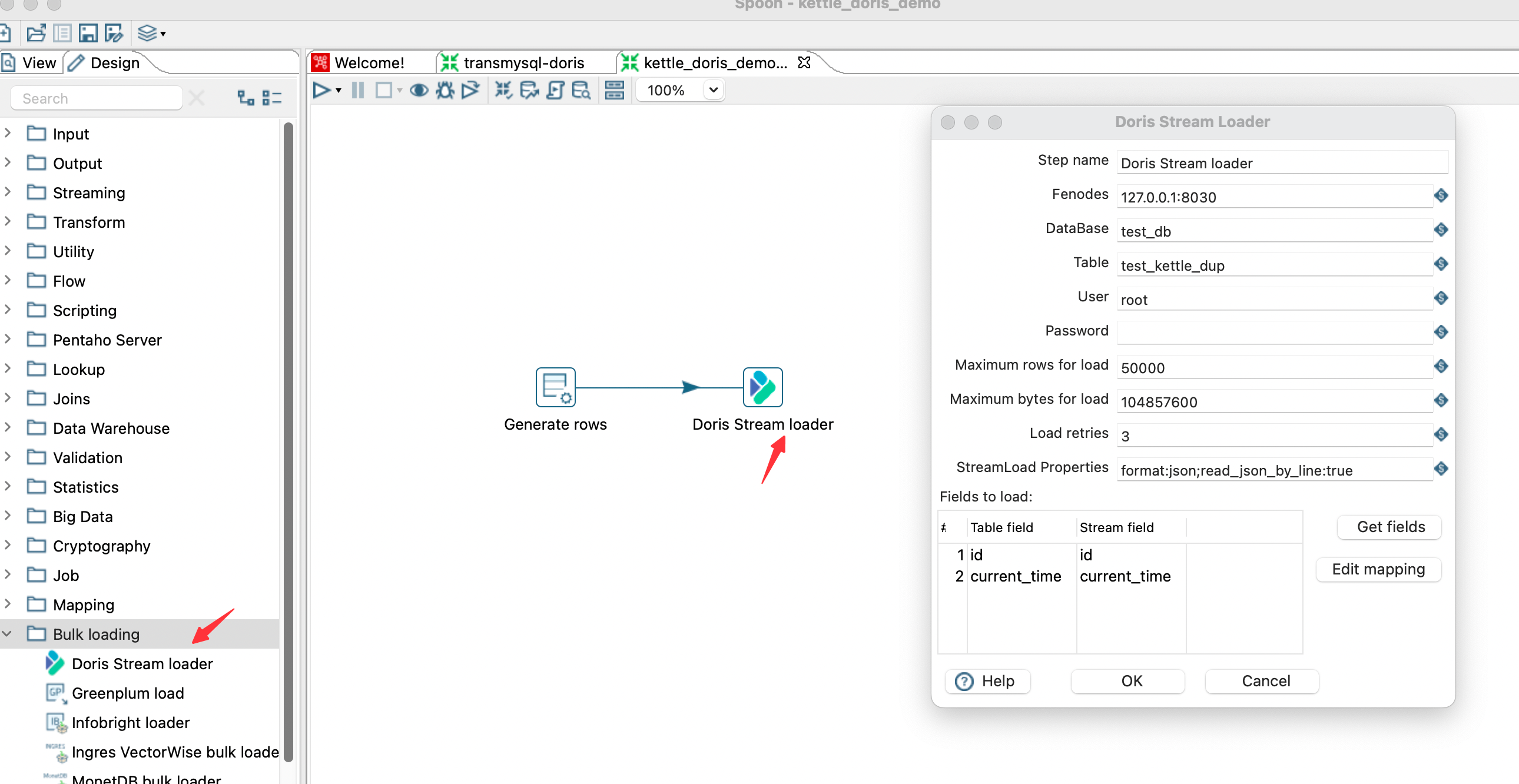
-
-Click Start Running the Job to complete data synchronization
-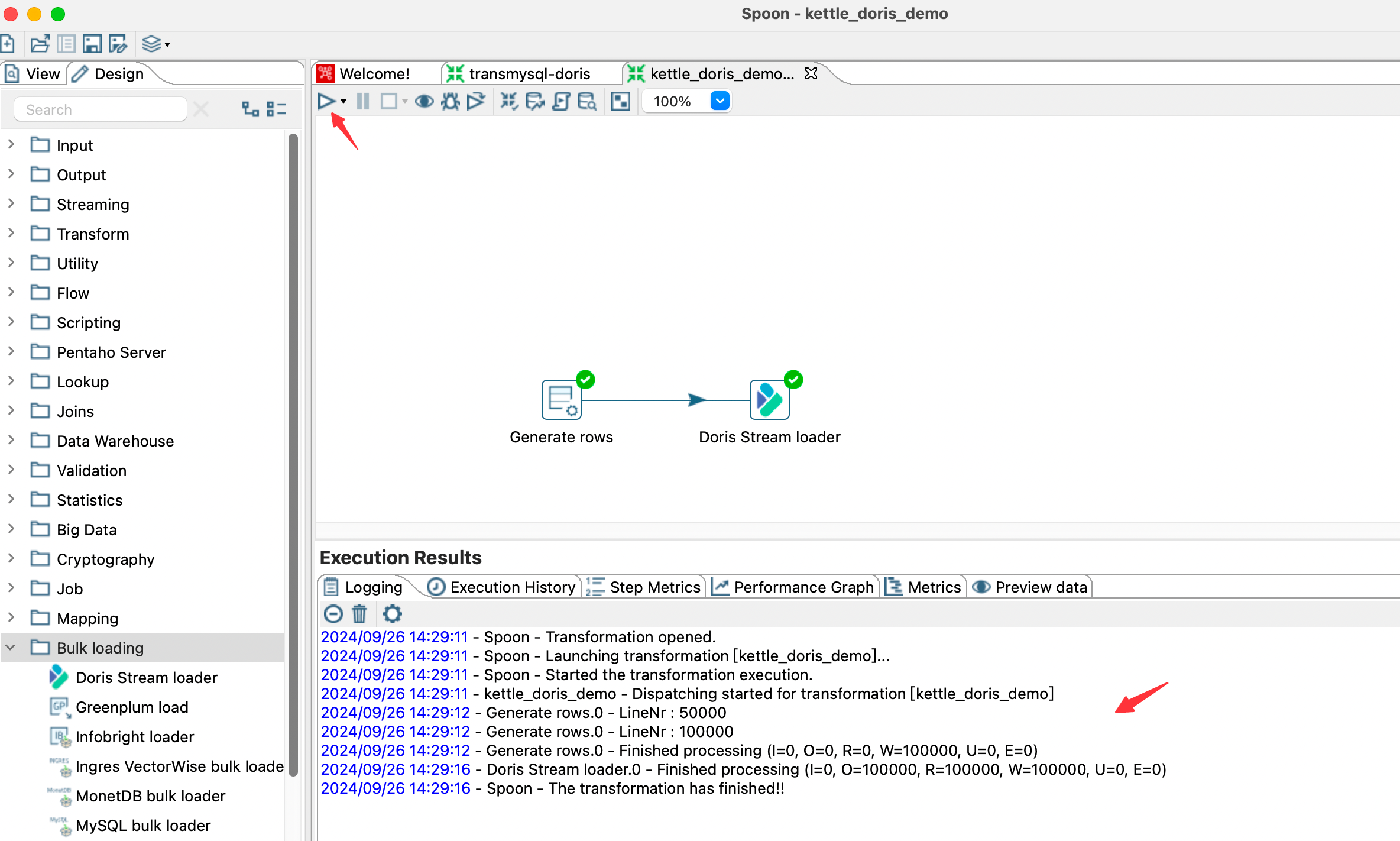
-
-### Parameter Description
-
-| Key | Default Value | Required | Comment |
-|--------------|----------------| -------- |--------------------------------|
-| Step name | -- | Y | Step name |
-| fenodes | -- | Y | Doris FE http address, supports multiple addresses, separated by commas |
-| Database | -- | Y | Doris write database |
-| Target table | -- | Y | Doris's write table |
-| Username | -- | Y | Username to access Doris |
-| Password | -- | N | Password to access Doris |
-| Maximum number of rows for a single import | 10000 | N | Maximum number of rows for a single import |
-| Maximum bytes for a single import | 10485760 (10MB) | N | Maximum byte size for a single import |
-| Number of import retries | 3 | N | Number of retries after import failure |
-| StreamLoad properties | -- | N | Streamload request header |
-| Delete Mode | N | N | Whether to enable delete mode. By default, Stream Load performs insert operations. After the delete mode is enabled, all Stream Load writes are delete operations. |
\ No newline at end of file
diff --git a/docs-next/ecosystem/kyuubi.md b/docs-next/ecosystem/kyuubi.md
deleted file mode 100644
index 50014e2982f..00000000000
--- a/docs-next/ecosystem/kyuubi.md
+++ /dev/null
@@ -1,96 +0,0 @@
----
-{
- "title": "Kyuubi",
- "language": "en",
- "description": "Apache Kyuubi is a distributed and multi-tenant gateway to provide serverless SQL on Data Warehouses and Lakehouses."
-}
----
-
-# Use Kyuubi with Doris
-
-## Introduction
-
-[Apache Kyuubi](https://kyuubi.apache.org/) is a distributed and multi-tenant gateway to provide serverless SQL on Data
-Warehouses and Lakehouses.
-Apache Kyuubi is providing varied protocols like Thrift, Trino, MySQL etc., to the engines including Spark, Flink, Hive,
-JDBC, etc.
-Doris could be connected as JDBC data source with Doris dialect supported in Apache Kyuubi.
-Apache Kyuubi also provides a series of useful features including HA, service discovery,
-unified authentication, engine lifecycle management, etc.
-
-## Usage
-
-### Download Apache Kyuubi
-
-Download Apache Kyuubi from <https://kyuubi.apache.org/zh/releases.html>
-
-Get Apache Kyuubi 1.6.0 or above and extract it to folder.
-
-### Config Doris as Kyuubi data source
-
-- Update Kyuubi configurations in `$KYUUBI_HOME/conf/kyuubi-defaults.conf`
-
-```properties
-kyuubi.engine.type=jdbc
-kyuubi.engine.jdbc.type=doris
-kyuubi.engine.jdbc.driver.class=com.mysql.cj.jdbc.Driver
-kyuubi.engine.jdbc.connection.url=jdbc:mysql://xxx:xxx
-kyuubi.engine.jdbc.connection.user=***
-kyuubi.engine.jdbc.connection.password=***
-```
-
-| Configuration | Description |
-|----------------------------------------|---------------------------------------------------------------|
-| kyuubi.engine.type | Engine Type, specify to `jdbc` |
-| kyuubi.engine.jdbc.type | JDBC service type, specify to `doris` |
-| kyuubi.engine.jdbc.driver.class | JDBC driver class name, specify to `com.mysql.cj.jdbc.Driver` |
-| kyuubi.engine.jdbc.connection.url | JDBC url to Doris FE |
-| kyuubi.engine.jdbc.connection.user | JDBC username |
-| kyuubi.engine.jdbc.connection.password | JDBC password |
-
-- For other configuration in Apache Kyuubi, please refer
- to [Apache Kyuubi Configuration Docs](https://kyuubi.readthedocs.io/en/master/configuration/settings.html).
-
-### Add MySQL JDBC Driver
-
-Copy the Mysql JDBC Driver `mysql-connector-j-8.X.X.jar` to `$KYUUBI_HOME/externals/engines/jdbc`.
-
-### Start Kyuubi Server
-
-Run `$KYUUBI_HOME/bin/kyuubi start`.
-After started, port 10009 by default is listened by Kyuubi Server with Thrift protocol.
-
-## Example
-
-The following example shows basic example of querying Doris with Kyuubi with beeline CLI in Thrift protocol.
-
-### Connect to Kyuubi with Beeline
-
-```shell
-$ $KYUUBI_HOME/bin/beeline -u "jdbc:hive2://xxxx:10009/"
-```
-
-### Execute Query to Kyuubi
-
-Execute query statement `select * from demo.expamle_tbl;` with query results returned.
-
-```shell
-0: jdbc:hive2://xxxx:10009/> select * from demo.example_tbl;
-
-2023-03-07 09:29:14.771 INFO org.apache.kyuubi.operation.ExecuteStatement: Processing anonymous's query[bdc59dd0-ceea-4c02-8c3a-23424323f5db]: PENDING_STATE -> RUNNING_STATE, statement:
-select * from demo.example_tbl
-2023-03-07 09:29:14.786 INFO org.apache.kyuubi.operation.ExecuteStatement: Query[bdc59dd0-ceea-4c02-8c3a-23424323f5db] in FINISHED_STATE
-2023-03-07 09:29:14.787 INFO org.apache.kyuubi.operation.ExecuteStatement: Processing anonymous's query[bdc59dd0-ceea-4c02-8c3a-23424323f5db]: RUNNING_STATE -> FINISHED_STATE, time taken: 0.015 seconds
-+----------+-------------+-------+------+------+------------------------+-------+-----------------+-----------------+
-| user_id | date | city | age | sex | last_visit_date | cost | max_dwell_time | min_dwell_time |
-+----------+-------------+-------+------+------+------------------------+-------+-----------------+-----------------+
-| 10000 | 2017-10-01 | Beijing | 20 | 0 | 2017-10-01 07:00:00.0 | 70 | 10 | 2 |
-| 10001 | 2017-10-01 | Beijing | 30 | 1 | 2017-10-01 17:05:45.0 | 4 | 22 | 22 |
-| 10002 | 2017-10-02 | Shanghai| 20 | 1 | 2017-10-02 12:59:12.0 | 400 | 5 | 5 |
-| 10003 | 2017-10-02 | Guangzhou| 32 | 0 | 2017-10-02 11:20:00.0 | 60 | 11 | 11 |
-| 10004 | 2017-10-01 | Shenzhen| 35 | 0 | 2017-10-01 10:00:15.0 | 200 | 3 | 3 |
-| 10004 | 2017-10-03 | Shenzhen| 35 | 0 | 2017-10-03 10:20:22.0 | 22 | 6 | 6 |
-+----------+-------------+-------+------+------+------------------------+-------+-----------------+-----------------+
-6 rows selected (0.068 seconds)
-
-```
diff --git a/docs-next/ecosystem/observability/beats.md b/docs-next/ecosystem/observability/beats.md
deleted file mode 100644
index 522e0f6ca60..00000000000
--- a/docs-next/ecosystem/observability/beats.md
+++ /dev/null
@@ -1,358 +0,0 @@
----
-{
- "title": "Filebeat",
- "language": "en",
- "description": "Beats is a data collection agent that supports custom output plugins to write data into storage systems,"
-}
----
-
-# Beats Doris output plugin
-
-[Beats](https://github.com/elastic/beats) is a data collection agent that supports custom output plugins to write data into storage systems, with the Beats Doris output plugin being the one for outputting to Doris.
-
-The Beats Doris output plugin supports [Filebeat](https://github.com/elastic/beats/tree/master/filebeat), [Metricbeat](https://github.com/elastic/beats/tree/master/metricbeat), [Packetbeat](https://github.com/elastic/beats/tree/master/packetbeat), [Winlogbeat](https://github.com/elastic/beats/tree/master/winlogbeat), [Auditbeat](https://github.com/elastic/beats/tree/master/auditbeat), and [Heartbeat](https://github.com/elastic/beats/tree/master/heartbeat).
-
-By invoking the [Doris Stream Load](../../data-operate/import/import-way/stream-load-manual) HTTP interface, the Beats Doris output plugin writes data into Doris in real-time, offering capabilities such as multi-threaded concurrency, failure retries, custom Stream Load formats and parameters, and output write speed.
-
-To use the Beats Doris output plugin, there are three main steps:
-1. Download or compile the Beats binary program that includes the Doris output plugin.
-2. Configure the Beats output address and other parameters.
-3. Start Beats to write data into Doris in real-time.
-
-## Installation
-
-### Download from the Official Website
-
-[https://download.selectdb.com/extension/filebeat-doris-2.1.1](https://download.selectdb.com/extension/filebeat-doris-2.1.1)
-
-### Compile from Source Code
-
-Execute the following commands in the `extension/beats/` directory:
-
-```
-cd doris/extension/beats
-
-go build -o filebeat-doris filebeat/filebeat.go
-go build -o metricbeat-doris metricbeat/metricbeat.go
-go build -o winlogbeat-doris winlogbeat/winlogbeat.go
-go build -o packetbeat-doris packetbeat/packetbeat.go
-go build -o auditbeat-doris auditbeat/auditbeat.go
-go build -o heartbeat-doris heartbeat/heartbeat.go
-```
-
-## Configuration
-
-The configuration for the Beats Doris output plugin is as follows:
-
-Configuration | Description
---- | ---
-`http_hosts` | Stream Load HTTP address, formatted as a string array, can have one or more elements, each element is host:port. For example: ["http://fe1:8030", "http://fe2:8030"]
-`user` | Doris username, this user needs to have import permissions for the corresponding Doris database and table
-`password` | Doris user's password
-`database` | The Doris database name to write into
-`table` | The Doris table name to write into
-`label_prefix` | Doris Stream Load Label prefix, the final generated Label is *{label_prefix}_{db}_{table}_{yyyymmdd_hhmmss}_{uuid}*, the default value is beats
-`headers` | Doris Stream Load headers parameter, syntax format is YAML map
-`codec_format_string` | The format string for outputting to Doris Stream Load, %{[a][b]} represents the a.b field in the input, refer to the usage examples in subsequent sections
-`bulk_max_size` | Doris Stream Load batch size, default is 100000
-`max_retries` | Number of retries for Doris Stream Load requests on failure, default is -1 for infinite retries to ensure data reliability
-`log_request` | Whether to output Doris Stream Load request and response metadata in logs for troubleshooting, default is true
-`log_progress_interval` | Time interval for outputting speed in logs, unit is seconds, default is 10, setting to 0 can disable this type of logging
-
-
-## Usage Example
-
-### TEXT Log Collection Example
-
-This example demonstrates TEXT log collection using Doris FE logs as an example.
-
-**1. Data**
-
-FE log files are typically located at the fe/log/fe.log file under the Doris installation directory. They are typical Java program logs, including fields such as timestamp, log level, thread name, code location, and log content. Not only do they contain normal logs, but also exception logs with stacktraces, which are multiline. Log collection and storage need to combine the main log and stacktrace into a single log entry.
-
-```
-2024-07-08 21:18:01,432 INFO (Statistics Job Appender|61) [StatisticsJobAppender.runAfterCatalogReady():70] Stats table not available, skip
-2024-07-08 21:18:53,710 WARN (STATS_FETCH-0|208) [StmtExecutor.executeInternalQuery():3332] Failed to run internal SQL: OriginStatement{originStmt='SELECT * FROM __internal_schema.column_statistics WHERE part_id is NULL ORDER BY update_time DESC LIMIT 500000', idx=0}
-org.apache.doris.common.UserException: errCode = 2, detailMessage = tablet 10031 has no queryable replicas. err: replica 10032's backend 10008 does not exist or not alive
- at org.apache.doris.planner.OlapScanNode.addScanRangeLocations(OlapScanNode.java:931) ~[doris-fe.jar:1.2-SNAPSHOT]
- at org.apache.doris.planner.OlapScanNode.computeTabletInfo(OlapScanNode.java:1197) ~[doris-fe.jar:1.2-SNAPSHOT]
-```
-
-**2. Table Creation**
-
-The table structure includes fields such as the log's creation time, collection time, hostname, log file path, log type, log level, thread name, code location, and log content.
-
-```
-CREATE TABLE `doris_log` (
- `log_time` datetime NULL COMMENT 'log content time',
- `collect_time` datetime NULL COMMENT 'log agent collect time',
- `host` text NULL COMMENT 'hostname or ip',
- `path` text NULL COMMENT 'log file path',
- `type` text NULL COMMENT 'log type',
- `level` text NULL COMMENT 'log level',
- `thread` text NULL COMMENT 'log thread',
- `position` text NULL COMMENT 'log code position',
- `message` text NULL COMMENT 'log message',
- INDEX idx_host (`host`) USING INVERTED COMMENT '',
- INDEX idx_path (`path`) USING INVERTED COMMENT '',
- INDEX idx_type (`type`) USING INVERTED COMMENT '',
- INDEX idx_level (`level`) USING INVERTED COMMENT '',
- INDEX idx_thread (`thread`) USING INVERTED COMMENT '',
- INDEX idx_position (`position`) USING INVERTED COMMENT '',
- INDEX idx_message (`message`) USING INVERTED PROPERTIES("parser" = "unicode", "support_phrase" = "true") COMMENT ''
-) ENGINE=OLAP
-DUPLICATE KEY(`log_time`)
-COMMENT 'OLAP'
-PARTITION BY RANGE(`log_time`) ()
-DISTRIBUTED BY RANDOM BUCKETS 10
-PROPERTIES (
-"replication_num" = "1",
-"dynamic_partition.enable" = "true",
-"dynamic_partition.time_unit" = "DAY",
-"dynamic_partition.start" = "-7",
-"dynamic_partition.end" = "1",
-"dynamic_partition.prefix" = "p",
-"dynamic_partition.buckets" = "10",
-"dynamic_partition.create_history_partition" = "true",
-"compaction_policy" = "time_series"
-);
-```
-
-**3. Configuration**
-
-The filebeat log collection configuration file, such as filebeat_doris_log.yml, is in YAML format and mainly consists of four parts corresponding to the various stages of ETL:
-1. Input is responsible for reading the raw data.
-2. Processor is responsible for data transformation.
-3. queue.mem configures the internal buffer queue of filebeat.
-4. Output is responsible for sending the data to the output destination.
-
-
-```
-# 1. input is responsible for reading raw data
-# type: log is a log input plugin that can be configured to read the path of the log file. It uses the multiline feature to concatenate lines that do not start with a timestamp to the end of the previous line, achieving the effect of merging stacktraces with the main log. The log input saves the log content in the message field, and there are also some metadata fields such as agent.host, log.file.path.
-
-filebeat.inputs:
-- type: log
- enabled: true
- paths:
- - /path/to/your/log
- # multiline can concatenate multi-line logs (e.g., Java stacktraces)
- multiline:
- type: pattern
- # Effect: Lines starting with yyyy-mm-dd HH:MM:SS are considered as a new log, others are concatenated to the previous log
- pattern: '^[0-9]{4}-[0-9]{2}-[0-9]{2} [0-9]{2}:[0-9]{2}:[0-9]{2}'
- negate: true
- match: after
- skip_newline: true
-
-# 2. processors section is responsible for data transformation
-processors:
-# Use the js script plugin to replace \t in logs with spaces to avoid JSON parsing errors
-- script:
- lang: javascript
- source: >
- function process(event) {
- var msg = event.Get("message");
- msg = msg.replace(/\t/g, " ");
- event.Put("message", msg);
- }
-# Use the dissect plugin for simple log parsing
-- dissect:
- # Example log: 2024-06-08 18:26:25,481 INFO (report-thread|199) [ReportHandler.cpuReport():617] begin to handle
- tokenizer: "%{day} %{time} %{log_level} (%{thread}) [%{position}] %{content}"
- target_prefix: ""
- ignore_failure: true
- overwrite_keys: true
-
-# 3. internal buffer Queue total count, flush batch size, flush interval
-queue.mem:
- events: 1000000
- flush.min_events: 100000
- flush.timeout: 10s
-
-# 4. output section is responsible for data output
-# The doris output sends data to Doris using the Stream Load HTTP interface. The data format for Stream Load is specified as JSON through the headers parameter, and the codec_format_string parameter formats the output to Doris in a printf-like manner. For example, the following example formats a JSON based on filebeat internal fields such as agent.hostname, and fields produced by processors like dissect, such as day, using %{[a][b]} to reference them. Stream Load will automatically write [...]
-
-output.doris:
- fenodes: [ "http://fehost1:http_port", "http://fehost2:http_port", "http://fehost3:http_port" ]
- user: "your_username"
- password: "your_password"
- database: "your_db"
- table: "your_table"
- # Output string format
- ## %{[agent][hostname]} %{[log][file][path]} are filebeat自带的metadata
- ## Common filebeat metadata also includes采集时间戳 %{[@timestamp]}
- ## %{[day]} %{[time]} are fields obtained from the above dissect parsing
- codec_format_string: '{"ts": "%{[day]} %{[time]}", "host": "%{[agent][hostname]}", "path": "%{[log][file][path]}", "message": "%{[message]}" }'
- headers:
- format: "json"
- read_json_by_line: "true"
- load_to_single_tablet: "true"
-```
-
-
-**4. Running filebeat**
-
-```
-
-./filebeat-doris -f config/filebeat_doris_log.yml
-
-# When log_request is set to true, the log will output the request parameters and response results of each Stream Load.
-
-doris stream load response:
-{
- "TxnId": 45464,
- "Label": "logstash_log_db_doris_log_20240708_223532_539_6c20a0d1-dcab-4b8e-9bc0-76b46a929bd1",
- "Comment": "",
- "TwoPhaseCommit": "false",
- "Status": "Success",
- "Message": "OK",
- "NumberTotalRows": 452,
- "NumberLoadedRows": 452,
- "NumberFilteredRows": 0,
- "NumberUnselectedRows": 0,
- "LoadBytes": 277230,
- "LoadTimeMs": 1797,
- "BeginTxnTimeMs": 0,
- "StreamLoadPutTimeMs": 18,
- "ReadDataTimeMs": 9,
- "WriteDataTimeMs": 1758,
- "CommitAndPublishTimeMs": 18
-}
-
-# By default, speed information is logged every 10 seconds, including the amount of data since startup (in MB and ROWS), the total speed (in MB/s and R/S), and the speed in the last 10 seconds.
-
-total 11 MB 18978 ROWS, total speed 0 MB/s 632 R/s, last 10 seconds speed 1 MB/s 1897 R/s
-```
-
-
-### JSON Log Collection Example
-
-This example demonstrates JSON log collection using data from the GitHub events archive.
-
-**1. Data**
-
-The GitHub events archive contains archived data of GitHub user actions, formatted as JSON. It can be downloaded from [here](https://data.gharchive.org/), for example, the data for January 1, 2024, at 3 PM.
-
-```shell
-wget https://data.gharchive.org/2024-01-01-15.json.gz
-```
-
-Below is a sample of the data. Normally, each piece of data is on a single line, but for ease of display, it has been formatted here.
-
-```
-{
- "id": "37066529221",
- "type": "PushEvent",
- "actor": {
- "id": 46139131,
- "login": "Bard89",
- "display_login": "Bard89",
- "gravatar_id": "",
- "url": "https://api.github.com/users/Bard89",
- "avatar_url": "https://avatars.githubusercontent.com/u/46139131?"
- },
- "repo": {
- "id": 780125623,
- "name": "Bard89/talk-to-me",
- "url": "https://api.github.com/repos/Bard89/talk-to-me"
- },
- "payload": {
- "repository_id": 780125623,
- "push_id": 17799451992,
- "size": 1,
- "distinct_size": 1,
- "ref": "refs/heads/add_mvcs",
- "head": "f03baa2de66f88f5f1754ce3fa30972667f87e81",
- "before": "85e6544ede4ae3f132fe2f5f1ce0ce35a3169d21"
- },
- "public": true,
- "created_at": "2024-04-01T23:00:00Z"
-}
-```
-
-
-**2. Table Creation**
-
-```
-CREATE DATABASE log_db;
-USE log_db;
-
-
-CREATE TABLE github_events
-(
- `created_at` DATETIME,
- `id` BIGINT,
- `type` TEXT,
- `public` BOOLEAN,
- `actor` VARIANT,
- `repo` VARIANT,
- `payload` TEXT,
- INDEX `idx_id` (`id`) USING INVERTED,
- INDEX `idx_type` (`type`) USING INVERTED,
- INDEX `idx_actor` (`actor`) USING INVERTED,
- INDEX `idx_host` (`repo`) USING INVERTED,
- INDEX `idx_payload` (`payload`) USING INVERTED PROPERTIES("parser" = "unicode", "support_phrase" = "true")
-)
-ENGINE = OLAP
-DUPLICATE KEY(`created_at`)
-PARTITION BY RANGE(`created_at`) ()
-DISTRIBUTED BY RANDOM BUCKETS 10
-PROPERTIES (
-"replication_num" = "1",
-"compaction_policy" = "time_series",
-"enable_single_replica_compaction" = "true",
-"dynamic_partition.enable" = "true",
-"dynamic_partition.create_history_partition" = "true",
-"dynamic_partition.time_unit" = "DAY",
-"dynamic_partition.start" = "-30",
-"dynamic_partition.end" = "1",
-"dynamic_partition.prefix" = "p",
-"dynamic_partition.buckets" = "10",
-"dynamic_partition.replication_num" = "1"
-);
-```
-
-**3. Filebeat Configuration**
-
-This configuration file differs from the previous TEXT log collection in the following aspects:
-
-1. Processors are not used because no additional processing or transformation is needed.
-2. The codec_format_string in the output is simple, directly outputting the entire message, which is the raw content.
-
-```
-# input
-filebeat.inputs:
-- type: log
- enabled: true
- paths:
- - /path/to/your/log
-
-# queue and batch
-queue.mem:
- events: 1000000
- flush.min_events: 100000
- flush.timeout: 10s
-
-# output
-output.doris:
- fenodes: [ "http://fehost1:http_port", "http://fehost2:http_port", "http://fehost3:http_port" ]
- user: "your_username"
- password: "your_password"
- database: "your_db"
- table: "your_table"
- # output string format
- ## Directly outputting the raw message of each line from the original file. Since headers specify format: "json", Stream Load will automatically parse the JSON fields and write them into the corresponding fields of the Doris table.
- codec_format_string: '%{[message]}'
- headers:
- format: "json"
- read_json_by_line: "true"
- load_to_single_tablet: "true"
-
-```
-
-**4. Running Filebeat**
-
-```
-./filebeat-doris -f config/filebeat_github_events.yml
-```
diff --git a/docs-next/ecosystem/observability/fluentbit.md b/docs-next/ecosystem/observability/fluentbit.md
deleted file mode 100644
index 777aaaf09fd..00000000000
--- a/docs-next/ecosystem/observability/fluentbit.md
+++ /dev/null
@@ -1,353 +0,0 @@
----
-{
- "title": "FluentBit",
- "language": "en",
- "description": "Fluent Bit is a fast log processor and forwarder that supports custom output plugins to write data into storage systems,"
-}
----
-
-[Fluent Bit](https://fluentbit.io/) is a fast log processor and forwarder that supports custom output plugins to write data into storage systems, with the Fluent Bit Doris output plugin being the one for outputting to Doris.
-
-By invoking the [Doris Stream Load](../../data-operate/import/import-way/stream-load-manual) HTTP interface, the Fluent Bit Doris output plugin writes data into Doris in real-time, offering capabilities such as multi-threaded concurrency, failure retries, custom Stream Load formats and parameters, and output write speed.
-
-To use the Fluent Bit Doris output plugin, there are three main steps:
-1. Download or compile the Fluent Bit binary program that includes the Doris output plugin.
-2. Configure the Fluent Bit output address and other parameters.
-3. Start Fluent Bit to write data into Doris in real-time.
-
-## Installation (alpha)
-
-### Download
-
-https://download.selectdb.com/integrations/fluent-bit-doris-3.1.9
-
-### Compile from Source Code
-
-Clone the dev branch of https://github.com/joker-star-l/fluent-bit and run the following commands in the build/ directory
-```
-cmake -DFLB_RELEASE=ON ..
-make
-```
-
-The build output is build/bin/fluent-bit.
-
-## Configuration
-
-The configuration for the Fluent Bit Doris output plugin is as follows:
-
-Configuration | Description
---- | ---
-`host` | Stream Load HTTP host
-`port` | Stream Load HTTP port
-`user` | Doris username, this user needs to have import permissions for the corresponding Doris database and table
-`password` | Doris user's password
-`database` | The Doris database name to write into
-`table` | The Doris table name to write into
-`label_prefix` | Doris Stream Load Label prefix,the final generated Label is *{label_prefix}\_{timestamp}\_{uuid}* ,the default value is fluentbit. If set to false, no Label will be added
- `time_key` | The name of the timestamp column to add to the data. The default value is date. If set to false, the column will not be added
-`header` | Doris Stream Load headers parameter, can be set more than one
-`log_request` | Whether to output Doris Stream Load request and response metadata in logs for troubleshooting, default is true
-`log_progress_interval` | Time interval for outputting speed in logs, unit is seconds, default is 10, setting to 0 can disable this type of logging
-`retry_limit` | Doris Stream Load request failure retry number, default value is 1, if set to false will not limit the number of retries
-`workers` | Number of workers to perform Doris Stream Load, default value is 2
-
-## Usage Example
-
-### TEXT Log Collection Example
-
-This example demonstrates TEXT log collection using Doris FE logs as an example.
-
-**1. Data**
-
-FE log files are typically located at the fe/log/fe.log file under the Doris installation directory. They are typical Java program logs, including fields such as timestamp, log level, thread name, code location, and log content. Not only do they contain normal logs, but also exception logs with stacktraces, which are multiline. Log collection and storage need to combine the main log and stacktrace into a single log entry.
-
-```
-2024-07-08 21:18:01,432 INFO (Statistics Job Appender|61) [StatisticsJobAppender.runAfterCatalogReady():70] Stats table not available, skip
-2024-07-08 21:18:53,710 WARN (STATS_FETCH-0|208) [StmtExecutor.executeInternalQuery():3332] Failed to run internal SQL: OriginStatement{originStmt='SELECT * FROM __internal_schema.column_statistics WHERE part_id is NULL ORDER BY update_time DESC LIMIT 500000', idx=0}
-org.apache.doris.common.UserException: errCode = 2, detailMessage = tablet 10031 has no queryable replicas. err: replica 10032's backend 10008 does not exist or not alive
- at org.apache.doris.planner.OlapScanNode.addScanRangeLocations(OlapScanNode.java:931) ~[doris-fe.jar:1.2-SNAPSHOT]
- at org.apache.doris.planner.OlapScanNode.computeTabletInfo(OlapScanNode.java:1197) ~[doris-fe.jar:1.2-SNAPSHOT]
-```
-
-**2. Table Creation**
-
-The table structure includes fields such as the log's creation time, collection time, hostname, log file path, log type, log level, thread name, code location, and log content.
-
-```
-CREATE TABLE `doris_log` (
- `log_time` datetime NULL COMMENT 'log content time',
- `collect_time` datetime NULL COMMENT 'log agent collect time',
- `host` text NULL COMMENT 'hostname or ip',
- `path` text NULL COMMENT 'log file path',
- `type` text NULL COMMENT 'log type',
- `level` text NULL COMMENT 'log level',
- `thread` text NULL COMMENT 'log thread',
- `position` text NULL COMMENT 'log code position',
- `message` text NULL COMMENT 'log message',
- INDEX idx_host (`host`) USING INVERTED COMMENT '',
- INDEX idx_path (`path`) USING INVERTED COMMENT '',
- INDEX idx_type (`type`) USING INVERTED COMMENT '',
- INDEX idx_level (`level`) USING INVERTED COMMENT '',
- INDEX idx_thread (`thread`) USING INVERTED COMMENT '',
- INDEX idx_position (`position`) USING INVERTED COMMENT '',
- INDEX idx_message (`message`) USING INVERTED PROPERTIES("parser" = "unicode", "support_phrase" = "true") COMMENT ''
-) ENGINE=OLAP
-DUPLICATE KEY(`log_time`)
-COMMENT 'OLAP'
-PARTITION BY RANGE(`log_time`) ()
-DISTRIBUTED BY RANDOM BUCKETS 10
-PROPERTIES (
-"replication_num" = "1",
-"dynamic_partition.enable" = "true",
-"dynamic_partition.time_unit" = "DAY",
-"dynamic_partition.start" = "-7",
-"dynamic_partition.end" = "1",
-"dynamic_partition.prefix" = "p",
-"dynamic_partition.buckets" = "10",
-"dynamic_partition.create_history_partition" = "true",
-"compaction_policy" = "time_series"
-);
-```
-
-**3. Configuration**
-
-The configuration file of Fluent Bit log collection is as follows, doris_log.conf is used to define various parts of ETL components, and parsers.conf is used to define different log parsers.
-
-doris_log.conf:
-```
-# config for Fluent Bit service
-[SERVICE]
- log_level info
- # parsers file
- parsers_file parsers.conf
-
-# use input tail
-[INPUT]
- name tail
- path /path/to/your/log
- # add log file name to the record, key is 'path'
- path_key path
- # set multiline parser
- multiline.parser multiline_java
-
-# parse log
-[FILTER]
- match *
- name parser
- key_name log
- parser fe_log
- reserve_data true
-
-# add host info
-[FILTER]
- name sysinfo
- match *
- # add hostname to the record, key is 'host'
- hostname_key host
-
-# output to doris
-[OUTPUT]
- name doris
- match *
- host fehost
- port feport
- user your_username
- password your_password
- database your_db
- table your_table
- # add 'collect_time' to the record
- time_key collect_time
- # 'collect_time' is timestamp, change it to datatime
- header columns collect_time=from_unixtime(collect_time)
- log_request true
- log_progress_interval 10
-```
-
-parsers.conf:
-```
-[MULTILINE_PARSER]
- name multiline_java
- type regex
- flush_timeout 1000
- # Regex rules for multiline parsing
- # ---------------------------------
- #
- # configuration hints:
- #
- # - first state always has the name: start_state
- # - every field in the rule must be inside double quotes
- #
- # rules | state name | regex pattern | next state name
- # --------|----------------|---------------|-----------------
- rule "start_state" "/(^[0-9]{4}-[0-9]{2}-[0-9]{2} [0-9]{2}:[0-9]{2}:[0-9]{2})(.*)/" "cont"
- rule "cont" "/(^(?![0-9]{4}-[0-9]{2}-[0-9]{2}))(.*)/" "cont"
-
-
-[PARSER]
- name fe_log
- format regex
- # parse and add 'log_time', 'level', 'thread', 'position', 'message' to the record
- regex ^(?<log_time>[0-9]{4}-[0-9]{2}-[0-9]{2} [0-9]{2}:[0-9]{2}:[0-9]{2},[0-9]{3}) (?<level>[^ ]+) \((?<thread>[^\)]+)\) \[(?<position>[^\]]+)\] (?<message>(\n|.)*)\n$
-```
-
-**4. Running Fluent Bit**
-
-```
-fluent-bit -c doris_log.conf
-
-# log stream load response
-
-[2024/10/31 18:39:55] [ info] [output:doris:doris.1] 127.0.0.1:8040, HTTP status=200
-{
- "TxnId": 32155,
- "Label": "fluentbit_1730371195_91cca1aa-c15f-45d2-b503-fe7d2e839c2a",
- "Comment": "",
- "TwoPhaseCommit": "false",
- "Status": "Success",
- "Message": "OK",
- "NumberTotalRows": 1,
- "NumberLoadedRows": 1,
- "NumberFilteredRows": 0,
- "NumberUnselectedRows": 0,
- "LoadBytes": 836,
- "LoadTimeMs": 298,
- "BeginTxnTimeMs": 0,
- "StreamLoadPutTimeMs": 3,
- "ReadDataTimeMs": 0,
- "WriteDataTimeMs": 268,
- "CommitAndPublishTimeMs": 25
-}
-
-# log speed info
-
-[2024/10/31 18:40:13] [ info] [output:doris:doris.1] total 0 MB 2 ROWS, total speed 0 MB/s 0 R/s, last 10 seconds speed 0 MB/s 0 R/s
-```
-
-### JSON Log Collection Example
-
-This example demonstrates JSON log collection using data from the GitHub events archive.
-
-**1. Data**
-
-The GitHub events archive contains archived data of GitHub user actions, formatted as JSON. It can be downloaded from [here](https://data.gharchive.org/), for example, the data for January 1, 2024, at 3 PM.
-
-```shell
-wget https://data.gharchive.org/2024-01-01-15.json.gz
-```
-
-Below is a sample of the data. Normally, each piece of data is on a single line, but for ease of display, it has been formatted here.
-
-```
-{
- "id": "37066529221",
- "type": "PushEvent",
- "actor": {
- "id": 46139131,
- "login": "Bard89",
- "display_login": "Bard89",
- "gravatar_id": "",
- "url": "https://api.github.com/users/Bard89",
- "avatar_url": "https://avatars.githubusercontent.com/u/46139131?"
- },
- "repo": {
- "id": 780125623,
- "name": "Bard89/talk-to-me",
- "url": "https://api.github.com/repos/Bard89/talk-to-me"
- },
- "payload": {
- "repository_id": 780125623,
- "push_id": 17799451992,
- "size": 1,
- "distinct_size": 1,
- "ref": "refs/heads/add_mvcs",
- "head": "f03baa2de66f88f5f1754ce3fa30972667f87e81",
- "before": "85e6544ede4ae3f132fe2f5f1ce0ce35a3169d21"
- },
- "public": true,
- "created_at": "2024-04-01T23:00:00Z"
-}
-```
-
-
-**2. Table Creation**
-
-```
-CREATE DATABASE log_db;
-USE log_db;
-
-
-CREATE TABLE github_events
-(
- `created_at` DATETIME,
- `id` BIGINT,
- `type` TEXT,
- `public` BOOLEAN,
- `actor` VARIANT,
- `repo` VARIANT,
- `payload` TEXT,
- INDEX `idx_id` (`id`) USING INVERTED,
- INDEX `idx_type` (`type`) USING INVERTED,
- INDEX `idx_actor` (`actor`) USING INVERTED,
- INDEX `idx_host` (`repo`) USING INVERTED,
- INDEX `idx_payload` (`payload`) USING INVERTED PROPERTIES("parser" = "unicode", "support_phrase" = "true")
-)
-ENGINE = OLAP
-DUPLICATE KEY(`created_at`)
-PARTITION BY RANGE(`created_at`) ()
-DISTRIBUTED BY RANDOM BUCKETS 10
-PROPERTIES (
-"replication_num" = "1",
-"compaction_policy" = "time_series",
-"enable_single_replica_compaction" = "true",
-"dynamic_partition.enable" = "true",
-"dynamic_partition.create_history_partition" = "true",
-"dynamic_partition.time_unit" = "DAY",
-"dynamic_partition.start" = "-30",
-"dynamic_partition.end" = "1",
-"dynamic_partition.prefix" = "p",
-"dynamic_partition.buckets" = "10",
-"dynamic_partition.replication_num" = "1"
-);
-```
-
-**3. Configuration**
-
-In contrast to the previous TEXT log collection, this configuration does not use FILTER because no additional processing transformations are required.
-
-github_events.conf:
-```
-[SERVICE]
- log_level info
- parsers_file github_parsers.conf
-
-[INPUT]
- name tail
- parser github
- path /path/to/your/log
-
-[OUTPUT]
- name doris
- match *
- host fehost
- port feport
- user your_username
- password your_password
- database your_db
- table your_table
- time_key false
- log_request true
- log_progress_interval 10
-```
-
-github_parsers.conf:
-```
-[PARSER]
- name github
- format json
-```
-
-**4. Running Fluent Bit**
-
-```
-fluent-bit -c github_events.conf
-```
diff --git a/docs-next/ecosystem/observability/langfuse.md b/docs-next/ecosystem/observability/langfuse.md
deleted file mode 100644
index 3f010c0f067..00000000000
--- a/docs-next/ecosystem/observability/langfuse.md
+++ /dev/null
@@ -1,331 +0,0 @@
----
-{
- "title": "Langfuse on Doris",
- "language": "en"
-}
----
-
-# Langfuse on Doris
-
-## About Langfuse
-
-Langfuse is an open-source LLM engineering platform that provides comprehensive observability solutions for large language model applications. It offers the following core features:
-
-- **Tracing**: Complete recording of LLM application call chains and execution flows
-- **Evaluation**: Multi-dimensional model performance evaluation and quality analysis
-- **Prompt Management**: Centralized management and version control of prompt templates
-- **Metrics Monitoring**: Real-time monitoring of application performance, cost, and quality metrics
-
-This document provides detailed instructions on how to deploy a Langfuse solution using Apache Doris as the analytics backend, fully leveraging Doris's powerful OLAP analytics capabilities to process large-scale LLM application data.
-
-
-## System Architecture
-
-The Langfuse on Doris solution uses a microservices architecture with the following core components:
-
-| Component | Ports | Description |
-|-----------------|-----------|----------------------------------------------------------------------------------|
-| Langfuse Web | 3000 | Web interface and API service for user interaction and data ingestion |
-| Langfuse Worker | 3030 | Async task processing for data processing and analytics tasks |
-| PostgreSQL | 5432 | Transactional data storage for user configuration and metadata |
-| Redis | 6379 | Cache layer and message queue for improved system response performance |
-| MinIO | 9090 | Object storage service for raw events and multi-modal attachments |
-| Doris Fe | 9030 8030 | Doris Frontend, part of the Doris architecture, responsible for receiving user requests, query parsing and planning, metadata management, and node management |
-| Doris Be | 8040 8050 | Doris Backends, part of the Doris architecture, responsible for data storage and query plan execution. Data is split into shards and stored with multiple replicas in BE nodes. |
-
-::: note
-
-When deploying Apache Doris, you can choose between integrated compute-storage architecture or disaggregated compute-storage architecture based on your hardware environment and business requirements.
-For Langfuse deployment, Docker Doris is not recommended for production environments. The FE and BE components included in Docker are intended for users to quickly experience the Langfuse on Doris capabilities.
-
-:::
-
-```mermaid
-flowchart TB
- User["UI, API, SDKs"]
- subgraph vpc["VPC"]
- Web["Web Server<br/>(langfuse/langfuse)"]
- Worker["Async Worker<br/>(langfuse/worker)"]
- Postgres["Postgres - OLTP<br/>(Transactional Data)"]
- Cache["Redis/Valkey<br/>(Cache, Queue)"]
- Doris["Doris - OLAP<br/>(Observability Data)"]
- S3["S3 / Blob Storage<br/>(Raw events, multi-modal attachments)"]
- end
- LLM["LLM API/Gateway<br/>(optional)"]
-
- User --> Web
- Web --> S3
- Web --> Postgres
- Web --> Cache
- Web --> Doris
- Web -.->|"optional for playground"| LLM
-
- Cache --> Worker
- Worker --> Doris
- Worker --> Postgres
- Worker --> S3
- Worker -.->|"optional for evals"| LLM
-```
-
-## Deployment Requirements
-
-### Software Environment
-
-| Component | Version | Description |
-|------|----------|------|
-| Docker | 20.0+ | Container runtime environment |
-| Docker Compose | 2.0+ | Container orchestration tool |
-| Apache Doris | 2.1.10+ | Analytics database, requires separate deployment |
-
-### Hardware Resources
-
-| Resource Type | Minimum | Recommended | Description |
-|----------|----------|----------|------|
-| Memory | 8GB | 16GB+ | Supports multi-service concurrent operation |
-| Disk | 50GB | 100GB+ | Storage for container data and logs |
-| Network | 1Gbps | 10Gbps | Ensures data transfer performance |
-
-### Prerequisites
-
-1. **Doris Cluster Preparation**
- - Ensure the Doris cluster is running properly with stable performance
- - Verify that FE HTTP port (default 8030) and query port (default 9030) are network accessible
- - Langfuse will automatically create the required database and table structures in Doris after startup
-
-2. **Network Connectivity**
- - Deployment environment can access Docker Hub to pull images
- - Langfuse services can access the relevant ports of the Doris cluster
- - Clients can access the Langfuse Web service port
-
-:::tip Deployment Recommendation
-It is recommended to use Docker to deploy Langfuse service components (Web, Worker, Redis, PostgreSQL), but Doris is recommended to be deployed separately for better performance and stability. Please refer to the official documentation for detailed Doris deployment guide.
-:::
-
-## Configuration Parameters
-
-Langfuse services require multiple environment variables to support the proper operation of each component:
-
-### Doris Analytics Backend Configuration
-
-| Parameter | Example Value | Description |
-|---------|--------|------|
-| `LANGFUSE_ANALYTICS_BACKEND` | `doris` | Specify Doris as the analytics backend |
-| `DORIS_FE_HTTP_URL` | `http://localhost:8030` | Doris FE HTTP service address |
-| `DORIS_FE_QUERY_PORT` | `9030` | Doris FE query port |
-| `DORIS_DB` | `langfuse` | Doris database name |
-| `DORIS_USER` | `root` | Doris username |
-| `DORIS_PASSWORD` | `123456` | Doris password |
-| `DORIS_MAX_OPEN_CONNECTIONS` | `100` | Maximum database connections |
-| `DORIS_REQUEST_TIMEOUT_MS` | `300000` | Request timeout in milliseconds |
-
-### Basic Service Configuration
-
-| Parameter | Example Value | Description |
-|---------|--------|------|
-| `DATABASE_URL` | `postgresql://postgres:postgres@langfuse-postgres:5432/postgres` | PostgreSQL database connection URL |
-| `NEXTAUTH_SECRET` | `your-debug-secret-key-here-must-be-long-enough` | NextAuth authentication key for session encryption |
-| `SALT` | `your-super-secret-salt-with-at-least-32-characters-for-encryption` | Data encryption salt (at least 32 characters) |
-| `ENCRYPTION_KEY` | `0000000000000000000000000000000000000000000000000000000000000000` | Data encryption key (64 characters) |
-| `NEXTAUTH_URL` | `http://localhost:3000` | Langfuse Web service address |
-| `TZ` | `UTC` | System timezone setting |
-
-### Redis Cache Configuration
-
-| Parameter | Example Value | Description |
-|---------|------------------|------|
-| `REDIS_HOST` | `langfuse-redis` | Redis service host address |
-| `REDIS_PORT` | `6379` | Redis service port |
-| `REDIS_AUTH` | `myredissecret` | Redis authentication password |
-| `REDIS_TLS_ENABLED` | `false` | Whether to enable TLS encryption |
-| `REDIS_TLS_CA` | `-` | TLS CA certificate path |
-| `REDIS_TLS_CERT` | `-` | TLS client certificate path |
-| `REDIS_TLS_KEY` | `-` | TLS private key path |
-
-### Data Migration Configuration
-
-| Parameter | Example Value | Description |
-|---------|--------|------|
-| `LANGFUSE_ENABLE_BACKGROUND_MIGRATIONS` | `false` | Disable background migrations (must be disabled when using Doris) |
-| `LANGFUSE_AUTO_DORIS_MIGRATION_DISABLED` | `false` | Enable Doris auto migration |
-
-
-## Docker Compose Deployment
-
-### Pre-deployment Preparation
-
-Here we provide a compose example that can be started directly. Modify the configuration according to your requirements.
-
-### Download docker compose
-
-```shell
-wget https://apache-doris-releases.oss-cn-beijing.aliyuncs.com/extension/docker-langfuse-doris.tar.gz
-```
-
-The directory structure for compose file and configuration file is as follows:
-
-```text
-docker-langfuse-doris
-├── docker-compose.yml
-└── doris-config
- └── fe_custom.conf
-```
-
-### Deployment Steps
-
-### 1 . Start compose
-
-```Bash
-docker compose up -d
-```
-
-```Bash
-# Check
-$ docker compose up -d
-[+] Running 9/9
- ✔ Network docker-langfuse-doris_doris_internal Created 0.1s
- ✔ Network docker-langfuse-doris_default Created 0.1s
- ✔ Container doris_fe Healthy 13.8s
- ✔ Container langfuse-postgres Healthy 13.8s
- ✔ Container langfuse-redis Healthy 13.8s
- ✔ Container langfuse-minio Healthy 13.8s
- ✔ Container doris_be Healthy 54.3s
- ✔ Container langfuse-worker Started 54.8s
- ✔ Container langfuse-web Started
-```
-
-### 3. Verify Deployment
-
-Check service status:
-
-When all service statuses show as Healthy, the compose has started successfully.
-
-```Bash
-$ docker compose ps
-NAME IMAGE COMMAND SERVICE CREATED STATUS PORTS
-doris_be apache/doris:be-2.1.11 "bash entry_point.sh" doris_be 2 minutes ago Up 2 minutes (healthy) 0.0.0.0:8040->8040/tcp, :::8040->8040/tcp, 0.0.0.0:8060->8060/tcp, :::8060->8060/tcp, 0.0.0.0:9050->9050/tcp, :::9050->9050/tcp, 0.0.0.0:9060->9060/tcp, :::9060->9060/tcp
-doris_fe apache/doris:fe-2.1.11 "bash init_fe.sh" doris_fe 2 minutes ago Up 2 minutes (healthy) 0.0.0.0:8030->8030/tcp, :::8030->8030/tcp, 0.0.0.0:9010->9010/tcp, :::9010->9010/tcp, 0.0.0.0:9030->9030/tcp, :::9030->9030/tcp
-langfuse-minio minio/minio "sh -c 'mkdir -p /da…" minio 2 minutes ago Up 2 minutes (healthy) 0.0.0.0:19090->9000/tcp, :::19090->9000/tcp, 127.0.0.1:19091->9001/tcp
-langfuse-postgres postgres:latest "docker-entrypoint.s…" postgres 2 minutes ago Up 2 minutes (healthy) 127.0.0.1:5432->5432/tcp
-langfuse-redis redis:7 "docker-entrypoint.s…" redis 2 minutes ago Up 2 minutes (healthy) 127.0.0.1:16379->6379/tcp
-langfuse-web selectdb/langfuse-web:latest "dumb-init -- ./web/…" langfuse-web 2 minutes ago Up About a minute (healthy) 0.0.0.0:13000->3000/tcp, :::13000->3000/tcp
-langfuse-worker selectdb/langfuse-worker:latest "dumb-init -- ./work…" langfuse-worker 2 minutes ago Up About a minute (healthy) 0.0.0.0:3030->3030/tcp, :::3030->3030/tcp
-```
-
-
-#### 4. Service Initialization
-
-After deployment is complete, access and initialize the service as follows:
-
-**Access Langfuse Web Interface**:
-- URL: http://localhost:3000
-
-**Initialization Steps**:
-1. Open your browser and navigate to http://localhost:3000
-2. Create an administrator account and log in
-3. Create a new organization and project
-4. Obtain the project's API Keys (Public Key and Secret Key)
-5. Configure the authentication information required for SDK integration
-
-
-# Examples
-
-## Using Langfuse SDK
-
-```Python
-import os
-# Instead of: import openai
-from langfuse.openai import OpenAI
-# from langfuse import observe
-
-# Langfuse config
-os.environ["LANGFUSE_SECRET_KEY"] = "sk-lf-******-******"
-os.environ["LANGFUSE_PUBLIC_KEY"] = "pk-lf-******-******"
-os.environ["LANGFUSE_HOST"] = "http://localhost:3000"
-
-
-# use OpenAI client
-client = OpenAI()
-
-
-# ask a question
-question = "What are the key features of the Doris observability solution? Please answer concisely."
-print(f"question: {question}")
-
-completion = client.chat.completions.create(
- model="gpt-4o",
- messages=[
- {"role": "user", "content": question}
- ]
-)
-response = completion.choices[0].message.content
-print(f"response: {response}")
-```
-
-
-
-## Using LangChain SDK
-
-```Python
-import os
-from langfuse.langchain import CallbackHandler
-from langchain_openai import ChatOpenAI
-
-# Langfuse config
-os.environ["LANGFUSE_SECRET_KEY"] = "sk-lf-******-******"
-os.environ["LANGFUSE_PUBLIC_KEY"] = "pk-lf-******-******"
-os.environ["LANGFUSE_HOST"] = "http://localhost:3000"
-
-# Create your LangChain components (using OpenAI API)
-llm = ChatOpenAI(
- model="gpt-4o"
-)
-
-# ask a question
-question = "What are the key features of the Doris observability solution? Please answer concisely."
-print(f"question: {question} \n")
-
-# Run your chain with Langfuse tracing
-try:
- # Initialize the Langfuse handler
- langfuse_handler = CallbackHandler()
- response = llm.invoke(question, config={"callbacks": [langfuse_handler]})
- print(f"response: {response.content}")
-except Exception as e:
- print(f"Error during chain execution: {e}")
-```
-
-
-## Using LlamaIndex SDK
-
-```Python
-import os
-from langfuse import get_client
-from openinference.instrumentation.llama_index import LlamaIndexInstrumentor
-from llama_index.llms.openai import OpenAI
-
-# Langfuse config
-os.environ["LANGFUSE_SECRET_KEY"] = "sk-lf-******-******"
-os.environ["LANGFUSE_PUBLIC_KEY"] = "pk-lf-******-******"
-os.environ["LANGFUSE_HOST"] = "http://localhost:3000"
-
-langfuse = get_client()
-
-
-# Initialize LlamaIndex instrumentation
-LlamaIndexInstrumentor().instrument()
-
-
-# Set up the OpenAI class with the required model
-llm = OpenAI(model="gpt-4o")
-
-
-# ask a question
-question = "What are the key features of the Doris observability solution? Please answer concisely."
-print(f"question: {question} \n")
-
-with langfuse.start_as_current_span(name="llama-index-trace"):
- response = llm.complete(question)
- print(f"response: {response}")
-```
-
-
diff --git a/docs-next/ecosystem/observability/logstash.md b/docs-next/ecosystem/observability/logstash.md
deleted file mode 100644
index 2192fc718e4..00000000000
--- a/docs-next/ecosystem/observability/logstash.md
+++ /dev/null
@@ -1,411 +0,0 @@
----
-{
- "title": "Logstash",
- "language": "en",
- "description": "Logstash is a log ETL framework (collect, preprocess, send to storage systems) that supports custom output plugins to write data into storage systems."
-}
----
-
-# Logstash Doris output plugin
-
-## Introduction
-
-Logstash is a log ETL framework (collect, preprocess, send to storage systems) that supports custom output plugins to write data into storage systems. The Logstash Doris output plugin is a plugin for outputting data to Doris.
-
-The Logstash Doris output plugin calls the [Doris Stream Load](../../data-operate/import/import-way/stream-load-manual) HTTP interface to write data into Doris in real-time, offering capabilities such as multi-threaded concurrency, failure retries, custom Stream Load formats and parameters, and output write speed.
-
-Using the Logstash Doris output plugin mainly involves three steps:
-1. Install the plugin into Logstash
-2. Configure the Doris output address and other parameters
-3. Start Logstash to write data into Doris in real-time
-
-## Installation
-
-### Obtaining the Plugin
-
-You can download the plugin from the official website or compile it from the source code yourself.
-
-- Download from the official website
-
-```shell
-# Installation package with dependencies
-wget https://apache-doris-releases.oss-cn-beijing.aliyuncs.com/extension/logstash-output-doris-1.2.0-java.gem
-```
-
-- Compile from source code
-
-```
-cd extension/logstash/
-
-gem build logstash-output-doris.gemspec
-```
-
-### Installing the Plugin
-
-- Standard Installation
-
-`${LOGSTASH_HOME}` is the installation directory of Logstash. Run the `bin/logstash-plugin` command under it to install the plugin.
-
-```
-${LOGSTASH_HOME}/bin/logstash-plugin install logstash-output-doris-1.2.0.gem
-
-Validating logstash-output-doris-1.2.0.gem
-Installing logstash-output-doris
-Installation successful
-```
-
-The standard installation mode will automatically install the ruby modules that the plugin depends on. In cases where the network is not available, it will get stuck and cannot complete. In such cases, you can download the zip installation package with dependencies for a completely offline installation, noting that you need to use `file://` to specify the local file system.
-
-- Offline Installation
-
-```shell
-
-export JARS_SKIP="true"
-
-${LOGSTASH_HOME}/bin/logstash-plugin install logstash-output-doris-1.2.0.gem
-
-```
-
-## Configuration
-
-The configuration for the Logstash Doris output plugin is as follows:
-
-Configuration | Description
---- | ---
-`http_hosts` | Stream Load HTTP address, formatted as a string array, can have one or more elements, each element is host:port. For example: ["http://fe1:8030", "http://fe2:8030"]
-`user` | Doris username, this user needs to have import permissions for the corresponding Doris database and table
-`password` | Password for the Doris user
-`db` | The Doris database name to write into
-`table` | The Doris table name to write into
-`label_prefix` | Doris Stream Load Label prefix, the final generated Label is *{label_prefix}_{db}_{table}_{yyyymmdd_hhmmss}_{uuid}*, the default value is logstash
-`headers` | Doris Stream Load headers parameter, the syntax format is a ruby map, for example: headers => { "format" => "json", "read_json_by_line" => "true" }
-`mapping` | Mapping from Logstash fields to Doris table fields, refer to the usage examples in the subsequent sections
-`message_only` | A special form of mapping, only outputs the Logstash @message field to Doris, default is false
-`max_retries` | Number of retries for Doris Stream Load requests on failure, default is -1 for infinite retries to ensure data reliability
-`log_request` | Whether to output Doris Stream Load request and response metadata in logs for troubleshooting, default is false
-`log_speed_interval` | Time interval for outputting speed in logs, unit is seconds, default is 10, setting to 0 can disable this type of logging
-
-
-## Usage Example
-
-### TEXT Log Collection Example
-
-This example demonstrates TEXT log collection using Doris FE logs as an example.
-
-**1. Data**
-
-FE log files are typically located at the fe/log/fe.log file under the Doris installation directory. They are typical Java program logs, including fields such as timestamp, log level, thread name, code location, and log content. Not only do they contain normal logs, but also exception logs with stacktraces, which are multiline. Log collection and storage need to combine the main log and stacktrace into a single log entry.
-
-
-```
-2024-07-08 21:18:01,432 INFO (Statistics Job Appender|61) [StatisticsJobAppender.runAfterCatalogReady():70] Stats table not available, skip
-2024-07-08 21:18:53,710 WARN (STATS_FETCH-0|208) [StmtExecutor.executeInternalQuery():3332] Failed to run internal SQL: OriginStatement{originStmt='SELECT * FROM __internal_schema.column_statistics WHERE part_id is NULL ORDER BY update_time DESC LIMIT 500000', idx=0}
-org.apache.doris.common.UserException: errCode = 2, detailMessage = tablet 10031 has no queryable replicas. err: replica 10032's backend 10008 does not exist or not alive
- at org.apache.doris.planner.OlapScanNode.addScanRangeLocations(OlapScanNode.java:931) ~[doris-fe.jar:1.2-SNAPSHOT]
- at org.apache.doris.planner.OlapScanNode.computeTabletInfo(OlapScanNode.java:1197) ~[doris-fe.jar:1.2-SNAPSHOT]
-```
-
-**2. Table Creation**
-
-The table structure includes fields such as the log's creation time, collection time, hostname, log file path, log type, log level, thread name, code location, and log content.
-
-```
-CREATE TABLE `doris_log` (
- `log_time` datetime NULL COMMENT 'log content time',
- `collect_time` datetime NULL COMMENT 'log agent collect time',
- `host` text NULL COMMENT 'hostname or ip',
- `path` text NULL COMMENT 'log file path',
- `type` text NULL COMMENT 'log type',
- `level` text NULL COMMENT 'log level',
- `thread` text NULL COMMENT 'log thread',
- `position` text NULL COMMENT 'log code position',
- `message` text NULL COMMENT 'log message',
- INDEX idx_host (`host`) USING INVERTED COMMENT '',
- INDEX idx_path (`path`) USING INVERTED COMMENT '',
- INDEX idx_type (`type`) USING INVERTED COMMENT '',
- INDEX idx_level (`level`) USING INVERTED COMMENT '',
- INDEX idx_thread (`thread`) USING INVERTED COMMENT '',
- INDEX idx_position (`position`) USING INVERTED COMMENT '',
- INDEX idx_message (`message`) USING INVERTED PROPERTIES("parser" = "unicode", "support_phrase" = "true") COMMENT ''
-) ENGINE=OLAP
-DUPLICATE KEY(`log_time`)
-COMMENT 'OLAP'
-PARTITION BY RANGE(`log_time`) ()
-DISTRIBUTED BY RANDOM BUCKETS 10
-PROPERTIES (
-"replication_num" = "1",
-"dynamic_partition.enable" = "true",
-"dynamic_partition.time_unit" = "DAY",
-"dynamic_partition.start" = "-7",
-"dynamic_partition.end" = "1",
-"dynamic_partition.prefix" = "p",
-"dynamic_partition.buckets" = "10",
-"dynamic_partition.create_history_partition" = "true",
-"compaction_policy" = "time_series"
-);
-```
-
-**3. Logstash Configuration**
-
-Logstash mainly has two types of configuration files: one for the entire Logstash system and another for a specific log collection.
-
-The configuration file for the entire Logstash system is usually located at config/logstash.yml. To improve performance when writing to Doris, it is necessary to modify the batch size and batch delay. For logs with an average size of a few hundred bytes per line, a batch size of 1,000,000 lines and a batch delay of 10 seconds are recommended.
-```
-pipeline.batch.size: 1000000
-pipeline.batch.delay: 10000
-```
-
-The configuration file for a specific log collection, such as logstash_doris_log.conf, mainly consists of three parts corresponding to the various stages of ETL:
-1. Input is responsible for reading the raw data.
-2. Filter is responsible for data transformation.
-3. Output is responsible for sending the data to the output destination.
-
-```
-# 1. input is responsible for reading raw data
-# File input is an input plugin that can be configured to read the log file of the configured path. It uses the multiline codec to concatenate lines that do not start with a timestamp to the end of the previous line, achieving the effect of merging stacktraces with the main log. File input saves the log content in the @message field, and there are also some metadata fields such as host, log.file.path. Here, we manually add a field named type through add_field, with its value set to fe.log.
-input {
- file {
- path => "/mnt/disk2/xiaokang/opt/doris_master/fe/log/fe.log"
- add_field => {"type" => "fe.log"}
- codec => multiline {
- # valid line starts with timestamp
- pattern => "^%{TIMESTAMP_ISO8601} "
- # any line not starting with a timestamp should be merged with the previous line
- negate => true
- what => "previous"
- }
- }
-}
-
-# 2. filter section is responsible for data transformation
-# grok is a commonly used data transformation plugin that has some built-in patterns, such as TIMESTAMP_ISO8601 for parsing timestamps, and also supports writing regular expressions to extract fields.
-filter {
- grok {
- match => {
- # parse log_time, level, thread, position fields from message
- "message" => "%{TIMESTAMP_ISO8601:log_time} (?<level>[A-Z]+) \((?<thread>[^\[]*)\) \[(?<position>[^\]]*)\]"
- }
- }
-}
-
-# 3. output section is responsible for data output
-# Doris output sends data to Doris using the Stream Load HTTP interface. The data format for Stream Load is specified as JSON through the headers parameter, and the mapping parameter specifies the mapping from Logstash fields to JSON fields. Since headers specify "format" => "json", Stream Load will automatically parse the JSON fields and write them into the corresponding fields of the Doris table.
-output {
- doris {
- http_hosts => ["http://localhost:8630"]
- user => "root"
- password => ""
- db => "log_db"
- table => "doris_log"
- headers => {
- "format" => "json"
- "read_json_by_line" => "true"
- "load_to_single_tablet" => "true"
- }
- mapping => {
- "log_time" => "%{log_time}"
- "collect_time" => "%{@timestamp}"
- "host" => "%{[host][name]}"
- "path" => "%{[log][file][path]}"
- "type" => "%{type}"
- "level" => "%{level}"
- "thread" => "%{thread}"
- "position" => "%{position}"
- "message" => "%{message}"
- }
- log_request => true
- }
-}
-
-```
-
-**4. Running Logstash**
-
-```
-
-${LOGSTASH_HOME}/bin/logstash -f config/logstash_doris_log.conf
-
-# When log_request is set to true, the log will output the request parameters and response results of each Stream Load.
-[2024-07-08T22:35:34,772][INFO ][logstash.outputs.doris ][main][e44d2a24f17d764647ce56f5fed24b9bbf08d3020c7fddcc3298800daface80a] doris stream load response:
-{
- "TxnId": 45464,
- "Label": "logstash_log_db_doris_log_20240708_223532_539_6c20a0d1-dcab-4b8e-9bc0-76b46a929bd1",
- "Comment": "",
- "TwoPhaseCommit": "false",
- "Status": "Success",
- "Message": "OK",
- "NumberTotalRows": 452,
- "NumberLoadedRows": 452,
- "NumberFilteredRows": 0,
- "NumberUnselectedRows": 0,
- "LoadBytes": 277230,
- "LoadTimeMs": 1797,
- "BeginTxnTimeMs": 0,
- "StreamLoadPutTimeMs": 18,
- "ReadDataTimeMs": 9,
- "WriteDataTimeMs": 1758,
- "CommitAndPublishTimeMs": 18
-}
-
-# By default, speed information is logged every 10 seconds, including the amount of data since startup (in MB and ROWS), the total speed (in MB/s and R/s), and the speed in the last 10 seconds.
-
-[2024-07-08T22:35:38,285][INFO ][logstash.outputs.doris ][main] total 11 MB 18978 ROWS, total speed 0 MB/s 632 R/s, last 10 seconds speed 1 MB/s 1897 R/s
-```
-
-
-### JSON Log Collection Example
-
-This example demonstrates JSON log collection using data from the GitHub events archive.
-
-**1. Data**
-
-The GitHub events archive contains archived data of GitHub user actions, formatted as JSON. It can be downloaded from [here](https://data.gharchive.org/), for example, the data for January 1, 2024, at 3 PM.
-
-```shell
-wget https://data.gharchive.org/2024-01-01-15.json.gz
-```
-
-Below is a sample of the data. Normally, each piece of data is on a single line, but for ease of display, it has been formatted here.
-
-```
-{
- "id": "37066529221",
- "type": "PushEvent",
- "actor": {
- "id": 46139131,
- "login": "Bard89",
- "display_login": "Bard89",
- "gravatar_id": "",
- "url": "https://api.github.com/users/Bard89",
- "avatar_url": "https://avatars.githubusercontent.com/u/46139131?"
- },
- "repo": {
- "id": 780125623,
- "name": "Bard89/talk-to-me",
- "url": "https://api.github.com/repos/Bard89/talk-to-me"
- },
- "payload": {
- "repository_id": 780125623,
- "push_id": 17799451992,
- "size": 1,
- "distinct_size": 1,
- "ref": "refs/heads/add_mvcs",
- "head": "f03baa2de66f88f5f1754ce3fa30972667f87e81",
- "before": "85e6544ede4ae3f132fe2f5f1ce0ce35a3169d21"
- },
- "public": true,
- "created_at": "2024-04-01T23:00:00Z"
-}
-```
-
-
-**2. Table Creation**
-
-```
-CREATE DATABASE log_db;
-USE log_db;
-
-
-CREATE TABLE github_events
-(
- `created_at` DATETIME,
- `id` BIGINT,
- `type` TEXT,
- `public` BOOLEAN,
- `actor.id` BIGINT,
- `actor.login` TEXT,
- `actor.display_login` TEXT,
- `actor.gravatar_id` TEXT,
- `actor.url` TEXT,
- `actor.avatar_url` TEXT,
- `repo.id` BIGINT,
- `repo.name` TEXT,
- `repo.url` TEXT,
- `payload` TEXT,
- `host` TEXT,
- `path` TEXT,
- INDEX `idx_id` (`id`) USING INVERTED,
- INDEX `idx_type` (`type`) USING INVERTED,
- INDEX `idx_actor.id` (`actor.id`) USING INVERTED,
- INDEX `idx_actor.login` (`actor.login`) USING INVERTED,
- INDEX `idx_repo.id` (`repo.id`) USING INVERTED,
- INDEX `idx_repo.name` (`repo.name`) USING INVERTED,
- INDEX `idx_host` (`host`) USING INVERTED,
- INDEX `idx_path` (`path`) USING INVERTED,
- INDEX `idx_payload` (`payload`) USING INVERTED PROPERTIES("parser" = "unicode", "support_phrase" = "true")
-)
-ENGINE = OLAP
-DUPLICATE KEY(`created_at`)
-PARTITION BY RANGE(`created_at`) ()
-DISTRIBUTED BY RANDOM BUCKETS 10
-PROPERTIES (
-"replication_num" = "1",
-"compaction_policy" = "time_series",
-"enable_single_replica_compaction" = "true",
-"dynamic_partition.enable" = "true",
-"dynamic_partition.create_history_partition" = "true",
-"dynamic_partition.time_unit" = "DAY",
-"dynamic_partition.start" = "-30",
-"dynamic_partition.end" = "1",
-"dynamic_partition.prefix" = "p",
-"dynamic_partition.buckets" = "10",
-"dynamic_partition.replication_num" = "1"
-);
-```
-
-**3. Logstash Configuration**
-
-The configuration file differs from the previous TEXT log collection in the following aspects:
-
-1. The codec parameter for file input is json. Logstash will parse each line of text as JSON format and use the parsed fields for subsequent processing.
-2. No filter plugin is used because no additional processing or transformation is needed.
-
-```
-input {
- file {
- path => "/tmp/github_events/2024-04-01-23.json"
- codec => json
- }
-}
-
-output {
- doris {
- http_hosts => ["http://fe1:8630", "http://fe2:8630", "http://fe3:8630"]
- user => "root"
- password => ""
- db => "log_db"
- table => "github_events"
- headers => {
- "format" => "json"
- "read_json_by_line" => "true"
- "load_to_single_tablet" => "true"
- }
- mapping => {
- "created_at" => "%{created_at}"
- "id" => "%{id}"
- "type" => "%{type}"
- "public" => "%{public}"
- "actor.id" => "%{[actor][id]}"
- "actor.login" => "%{[actor][login]}"
- "actor.display_login" => "%{[actor][display_login]}"
- "actor.gravatar_id" => "%{[actor][gravatar_id]}"
- "actor.url" => "%{[actor][url]}"
- "actor.avatar_url" => "%{[actor][avatar_url]}"
- "repo.id" => "%{[repo][id]}"
- "repo.name" => "%{[repo][name]}"
- "repo.url" => "%{[repo][url]}"
- "payload" => "%{[payload]}"
- "host" => "%{[host][name]}"
- "path" => "%{[log][file][path]}"
- }
- log_request => true
- }
-}
-
-```
-
-**4. Running Logstash**
-
-```
-${LOGSTASH_HOME}/bin/logstash -f logstash_github_events.conf
-```
diff --git a/docs-next/ecosystem/observability/loongcollector.md b/docs-next/ecosystem/observability/loongcollector.md
deleted file mode 100644
index ee4d1329333..00000000000
--- a/docs-next/ecosystem/observability/loongcollector.md
+++ /dev/null
@@ -1,347 +0,0 @@
----
-{
- "title": "LoongCollector (iLogtail) Doris Flusher",
- "language": "en",
- "description": "LoongCollector (iLogtail) is an open-source, high-performance log collection and processing framework originating from Alibaba Cloud."
-}
----
-
-# LoongCollector (iLogtail) Doris Flusher
-
-## Introduction
-
-[LoongCollector (iLogtail)](https://github.com/alibaba/loongcollector) is an open-source, high-performance log collection and processing framework originating from Alibaba Cloud. Before version 3.0, it was named Logtail/iLogtail. It supports custom output plugins to write data into storage systems, and the LoongCollector Doris Flusher is the plugin for outputting data to Doris.
-
-The Doris Flusher calls the Doris Stream Load HTTP interface to write data into Doris in real-time, providing capabilities such as multi-threaded concurrency, failure retries, custom Stream Load formats and parameters, and output write speed monitoring.
-
-There are three main steps to use the Doris Flusher:
-1. Install LoongCollector
-2. Configure the Doris output address and other parameters
-3. Start LoongCollector to write data into Doris in real-time
-
-## Installation
-
-### Download from Official Website
-
-```bash
-wget https://apache-doris-releases.oss-cn-beijing.aliyuncs.com/extension/loongcollector-linux-amd64.tar.gz
-```
-
-### Compile from Source Code
-
-```shell
-# Clone the repository
-git clone https://github.com/alibaba/loongcollector.git
-cd loongcollector
-git submodule update --init
-
-# Build LoongCollector
-make all
-cd output
-```
-
-## Configuration
-
-The configuration for the LoongCollector Doris Flusher Plugin is as follows:
-
-Configuration | Description
---- | ---
-`Addresses` | Stream Load HTTP addresses, formatted as a string array with one or more elements, each element being host:port. For example: ["http://fe1:8030", "http://fe2:8030"]
-`Database` | The Doris database name to write into
-`Table` | The Doris table name to write into
-`Authentication.PlainText.Username` | Doris username, this user needs to have import permissions for the corresponding Doris database and table
-`Authentication.PlainText.Password` | Doris user's password
-`LoadProperties` | Doris Stream Load header parameters, formatted as a map. For example: `LoadProperties: {"format": "json", "read_json_by_line": "true"}`
-`LogProgressInterval` | Time interval for outputting speed in logs, unit is seconds, default is 10, setting to 0 can disable this type of logging
-`GroupCommit` | Group commit mode, optional values are "sync", "async", or "off", default is "off"
-`Concurrency` | Number of goroutines for concurrent data sending, default is 1 (synchronous mode)
-`QueueCapacity` | Task queue capacity in asynchronous mode, default is 1024
-`Convert.Protocol` | Data conversion protocol, default is custom_single
-`Convert.Encoding` | Data conversion encoding, default is json
-`Convert.TagFieldsRename` | Rename one or more fields from tags
-`Convert.ProtocolFieldsRename` | Rename protocol fields, protocol field options can only be: contents, tags, time
-
-
-## Usage Examples
-
-### TEXT Log Collection Example
-
-This example demonstrates TEXT log collection using Doris FE logs as an example.
-
-**1. Data**
-
-FE log files are typically located at the fe/log/fe.log file under the Doris installation directory. They are typical Java program logs, including fields such as timestamp, log level, thread name, code location, and log content. Not only do they contain normal logs, but also exception logs with stacktraces, which are multiline. Log collection and storage need to combine the main log and stacktrace into a single log entry.
-
-```
-2024-07-08 21:18:01,432 INFO (Statistics Job Appender|61) [StatisticsJobAppender.runAfterCatalogReady():70] Stats table not available, skip
-2024-07-08 21:18:53,710 WARN (STATS_FETCH-0|208) [StmtExecutor.executeInternalQuery():3332] Failed to run internal SQL: OriginStatement{originStmt='SELECT * FROM __internal_schema.column_statistics WHERE part_id is NULL ORDER BY update_time DESC LIMIT 500000', idx=0}
-org.apache.doris.common.UserException: errCode = 2, detailMessage = tablet 10031 has no queryable replicas. err: replica 10032's backend 10008 does not exist or not alive
- at org.apache.doris.planner.OlapScanNode.addScanRangeLocations(OlapScanNode.java:931) ~[doris-fe.jar:1.2-SNAPSHOT]
- at org.apache.doris.planner.OlapScanNode.computeTabletInfo(OlapScanNode.java:1197) ~[doris-fe.jar:1.2-SNAPSHOT]
-```
-
-**2. Table Creation**
-
-The table structure includes fields such as the log's creation time, collection time, hostname, log file path, log type, log level, thread name, code location, and log content.
-
-```
-CREATE TABLE `doris_log` (
- `log_time` datetime NULL COMMENT 'log content time',
- `collect_time` datetime NULL COMMENT 'log agent collect time',
- `host` text NULL COMMENT 'hostname or ip',
- `path` text NULL COMMENT 'log file path',
- `type` text NULL COMMENT 'log type',
- `level` text NULL COMMENT 'log level',
- `thread` text NULL COMMENT 'log thread',
- `position` text NULL COMMENT 'log code position',
- `message` text NULL COMMENT 'log message',
- INDEX idx_host (`host`) USING INVERTED COMMENT '',
- INDEX idx_path (`path`) USING INVERTED COMMENT '',
- INDEX idx_type (`type`) USING INVERTED COMMENT '',
- INDEX idx_level (`level`) USING INVERTED COMMENT '',
- INDEX idx_thread (`thread`) USING INVERTED COMMENT '',
- INDEX idx_position (`position`) USING INVERTED COMMENT '',
- INDEX idx_message (`message`) USING INVERTED PROPERTIES("parser" = "unicode", "support_phrase" = "true") COMMENT ''
-) ENGINE=OLAP
-DUPLICATE KEY(`log_time`)
-COMMENT 'OLAP'
-PARTITION BY RANGE(`log_time`) ()
-DISTRIBUTED BY RANDOM BUCKETS 10
-PROPERTIES (
-"replication_num" = "1",
-"dynamic_partition.enable" = "true",
-"dynamic_partition.time_unit" = "DAY",
-"dynamic_partition.start" = "-7",
-"dynamic_partition.end" = "1",
-"dynamic_partition.prefix" = "p",
-"dynamic_partition.buckets" = "10",
-"dynamic_partition.create_history_partition" = "true",
-"compaction_policy" = "time_series"
-);
-```
-
-**3. LoongCollector Configuration**
-
-The LoongCollector configuration file consists of 3 main parts:
-1. inputs - responsible for reading raw data
-2. processors - responsible for data transformation
-3. flushers - responsible for data output
-
-Configuration file location: `conf/continuous_pipeline_config/local/`
-Create configuration file: `loongcollector_doris_log.yaml`
-
-```yaml
-enable: true
-
-inputs:
- # 1. inputs section is responsible for reading raw data
- # file_log input is an input plugin that can configure the log file path to read
- # Using multiline configuration to append lines not starting with timestamp to the previous line,
- # achieving the effect of merging stacktrace with the main log
- - Type: input_file
- FilePaths:
- - /path/fe.log
- Multiline:
- Mode: custom
- StartPattern: '^\d{4}-\d{2}-\d{2} \d{2}:\d{2}:\d{2}'
-
-processors:
- # 2. processors section is responsible for data transformation
- # processor_regex is a commonly used data transformation plugin that extracts fields using regular expressions
- - Type: processor_regex
- SourceKey: content
- Regex: '(\d{4}-\d{2}-\d{2} \d{2}:\d{2}:\d{2},\d{3}) ([A-Z]+) \(([^\)]*)\) \[([^\]]*)\] (.*)'
- Keys:
- - log_time
- - level
- - thread
- - position
- - message
- # Add extra fields
- - Type: processor_add_fields
- Fields:
- type: fe.log
- IgnoreIfExist: false
-
-flushers:
- # 3. flushers section is responsible for data output
- # flusher_doris outputs data to Doris using the Stream Load HTTP interface
- # The LoadProperties parameter specifies the Stream Load data format as JSON
- - Type: flusher_doris
- Addresses:
- - "http://fe_ip:http_port"
- Database: log_db
- Table: doris_log
- Authentication:
- PlainText:
- Username: root
- Password: ""
- LoadProperties:
- format: json
- read_json_by_line: "true"
- load_to_single_tablet: "true"
- columns: "log_time,collect_time,host,path,type,level,thread,position,message,log_time=replace(log_time,',','.'),collect_time=from_unixtime(collect_time)"
- Convert:
- Protocol: custom_single_flatten
- Encoding: json
- TagFieldsRename:
- host.ip: host
- log.file.path: path
- ProtocolFieldsRename:
- time: collect_time
- LogProgressInterval: 10
-```
-
-
-**4. Running LoongCollector**
-
-```
-nohup ./loongcollector > stdout.log 2> stderr.log &
-
-# By default, speed information is logged every 10 seconds, including data volume since startup (MB and ROWS), total speed (MB/s and R/s), and speed for the last 10 seconds
-total 11 MB 18978 ROWS, total speed 0 MB/s 632 R/s, last 10 seconds speed 1 MB/s 1897 R/s
-```
-
-
-### JSON Log Collection Example
-
-This example demonstrates JSON log collection using data from the GitHub events archive.
-
-**1. Data**
-
-The GitHub events archive contains archived data of GitHub user actions, formatted as JSON. It can be downloaded from https://www.gharchive.org/, for example, the data for January 1, 2024, at 3 PM.
-
-```
-wget https://data.gharchive.org/2024-01-01-15.json.gz
-
-```
-
-Below is a sample of the data. Normally, each piece of data is on a single line, but for ease of display, it has been formatted here.
-
-```
-{
- "id": "37066529221",
- "type": "PushEvent",
- "actor": {
- "id": 46139131,
- "login": "Bard89",
- "display_login": "Bard89",
- "gravatar_id": "",
- "url": "https://api.github.com/users/Bard89",
- "avatar_url": "https://avatars.githubusercontent.com/u/46139131?"
- },
- "repo": {
- "id": 780125623,
- "name": "Bard89/talk-to-me",
- "url": "https://api.github.com/repos/Bard89/talk-to-me"
- },
- "payload": {
- "repository_id": 780125623,
- "push_id": 17799451992,
- "size": 1,
- "distinct_size": 1,
- "ref": "refs/heads/add_mvcs",
- "head": "f03baa2de66f88f5f1754ce3fa30972667f87e81",
- "before": "85e6544ede4ae3f132fe2f5f1ce0ce35a3169d21"
- },
- "public": true,
- "created_at": "2024-04-01T23:00:00Z"
-}
-```
-
-
-**2. Table Creation**
-
-```
-CREATE DATABASE log_db;
-USE log_db;
-
-CREATE TABLE github_events
-(
- `created_at` DATETIME,
- `id` BIGINT,
- `type` TEXT,
- `public` BOOLEAN,
- `actor` VARIANT,
- `repo` VARIANT,
- `payload` TEXT,
- INDEX `idx_id` (`id`) USING INVERTED,
- INDEX `idx_type` (`type`) USING INVERTED,
- INDEX `idx_actor` (`actor`) USING INVERTED,
- INDEX `idx_host` (`repo`) USING INVERTED,
- INDEX `idx_payload` (`payload`) USING INVERTED PROPERTIES("parser" = "unicode", "support_phrase" = "true")
-)
-ENGINE = OLAP
-DUPLICATE KEY(`created_at`)
-PARTITION BY RANGE(`created_at`) ()
-DISTRIBUTED BY RANDOM BUCKETS 10
-PROPERTIES (
-"replication_num" = "1",
-"inverted_index_storage_format"= "v2",
-"compaction_policy" = "time_series",
-"enable_single_replica_compaction" = "true",
-"dynamic_partition.enable" = "true",
-"dynamic_partition.create_history_partition" = "true",
-"dynamic_partition.time_unit" = "DAY",
-"dynamic_partition.start" = "-30",
-"dynamic_partition.end" = "1",
-"dynamic_partition.prefix" = "p",
-"dynamic_partition.buckets" = "10",
-"dynamic_partition.replication_num" = "1"
-);
-```
-
-**3. LoongCollector Configuration**
-
-This configuration differs from the previous TEXT log collection in the following ways:
-
-1. input_file uses JSON mode for parsing, LoongCollector will parse each line of text as JSON format
-2. No complex processor plugins are used because JSON data already has structured fields
-
-Configuration file location: `conf/continuous_pipeline_config/local/`
-Create configuration file: `loongcollector_doris_log.yaml`
-
-```yaml
-enable: true
-
-inputs:
- # file_log input reads JSON format log files
- - Type: input_file
- FilePaths:
- - /path/2024-01-01-15.json
-
-processors:
- # Parse content, only expand the first level (actor, repo remain as JSON strings for VARIANT type usage)
- - Type: processor_json
- SourceKey: content
- KeepSource: false
- ExpandDepth: 1
- ExpandConnector: ""
-
-flushers:
- # flusher_doris outputs data to Doris
- - Type: flusher_doris
- Addresses:
- - "http://fe_ip:http_port"
- Database: log_db
- Table: github_events
- Authentication:
- PlainText:
- Username: root
- Password: ""
- LoadProperties:
- format: json
- read_json_by_line: "true"
- load_to_single_tablet: "true"
- Convert:
- Protocol: custom_single_flatten
- Encoding: json
- LogProgressInterval: 10
- Concurrency: 3
-```
-
-**4. Running LoongCollector**
-
-```bash
-nohup ./loongcollector > stdout.log 2> stderr.log &
-```
diff --git a/docs-next/ecosystem/observability/opentelemetry.md b/docs-next/ecosystem/observability/opentelemetry.md
deleted file mode 100644
index 878750e3c2a..00000000000
--- a/docs-next/ecosystem/observability/opentelemetry.md
+++ /dev/null
@@ -1,372 +0,0 @@
----
-{
- "title": "OpenTelemetry",
- "language": "en",
- "description": "OpenTelemetry, also known as OTel, is a vendor-neutral open source Observability framework for instrumenting, generating, collecting,"
-}
----
-
-# Doris OpenTelemetry Integration
-
-## Introduction
-
-OpenTelemetry, also known as OTel, is a vendor-neutral open source Observability framework for instrumenting, generating, collecting, and exporting telemetry data such as traces, metrics, and logs. OpenTelemetry defines a set of standards and protocols for observability, widely adopted by the observability community and vendors, gradually becoming the de facto standard in the field of observability.
-
-A major goal of OpenTelemetry is to enable easy instrumentation of your applications and systems, regardless of the programming language, infrastructure, and runtime environments used. The backend (storage) and the frontend (visualization) of telemetry data are intentionally left to other tools. Doris, as a storage backend integrated with OpenTelemetry, provides high-performance, low-cost, unified observability data storage and analysis capabilities. The overall architecture is as follows:
-
-<img src="/images/observability/otel_demo_doris.png" alt="Doris OpenTelemetry Integration" />
-
-## Installation
-
-Download the OpenTelemetry Collector Contrib installation package from the [OpenTelemetry official Release page](https://github.com/open-telemetry/opentelemetry-collector-releases/releases), for example:
-https://github.com/open-telemetry/opentelemetry-collector-releases/releases/download/v0.132.2/otelcol-contrib_0.132.2_linux_amd64.tar.gz
-
-Extract the package to obtain the `otelcol-contrib` executable file.
-
-## Parameter Configuration
-
-The core configuration of the OpenTelemetry Collector Doris Exporter is as follows:
-
-| Configuration | Description |
-|------------------------|-----------------------------------------------------------------------------|
-| `endpoint` | Doris FE HTTP address in the format `host:port`, e.g., `"127.0.0.1:8030"` |
-| `mysql_endpoint` | Doris FE MySQL address in the format `host:port`, e.g., `"127.0.0.1:9030"` |
-| `username` | Doris username with write permissions for the corresponding database tables |
-| `password` | Password for the Doris user |
-| `database` | Target Doris database name |
-| `table.logs` | Doris table name for logs data (default: `otel_logs`) |
-| `table.traces` | Doris table name for traces data (default: `otel_traces`) |
-| `table.metrics` | Doris table name for metrics data (default: `otel_metrics`) |
-| `create_schema` | Whether to automatically create Doris database tables (default: `true`) |
-| `history_days` | Retention days for historical data in auto-created tables (default: `0`, meaning permanent retention) |
-| `create_history_days` | Initial partition days for auto-created tables (default: `0`, meaning no partitions created) |
-| `label_prefix` | Doris Stream Load Label prefix. The final label is `{label_prefix}_{db}_{table}_{yyyymmdd_hhmmss}_{uuid}` (default: `open_telemetry`) |
-| `headers` | Headers for Doris Stream Load in YAML map format |
-| `log_progress_interval`| Interval (in seconds) for logging throughput (default: `10`, set to `0` to disable) |
-
-For more configurations, refer to:
-https://github.com/open-telemetry/opentelemetry-collector-contrib/tree/main/exporter/dorisexporter
-
-
-## Usage Example
-
-## Usage Example
-
-### TEXT Log Collection Example
-
-This example demonstrates TEXT log collection using Doris FE logs.
-
-**1. Data**
-
-FE log files are typically located in the `fe/log/fe.log` file under the Doris installation directory. These are standard Java program logs, including fields such as timestamps, log levels, thread names, code locations, and log content. In addition to normal logs, there are also exception logs with stack traces. Since stack traces span multiple lines, the log collection and storage process must combine the main log and stack trace into a single log entry.
-
-Example logs:
-```
-2024-07-08 21:18:01,432 INFO (Statistics Job Appender|61) [StatisticsJobAppender.runAfterCatalogReady():70] Stats table not available, skip
-2024-07-08 21:18:53,710 WARN (STATS_FETCH-0|208) [StmtExecutor.executeInternalQuery():3332] Failed to run internal SQL: OriginStatement{originStmt='SELECT * FROM __internal_schema.column_statistics WHERE part_id is NULL ORDER BY update_time DESC LIMIT 500000', idx=0}
-org.apache.doris.common.UserException: errCode = 2, detailMessage = tablet 10031 has no queryable replicas. err: replica 10032's backend 10008 does not exist or not alive
- at org.apache.doris.planner.OlapScanNode.addScanRangeLocations(OlapScanNode.java:931) ~[doris-fe.jar:1.2-SNAPSHOT]
- at org.apache.doris.planner.OlapScanNode.computeTabletInfo(OlapScanNode.java:1197) ~[doris-fe.jar:1.2-SNAPSHOT]
-```
-
-**2. OpenTelemetry Configuration**
-
-The log collection configuration file (e.g., `opentelemetry_java_log.yml`) consists of three main parts, corresponding to the ETL process:
-1. **Receivers** – Read raw data.
-2. **Processors** – Transform data.
-3. **Exporters** – Output data.
-
-Example configuration (`opentelemetry_java_log.yml`):
-```yaml
-# 1. Receivers – Read raw data
-# The `filelog` receiver reads log files from the local filesystem.
-# The `multiline` configuration merges stack traces with the main log by matching timestamps.
-receivers:
- filelog:
- include:
- - /path/to/fe.log
- start_at: beginning
- multiline:
- line_start_pattern: '^\d{4}-\d{2}-\d{2} \d{2}:\d{2}:\d{2},\d{3}' # Match timestamp as new log start
- operators:
- # Parse logs
- - type: regex_parser
- regex: '^(?P<time>\d{4}-\d{2}-\d{2} \d{2}:\d{2}:\d{2},\d{3}) (?P<severity>INFO|WARN|ERROR) (?P<message>.*)'
- timestamp:
- parse_from: attributes.time
- layout: '%Y-%m-%d %H:%M:%S,%f'
- severity:
- parse_from: attributes.severity
- trace: TRACE
- debug: DEBUG
- info: INFO
- warn: WARN
- error: ERROR
- fatal: FATAL
-
-# 2. Processors – Transform data
-# The `batch` processor groups logs before sending.
-processors:
- batch:
- send_batch_size: 100000 # Number of logs per batch (recommended batch size: 100MB–1GB)
- timeout: 10s
-
-# 3. Exporters – Output data
-# The `doris` exporter sends data to Doris using the Stream Load HTTP interface (JSON format by default).
-exporters:
- doris:
- endpoint: http://localhost:8030 # FE HTTP address
- mysql_endpoint: localhost:9030 # FE MySQL address
- database: doris_db_name
- username: doris_username
- password: doris_password
- table:
- logs: otel_logs
- create_schema: true # Automatically create schema (if false, tables must be created manually)
- history_days: 10
- create_history_days: 10
- timezone: Asia/Shanghai
- timeout: 60s # HTTP Stream Load client timeout
- log_response: true
- sending_queue:
- enabled: true
- num_consumers: 20
- queue_size: 1000
- retry_on_failure:
- enabled: true
- initial_interval: 5s
- max_interval: 30s
- headers:
- load_to_single_tablet: "true"
-
-service:
- pipelines:
- logs:
- receivers: [filelog]
- processors: [batch]
- exporters: [doris]
-```
-
-**3. Running OpenTelemetry**
-
-```bash
-./otelcol-contrib --config config/opentelemetry_java_log.yml
-
-# When `log_response` is true, logs will display Stream Load request/response details:
-2025-08-18T00:33:22.543+0800 info dorisexporter@v0.132.0/exporter_logs.go:181 log response:
-{
- "TxnId": 52,
- "Label": "open_telemetry_otel_otel_logs_20250818003321_498bb8ec-040c-4982-9eb4-452b15129782",
- "Comment": "",
- "TwoPhaseCommit": "false",
- "Status": "Success",
- "Message": "OK",
- "NumberTotalRows": 50355,
- "NumberLoadedRows": 50355,
- "NumberFilteredRows": 0,
- "NumberUnselectedRows": 0,
- "LoadBytes": 31130235,
- "LoadTimeMs": 680,
- "BeginTxnTimeMs": 0,
- "StreamLoadPutTimeMs": 3,
- "ReadDataTimeMs": 106,
- "WriteDataTimeMs": 653,
- "ReceiveDataTimeMs": 11,
- "CommitAndPublishTimeMs": 23
-}
-
-# Progress logs (every 10s) show throughput:
-2025-08-18T00:05:00.017+0800 info dorisexporter@v0.132.0/progress_reporter.go:63 [LOG] total 11 MB 18978 ROWS, total speed 0 MB/s 632 R/s, last 10 seconds speed 1 MB/s 1897 R/s
-```
-
-
-### JSON Log Collection Example
-
-This example demonstrates JSON log collection using GitHub Events Archive data.
-
-**1. Data**
-
-GitHub Events Archive contains archived user activity events in JSON format, downloadable from [https://www.gharchive.org/](https://www.gharchive.org/). For example, to download data from January 1, 2024, at 15:00:
-
-```bash
-wget https://data.gharchive.org/2024-01-01-15.json.gz
-```
-
-Below is a sample entry (formatted for readability; actual data is one JSON object per line):
-
-```json
-{
- "id": "37066529221",
- "type": "PushEvent",
- "actor": {
- "id": 46139131,
- "login": "Bard89",
- "display_login": "Bard89",
- "gravatar_id": "",
- "url": "https://api.github.com/users/Bard89",
- "avatar_url": "https://avatars.githubusercontent.com/u/46139131?"
- },
- "repo": {
- "id": 780125623,
- "name": "Bard89/talk-to-me",
- "url": "https://api.github.com/repos/Bard89/talk-to-me"
- },
- "payload": {
- "repository_id": 780125623,
- "push_id": 17799451992,
- "size": 1,
- "distinct_size": 1,
- "ref": "refs/heads/add_mvcs",
- "head": "f03baa2de66f88f5f1754ce3fa30972667f87e81",
- "before": "85e6544ede4ae3f132fe2f5f1ce0ce35a3169d21"
- },
- "public": true,
- "created_at": "2024-04-01T23:00:00Z"
-}
-```
-
-**2. OpenTelemetry Configuration**
-
-The key difference from the TEXT log configuration is the `json_parser` operator in the `filelog` receiver, which parses each line as JSON. Extracted fields are used for subsequent processing.
-
-Example configuration (`opentelemetry_json_log.yml`):
-
-```yaml
-receivers:
- filelog:
- include:
- - /path/to/2024-01-01-15.json
- start_at: beginning
- operators:
- - type: json_parser
- timestamp:
- parse_from: attributes.created_at
- layout: '%Y-%m-%dT%H:%M:%SZ'
-
-processors:
- batch:
- send_batch_size: 100000 # Logs per batch (recommended: 100MB–1GB total size)
- timeout: 10s
-
-exporters:
- doris:
- endpoint: http://localhost:8030 # FE HTTP address
- mysql_endpoint: localhost:9030 # FE MySQL address
- database: doris_db_name
- username: doris_username
- password: doris_password
- table:
- logs: otel_logs
- create_schema: true # Auto-create schema (if false, manually create tables)
- history_days: 10
- create_history_days: 10
- timezone: Asia/Shanghai
- timeout: 60s # HTTP Stream Load client timeout
- log_response: true
- sending_queue:
- enabled: true
- num_consumers: 20
- queue_size: 1000
- retry_on_failure:
- enabled: true
- initial_interval: 5s
- max_interval: 30s
- headers:
- load_to_single_tablet: "true"
-
-service:
- pipelines:
- logs:
- receivers: [filelog]
- processors: [batch]
- exporters: [doris]
-```
-
-**3. Running OpenTelemetry**
-
-```bash
-./otelcol-contrib --config config/opentelemetry_json_log.yml
-```
-
-
-### Trace Collection Example
-
-**1. OpenTelemetry Configuration**
-
-Create the configuration file `otel_trace.yml` as follows:
-
-```yaml
-receivers:
- otlp: # OTLP protocol to receive data from OpenTelemetry Java Agent
- protocols:
- grpc:
- endpoint: 0.0.0.0:4317
- http:
- endpoint: 0.0.0.0:4318
-
-processors:
- batch:
- send_batch_size: 100000 # Number of traces per batch (recommended batch size: 100MB–1GB)
- timeout: 10s
-
-exporters:
- doris:
- endpoint: http://localhost:8030 # FE HTTP address
- database: doris_db_name
- username: doris_username
- password: doris_password
- table:
- traces: doris_table_name
- create_schema: true # Auto-create schema (if false, tables must be created manually)
- mysql_endpoint: localhost:9030 # FE MySQL address
- history_days: 10
- create_history_days: 10
- timezone: Asia/Shanghai
- timeout: 60s # HTTP Stream Load client timeout
- log_response: true
- sending_queue:
- enabled: true
- num_consumers: 20
- queue_size: 1000
- retry_on_failure:
- enabled: true
- initial_interval: 5s
- max_interval: 30s
- headers:
- load_to_single_tablet: "true"
-
-service:
- pipelines:
- traces:
- receivers: [otlp]
- processors: [batch]
- exporters: [doris]
-```
-
-**2. Run OpenTelemetry**
-
-```bash
-./otelcol-contrib --config otel_trace.yaml
-```
-
-**3. Application Integration with OpenTelemetry SDK**
-
-Here we demonstrate integration using a Spring Boot example application (from the official [demo](https://docs.spring.io/spring-boot/tutorial/first-application/index.html)), which returns "Hello World!" for the "/" endpoint.
-
-1. Download the [OpenTelemetry Java Agent](https://github.com/open-telemetry/opentelemetry-java-instrumentation/releases).
- - Advantage: No code changes required for existing applications.
- - For other languages/integration methods, see OpenTelemetry docs:
- - [Language APIs & SDKs](https://opentelemetry.io/docs/languages/)
- - [Zero-code Instrumentation](https://opentelemetry.io/docs/zero-code/)
-
-2. Before starting the application, set these environment variables (no code modification needed):
-```bash
-export JAVA_TOOL_OPTIONS="${JAVA_TOOL_OPTIONS} -javaagent:/your/path/to/opentelemetry-javaagent.jar" # Path to OpenTelemetry Java Agent
-export OTEL_JAVAAGENT_LOGGING="none" # Disable OTEL logs to avoid interference with application logs
-export OTEL_SERVICE_NAME="myproject"
-export OTEL_TRACES_EXPORTER="otlp" # Use OTLP protocol to send trace data
-export OTEL_EXPORTER_OTLP_ENDPOINT="http://localhost:4317" # OpenTelemetry Collector address
-
-java -jar myproject-0.0.1-SNAPSHOT.jar
-```
-
diff --git a/docs-next/ecosystem/observability/vector.md b/docs-next/ecosystem/observability/vector.md
deleted file mode 100644
index d0e0faa0deb..00000000000
--- a/docs-next/ecosystem/observability/vector.md
+++ /dev/null
@@ -1,470 +0,0 @@
----
-{
- "title": "Integrating Vector with Doris",
- "language": "en"
-}
----
-
-# Integrating Vector with Doris
-
-## About Vector
-
-Vector is a high-performance observability data pipeline written in Rust, specifically designed for collecting, transforming, and routing logs, metrics, and traces. To better support the Doris ecosystem, we have developed a dedicated Doris Sink component for Vector, enabling efficient data ingestion from various data sources into Doris for analysis.
-
-## Installation
-
-### Download Installation Package
-```shell
-wget https://apache-doris-releases.oss-cn-beijing.aliyuncs.com/extension/vector-x86_64-unknown-linux-gnu.tar.gz
-```
-
-### Build from Source
-```shell
-cd ${Vector_HOME}
-
-## Choose the appropriate option based on your deployment environment. Multiple options are available in the Makefile.
-make package-x86_64-unknown-linux-gnu
-```
-
-
-## Configuration Parameters
-
-Doris Sink supports extensive configuration options to meet data writing requirements in different scenarios:
-
-### Basic Configuration
-
-| Parameter | Type | Default | Description |
-|---------------|-------------|----------|-----|
-| `type` | string | - | Fixed as `doris` |
-| `inputs` | array | - | List of upstream data source names |
-| `endpoints` | array\<string> | - | Doris FE HTTP/HTTPS addresses, must include protocol and port, e.g., `["https://fe1:8030"]` |
-| `database` | string/template | - | Target database name, supports [Template](https://vector.dev/docs/reference/configuration/template-syntax/) |
-| `table` | string/template | - | Target table name, supports template |
-| `label_prefix` | string | `"vector"` | Stream Load label prefix, final label format is `{label_prefix}_{database}_{table}_{timestamp}_{uuid}` |
-
-### Authentication Configuration
-
-| Parameter | Type | Default | Description |
-|-----------------|------|---------|-----|
-| `auth.strategy` | string | `"basic"` | Authentication strategy, Doris currently only supports Basic Auth |
-| `auth.user` | string | - | Doris username |
-| `auth.password` | string | - | Doris password, can be used with environment variables or secret management systems |
-
-### Request and Concurrency Configuration
-
-| Parameter | Type | Default | Description |
-|--------|------|------|-----|
-| `request.concurrency` | string/integer | `"adaptive"` | Controls concurrency strategy, supports `"adaptive"`, `"none"` (serial), or a positive integer for concurrency limit |
-| `request.timeout_secs` | integer | `60` | Timeout for a single Stream Load request (seconds) |
-| `request.rate_limit_duration_secs` | integer | `1` | Rate limit time window (seconds) |
-| `request.rate_limit_num` | integer | `i64::MAX` | Number of requests allowed per time window, default is virtually unlimited |
-| `request.retry_attempts` | integer | `usize::MAX` | Maximum retry attempts for Tower middleware, default means unlimited retries |
-| `request.retry_initial_backoff_secs` | integer | `1` | Wait time before the first retry (seconds), subsequent retries use Fibonacci backoff |
-| `request.retry_max_duration_secs` | integer | `30` | Maximum wait time for a single retry backoff (seconds) |
-| `request.retry_jitter_mode` | string | `"full"` | Retry jitter mode, supports `full` or `none` |
-
-**Adaptive Concurrency (`request.adaptive_concurrency`, only effective when `request.concurrency = "adaptive"`)**
-
-| Parameter | Type | Default | Description |
-|--------|------|------|-----|
-| `request.adaptive_concurrency.initial_concurrency` | integer | `1` | Initial value for adaptive concurrency |
-| `request.adaptive_concurrency.max_concurrency_limit` | integer | `200` | Upper limit for adaptive concurrency to prevent overload |
-| `request.adaptive_concurrency.decrease_ratio` | float | `0.9` | Reduction ratio used when triggering slowdown |
-| `request.adaptive_concurrency.ewma_alpha` | float | `0.4` | Exponential moving average weight for RTT metrics |
-| `request.adaptive_concurrency.rtt_deviation_scale` | float | `2.5` | RTT deviation amplification factor, used to ignore normal fluctuations |
-
-### Encoding and Data Format
-
-Doris Sink uses the `encoding` block to control event serialization behavior, defaulting to NDJSON (newline-delimited JSON):
-
-| Parameter | Type | Default | Description |
-|--------|------|------|-----|
-| `encoding.codec` | string | `"json"` | Serialization encoding, options include `json`, `text`, `csv`, etc. |
-| `encoding.timestamp_format` | string | - | Adjust timestamp output format, supports `rfc3339`, `unix`, etc. |
-| `encoding.only_fields` / `encoding.except_fields` | array\<string> | - | Control field whitelist or blacklist |
-| `encoding.framing.method` | string | auto-inferred | Set when custom framing format is needed, e.g., `newline_delimited`, `character_delimited` |
-
-#### Stream Load Headers (`headers`)
-
-`headers` is a key-value pair mapping that is passed directly as HTTP headers for Doris Stream Load. You can use all parameters available in stream load headers.
-Common settings are as follows (all values must be strings):
-
-| Parameter | Type | Default | Description |
-|--------|------|------|-----|
-| `headers.format` | string | `"json"` | Data format, supports `json`, `csv`, `parquet`, etc. |
-| `headers.read_json_by_line` | string | `"true"` | Whether to read JSON line by line (NDJSON) |
-| `headers.strip_outer_array` | string | `"false"` | Whether to remove the outermost array |
-| `headers.column_separator` | string | - | CSV column separator (effective when `format = csv`) |
-| `headers.columns` | string | - | Column order for CSV/JSON mapping, e.g., `timestamp,client_ip,status_code` |
-| `headers.where` | string | - | Stream Load `where` filter condition |
-
-### Batch Configuration
-
-| Parameter | Type | Default | Description |
-|--------|------|------|-----|
-| `batch.max_bytes` | integer | `10485760` | Maximum bytes per batch (10 MB) |
-| `batch.max_events` | integer/`null` | `null` | Maximum events per batch, default is unlimited, primarily controlled by byte count |
-| `batch.timeout_secs` | float | `1` | Maximum wait time for a batch (seconds) |
-
-### Reliability and Security Configuration
-
-| Parameter | Type | Default | Description |
-|--------|---------|---------|--------------------------------------------|
-| `max_retries` | integer | `-1` | Maximum retries at Sink level, `-1` means unlimited |
-| `log_request` | boolean | `false` | Whether to print each Stream Load request and response (enable as needed in production) |
-| `compression` | - | `Not supported` | - |
-| `distribution.retry_initial_backoff_secs` | integer | `1` | Initial backoff time for endpoint health check recovery (seconds) |
-| `distribution.retry_max_duration_secs` | integer | `3600` | Maximum health check backoff duration (seconds) |
-| `tls.verify_certificate` | boolean | `true` | Enable/disable upstream certificate verification |
-| `tls.verify_hostname` | boolean | `true` | Enable/disable hostname verification |
-| `tls.ca_file` / `tls.crt_file` / `tls.key_file` / `tls.key_pass` / `tls.alpn_protocols` / `tls.server_name` | various | - | Standard Vector TLS client configuration options for custom CA, mutual authentication, or SNI |
-| `acknowledgements.enabled` | boolean | `false` | Enable end-to-end acknowledgements for use with Sources that support acknowledgements |
-
-## Usage Examples
-
-### TEXT Log Collection Example
-
-This example demonstrates TEXT log collection using Doris FE logs as an example.
-
-**1. Data**
-
-FE log files are typically located at fe/log/fe.log under the Doris installation directory. This is a typical Java application log containing fields such as timestamp, log level, thread name, code position, and log message. In addition to regular logs, there are exception logs with stack traces that span multiple lines. Log collection and storage need to combine the main log and stack trace into a single log entry.
-
-```
-2024-07-08 21:18:01,432 INFO (Statistics Job Appender|61) [StatisticsJobAppender.runAfterCatalogReady():70] Stats table not available, skip
-2024-07-08 21:18:53,710 WARN (STATS_FETCH-0|208) [StmtExecutor.executeInternalQuery():3332] Failed to run internal SQL: OriginStatement{originStmt='SELECT * FROM __internal_schema.column_statistics WHERE part_id is NULL ORDER BY update_time DESC LIMIT 500000', idx=0}
-org.apache.doris.common.UserException: errCode = 2, detailMessage = tablet 10031 has no queryable replicas. err: replica 10032's backend 10008 does not exist or not alive
- at org.apache.doris.planner.OlapScanNode.addScanRangeLocations(OlapScanNode.java:931) ~[doris-fe.jar:1.2-SNAPSHOT]
- at org.apache.doris.planner.OlapScanNode.computeTabletInfo(OlapScanNode.java:1197) ~[doris-fe.jar:1.2-SNAPSHOT]
-```
-
-**2. Create Table**
-
-The table structure includes fields for log generation time, collection time, hostname, log file path, log type, log level, thread name, code position, and log message.
-
-```sql
-CREATE TABLE `doris_log` (
- `log_time` datetime NULL COMMENT 'log content time',
- `collect_time` datetime NULL COMMENT 'log agent collect time',
- `host` text NULL COMMENT 'hostname or ip',
- `path` text NULL COMMENT 'log file path',
- `type` text NULL COMMENT 'log type',
- `level` text NULL COMMENT 'log level',
- `thread` text NULL COMMENT 'log thread',
- `position` text NULL COMMENT 'log code position',
- `message` text NULL COMMENT 'log message',
- INDEX idx_host (`host`) USING INVERTED COMMENT '',
- INDEX idx_path (`path`) USING INVERTED COMMENT '',
- INDEX idx_type (`type`) USING INVERTED COMMENT '',
- INDEX idx_level (`level`) USING INVERTED COMMENT '',
- INDEX idx_thread (`thread`) USING INVERTED COMMENT '',
- INDEX idx_position (`position`) USING INVERTED COMMENT '',
- INDEX idx_message (`message`) USING INVERTED PROPERTIES("parser" = "unicode", "support_phrase" = "true") COMMENT ''
-) ENGINE=OLAP
-DUPLICATE KEY(`log_time`)
-COMMENT 'OLAP'
-PARTITION BY RANGE(`log_time`) ()
-DISTRIBUTED BY RANDOM BUCKETS 10
-PROPERTIES (
-"replication_num" = "1",
-"dynamic_partition.enable" = "true",
-"dynamic_partition.time_unit" = "DAY",
-"dynamic_partition.start" = "-7",
-"dynamic_partition.end" = "1",
-"dynamic_partition.prefix" = "p",
-"dynamic_partition.buckets" = "10",
-"dynamic_partition.create_history_partition" = "true",
-"compaction_policy" = "time_series"
-);
-```
-
-**3. Vector Configuration**
-
-```toml
-# ==================== Sources ====================
-[sources.fe_log_input]
- type = "file"
- include = ["/path/fe/log/fe.log"]
- start_at_beginning = true
- max_line_bytes = 102400
- ignore_older_secs = 0
- fingerprint.strategy = "device_and_inode"
-
- # Multi-line log handling - corresponds to Logstash's multiline codec
- # Lines starting with a timestamp are new logs, other lines are merged with the previous line (handling stack traces)
- multiline.start_pattern = "^\\d{4}-\\d{2}-\\d{2} \\d{2}:\\d{2}:\\d{2},\\d{3}"
- multiline.mode = "halt_before"
- multiline.condition_pattern = "^\\d{4}-\\d{2}-\\d{2} \\d{2}:\\d{2}:\\d{2},\\d{3}"
- multiline.timeout_ms = 10000
-
-# ==================== Transforms ====================
-# Use grok to parse log content
-[transforms.parse_log]
- inputs = ["fe_log_input"]
- type = "remap"
- source = '''
- # Add type field (corresponds to Logstash's add_field)
- .type = "fe.log"
-
- # Add collect_time (corresponds to Logstash's @timestamp)
- # Use Asia/Shanghai timezone, consistent with log_time
- .collect_time = format_timestamp!(.timestamp, format: "%Y-%m-%d %H:%M:%S", timezone: "Asia/Shanghai")
-
- # Parse log format: 2024-01-01 12:00:00,123 INFO (thread-name) [position] message
- # Use (?s) to enable DOTALL mode, allowing .* to match newlines (handling multi-line logs)
- parsed, err = parse_regex(.message, r'(?s)^(?P<log_time>\d{4}-\d{2}-\d{2} \d{2}:\d{2}:\d{2},\d{3}) (?P<level>[A-Z]+) \((?P<thread>[^\)]+)\) \[(?P<position>[^\]]+)\] (?P<content>.*)')
-
- # Extract parsed fields
- if err == null {
- .log_time = parsed.log_time
- .level = parsed.level
- .thread = parsed.thread
- .position = parsed.position
- # Keep the complete original message (including multi-line stack traces)
- } else {
- # If parsing fails, set default values to avoid NULL (avoid partition errors)
- .log_time = .collect_time
- .level = "UNKNOWN"
- .thread = ""
- .position = ""
- }
-
- # Extract host and path (Vector automatically adds these metadata)
- .host = .host
- .path = .file
- '''
-
-# ==================== Sinks ====================
-[sinks.doris]
- inputs = ["parse_log"]
- type = "doris"
- endpoints = ["http://fe_ip:http_port"]
- database = "log_db"
- table = "doris_log"
- label_prefix = "vector_fe_log"
- log_request = true
-
-[sinks.doris.auth]
- user = "root"
- password = ""
- strategy = "basic"
-
-[sinks.doris.encoding]
- codec = "json"
-
-[sinks.doris.framing]
- method = "newline_delimited"
-
-[sinks.doris.request]
- concurrency = 10
-
-[sinks.doris.headers]
- format = "json"
- read_json_by_line = "true"
- load_to_single_tablet = "true"
-
-[sinks.doris.batch]
- max_events = 10000
- timeout_secs = 3
- max_bytes = 100000000
-
-```
-
-**4. Run Vector**
-
-```
-
-${VECTOR_HOME}/bin/vector --config vector_fe_log.toml
-
-# When log_request is true, the log will output the request parameters and response results of each Stream Load
-2025-11-19T10:14:40.822071Z INFO sink{component_kind="sink" component_id=doris component_type=doris}:request{request_id=82}: vector::sinks::doris::service: Doris stream load response received. status_code=200 OK stream_load_status=Successful response={
- "TxnId": 169721,
- "Label": "vector_fe_log_log_db_doris_log_1763547280791_e2e619ee-4067-4fe8-974e-9f35f0d4e48e",
- "Comment": "",
- "TwoPhaseCommit": "false",
- "Status": "Success",
- "Message": "OK",
- "NumberTotalRows": 10,
- "NumberLoadedRows": 10,
- "NumberFilteredRows": 0,
- "NumberUnselectedRows": 0,
- "LoadBytes": 7301,
- "LoadTimeMs": 30,
- "BeginTxnTimeMs": 0,
- "StreamLoadPutTimeMs": 1,
- "ReadDataTimeMs": 0,
- "WriteDataTimeMs": 8,
- "ReceiveDataTimeMs": 2,
- "CommitAndPublishTimeMs": 18
-} internal_log_rate_limit=true
-```
-
-### JSON Log Collection Example
-
-This example demonstrates JSON log collection using GitHub events archive data.
-
-**1. Data**
-
-GitHub events archive contains archived data of GitHub user operation events in JSON format. You can download it from https://www.gharchive.org/, for example, downloading data from 15:00 on January 1, 2024.
-
-```
-wget https://data.gharchive.org/2024-01-01-15.json.gz
-
-```
-
-Below is a sample data entry. The actual data is one entry per line; formatting is added here for display purposes.
-
-```
-{
- "id": "37066529221",
- "type": "PushEvent",
- "actor": {
- "id": 46139131,
- "login": "Bard89",
- "display_login": "Bard89",
- "gravatar_id": "",
- "url": "https://api.github.com/users/Bard89",
- "avatar_url": "https://avatars.githubusercontent.com/u/46139131?"
- },
- "repo": {
- "id": 780125623,
- "name": "Bard89/talk-to-me",
- "url": "https://api.github.com/repos/Bard89/talk-to-me"
- },
- "payload": {
- "repository_id": 780125623,
- "push_id": 17799451992,
- "size": 1,
- "distinct_size": 1,
- "ref": "refs/heads/add_mvcs",
- "head": "f03baa2de66f88f5f1754ce3fa30972667f87e81",
- "before": "85e6544ede4ae3f132fe2f5f1ce0ce35a3169d21"
- },
- "public": true,
- "created_at": "2024-04-01T23:00:00Z"
-}
-```
-
-
-**2. Create Doris Table**
-
-```
-CREATE DATABASE log_db;
-USE log_db;
-
-CREATE TABLE github_events
-(
- `created_at` DATETIME,
- `id` BIGINT,
- `type` TEXT,
- `public` BOOLEAN,
- `actor` VARIANT,
- `repo` VARIANT,
- `payload` TEXT,
- INDEX `idx_id` (`id`) USING INVERTED,
- INDEX `idx_type` (`type`) USING INVERTED,
- INDEX `idx_actor` (`actor`) USING INVERTED,
- INDEX `idx_host` (`repo`) USING INVERTED,
- INDEX `idx_payload` (`payload`) USING INVERTED PROPERTIES("parser" = "unicode", "support_phrase" = "true")
-)
-ENGINE = OLAP
-DUPLICATE KEY(`created_at`)
-PARTITION BY RANGE(`created_at`) ()
-DISTRIBUTED BY RANDOM BUCKETS 10
-PROPERTIES (
-"replication_num" = "1",
-"inverted_index_storage_format"= "v2",
-"compaction_policy" = "time_series",
-"enable_single_replica_compaction" = "true",
-"dynamic_partition.enable" = "true",
-"dynamic_partition.create_history_partition" = "true",
-"dynamic_partition.time_unit" = "DAY",
-"dynamic_partition.start" = "-30",
-"dynamic_partition.end" = "1",
-"dynamic_partition.prefix" = "p",
-"dynamic_partition.buckets" = "10",
-"dynamic_partition.replication_num" = "1"
-);
-```
-
-**3. Vector Configuration**
-
-```toml
-# ==================== Sources ====================
-[sources.github_events_reload]
-type = "file"
-include = ["/path/2024-01-01-15.json"]
-read_from = "beginning"
-ignore_checkpoints = true
-max_line_bytes = 10485760
-ignore_older_secs = 0
-line_delimiter = "\n"
-fingerprint.strategy = "device_and_inode"
-
-# ==================== Transforms ====================
-# Parse JSON format GitHub Events data, VARIANT type can directly store nested objects
-[transforms.parse_json]
-inputs = ["github_events_reload"]
-type = "remap"
-source = '''
- # Parse JSON data (each line is a complete JSON object)
- . = parse_json!(.message)
-
- # Convert payload field to JSON string (TEXT type)
- .payload = encode_json(.payload)
-
- # Keep only the fields needed for the table
- . = {
- "created_at": .created_at,
- "id": .id,
- "type": .type,
- "public": .public,
- "actor": .actor,
- "repo": .repo,
- "payload": .payload
- }
- '''
-
-# ==================== Sinks ====================
-[sinks.doris]
-inputs = ["parse_json"]
-type = "doris"
-endpoints = ["http://fe_ip:http_port"]
-database = "log_db"
-table = "github_events"
-label_prefix = "vector_github_events"
-log_request = true
-
-[sinks.doris.auth]
-user = "root"
-password = ""
-strategy = "basic"
-
-[sinks.doris.encoding]
-codec = "json"
-
-[sinks.doris.framing]
-method = "newline_delimited"
-
-[sinks.doris.request]
-concurrency = 10
-
-[sinks.doris.headers]
-format = "json"
-read_json_by_line = "true"
-load_to_single_tablet = "true"
-
-[sinks.doris.batch]
-max_events = 10000
-timeout_secs = 3
-max_bytes = 100000000
-```
-
-#### Start Vector
-
-Use the following command to start the Vector service:
-
-```bash
-vector --config vector_config.toml
-```
-
diff --git a/docs-next/ecosystem/seatunnel.md b/docs-next/ecosystem/seatunnel.md
deleted file mode 100644
index 8741c899bff..00000000000
--- a/docs-next/ecosystem/seatunnel.md
+++ /dev/null
@@ -1,305 +0,0 @@
----
-{
- "title": "Seatunnel Doris Sink",
- "language": "en",
- "toc_min_heading_level": 2,
- "toc_max_heading_level": 4,
- "description": "SeaTunnel is a very easy-to-use ultra-high-performance distributed data integration platform that supports real-time synchronization of massive data."
-}
----
-
-## About SeaTunnel
-
-SeaTunnel is a very easy-to-use ultra-high-performance distributed data integration platform that supports real-time synchronization of massive data. It can synchronize tens of billions of data stably and efficiently every day.
-
-## Connector-V2
-
-The connector-v2 for SeaTunnel supports Doris Sink since version 2.3.1 and supports exactly-once write and CDC data synchronization
-
-### Plugin Code
-
-SeaTunnel Doris Sink [Plugin Code](https://github.com/apache/incubator-seatunnel/tree/dev/seatunnel-connectors-v2/connector-doris)
-
-### Options
-
-| name | type | required | default value |
-|--------------------|--------|----------|---------------|
-| fenodes | string | yes | - |
-| username | string | yes | - |
-| password | string | yes | - |
-| table.identifier | string | yes | - |
-| sink.label-prefix | string | yes | - |
-| sink.enable-2pc | bool | no | true |
-| sink.enable-delete | bool | no | false |
-| doris.config | map | yes | - |
-
-`fenodes [string]`
-
-Doris cluster FE Nodes address, the format is `"fe_ip:fe_http_port, ..."`
-
-`username [string]`
-
-Doris user username
-
-`password [string]`
-
-Doris`user password
-
-`table.identifier [string]`
-
-The name of Doris table,The format is DBName.TableName
-
-`sink.label-prefix [string]`
-
-The label prefix used by stream load imports. In the 2pc scenario, global uniqueness is required to ensure the EOS semantics of SeaTunnel.
-
-`sink.enable-2pc [bool]`
-
-Whether to enable two-phase commit (2pc), the default is true, to ensure Exactly-Once semantics. For two-phase commit, please refer to [here](../data-operate/import/import-way/stream-load-manual).
-
-`sink.enable-delete [bool]`
-
-Whether to enable deletion. This option requires Doris table to enable batch delete function (0.15+ version is enabled by default), and only supports Unique model. you can get more detail at this link:
-
-[batch delete](../data-operate/delete/batch-delete-manual.md)
-
-`doris.config [map]`
-
-The parameter of the stream load `data_desc`, you can get more detail at this link:
-
-[More Stream Load parameters](../data-operate/import/import-way/stream-load-manual)
-
-### Example
-
-Use JSON format to import data
-
-```
-sink {
- Doris {
- fenodes = "doris_fe:8030"
- username = root
- password = ""
- table.identifier = "test.table_sink"
- sink.enable-2pc = "true"
- sink.label-prefix = "test_json"
- doris.config = {
- format="json"
- read_json_by_line="true"
- }
- }
-}
-
-```
-
-Use CSV format to import data
-
-```
-sink {
- Doris {
- fenodes = "doris_fe:8030"
- username = root
- password = ""
- table.identifier = "test.table_sink"
- sink.enable-2pc = "true"
- sink.label-prefix = "test_csv"
- doris.config = {
- format = "csv"
- column_separator = ","
- }
- }
-}
-```
-
-## Connector-V1
-
-### Flink Sink Doris
-
-#### Plugin Code
-
-Seatunnel Flink Sink Doris [plugin code](https://github.com/apache/incubator-seatunnel)
-
-#### Options
-
-| name | type | required | default value | engine |
-| --- | --- | --- | --- | --- |
-| fenodes | string | yes | - | Flink |
-| database | string | yes | - | Flink |
-| table | string | yes | - | Flink |
-| user | string | yes | - | Flink |
-| password | string | yes | - | Flink |
-| batch_size | int | no | 100 | Flink |
-| interval | int | no |1000 | Flink |
-| max_retries | int | no | 1 | Flink|
-| doris.* | - | no | - | Flink |
-
-`fenodes [string]`
-
-Doris Fe http url, eg: 127.0.0.1:8030
-
-`database [string]`
-
... 57197 lines suppressed ...
---------------------------------------------------------------------
To unsubscribe, e-mail: commits-unsubscribe@doris.apache.org
For additional commands, e-mail: commits-help@doris.apache.org